I found that "simple" features work just fine: solid colors, color changes, slow blinks, and fast blinking.
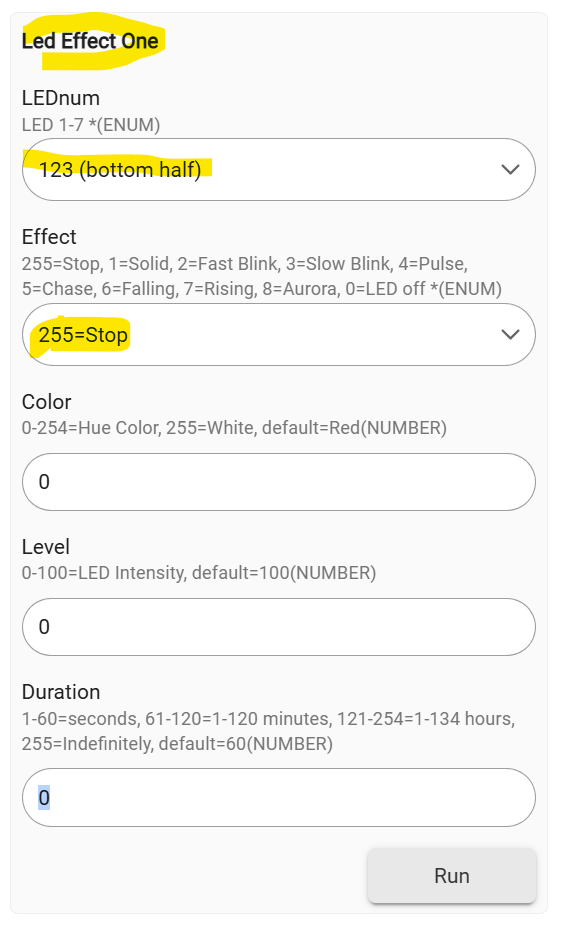
I can confirm that trying to split the LED bar does not work as intended. When it does work, it is very slow to change the LED if the switch is already running another command, such as blinking or solid colors.
@ericm The LED bar is such a strong feature; it would be fantastic if you could get someone to develop an official app or continue to support this one in a more official capacity.
@ericm -- if nothing else, could the Switch Toolkit tool at least be updated to refllect current firmware behaviors?
For the Blue 2-1 (not Fan), the Toolkit's currently set for f/w 2.05... As one mismatch example, it says that Chase should be effect #2, but Chase actually #5 (on Blue 2-1 f/w 2.18).
Yeah, for sure, I'll get that updated when I get a chance.
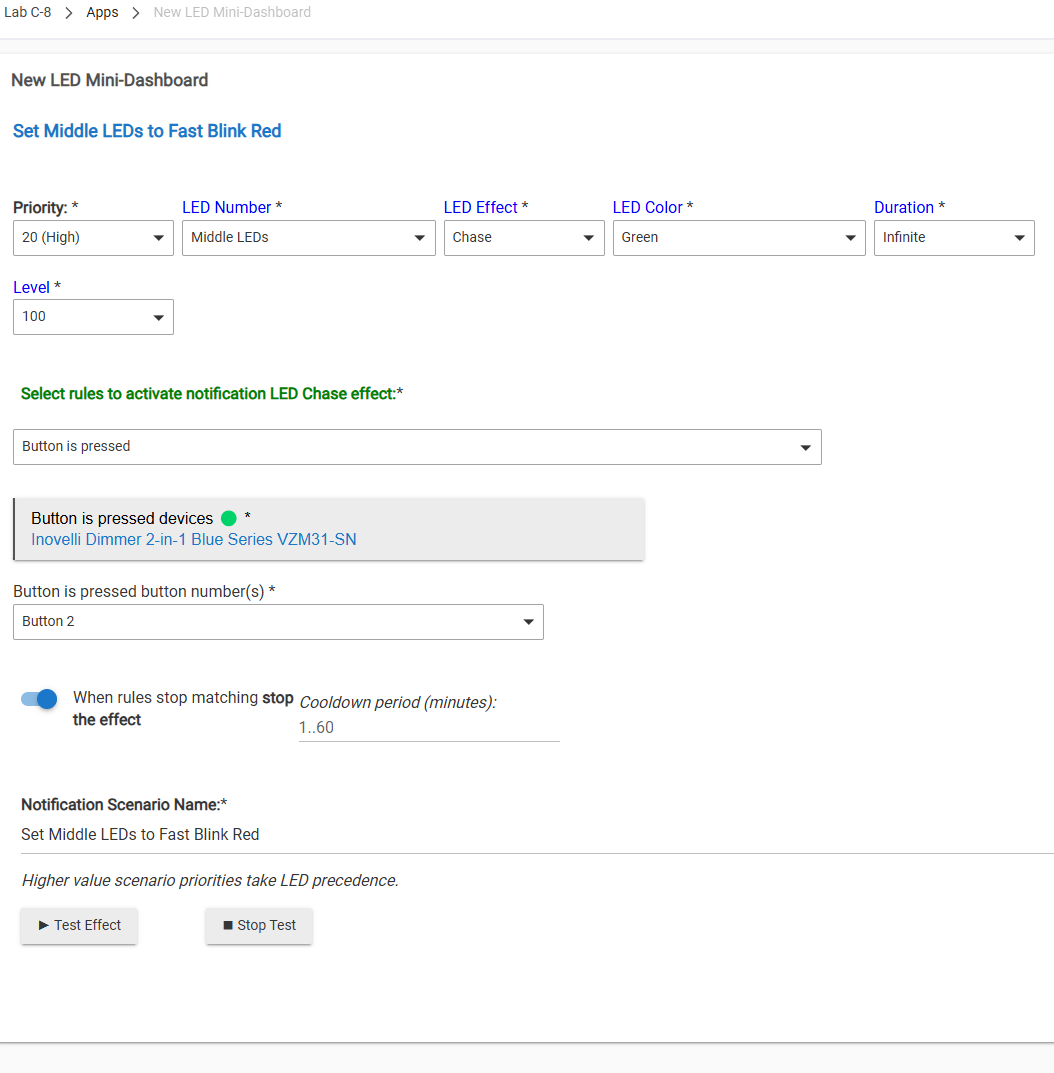
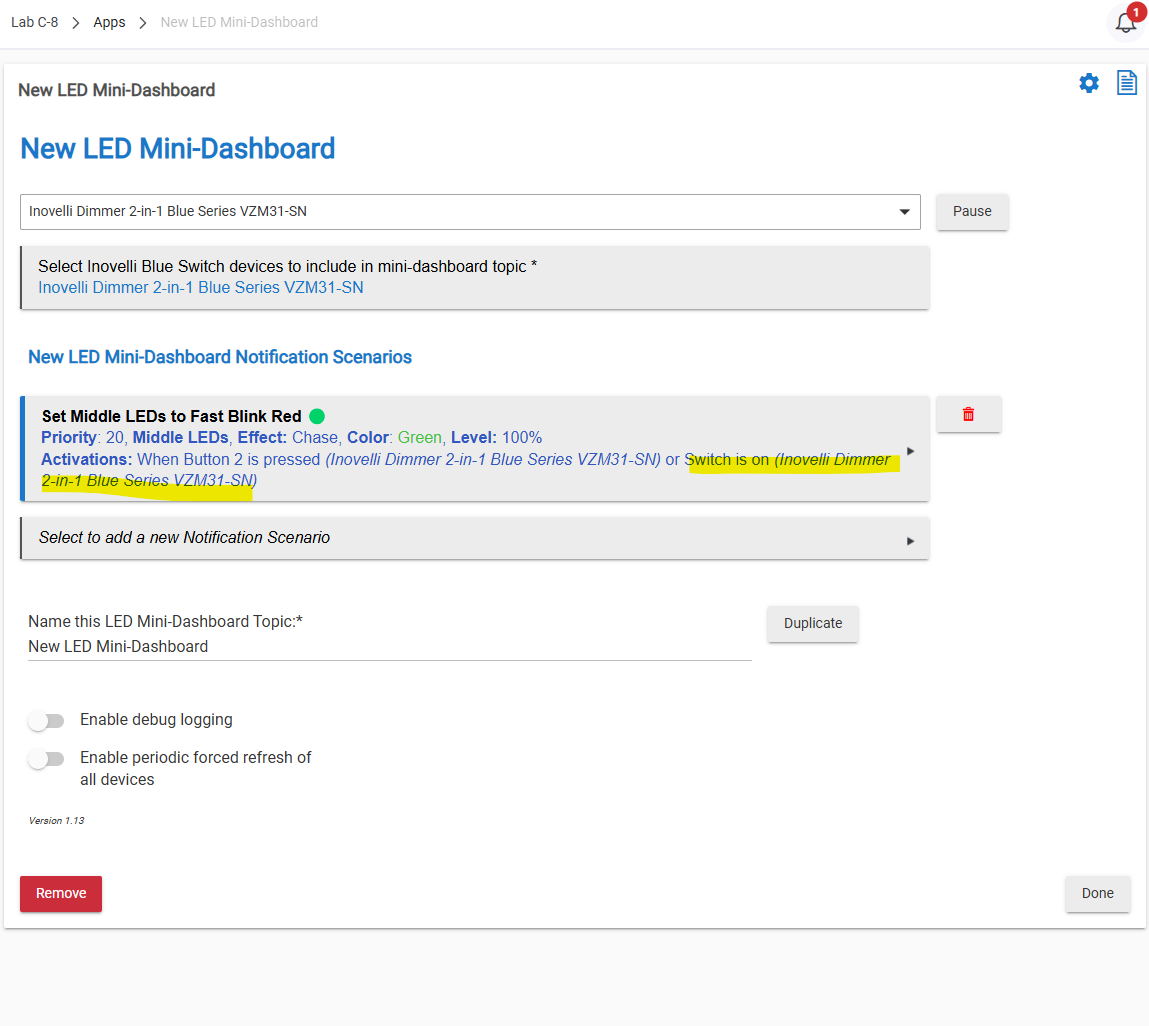
@jrvisconti I tested the app with a double press of the up button as a trigger and it worked ok. I'll have to test your automation more closely when I get a chance, but it looks like things are in place to work:
Do you have another automation that might be cancelling the notification or trying to start another one? You have fw 2.18 I assume? Also, the app is up to date you are using?
[error] com.hubitat.app.exception.LimitExceededException: App 60 generates excessive hub load on line 737 (method ledEffectAll)
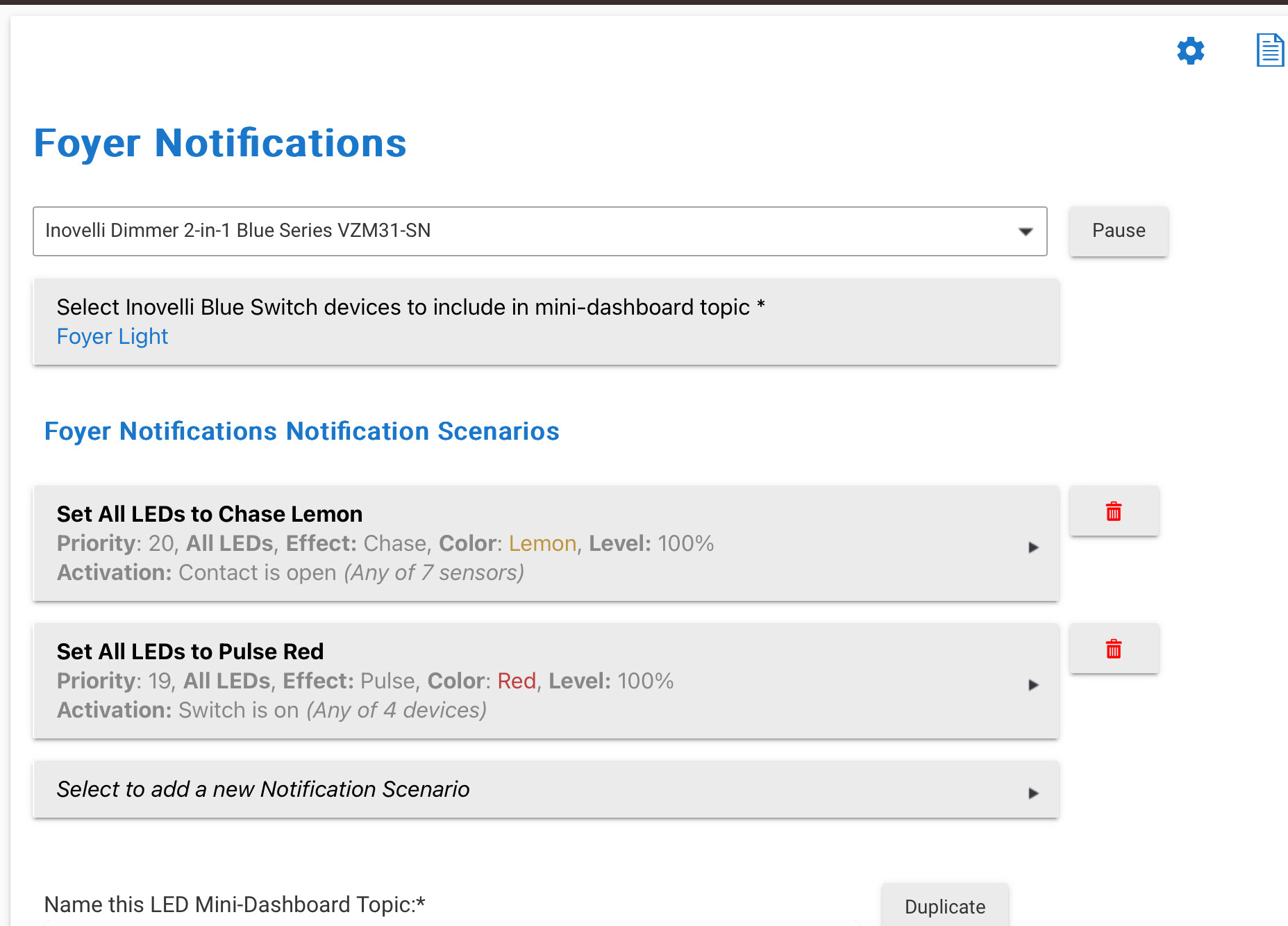
I have two of these switches and have had the LED MINI DASHBOARD running for a while. Recently ONE of the switches has not been giving the appropriate notifications (Foyer - setup in pic below). The above is the ERROR message in the logs.
Do both effects (switch / contract) have issues equally, or is just one problematic?
Is the issue when both things happen at same time (switch on / contact open), or with just either one?
Are all of the various trigger contact sensors and switches otherwise reporting their status OK?
I would try simplifying various parts of all this one-by-one as a way to help nail down the specific problem... Some options to consider (no particular order):
Remove one of the effects so that just contact or switch activates -- does consistency improve? Simplify the effects to just plain solid (no pulse/chase animation) - does that help? Separate the priority spread more - maybe use 10 instead of 19.
Ive run into a similar problem with this app. I can get it set up and have it working with ‘all’ but once i try implementing combinations of leds the whole thing chokes.
The switch notifications act weird once it chokes.
The test button shows that the switch recognizes and can show the notification but once the App is running from the triggers the notifications do not show.
I have a inovelli blue 2-1 smart dimmer(VZM31-SN) that is bound to a fan canopy module(VZM36).
I use the switch state and speed state of the fan module to determine my notifications to show on the smart dimmer.
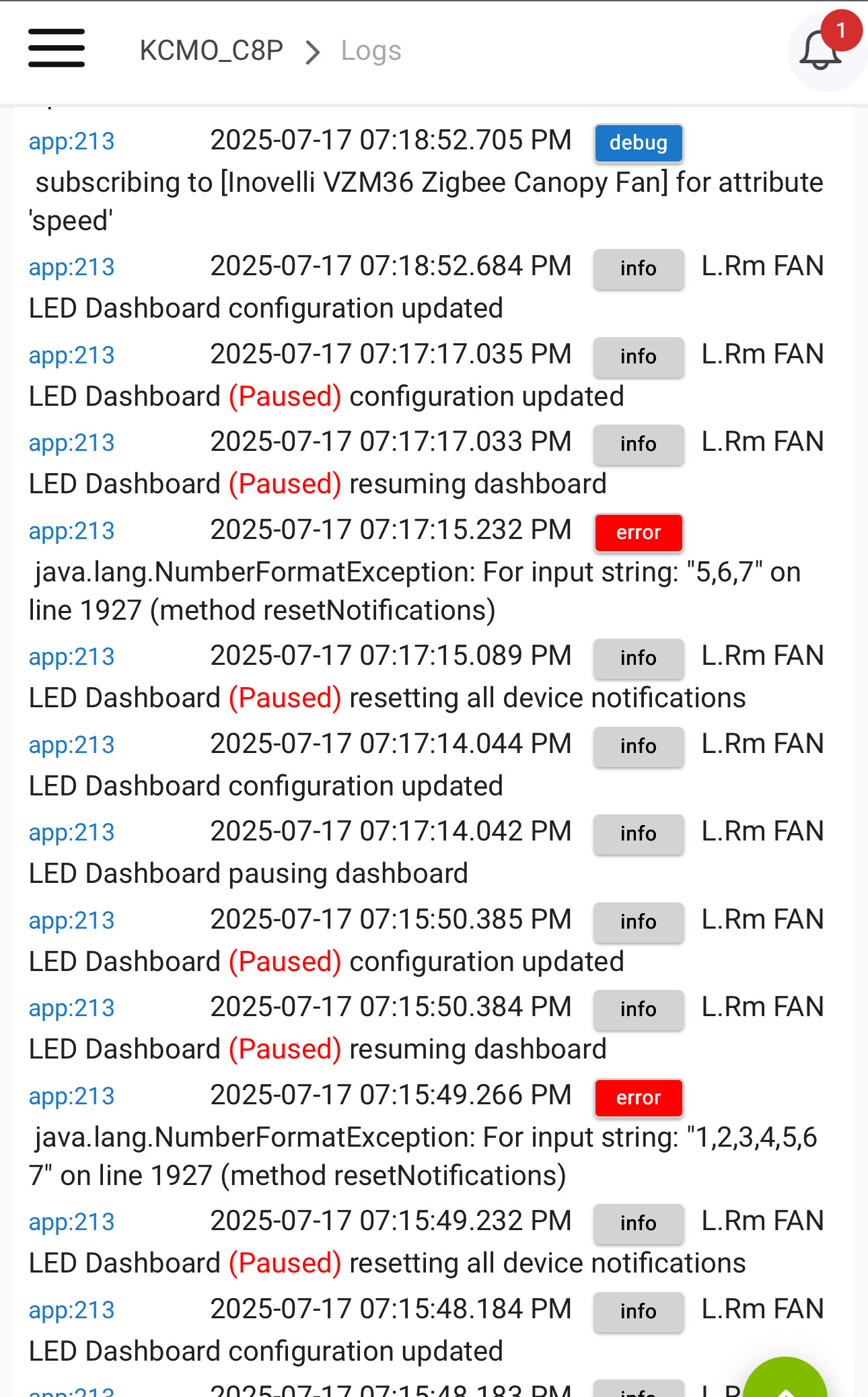
In my logs it shows there is a java script error on a line. I surfed the code but am not fluent enough to understand how the code works.
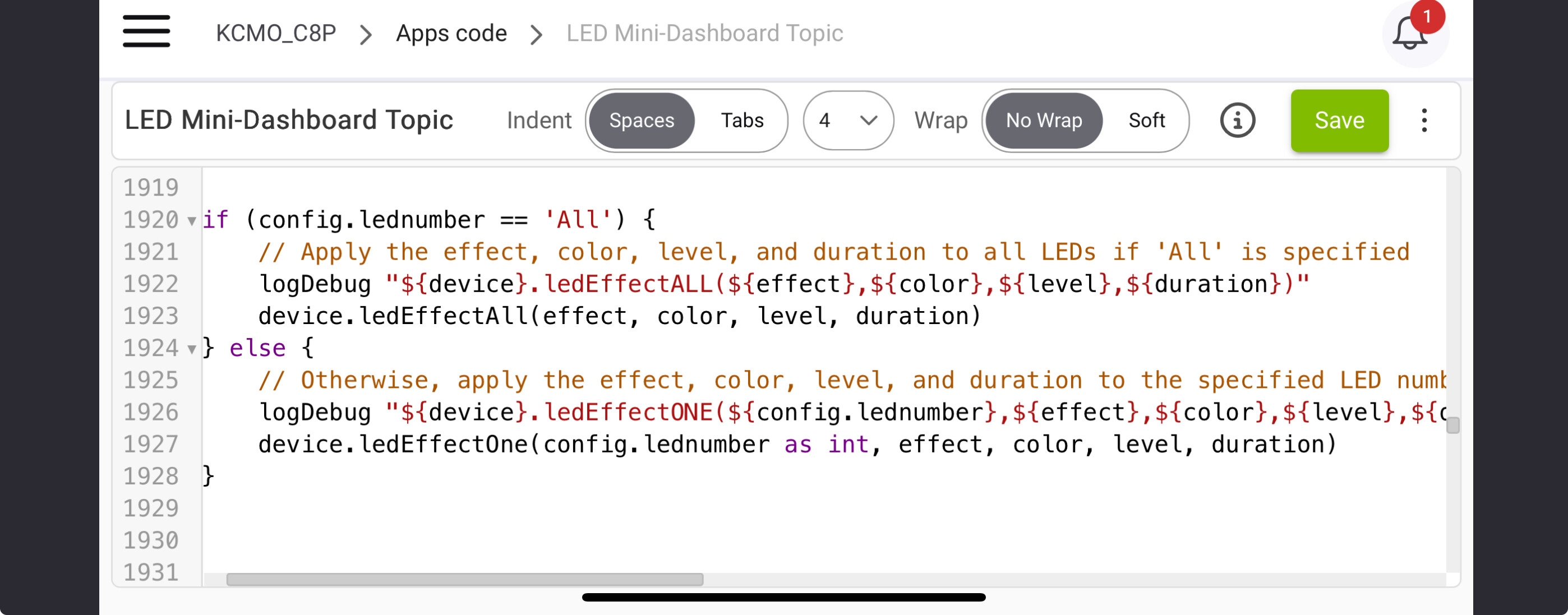
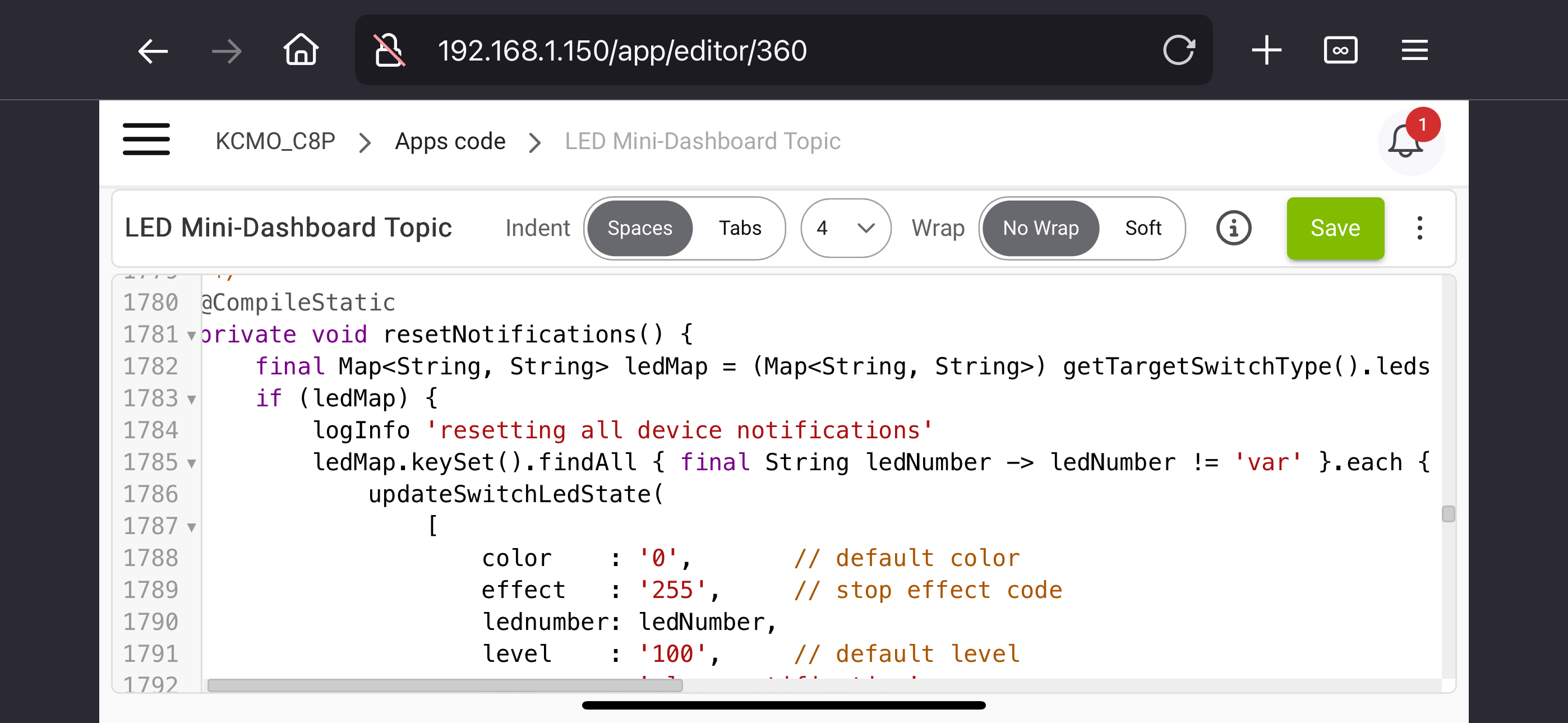
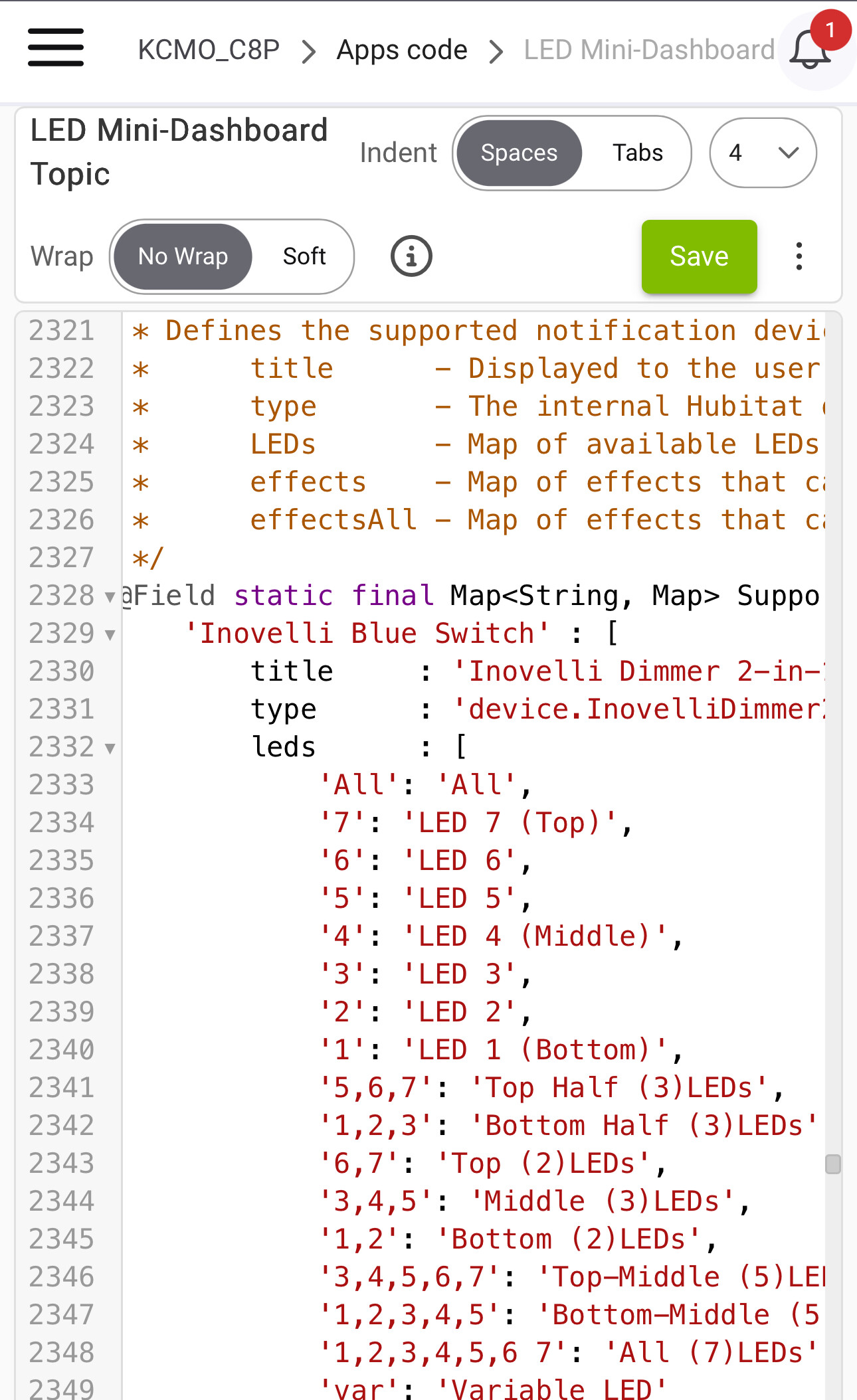
My hunch is the formatting of commands to reset the notification is incorrect. When the code on line-1927 referenced the array of single leds to reset the app chokes.
Crossing my fingers that someone can see how to fix the code.
I had trouble setting up RM to send the commands properly to show the compounded notifications i am trying to achieve. @hydro311 do you have a walkthrough of how you accomplish it?
Hi, sorry but I stopped using this app a long time ago and I'm not a coder of any kind, so I unfortunately can't change any of the app code.
I now manage all of my notifications through Rule Machine instead... I don't have my own walkthrough of how to do that, but the "Rule Machine" section on this Inovelli help page helped me figure it out. Once you figure out how to get one notification up & running, it's easy to then transalate that into doing pretty much whatever you want.
Sorry for bumping this, but I finally figured out a better way to explain what’s going on.
It’s not really anything “wrong” with the app, but when you’re in the dash settings and ‘testing’ them, you can end up stuck with a certain LED combo.
My issue with the LED control is that, for example, if I send a command to make the top 3 LEDs orange (indefinite), then set the bottom 3 to orange (indefinite) followed by a STOP command, the top 3 LEDs stay solid orange until I do a power cycle. The STOP command seems to only work on the last command sent to the switch.
Again, if I send back-to-back LED commands without hitting STOP, the second-to-last command becomes the state the switch stays in permanently.
Does double tapping the config button clear them? Or does sending the stop (255) command to the individual LEDs (the ones that are "stuck") clear them?
To confirm, this is an issue just with the Testing feature?
If so, I'm wondering if Jonathan just coded its Stop to catch the last setup -- perhaps he didn't anticipate folks stacking multiple tests. But I admittedly have no idea.
At any rate, double-tapping the Config button is almost certainly the best way to clear the deck no matter what -- that would always be my first choice.
The design is for the ALL LED notification to take priority. Once it ends or you send a "STOP" to it, you will see the Single LED notifications. Almost like the Single LED notifications are "underneath" the ALL LED.
Not sure if anyone else has noticed, but the LED Mini-Dashboard doesn’t currently support transitioning from an active ALL LED notification to any other type of LED notification.
For the longest time, I’ve only used ALL LED notifications, and everything worked fine. I instantly ran into problems with the LED Mini-Dashboard once I started introducing other notification types. The main issue is that when switching between ALL LED and other notification modes (like Top Half, Bottom Half, etc.), it requires sending a STOP command first — which the app doesn’t currently do.
I’ve made some logic changes to the app that now allow transitioning from ALL LED to other notifications, but doing so creates extra network traffic — especially if you have a large number of switches and frequently switch back and forth like I do. I can add a delay to smooth out the traffic, but that makes the LED updates noticeably slower, which defeats the purpose of having instant feedback.
What I’d really like is the ability to override an active ALL LED notification with a non-ALL LED notification directly — without needing to send a STOP command first.
This might not be possible on Hubitat, but are you changing several switches to the same notification? If so, the switches support broadcast commands (group) which greatly reduces traffic. It is something we do on Zigbee2MQTT. Essentially it blasts the notification command as a broadcast on the network and all the switches in the particular "group" turn on their LED bars.