My hub is a C-8 running 2.4.1.176. I have an iPhone 16 Pro, iOS 18.5. The Hubitat app is 2.1.2 (411). I have a 6th gen iPad running 17.7.8
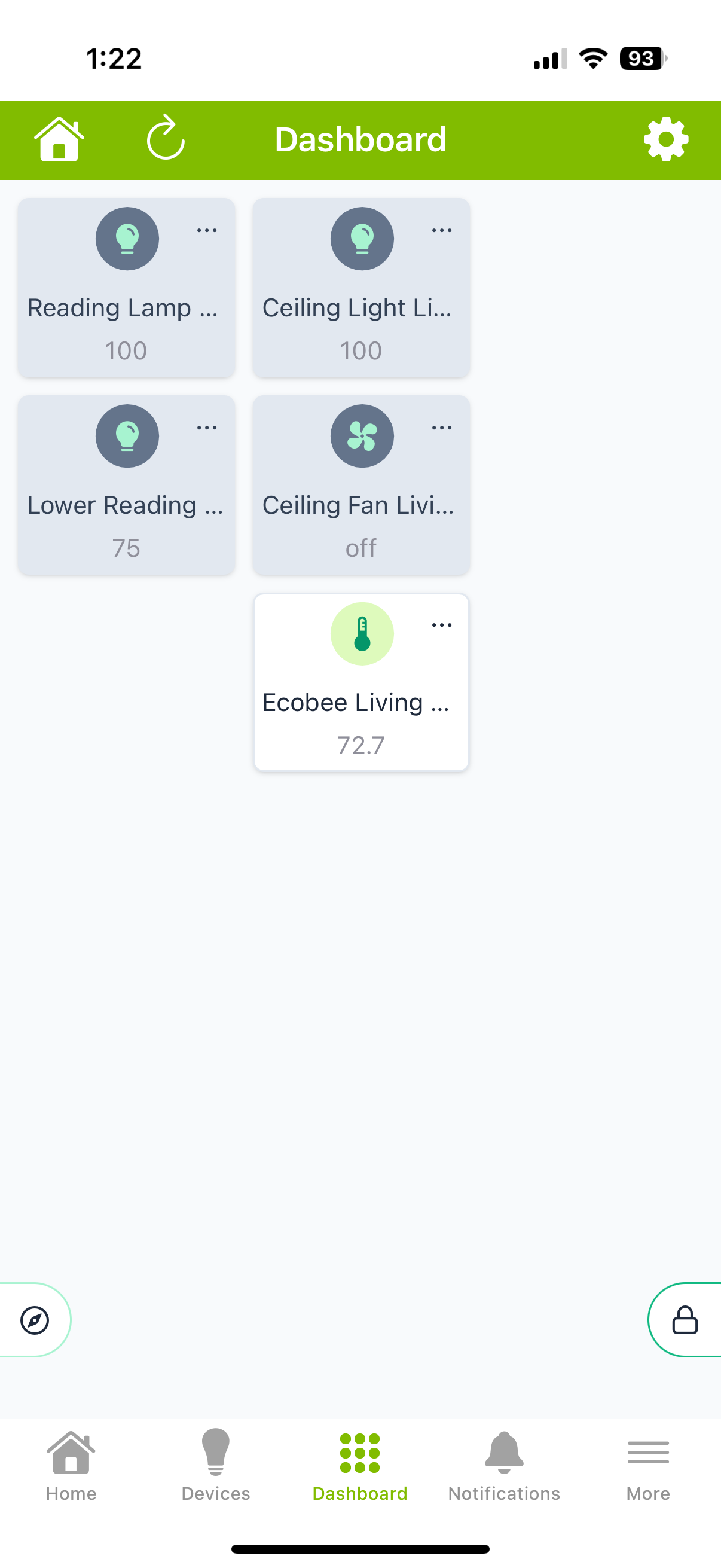
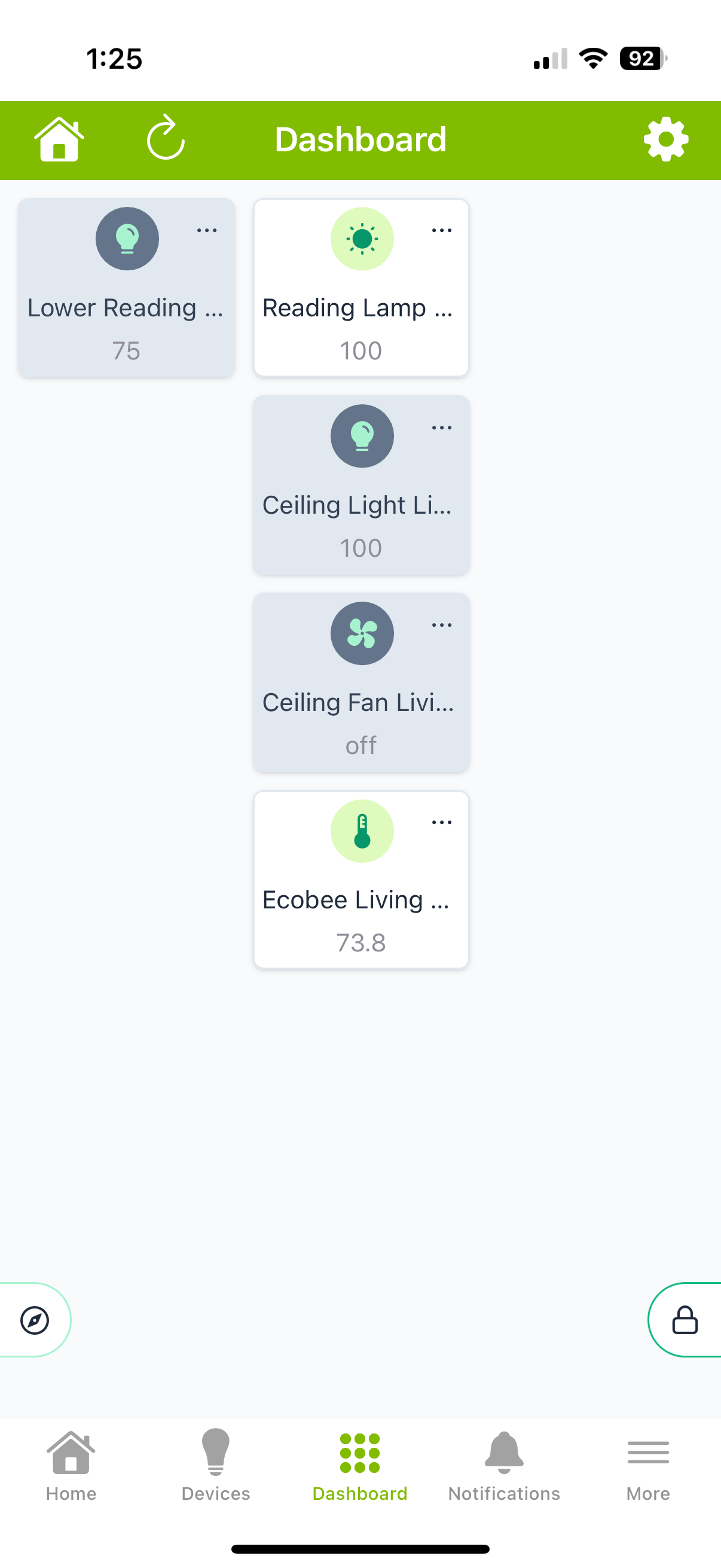
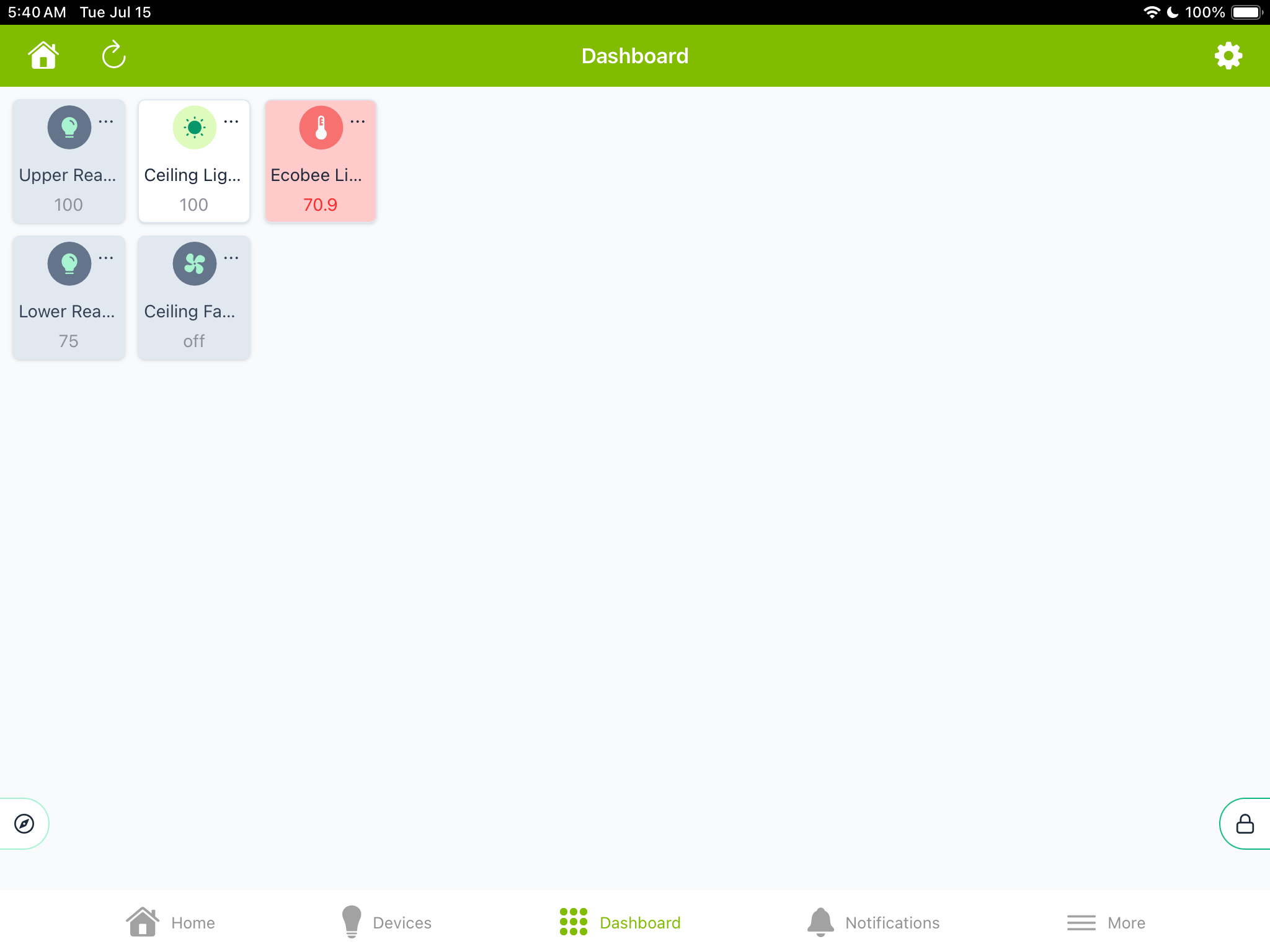
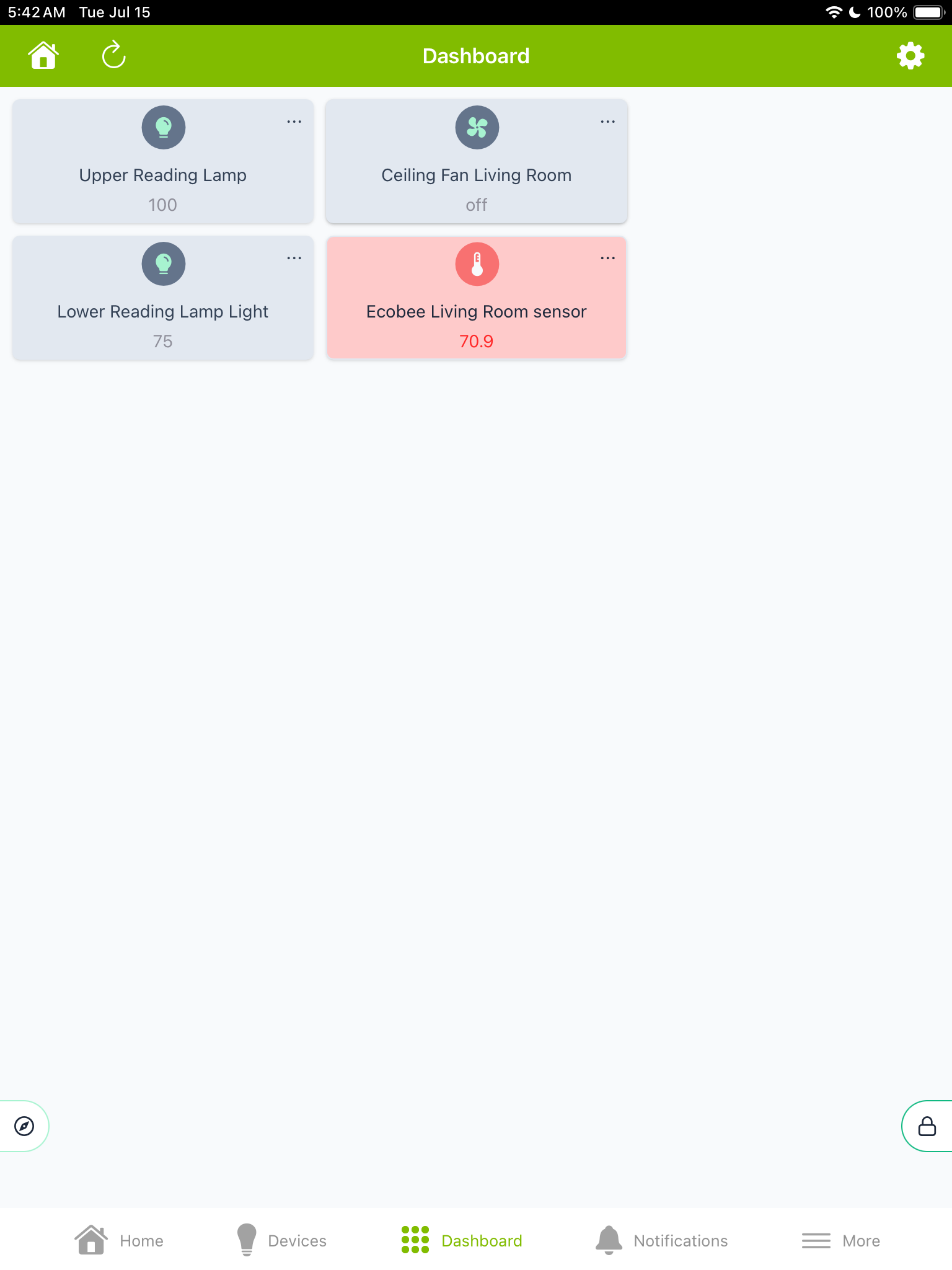
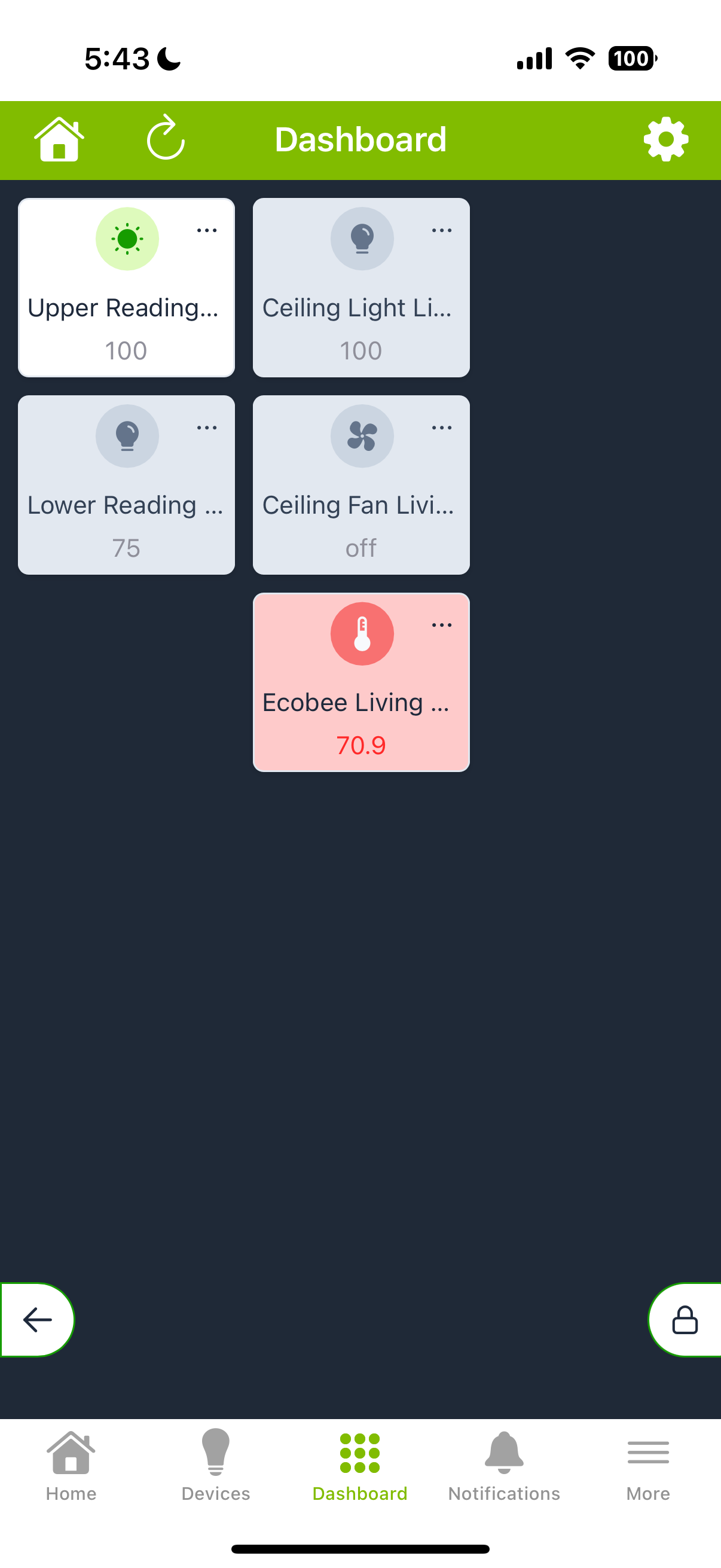
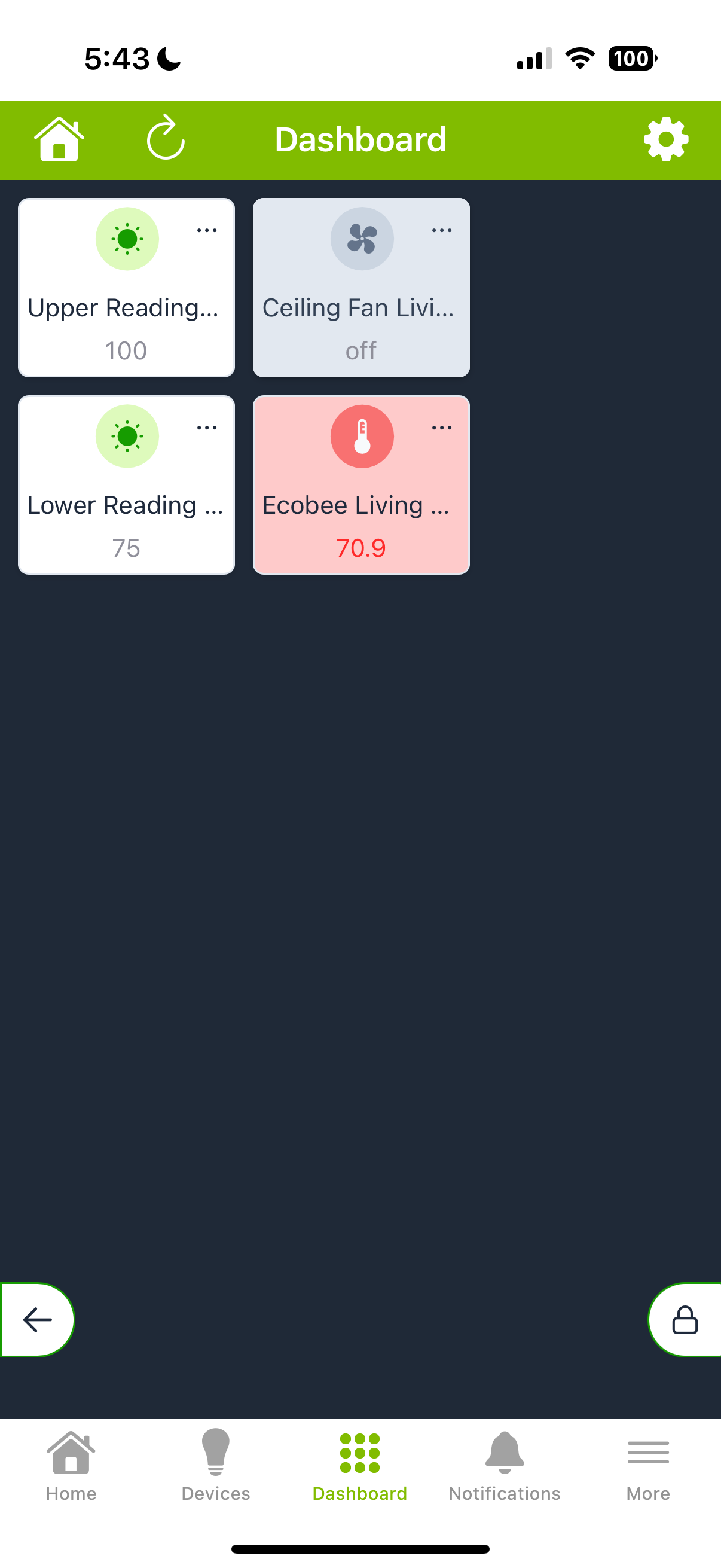
The tiles in the left column on my iPhone and the left 2 columns on my iPad do not work - they will not turn on the associated device and touching the 3 dots in the upper right corner does nothing. If I move the tile to the right on my iPhone and 2 columns to the right on my iPad they work just fine. Likewise they work in the 1st column if I go into a dashboard on my Mac Mini Pro in Safari or Chrome.
I also tried this on my daughter's iPhone 15 Pro with the same iOS and Hubitat App version and does the same non-working thing for tiles in the 1st column.
So it appears this is clearly some sort of bug with the iPhone and iPad Hubitat dashboard portion of the app.
I understand it will take time to fix this, but it would be appreciated if one of you please confirm that you've seen this problem too and it will be fixed at some point. @gopher.ny @bobbyD @rlithgow1 @bravenel
If I open it in the browser on my Mac Mini it works. It doesn’t work if I go into Hubitat via a browser on my iPhone and then to an EZ Dashboard.
I am getting there off the dashboard tab. I'm not really sure how to tell if it is in the cloud or local mode but I've enclosed a screen shot of a typical dashboard from my iPhone that isn't working.
Hey guys, it's been over a week and I haven't seen any response at all except that one inquiry I answered. Can someone at least acknowledge they can reproduce this issue and it is being worked on? @gopher.ny @bobbyD @rlithgow1 @bravenel
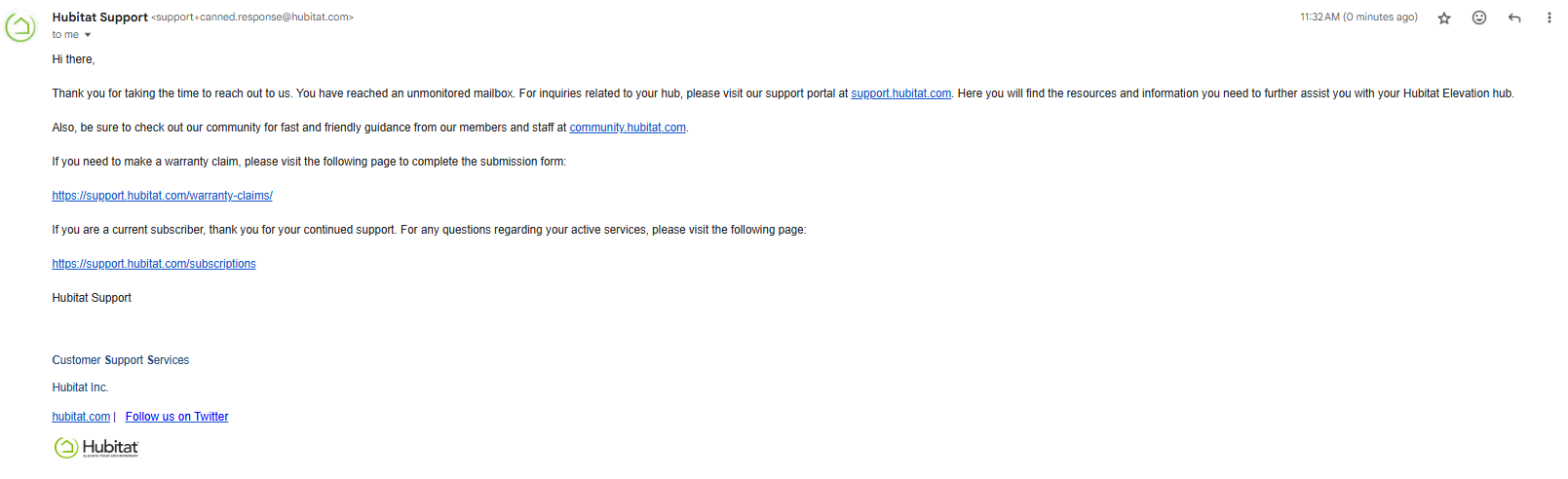
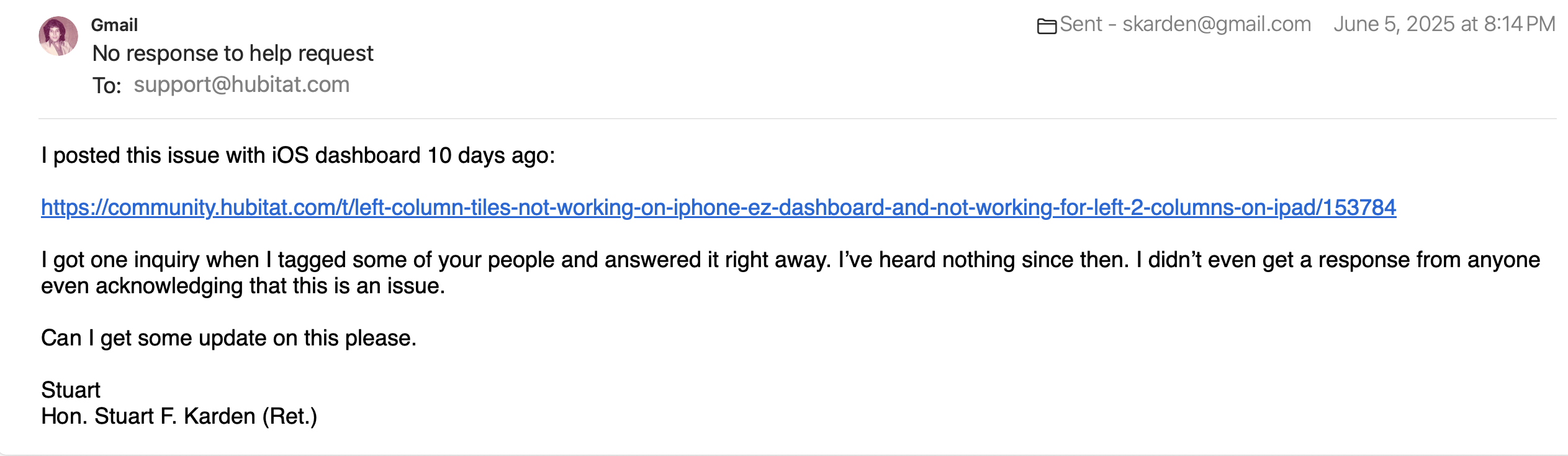
Hey guys, it been well over 2 weeks since I first posted this and also over 2 weeks since I posted a reply to the one inquiry I got. I even tried emailing support@hubitat.com days ago and got no response. What's up? Can someone please respond and let me know what's going on?
Thanks for following up. This is still under investigation and unfortunately, we do not have a time-frame when a fix may be implemented, if the issue can be replicated by our developers. Thank you for your patience and understanding.
Thank you for responding. While I'd certainly like a time frame for a fix, at this point I'm just looking for confirmation that Hubitat recognizes it as an issue. I was able to replicate it on 3 different devices as set forth above.
BTW, I did not get a response from Hubitat. I checked my inbox, junk mail and trash. Here is a screenshot of my email. Did I address it correctly? I sent that June 5, 2025, as you can see on the screenshot.
07/15/2025 update. On my iPad the left column tiles are still not working if it is horizontal. If I hold it vertically it can work but my top tile in the 2nd column disappears until I go out and come back in.
BTW, I don't know if it is coincidental or not, but I upgraded the hub from 2.4.2.125 for the above and then updated to 2.4.2.129 and now tapping anything in the left column on my iPhone doesn't work, but turning on the ceiling light in the 2nd column did turn on that light, but then that tile disappeared until I did a refresh.
So it’s been some 2 1/2 months now since I reported this issue and I’ve still not received any confirmation that Hubitat recognizes this as an issue. Is no one else having this issue?
Just to repeat with an EZ dashboard the left column on my iPhone doesn’t respond to a touch. Likewise on my iPad the left 2 columns don’t respond if in horizontal mode. While the left column responds on my iPad in verticle/portrait mode if I touch a tile in the right column and then one in the left column the top tile in the second column disappears until I refresh the page.
It is extremely frustrating that I’m not even getting an acknowledgement that this is an issue. If you can’t reproduce this then I’ll be happy to do a Zoom or FaceTime call with you so I can show it to you. I can repeat these problems every time.
In the first column I didn't see the press at all and it turned on but took over 3 1/2 minutes! When I had hit the tile twice (when it didn't seem to do anything) when it finally turned on it did turn off virtually instantly. But when I hit it once and waited the several minutes for it to turn on and only tapped it again after it was on it never turned off (well, at least not for the 13+ minutes I waited the 1st time and 6 1/2 minutes I waited the 2nd time).
When I moved it to the 2nd column it worked virtually instantly like a normal device. So something is surely wrong.
Hub C-8
Hub version 2.4.3.177
iPhone iPhone 16 Pro
iOS Version 26.2.1
Hubbitat App Version 2.1.60 (460)