Unfortunately, nothing as of yet.
There has been zero feedback on the topics I created (over three weeks ago)... so it's not looking the greatest.
However, it IS the weekend.
And I'm happy to pop this app open again; and see if I can figure it out.
I'll post back with any results.
I appreciate your continued interest in the app!
Strange bug I'm running into. I am unable to click any of the function buttons. They're simply text and not clickable or selectable.
So far, I've installed via HPM, repaired the install, Uninstalled and re-installed. Followed by uninstalled and manually re-installed using the groovy import and placing both files into the file manager. The results are the same. I'm currently remoting in via chrome.
Yeah... it looks like the javascript and stylesheet files are not loading.
If you go to your hub file manager; do you see "rule_machine_manager.js" and "rule_machine_manager.css" files there?
Open your browser console; and go to the console log.
See if there are any errors being reported.
Usually, this is done by right-clicking anywhere on the screen, selecting "inspect", and in the tab that opens, click the "console" tab. If you're unsure how to do this, just let me know what browser you are using.
EDIT: You may also want to test using another browser; perhaps it is browser specific.
This may be the key.
Is this from a computer; or a mobile device?
I'll test later today when I get home myself, and try with remote access. I never tested that during development, so it's entirely possible this is on me.
I was able to replicate the issue using remote admin.
Using remote admin; the app resources are not being called correctly.
I will look into this, and get a fix out asap.
Thank you for finding this issue!
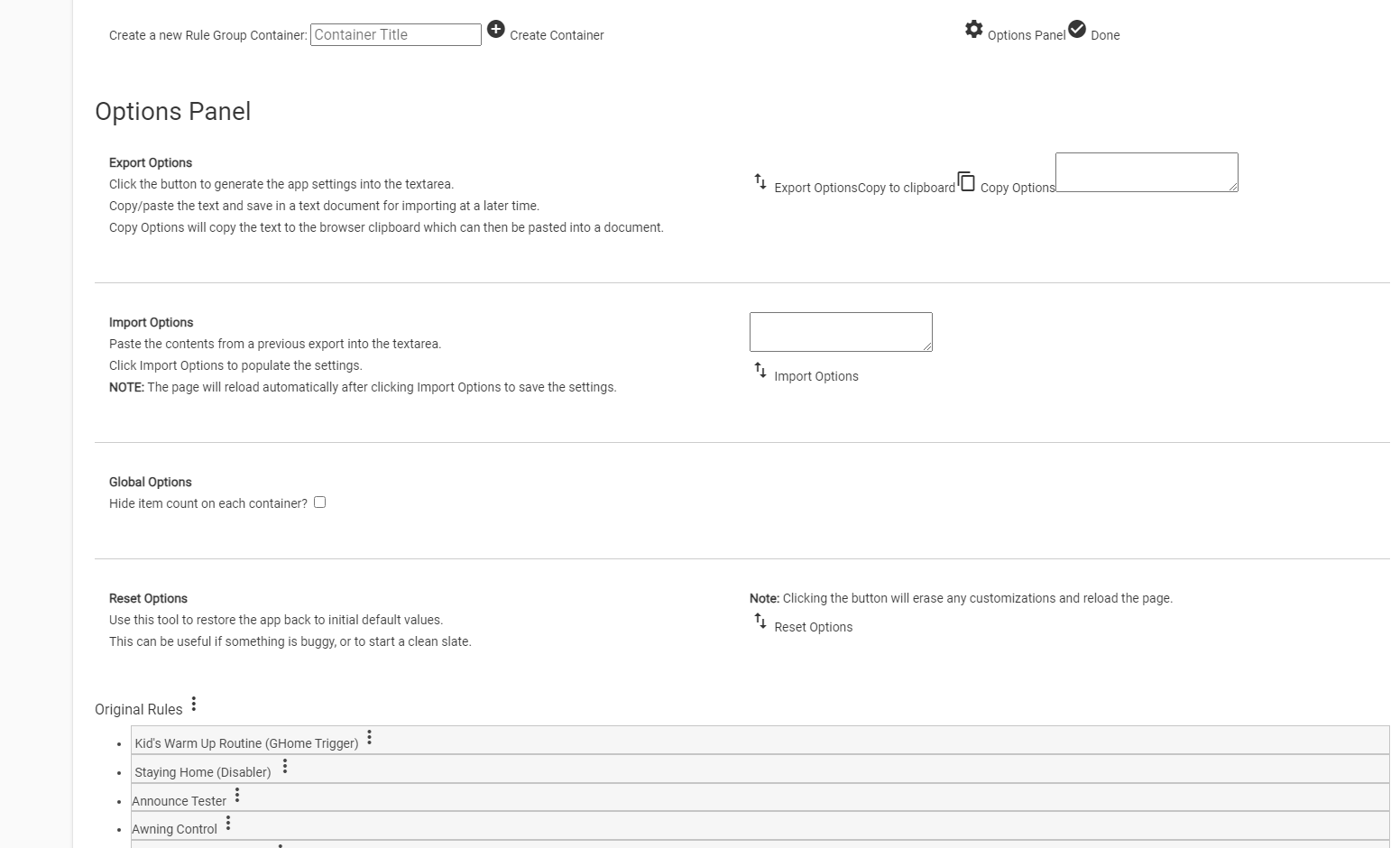
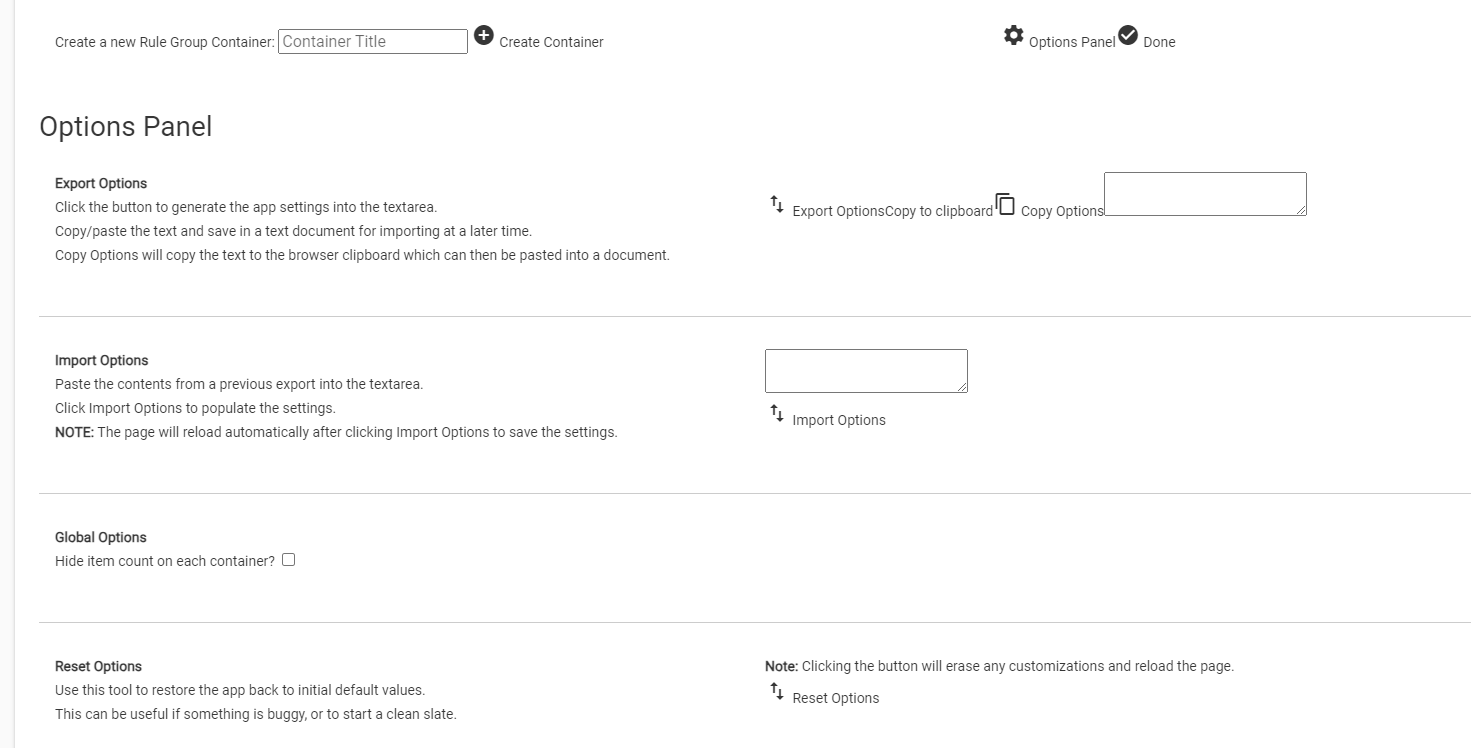
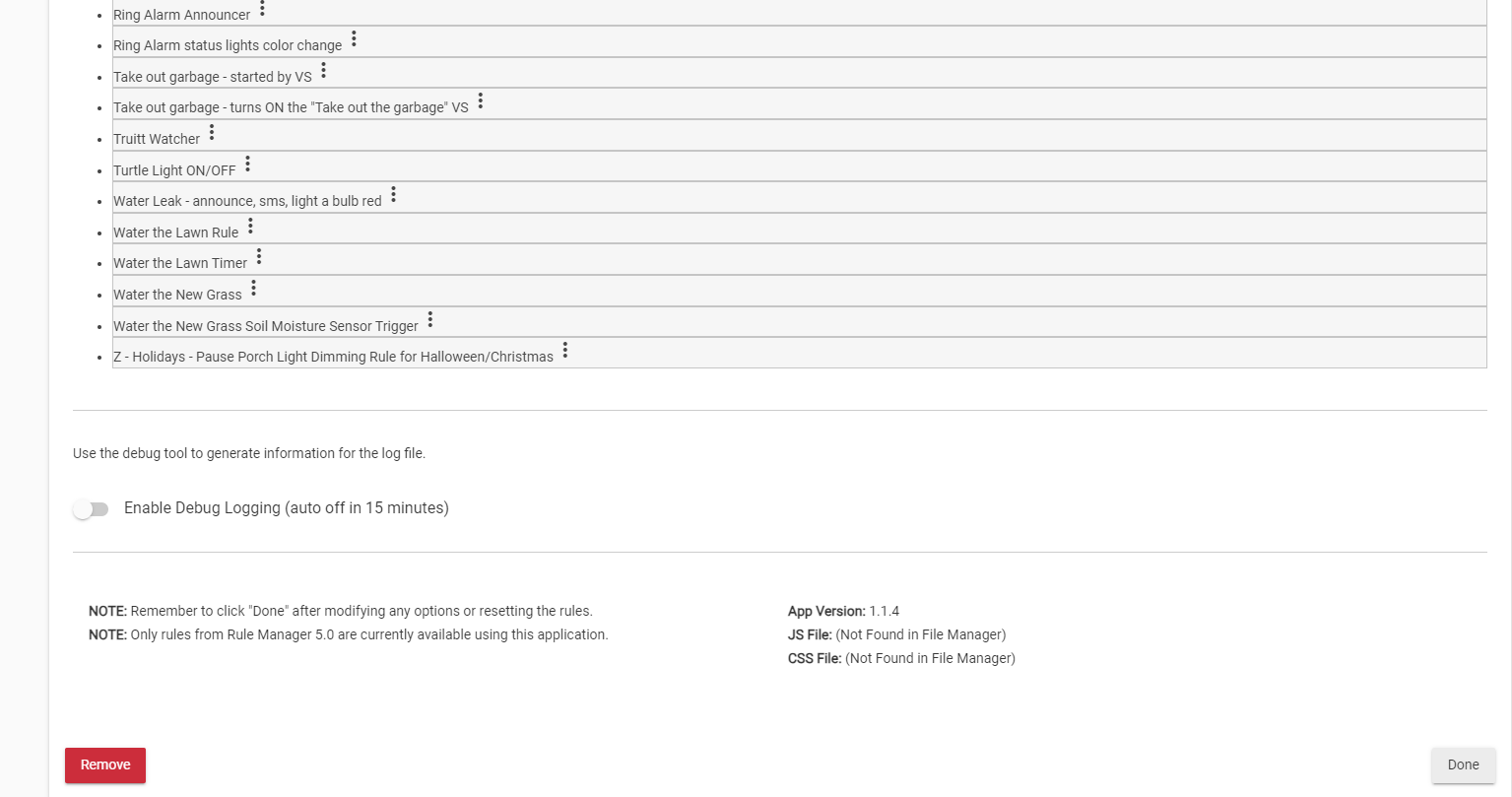
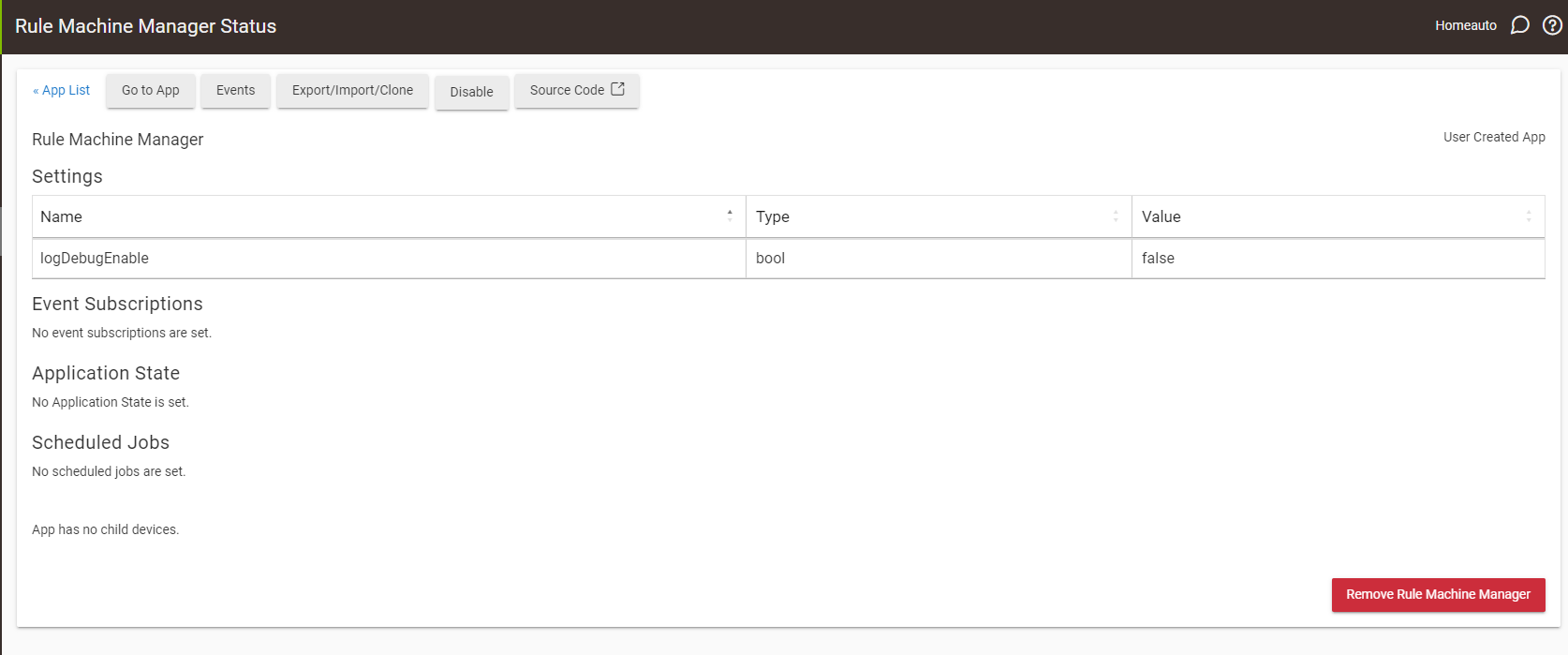
Hey folks, looking for some assistance. I downloaded the Rule Machine Manager via the Package Manager then installed it using the + Add user app button. I must have missed something as what I have doesn't look like other screen shots I've seen. There is nothing to click on that does anything. I've attached some screen shots. Thanks.
Rule machine manager manages rules.
Use the Rule Machine app to create rules.
And… Only rules from Rule Manager 5.0 are currently available using this application
It appears the .css and .js files were not downloaded to the hub correctly. If you look towards the bottom of your second screenshot, you can see where it says the JS File and CSS File were NOT found in the hub file manager (I should probably put that notice in "red" text; it is "green" if installed correctly).
When you installed via HPP, did you do it from a local point or a remote point? I remember one user saying that had issues when using it remotely, and I cannot remember if I added that fix yet.
I was local and used Package Manager in Hubitat. I removed and reinstalled a few time with no change. Open to suggestions. Really would like to try this to organize my existing rules(5.1).
Super weird?!!
Have you modified where the files are stored on your hubitat?
Any File Manager apps you've installed?
You are the first I've heard to have trouble with copying the files... so I wonder what is different with your setup??
If you scroll to the very top of this thread, in the first post, there is a section about how to install the app locally. In that section, I've linked to the JS and CSS files on my github. You can create these files in your file manager manually. I guess the easiest would be to download the two files from the github links, and then upload them to your file manager.
A potential caveat would be if you have modified how the file manager interacts with the hub. If this is the case, the app may not be able to find the files on it's own. Still, let's start with this first step, and see what happens.
Perfect!
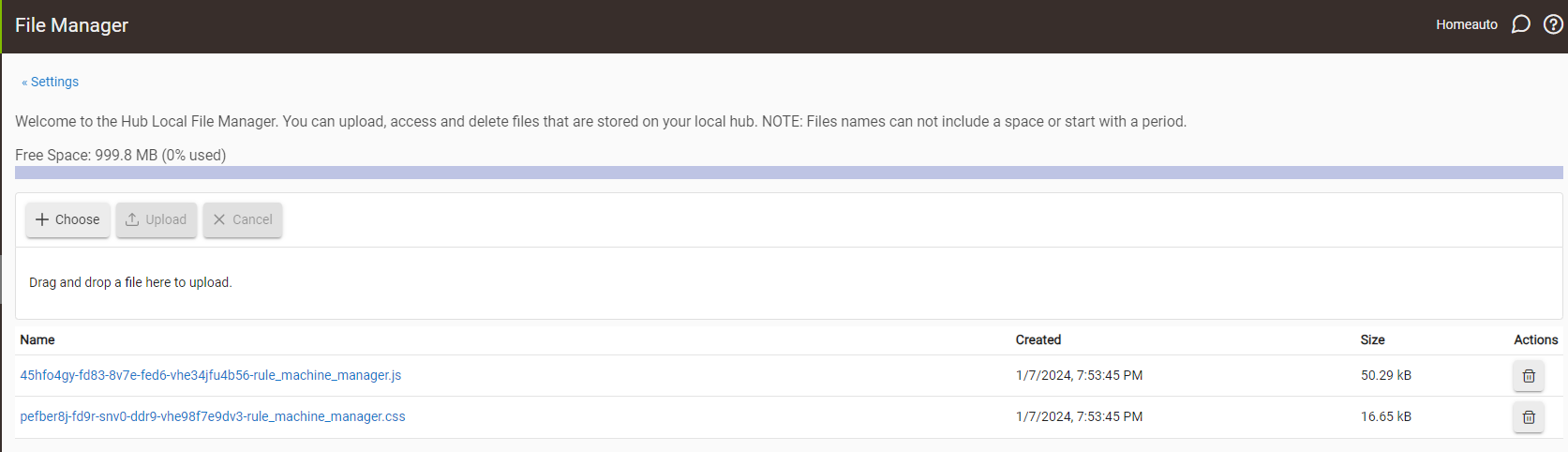
Yeah... not sure why all that alphanumeric stuff was appended to the file names... but just rename the file, and delete everything before the "rule_machine_" part.
Final filenames should be,
rule_machine_manager.css
rule_machine_manager.js
EDIT:
Looks like you may have to download first, then rename, then delete from file manager, and re-upload the edited versions. I don't know if hubitat file manager has an option to rename files.
Ok, we're good. I just followed your links at the beginning of the thread and downloaded the .js and .css file manually, then loaded them into File Manager and reinstalled RMM. Working now. Thanks a ton.