I tried Apple Shortcuts which works but it's pretty slow compared to Sonos, takes a few seconds sometimes to come through. If your not needing the tts to happen right away and don't have Sonos it's a viable option but the homepod mini likes to start playing the tts randomly so yeah.
So I set this up a few weeks ago using the tonesto7 plugin. I agree it is pretty nice I dont know what it is but I like the interface of Homekit so much better than the hubitat dashboard. Especially the little status notices across the top, thats my fav part.
Anyway... anyone else have the issue where you open homekit and all the devices say "Updating..." then go to the red "No Response". Then if I close the app and open again they are all loaded. It is quote annoying when I just want to turn a light off, I might as well walk across the house by the time it works.
I only get this when I want to use it. When I'm just checking... like 2 hours ago. I wasn't home and wanted to confirm it still worked. Worked perfectly... it took 5 seconds longer that expected and therefore I thought it would go to No Response, but it worked fine.
Yesterday, for the first time in 2-3 months I wanted to turn on a device "manually". It did exactly as you describe. No Response then close, restart, it's perfect. I've 'forgiven it' because I think "Oh, I just switched WiFi Access Point by moving around the house". I imagine: it needs to both reconnect to WiFi, then connect to HomeKit. The timeout on Homekit is too short (I pretend) to encompass the Wifi shift too.
I only notice this when I add homekit device through the phone not when using homebridge. when the device gets off Bluetooth and connects with thread and works it's routes out I no longer see this. I can tell it's working routes out because the homepod minis have trouble until things are worked out. I think when you see device updating it's updating the iCloud. just went through this yesterday when adding a few nanoleaf bulbs.
I dont have any native HomeKit devices, everything is joined through Homebridge and through the Hubitat plugin.
1 Like
I did until I up'd the resources of the VM I use for homebridge.
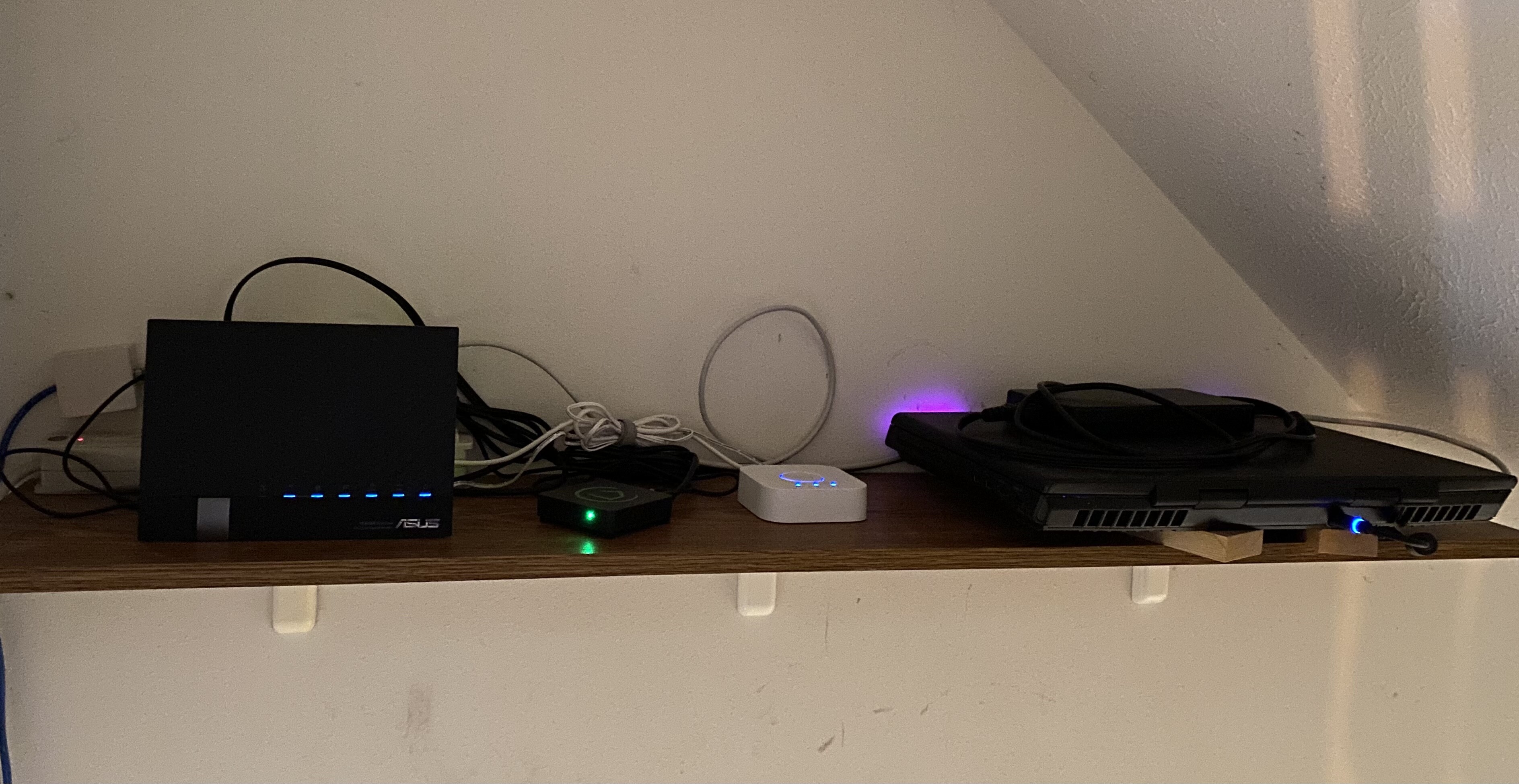
Mine is running on a very old gaming laptop right now, which I don't think homebridge is even putting a dent in the resources aspect of it. The only thing that could be causing some latency is it is on 2.4GHz Wifi. It is only about 15ft away from the router though with direct line of sight.
I plan to move it all to a RPi at some point which will be on my shelf wired right to the router.
Only when I get home and my phone is switching from the truck’s WiFi to the home WiFi. Otherwise, I never see this. I’m using homebridge-config-ui-x on an old Windows 10 PC (wired connection). All plug-ins are setup as child bridges, which is what made the biggest difference in reliability for me.
Yeah, get it on a wired connection and you'll see an improvement.
Realized I had some room on my router shelf for the laptop so trying this out. So far it is working better, we will see tomorrow.
UPDATE: I think this is the fix! It has been much more responsive since I moved the homebridge server (giant laptop) to be direct wired instead of Wifi. Have some new proper length patch cables on the way as well (I could make my own but who has time for that?)