Someone asked that earlier in thread, I believe this was the answer.
2 Likes
If I was selfish I'd ask for stacked bar charts but if you doing a total re-write along with another major feature I wouldn't want to complicate things any more...
I recently migrated from an earlier version to 4.8 and am having a hard time getting the new LTS to work.
What's the right way to get the Use Long Term Storage option to appear?
Should I re-create my graphs first, then go create LTS children? Or perhaps the reverse?
RIght now I can't get the option to show up even though I created an LTS child for each graph I use with all of the data points I want.
I'm a bit lost, as the LTS when it was built into each graph was working for me and straightforward to setup.
Appreciate any tips.
So was I when it was first introduced.
First of all you need to decide what you want to 'graph'.
If it is temperature you need to decide on which temp sensor you want to plot.
Then go to LTS and pick the temp sensor and attribute/s and associated settings.
Then define your graph.
When defining it there is an option to use LTS which you must enable.
This, from memory, doesn't appear until you have defined the device/attribute in LTS.
1 Like
Thanks, yeah, I did do that, but the option to enable LTS on the graphs I have don't appear.
Since I upgraded and I had the graphs before the new LTS children, I wonder if that is the issue and if I need to delete my graphs and start them over?
It could well be. I think I had a few issues to start with and just started again from scratch.
It was just easier to start again.
The option did eventually come up for me. I initially thought that LTS wasn’t working then later I noticed the option.
So I would say - check again, I would expect they will appear. Worst case, try a reboot to see if it helps.
Good point.
Maybe it only appears after some data has been written to the file.
Yeah, it's been a few days and 2 hub reboots, and i have lots of data now in the files. So who knows.
I think i have to re-start from scratch with this app.
Look at the file storage. You should see files titled HubiGraph_LTS__attribute.JSON
Now go to your graph (even the old ones). On the device configuration page you should see a new option (if the device/attribute has a file).

Do you see different behavior?
May I suggest to separate the weather graphs from the normal (sensor related) graphs?
(This will result in two different products, so everyone can choose if weather is needed or not.)
1 Like
Yeah, I can't get that option to appear. I just deleted and re-created my bathroom temp time graph and still no go.
I have the file with populated data:
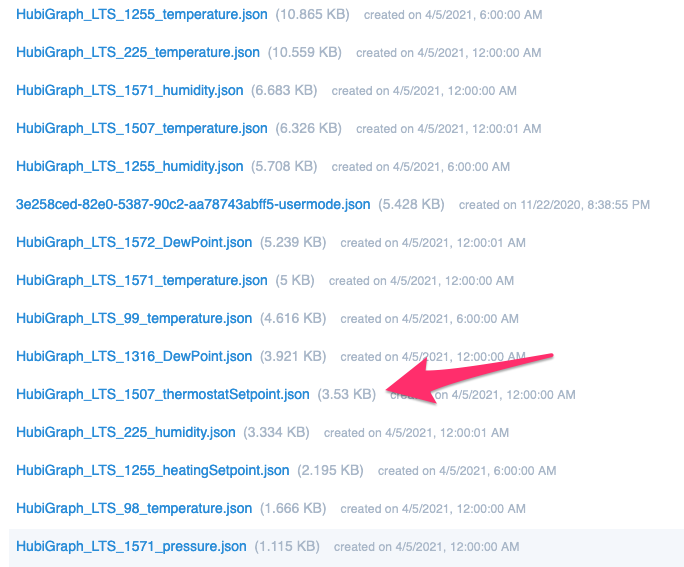
But I'm not getting the LTS option for any of the properties:
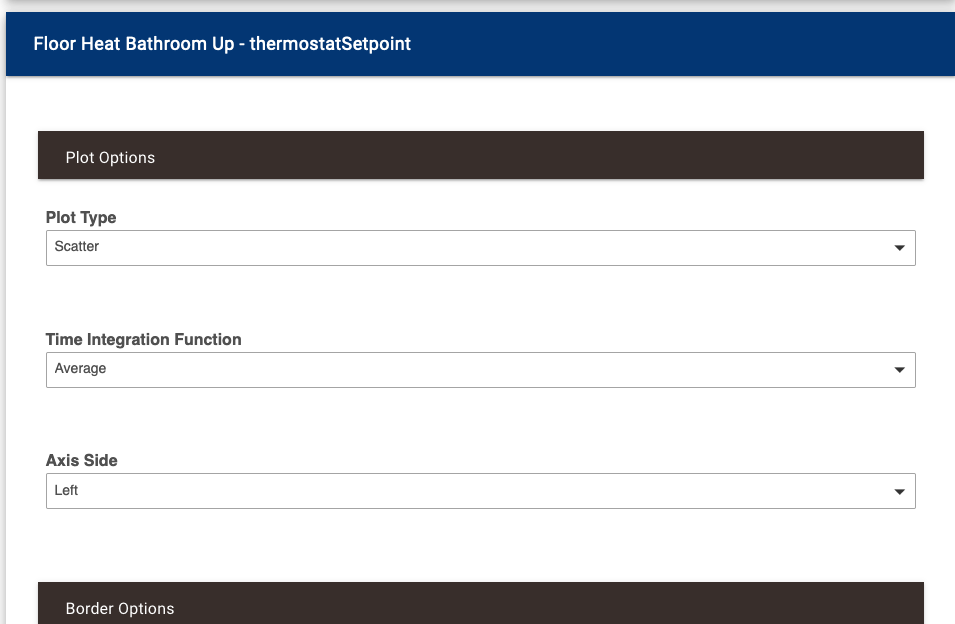
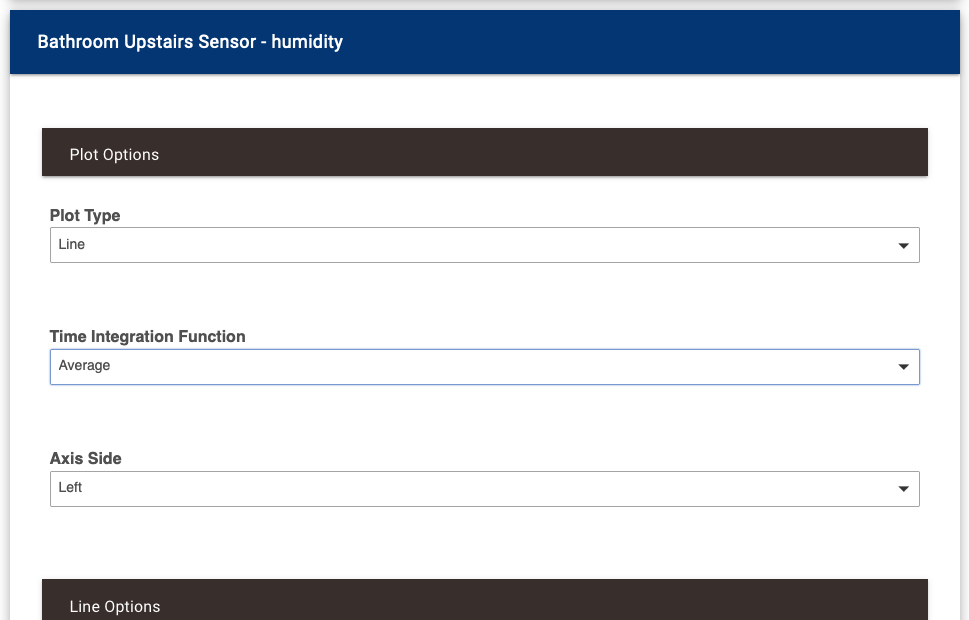
etc.
Weird right? I'm using the latest from HPM and even tried a repair.
I am also having this issue with none of my graphs seeing the LTS stored data for the various data I am trying to graph.
I have re-created the graphs in HubiGraphs and that does not make a difference.
I have re-created the LTS child applications and that has not made a difference.
I do have 4 LTS child applications to make managing the settings easier but the .JSON files are being created as I would expect and appear to contain valid data so not sure that's connected.
1 Like
I finally got an error in my logs that could be related:

But I have no idea what "file" it's failing on.
I've created a really simple graph to show my issue:
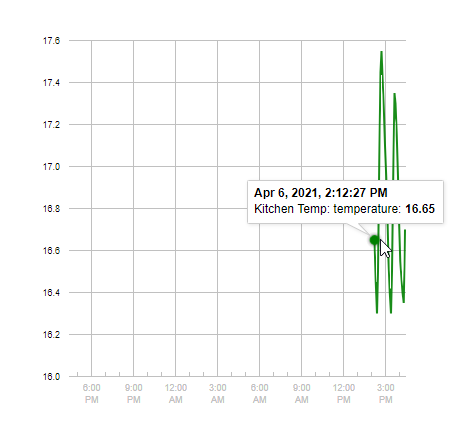
This is a single temperature sensor which is stored in LTS.
The device has state history set to 200 and the oldest data is longer ago than the graph will show (2021-04-06 11:35:22.000)
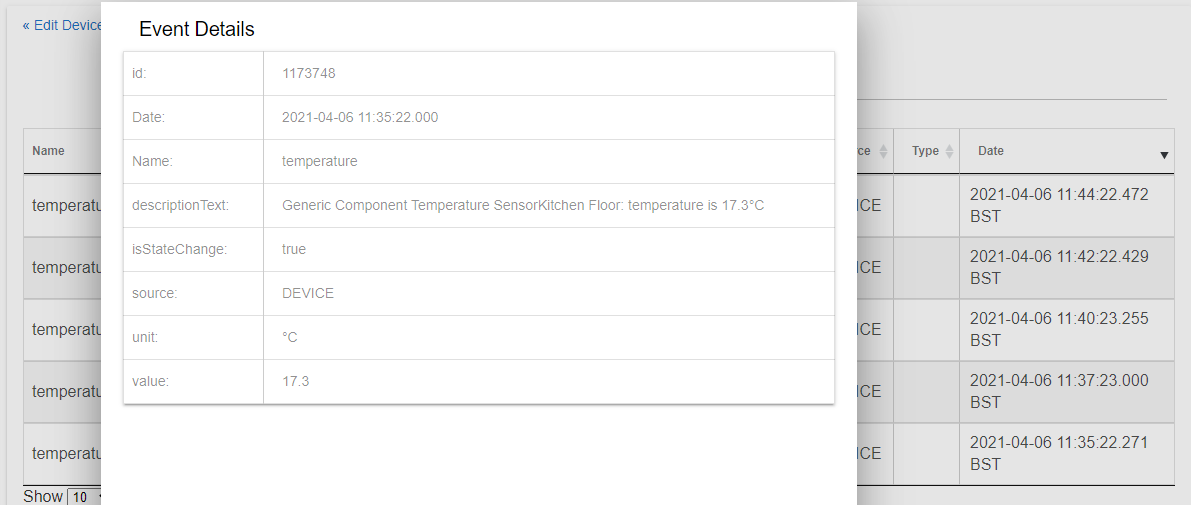
The JOSN has data going back to {"date":"2021-04-06T09:05:26+0000","value":"18.3"} and most importantly I cannot see anything specific about the time window when the graph does not want to load data for:
,{"date":"2021-04-06T14:08:28+0000","value":"16.7"},{"date":"2021-04-06T14:11:28+0000","value":"16.6"},{"date":"2021-04-06T14:13:26+0000","value":"16.5"},{"date":"2021-04-06T14:19:28+0000","value":"16.4"},
Do you have hub security turned on? Also, does it give a line number? Finally, if I gave you a line number and asked you to insert some code, could you do it?
Can you confirm that you have enabled LTS for the device/attribute like below? Also, you mention State History. Is Event History or State History set to 200?
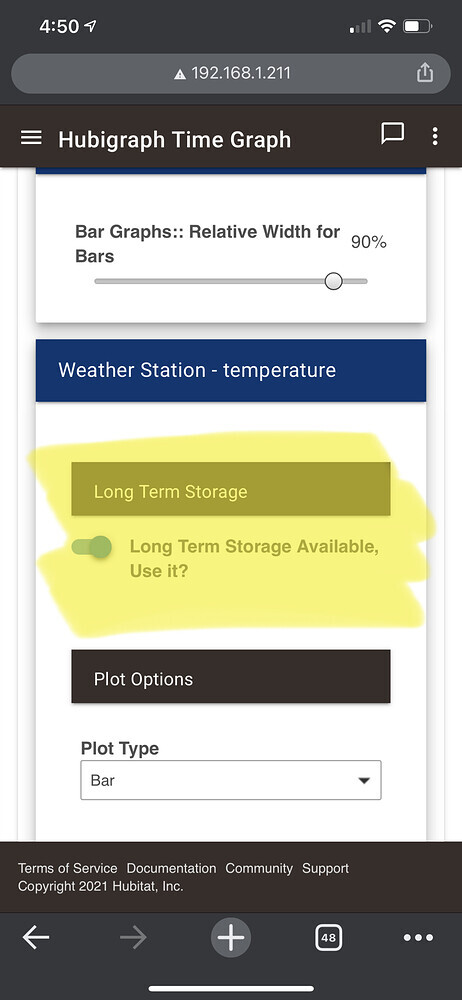
No, I do not.
It sadly does not, just that error you see in the screenshot 
Absolutely, I'm very comfortable modifying code!
1 Like
Thomas,
I do not see that option despite LTS being configured for the sensors. This is my confusion. Here are screenshots:
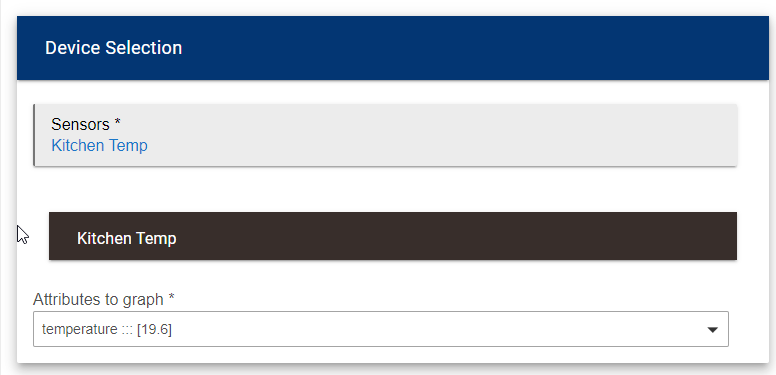
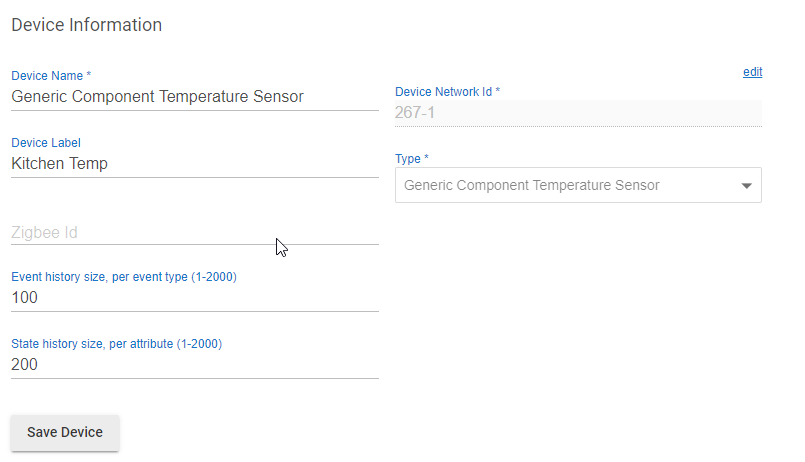
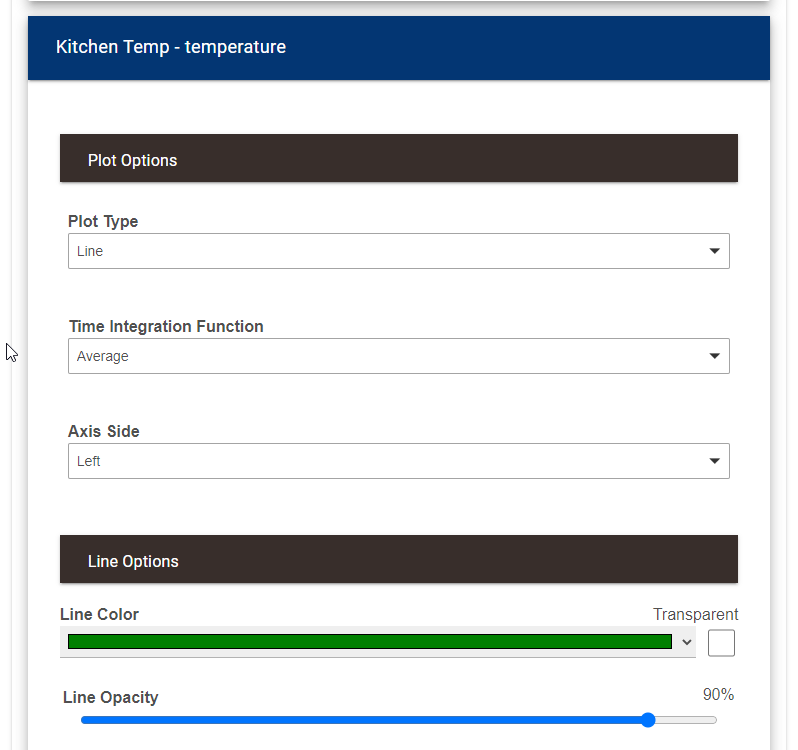
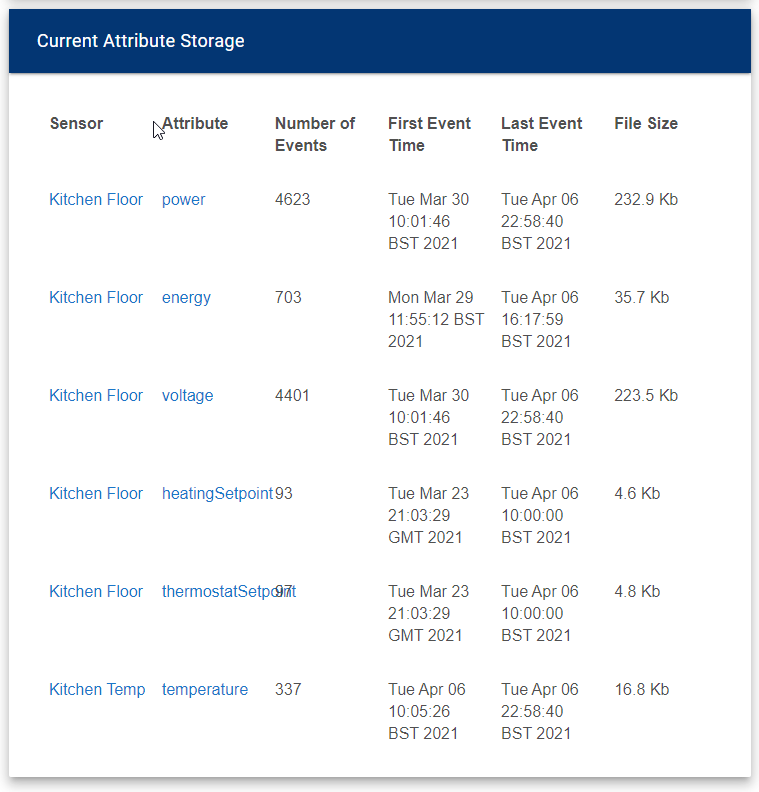
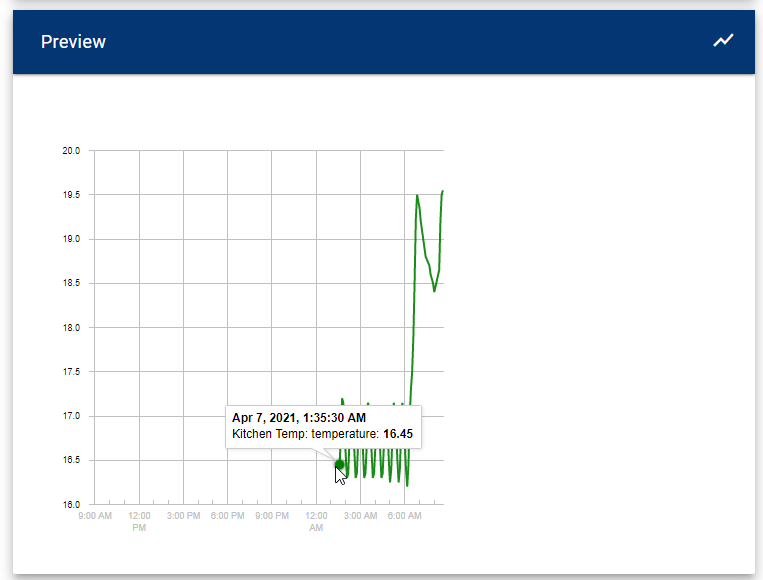
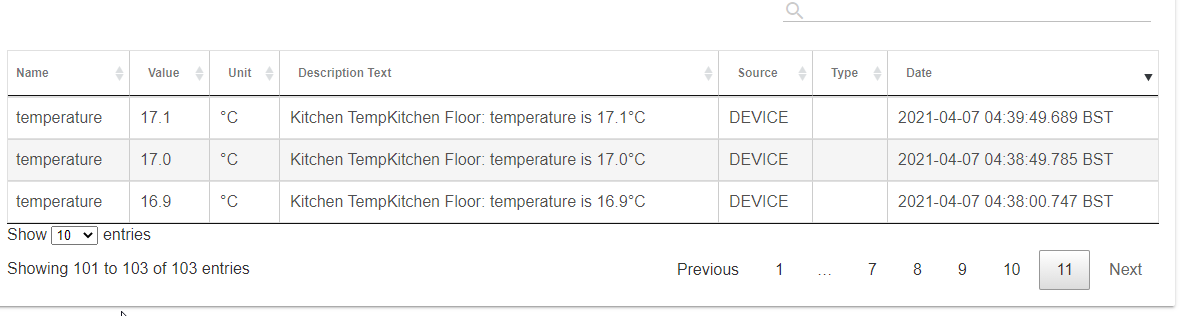
If I have missed any needed or useful information please let me know.
David
1 Like
@david20
I didn't scroll up and read to see if you had done this yet, but I noticed that you're having the same trouble I was. If you had Hubigraphs installed prior to Hubitat version 2.2.6 you need to completely uninstall Hubigraphs and reinstall, then set up LTS for your values first, then the option will show up when you are recreating your graphs. I've just done this and the "Use Long Term Storage" option showed up.

