@mark.amber, fixed in 4.83
@SoundersDude, Yes; I redid long term storage. I have just uploaded a fix that will unschedule old LTS. Just go to the main page for each graph (after you update).
@mark.amber, fixed in 4.83
@SoundersDude, Yes; I redid long term storage. I have just uploaded a fix that will unschedule old LTS. Just go to the main page for each graph (after you update).
Awesome, thank you. Anything else needed to convert old LTS to the new?
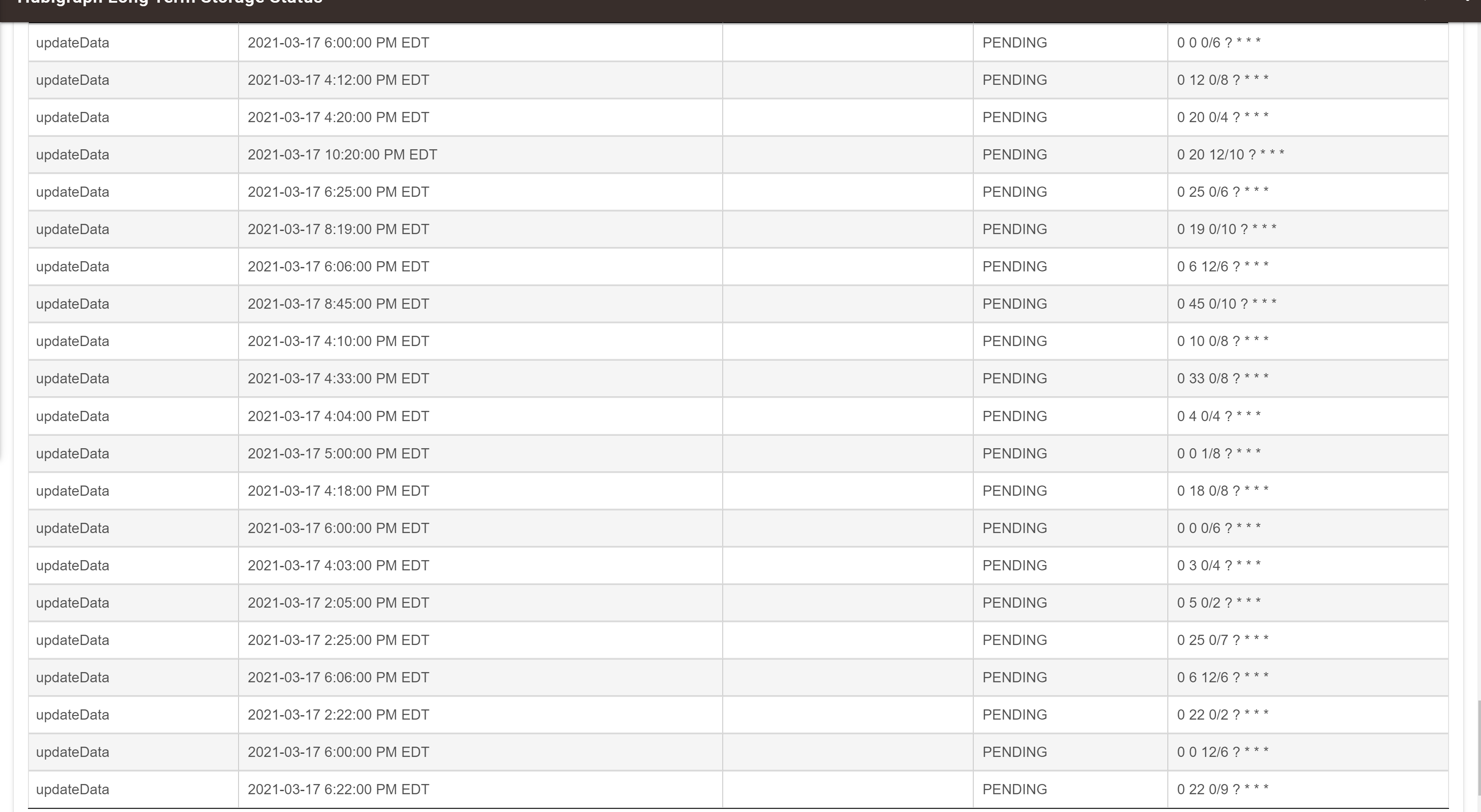
After installing and configuring the new Long Term Storage, I'm now getting these errors
Anything else I should look for, or other info I can provide to find the cause of this?
thanks problems with graphs were my own.. i manually update code as i dont have all installed and accidentially pasted hubigraph main over the time graph.. fixed now.. the only thing that did not work was the lts.. i had to delete and recreate it..
Using Hubigraph Long Term Storage 4.6
// V 2.1 Long Term Storage Enabled
// V 4.6 Added finer control for timespan, resize graph sizes, bug fixes
// Credit to Alden Howard for optimizing the code.
But it looks like it should be 4.84 as reported by HPM
Could this explain every time I try to setup Long Term Storage - once I select the devices and before I can do anything else the list vaporises and No devices are selected and you can't add any?
I have tried using HPM to fully update but it doesn't see a new version to update to.
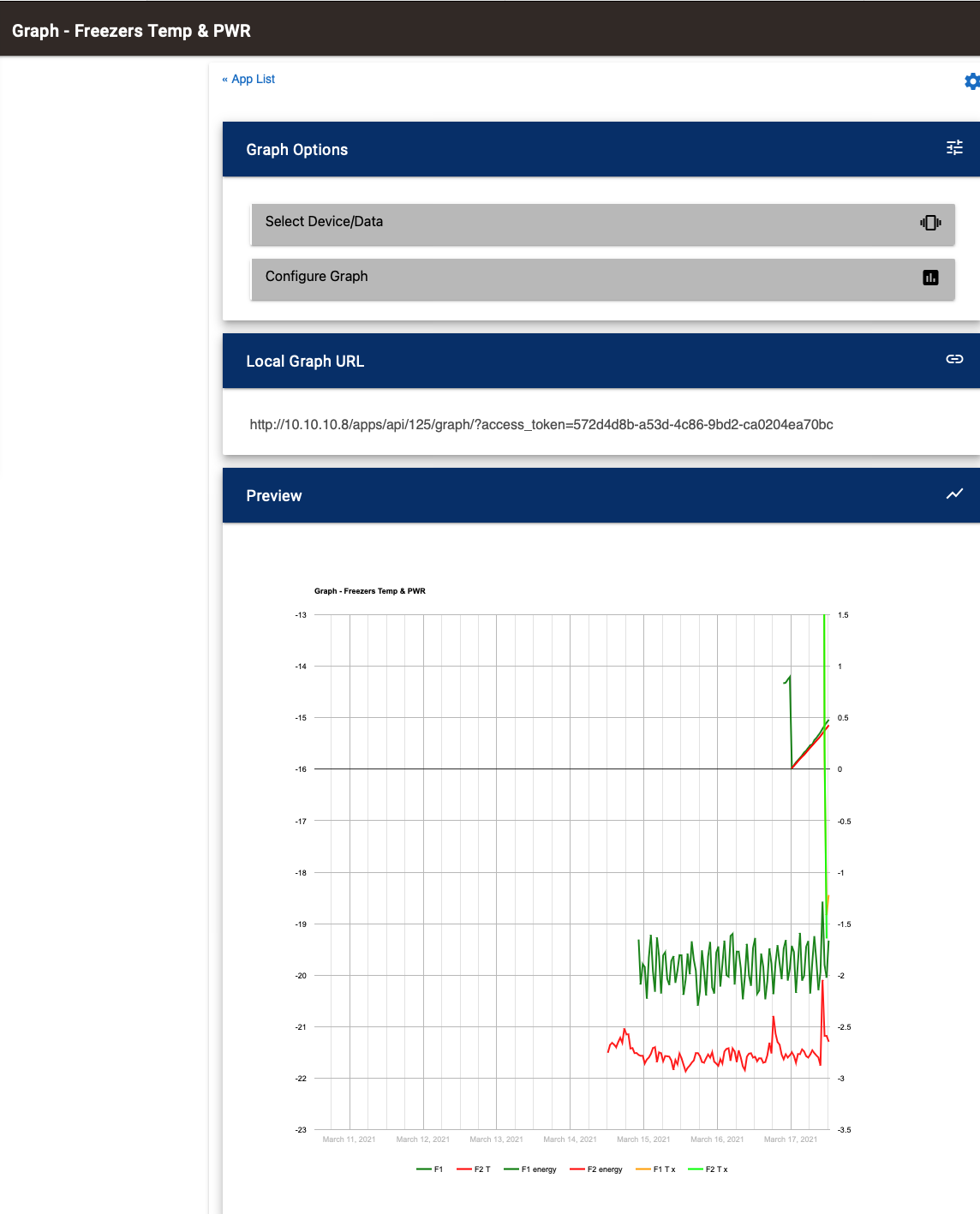
Also would that explain when I ask for 1 day graph
It creates graph for 7 days and misses most of the data.
Could try doing a Repair through HPM - should grab the latest version of everything out there.
I am confused on the list “vaporizing”. What shows up on Long Term Storage? It could be that the device has a feature that is unknown to me and not accounted for. Also, what do the logs show when vaporization occurs?
I go and add all the devices that require long term storage.
As I start to scroll to bottom the list disappears and leaves me with a login at the top and a next button, press next and you get a blank screen with a next button, press that and you get the headers for a list with no content.
Have repeated three times, same result, even if just 1 item selected.
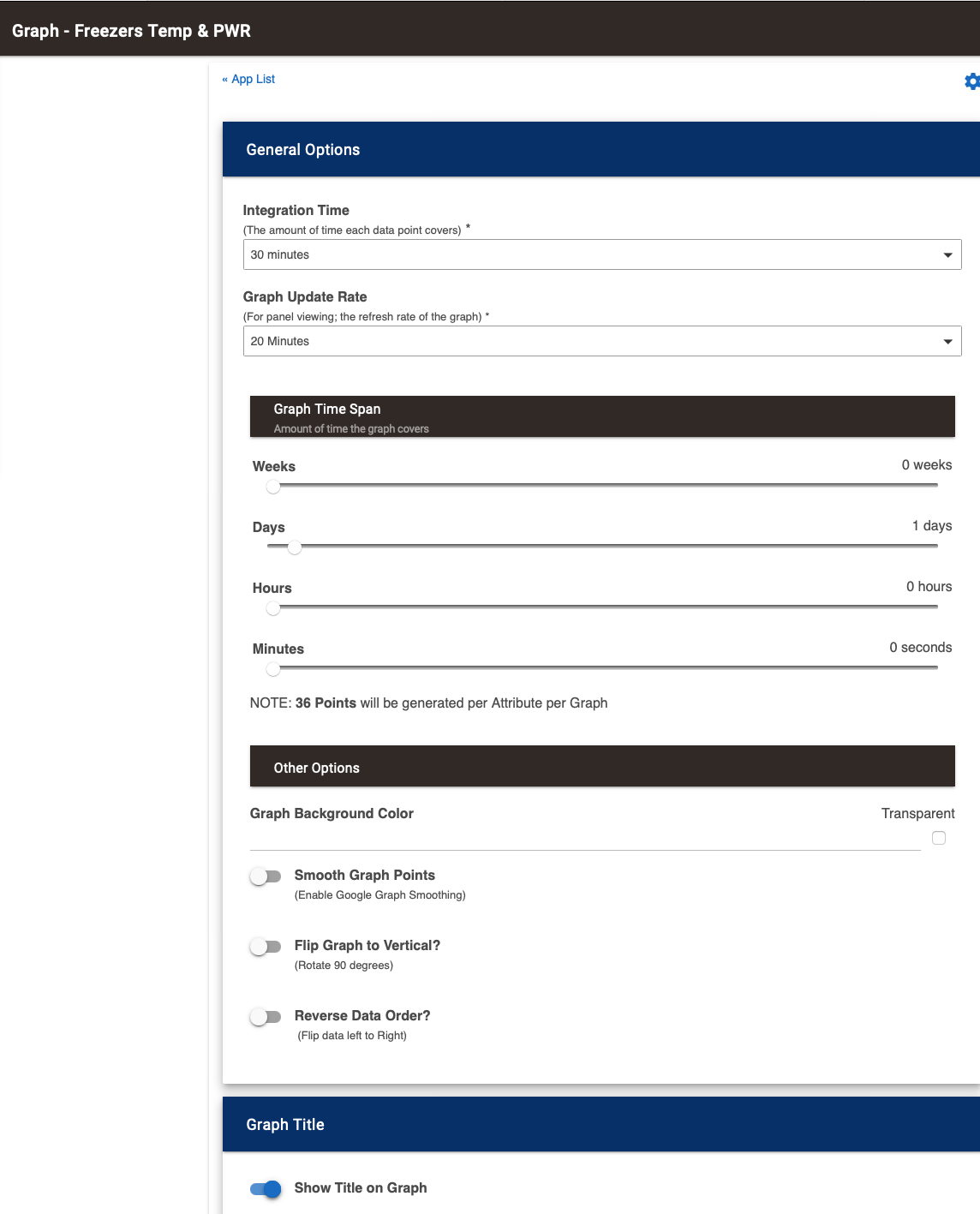
Figured it out, this all occurs if use Hub Security is enabled (by default) and no creds entered.
@habitat, Ah. So first question; is it working? Second; yes, if you have hub security enabled AND your login is incorrect/empty it will stop you by blanking it out. I will add a message so others don’t waste time on this….
Edit: I just uploaded a fix to let the user know. Thanks for the feedback and investigation
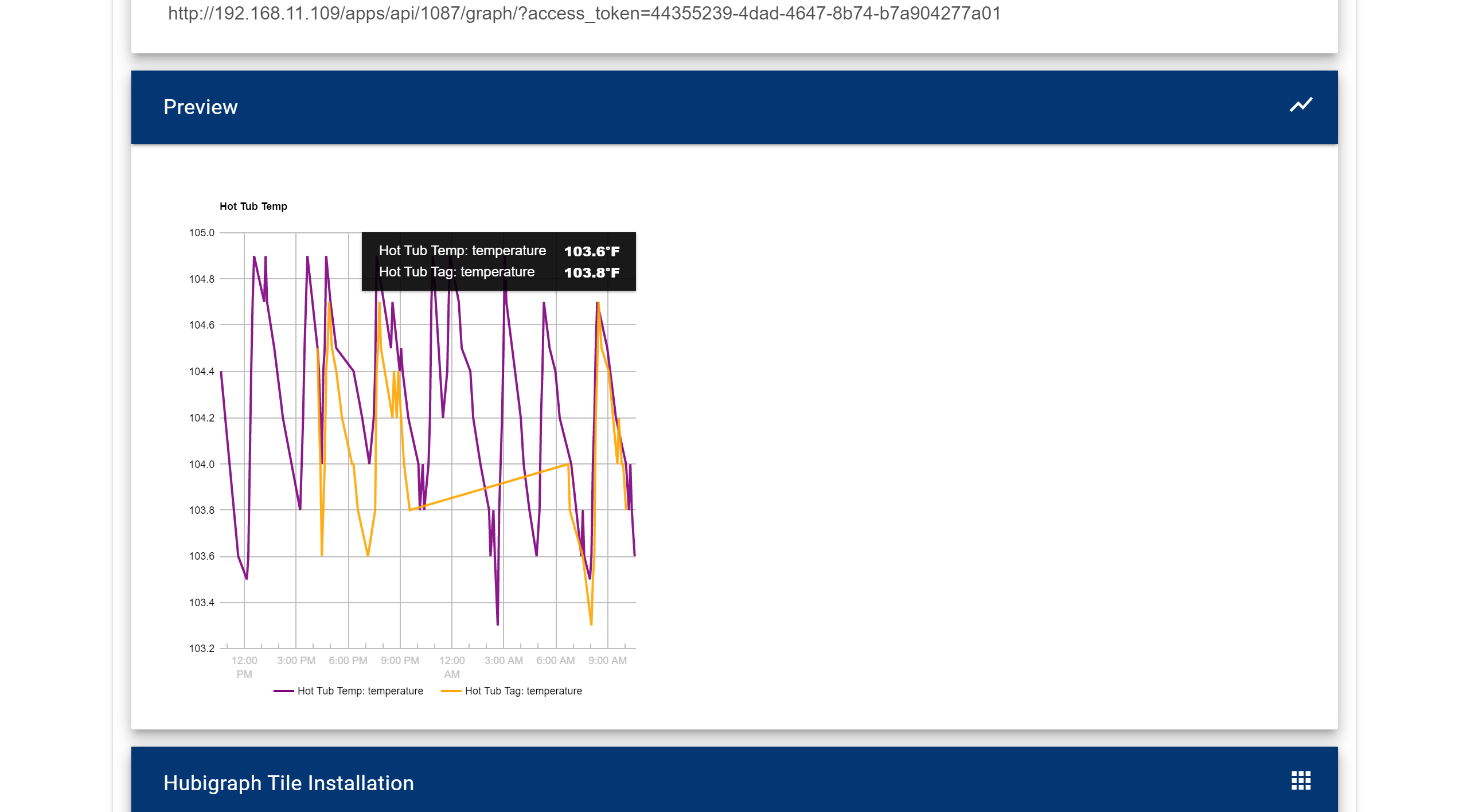
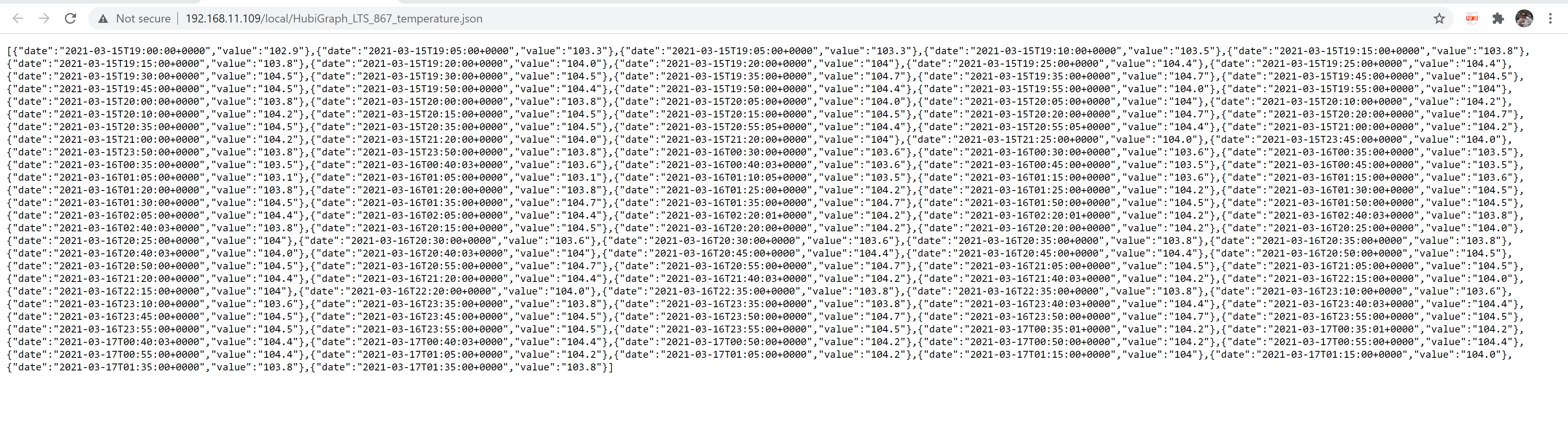
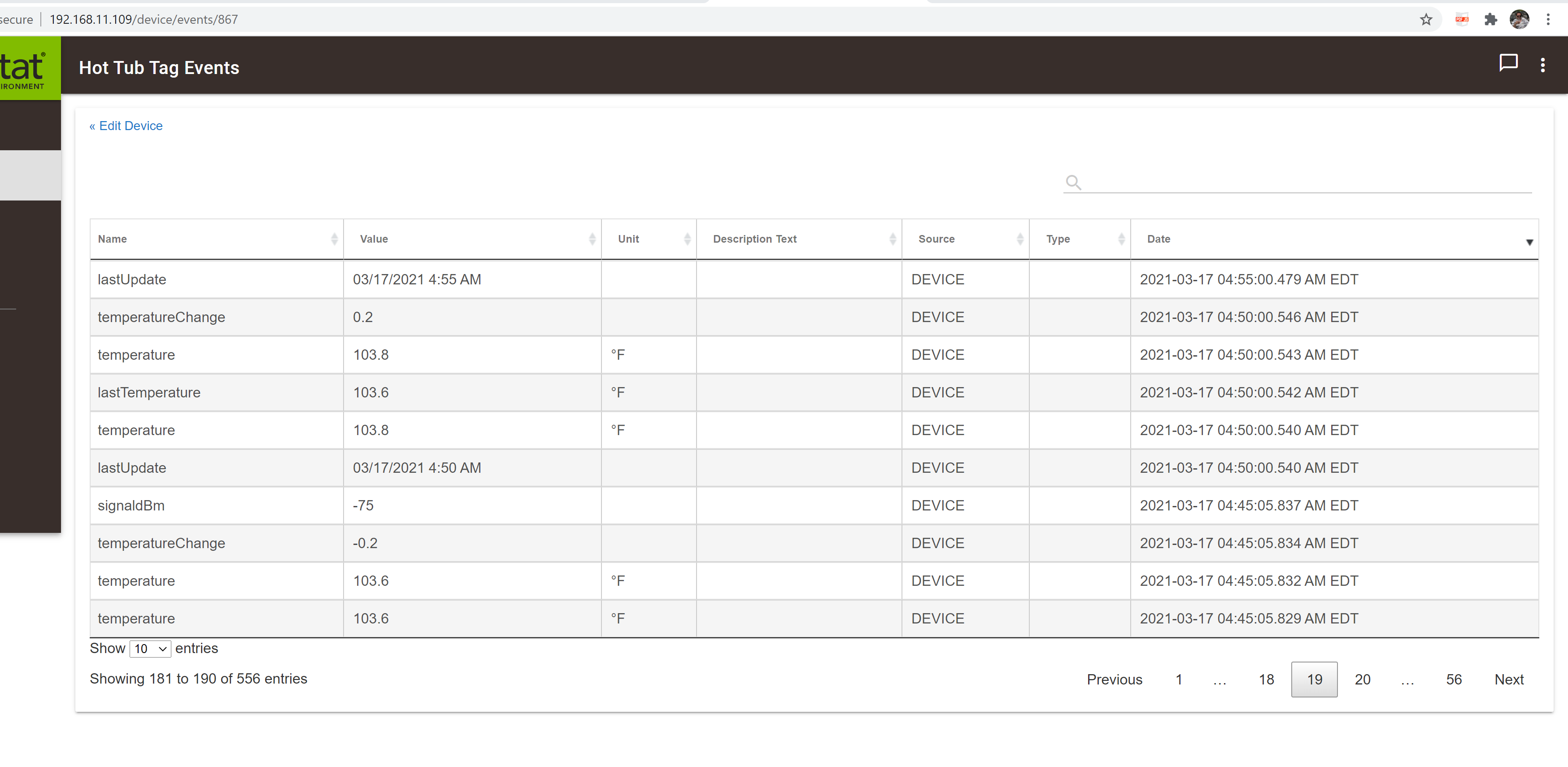
i have a couple of graphs that still are dropping data.. the data is in the events but long term storage is not picking it up even running every two hours and the info is incorrect.. there are events around 4 am .. here is an example
Ok; a couple of issues.
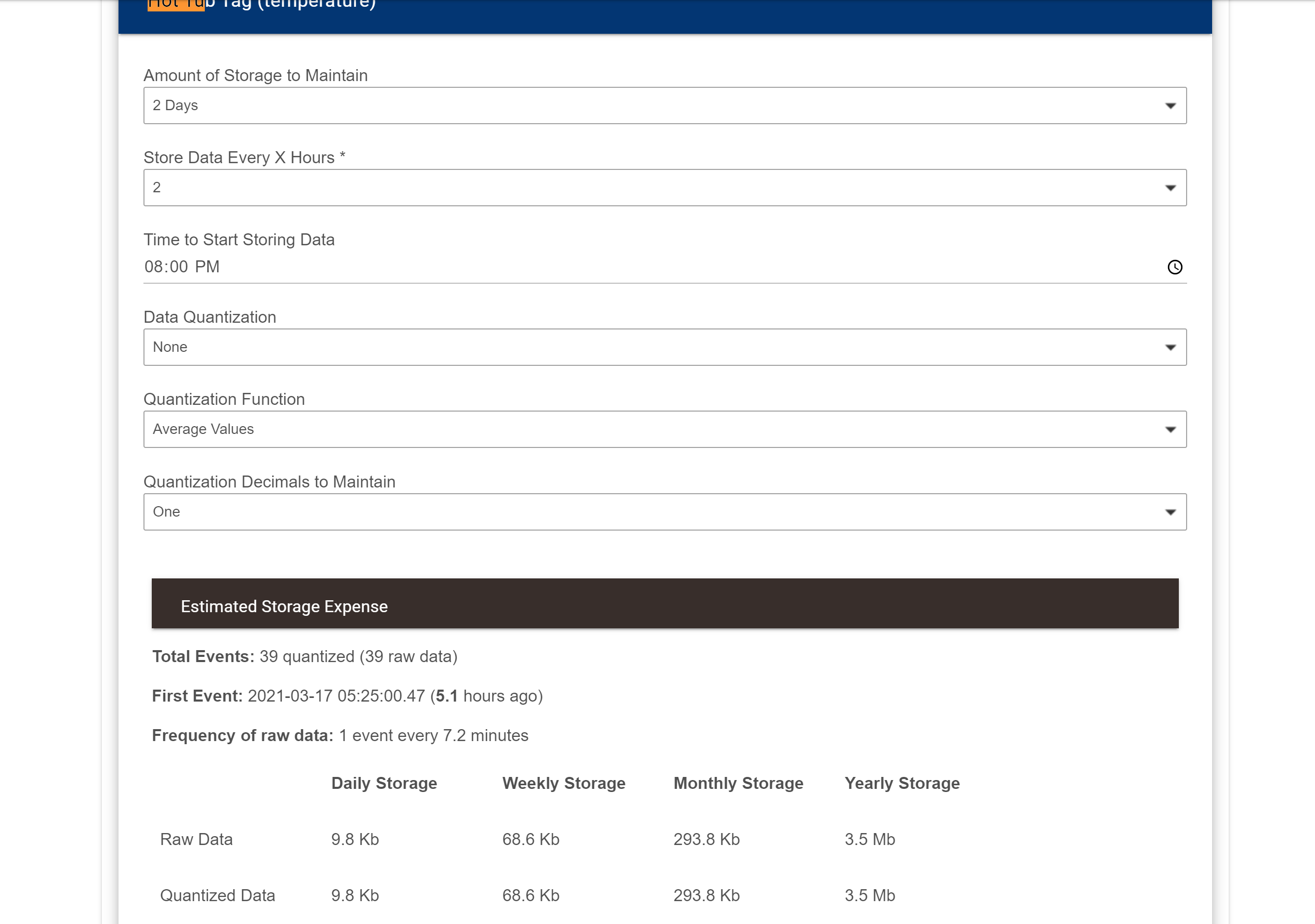
thanks i guess i dont understand start time.. i tried to stagger the time to not overload the hub with everything saving at 12 am.. wouldnt it still collect every 2 hours but starting at 8 pm.. so i guess this means when to start during the day ? confusing.. will make changes thanks
I agree that it is confusing; but… that is how cron jobs work. I would suggest staggering the start times over the course of 12am to 1am. The actual storage only takes a few seconds, but ….
@thomas.c.howard - All my bad I just ignored the login - I had to disable Security on the Hubitat it created too many issues, so have just moved the HEs to their own vlan and isolated them 
side note...
Now that i have done all this ... not sure it is a great idea.. I know static memory has a number of write limits.
Anyone know what chip the hub uses for memory, and what the limits might be.. Just wondering how much we are reducing the lifespan of the hub?
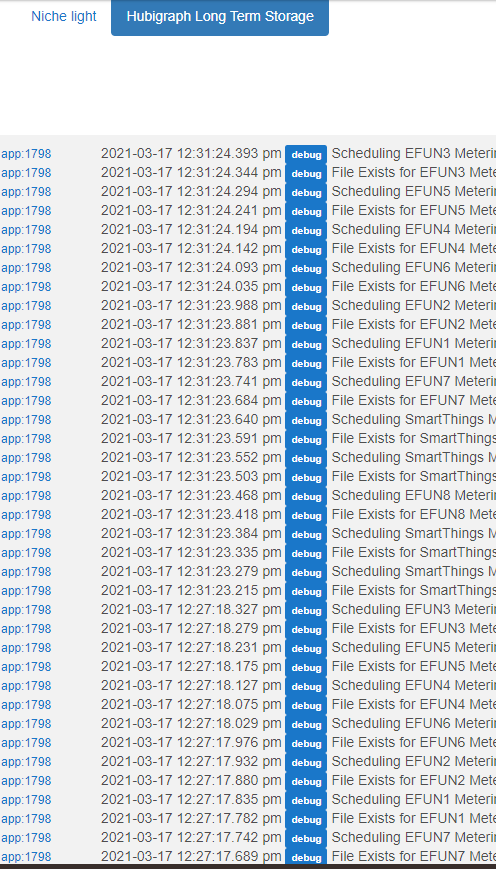
@thomas.c.howard Is there an option to disable debug logs? If not, can one be added? It really clutters up the logs during normal operation when I'm not trying to debug an issue. Most other apps have the ability to turn them on/off.
I can take those out, but you should only see those when updating the settings…
Edit: I have removed it in the next release
Interesting thought. I wonder if the database writes to file as well….
This is saying that you are graphing a sensor without using LTS. It is a debug print that I have removed in the next release... (calling something a beta lets the developer do some stupid things ). As a side note: Thanks to all who have given this new paradigm a try. I am getting close to declaring it "not-Beta"
Download the Hubitat app