I record the outside temp and put it in a graph with other temp measurements. Occasionally it drops in a temp of -17.8 for some reason.
Opened the file and saved it, amended it to take out the -17.8 readings and uploaded it. Now they are gone.
Brilliant. Thanks again @thomas.c.howard

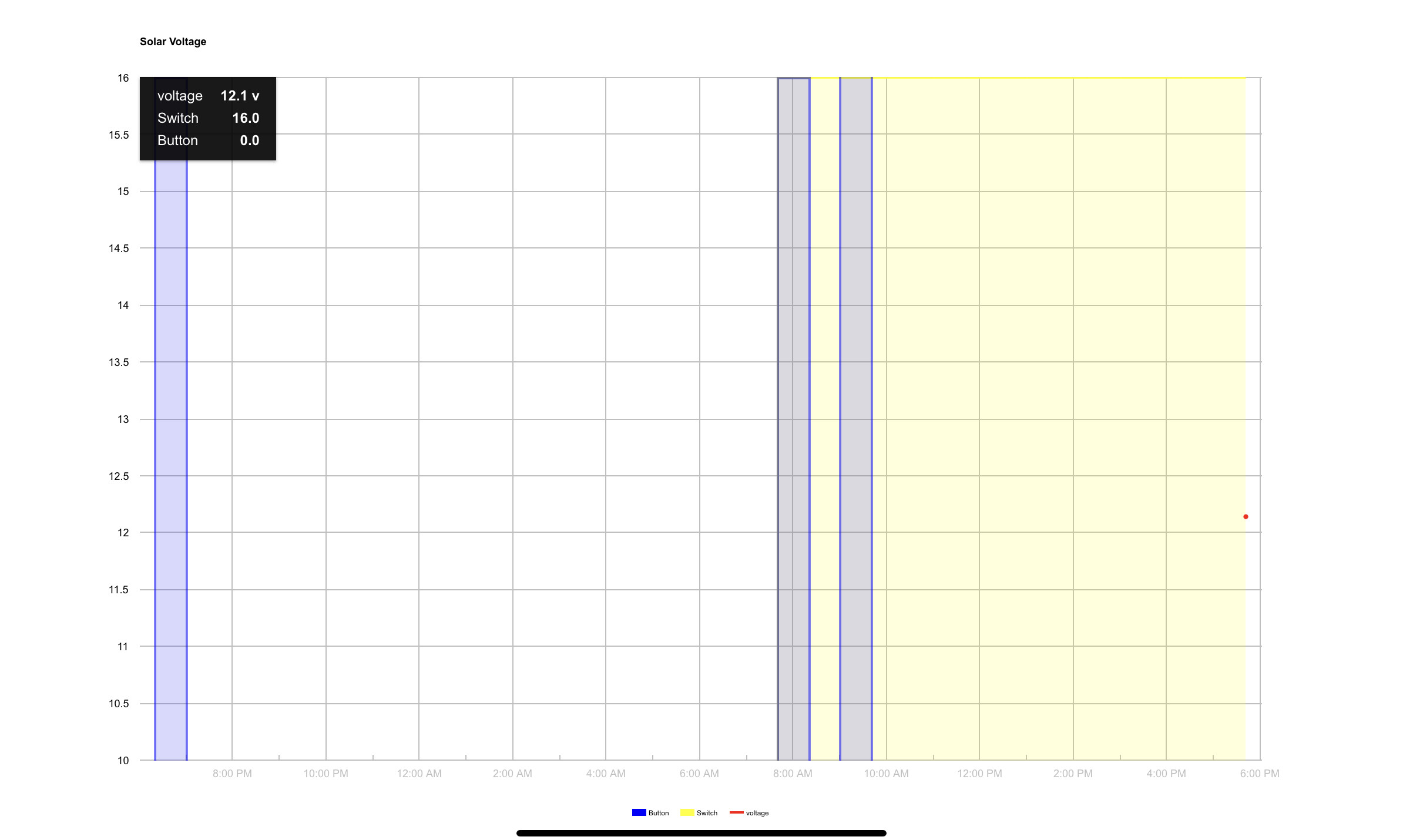
@thomas.c.howard, I have a graph that worked great with the previous LTS, but with the new one, it doesn’t seem to pick-up the data. It seems to only pick-up the actual device data (maybe?).
Is there anything that I should do to ensure it picks-up the right data? (The red dot at right is the only thing it shows right now for one of the 3 attributes I am mapping...)
It use to look like this:
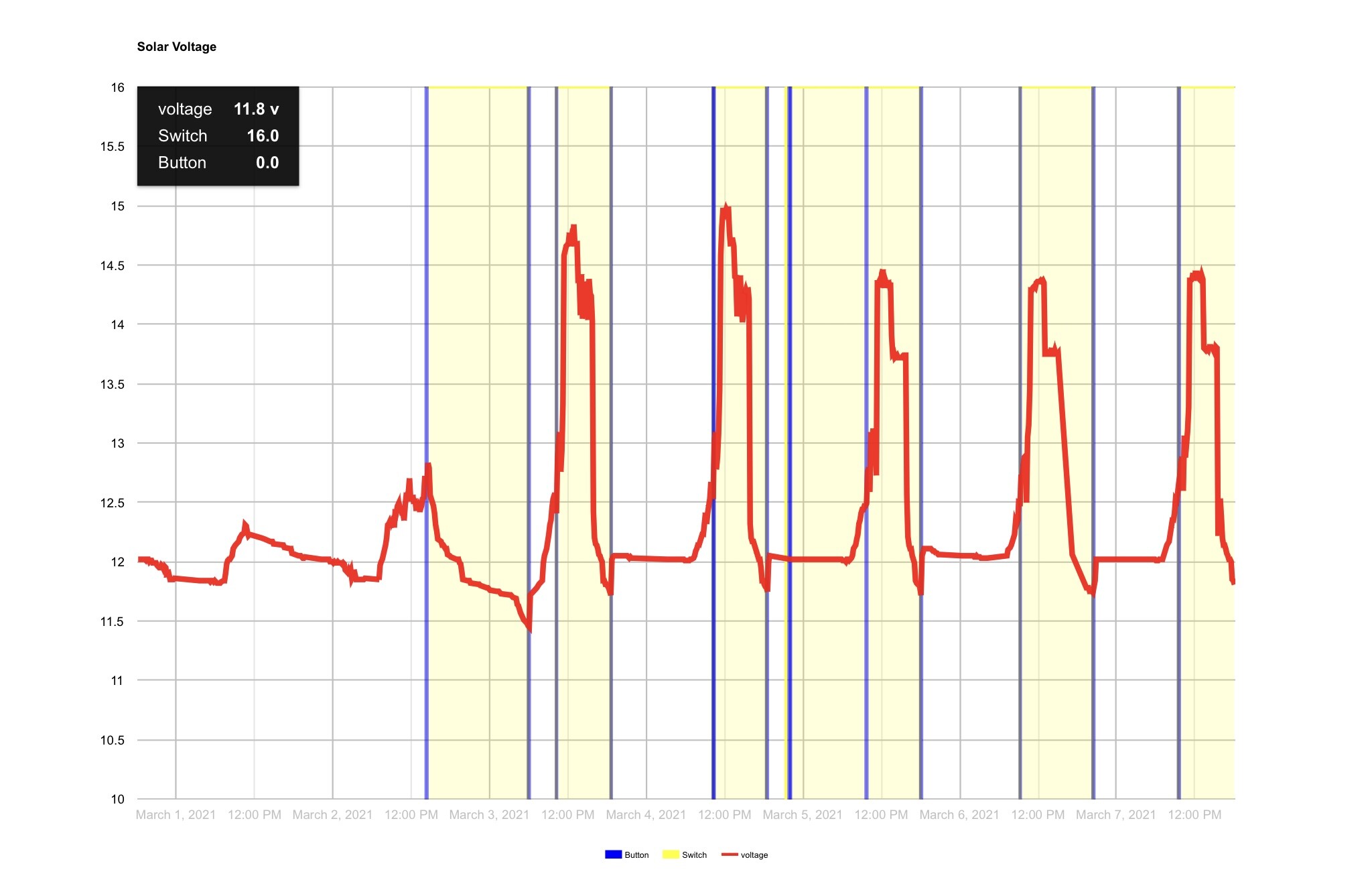
In the forums, people complain about devices sending “invalid” data. Should I add “throw out outliers options”?
Ah; this is the issue with only supporting numeric data right now. I am working on a solution.
Ah! I had set Quantitize to « none » thinking it would work without quantitizing...
FYI - Also noticed the following in the logs.

If you can, that would be great. Not a biggee for me but I nice to have a suppose. 
Yes; use the throw out outliers option (for now).
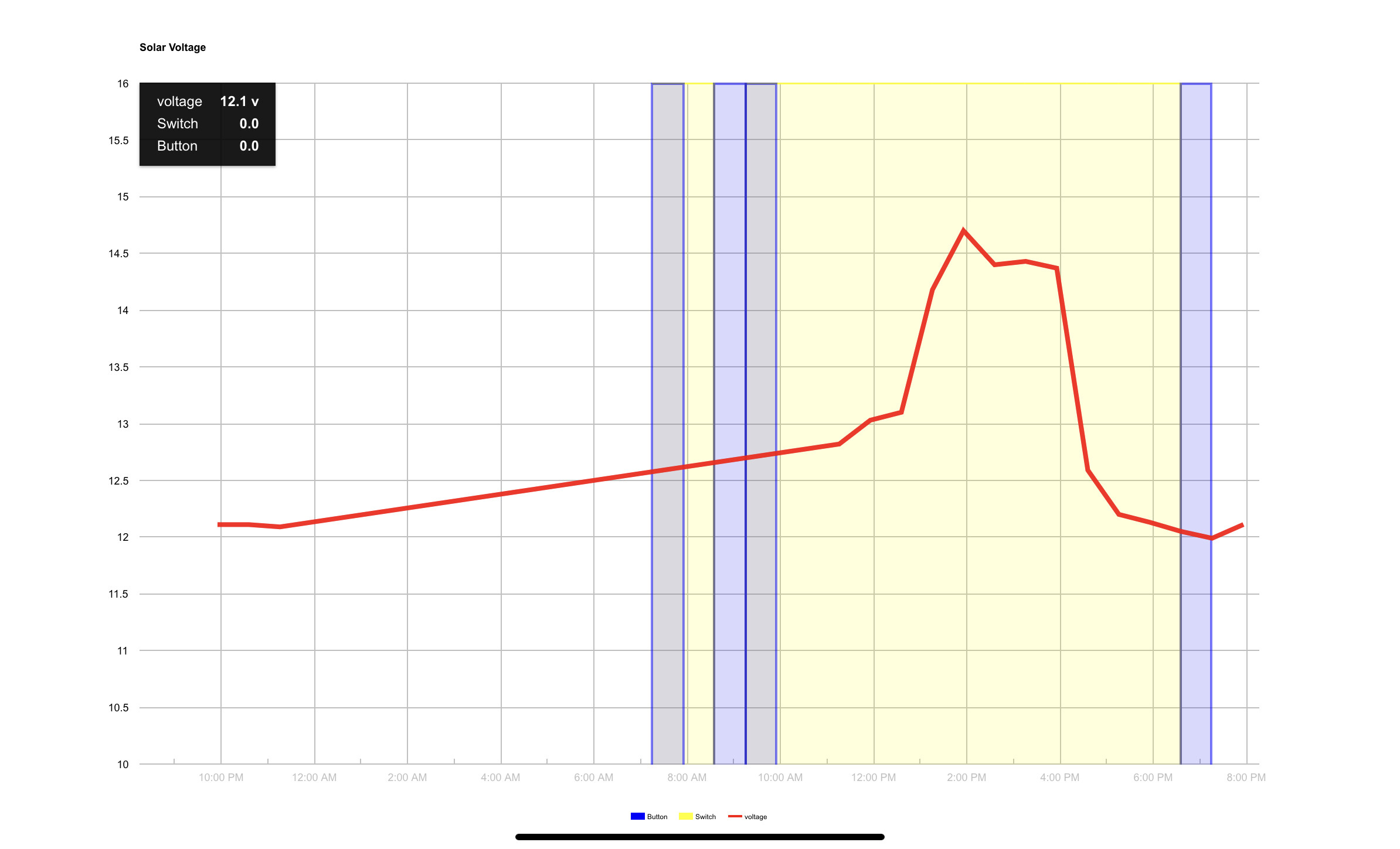
@Sebastien, Doing some testing. Selecting "None" under quantization is correct for non-numeric values. Everything seems to work on my end the "fixes" I put in previously seem to. What is each graph's configuration? (Line, Step?, etc). The timescale of the graphs look different.... What is the specific issue you are seeing? The null in the logs is from lack of data. We'll get this figured out...
Ah ha. Just spotted what you are talking about. Thanks for the pointer.
Okay, the fault is mine on this one. I hadn’t realized there is now a switch I need to turn on to use Long Term storage... I turned it on and it works as expected.
Thank you for this great app!
Hi there.
Is there anyone can help.
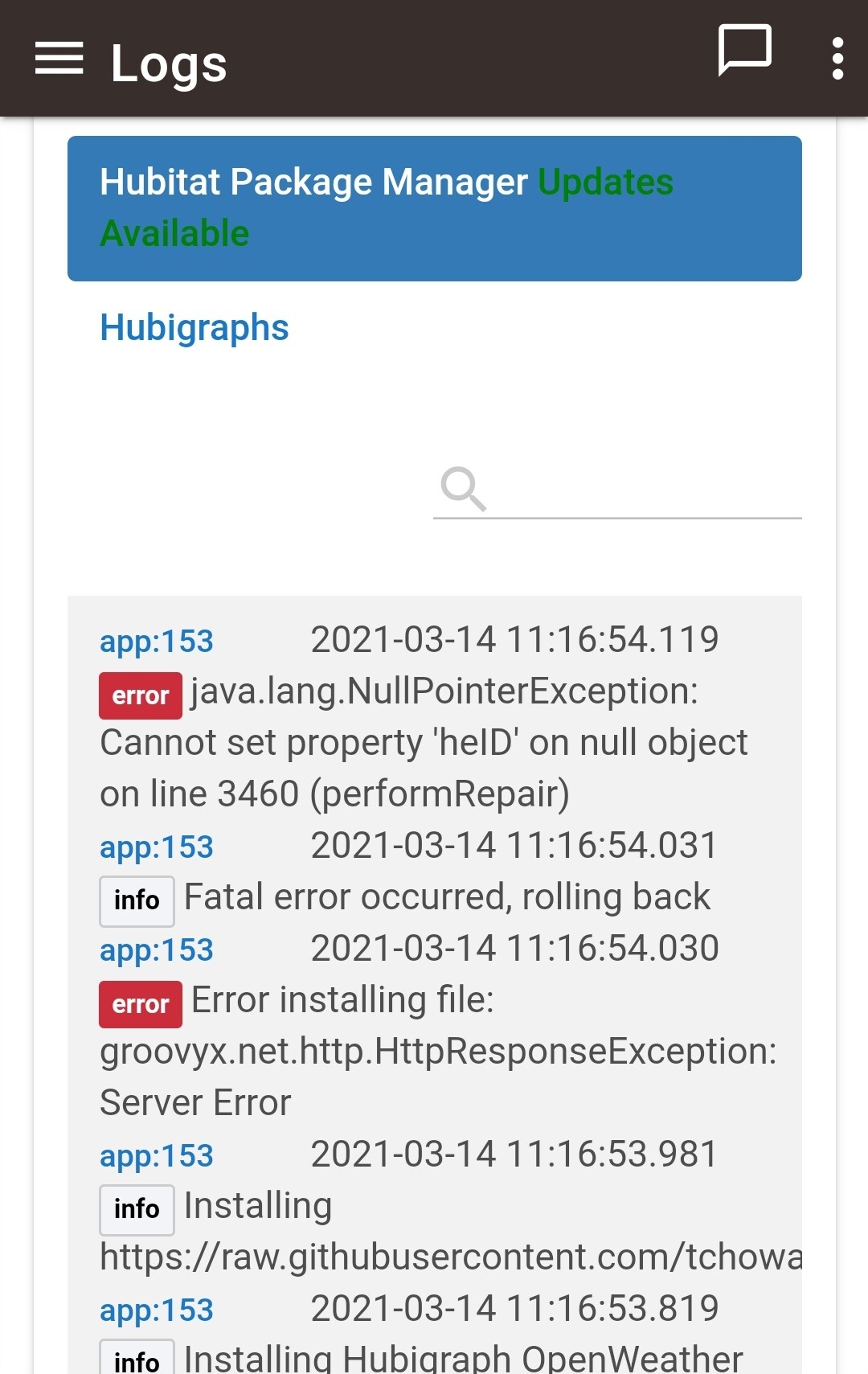
I have tried to repair using Hubitat Package Manager. Also tried to update using HE package Manager.
Not sure what I am doing wrong.
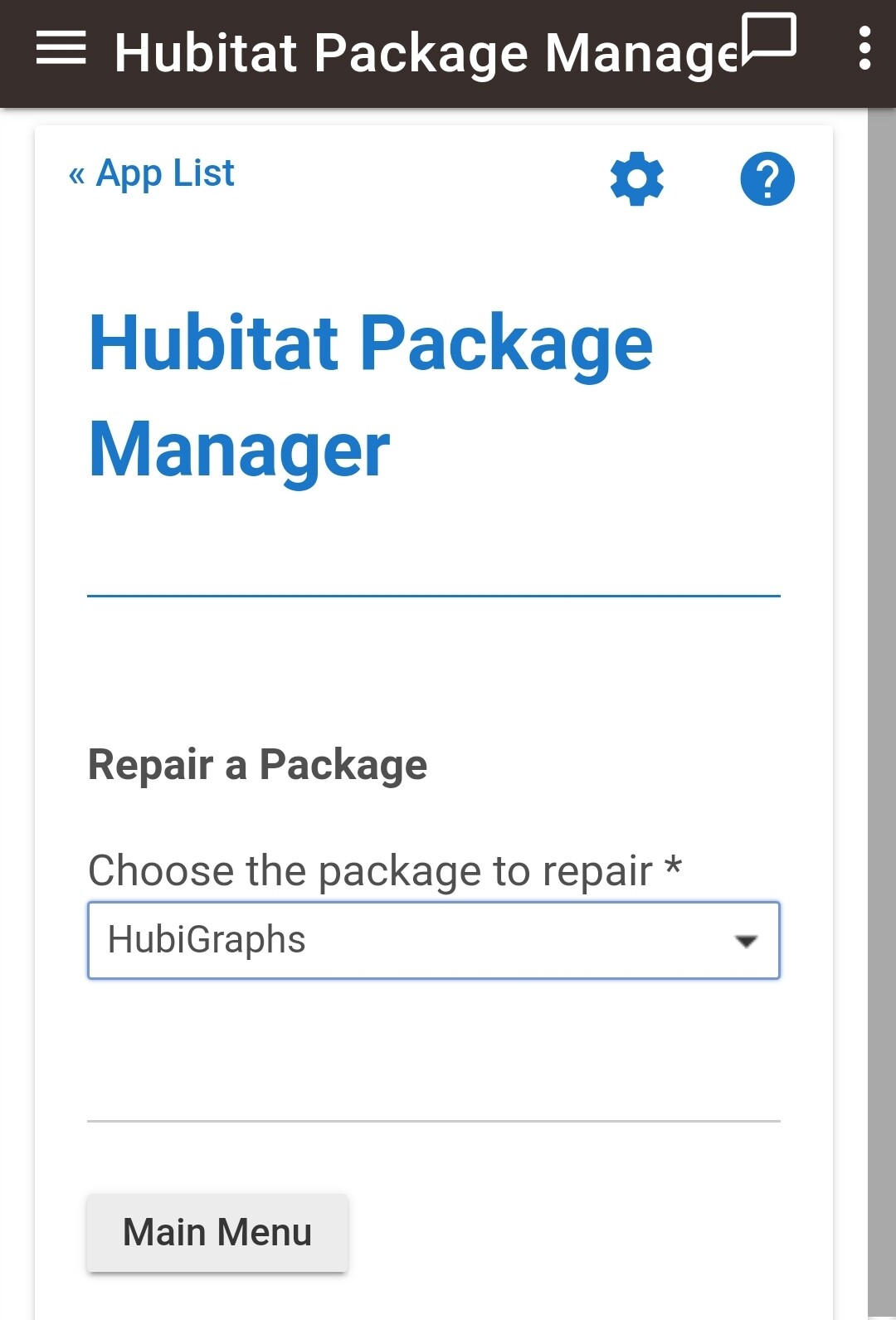
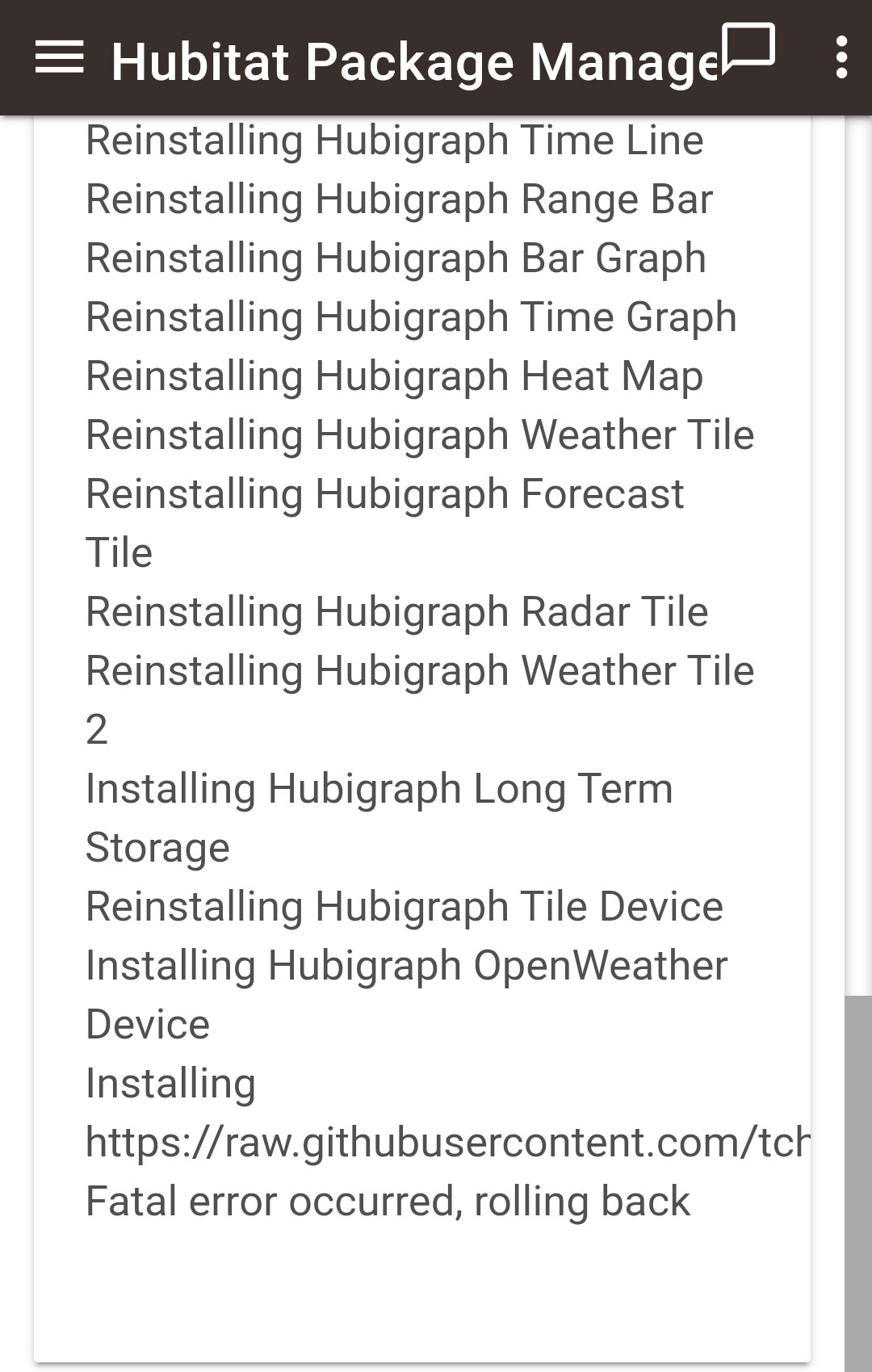
Have you tried manually updating the Hubigraph OpenWeather Device? From the above, that’s the code that is failing to update - when I’ve gotten that message with my code it’s usually because I fat-fingered some code and HE is flagging it as invalid which will cause HPM to fail and rollback.
Thank you for your reply.
Sorry.
I am a bit new to this, only started 2 month ago.
Not sure what you mean exactly.
Could you expand on that for me please.
Sorry to be a pain.
Ps. I have not played about with any of the code.
No worries. If you go to the Drivers Code tab, and open the Hubigraph OpenWeather Device, there should be a button at the top that says Import. If you push that, and the driver has the importUrl defined, you’ll get a dialog box with the URL filled in and another Import button - pushing that one will pull the latest code. Say yes to the ovewrite message, and then click save.
If there is an error with the code you’ll get a message at the top explaining it (copy and post here); if no error the code is updated and you can close out of the page.
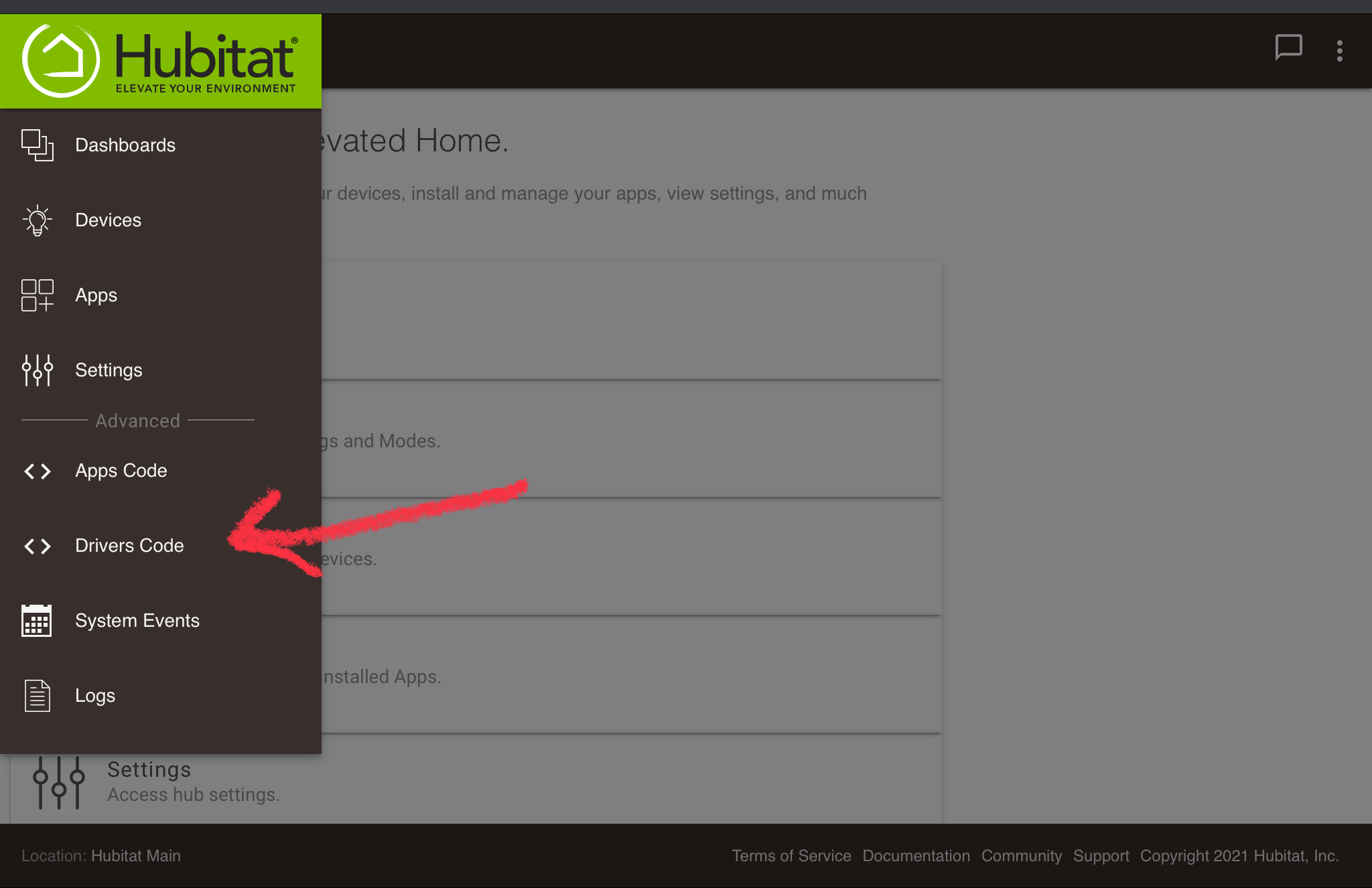
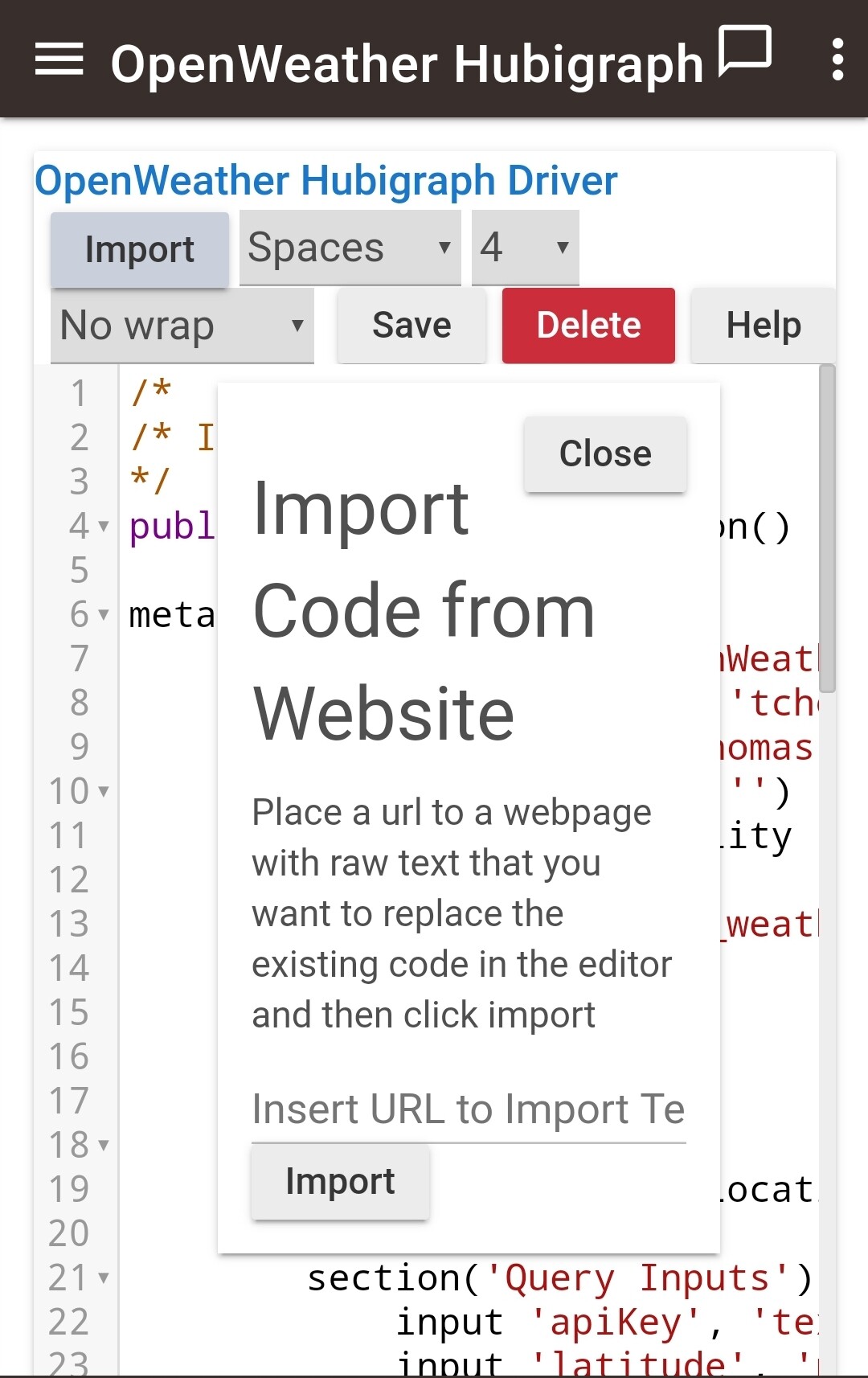
That’s unfortunate, looks like it should be:
https://raw.githubusercontent.com/tchoward/Hubitat/master/hubigraph_openweather_driver.groovy
Sorry. No luck.
I tried that, but still I am getting an error.
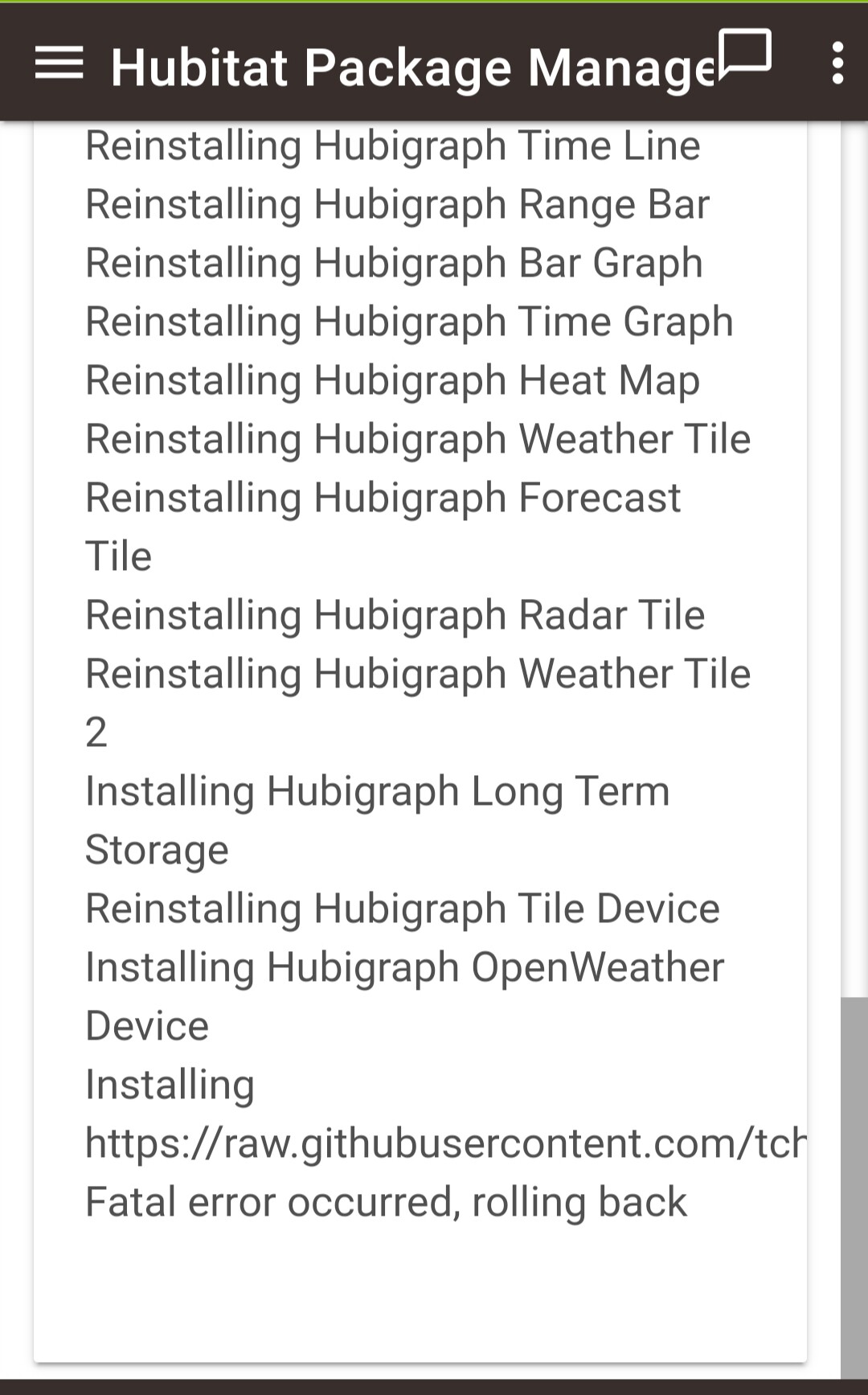
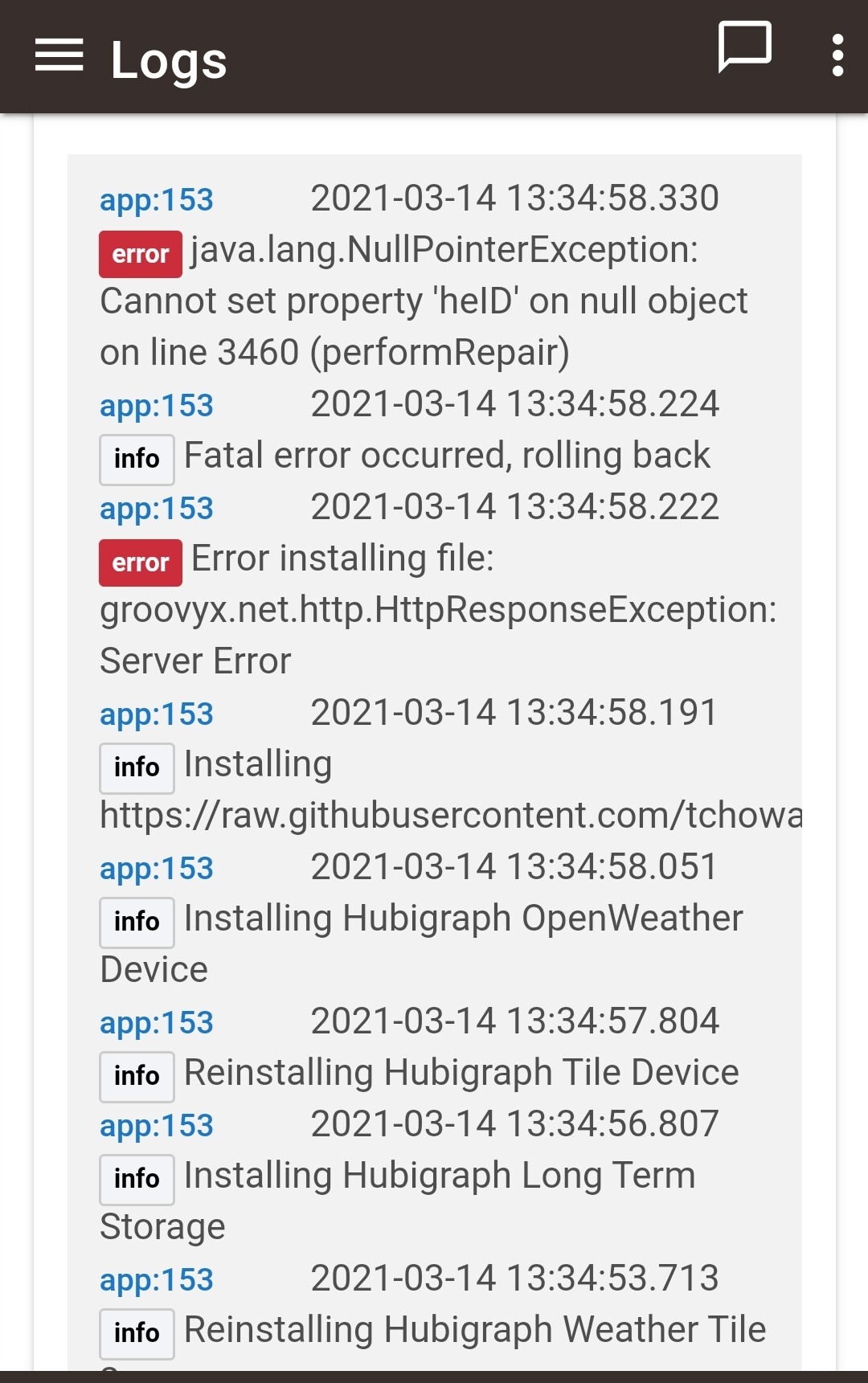
Ps.
Just notice this.
Is it a bit strange,
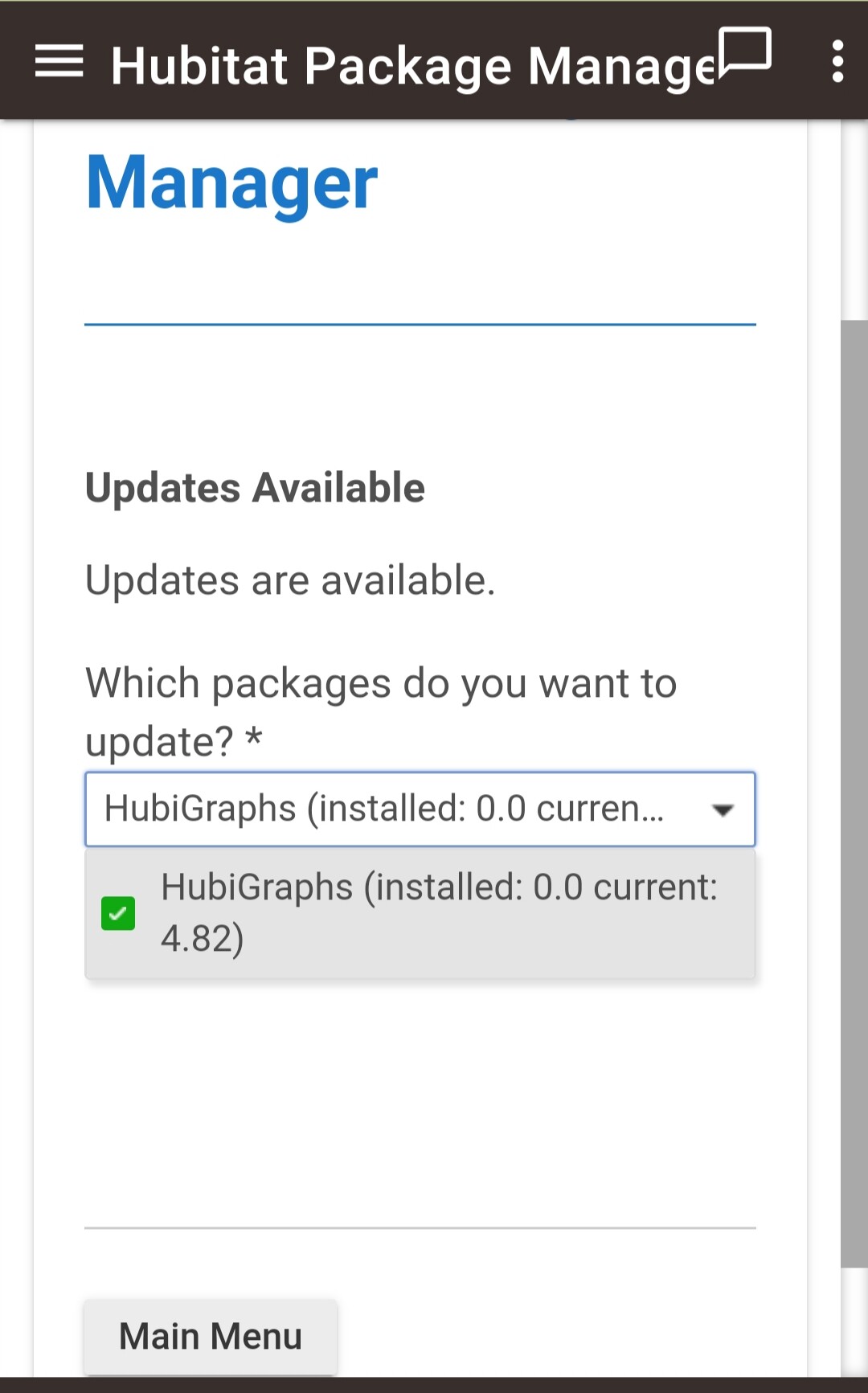
Means that the driver file is good, as to the v0.0.0, try doing a Match from HPM and tell it to assume the versions installed are current.
@thomas.c.howard, something that would be useful I think.
Some way either in the file name, optimum I think, or in the file itself, that indicates which sensor the LTS file is associated with.
1 Like
I’ll look into it. In the meantime the sensor is the number in the file name (I.e. sensor.id)

