I configured a time graph of my garage temp sensor. Now how do I view it?
You should be able to look at it in the hubigraph app where you created it. Also you can turn on the slider for the Hub tile device. That will create a device you can then add to a dashboard.
I configured a couple of hubigraph last night at home. Now I am at work, and the graphs are blank.
You have to be on your local network to see the graphs. This has been asked a few times, but I realize it's a lot of messages to go through. Thomas has said he might be able to change that some day but for now that is the way it is.
I can see my graphs away from the house as I have a VPN setup. That's about your only option right now.
1 Like
Hello,
I am new to hubitat and just finding my way around all the awsome things it can do especially the community apps.
I am unsure fo the correct etiquette but have found your app and thought I would like to try it so I downloaded the Hubitat Package Manager which then found COCOHub and offered to update it for me which appeared to happen correctly.
the I tried to use it to install hubigraphs Iserched by keyword Hubigraphs was found and I attempted to intall.
I got the following message towards the end of the process, nothing appears to have installed
Error Occurred During Installation
An error occurred while installing the package: Failed to install file https://raw.githubusercontent.com/tchoward/Hubitat/master/HubiGraph.js. Please notify the package developer..
If this is not the correct place for this please accept my apologies.
regards
Mark
Around post 1184 there are instructions for a manual install method, skip down to the Javascript and CSS section:
Hi. I don't seem to have graph as an option under attribute when trying to display a tile in the dashboard. Im on the 2nd last hubitat update. Do i need to install something to get the graph option?
Thanks.
Mac
Thank you
I thought I was fairly tech savvy.
I cannot figure out how to have a graph, which simply plots front room temperature against time, and let's me see when the radiator switch is on.
The switch on/off doesn't seem to sync with time. It's possibly even the opposite.
Any ideas?
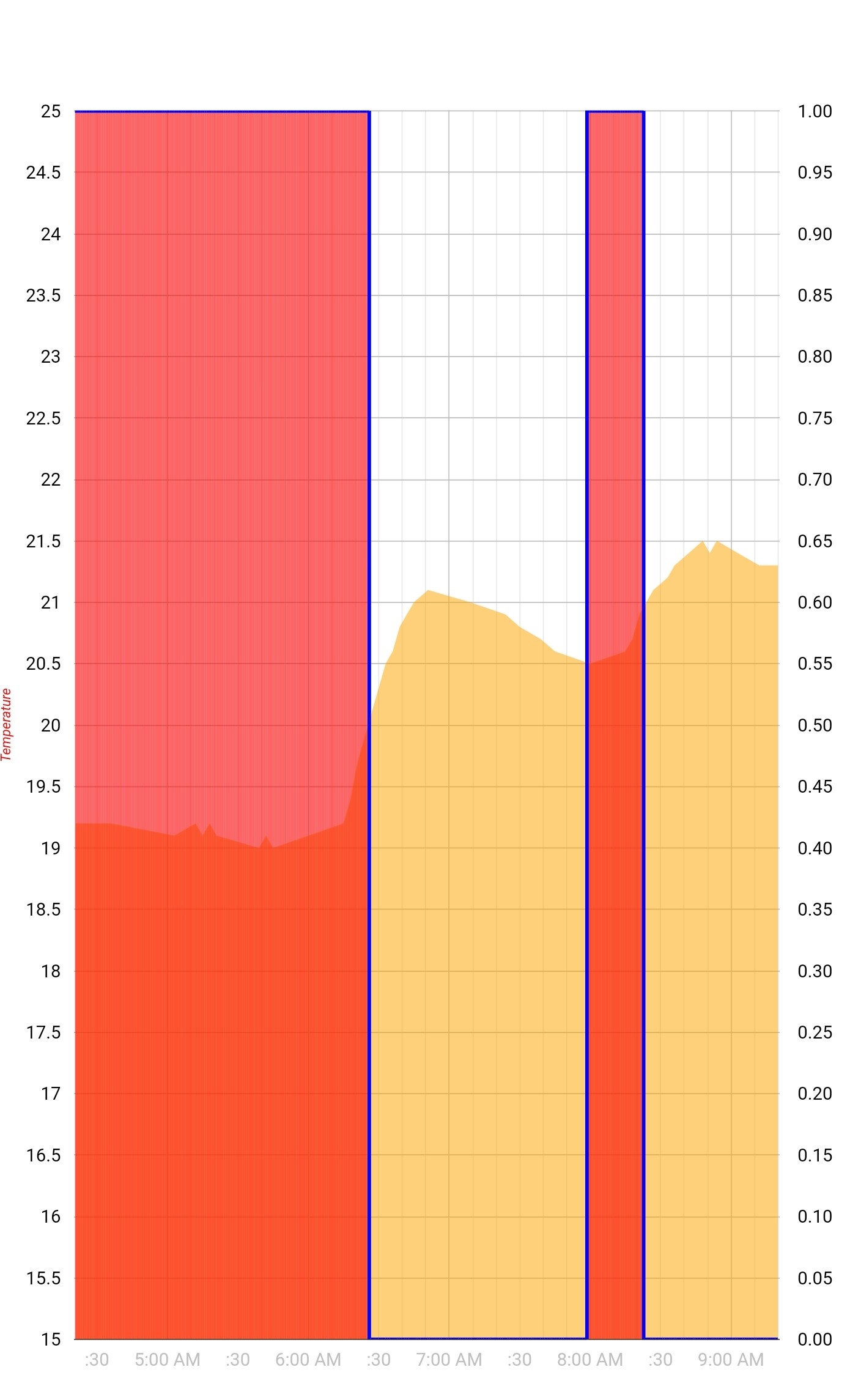
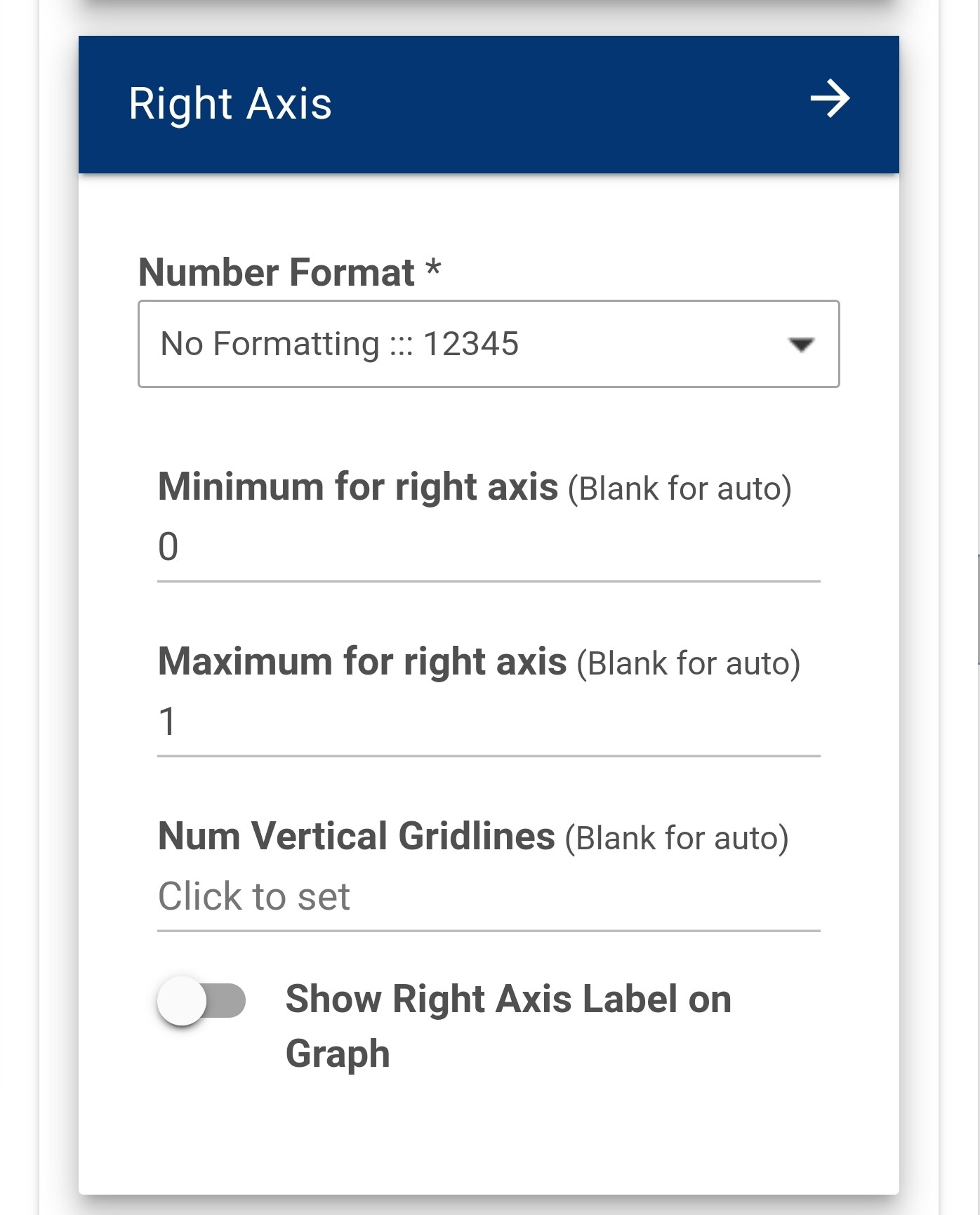
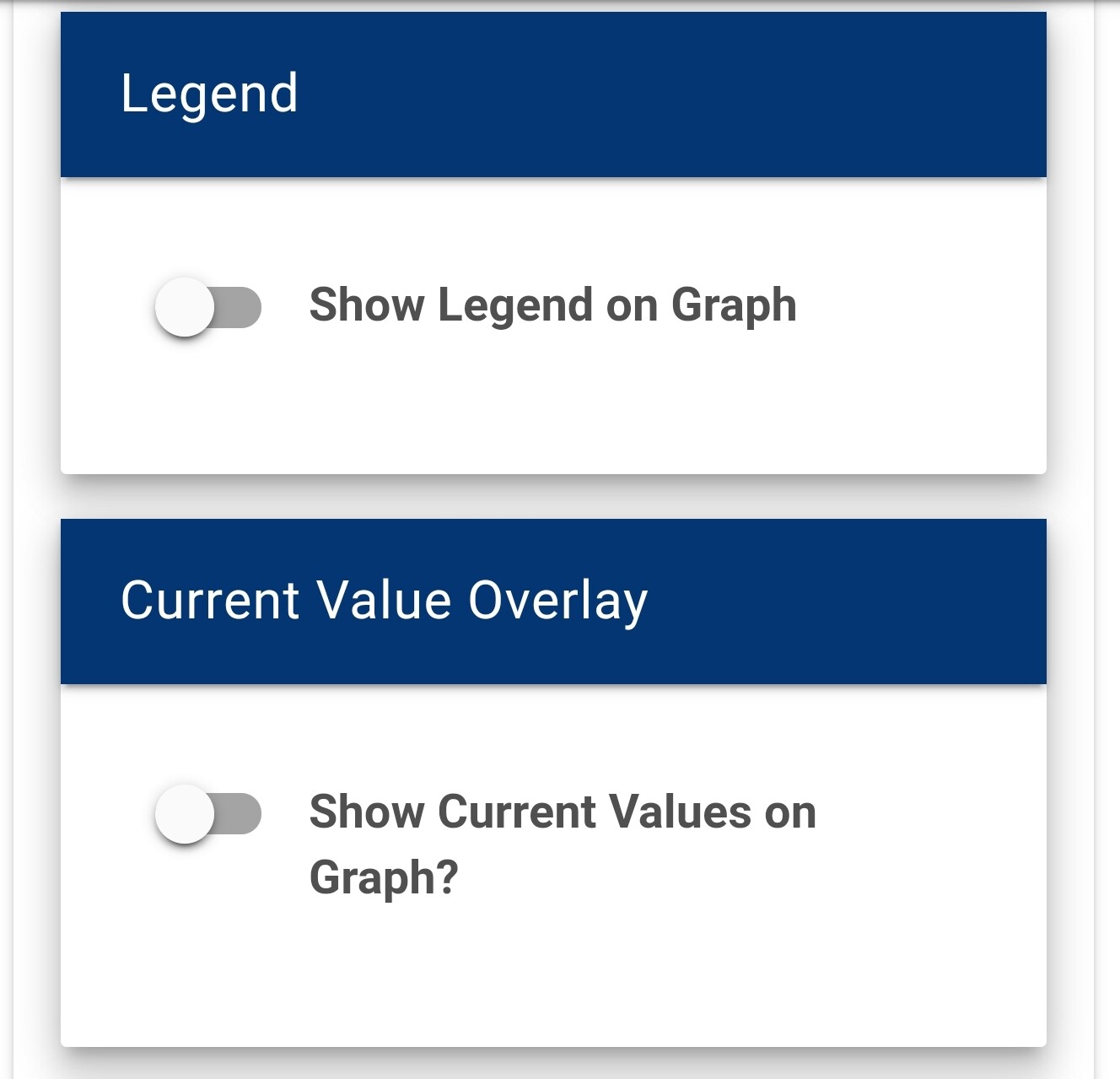
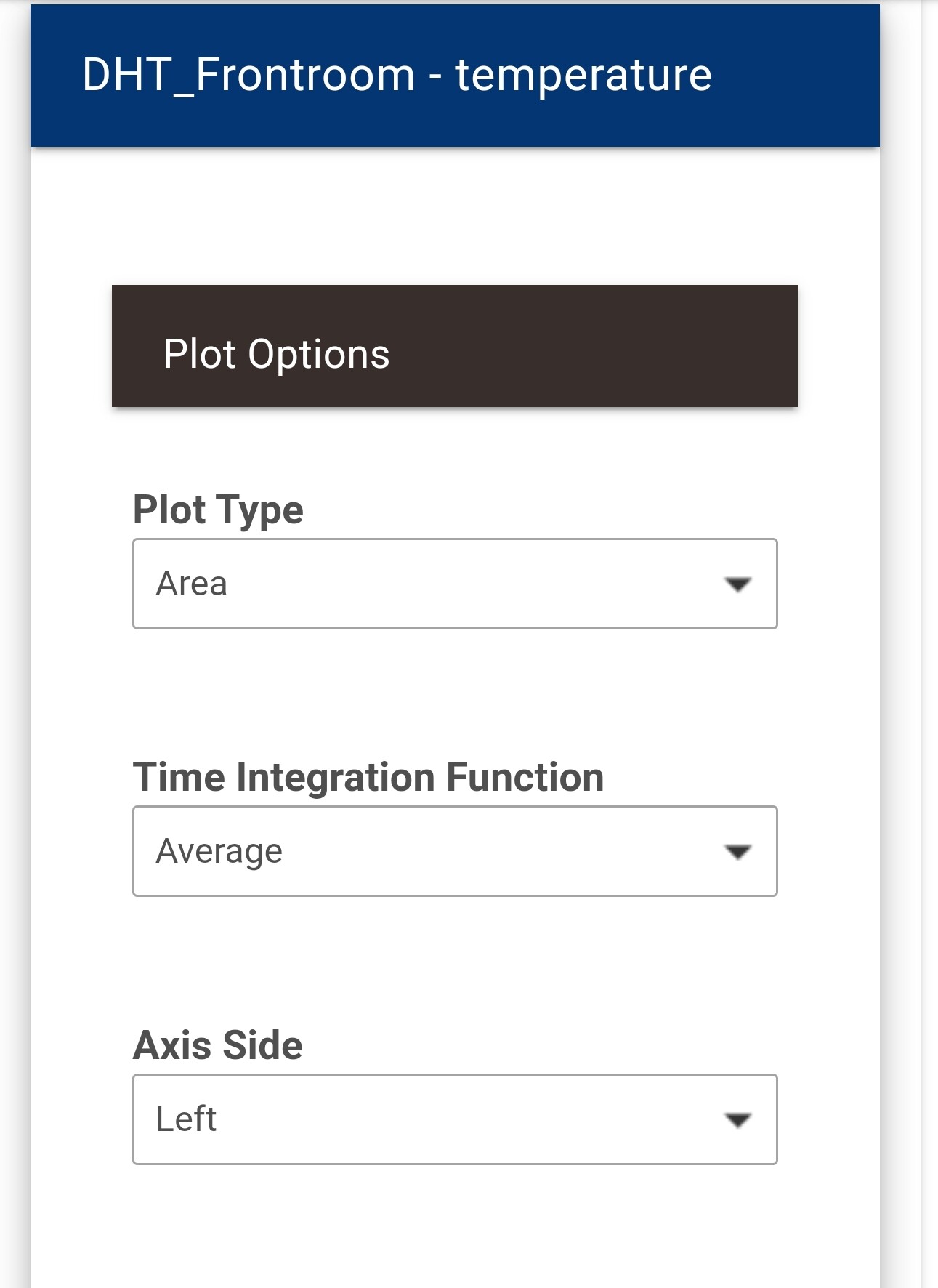
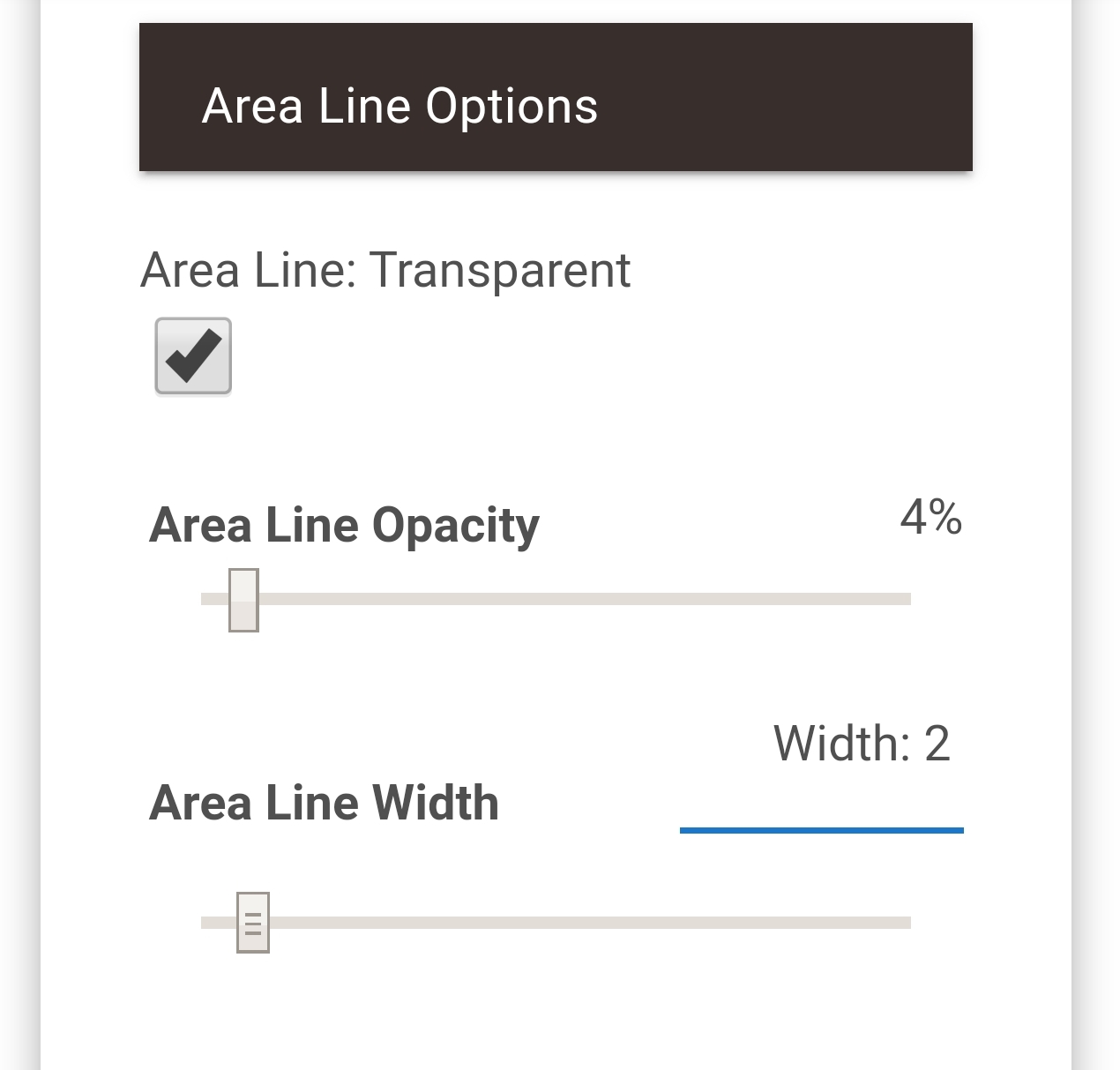
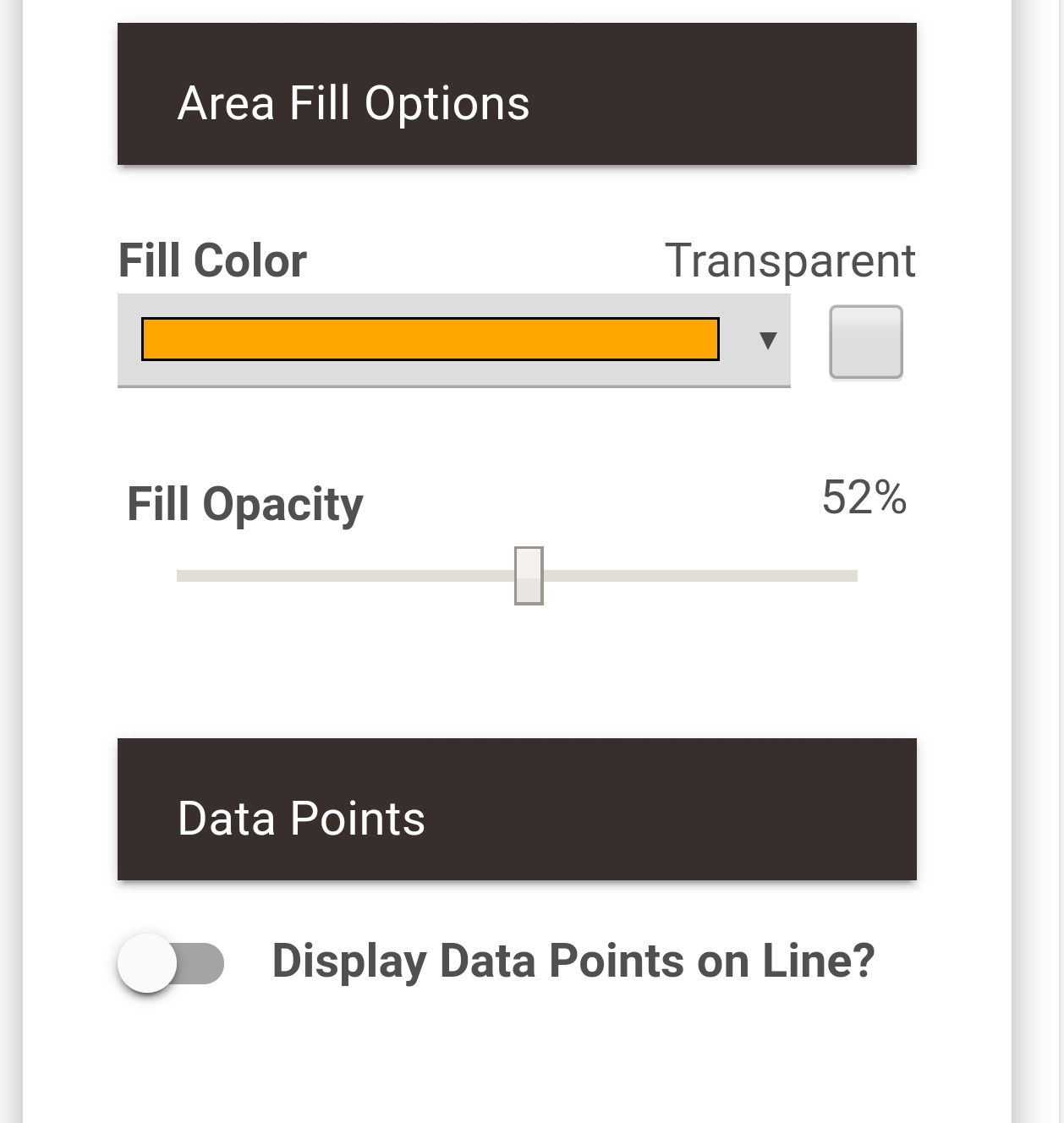
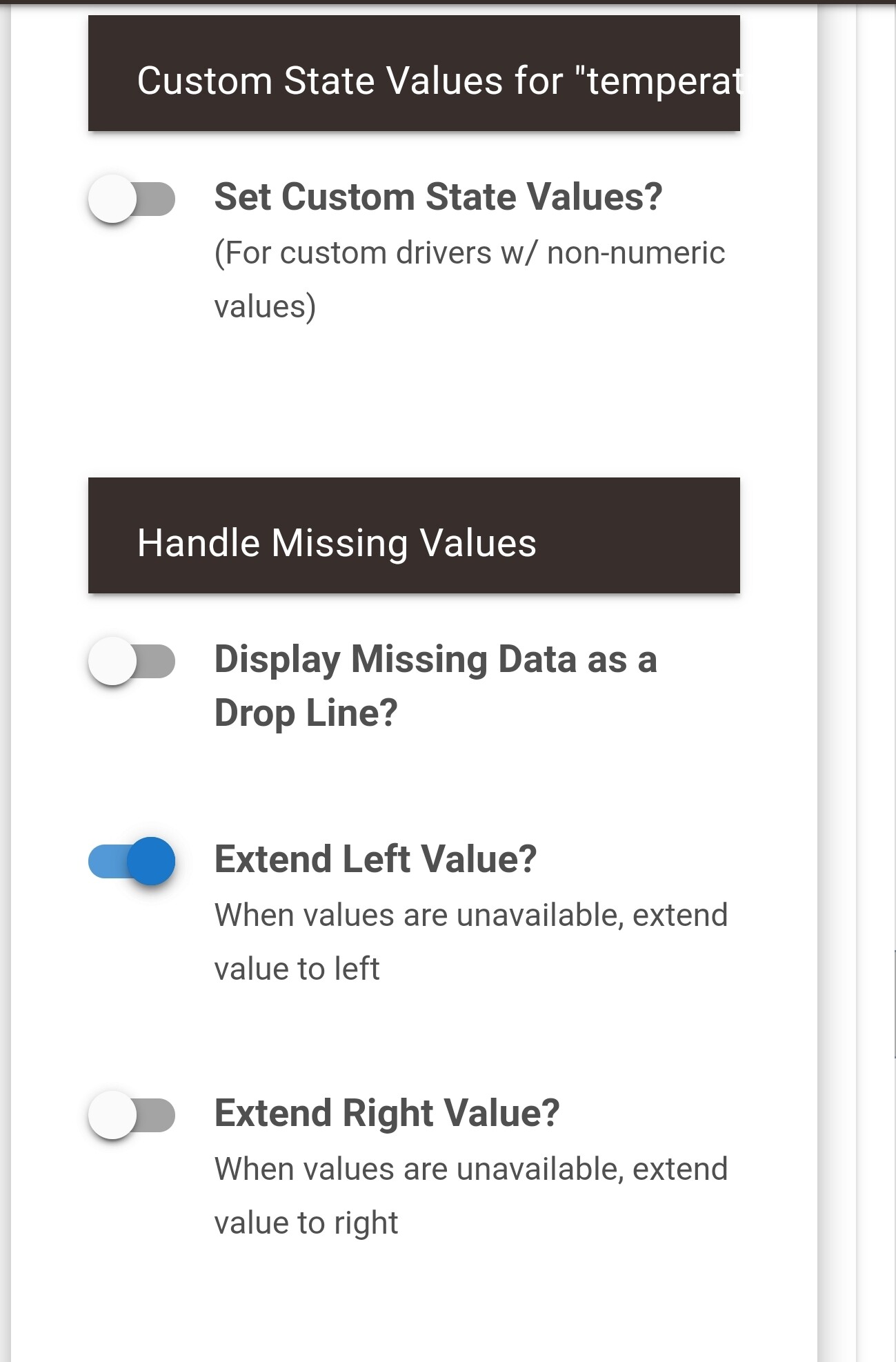
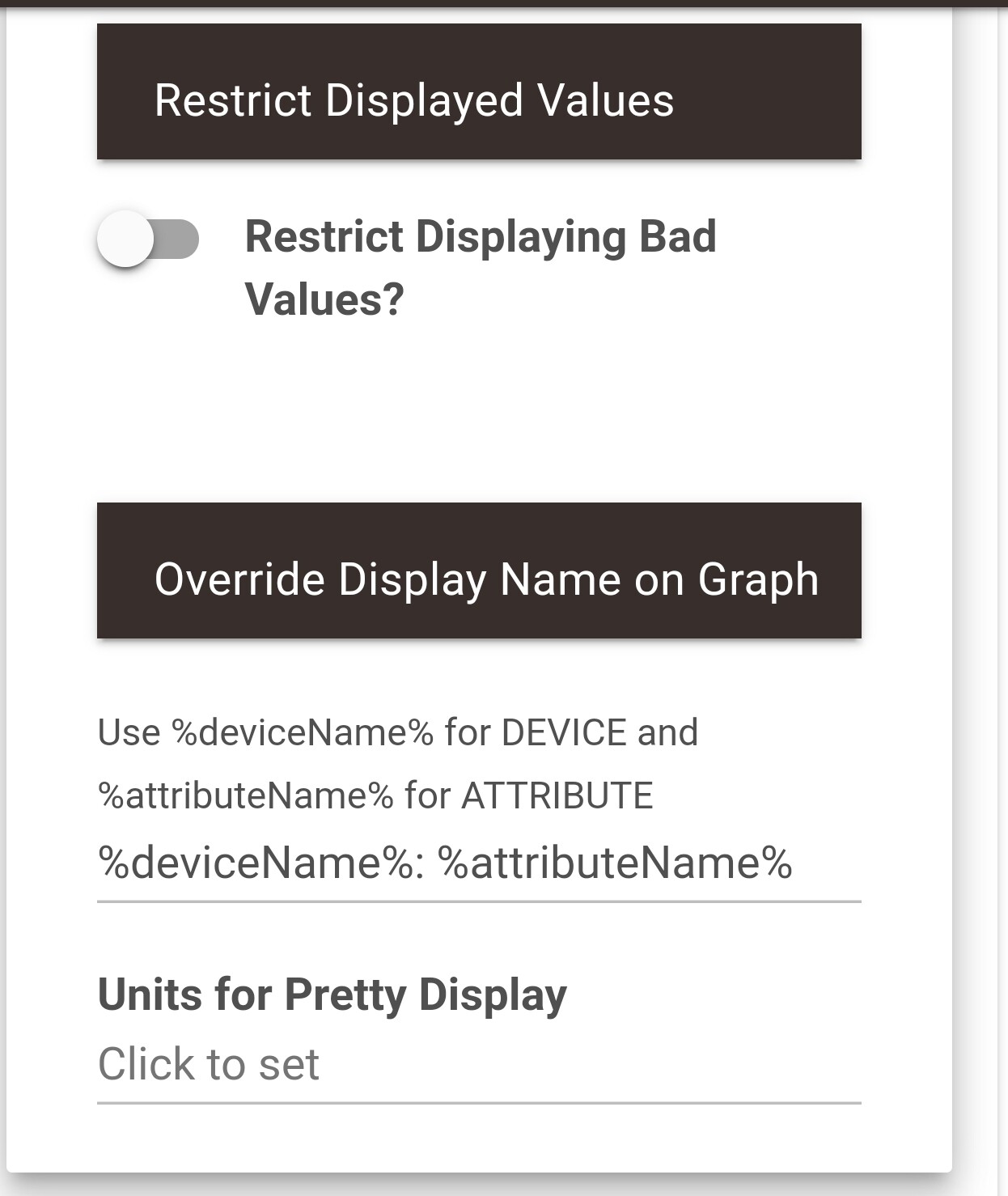
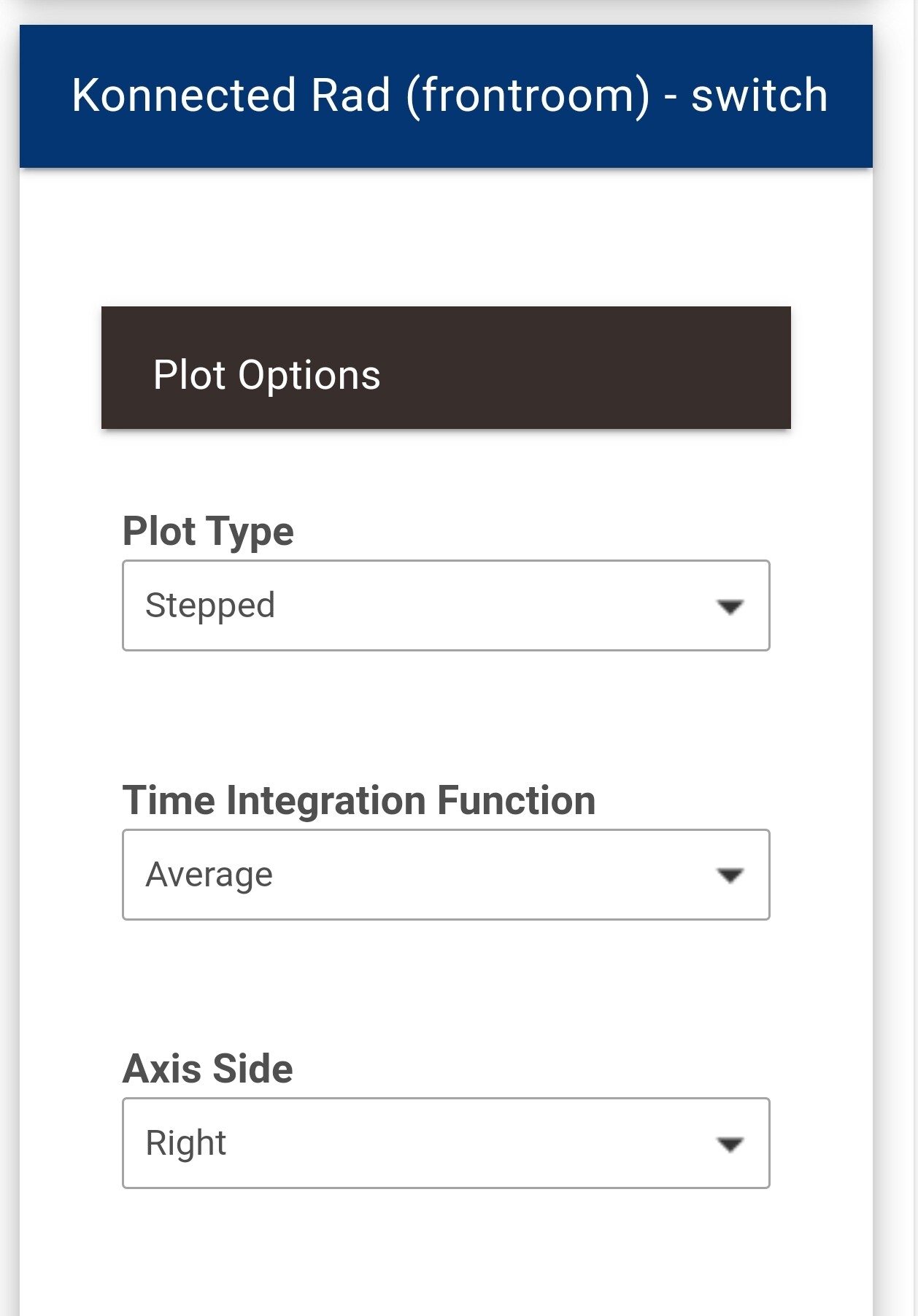
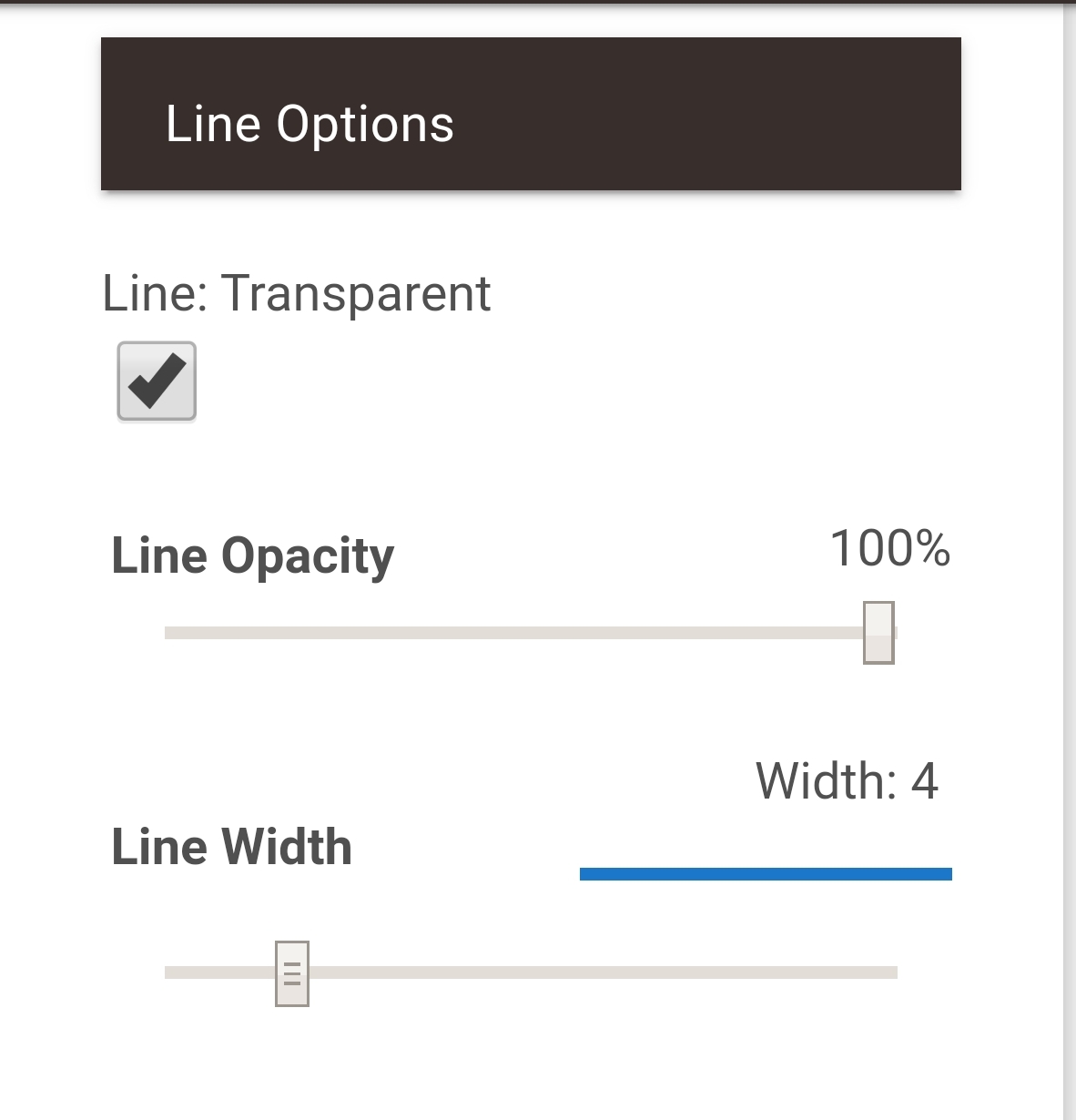
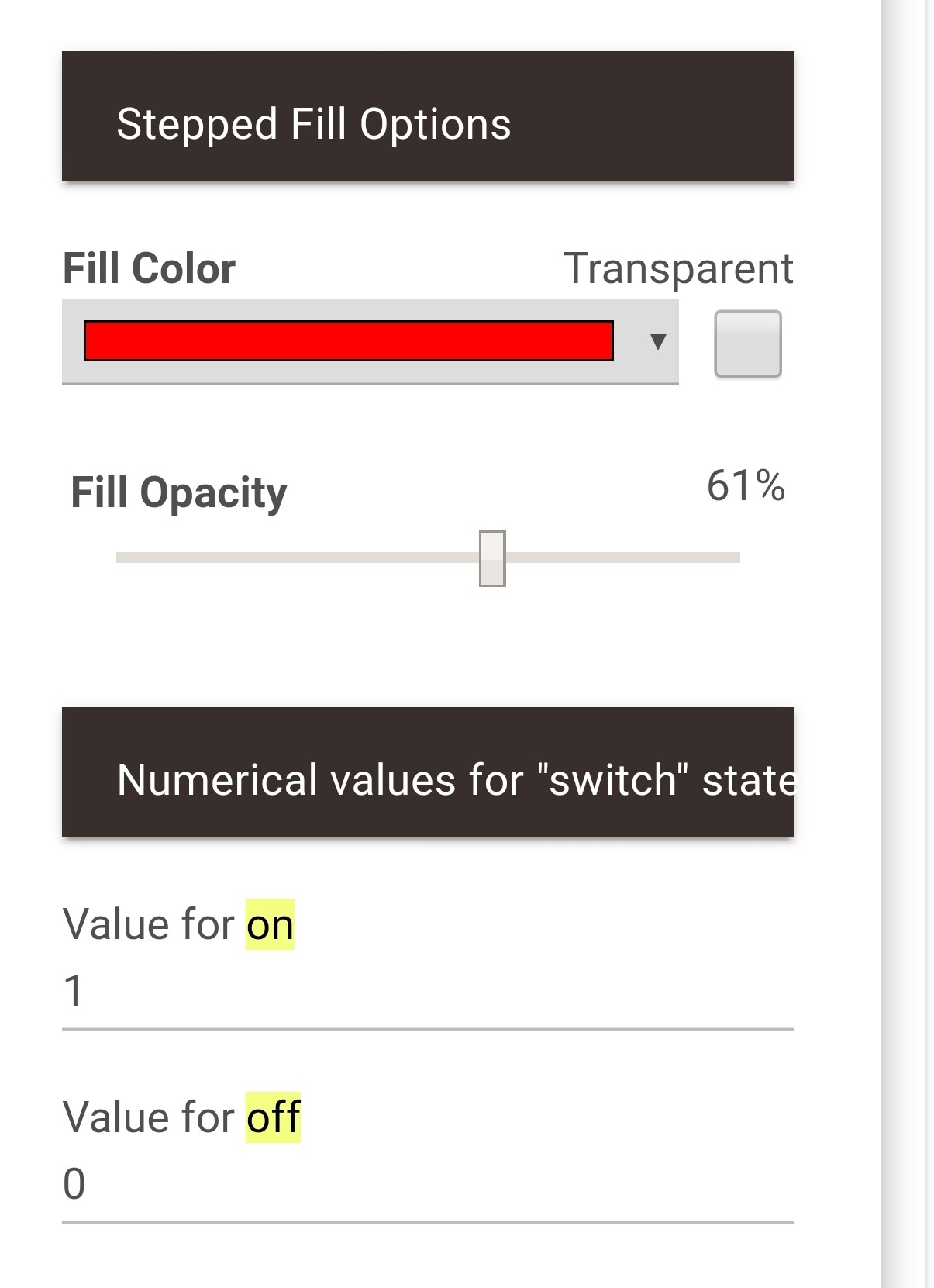
It looks like the first "on" time is missing the starting point. The second one seems correct to me. Maybe you're missing a beginning point, so it assumes it started at whatever value begins the series ("on").
I apologize if this has been covered, but a quick search didn't reveal anything. Has anyone else had issues with the Forecast Graph not refreshing? I have it on a dashboard that I leave open in chrome and while the Radar graph is refreshing on it's own, the Forecast Graph doesn't seem to refresh at the 5 min interval that I have it set to. I'm displaying the current weather and a refresh of the dashboard updates everything without issue. Any one have any thoughts on how to get it to refresh on it's own?
Forecast Tile .... Wow. It has been a while since I looked at that code... Weather Tile 2 kinda replaced it. That being said, OW tends to update forecasts on the hour (if that often)... Even updating every 5 minutes probably won't show much change....
I apologize, I misspoke. It's the Hubigraph Weather Tile 2 that happens to have the name of Forecast Tile. It's still not updating, from around yesterday afternoon. So when I refresh there is a 20 deg swing.
I like your app, not sure about the FAQ section, can't see any reason why someone would complain about a free app that obviously had lots of work and effort put into it.
Anyway, what I am try to get work is using the tiles in 'cloud' linkable dashboards for Hubitat. It doesn't seem to show any data except when dashboard is invoked using the local ip address links.
Let me know if there is something a miss.. thanks.
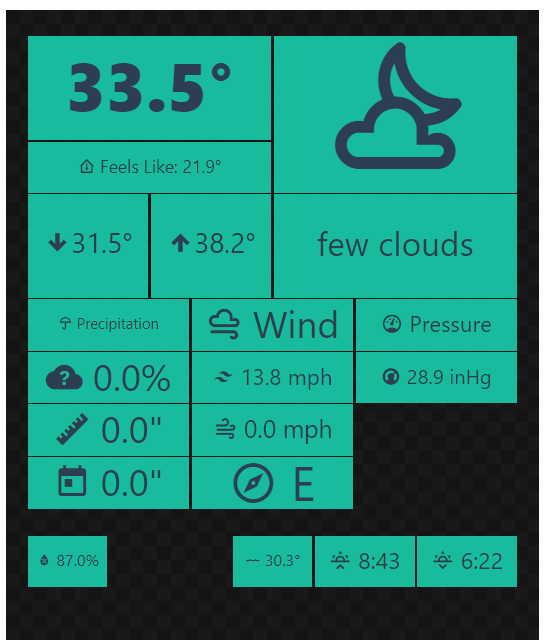
On the subject of the weather tile, is it possible to use my own weatherstation as input? I have a Tempest Weatherflow and there is already a driver available for it.
@Kulfsson, absolutely. Open Weather is the "default". I actually use a Tempest for my current conditions and OW for HI/Low and forecasts. I am working to separate the Weather Widgets from Hubigraph for a major release; but for now, I would recommend using Weather Tile 2.0.
@s1godfrey, I have still not figured out how to access a "cloud" iframe (which is what Hubigraph uses). Once I figure that out, I will make the option available.
3 Likes
@pltaylor3, sounds like something is failing in the JavaSccript. If you could post the error produced by the console (in the browser), we can figure out what is going on. I just ran a test on my tiles and do not see an issue...
@thomas.c.howard Much appreciated! That would be an awesome upgrade!
That sounds great. I have tested this in the past and did not get it to work properly. Are there any specific things I need to do ?
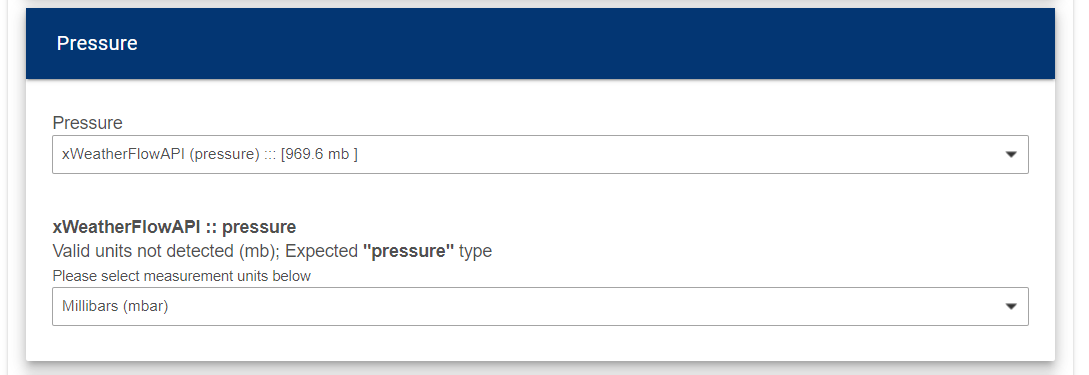
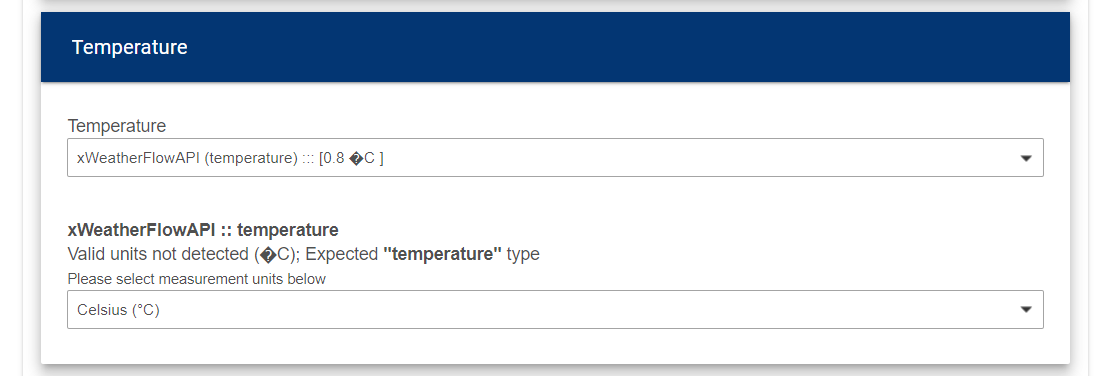
I have the aforementioned Weatherflow API driver setup, and I can indeed choose it in Hubigraphs, but the widget does not show the correct numbers and when choosing for example temperature, I have a strange character and Hubigraphs does not recognize the number as a temperature, so I have to choose the format.
The Openweather driver is installed as well, so probably your app is taking it's data from that ?
For now I have configured pressure and temp:
And this is the result: