I was reading the topics related to Home Assistant and especially newer hub owners that want to have their HA and HE to work together. Four years ago, people asked if HubConnect could interconnect HA just like it did for SmartThings and Homebridge. For at least 4 years, I’ve said: “I don’t use Home Assistant, don’t have the skills to write something for HA, but the documentation of the API exists and someone with both the skills and the desire, should tackle that.”
I’m looking for Alpha Testers. I still don’t have the HA skills BUT I do have a CODEX subscription and I now have a working “HubConnect Remote Client for HA” at an Alpha Test level.
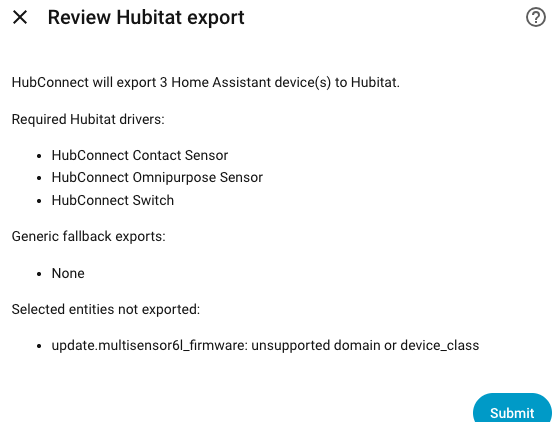
Because it’s Alpha, I’m assuming that there may be HubConnect users (current or former) that know what this means. You define a HubConnect Remote instance, copy the key, paste it into the HA HubConnect instance and voila, they are connected. Identify devices (on the Hubitat side) and the Attributes show as Entities on HA. Identify Entities on the HA side and a device is created in Hubitat that will have matching Attribute(s). Once the mirroring is established changes on either end are reflected to the other end.
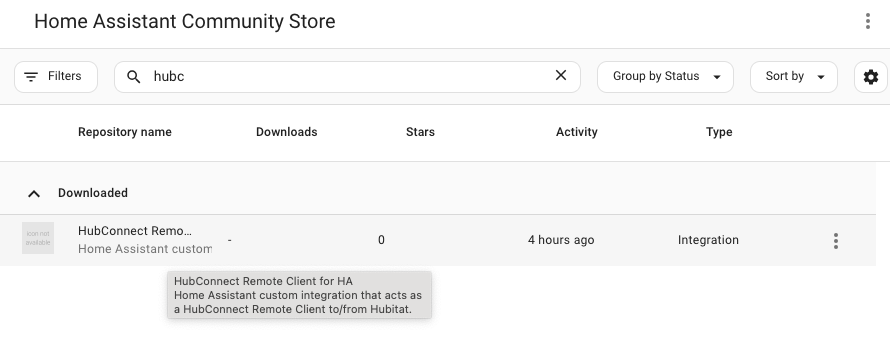
In other words, it does the job of HADB plus HA-HE combined. It’s installed on the HA side via HACS (custom repository).
The connectivity portion isn’t really Alpha, it works quite well. The Alpha portion is the list of potential devices. Devices may exist in 2026 that aren’t accounted for in HubConnect drivers.
Any interest 4 years late?
The steps are:
Add the url (below) as custom repo, category Integration.
I took a fully reset Hubitat hub, downloaded two HubConnect bundles, installed HubConnect and then clicked Connect a Hub. I filled out the form, pasted the connection key to my freshly built HomeAssistant VM. Then completed the Hubitat Verify step. Done.
Although I do have plenty of experience with these Packages, it took under 5 minutes to do.
A couple minutes later I had selected a Hubitat device and mirrored it to HA.
This test was created to verify the instructions, not get something production ready. I have that running on my other Hubitat Hub and other HomeAssistant VM
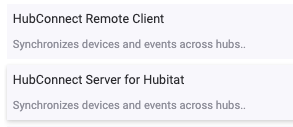
You only need ONE of those per hub. There's one Server hub, period and any additional hubs all need the Remote Client. HomeAssistant get's it's Remote Client via HACS.
I’ve got the HubConnect Server for Hubitat installed and shared a device.
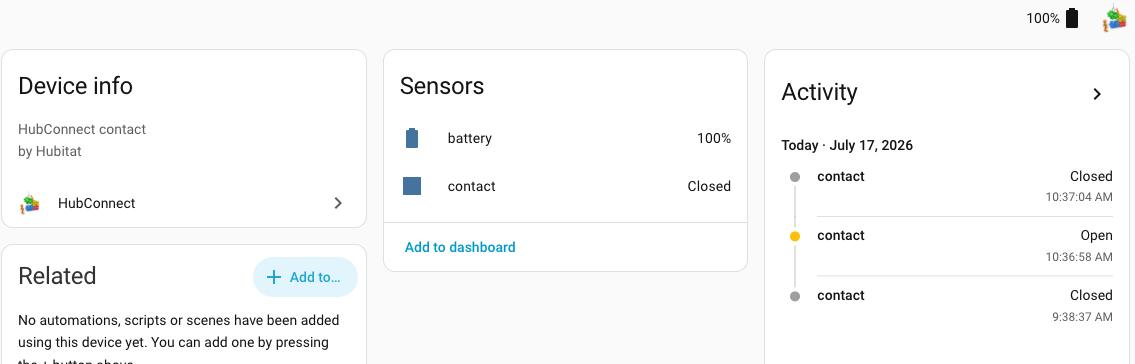
On the HA side I have HubConnect installed. It can see the device that hubitat shared and sees state changes.
Not sure if I’ve set up the reverse properly. I shared a different switch and temperature devices in HA but don’t see anything in Hubitat. Not sure how it gets to Hubitat.
If it requires the HubConnect Remote Client on Hubitat, I can’t get that installed as I’m hung up on the server hub’s connection key. Not clear where to get that.
It does not. That bundle is used only on a 2nd Hubitat added to the array. The package on HA that you installed via HACS IS the remote client, 'translated' from groovy to php for HA.
Another way to think about is that one hub is assigned to be central, it's called Server. Then a 'ring' of other hubs are connected using Remote Client. Obviously if this is just two hubs, one Hubitat, one HA, then it's the worst 'ring' shape ever
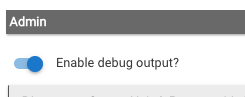
To debug the device sharing question, begin on Hubitat, the HA instance, and enable debug logs:
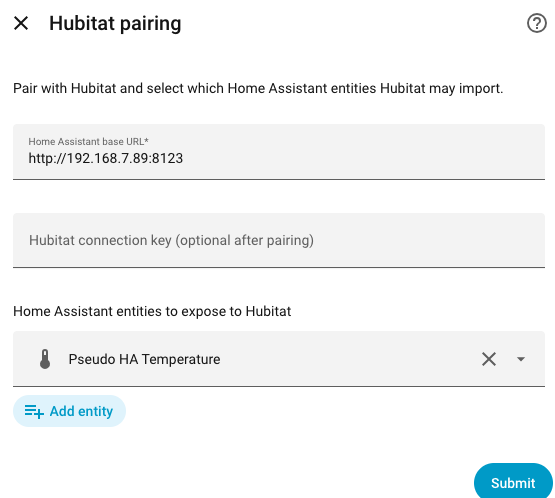
Open Hubitat’s Log page, in it’s own tab, and then on HA, inside HubConnect, Submit again.
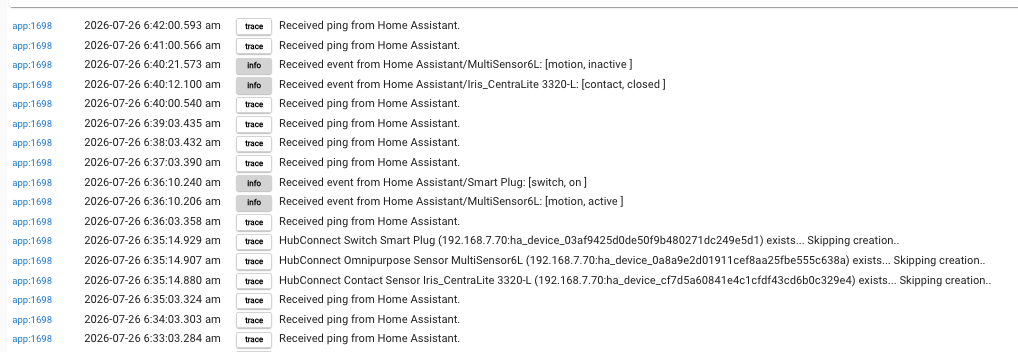
You should see, in Hubitat’s logs, details from the HA remote… you should certainly see pings:
app:1697 2026-07-25 12:48:26.596 pm trace Received ping from Home Assistant.
What specific Entities are you selecting to sent to Hubitat?
The instructions ask that you retain the Bearer Token. IF you have done that, there’s a way to query HubConnect4HA for it’s status. Unfortunately it’s a wad of Json, and this human (me) can’t find what I’m looking for without running it through a a beautifier.
Let me know if you saved that token and I’ll help you get the ‘shadow’ information.
I’ll try what you suggest in the morning. The two devices I’m trying to send from is a Wled light entity “switch” and a Bluetooth temperature sensor.
I didn’t save the token unfortunately. If I recall correctly I tried to use it but kept getting an error message of illegal token or something so figured I had the wrong thing.
If you can point me to a file I can have my friend Claude look for it.
did you install (from HPM) the Universal Drivers bundle?
it contains 58 drivers, including this small example:
HubConnect-Virtual-Presence-Sensor.groovy
HubConnect-Virtual-Smoke-Detector.groovy HubConnect-Virtual-Temperature-Sensor.groovy
HubConnect-Virtual-audioVolume.groovy
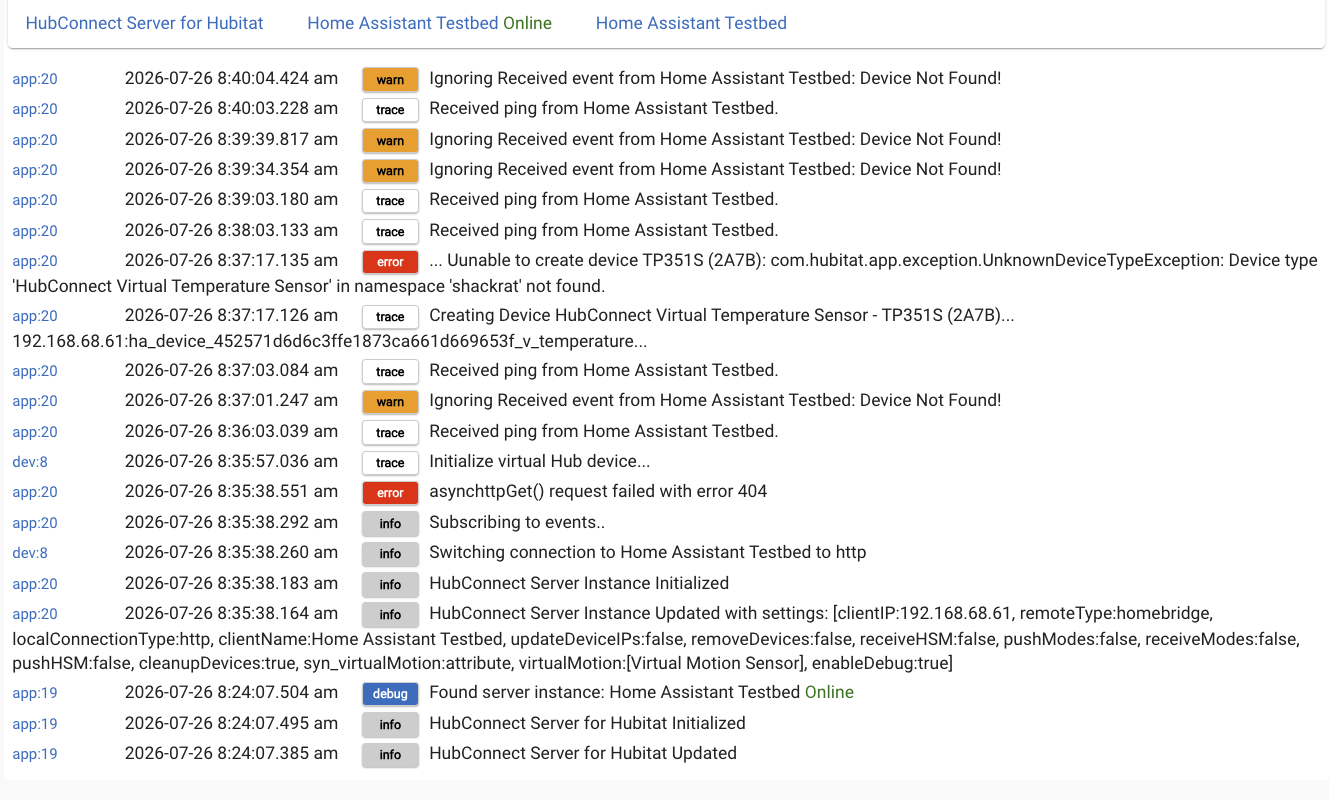
that ‘asynchttpGet() request failed…’ has been fixed.
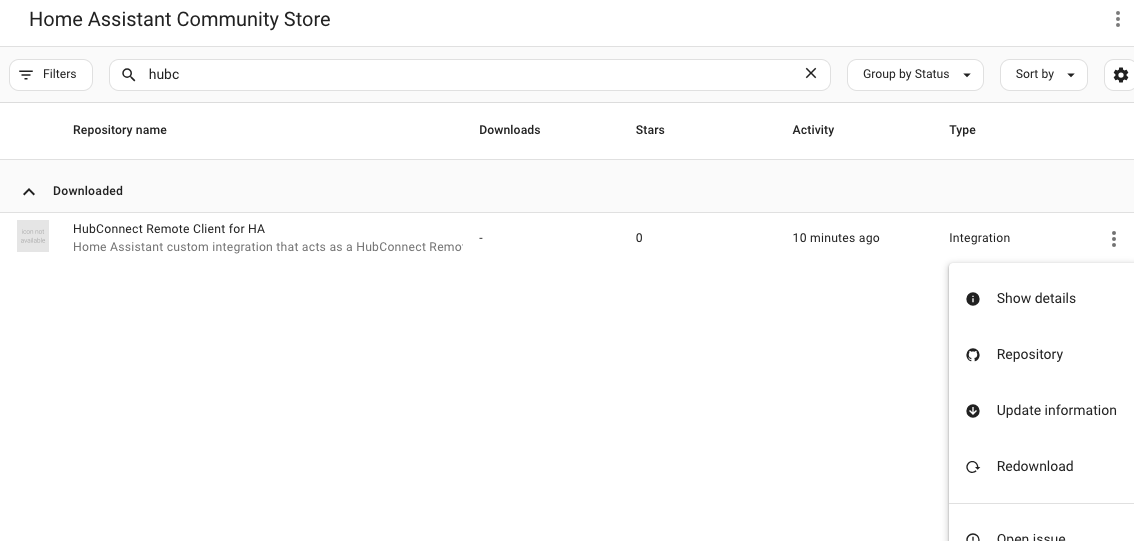
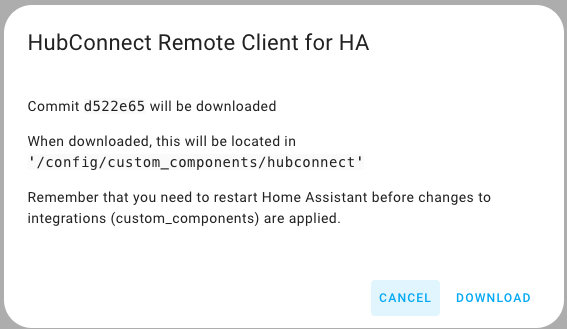
To update, redownload HubConnect4HA. In case you don’t know how, click on HACS in the left sidebar and click the 3 dots on the far right of HubConnect. Click redownload. You will then have to restart HA.
That did the trick. I’ve sent several different devices back to HA which seem to be updating properly. Very promising. Are there specific things you’d like tested?
Generally, HA is used within the Hubitat community for ‘weird stuff’.. which translates to ‘wierd entities’ that have no Hubitat match. Hubitat is quite extensible, but it doesn’t automatically extend. HubConnect is in a better position to close the gap, but weird is, after all, weird.
I’m testing some ideas around that right this minute, so stay tuned
It’s displaying the 3 choices / mechanisms for converting entities into Hubitat’s device/attribute format, that were hidden in the shadow/get Json. So, curl doesn’t matter anymore… except to ME and my debugging.




 look for it.