Where is that setting?
It is under Preferences in the Keypad Driver.
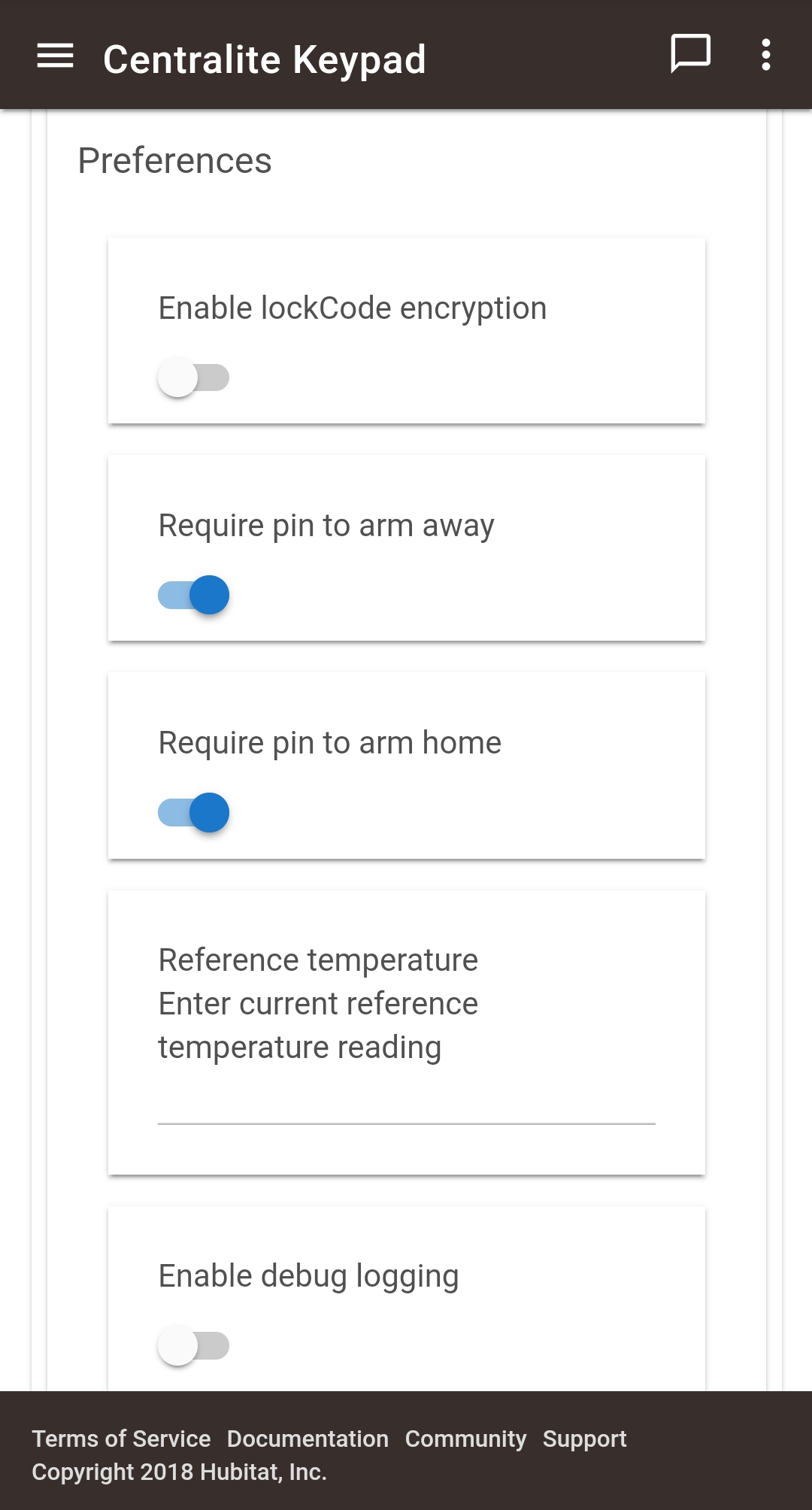
You're using the native driver in HE?
Yep, but you saw Mike's answer in the other thread
Yes.
I am having the same issues with the 3405-l using the central light driver.
I can see the key pad arming and disarming in the logs.
HSM mode does not respond or change at all though.
dev:702019-03-05 12:11:05.830 am infoLiving Room Keypad is inactive
dev:702019-03-05 12:10:53.200 am infoLiving Room Keypad was disarmed [physical]
dev:702019-03-05 12:10:53.184 am debugarmMode:01, armRequest:00, lockCode: [1:[name:Jarrod, code:1563]], armChanged:true
dev:702019-03-05 12:10:53.173 am debugdescMap: [raw:catchall: 0104 0501 01 01 0040 00 B170 01 00 0000 00 00 00043135363300, profileId:0104, clusterId:0501, clusterInt:1281, sourceEndpoint:01, destinationEndpoint:01, options:0040, messageType:00, dni:B170, isClusterSpecific:true, isManufacturerSpecific:false, manufacturerId:0000, command:00, direction:00, data:[00, 04, 31, 35, 36, 33, 00]]
dev:702019-03-05 12:10:51.026 am debuggetMotionResult: active
dev:702019-03-05 12:10:51.023 am debugdescMap: [raw:catchall: 0104 0501 01 01 0040 00 B170 01 00 0000 07 00 , profileId:0104, clusterId:0501, clusterInt:1281, sourceEndpoint:01, destinationEndpoint:01, options:0040, messageType:00, dni:B170, isClusterSpecific:true, isManufacturerSpecific:false, manufacturerId:0000, command:07, direction:00, data:[]]
dev:702019-03-05 12:10:50.661 am debugdescMap: [raw:catchall: 0104 0020 01 01 0040 00 B170 01 00 0000 00 01 , profileId:0104, clusterId:0020, clusterInt:32, sourceEndpoint:01, destinationEndpoint:01, options:0040, messageType:00, dni:B170, isClusterSpecific:true, isManufacturerSpecific:false, manufacturerId:0000, command:00, direction:01, data:[]]
dev:702019-03-05 12:10:44.450 am infoLiving Room Keypad was armed home [digital]
Do you have the keypad assigned to HSM?
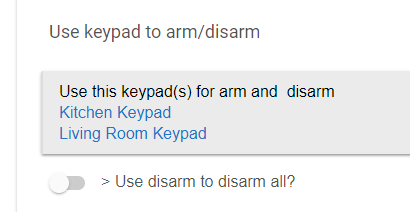
It's under Arming/Disarming options. If you don't have it selected there it doesn't tie into HSM.
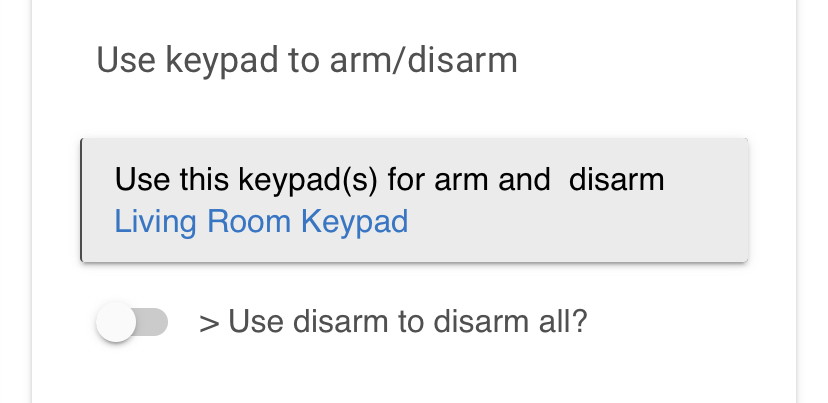
Yes. I do. I have removed and re-added it three times while completely defaulting the keypad each time. All functions work on the keypad. It makes the right sounds when arm and disarm are done via dashboard, works as siren for alarm. HSM mode is not changing when keypad is armed / disarmed. HE logs show that keypad is arming and disarmng.
Do you wait for the arm delay countdown to finish?
Where are you looking to determine the HSM mode did not changed?
The last time I had problems with HSM I uninstalled the app and then reinstalled it, that solved the problem.
- There is no indication in the log that the HSM mode is changing.
- The dashboard tile does not reflect. mode change.
- Apps>HSM>no indiction of modem change.
Again HSM modes changes fine when using the dashboard or app to arm and disarm.
The keypad shows in the log as being armed and disarmed.
HSM mode does not change to match the keypad mode.
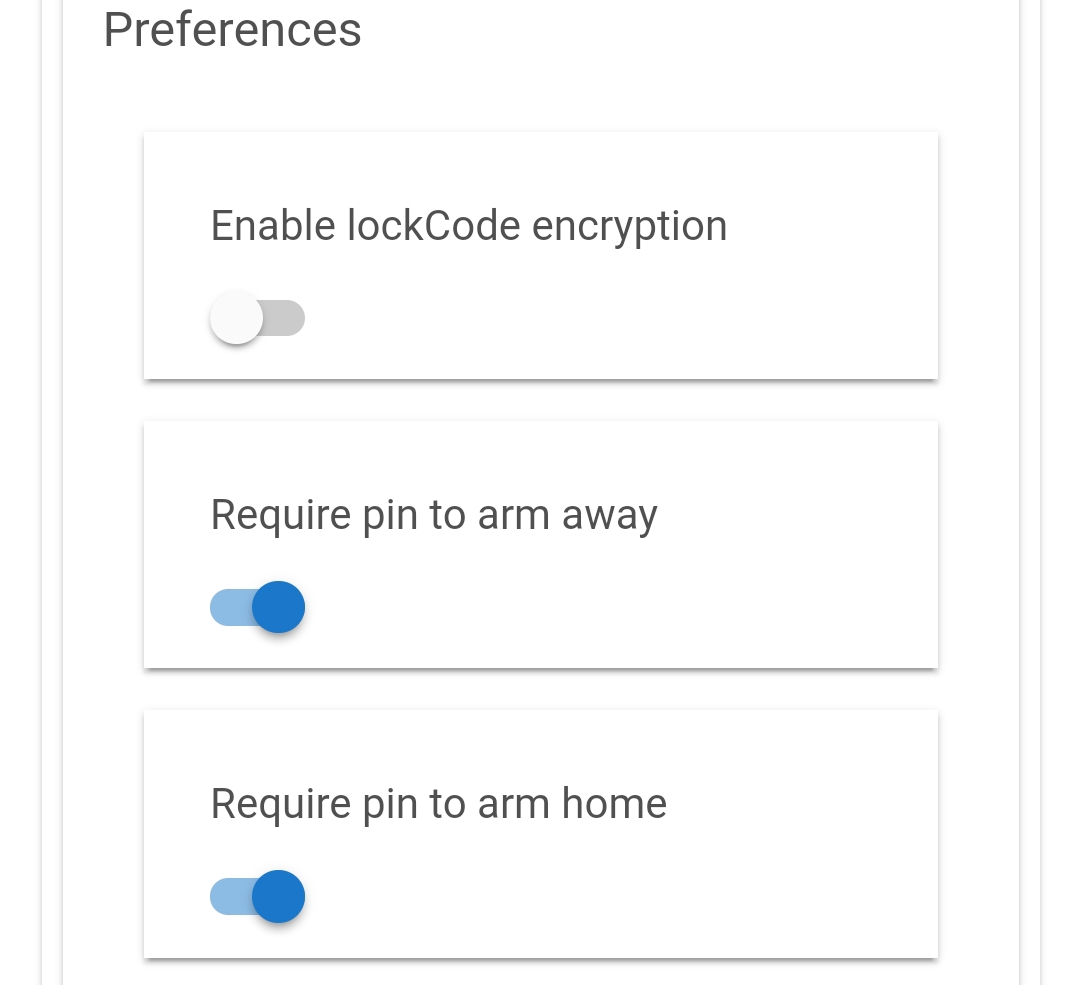
I added the codes on the device driver screen.
I already have those 2 options enabled.
I am using the 3405-l model keypad.
dev:702019-03-05 12:10:53.200 am infoLiving Room Keypad was disarmed [physical]
dev:702019-03-05 12:10:53.184 am debugarmMode:01, armRequest:00, lockCode: [1:[name:Jarrod, code:1563]], armChanged:true
I finally got my keypad to work.
After pairing the keypad (which I had factory defaulted, removed, and re-added 5 times in this process) I noticed there would be a constant flashing green light in the top right corner. This was the status consistently with 2 days of troubleshooting.
After successfully pairing and getting to that green flashing light, remove the batteries (don't default it) and re insert the batteries. The green light goes away and they key pad functions normally.
Lol, I recommended the batteries removal to another user but not to you, sorry for that and I'm glad you got it working.