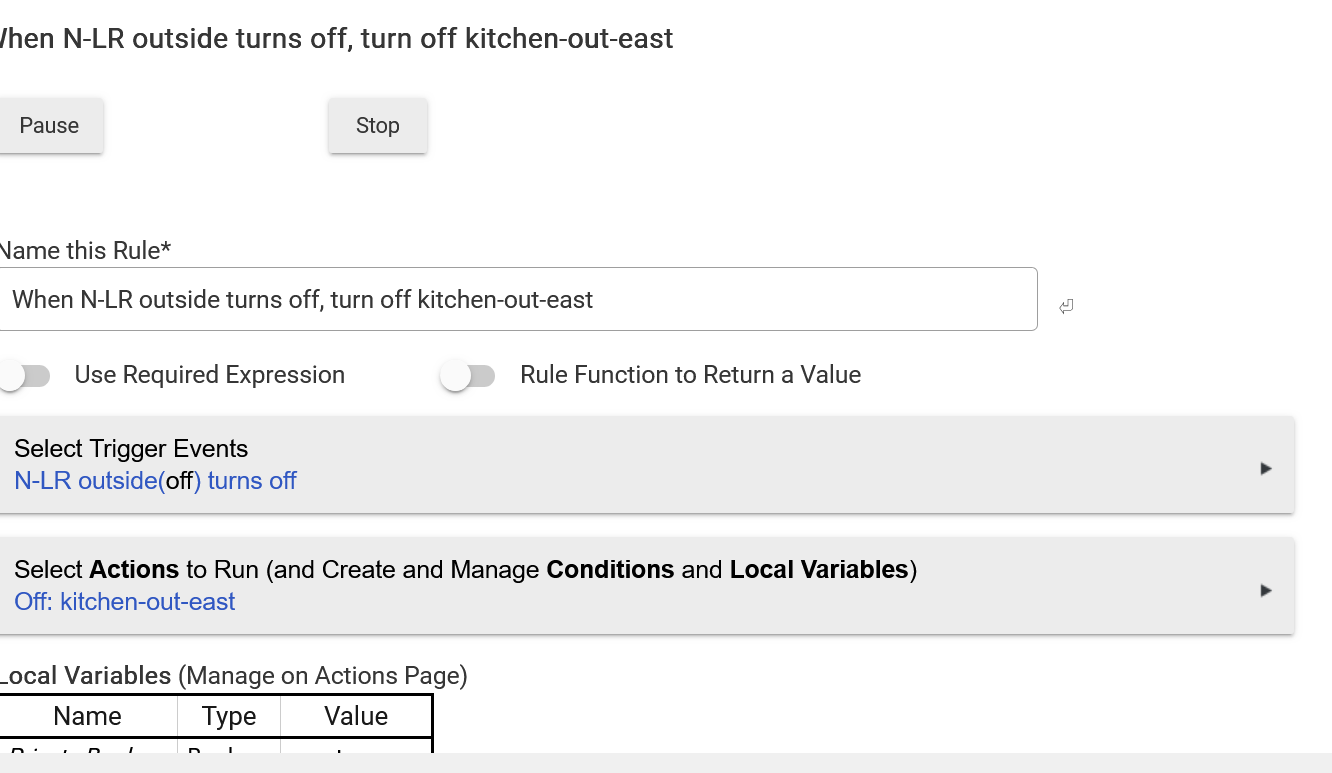
I want to ask questions about a rule. What is the best way to present the rule so that others can easily comment on it. Using a screenshot is recommended for logs but I can't figure out how to get the whole rule on one screen. The rule is not long but the fill-in-the-boxes it is very verbose.
Is there a way to show the rule in condensed form?
If you haven't tried to search for your question, you can try that. Many rule questions out there. If you can't find it or do and still need help go ahead and post your question(s) and someone (or in most cases, many) will help.
For the rule in your screenshot, it looks like you could do it with just one additional screenshot.
Do you have other rules that have much longer lists of actions?
If you are really loathe to take a few screen clippings to share a rule (which is what most of us do), there are browser extensions that can assemble a webpage into a single image for you.
For example:
Not advocating for or against that specific extension, it’s just one that I’m familiar with. There may very well be others that work similarly.
As others have stated use the snipping tool Windows + Shift + S. I haven't used gofullpage but just looked at it in and it looks like it could be useful if you do a lot of screen captures.
Taking a screen capture is very easy using Firefox. I think I can force it to capture unseen parts of the screen by setting it to "Save full page."
Thanks for the assistance.
Yeah, using screenshots is a poor, no-scalable way of documenting anything in the Hubitat platform. The lack of a text based export for non-code objects (rules, devices, apps) is a significant impediment to provide assistance, sharing HE configurations, documenting a configuration, using any form of revision control, bisecting changes to isolate problems, and most other practices in code as infrastructure or configuration management.
But there's little other choice than to use screen shots, particularly for app settings and rules.
You mean to tell me that Windows still has no built-in way to do this?! What about one of the Linux distros? Acrobat has a recognize text feature, but those a-holes want you to pay for it.
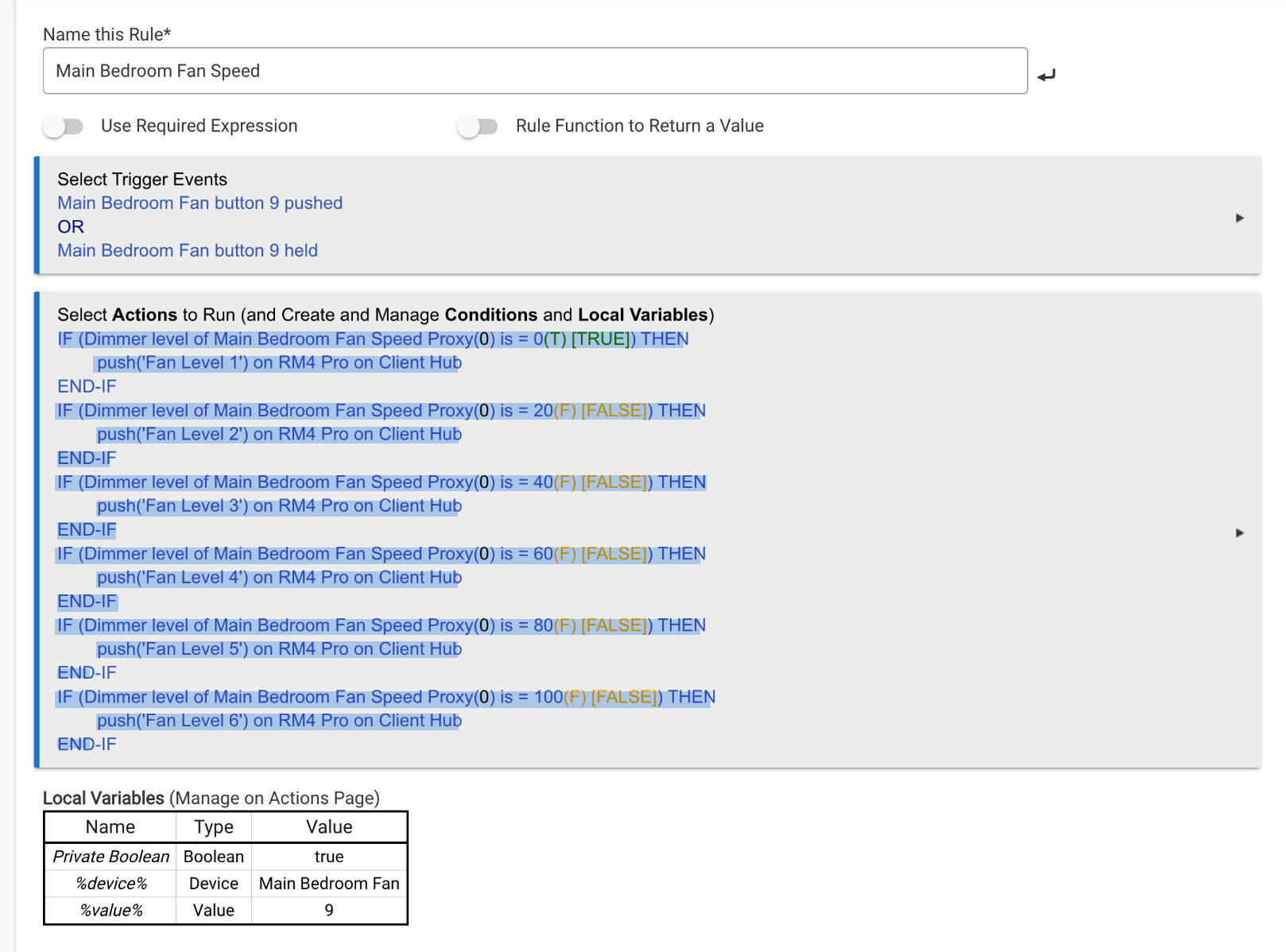
On a Mac, you simply use GoFullPage (if needed) and then export as PDF. When you open the PDF with the built-in Preview application, you can highlight text and copy it.
Note: Example below is saved as PNG because PDF file cannot be posted in the forum.
IF (Dimmer level of Main Bedroom Fan Speed Proxy(0) is = 0(T) [TRUE]) THEN
push(Fan Level 1) on RM4 Pro on Client Hub
END-IF
IF (Dimmer level of Main Bedroom Fan Speed Proxy(0) is = 20(F) [FALSE]) THEN
push(Fan Level 2) on RM4 Pro on Client Hub
END-IF
IF (Dimmer level o f Main Bedroom Fan Speed Proxy(0) is = 40(F) [FALSE)) THEN
push(Fan Level 3) on RM4 Pro on Client Hub
END-IF
IF (Dimmer level of Main Bedroom Fan Speed Proxy (0) is = 60(F) [FALSE]) THEN
push(Fan Level 4) on RM4 Pro on Client Hub
END-IF
IF (Dimmer level of Main Bedroom Fan Speed Proxy(0) is = 80(F) [FALSE]) THEN
push(Fan Level 5) on RM4 Pro on Client Hub
END-IF
IF (Dimmer level of Main Bedroom Fan Speed Proxy(0) is = 100(F) [FALSE]) THEN
push(Fan Level 6) on RM4 Pro on Client Hub
END-IF