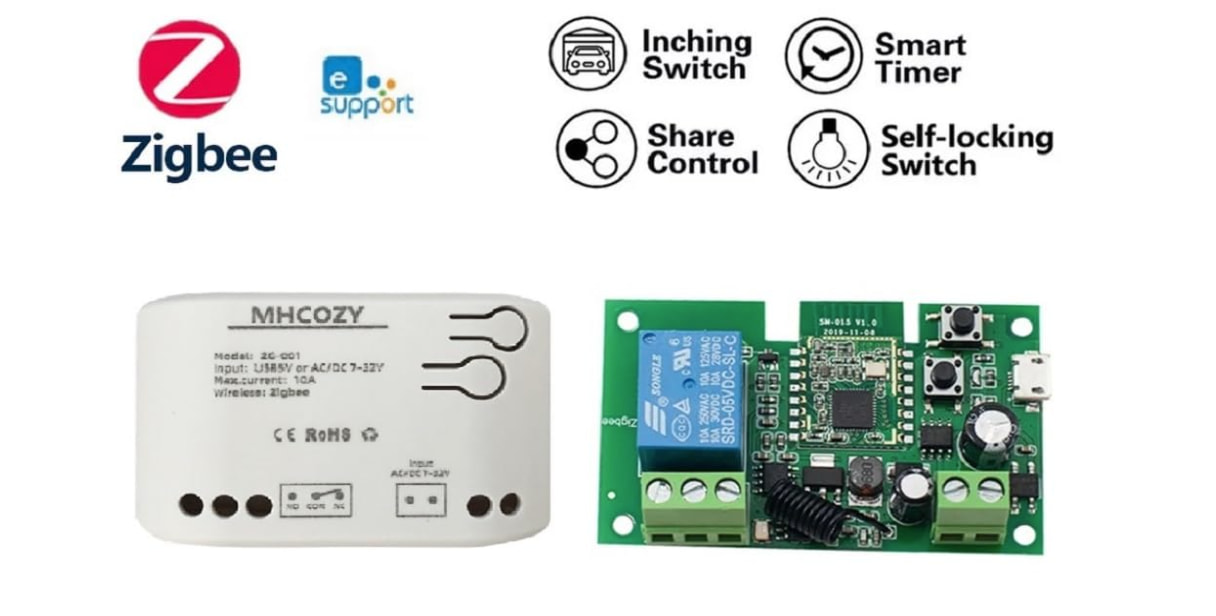
I want to use an MHCOZY relay to control a cabinet solenoid lock to let my horse out of her pen when she is done eating. She is the world’s slowest eater, and it would make my life so much easier if she could be let out automatically.
I have the Hubitat c-7 hub, it is connected to a MHCOZY relay, and the relay is running on a 12V battery and the latch is attached Positive to NO and neg to COM. I have the auto-opening gate figured out. But, I am mechanically oriented, and the rule writing is beyond me.
Please help me write the rules I need. I am happy to buy additional stuff- do I need some kind of physical button to press to start this? I am open to all ideas.
Here are the steps:
Put the horse in the pen and latch the rope.
Wait 50 minutes while she eats or I can do the math in my head and figure the time it needs to pulse the latch
Pulse the latch, I gather it just needs a second or two to open
gate stays open until I close it at next feeding time.
As you can imagine, feeding times are not exactly predictable from day to day.
I really appreciate any help I can get. Thanks so much!
Put battery operated smart button at the pen. Push the button to trigger a rule that opens the latch 50 minutes later. Third Reality stuff is reliable.
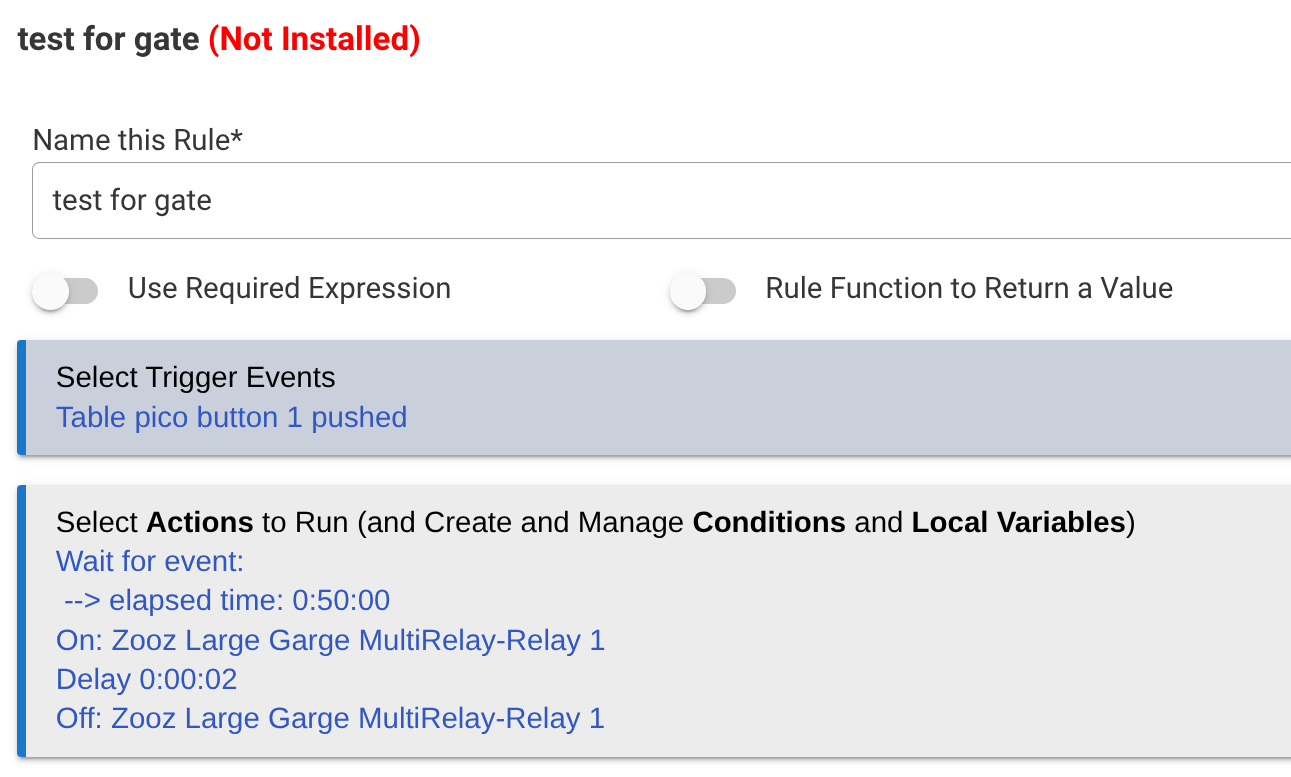
A variation on this Rule Machine rule should get you there.
Depending on your exact model of relay it's possible you can use a simple pushbutton on the inputs (S1?) to trigger the rule. If the relay comes with an RF remote that may work also.
If you know the relay's model number it can help with recommendations for automations.
Hmm, this Amazon listing shows no separate S1 inputs as such it seems, but it looks like it has an onboard On/Off switch that you could use to trigger the relay/rule. Shows it has RF capability so a cheap remote should also work.
Plus it looks like it does have a built in timer as per @bbrannon above.
Since you already have the MHCOZY might as well try it.
Start with identifying the exact device using this THREAD for a guide.
Pair it to Hubitat and see what parameters are exposed.
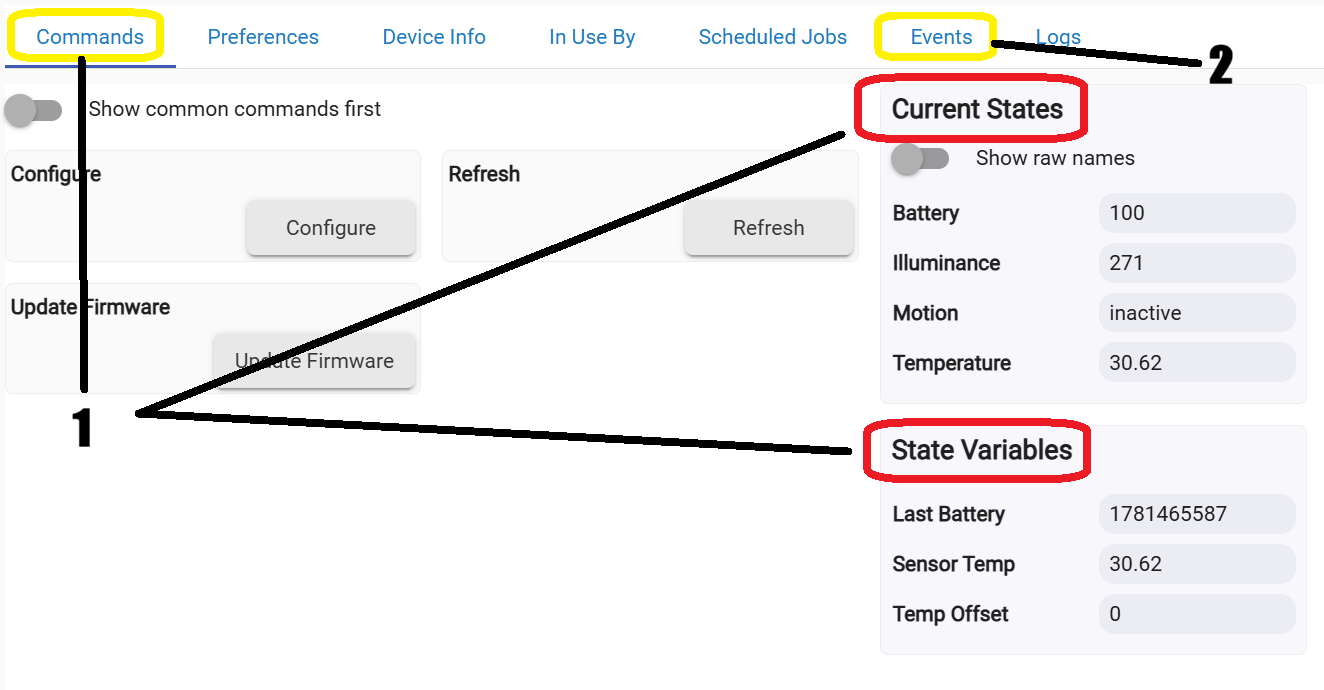
Screenshots of the Current States / State Variables and Events tab should show what your relay supports.
You have what you need. There is a button on the front of the board, so as long as the board is accessible to be a button for you near the gate, you can just use that to turn on the relay to cause an event that an automation rule can use as a trigger. "Switch" should be the lower button, to toggle on and off.
Press the button on the front of the device to start the automation timer for the pulse to happen after 50 minutes. This will leave the lock solenoid powered, which is not what you want, so the first thing the rule would would do is turn the relay back off, and then it would start a timer to run in 50 minutes to to do the on-off pulse. "Off" is a separate event, so that would not start the timer, when you turn the relay back off.
That gives you a button next to the gate that starts the timer, without adding another device. For the automation, you can use Simple Rules, Rule Machine, Webcore, or maybe a custom app. I haven't tried visual rule builder, but if you are good with flowcharts, that may be something to try.
Using the board button as the trigger event means you have to select a "physical" event for the trigger event, as that identifies you as physically pushing the button on the board. A "digital" event is when an automation turns the switch on. So, you don't want your rule to react to the 50 minute timer pulse when the automaton turns the relay on, as that will start another 50 minute timer, so it would just pulse every 50 minutes.
The rule is just one "if" condition, in Rule Machine the relay state change is called a trigger, and it triggers something to happen, or a list of things happen.
If the latch switch turns on, and the event is physical
turn off the latch switch ** so it doesn't stay powered
wait 50 minutes
turn on the latch switch
wait 2 seconds
turn off the latch switch
You may want to check out this custom flowchart type automations app: