As the integration has evolved with the Ecobee thermostats from using cloud based custom drivers (Ecobee Suite) or built in drivers polling. Then to using the Home Assistant Device Bridge app to give local control control of both configuring the thermostat and getting real time events without polling.
Now with Hubitat and native control though HomeKit I was wondering if I should shut down the HA Bridge app (and turning off HA ) and just running the Ecobee though Hubitat again.
I let the Ecobee run what it does best and usually only let the Hubitat respond with other automations based on those events. Just wondering what folks think about the HomeKit integration, I need to preserve the following capabilities:
External Sensors report room temperature
External Sensors report that the room is unoccupied
Thermostat sensor that the room is unoccupied
Thermostat sensor reports humidity
Also do all the scheduled modes come across and can I set mode based on the name including "Vacation" mode? That is the only push activity to the Ecobee that I do with the Hubitat.
I am pretty sure this is platform wide. Those are the only available options in HA as well.
From all of the homekit integrations I have seen across any platform, vacation mode is not available. I just continue to use my away mode as the settings in use when I am on vacation. However, you could easily set up a rule to create hold temperatures that are more extreme than away if that is what you wanted to do. Whenever a hold is put in from Homekit, it is automatically "until changed." So, it will not resume or change the hold until you tell it to. I have a "vacation" mode setup in Hubitat that I used to use just for that purpose.
I keep my homekit Ecobee integration on HA for my own reasons. Primarily, HA allows mulitple locations for presence. So, I have it set up so that when either I or my wife leaves work, after a short delay, it resumes the home schedule automatically if it is currently in away mode. Sort of a home made version what ecobee's built in integration was supposed to do with smart recovery (but doesn't do effectively)
Interesting, mine would not do a temporary hold no matter what my ecobee hold setting was. I know there is a trick to setting away as a temporary hold. But, I liked that this was permanent as sometimes I am away across timed comfort settings.
What value does VENDOR_ECOBEE_NEXT_SCHEDULED_CHANGE_TIME property in data tab have? If not empty, it is supposed to trigger the 2nd part of logic that populates holdScheduleMode.
I have a virtual switch that indicates if any exterior door is open.
If a door is open, I want to override any existing program or human hold with an “away” hold.
When the doors are again closed, I want to RETURN to the previous state.
Obvious question is, what was the previous state?
Next question is how can I get the thermostat back to that state?
I do a variation of this when the temperature is above or below specific thresholds. So, mine is a bit complicated.
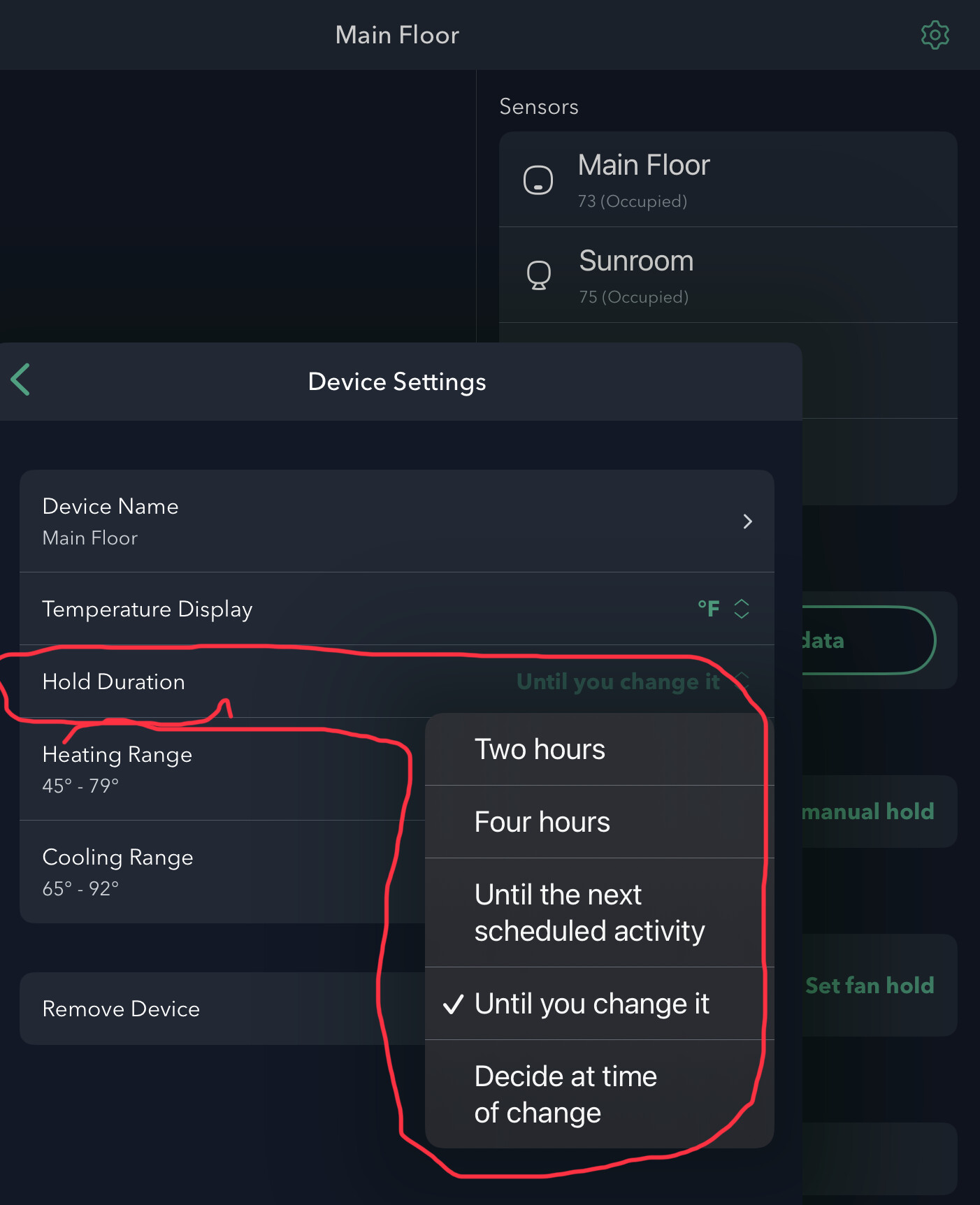
When you set to the away mode in Homekit, it usually does a permanent hold (skips any regular comfort settings based on time) unless they have changed how they do it in Hubitat vs Home Assistant. (there is a difference in the underlying command based on capitalization of the word "away." The default is for "until I change it")
In any case, the resume command (which is actually "clear hold") will just resume whichever comfort profile you have set up in the ecobee scedule.
You really should not need a virtual switch. The trigger would be: Contact/Door1, Contact/Door2, ..... (However many devices you have) any report open AND STAYS for however long you want the timeout to be.
Then set the first action to be to set the thermostat(s) to away mode
Then, set a wait for condition and list all the same contacts/doors from the trigger to report that ALL are closed (you could try a stays here too if you want, but I doubt it is necessary)
After the wait for, do the resume or clear hold command.
I do this all in Home Assistant right now. So, I can't comment on whether the visible commands are the exact same. In home assistant, Set Away mode is "Away" mode. So straight forward. But the resume is actually "Clear Hold"
The HE implementation follows the preference settings shown in my image above. (Both of the last two appear to be treated as permanent hold.)
I know, but I use it for other things.
Yes, but I would REALLY like to go back to the previous state, be it a program, hold a program, or hold a manual setting. But I would need more state information and the ability to control more of the state, and possibly a lot more logic.
For example:
It’s 4pm and the device has 2:31 left on a manual 4 hour hold of 78°-65°.
I apply an away hold from HE now.
What will the state be when I cancel the hold at 5pm? Or at 6:35?
I suspect it’s whatever the program wold be at that time and the manual hold would be forgotten
Nice. For homekit, "AWAY" mode is different than regular holds though. Or maybe it is based on T-Stat Model. I see they have new "homekit" submenus on the ecobee itself (but I do not have those)
I’m still trying to decide if the “best” way to control the thermostat is via modes or by brute forcing the “settings”.
I could replicate the schedule in HE and drive the programs myself. That would seem to be an easier way to take care of an AWAY setting when everyone has left and restoring back to the now “current” setting when someone returns.
But I “should” be able to do that with set/clear hold actions.
An update on my adoption of using Hubitat to control my Ecobee 3 & 4 thermostats via the HomeKit integration.
Bottom line: I give up!
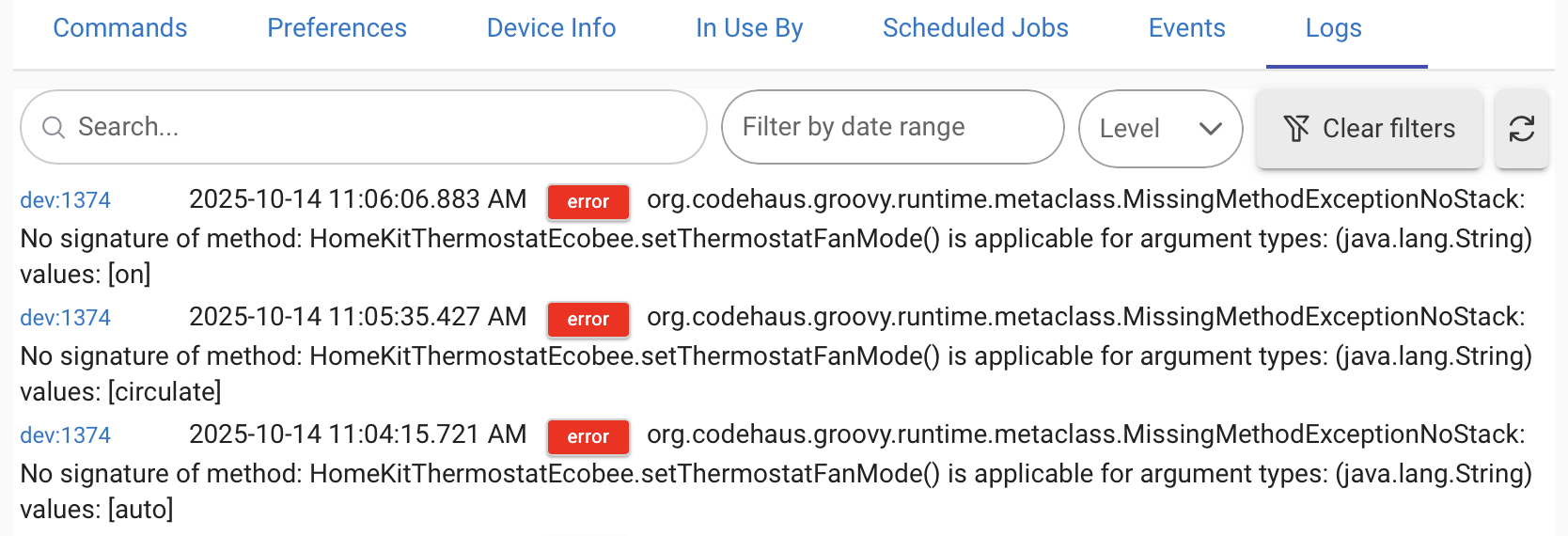
Setting it to “away” was hit or miss. Never figured out what affected this. Maybe it was the current state? Was it in programmed hold, manual hold, normal program? I resorted to changing one of the temperature settings then canceling the hold and the trying away again. I put this in a loop and checked if it worked; retrying as necessary. This worked “most of the time”
Same for resume.
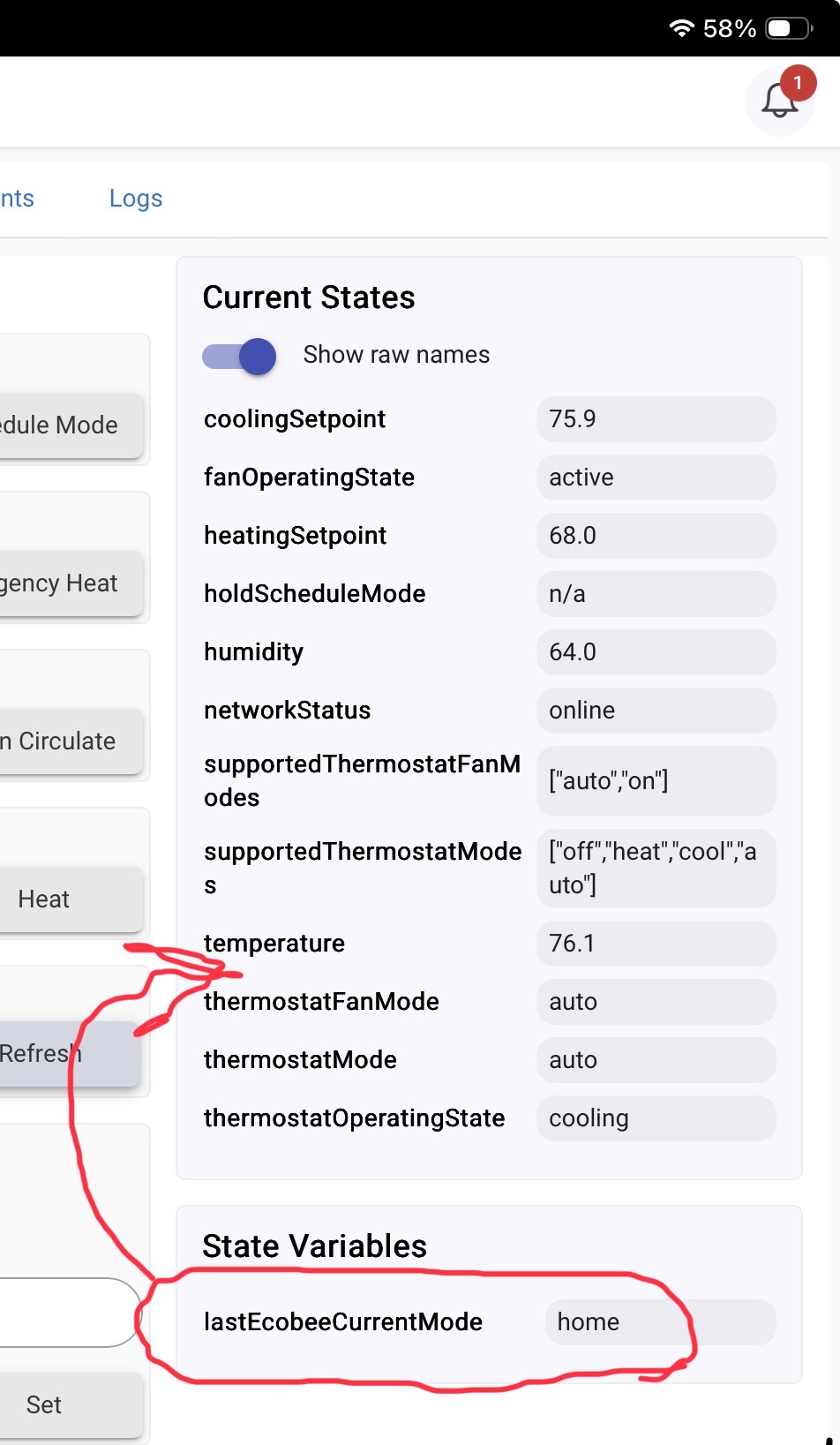
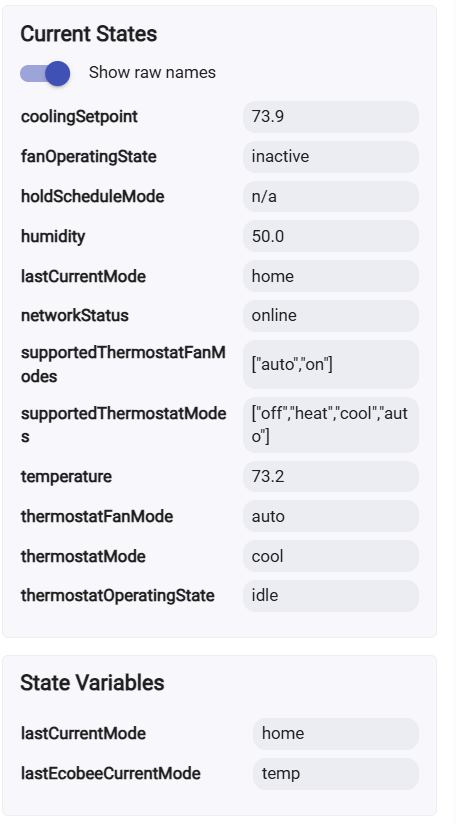
The lastCurrentMode was always the current mode so was useless for returning unless it was saved in a variable. It was usually “temp” which was not very useful.
So I returned to the system app/driver and am able to do all reliably (as long as the internet stays up.)