I feel like this has a simple solution that I simply can't think of, so I'd appreciate your grace if this ends up being a, "duh" question.
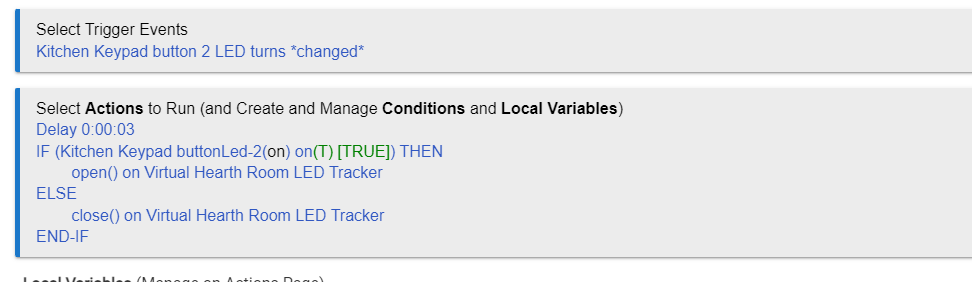
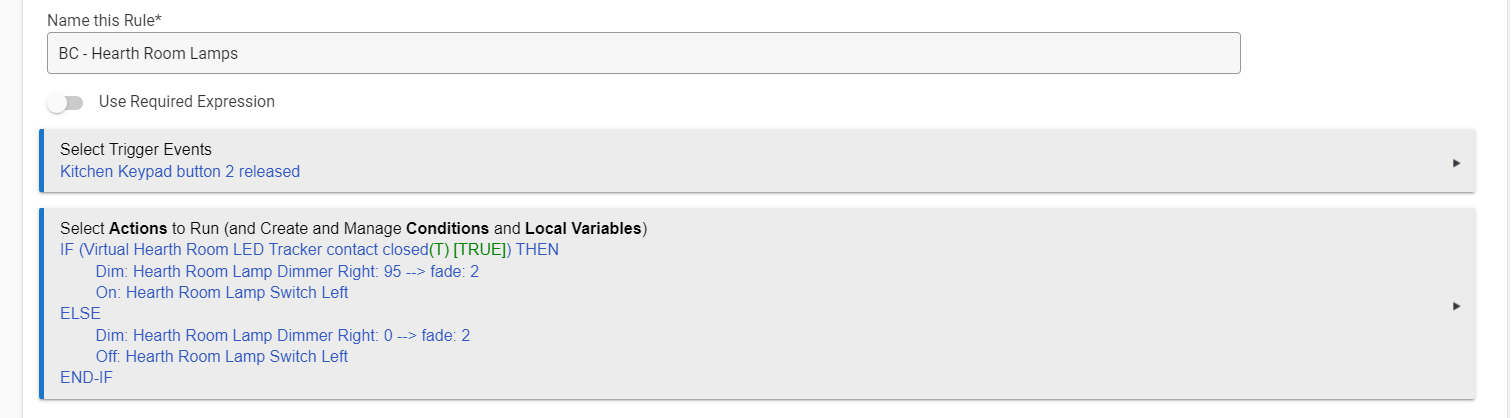
I have 2 Lutron Ra2 Dimmers that are predominantly controlled by a seeTouch keypad (button 2, specifically) programed in the Inclusive Software set to a simple toggle (press it once, it fades the 2 dimmers on, press it again and it fades the 2 dimmers off). I'm trying to figure out a way to add 2 Z-Wave dimmers to that and keep them sync'd (so I don't end up with button presses turning the Lutron lights on and the Z-Wave lights off and vice-versa), but I'm struggling with how to program it. Basically, if any of the Lutron lights are on, I want the button press to turn off the Z-Wave lights (and the Lutron lights) and if the Lutron lights are off at the time of the press, I want the button press to turn on the Z-Wave lights (and the Lutron lights).
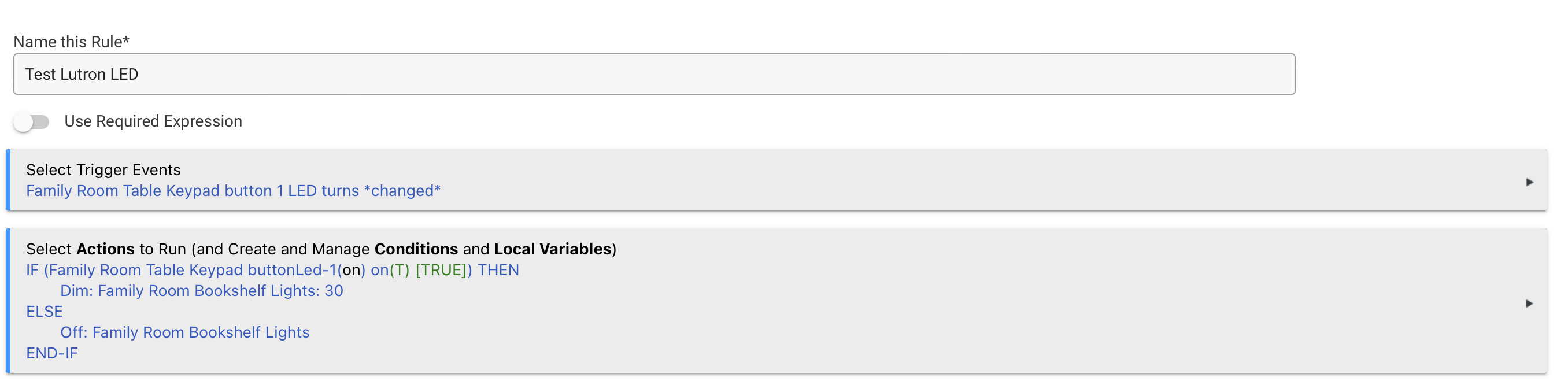
The reason it's a bit tricky is that you can't do a simple conditional action since the Lutron lights start moving as soon as the button is pressed, so no matter what, the state of the dimmers and LEDs on the keypad will be 'on' immediately after a button press - whether it is on it's way to 'on' or on its way to 'off'.
I'd prefer to not have to build in a wait for 2 seconds to check the state after the button press, though I suppose that could be an inelegant, utilitarian solution.
Any thoughts on how to accomplish this?
I know that another solution would be to remove the programming from the RadioRa2 software and do all of the programming via Hubitat instead, but I'd prefer to not do that.
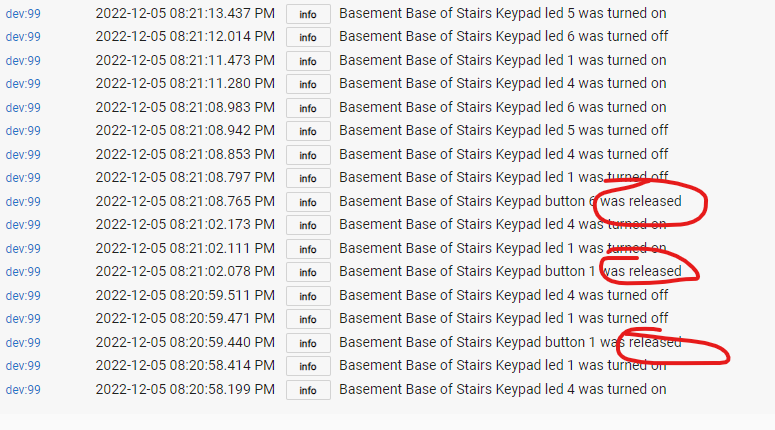
Other possibly relevant thoughts: my Lutron keypad for some reason only reports button 'release' over the Telnet. Presses aren't reported. Also, since the the button is programed by the Lutron software, doubletap/hold functions of the Hubitat driver aren't available.
I have a feeling that the answer may be found in room lighting rather than in Button Controller/RM, but I actually haven't played with room lighting yet. If what I'm trying to do can be found there, you don't have to lay it all out for me, I can go do the research on it.