Sorry, I should have said HSM support should be fixed with the latest update. I haven't done anything new with multiple button devices. I'm pretty limited with the number of buttons/options I can display on an AA screen so I'm not sure exactly the best way to display buttons. Plus, there's no long-press so only a 'click' is allowed on an AA button.
If you have any ideas how to handle a button -- either single or multiple -- let me know
As for multiple buttons, does the multibutton display that you just in the Android app not work with AA? If not, maybe you could show multiple single buttons on the inner button page (like for example locks where both the unlock and lock command buttons appear at once).
-- moved over to this thread since maybe others will be interested too --
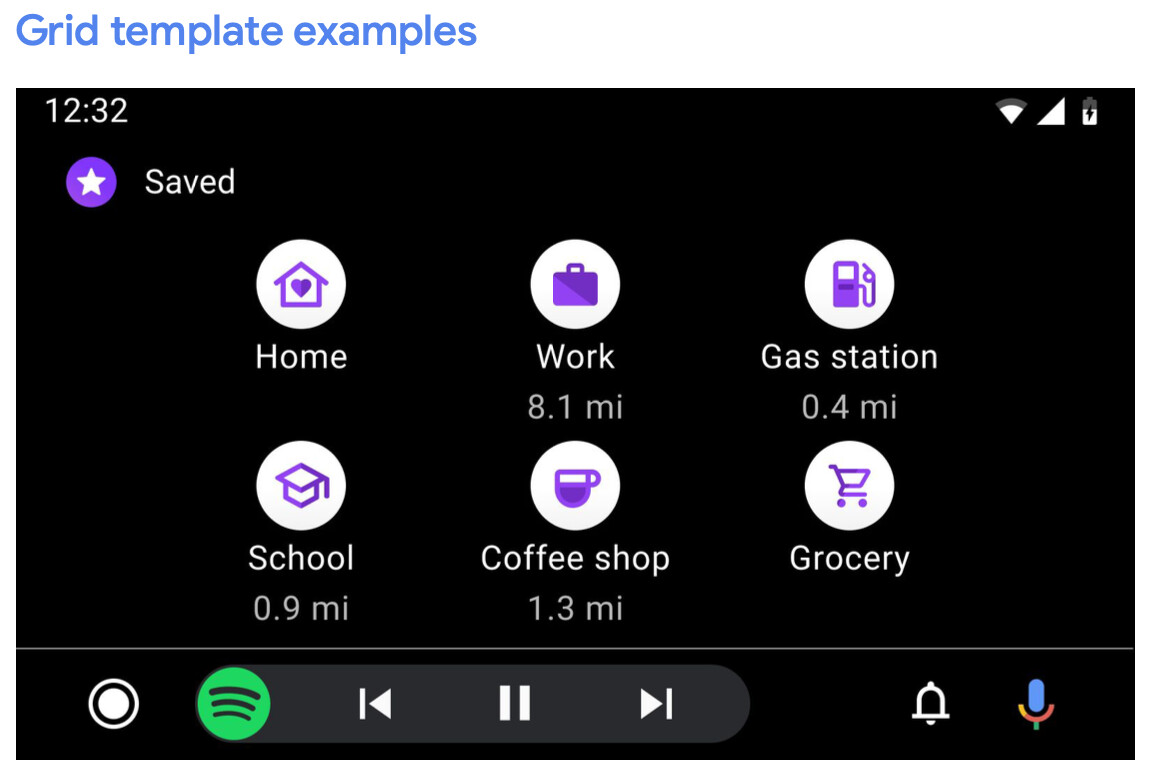
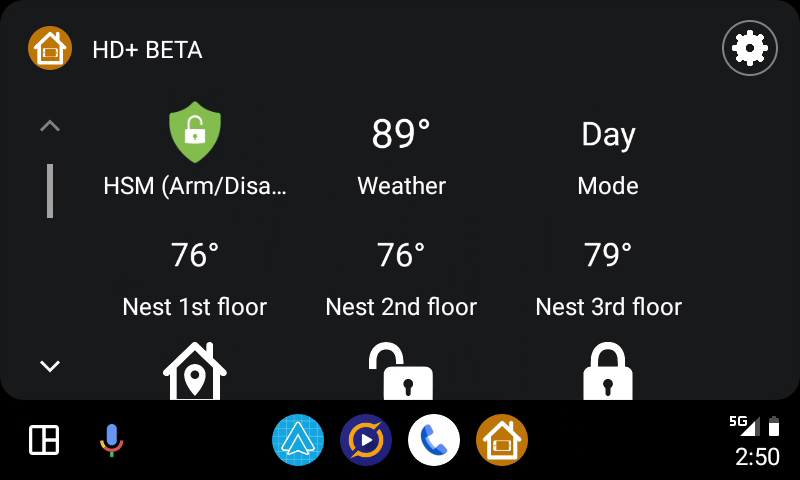
I'm using the grid view (one of 2 AA UI's I can pick from) and it's primarily meant for an icon and a short label below; If I'm displaying a temperature or other sensor device would it be enough for the label to show the temp?
The HD+ app can display the text much larger but that's because I'm creating my own UI. AA doesn't allow anything 'custom' -- you have to use their standard elements (ie: icon + text) only
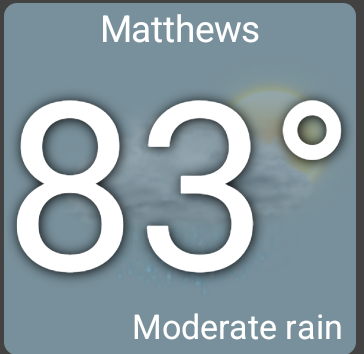
It might be possible to create an icon/image on the fly that has the text embedded in it -- I haven't tried that before but it might be possible.. I'll look into it. That would be the ideal way to show sensors IMO
I pushed some changes to AA -- detailed in this post; I haven't extensively tested them so let me know if anything isn't supported or doesn't look right and I'll look at it
Hi one question. I noticed these days that the status gets updated in HD+ on Android Auto excluding the Mode and HSM. Presence sensors and switches get updated fine but above listed two status don't. They stuck. Is there a way to get this working?
@jpage4500 any idea? I figured out that the status on the heads unit gets updated by opening HD+ on the phone which isn't neither comfortable nor allowed during driving.
Hmm.. I have an idea what this could be. HSM and Mode status doesn't come back in the 'get all devices' API call - they have to be queried separately. I'll look into if
I just pushed a fix for this though it might take a day before Google Play shows the update. I don't have an AA enabled car so please let me know if you notice this fixed or not. I'll add the release notes in the main HD+ thread in a minute
If you're able to reproduce the issue and don't mind sending the device log - that would possibly explain what's going on. You'd just need to first enable debug mode.. link
I'll make a TODO to spend a little time testing HSM on AA