Thank you. I will do in few hours.
Just to update. I have completed the setup and running well. Thank you very much
HUGELY disappointed to find out Echo Speaks does not work anymore. No information on the github pages or the website. Spent hours trying to get it to work before having to look for a needle in a haystack of the community. Very disappointing.
Any idea if it will come back?
working fine for me on my 2 hubs
Working on mine as well. Was it working before and something changed or are you trying to make it work for the first time?
Essentially first time. I had tried it a couple of years ago, and it worked. But, WAF killed it, although I now have a new application that should pass WAF so I was trying to install it fresh since I had deleted it. Also, in that period I've gotten very good with linux, docker and hosting docker files as I got a linux server for docker. Seems that now though, anyone with a new install can't get authorization apparently with Amazon. So, seems like the project is dead for new installs. Very disappointing. Hard to find the complete story in this forum but if it's NOT dead, I'd welcome any pointers to consolidated info about how to get it working. Thanks.
This manual patch to the HE app might fix it?
I appreciate the attempt to help. I did see that, and I apologize for being dense, but I have no idea where that code is supposed to go? The whole setup seems not ready for prime time now for new installs unfortunately - I'll just keep doing things with Echo automations (which I really hate) if/until this is resolved without me figuring out where to paste code. I don't want to brick my system because the instructions were not complete. Thanks though. Much appreciated.
You cannot brick anything or really do any harm with user code.
You literally just find those functions in the code and replace them with what was provided. He even gave a screenshot showing it in the Hubitat code editor with the line numbers.
The best thing to do would be for someone to do a fork and submit it the fix back to the original code, but it has not been done. Not something I feel like taking on right now myself.
You act like you are paying for this open source FREE community created app. It is also backward engineered using unofficial connections to Amazon services. Can be broken at any time by changes from Amazon, which is exactly what happened.
Do you understand how user/community apps work? Regardless of whether you install them manually by copying and pasting code or install using Hubitat Package Manager, they are, in simple terms, code based. So the manual patch mentioned above requires you to copy and paste snippets of code to replace existing code in the Echo Speaks application code.
To find the Echo Speaks application code (after the app is installed), you first need to make sure you can see it by going into Hubitat settings and enabling "Show standard/developer options":

This will open a section on the lefthand menu:
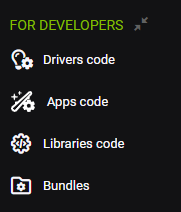
The one you want is Apps code. Under there you should see the Echo Speaks app listed:

Click on the link to open the code editor. You should see something like this:

All you need to do now is follow the directions in the manual patch link posted by @jtp10181 above and save the changes by clicking the save button on the upper right.
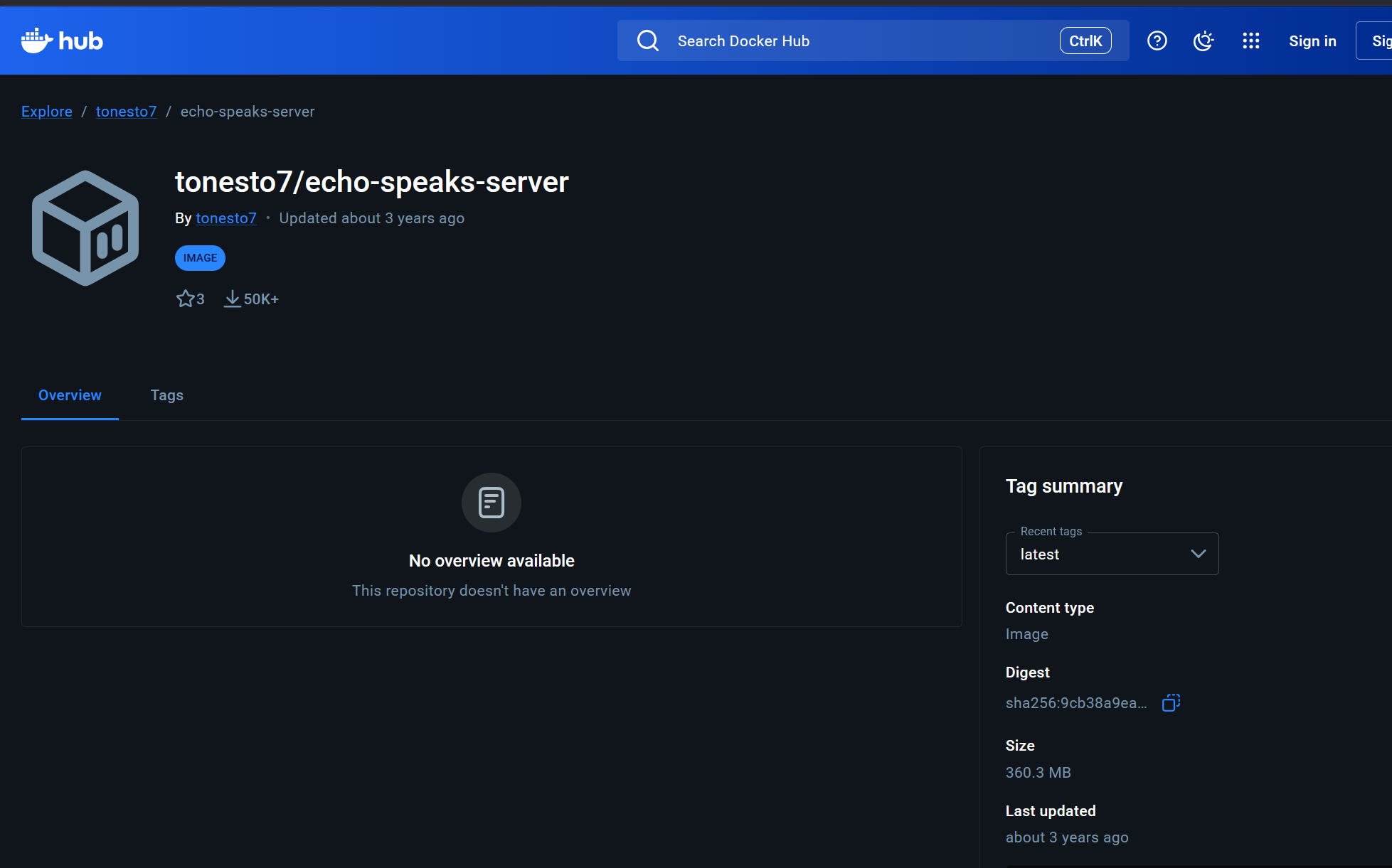
so in my CMD or powershell if I type docker run -e ipAddress=X.X.X.X -p 8091:8091 --name echo-speaks-server --restart=unless-stopped -d tonesto7/echo-speaks-server are you saying I remove the X.X.X.X and put in my windows pc ip address (static)?
Yes the IP of the windows host machine on your LAN, and yes it should be an IP that does not change, by DHCP reservation or static on the host.
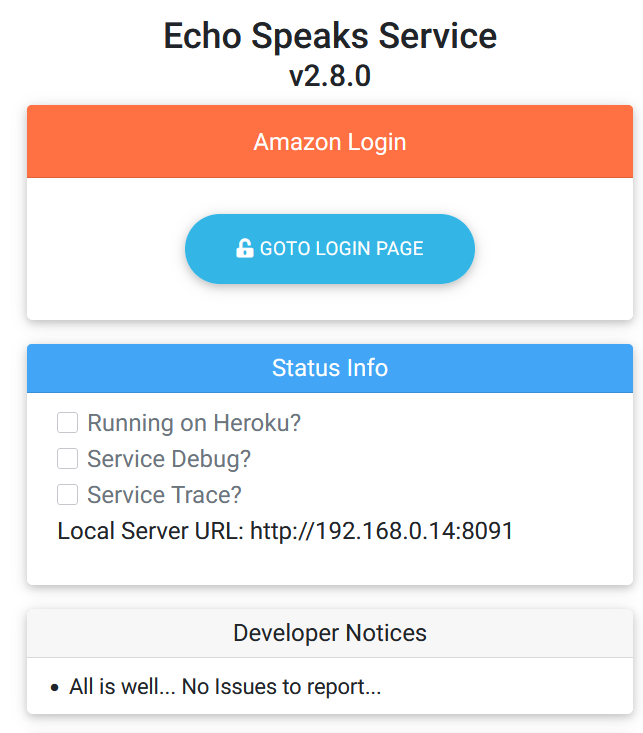
THANKS! also, after I type in the test the echo speaks window opens. now the next part; when the Echo Speaks window opens I see amazon login, no boxes checked and local server url listed. What do I do next?
Once the sever is installed you just follow the setup in the app on Hubitat, and pick local server instead of heroku. I believe echo speaks has its own docs for that.
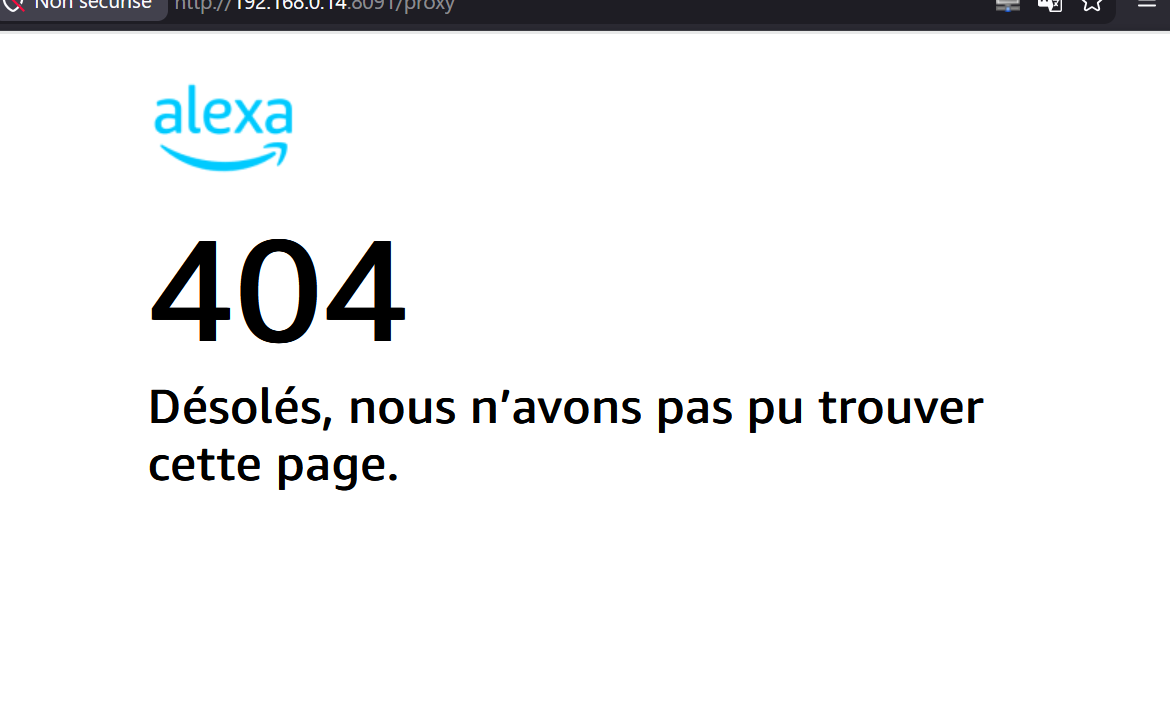
amazon giving me 408 error so tried to clear login info and when i try to goto the login pag i get
cannot get /proxy goi9ng to my server
Think we're good. I had to totally remove the server and start over to put in a new callback url pointing to the same server then the login proxy worked albeit with an extra code sms'd to my phone.. looks ok now.. If i didnt do that the login url did not work with the proxy error above.
Side question? I installed it also on another hubitat instance in another house do i use the same proces with the same callback url there or get a separate one for that location?
(for now that location is still working ... refershed yesterday will see in 3 days when its due to refresh again.. giving that its still working i assume i answered my own question each instance has its own cookie)
amazon has been acting flakey recently for a few hours yesterday it wouldnt accept me checking out with my amazon chase card. even if i removed and re-added it.. unknown error... other cards worked fine. but i never changed anything with my login or password so not sure why my echo speaks cookie expired?
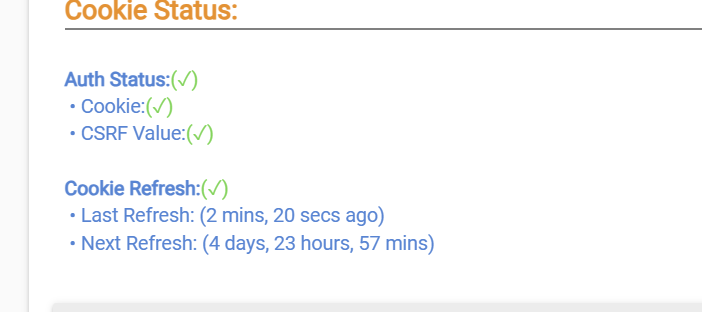
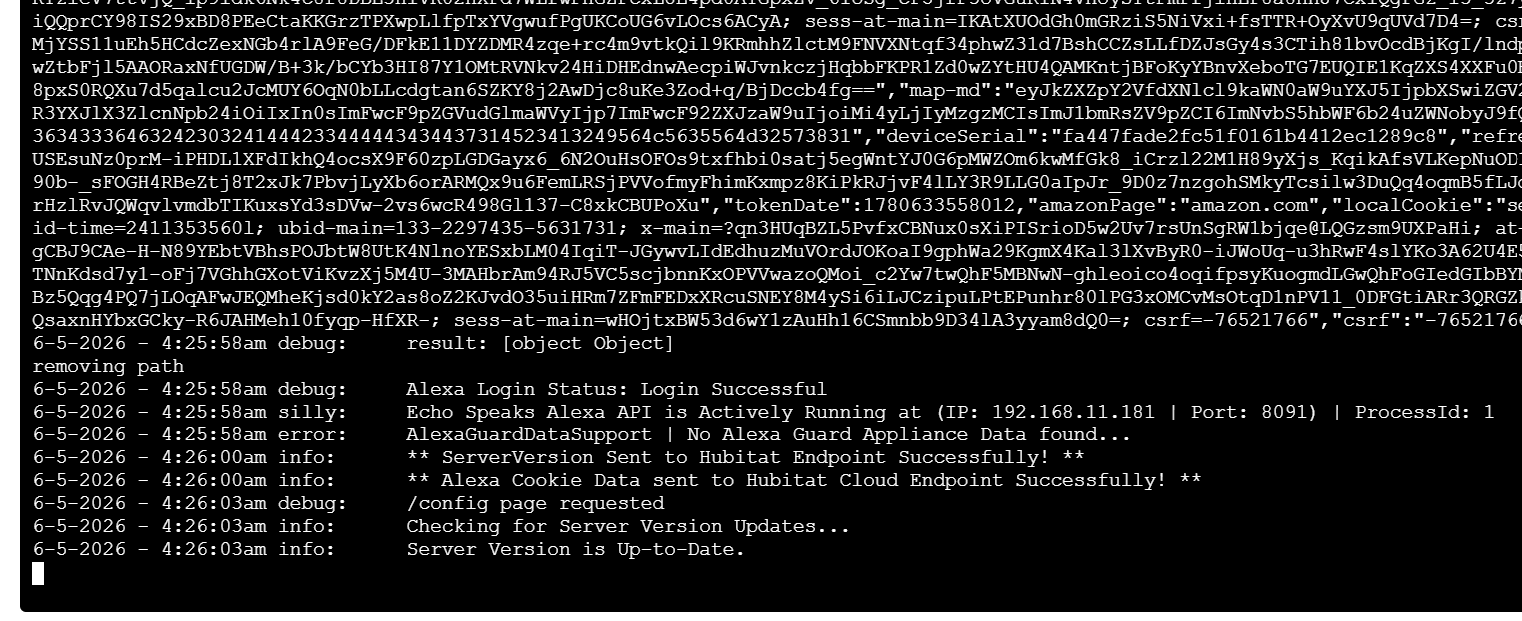
408 is a server busy response. Normally those will go away on their own when the server catches up.
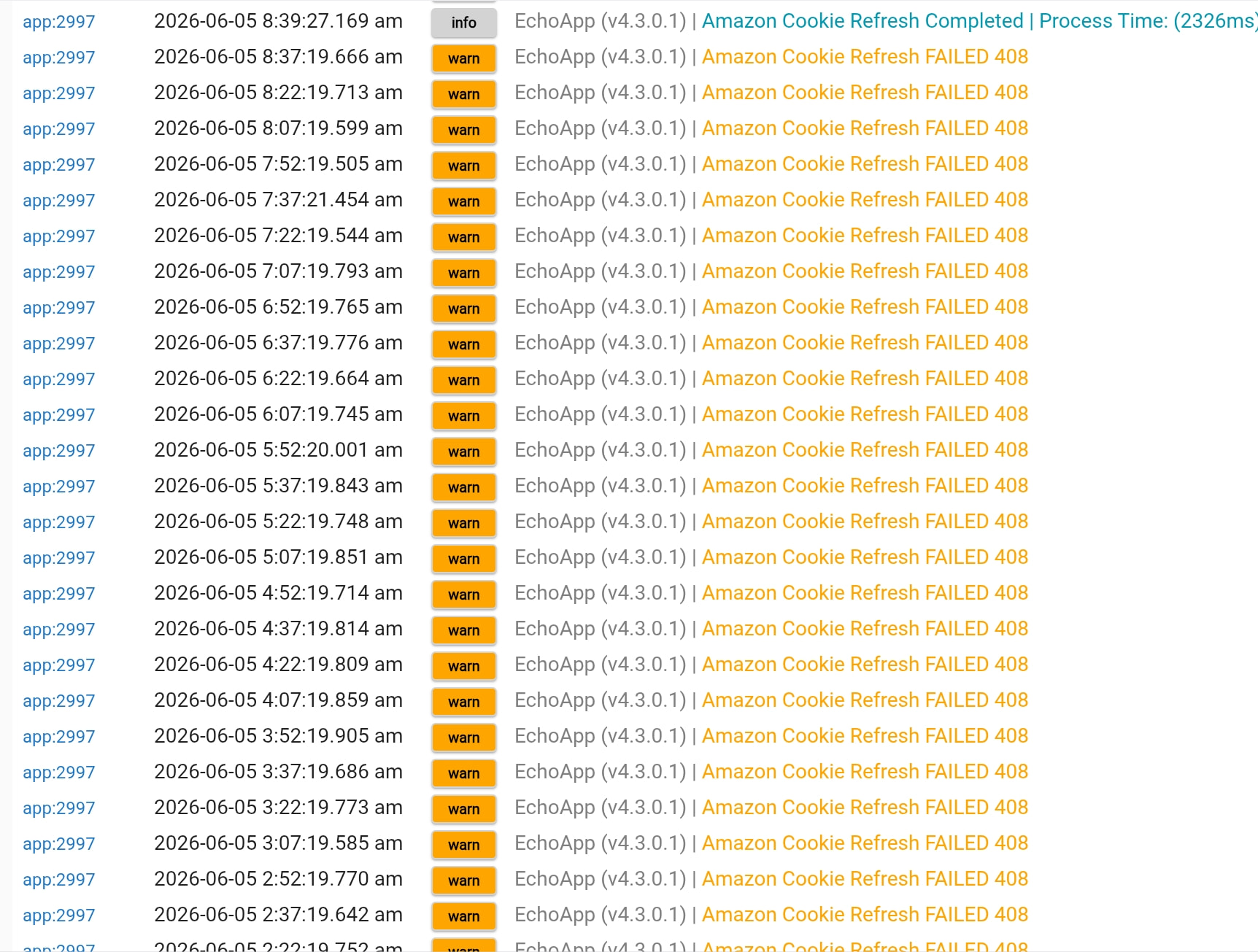
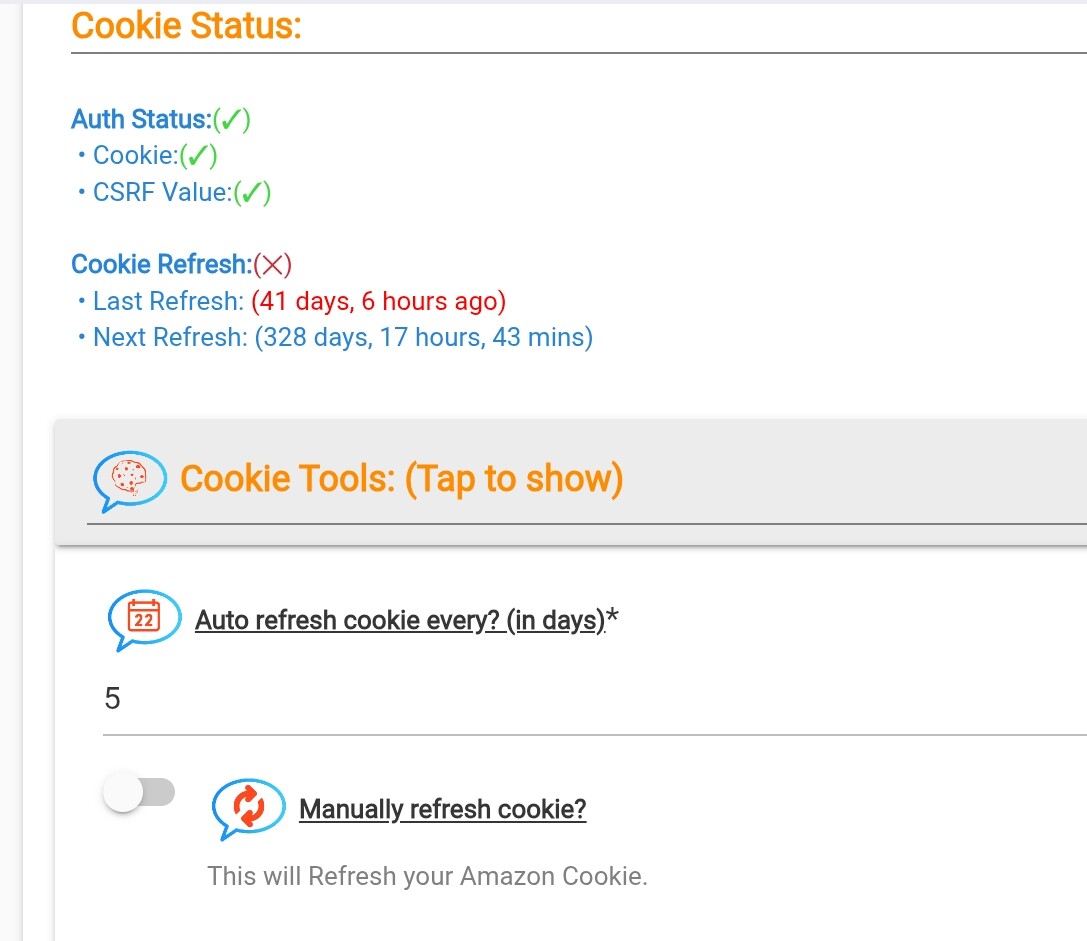
same issue I had... forced refresh did not work and caused 408;error. restart of hubitat and container did not work.
login url would not work as I mentioned . i had to remove the server and redo the server setup