Ok. Well that can certainly break it. For the Multicast socket to work they need to be on the same network. Please make sure your Govee Devices and the Hubitat Hub are on the same VLAN.
The error you show above on line 544 doesn't really matter as it is a result of the device scan function not working because of the different vlan networks and the Govee Device manager not detecting any devices.
That said I will work on adding some logic to prevent the error from occurring, and instead create log a message that no devices are detected yet.
I get the issue with how the implementation is now. IT background technical and software development, but when I was able to manually enter the IP myself, it all worked no issues as I was routing the traffic myself.
Changing the purposeful isolation to merge varying devices is not a risk I am willing to take - Unless you can allow us to enter the IP manually again, I'll remove the integration and let it be.
The key is now the implementation is complete. Prior to hubitat firmware 2.4.1 there were a few parts of the official Govee Lan API integration that I couldn't implement fully/properly on Hubitat.
You could use github to pull a previous version of the integration with this URL and manually load it.
That appears to be the last instance of the repo that is prior to the updates that came with 2.4.1. Of course that means you won't get updates though.
Unfortunately, it isn't as simple as simply adding the ability to set the IP value again. The updates also make extensive use of the ability to retrieve device status that didn't work on the previous version of the hubitat firmware. The way to avoid that would simply be to use the old version linked above.
Understood. and I do apologize for the update breaking what you had working. There are significant reasons for making this change. Originally, I wasn't planning on removing the ability to set the IP, but after a bit of thought around it, it made more sense.
I will put some thought into if there is any reasonable way to create a method for LAN Device to work independently of the Multicast Socket. The problem is i am really trying to simplify setup and maintenance so this would go against that
What kind of functions do you use with the Govee Devices? Are they all just the LAN API stuff or do you use any of the cloud API functions with it?
You may also want to look and see if there is any way with your network gear to let UDP Broadcast packets to span vlan's. A few searches suggest a UDP Broadcast Rely or mDNS repeater. The UDP multicast groups is on 239.255.255.250 with ports 4001 and 4002.
Security that prevents proper use isn't a valid security solution. That said I don't have any real suggestions for solutions though. I am not a network guy so any suggestions I would make would be on limited knowledge. I suspect to make this work you would need some somewhat robust gear that probably supports Layer 3 functions.
Depending on how you answer my first question I am thinking perhaps a single simple driver may be the best course of action. It wouldn't be to hard to simply take the code and consolidate it into a single driver for your scenario. Of course then once created it would be static. It would just be to enable the basic lan API functions that worked previously on/off, color, Color temp, and brightness controls, and allow you to specify the IP address.
Please let me know what your thoughts are on such a driver. If it is something you are interested in i will see what I can get together for you.
LAN control is enabled for the device in the Govee phone app, and also on the Hubitat device. I haven't made any network changes recently that would have disrupted that. The MAC address has a static IP assignment in my router (which also doesn't see the device as being online/connected when powered ON from the Govee phone app). If I turn Wifi and Bluetooth OFF on my phone, I can still turn the lights on/off via the app.
The Hubitat logs for the device show a lot of:
dev:2232025-06-03 20:32:15.225error
groovyx.net.http.HttpResponseException: status code: 429, reason phrase: Too Many Requests

dev:2232025-06-03 20:32:15.224error
Error: e.statusCode 429
Well that error indicates a Rate Limit problem. Can you confirm the device still hase the switch for LAN Control enabled in the device preferences.
Can you check the Govee Device Manager device as well and ensure it has the state values "ipxdni" and "lanApiDevices" and are populated with your devices.
Question on toggling Dreamview On/Off for a Sync Box 2. I have the device successfully connected and can use the toggle in the device page to turn the Dreamview on and off.
I want to integrate it into my button controller so a tap of a button alternates between on and off for Dreamview. Is there a straightforward way to do this? I tried to just test with a custom action / actuator with the Dreamview action selected but no dice.
I tried using a zero or one as a parameter but that doesn't work:
dreamview(): Unknown toggle value}
Any ideas? I tried searching the thread but no luck (so far).
EDIT:
on and off work as string parameters for the command so I think that solves the problem.
The Dreamview control is a custom totally custom control as it isn't part of a capability. As such you will need to specify on or off as a string like you found.
So I suspect that is being created by the "Govee Device Manager" driver . I think that is the only driver that actually uses a Cron expression to schedule a task. That was a new setting that came with one of the recent big releases that included a bunch of changes for LAN Control stuff. The job in question is to scan for new LAN API Devices. As it was a new configuration value, you probably haven't saved the settings since the update was published.
That said the fix is easy just open up the Govee Device manager device, go to the preferences tab, and then click "Save and Close". It should default to 1 minute.
I also separate out Wireless IOT devices into their own LAN separate from devices I "trust", especially these Chinese-owned companies like Govee. This way I can only allow traffic I permit (default block-all).
As with @DenverTech99 , the VLANs are routed internally and all reachable - does the Govee API have any way to report the local device IPs? Is there an mDNS lookup that will find devices w/o a custom UDP multicast discovery mechanism?
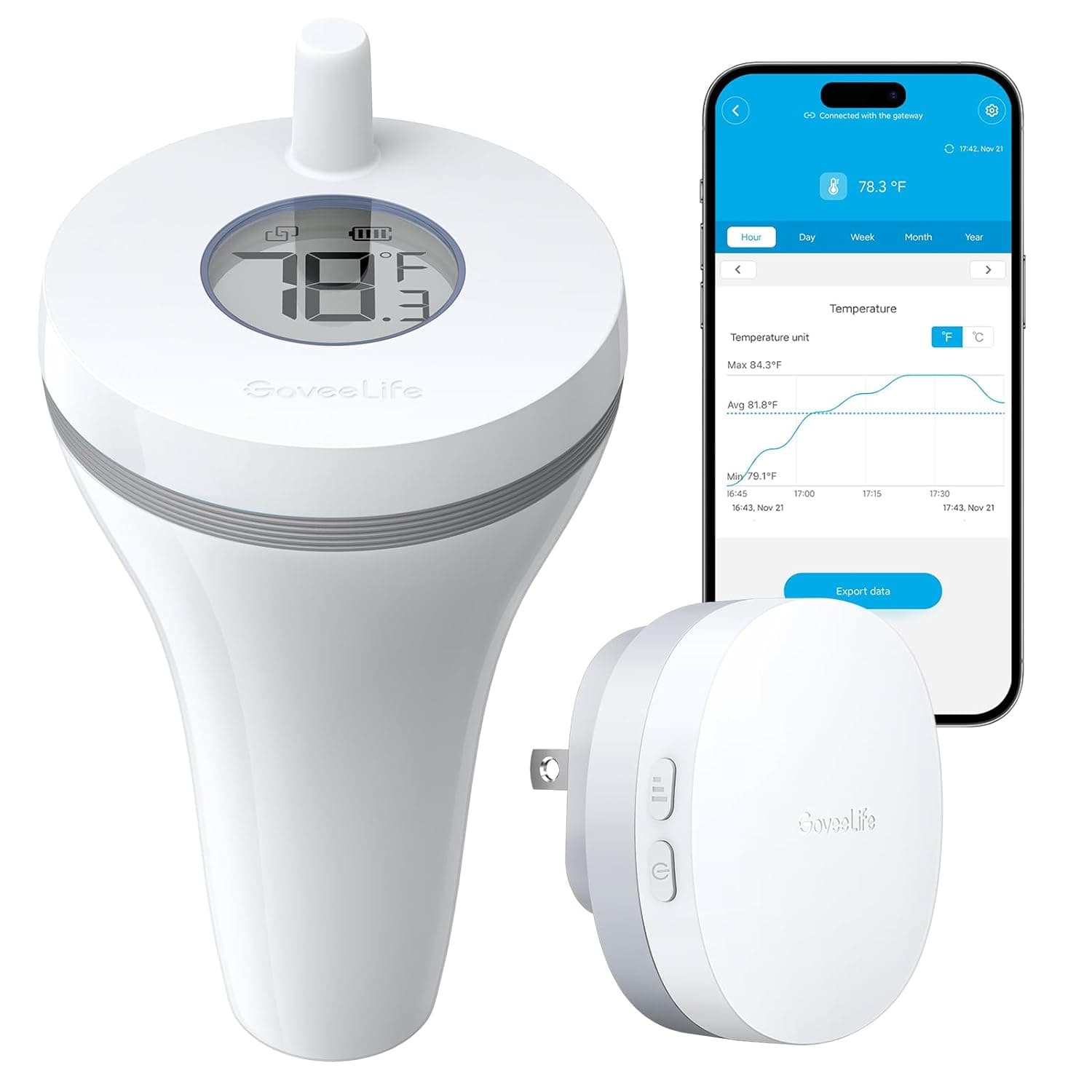
I installed the app but didn't see any 'temperature' drivers to select. I have an API key and if there's some debug info I can get from this device please let me know and I'll try to figure it out.
If the device is avaliable via the cloud API it probably doesn't have a driver right now. The question is does it show up in the list of decices to select in the Integration app. If not then it doesn't work with the cloud API. If it does show up in the list. Click on it and let it install. Then i just need to you to pass along some information to me from the decice created.