To install a bundle follow these steps.
- Download the bundle file to your local storage
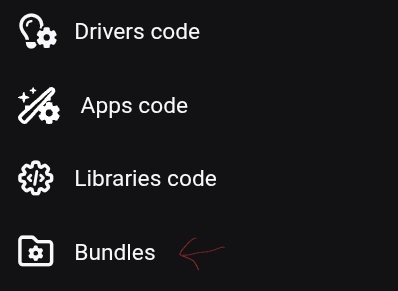
- On you hubitat web ui open up the bundle menu under the developer section
- Select the option to import from the following page
- You will see a pop up that is the box to allow you to import a file. Click on the option to choose and select the file from your local device.
- The button for "Import" should be clickable now. Click on it and wait, this can take a while.
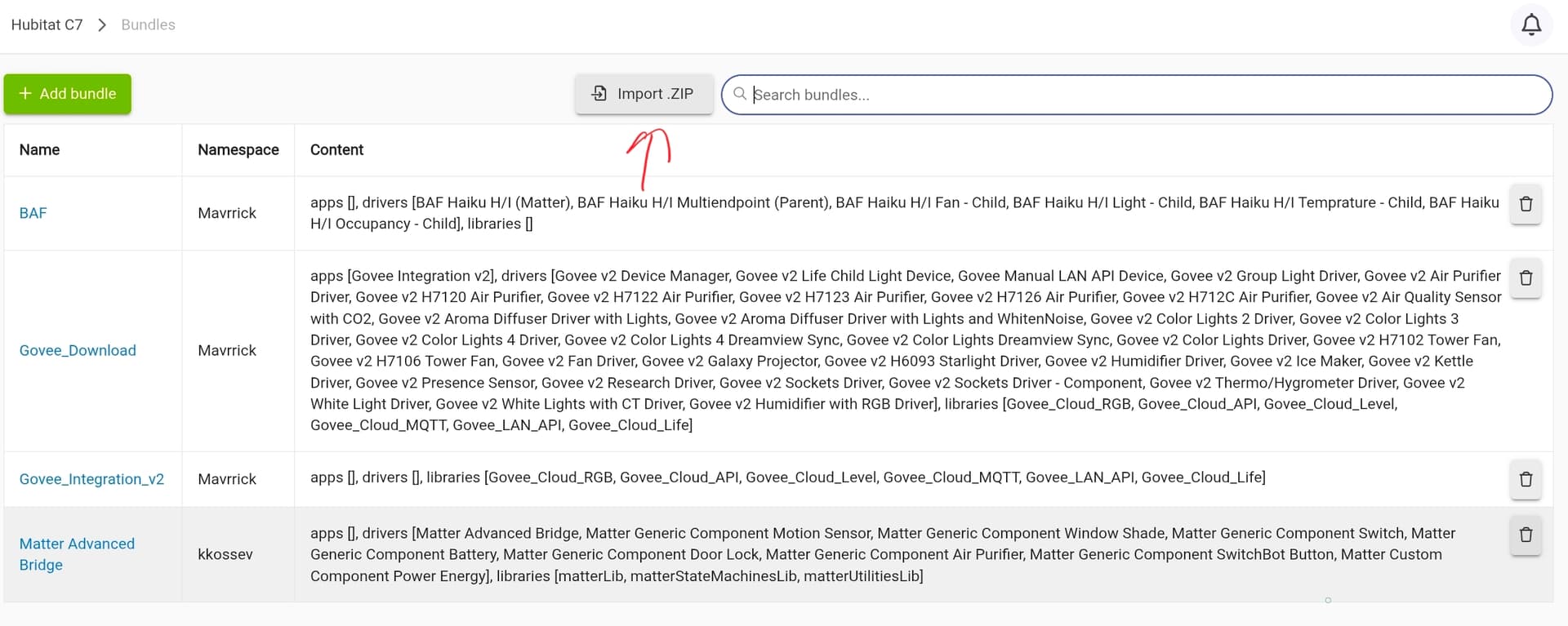

It can take a while for a full bundle like that to import. Originally the integration was installed as a single large bundle, but it go so big it was causing this to timeout in HPM. So be paitient.
Also make sure you get the most recent copy. That link you provided looks like it wasn't the latest version of that bundle file with the retry logic.

