So I was looking through the posts
On here, and it appears that the GoControl-8 garage door controller is a two-year-old issue. I have a new Hubitat hub and two of the -8 controllers. Nothing I do seems to make the hub pair with the device.
Do I now have $600 worth of garbage or has anyone been successful in connecting these. I am not a computer guru, I cannot debug code. If I need a CalTech computer doctorate, this is all a big waste of time.
I have tried to run the inclusion by pressing the link button. No dice. Runs the inclusion clock down from 100s, then says the unit is "bootstrapping", then nothing but an error that tells me to contact support if I can't get the device to connect. Multiple factory resets, tried excluding device. Never hooks up and lists the unit as a device.
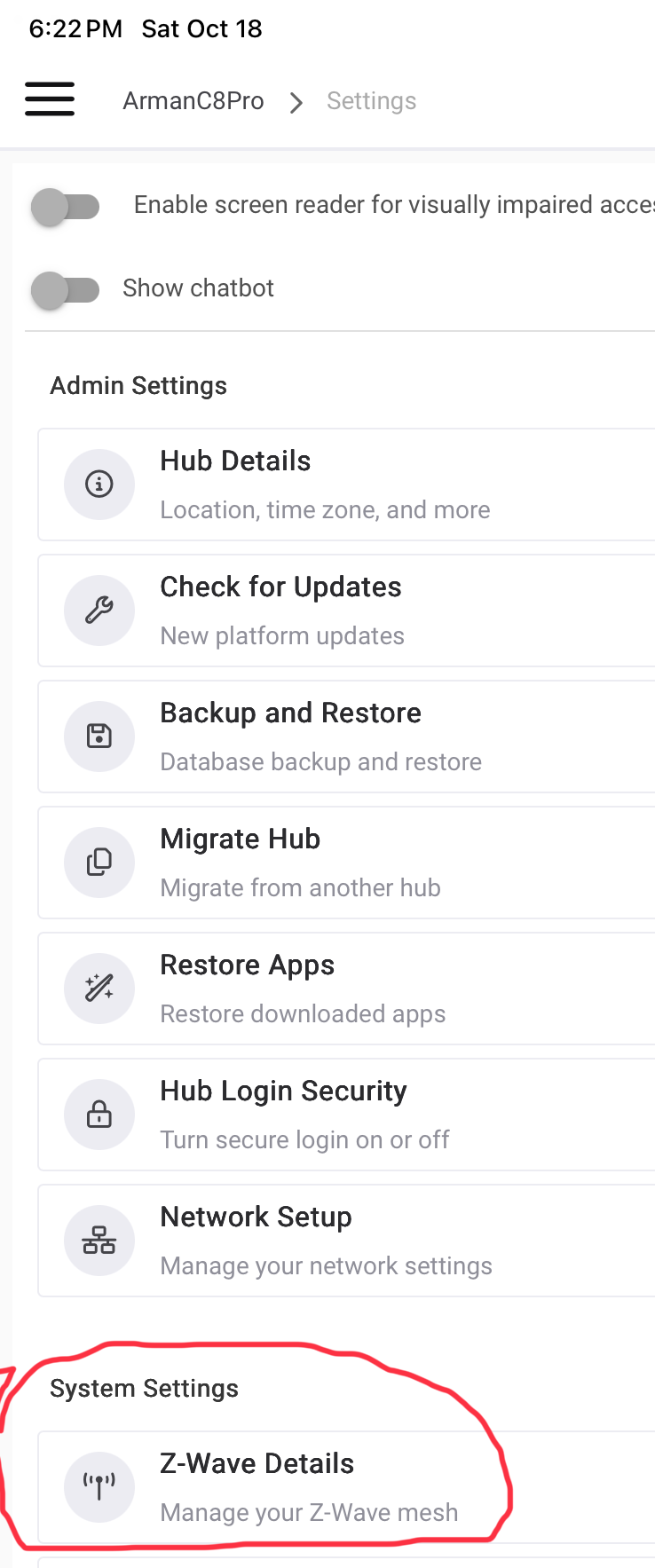
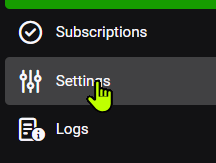
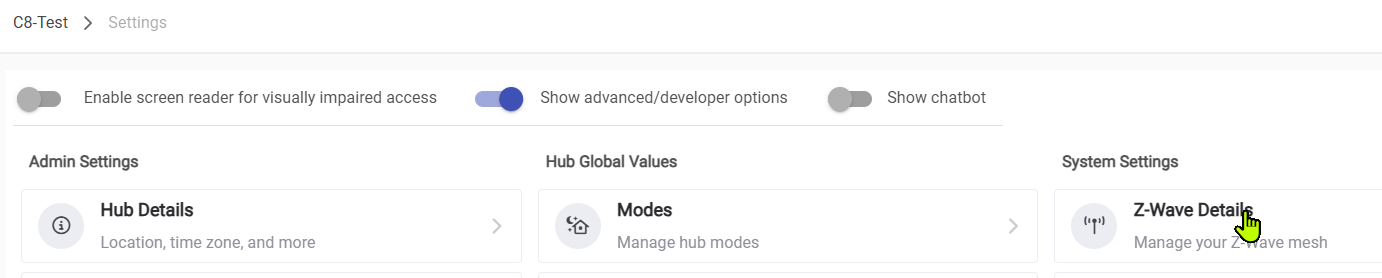
I'll check the settings. I don't even SEE Z-Wave details on any of the settings pages
Don't make any more major changes like switching to Z-WaveJS.
Slow down a little and answer all the questions above:
Hub model
-- If on a C8-Pro, have you enabled Z-waveJS?
-- If on a C8-Pro, are you using the power supply that came w/the hub?
-- Current platform version on your hub
Try shutting down your hub, pull power for 30s, then plug in again. That restarts the Zigbee and Z-Wave radios (just a reboot won't do that) so you can try the inclusion ofthe GoControls w/a clean start on the radio.
After the hub boots up wait couple minutes (lots of stuff going on when the hub boots up) and then reset one of the GoControls and follow the pairing instructions that came with the devices carefully. Let's see if you get lucky...the change to Z-WaveJS may or may not help, I don't remember any posts stating whether it was helpful w/GoControls.
Hopefully @dennypage or @tray_e or others w/experiences w/the later model GoControls will chime in w/experiences.
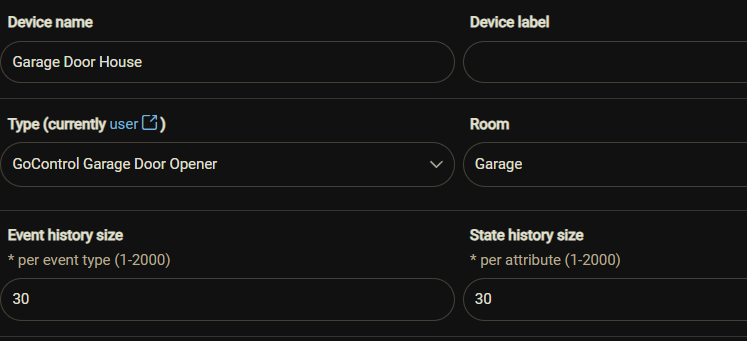
So I got the device to download. I think. It shows up in the room with a pink tile with a frown face. And there is no indication of how to operate the device. This has got to be the most user unfriendly (...) I've ever seen.
I'm just quickly jumping in. I have 2 of these and they work great.
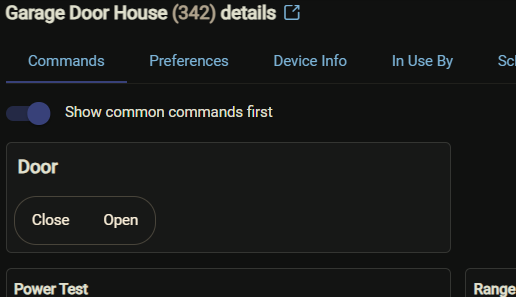
Find the door under Devices.
Make sure the correct driver is chosen from the drop down in Device Info and Save.
In Devices | [Garage Name] | Commands you should see the operating commands Close and Open. These will show up as selections in any Rules app you choose to install.
While both of my active GD00Z-8 units were joined against Z/IP, both are working with Z-WaveJS with no issue. There was an (expected) issue when the initial Z-waveJS re-interview happened, requiring units to have a power-pull reboot, but beyond that no issues.
Yes. If you move from ZIP to JS this will need to be done for the door opener.
Ask me how I know. They start squealing in alarm at some random time; usually at night.
JS node interview.
node is decimal
192.168.1.250/hub/zwave2/reinterview?node=176
It has been a Loooong time since I had to connect mine. If I remember correctly, I had to do an exclusion before I was able to do the inclusion. It absolutely REQUIRES the secured S2 connection, and take note of this:
Also, if you have tried before, you might have a ghost. Double check before you make it worse and delete any ghosts you may have created on your first attempts.
Note: The link button does both inclusion and exclusion. Put the hub into Exclusion mode, click the link button on the GD-008Z, then the hub should exclude it.
Then, if there are no ghosts, put the hub into inclusion mode and click the link button again. Many have said that you have to get the hub close to the opener. Mine was already <15 feet. BUT, I opened the door between the hub and the garage so it had a direct line of site and it worked for me.
I installed using security. It started screaming uncontrollably. I unplugged replugged and it stopped. It came up with the commands, but none work. Just says “command sent”. I checked the log and there was a ghost so I removed it. Still no controls.
Do I need to exclude/rest and try again? And what about the screaming?