Using Rule Machine I trying to write a rule that would eliminate a virtual switch if possible. I have a lot of battery powered equipment & trying to be safe. A house down my street burnt to the ground. They lost EVERYTHING! It is said because of lithium battery. I have two banks of power strips hooked to a Z-Wave Outlets. To keep things simple I am just talking about one of them. Do not let the fact that one of them is installed on a Rolling Cart. It can move but it does not, 99% it stays stationery.
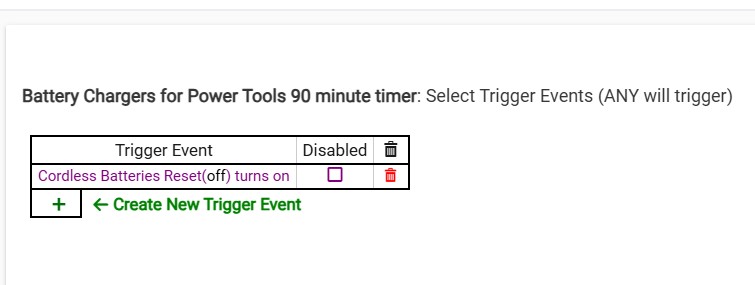
App #1722
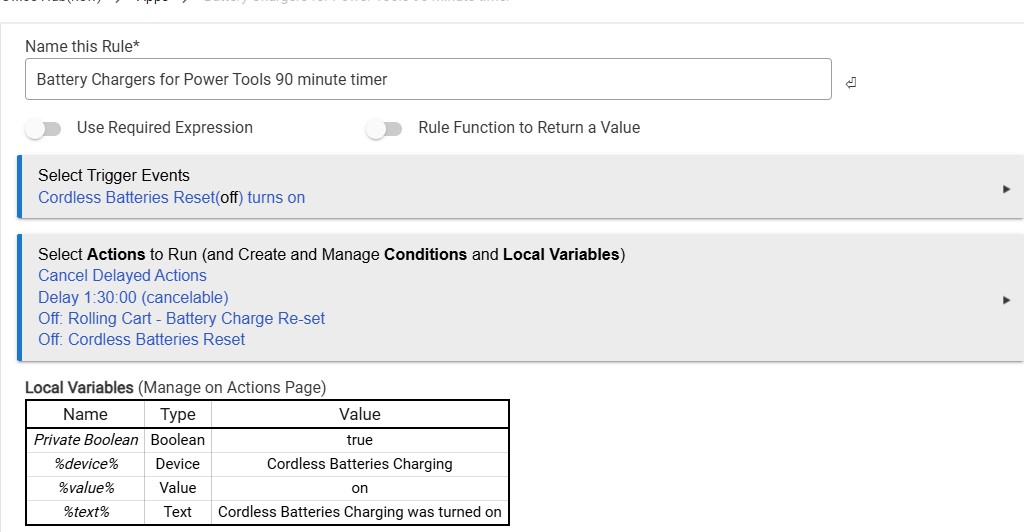
Name: Battery Chargers for Power Tools 90 minute timer
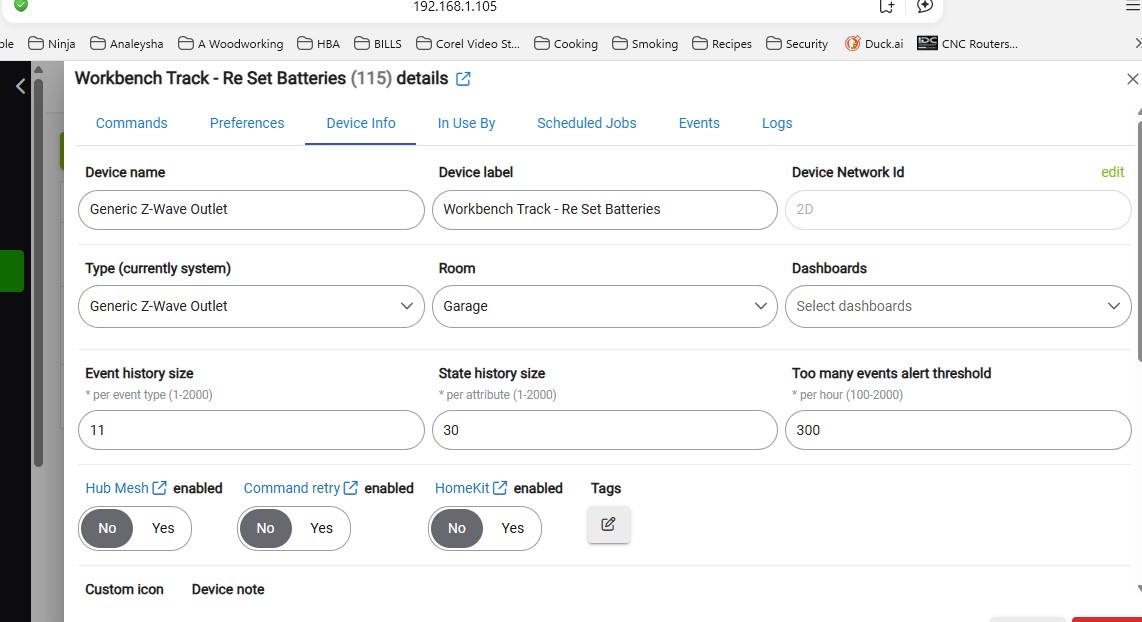
I have battery chargers that I have connected to Generic Z-Wave Outlet called, Rolling Cart - Battery Charge Re-set. I want to be able to push the button on the Outlet and start the timer for 90 minutes. Not able to figure how to do that I made a virtual switch called Cordless Batteries Reset.
Below is how it works.
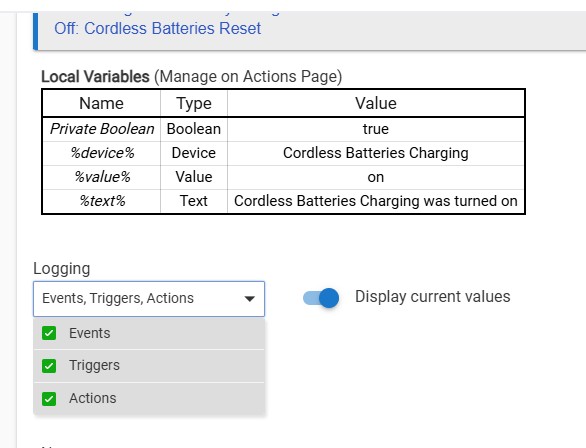
I grab my phone and turn ON virtual switch Cordless Batteries Reset.
Now I push the button on Z-Wave Outlet called. Rolling Cart - Battery Charge Re-set
Now the 90 minute timers starts.
In 90 minutes it turns off the heavy duty power strip that all the chargers plugged into.
The above works.
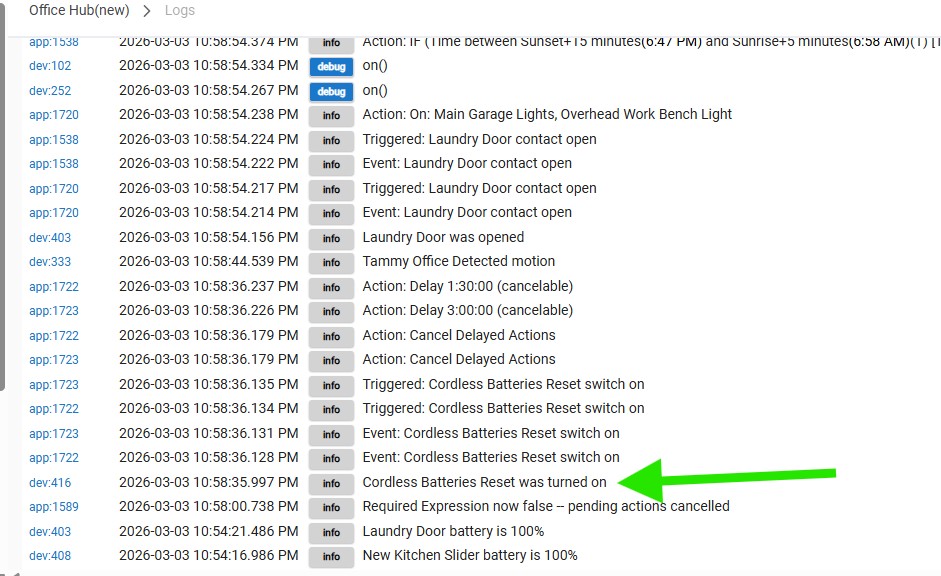
When I just push the button on the Outlet it does not even show on the live log. See 10:30 pm screenshot.
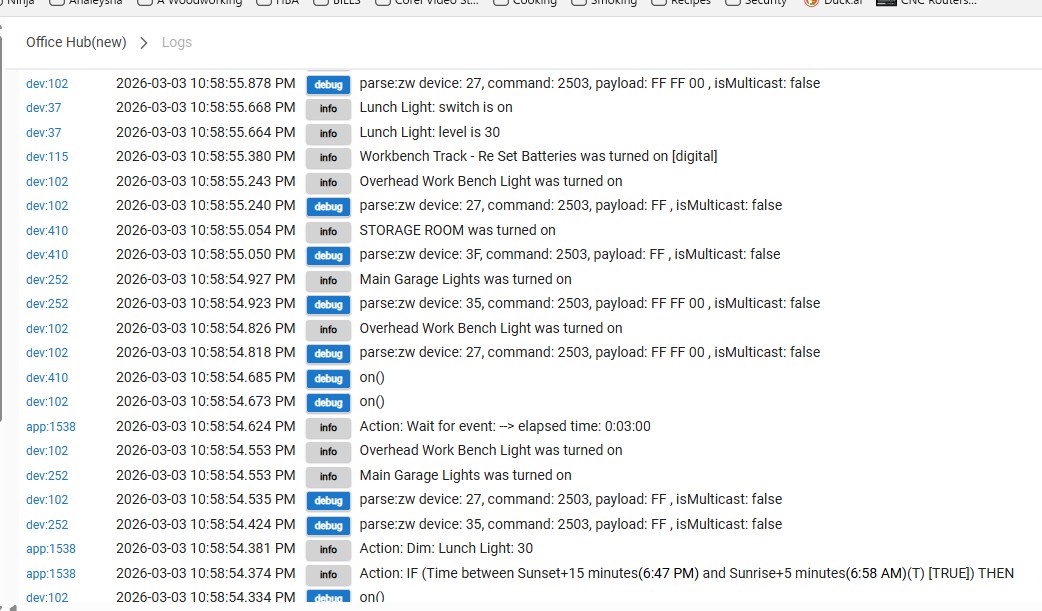
It is now like 10:55 and I and I will give a screenshot with the virtual switch Cordless Batteries Reset turned on.
I want to eliminate the virtual switch if possible.
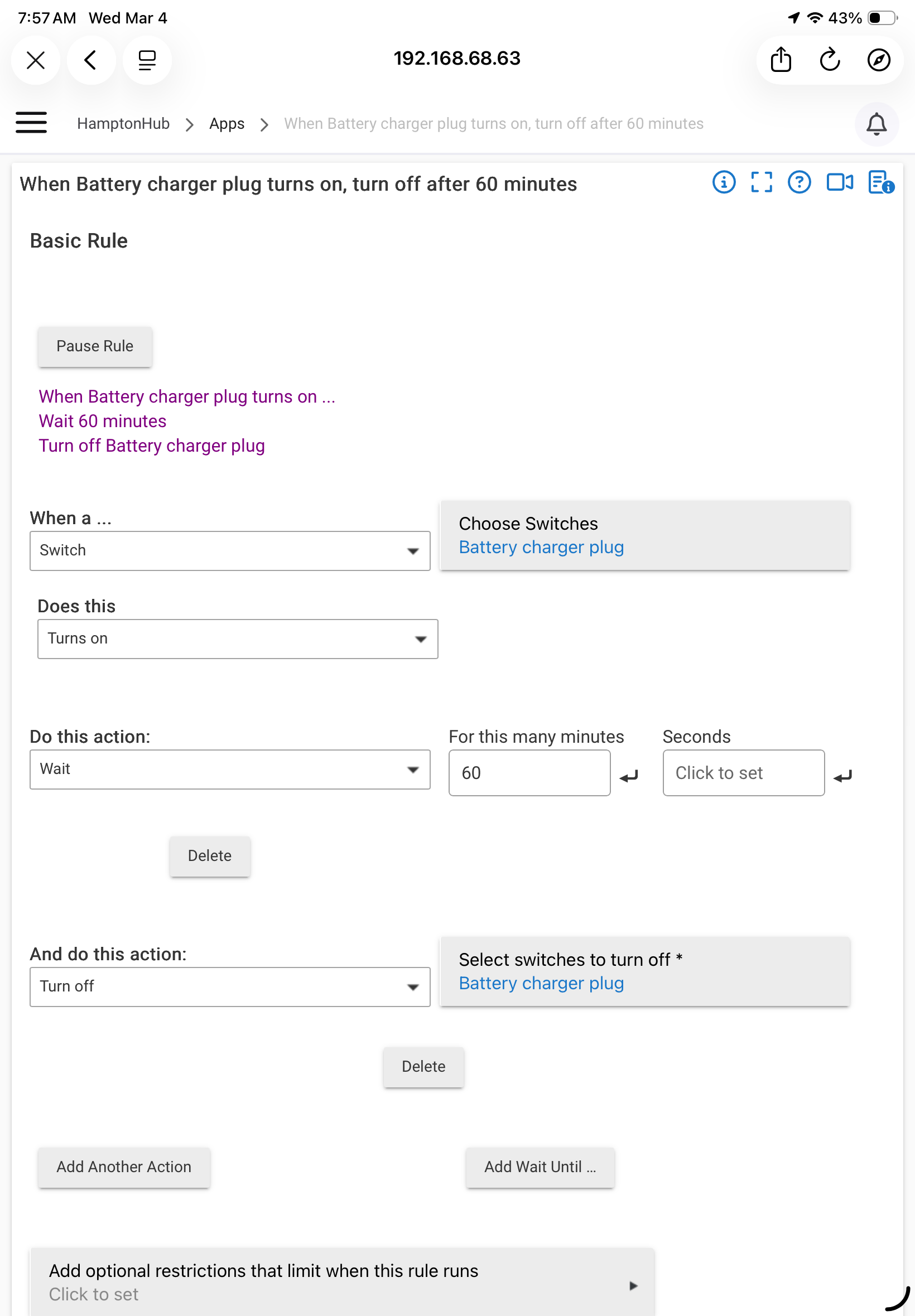
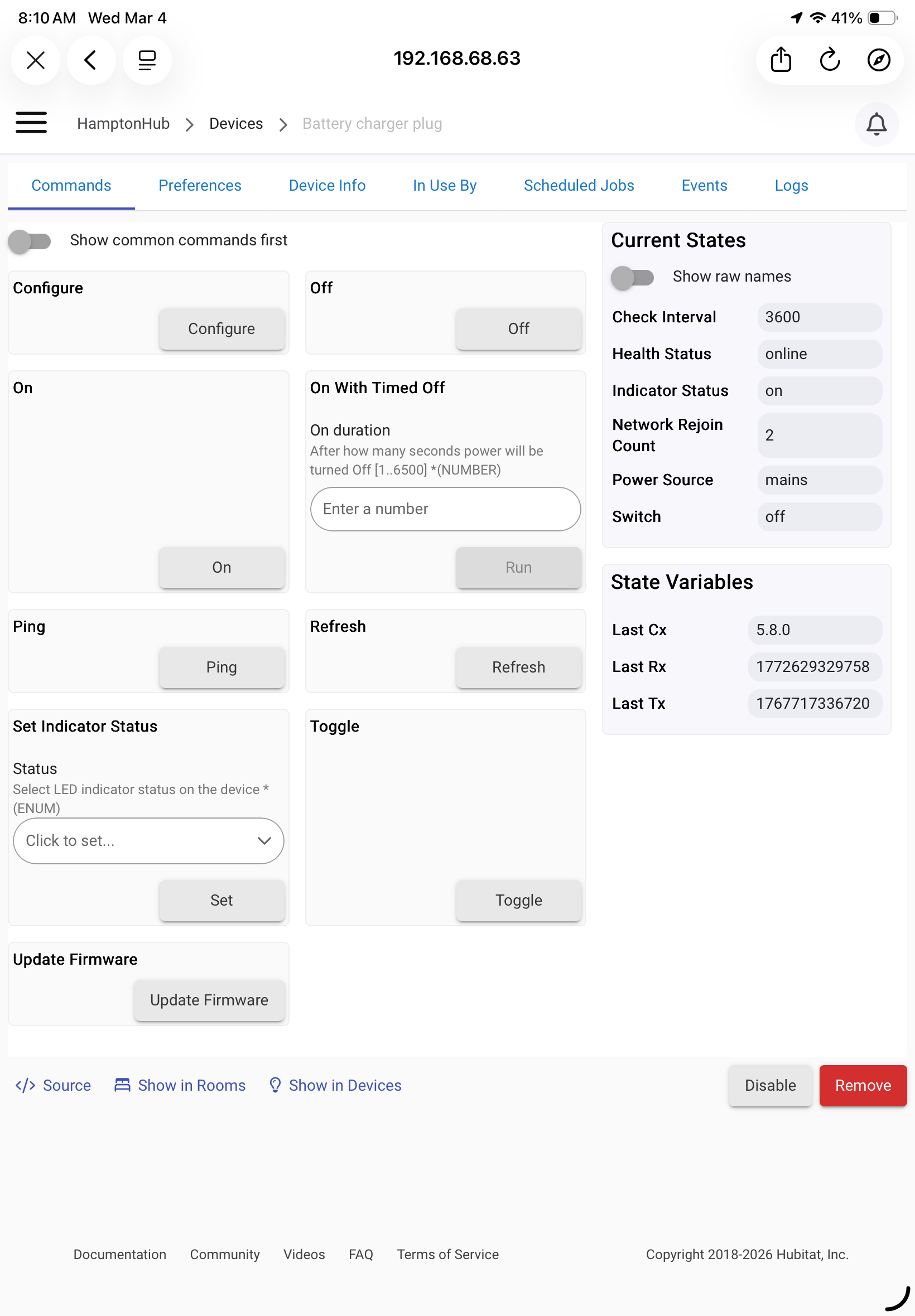
With Zooz products you can set an auto on or off duration. I use it for safety. For example, I turn off the espresso machine and space heater plugs 30 minutes after they're turned on.
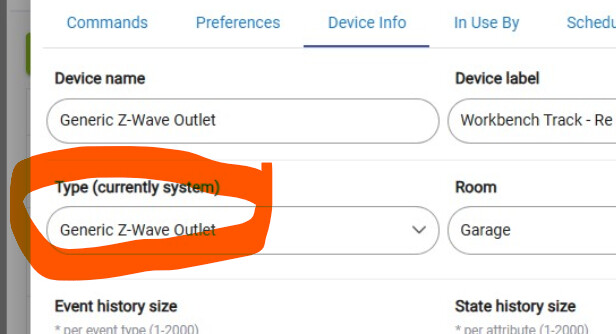
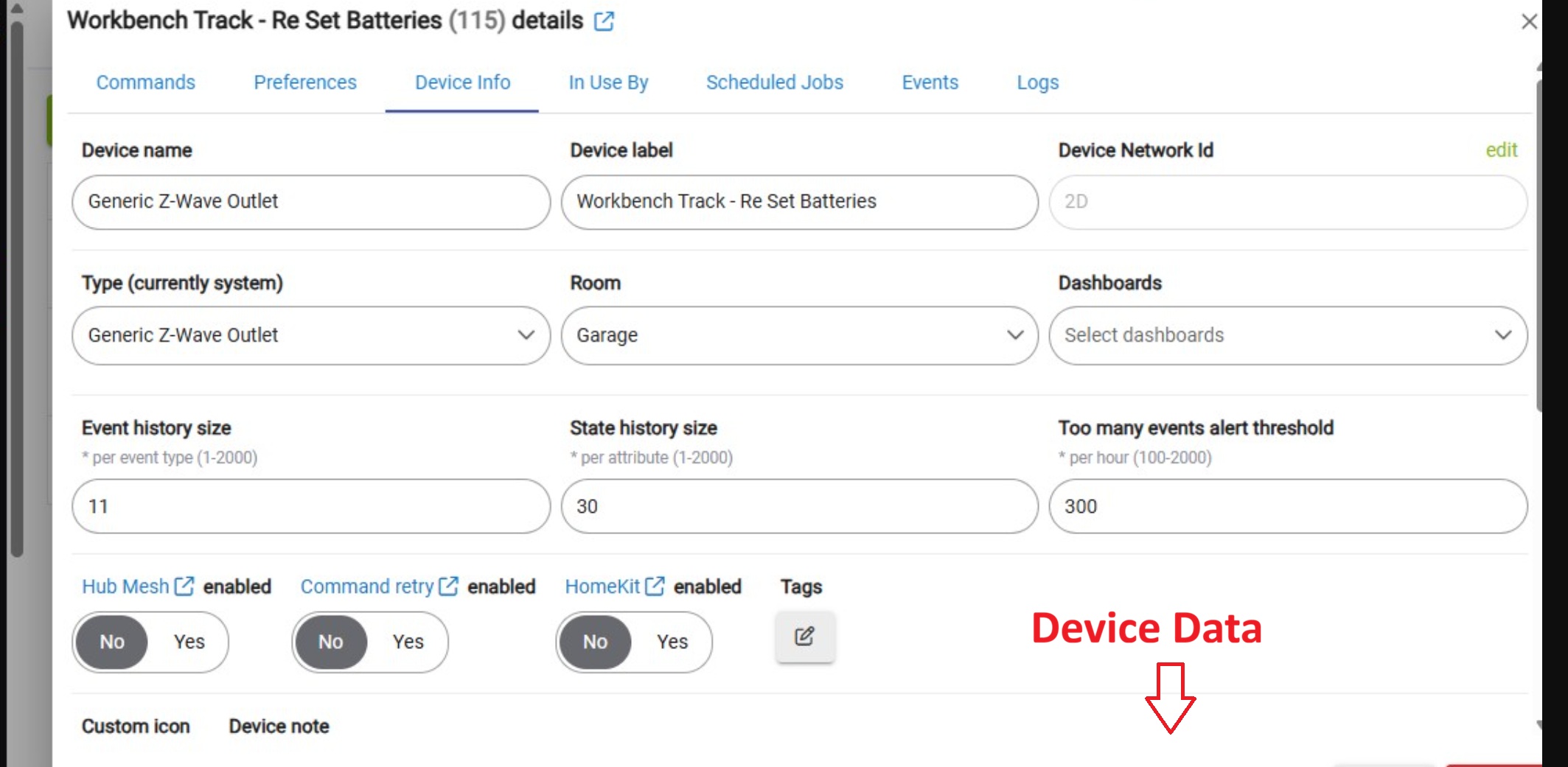
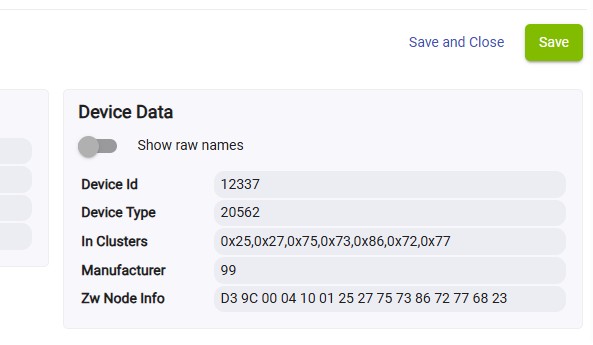
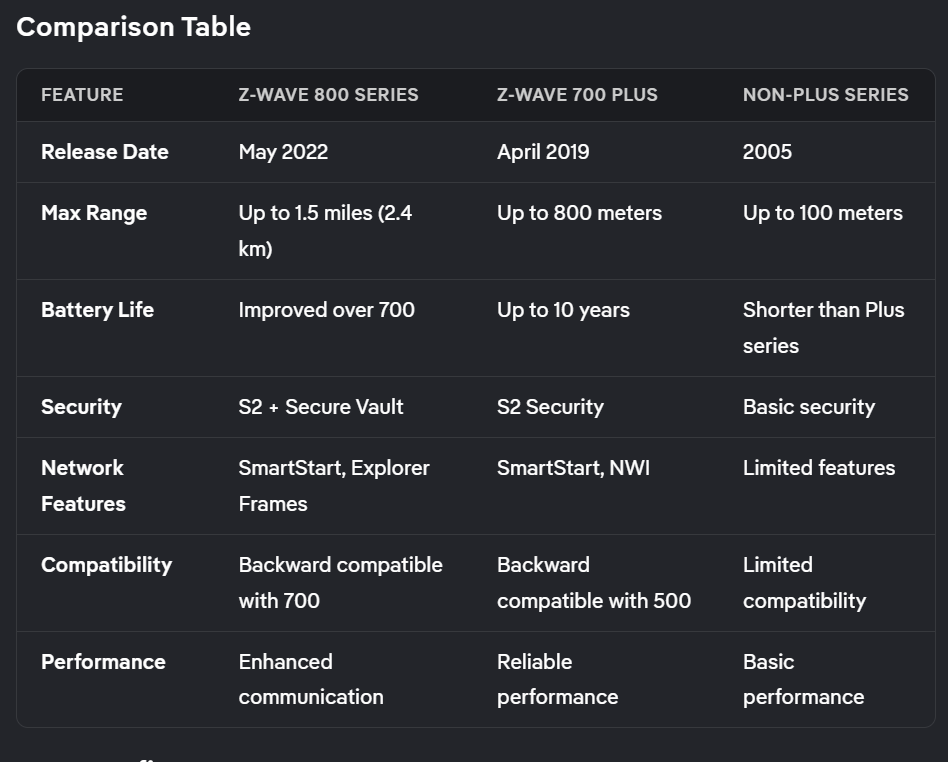
Did you mention which "Z-Wave Outlet" model you're using? Because not all of them, notably early Zooz models, send status to the hub when you tap their buttons on/off. If that's the case, you're stuck using alternate means to start the timer.
If you have a Voice Assistant (e.g. Alexa), you could easily set it up for a routine like, "A___, turn off the tool outlet in 30 minutes." or "A___, turn on Cordless Battery Reset." In the first case, the VA does the work; in the second case, your Hubitat rule does it.
Well, there's your problem... due to Lutron patents, GE couldn't implement "instant status" in those old Z-Wave devices. So you pressing the physical button on the front does not automatically notify the hub.
Good news, though: You can turn on "Polling" for that specific device in on its Device Details > Preferences page (I believe), which causes Hubitat to ping it periodically for a status update. That, in turn, should get your rule running.
If you need speedier response, or don't want to pepper your ZW network with unnecessary traffic, it's time to upgrade. Good luck!
As others have mentioned earlier, the Zooz Zen04 is a solid choice.
Zooz makes good hardware and has excellent customer support, and (at least most of) their devices are well-supported in Hubitat with both community-developed and native/stock driver options.