Hi I am posting this in case others come across the same issue. I now have the keypad working as expected but still believe there is a small bug within the keypad driver.
@mike.maxwell
I know you are incredibly busy but I honestly believe there is a small bug within the current Hubitat driver perhaps caused by a slight change within the keypad firmware. This seems counter-intuitive as other users are using the keypad successfully. This was bothering me too, but I think I may be able to explain this as I now believe that those who already have the keypad installed will be fine but it’s likely that new installs may have problems…..
Let me try to explain……
As an experiment I tried to create my own driver using AI not as a serious alternative but rather it’s something that I have been wanting to try for some time and thought this was a good experiment to see how it performs.
Eventually I got a driver that worked (Don’t worry Mike I think your jobs safe it was a very frustrating and time-consuming endeavor)
Installing this driver code and configuring the device (device was already paired using th inbuilt driver) HSM immediately reacts to any arming/disarming commands (SUCCESS). However here’s the funky part if I then replace the driver code created with AI with the in-built driver code and configure the device the HSM also now works with the in-built driver. (OK in-built driver now works)
To try and understand what may be happening. I completely removed the device from the system; factory reset the device and tested again.
Once again after pairing the device and testing with the in-built driver (HSM doesn’t respond to keypad). If I replace driver with the AI generated code (HSM responds to keypad). Replace driver with in-built driver (HSM responds to keypad). OK I am happy
My hypothesis is that others are not having issues because it was already working from a previous driver revision or perhaps device firmware and that any potential subsequent driver updates won’t break it (Similar to me going from the AI generated driver back to the in-built driver)
I won’t post the driver code created from AI on the forum as I believe that would be irresponsible as it is completely untested however I will make it available to anyone if they are interested. Mike I am assuming it might be useful to you if you get chance to look at this issue.
I can also make the AI transcript available it makes some interesting observations around bindings and timings that may provide a clue as to what going on.
Final Thoughts
I have a working system with the in-built driver so I am happy but wanted to post this in case others have a similar issue.
My experience with using AI to generate the driver code was intriguing. It did produce something that worked but it took a lot of prompting and iterations to get something and whilst I appear to have created a driver that works on the surface and help solve my issue my resultant confidence in the driver is low as I haven’t spent any time understanding what it was doing.
I am not marking this as a solution as I believe there is something that needs tweaking within the in-built driver but I am happily using the device with the built-in driver after using the AI driver to "fix" something


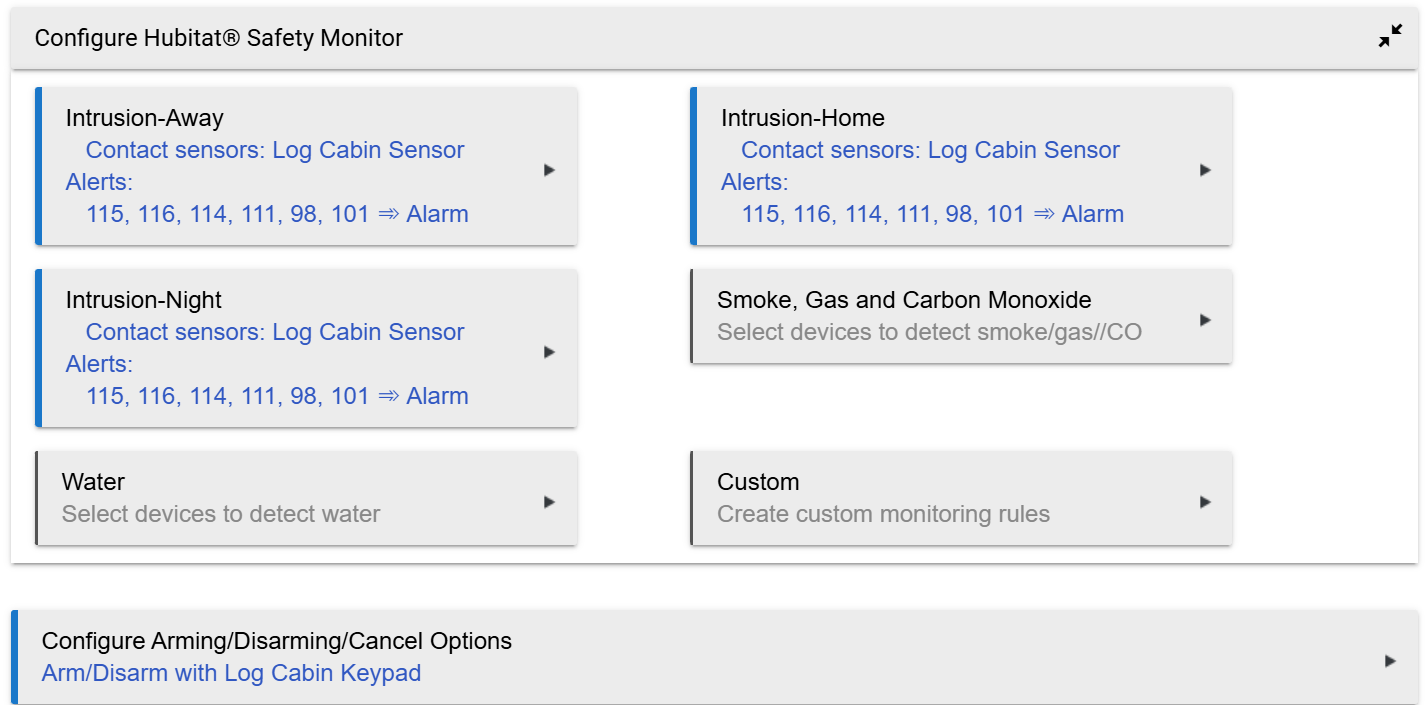
 ) so will keep tinkering to see if I can come up with something. Cheers