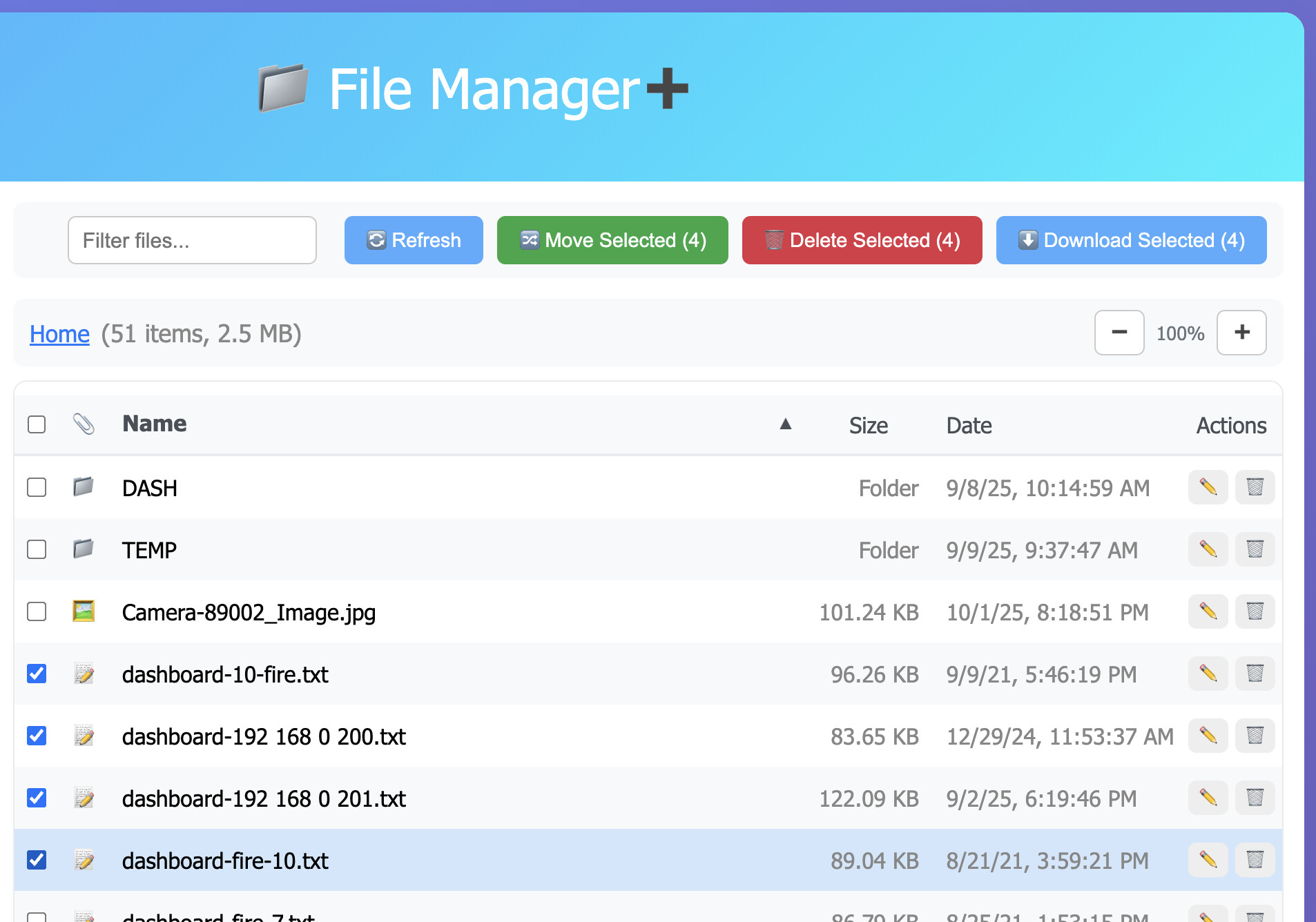
I just pushed an update which should do a better job of handling uploading and deleting multiple files. It goes with the last change from @hubitrep which re-tries the Hubitat File Manager API methods if they fail.
This change makes sure the upload or delete operations are run 1 at a time along with a progress display. The previous logic would upload (or delete) multiple files at the same time which might have caused problems for the lower-level API methods.
NOTES
I didn't touch renaming multiple files yet.. coming soon
I also have some UI changes coming but I wanted to add those separately
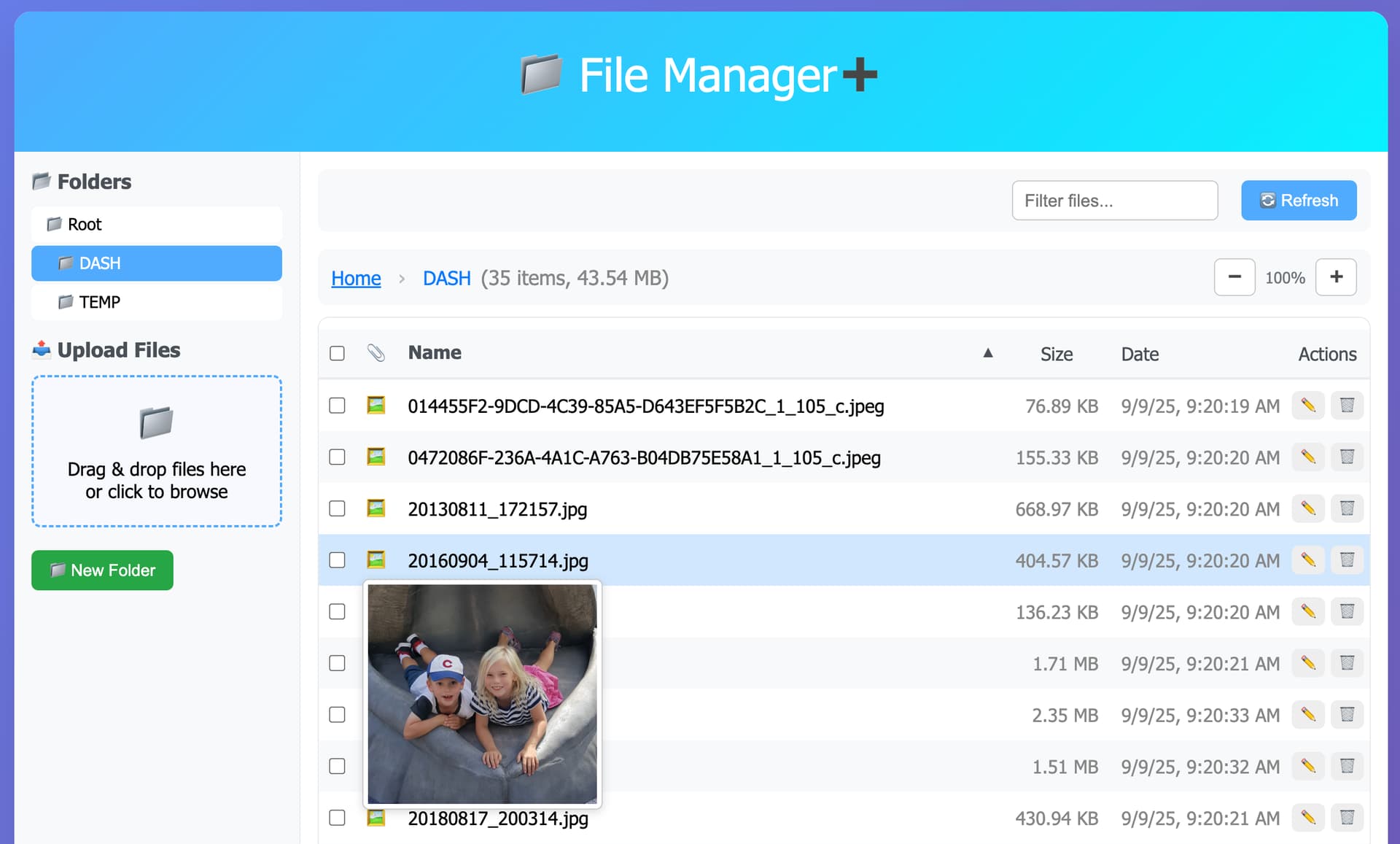
add popover (preview) window when hovering over icon for images
refactor move files to move 1 at a time
fix error handling
add max upload filesize setting (default: 10 MB)
show additional warning when deleting folder
The 2 big UI changes are the file icon is in it's own column, which is sortable (ie: by type - images, video, documents, etc).
There's also a popover image that shows when you hover over an image. I find these kind of things can get annoying or in the way sometimes so it'll only show when you hover over an image icon (not the filename).
When I delete a single file by using the delete button, the file is deleted, but the screen refreshes to the default text size, not the size that I have set.
If you click on any of the files they'll be downloaded. But if you're talking about selecting multiple files and downloading them - that's not a bad idea.. I'm not exactly sure if that's possible or not (downloading multiple files like that) - I know Google Photos will zip everything into a single file and download that. But, worth looking into