I recently wrote a little app which rotates through several images on the Hubitat File Manager. It was to replace the Google Photos library app I had been using for years.
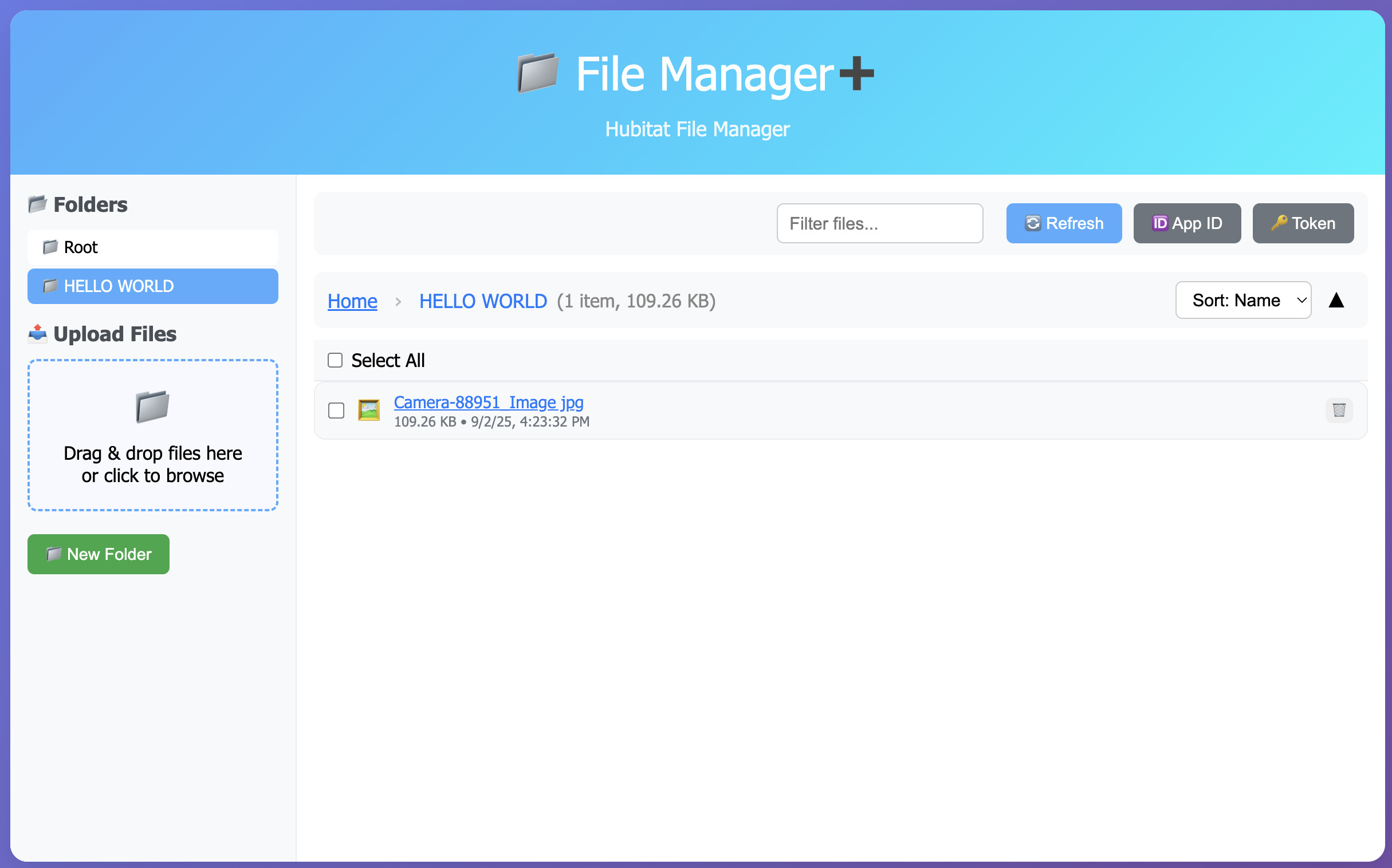
Anyway, I needed to get several images on the hub. Using the Hubitat File Manager wasn't a great experience as it only lets you upload 1 file at a time (with multiple clicks). Also, once they're uploaded managing these images is even harder. No searching, no folders, no spaces in the names.
So, I figured I'd try to create my own file manager app
It's still a work in progress but seems like it's stable enough if anyone else wants to use it.
NOTE: It's still using the Hubitat File Manager for the backend file storage so the same filename limitations apply. Spaces are just replace with "." and folders start with "folder_". The UI just tries to hide all of that and make it seem like you're dealing with spaces and folders
Installation
The EASY way is to use HPM (Hubitat Package Manager) - it's listed as "File Manager+" (I know.. the name isn't very original.. I'm really bad at naming things..)
HPM should install an app, a driver and an .html file in File Manager
I'd love to make this work remotely using the Hubitat cloud endpoints but I think it's too large. I've read there's a 128k limit on cloud endpoint responses. The html page is much smaller but maybe there's something else that I'm missing..
Even though the UI makes it look like there's folders and spaces allowed, any other app or driver that references the File Manager won't be able to use those.
Let me know what you think.. any features or suggestions that would make it better!
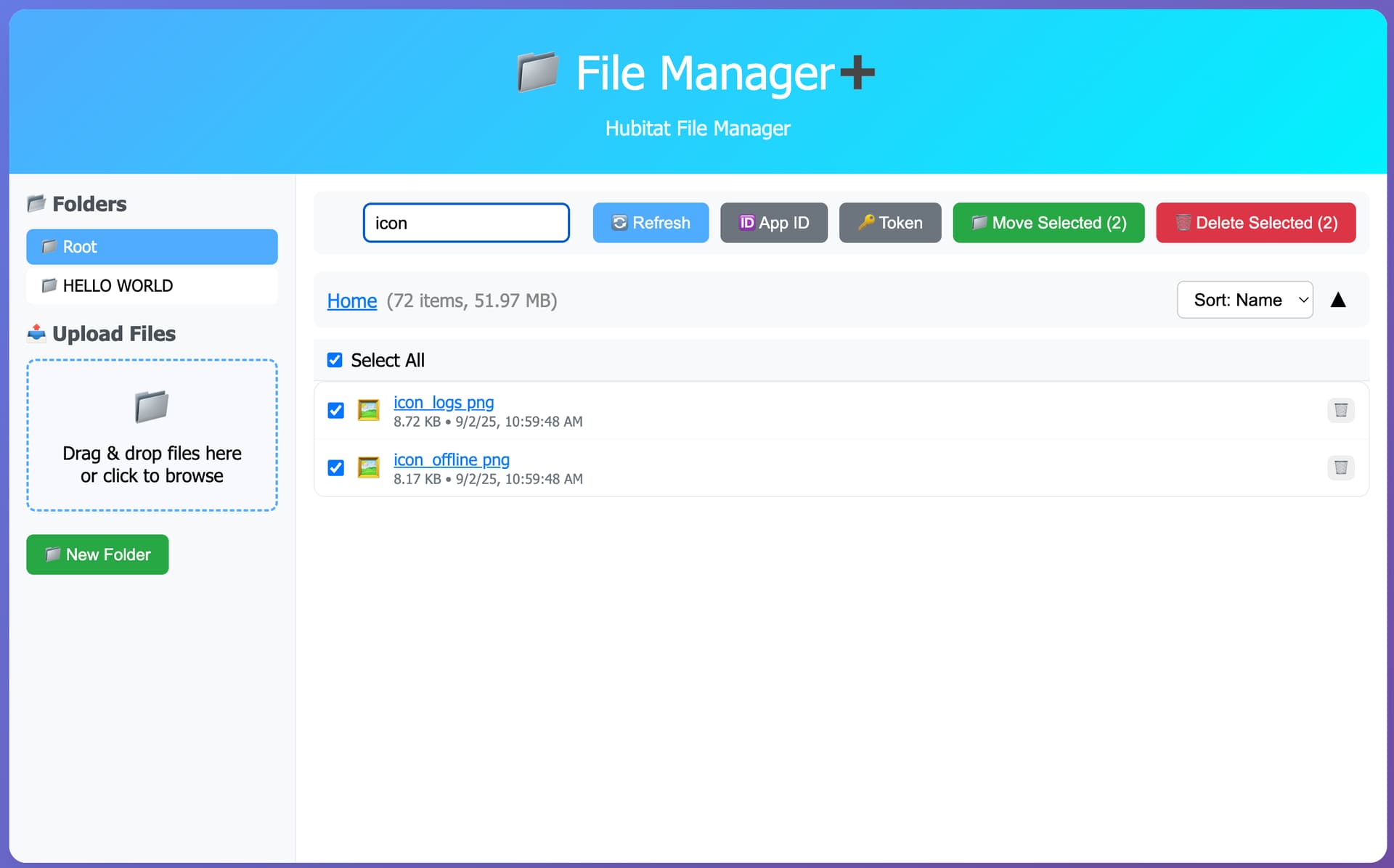
I've been waiting for months for Hubitat to assign an intern to adding sorting and searching to File Manager. No need now! I selected 34 CSV files to delete and all deleted, then dragged-and-dropped 34 CSV files from a directory and all were added in one go, then added the same 34 files again, overwriting the first set.
And this makes deleting old versions of Watch Tower files so easy!
One bug: in the device Preferences, I changed "default current state" to "status". The FM+ device now shows up in the Devices list with a status of "error" AND the device cannot be opened anymore -- I just get Hubitat's green spinning wheel-of-death. I can't delete the device nor its driver. The app code can be deleted, but that doesn't enable deletion of the device or driver. I tried to repair using HPM, but now nothing works.
I actually removed the child device driver in my latest update.. hopefully HPM will handle that. It wasn't used anyway. You might need to delete the device manually though (it won't be created anymore)
I also found a bug.. every time you opened the Hubitat app and hit DONE it changed the access token (which if you had the html page open in another window would now stop working) Now it'll keep the same one
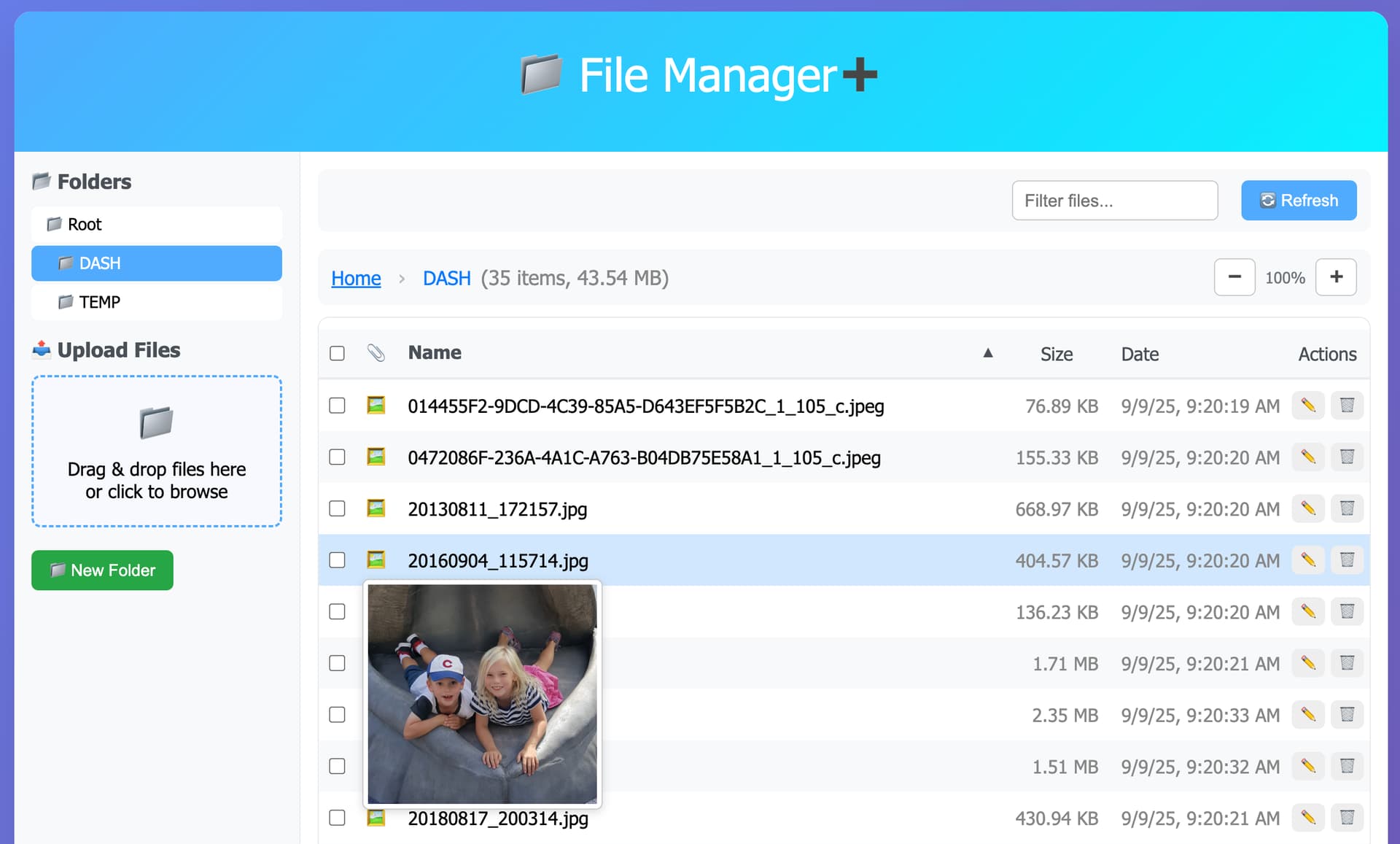
Is there any way to add the ability to change the font size? When I open the app in a new tab, the font is too small for me. And if I increase the font size in that tab, it also increases the font size in my Hubitat tab.