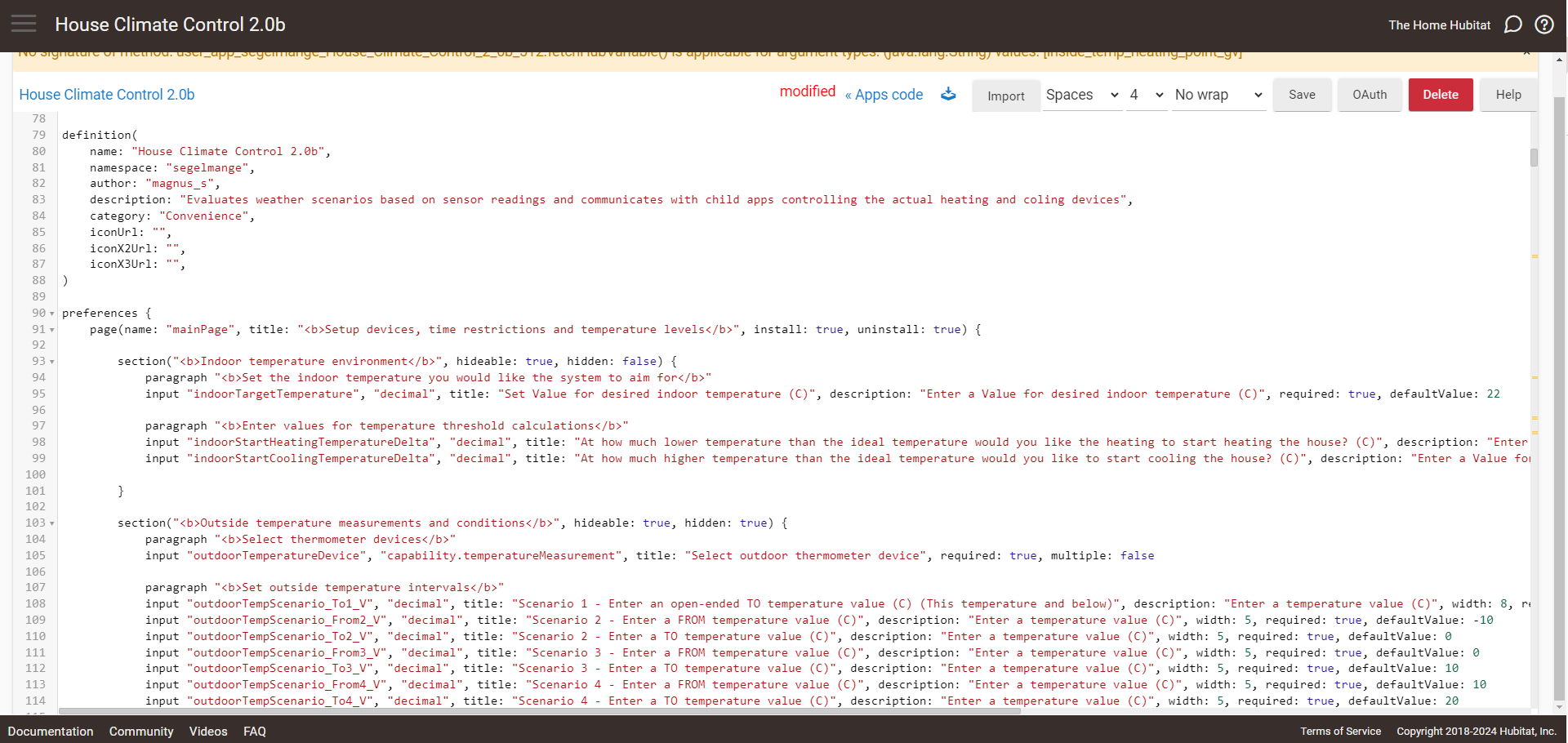
When I write an app in the user app form page I have noticed that the page seems to be using frames, where the outer window is slightly to high to fit. If you get an error on save, the error is mostly hidden behind the fixed top title (please see first picture). In order to see the error you must use the outer sidebar to move up. When you do, you can read the error message.
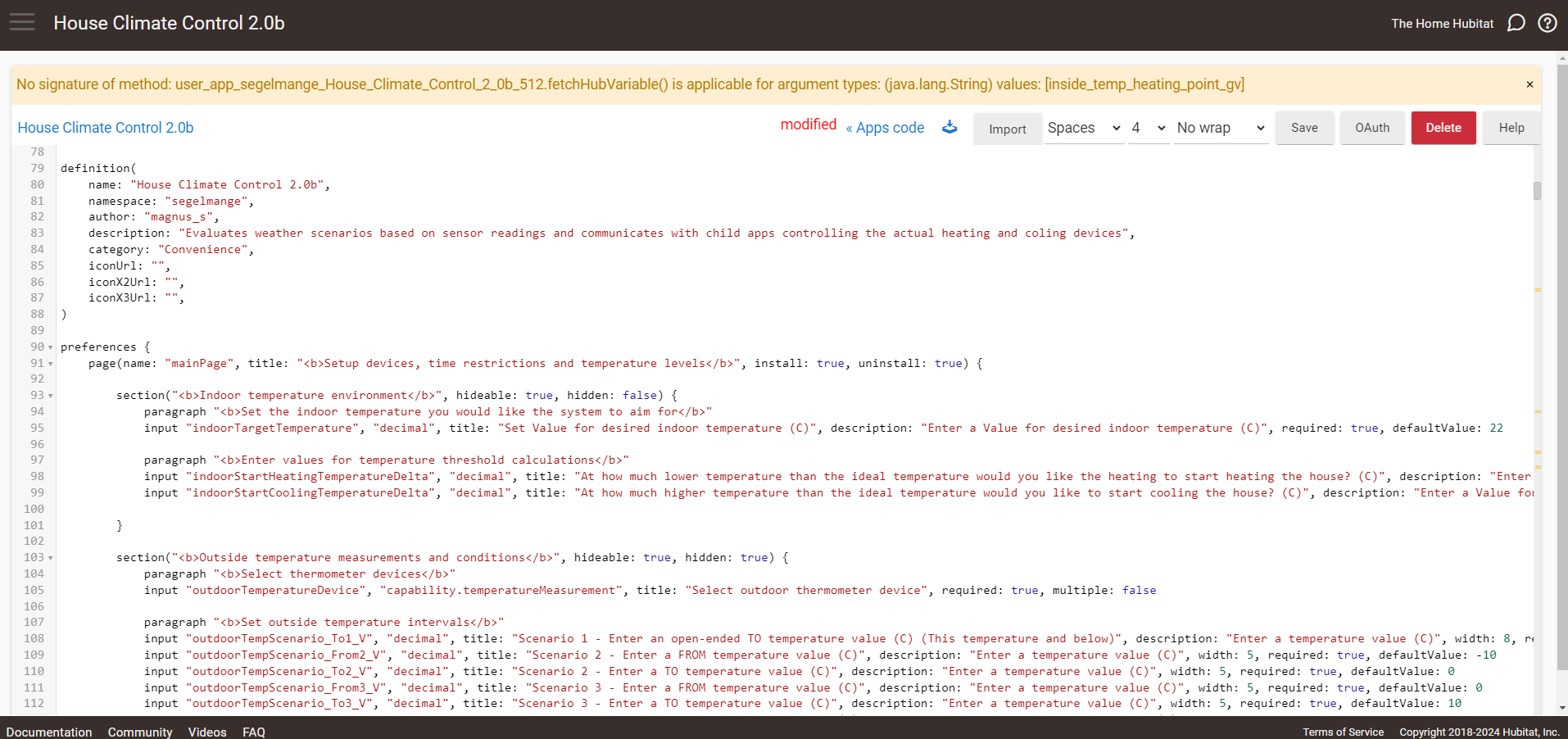
But when you do move the outer sidebar up, the code page horizontal scrollbar dissapears at the bottom of the page (please see second picture). So if you want to investigate the error and use the inner code page sidebar to move down in your script and find the code you want to look at are outside of the visible screen on the right hand side, you again need to move the outer sidebar down in order to get the horizontal scrollbar visible, to be able to scroll the page to the right and see the code.
If you then want to read the eror text again, you need to repeat the process again.
That used to bother me too, like a lot. CSS peak performance
My advice: do yourself a favor and try this VS code extension: Hubitat Developer VSCode Plugin. HE also added some support for IntelliJ IDEA a while ago but I never got to try it.
IntelliJ has built in groovy support and really helps keep your code formatted nice by indenting as you go, etc... I found it works pretty good with apps code. The publishing to the hub is instant so it must be using something better than the VSCode plugin (probably new API for 2.3.9). However with drivers there are so many custom methods and functions it gets angry about them which is distracting.
I was/am using the tunnel feature in VSCode and I have not figured out how to do something similar with IntelliJ. So for now I have stuck to VSCode with the user plugin. I have IntelliJ setup on my code "server" to play around with but normally use VSCode from a remote machine.
Thanks for sharing! I just started with VSCode and that was a hughe leap forward compared to wrting the code directly in Hubitat. Hubitat is brilliant this for coding, this was much better! As I am fairly new to programming I look forward to have a look at IntelliJ, but first I want to continue exploring VSCode a bit. Are you using a lint with VSCode?
No, there is one Groovy Lint plugin that was recommended and I went to set it up but ran into a road block of some sort and gave up. Seemed to be very complicated to get working for some reason.
It would be helpful times I think, the built in features in IntelliJ for java/groovy were nice when I tried it out.