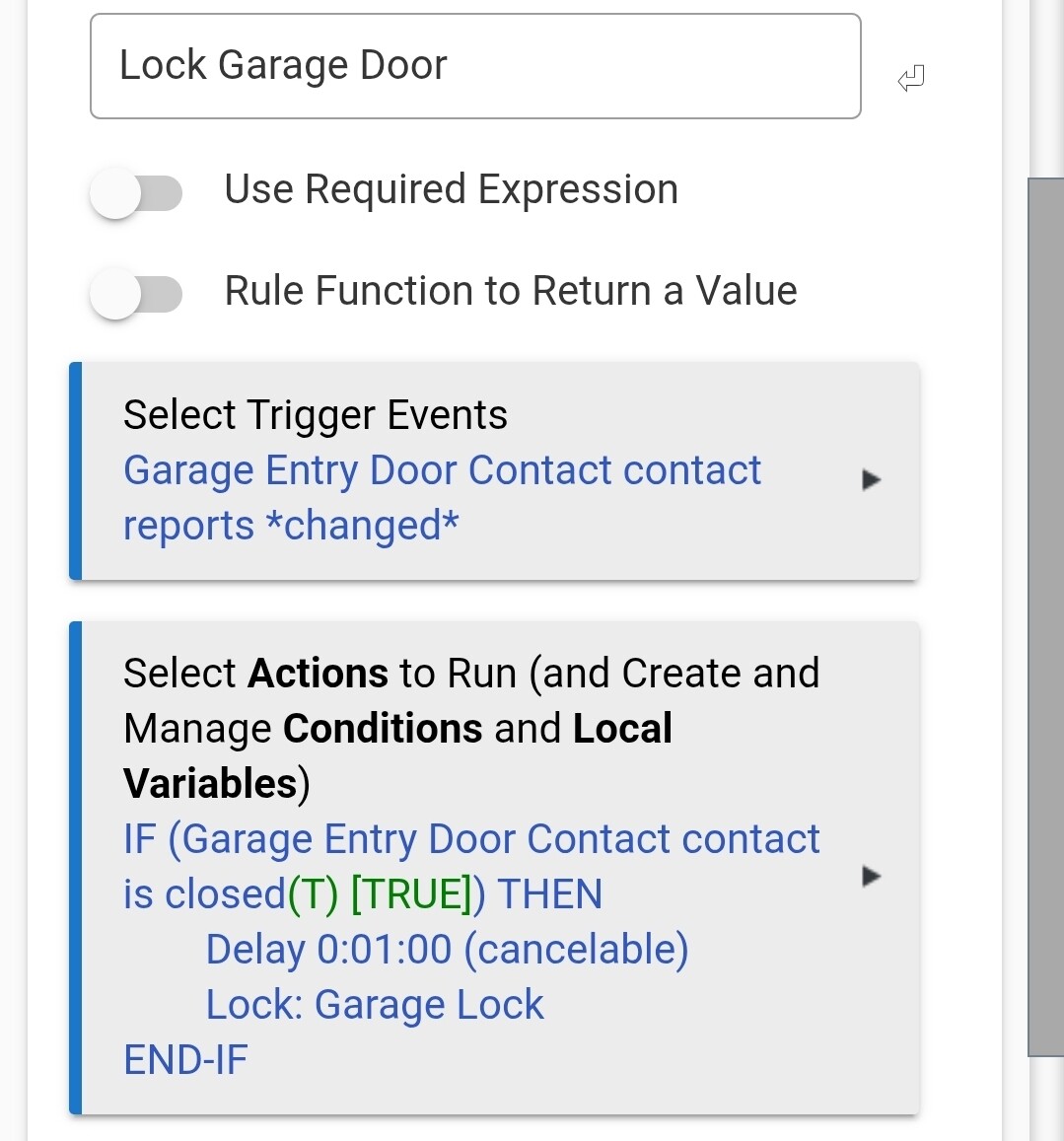
Trigger: Garage Entry Door Contract reports changed
Action: IF (Garage Entry Door Contact is closed THEN
Delay 0:01:00 (cancelable)
Lock: Garage Lock
EDIT-IF
I'm having a hard time with a rule. Here's what I'm looking to do
If Garage Lock report unlocked and entry door is closed, then wait 1 min a lock garage lock. (this semes easy but the garage lock reports unlocked before we can open door so it thinks the entry door is closed)
if Garage Lock reports unlocked and entry door is open, wait until entry door is closed, then wait 1 min and lock Garage Lock
Any help on this rule would be great. I'm sure a lot of people have a rule like this.
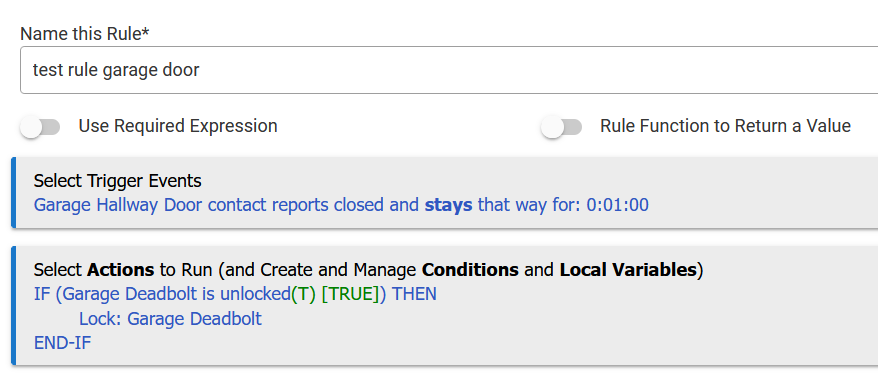
The IF around the lock command isn't strictly needed but I have found it better to only send commands to battery powered deadbolts only if they need a state change, i.e. don't send a lock command to an already locked lock...
That should work just fine most of the time, but I'd encourage you to consider using something more like CuriousB's example.
"Changed" as a trigger can often have unintended consequences, and 99 times out of a 100, there's a more appropriate (more specific) trigger to use instead.
You made the delay cancellable, but you don't have any step in the rule that would actually cancel it, so it's basically just a plain Delay (I'm pretty sure I have that right - I don't ever use any cancellable delays myself).
Because your trigger fires on any open/close change and you have a plain Delay in there, it's possible you could get concurrent instances of this rule running.
While that wouldn't be really problematic with this particular rule, this sort of rule construction can definitely get ugly under other circumstances. But it's easily preventable -- CuriousB's example above is one solid way to do it.
If you go this route your first line in the actions should be "Cancel Delayed Actions" so that you don't get a bunch or nested/staggered delays if the rule gets re-triggered. By doing that only the last delay will prevail.
Maybe it is just my "Sunday night brain"..., but it may help me at least if you explain this a little more... I'm unsure why you have not used a required expression that the garage lock is unlocked,
Perhaps I need a little more context of what the sensors represent....
But if you can get a solution without me understanding it, all good...