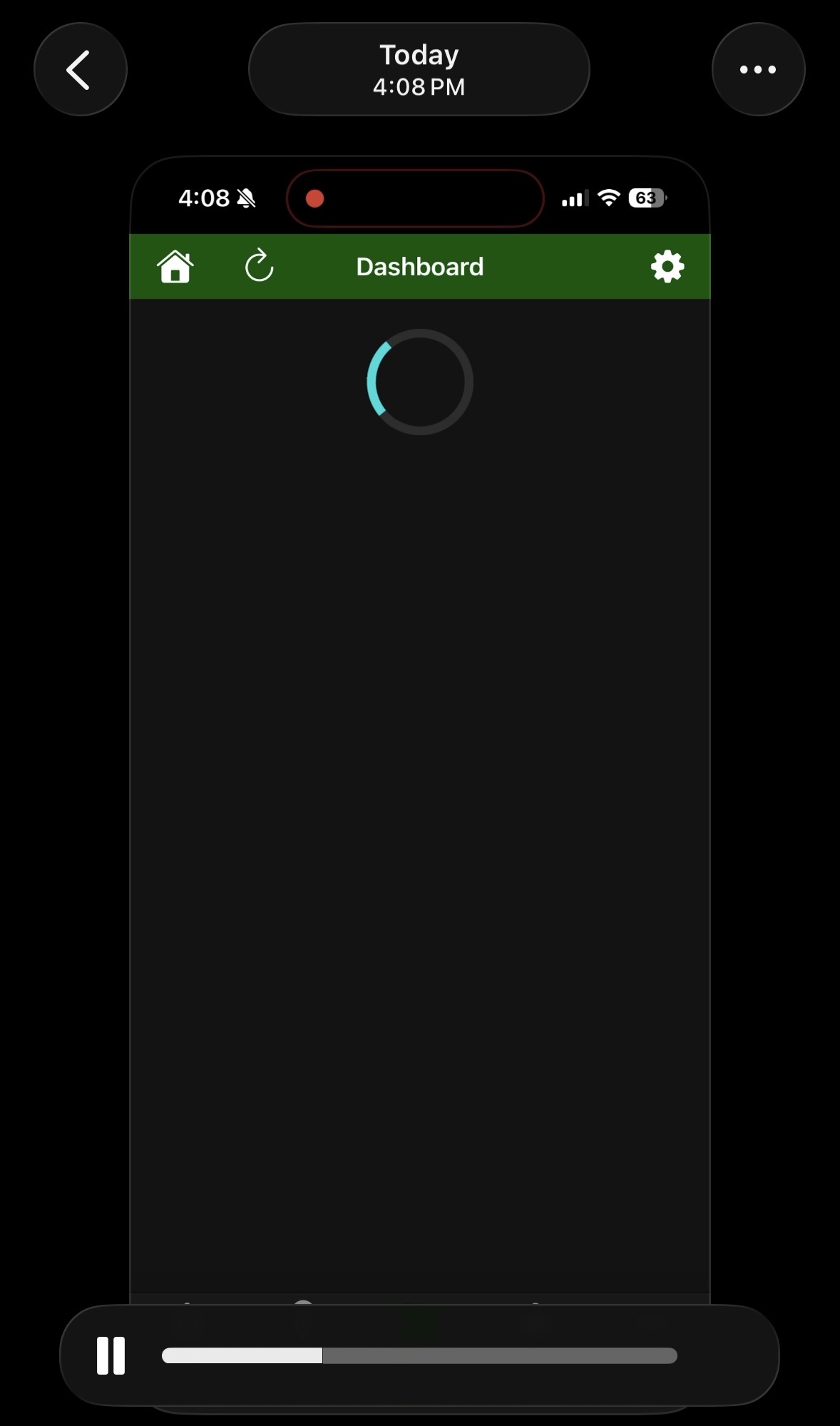
About 50% of the time when I opened my habitat mobile app on iOS 26, it defaults to the dashboard page as it is supposed to. However, it just gives me the spinning “loading” icon, and it never finishes loading. I have to tap onto another page and then come back for it to load. It has be behaved this way ever since I downloaded the app almost a year ago I think. It seems like an app build issue, but not really sure. Has anyone else experienced this?
Same issue for me as well. It used to work flawlessly years ago. I believe this issue was introduced around the time the app added the “resume last dashboard” option in the Dashboard Settings sometime early last year or so.
It seems several other others are experiencing the same issue. Did you ever accomplish anything with my hub ID that I sent you? Were you able to determine what might be causing this?
Following up on this after six months, as it still hasn’t been addressed or resolved, and I was never able to get any response in direct messages after sharing my hub ID either. Is there any effort to fix this? It’s incredibly frustrating when you’re trying to access your dashboard to simply turn off the light or turn off an alarm.
Same for me using Firefox to call up my dashboard on an iPhone. First time is just spinning - a refresh is necessary to bring it up. It works perfectly with Firefox on a PC so I’m guessing an iPhone issue rather than Hubitat?? But I don’t know for sure.
Oh, this is a Hubitat issue no matter who is causing it lol. Apple is not going to change anything about their iOS to solve a small issue on a lesser known app affecting only a portion of its users. I suspect that this is actually a problem with the Hubitat app, not caused by Apple, but it wouldn’t matter if it were because Hubitat is the team that gets to fix it if it’s ever gonna get fixed.
Still no reply? Does Hubitat have a direct customer support email or contact for app issues that are not user specific? This isn’t really a community forum issue where I’m trying to solve a problem with my system/build. This is an app bug that only y’all can fix, that multiple users are experiencing. Can we get some support here, and if not, is there anywhere we can?
It apparently works for most people, I have to believe that it is only some experiencing this, otherwise there would be dozens upon dozens of reports.
Either they can't replicate this, it is something specific to your phone or OS version, or there is a slight possibility it is some odd thing that for whatever reason cannot be fixed without a major revamp of something.
Have you ever tried uninstalling and reinstalling the app? I don't see if you say if this happens on local or whether it is cloud? (or both?)
I will tag @gopher.ny to see if he has any insight.
I run into this issue fairly regularly, but since it's easily correctable by just clicking somewhere else and then going back to Dashboard (where that'll then work fine), it's just become something I've learned to live with as a relatively minor annoyance.