there is no call in that log to set the temp and you are also missing the application log that shows the call to set temp.. without those i cannot do anything. also if it is sending the request more than once than you are unable to reach the car or tessie to issue the commnand.. it is working fine here.
1 Like
Out of curiosity, how are some of you approaching the logic for automatically opening a garage door when your near home? With a minimum refresh rate of 1 min in the settings, I can sometimes get home before my WebCoRE piston. I could set an even larger outter circle around my house, but I don't want it stupid big either. Is there any way to set a faster refresh rate (as fast as Tessies) when I'm near my home?
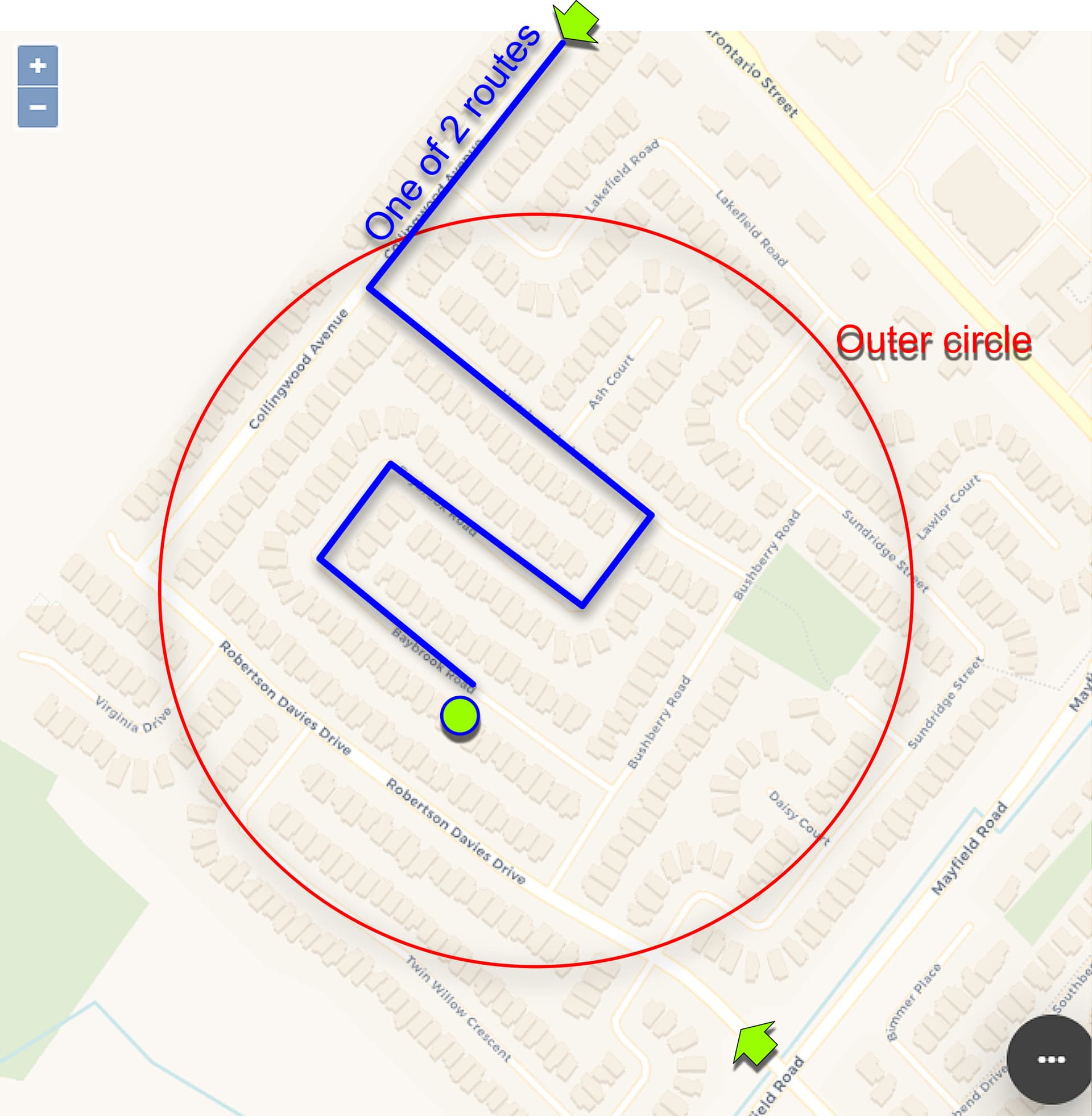
sounds like you are runnign an old version.. there is no outter inner circle with the newest version with the websocket enabled..with that on it should update almost in real time
I believe I'm running v2.30 and my HOME and outer circle is defined under SAVED LOCATIONS in Tessie.
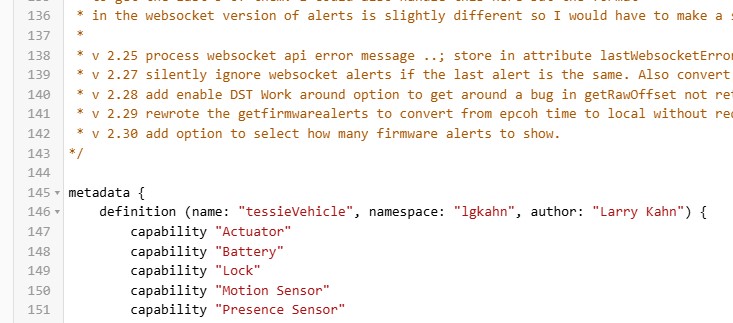
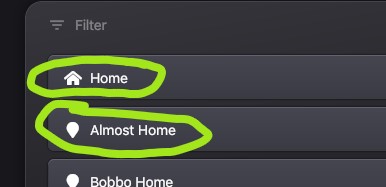
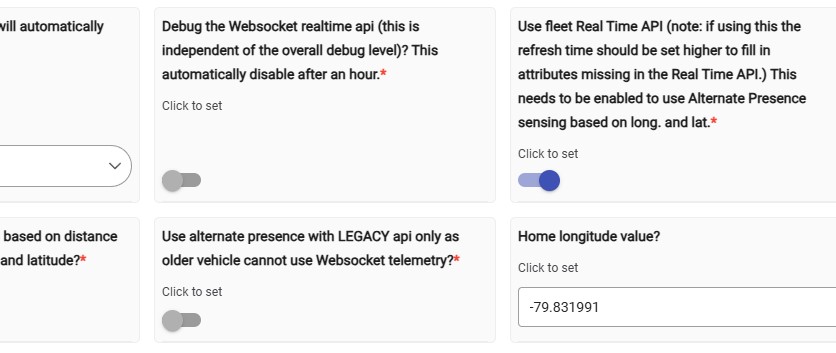
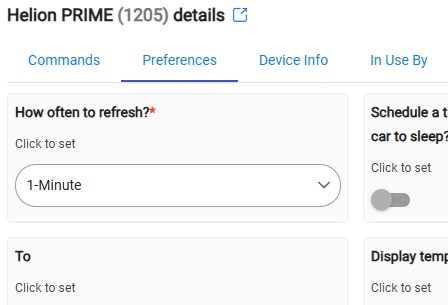
none of that is used from tessie the only thing used is the frequent real time long latitude reports.
all that is used in the dist you set in the preferences and the long lat.. turn on debugging when driving home and see how often you are getting long lat reports,.
have you turned on use alt presence and then use that attribute in the device.. or are you trying to use the locations you set.. thats not a good idea as that info does NOT come from the streaming api and will not up[date very fast.
1 Like
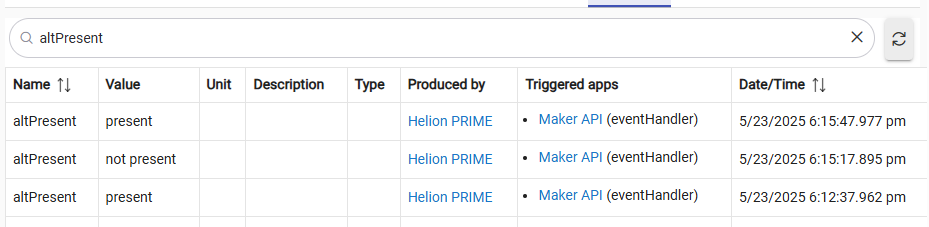
So if I understand correctly, it's altPresence I should be looking at. I was checking events after I came home and noticed present/not present happened quickly. I'm thinking this is due to my setting of .25km distance from home is a bit too close and as I navigate my neighbourhood certain turns become outside this distance. The time difference is almost instantaneous. I'll slightly increasing this amount and use altPresence instead of savedLocations.
1 Like
You can use regular presence too..
As long as alt is turned on both will go true at the same time.
In my case .25 was not close enough. I only wanted the door to open when in the driveway
I had like .1
1 Like
Actually I'll try decreasing distance instead since it updates so fast and test it out. Thanks.
new version 2.40 to take advantage of some of the new fields in the alerts.
in the firmwareAlerts (list) it now has hover text showing
condition: description: and impact:
- v 2.41 add hover text as an option as it broke legacy dashboard display
1 Like
Would love some advice about Distance in KM from home to be considered as Present.
When get near home with a set distance of .08km, the car is viewed as PRESENT even though I'm outside my radius. I check my long/lat home loc and they seem to be right. Is presence not as acurate as I think it is?
Red X marks when PRESENT is triggered. As I approach my house from that mark, the car becomes AWAY again, then swiches back to PRESENT on the pink X.

Turn in debugging for the car and post the log as u drive it will show long lat and the distance.
1 Like
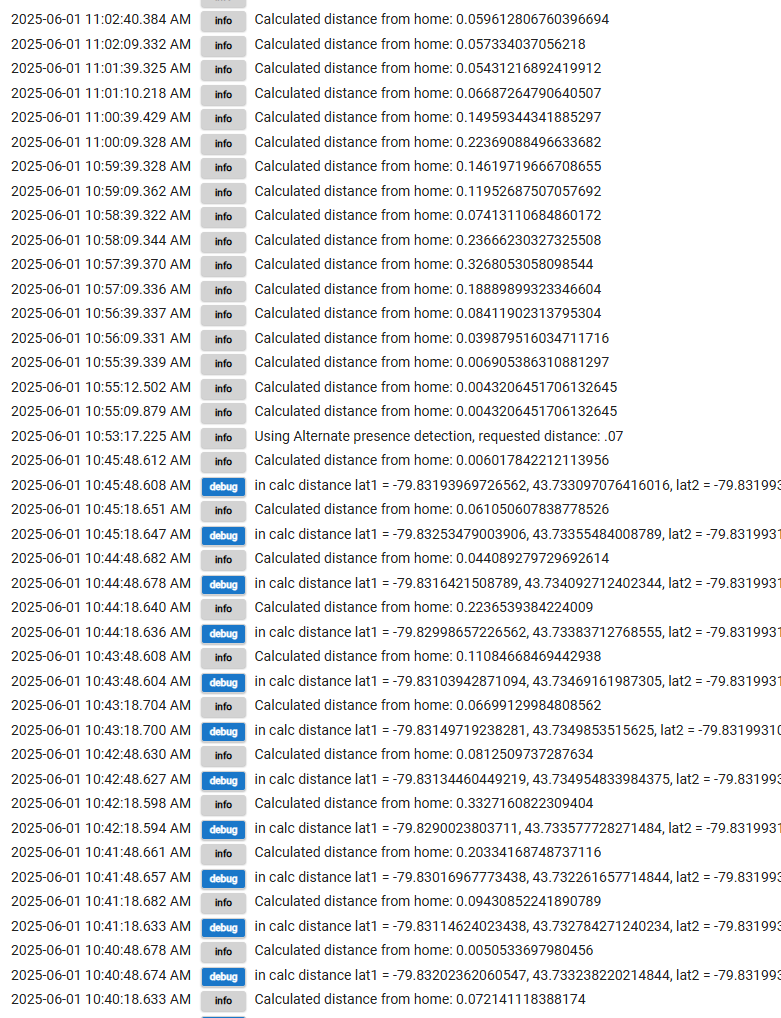
Thanks for the help... your advice worked out great. Was able to roam my streets and get live info on distance. One thing I noticed (debug or not), when the car is near home updates are 30 secs apart. If the radius is set too small, to avoid multiple triggers as I navigate turns, I could get home before garage is opened due to these 30 sec updates.
Just in case your curious, here's a snippet of my logs with debug ON/OFF.
Good morning peeps,
I'll be upgrading my 2020 M3 to a 2025 this week. I'm curious as to what I should prep for when deleing old and bringing in new. Typically with any device you can just do a device swap to keep everthing intact before removing the old device. Would this apply here with this perticular device driver?
Once the vin is in your tesla and tessie account you rerun the app it should find the new and add the device and
Delete the old automatically as it is no longer under your account.
1 Like
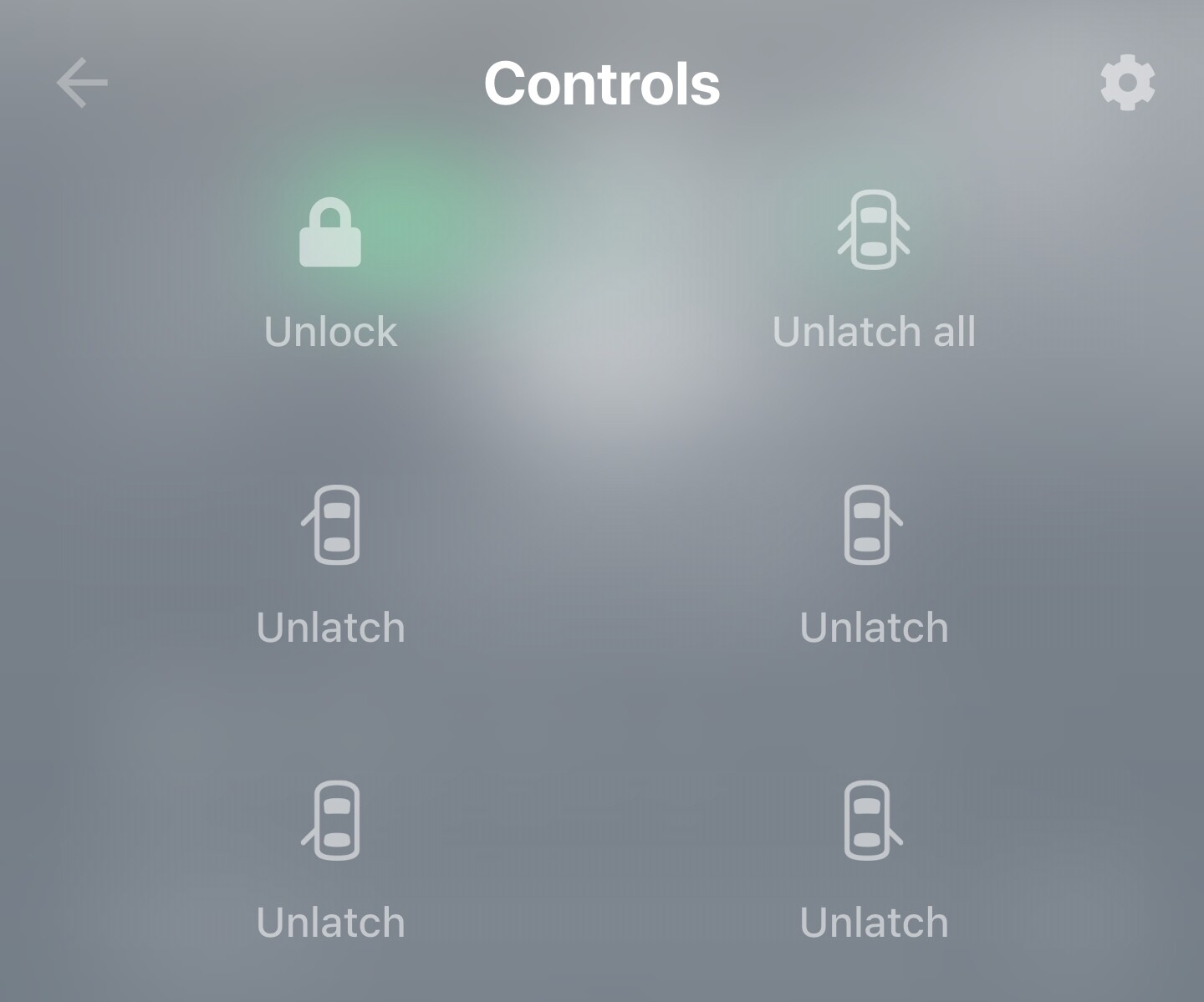
I would like to be able to unlatch each and all the doors using my dashboard.
Is it possible to add these commands to the app? Thanks in advance.
It does not appear the Tessie.com API
https://developer.tesla.com/docs/fleet-api/endpoints/vehicle-commands
that this Hubitat app/driver calls currently supports these commands. Perhaps you can reach out to Tessie support to see if they have any plans to add these controls
1 Like
Also what is unlatch as there already is an unlock call
FYI, unlatch actually pops open the door.
As an aside, popping open the door from inside the car is very useful for first time Tesla passengers!  Now with Tesla app supported on the Apple Watch along with Tessie, I personally have removed my dashboard with Tesla commands. I use the S3XY buttons too.
2 Likes
Pretty sure it is incomplete in tessie as well because it shows unlatch for my model 3 but i am pretty sure there is no such function and nothing like it exists in the tesla app.

