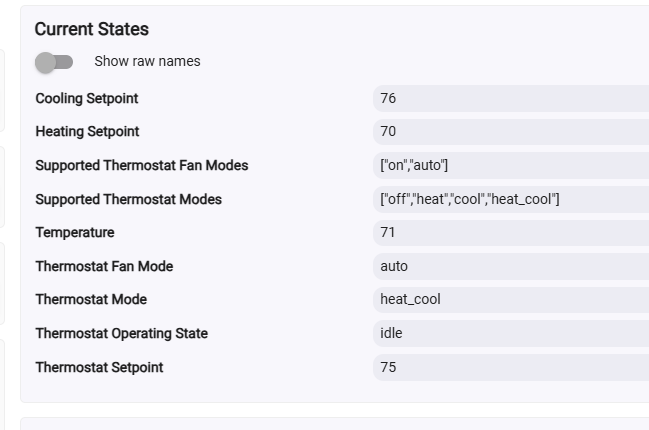
I know I used to be able to enter set points on a Thermostat tile. These are Ecobees coming from HADB. The Thermostats have all of the appropriate states.
I'm stumped.
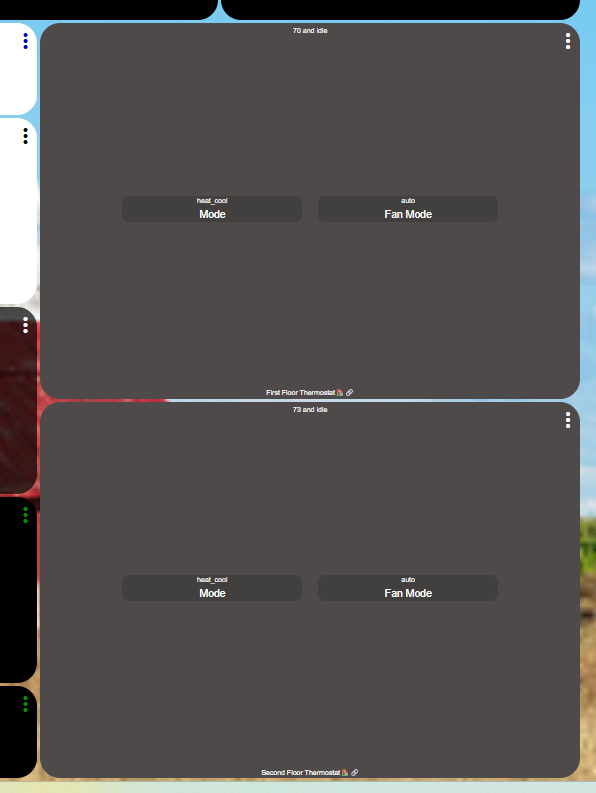
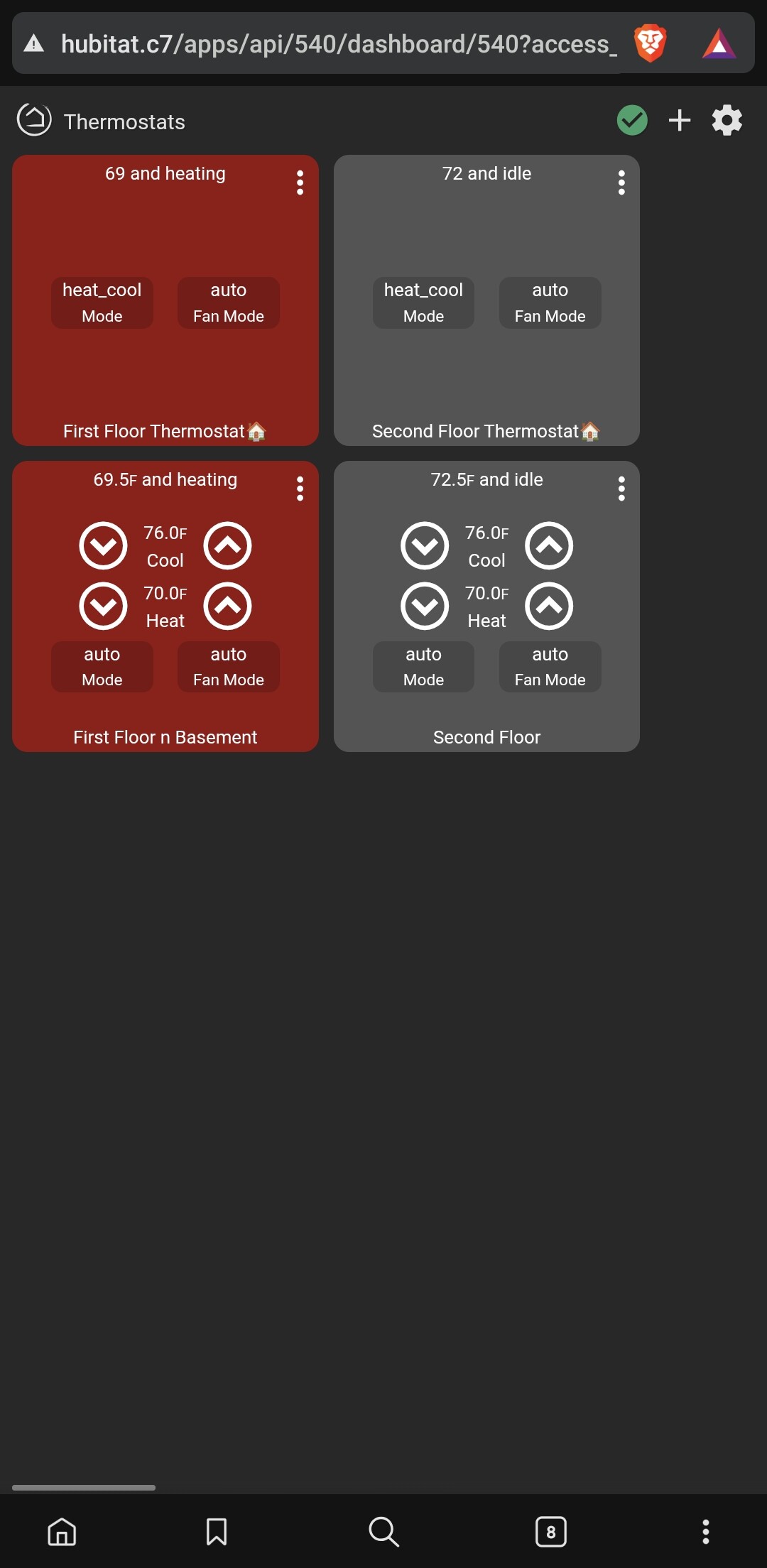
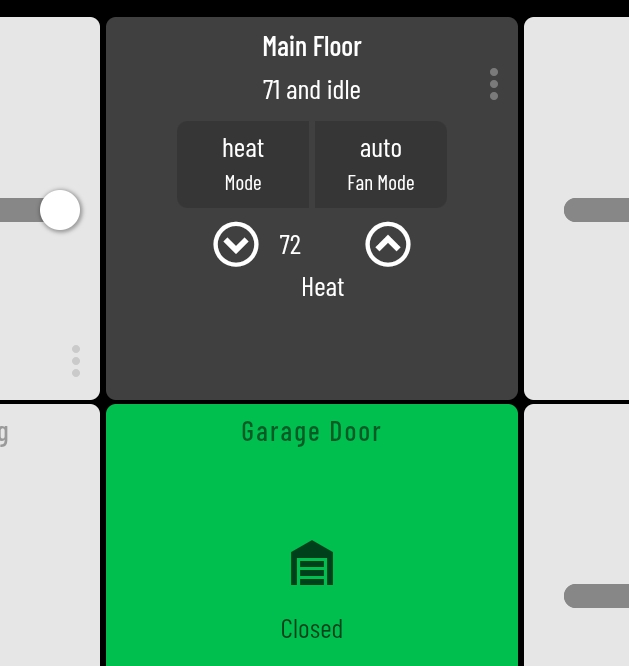
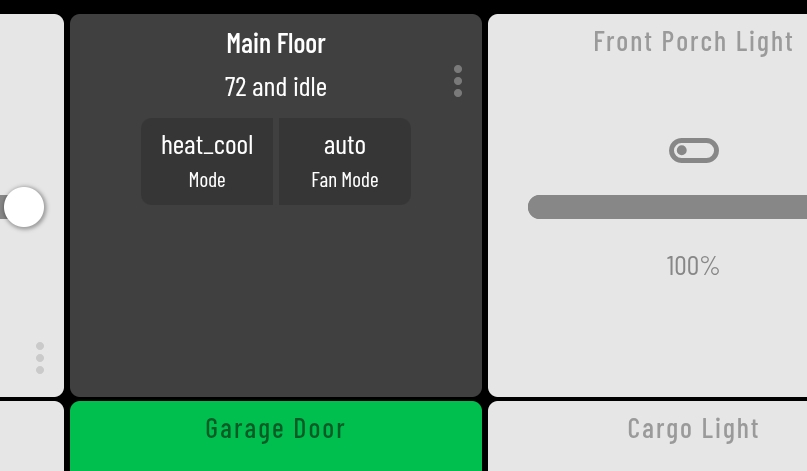
Here is one of the dashboards. I copied from desktop but it's sized to fit on a tables to that is reason for weird ratios.
I'd suggest visiting the 3-dot menu for that tile to make sure its device is still selected properly then click Close. Looks like the correct template is in place, though.
They are selected. The current temperature changes and tile background changes color based on state. I created a brand new dashboard and it is same issue.
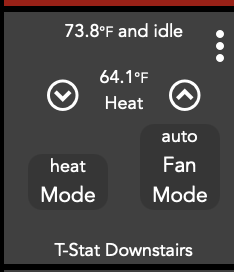
It seems to be HADB related because i added thermostats using Hubitats native Ecobee integration and the setpoints are there on tile. The top two are from HADB and bottom 2 are from Hubitats integration.
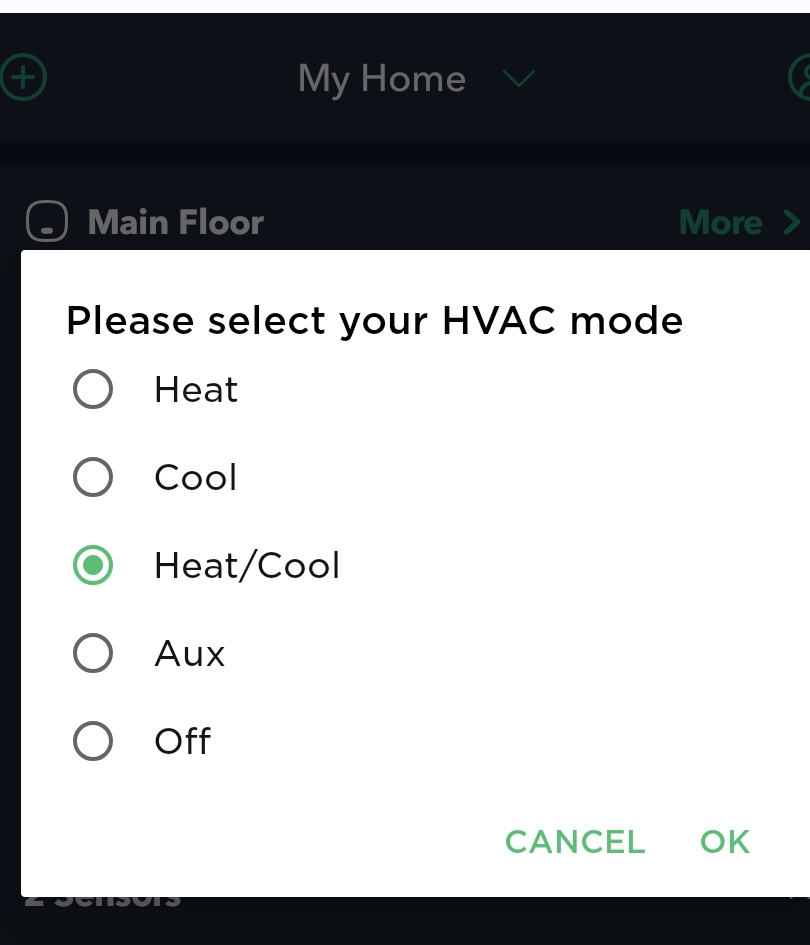
In that screenshot, the current thermostatMode is heat_cool. The dashboard template follows the Thermostat capability enums only, and that is not a valid mode for the template to display setpoint controls on the tile.
I think if you change those, the ecobee may not know what you are sending when you select auto. Ecobee's command is for heat cool (within the native Ecobee app).
This was discussed before in the parent thread for HADB. "Auto" has multiple meanings and caused issues with the driver. This thread would also be a better location for issues/requests specific to usage of HADB drivers, since I do not think anyone has mentioned @ymerj yet in this discussion. It might be more likely to get addressed or explained if it were posted in the HADB thread.
When I use Heat, or Cool as the settings, the setpoint arrows show up fine. Cofirming the only issue is in heat/cool combined mode.
Perhaps we should put a request to change the HE tile behavior so that it recognizes "heat/cool" as equivalent to "auto" and allows for the setpoints to show? But the issue with that would be trying to map every unique device. So, it might not be feasible.
Yeah i thought this issue sounded familiar but couldn't find in other thread. I switched to Hubitat's integration since none of the changes i make require immediate action so involving the cloud isn't a deal-breaker.
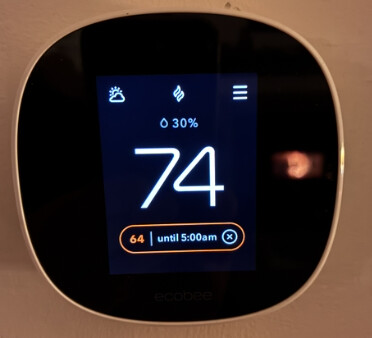
With the number of outages ecobee had in the past, the cloud is an absolute deal breaker for me. Now, I just kinda chuckle when I get the e-mail alerts for the outages. I may not need immediate response, but I am not a fan of having to account for ecobee's lack of uptime in my rules. The amount you pay for these things, the outages should be more of a rarity than they are. The ecobee was the primary reason I spun up Home Assistant in the first place. Since then, I have added a few cloud integrations that HE doesn't cover (My Subaru app for one).
It is just setting the attribute to auto to make the tile happy. The actual send is done with the parent command, and it sill sends heat_cool to the parent.
I understand the issues with heat_cool vs auto in HADB, and the change made to standardize things, but that doesn't mean you can't still tweak it by setting the attribute separately.
I'm not sure if the parent will set the mode to heat_cool after the attribute is set to auto, depending on timing, but if it does, the attribute could be delayed to be set a second later.
Edit: Note that the you will still see heat_cool in the tile menu. When you select that in the tile menu, it calls the setThermostatMode() command and sends it what you selected in the menu, so it sends heat_cool. So that is what the HADB parent sends to HA.
I don't remember the last time I got a notification that Ecobee was out. I still have the homekit integration bringing in the Ecobees into home assistant so no issues using Hubitats for hubitat dashboards and home assistant for home assistant dashboards. I use both.