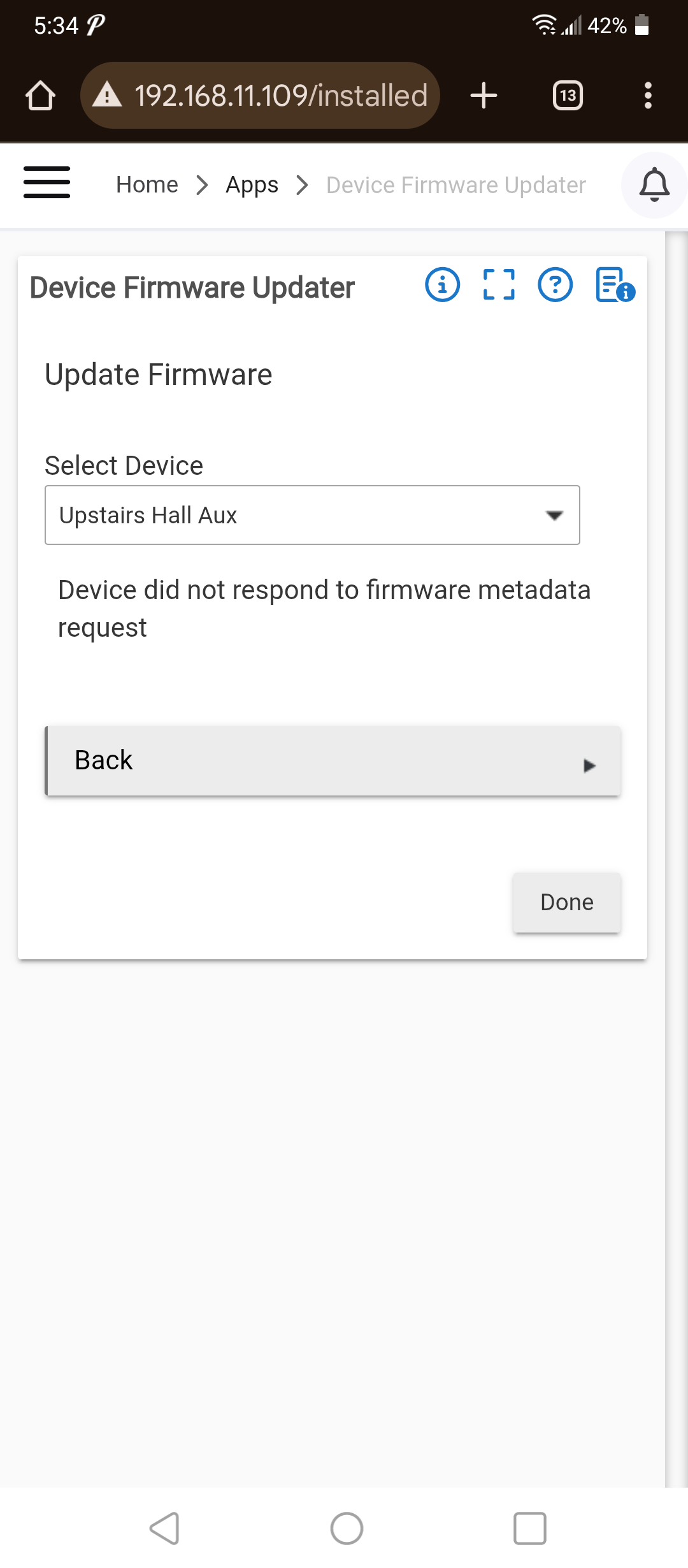
Please provide your hub model (C7, C8, etc.) and its platform version from Settings>Hub Details.
Check out the following post for help troubleshooting problems and gathering details that will help others to identify and solve the problem you are experiencing: ‼ READ FIRST - Before Posting in Get Help
I read that the new fw updater works in lr mode. I cannot update my zen37 . I did send a button press first to make sure it is awake. any suggestions.
@bobbyD
In general, updates tend to be smoother on JS, so that may be worth a shot.
For battery devices, I've had the best luck lately disabling the device and then finding the sweet spot of when to hit the wake-up sequence (sometimes twice) as I'm starting the update - in my experience, that can vary by device. Battery device updates are finicky, no doubt.
Also lately, I've been needing to at least remove the Updater app in between attempts (seems to help reset things somehow), and I've even needed to reboot the hub in between attempts. At one point on JS earlier this year, none of that was necessary, but I had to go back to doing one or both of those steps lately even on JS.
I've managed to get all the updates done that I wanted to lately, but some were definitely a slog.
do i need to rename the file to something after uploading how does it know which gbl file to use?
I've only ever loaded one update file at a time and I've never needed to rename one.
After you get past that page it lets you pick the firmware file. Name does not matter as long as you know which one to pick from the name.
A button press or the lower left button 6 times to perform a Z-Wave wakeup?
2 Likes
thanks got past that page with 6 button presses. now freezing here. presumably because Logs say device thinks it's firmware is not upgradeable
does the battery have to be close to 100% maybe..
Battery level shouldn't matter - one of the ZSE44s I did last weekend was at 30%.
ok not sure then as its like at 68%
its defineately upgradeable.. its version 2 and firmware is 2.0 and new firmware is 2.2
That's a message coming from the device, they always say that, ignore it.
You might just have to wake it up again.
Otherwise a trick to try is shut down of the hub and the device. Power up hub, then device. Then try the update.
1 Like
ok next step power cycle the hub and try again.