[BETA] HubVoice - A Local Voice Assistant with Optional AI and Music Player

Not at the moment. Docker is out of the question but Linux could be done with some effort.

Right now I'm working on a Broadcast feature. Once that is done, hopefully my Sat-1 units will come in and I can start the process of getting those to work with HubVoice. The Sat-1's open up a few more features that'll need to be looked into (multi-room music :wink:).

So for now, it's not in the plans but I will definitely read up on making a Linux version, see how hard it would be.

1 Like

Another set of updates on Dropbox... hubvoice-sat-2026.03.23.1-release

Be sure to replace your exe and upload the new firmware to your HA PE satellites.

  • Added Broadcast feature
  • Added Alarms and Timer features
  • Tons of under the hood adjustments
  • Responses are now much quicker
1 Like

Received my FutureProofHomes Satellite-1's today! Starting to tear down the yaml and see what makes this thing work. :grinning:

Gonna be a fun weekend, lol.

3 Likes

It went better than I anticipated mate, many thanks. Hope to be well enough soon to give this a go :+1:

2 Likes

I am following with great interest!
BTW - I just got my NABU voice assistants working via Ubuntu / Docker / Home Assistant / etc.

1 Like

Hi @bptworld,

Having a real time with this on the HA speaker, its online and I have the factory firmware
updated.
image

Yet I get no page using, Open the satellite web page at http://:8080/
So I'm unable to get any further. If I execute the open-upload-page bat, enter the IP, the page just times out. Yet I can see it in HA. Any tips?

Cheers
Roy

use HPM to install HubVoice. There is a full page of instructions within the app. If you get stuck at any point, let me know.

Hope this helps

Yeah I installed that way, now trying to the the HA speaker set up. The windows app is working when throwing it questions etc :+1:

Have you installed HubVoiceSat.exe and flashed your satellite with the custom firmware?

I did but looking at the logs, it seems its trying to search for your wifi? Maybe wrong on that.

Did you do this part?

If it does not join Wi‑Fi:

  • Look for a Wi‑Fi network named HubVoiceSat Setup.
  • Connect to it with password hubvoicesat123.
  • Open the captive portal page and enter your Wi‑Fi details.
  • Let it reboot and reconnect.

Crikey, are there cams in here? It had literally just popped up in the WiFi list! :smiley: That said, it wouldn't connect directly or :8080, giving it a boot and will retry.

1 Like

Sadly still not showing the page, nor any error, just a white page.

Did you do this step first?

Flashing the HA Voice Assistant PE for the First Time

  • Plug the Home Assistant Voice Preview Edition into your Windows PC with a USB data cable.
  • Open releases/hubvoice-sat-xxxxx-release/open-usb-flash-page.bat, or go to https://web.esphome.io/.
  • Click Connect.
  • Pick the HA PE serial/USB device from the browser prompt.
  • If the page asks, allow USB access.
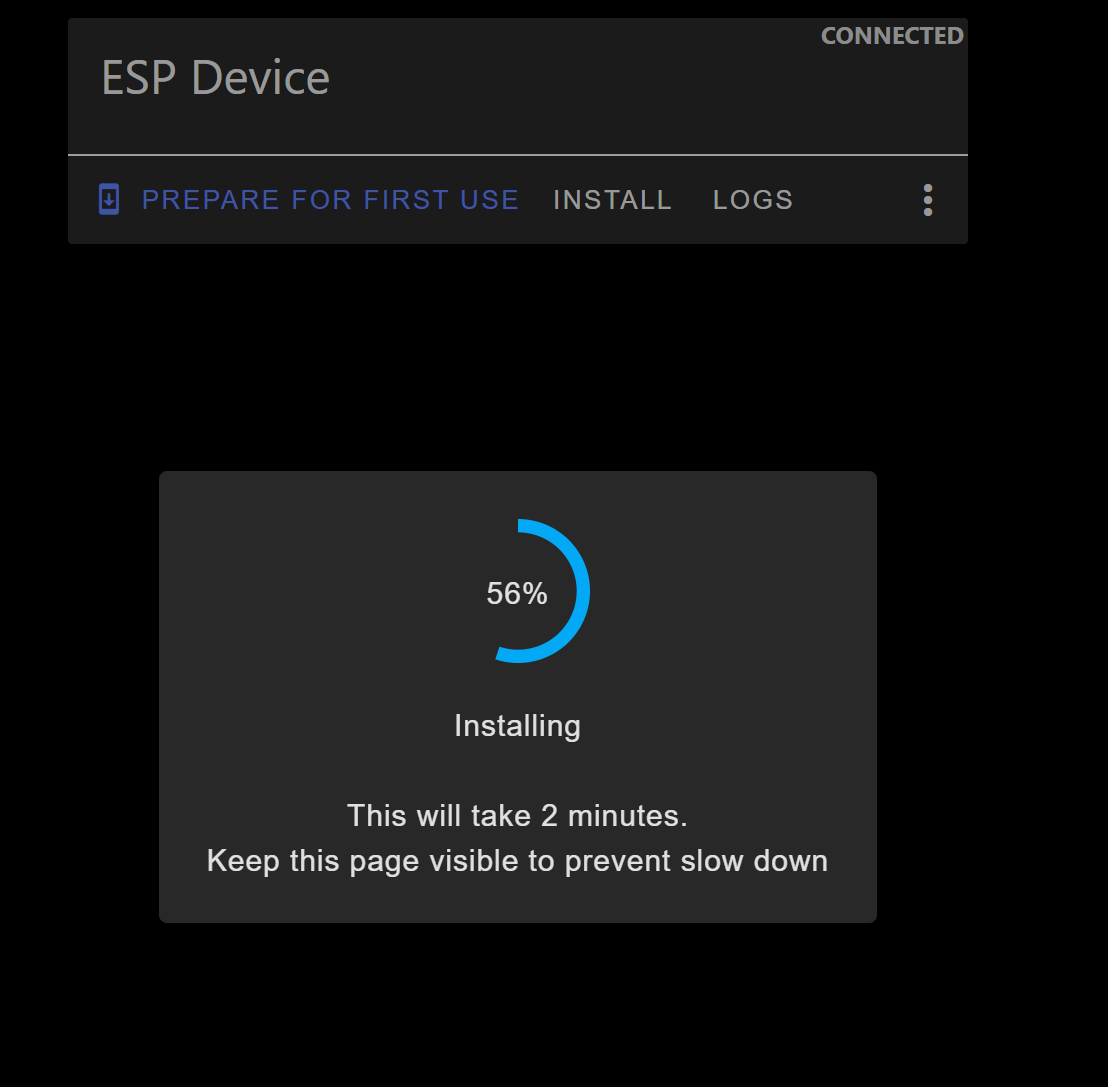
  • Choose Install.
  • When it asks for a file, select releases/hubvoice-sat-xxxxx-release/hubvoice-sat-xxxxx-factory.bin.
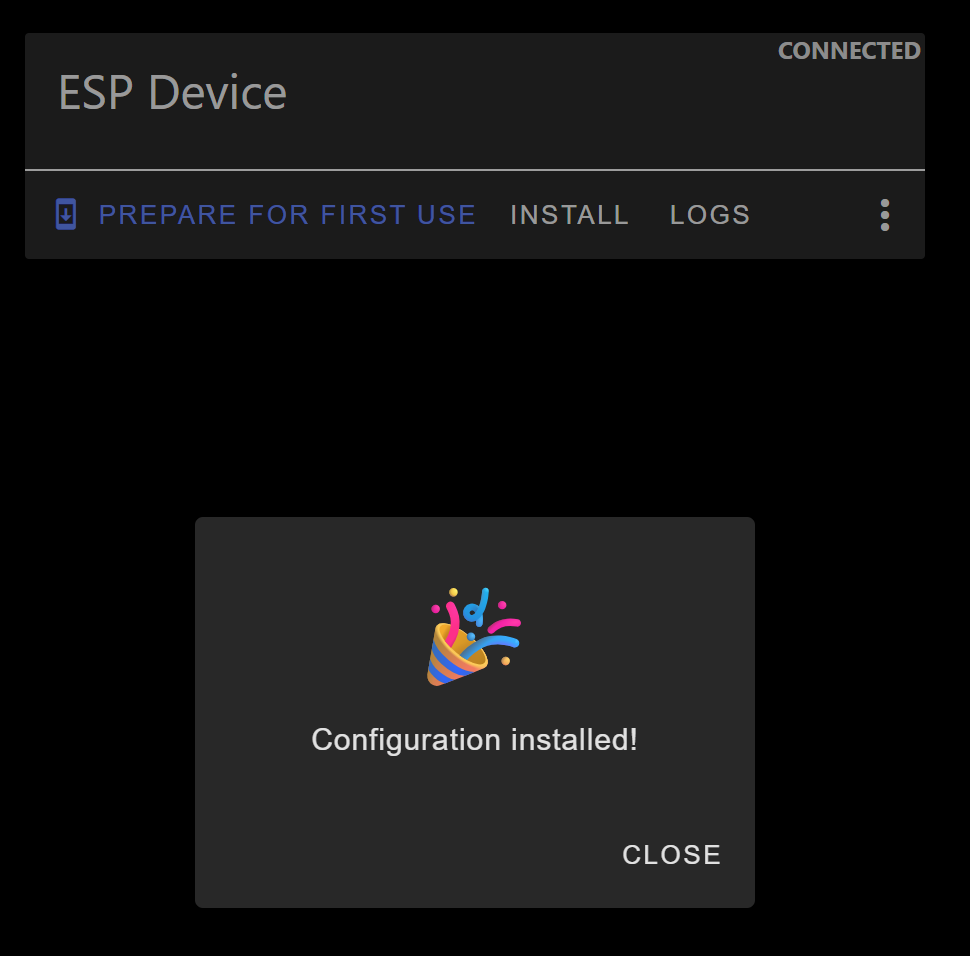
  • Wait for the flash to finish and let the device reboot.
1 Like

Port 8080? Sadly still the same for me. Dammit, my apologies. All is well with software until idiots get hold of it :rofl::joy::rofl:. Anything else I can try? And thanks for your time trying to help. :+1:

no problem, the flash went well with the hubvoice-sat-xxxxx-factory.bin file?

(screenshots can help me see what's going on too :smile:)

Yeah, no errors.


1 Like

okay, now double check the IP of the computer running the HubVoiceSat. Then put that ip in the browser, http://192.168.X.X:8080

If it's not running on 8080, then put this into powerShell to find the port... (put YOUR ip there)

1..100 | % { Test-NetConnection 192.168.4.23 -Port $_ -WarningAction SilentlyContinue } | ? {$_.TcpTestSucceeded}
1 Like

Ok, so the PS was taking an age, so I connected via iOS and used Fring. Oddly enough it found 8080, and at that paint the HA speaker rebooted itself :open_mouth: But even opening on 8080 on my phone I just get a blank page :frowning:

i know nothing about ios so can't help you there. Can you put int the satellites ip (double check it, as it will be different from usb to wifi) and add :8080