I did that years ago, and entered the exact lat/long from Google into the hub settings. Windy comes up with a location probably 300 or more miles away. But if you look at the Windy website by itself, the same coordinates are shown in the address bar as in my hub settings if I drop a pin on the Windy map.
In other words if my hub says something like [42.334123] [-83042123] then Windy says this Windy: Wind map & weather forecast (fictitious example to protect privacy, but that is a favorite location of mine)
However on the Hubitat, it shows me as being well into mid-Ohio, which is nowhere near me.
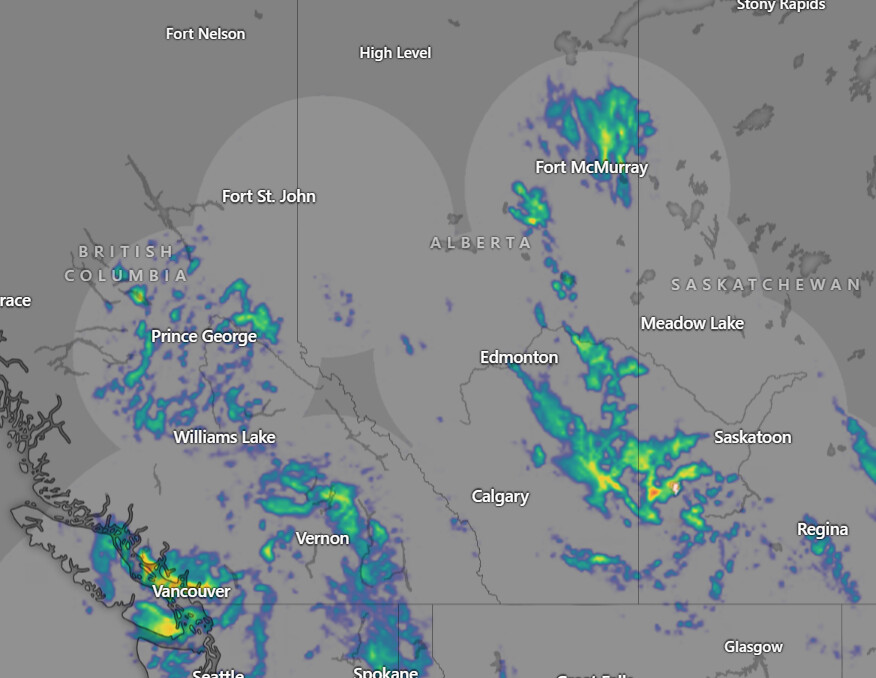
When opened in a new tab it shows the blue dot in the same incorrect location but there is a weather info marker at the correct location.
Guess the blue dot is just the location they scrape the forecast from...?
Edit: And now I'm getting the flag/marker at the correct location on the Windy Chart
Which changes to a flashing white dot and opens the forecast info when I click on it.
Something like that, but not exactly.
The blue dot is nowhere near the center of any of the circles on the weather map.
The circles that I think are the individual weather radar station's coverage.
Whatever the reason, I'm sure it's known only to Windy, not everyone.
Maybe the weather reporting station then. My blue dot is sitting on top of the international airport, my white dot is sitting on my location (just happens to be close enough to overlap).
@thebearmay Just wanted to take an opportunity to thank you for all of your contributions to the Hubitat community. They are legion and legendary. I appreciate your work and dedication!
Do you have Hub Information Driver v3 up & running? Although I'm not currently using this app myself, I'm pretty sure it requires Hub Info Driver for the coresponding info to display.
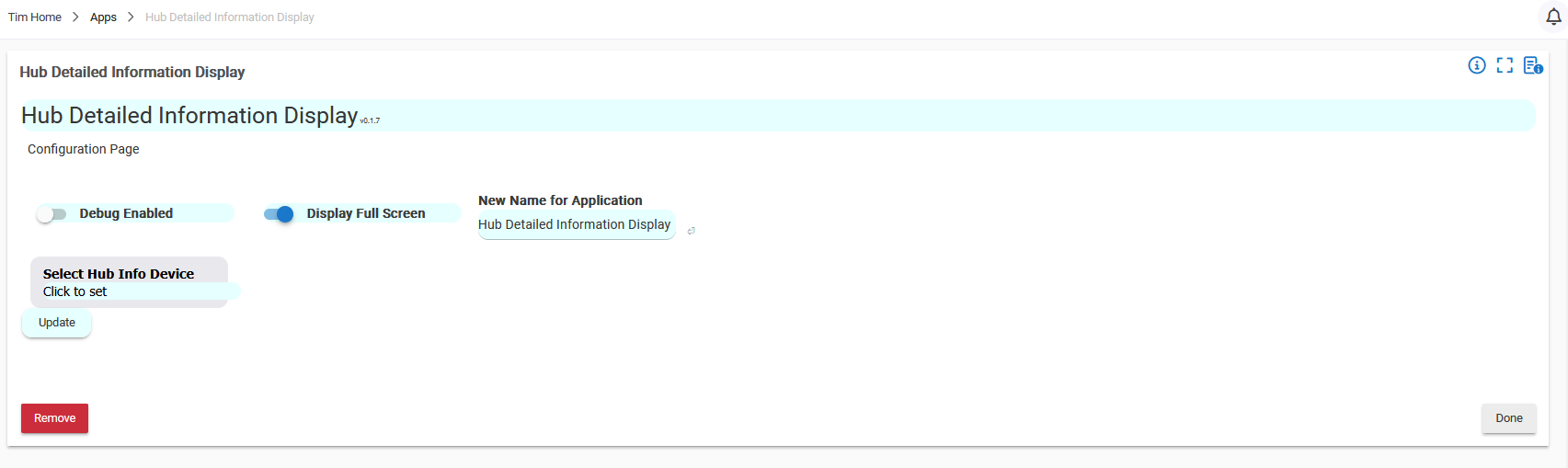
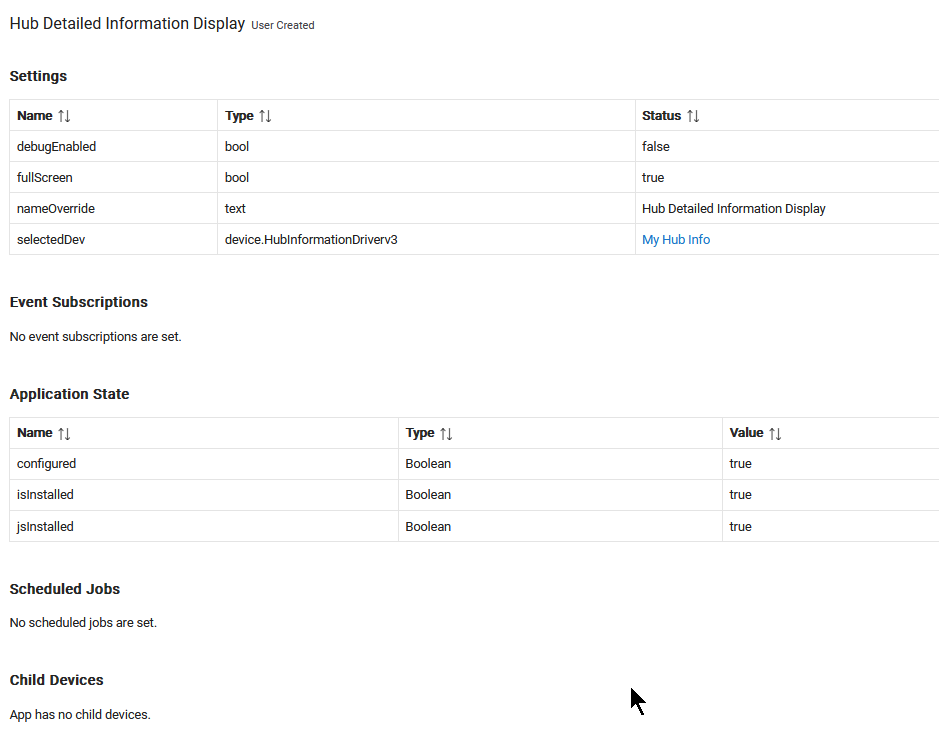
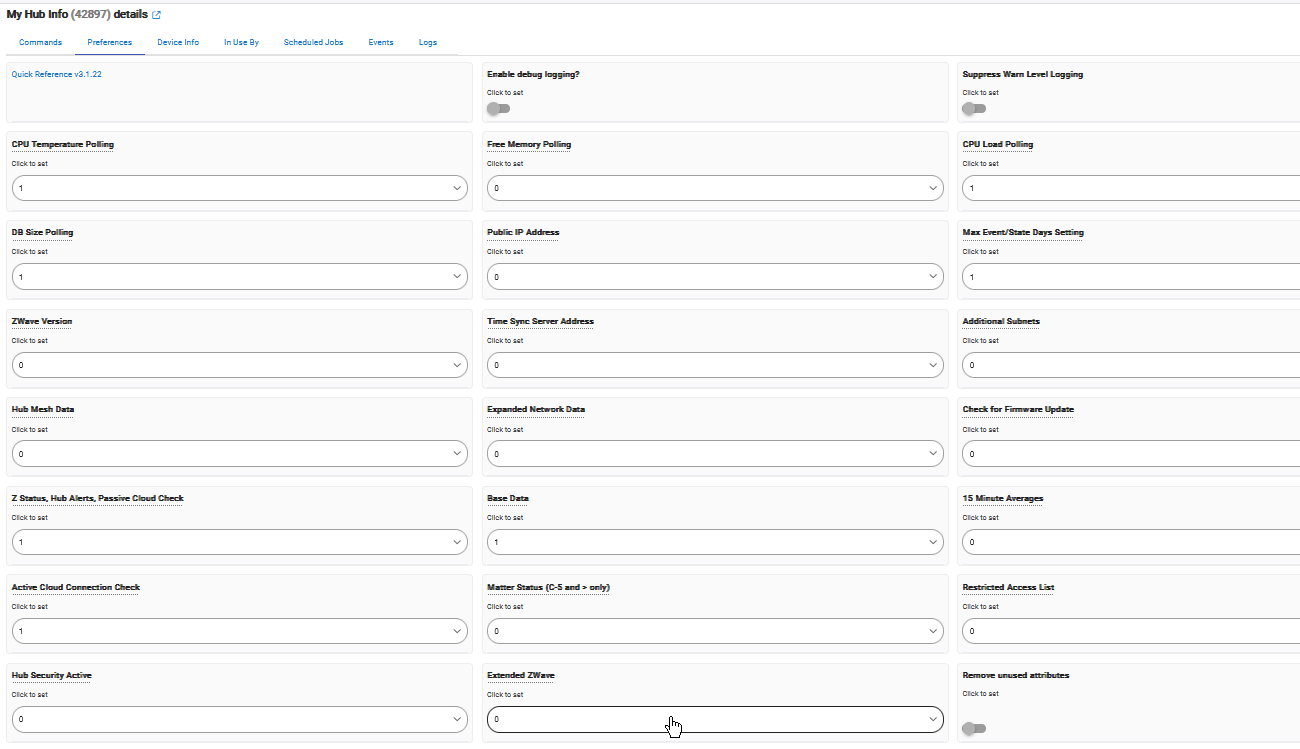
As @hydro311 notes above the app is using the Hub Information Device in the background (saves duplicating code). Once you install that, select it in the app, and let the device go through one cycle (or just hit refresh after saving the preferences) the app should fully populate.
Personally I would never set a poll rate of less than 5 minutes (default update cycle for CPU and Memory on the hub), and I'd split the attributes to multiple queues to spread the calls to endpoints and minimize the impact on the hub. Also a good practice to set up your polling intervals so that collision is minimized (normally prime numbers whose multiple don't have too many intersections within the the 0-60 range).
After you get the Hub Information device setup, save the preferences, and then go to the command page and hit refresh. After that finishes all of your attributes should be populated and then this app should run without issue.
That being said I need to put in a trap for this condition.