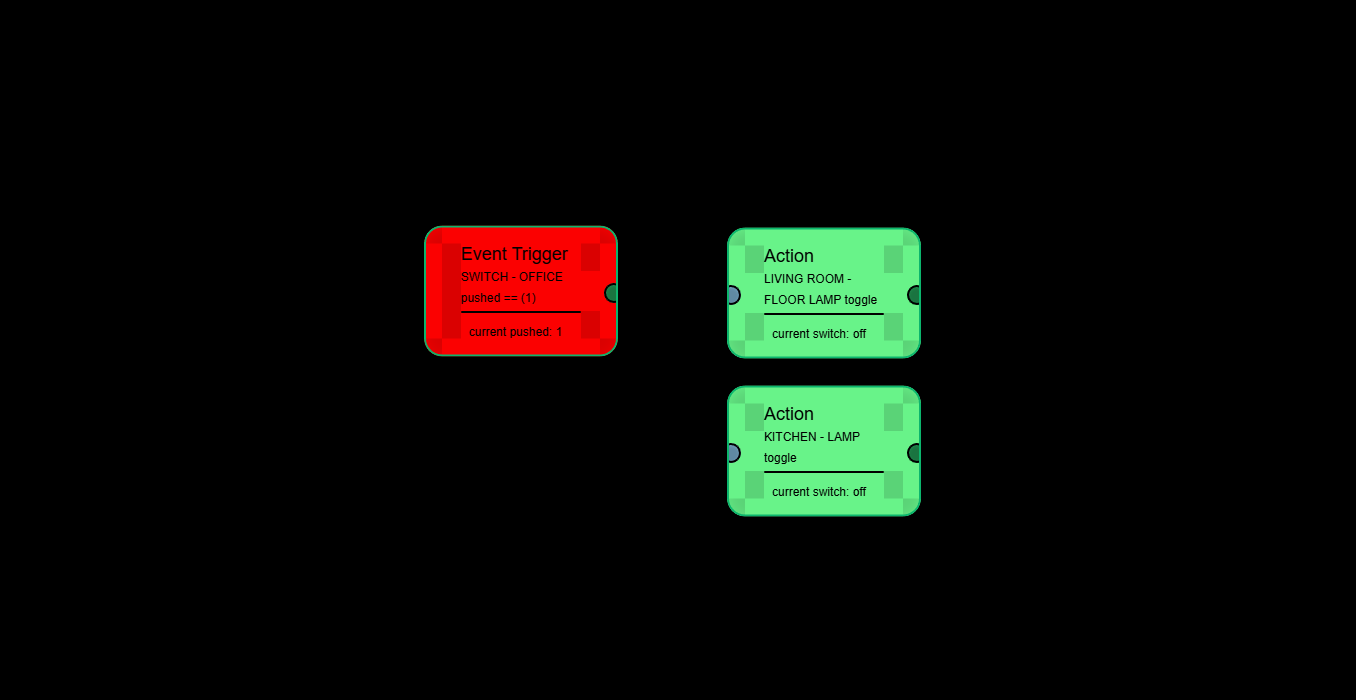
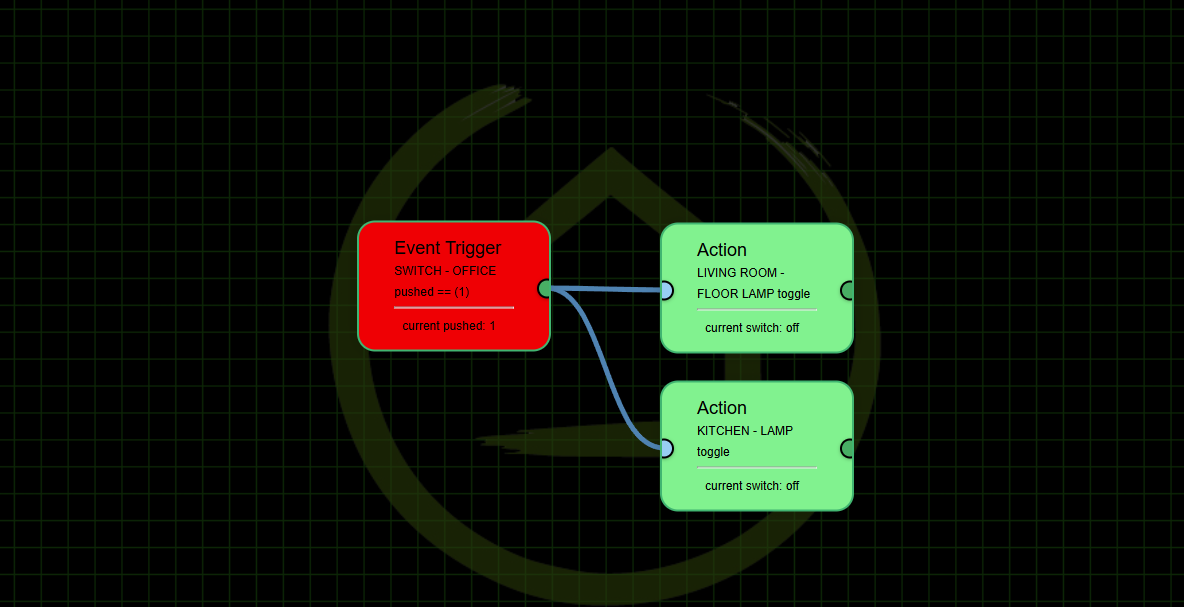
After seeing WarlockWeary's latest screenshots, my suggestion is to have an option to line up the connection points so you get straight horizontal lines.
That's what snap to grid is for at least for the ones that are all in a line (can't really do anything for the conditional nodes). But i prefer having splines than straight lines, it flows better and looks a lot more "pro" than straight lines connecting boxes together.
Ha!, I tried. Try the new version on github...
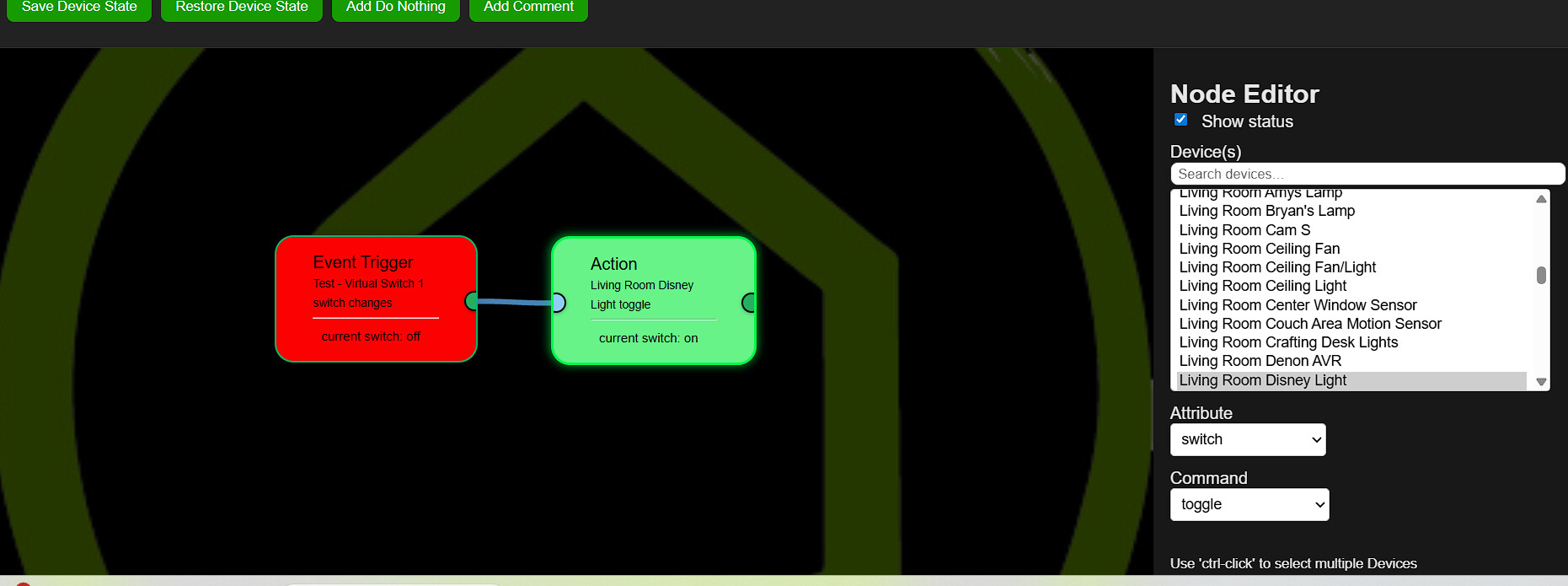
- Toggle command now works with any device that has on/off commands

@JimB , it literally takes 2 seconds to drag and drop a tile into alignment. I personally leave the grid off and just eyeball it. Drag, drop, done.
2 Likes
 Think it broke : flowengineeditor.html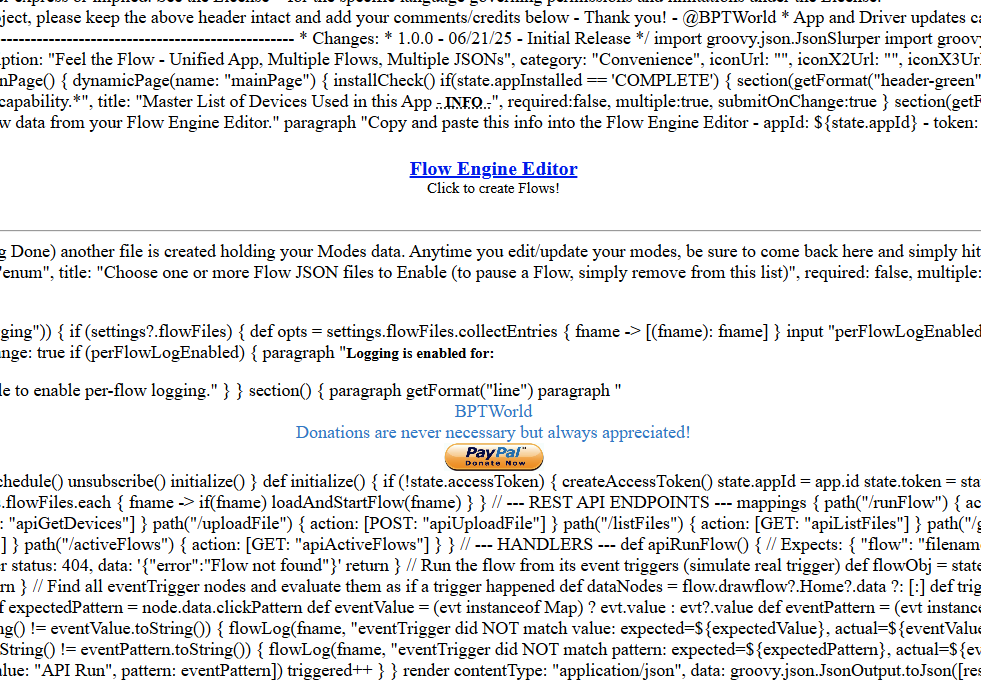
Why did you do that! lol. Must be a copy/paste thing when I put it on github. Go ahead and 'Repair' again in a minute or two.
Still broke 2.38.pm
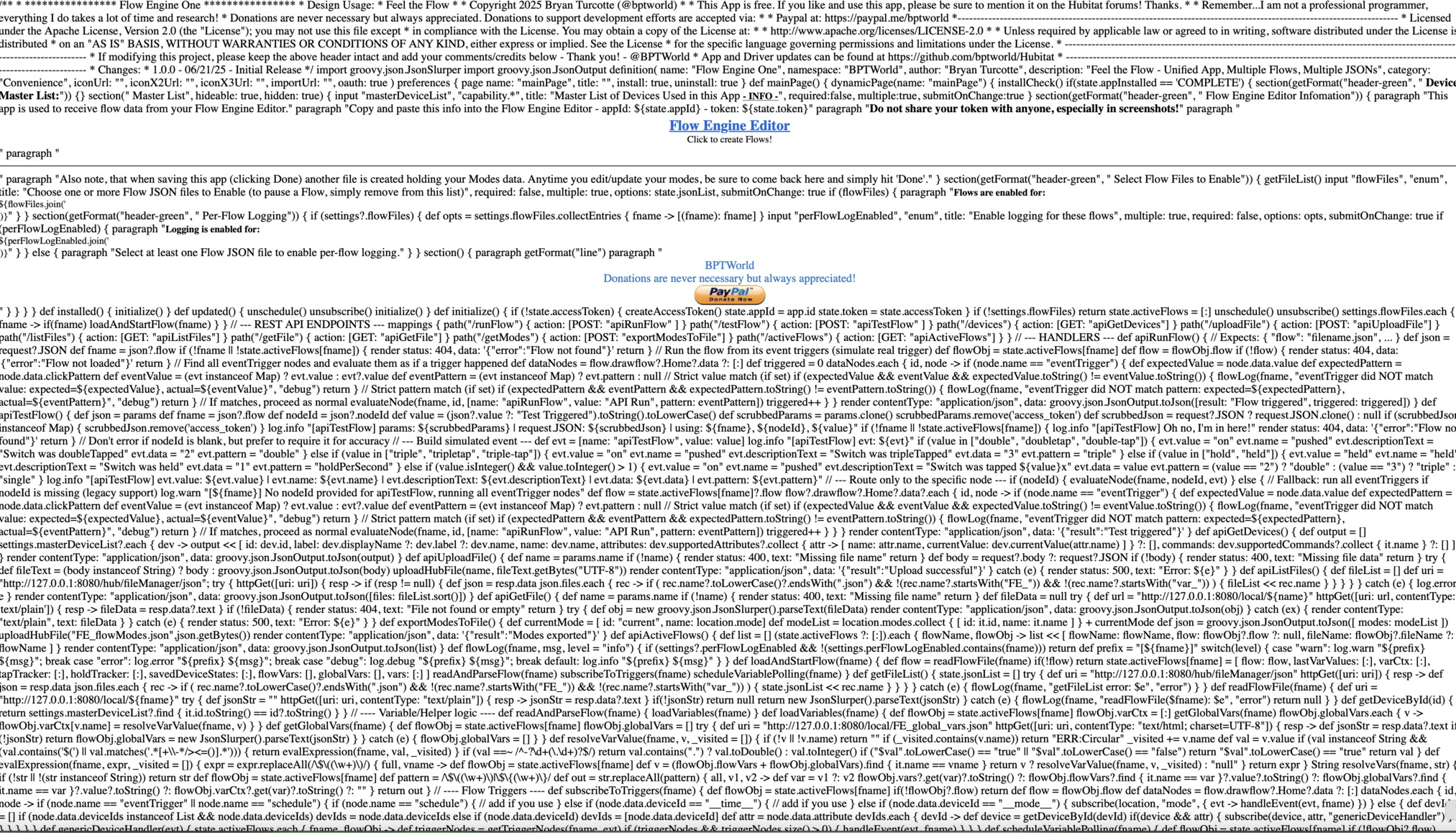
It'll help if I actually update the right file, with the right code. That's the app code within the Editor code!! 
All fixed on github... time for a 'Repair'
Bonus: Duplicate Node works again
3 Likes
Alrighty then !  WORKING NOW
AND SO IS THE TOGGLE ! < Nice Job
I did notice that when i make a change in the editor.
I have to disable the flow ( uncheck it and close main window )
Then open and re-check the flow .. then it works.
But hey .. it working Anyway to turn off all the debugging ?
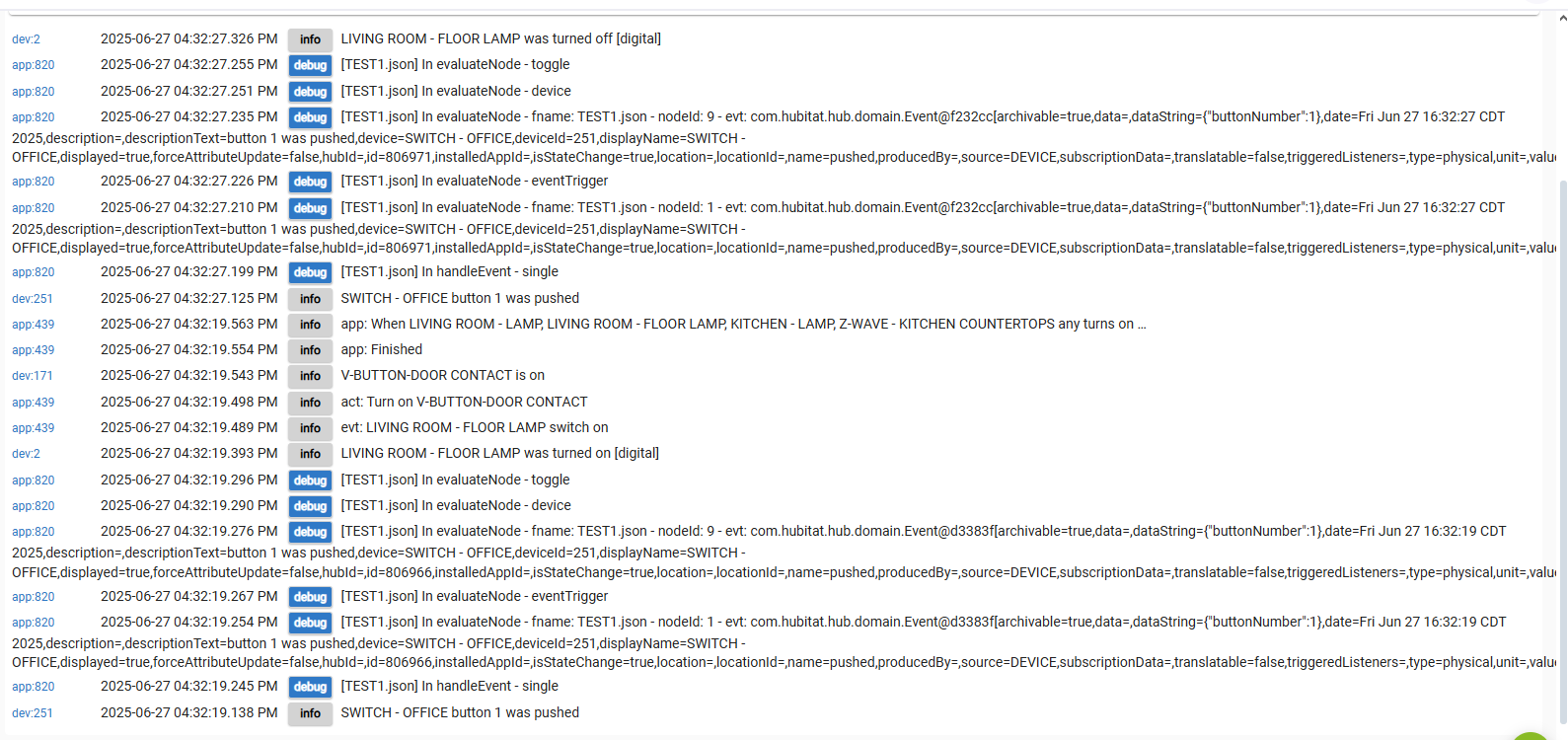
I was able to Repair via HPM too. Duplicate node working. Milliseconds now has value to input.
Grid still showing through tiles if bright enough (but I don't know if you tried to fix that in this iteration).
Get your latest and greatest right now! Time to 'Repair'
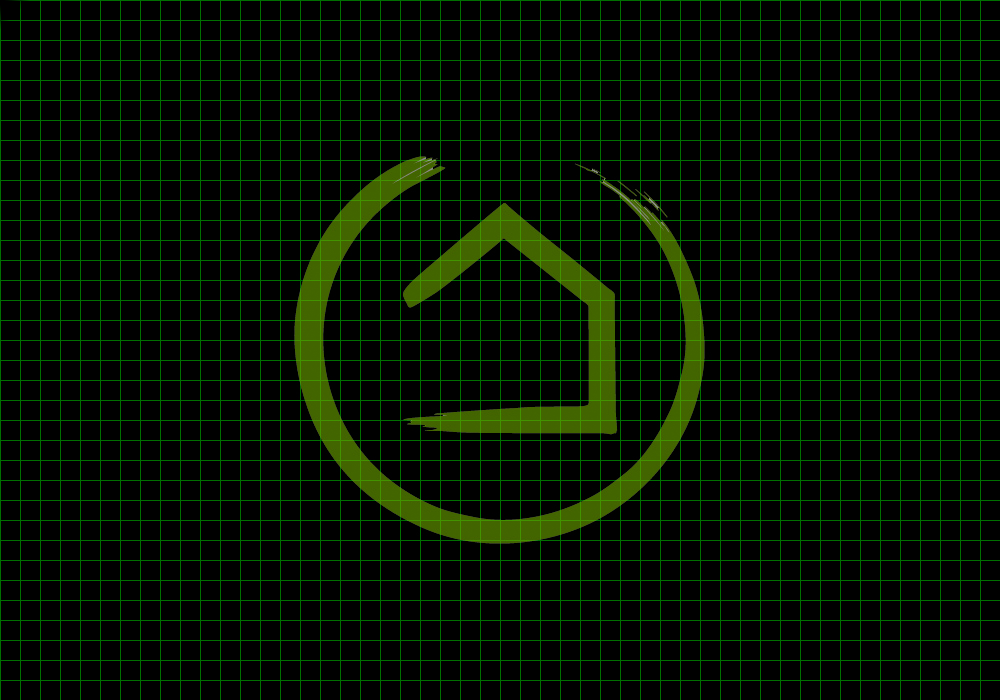
- removed grid/image toggles, Only option now is the 'image file'
- I've added two optional files you can download from my Github or use your own.
- Two files on Github are: BG-green_grid_1000x700.png and BG-he_logo.jpg
1 Like
I did the repair and add the grid image. Slider for brightness works as expected without being on top of tiles.
Question: How do I set a dimmer level? I tried several setLevel or childSetLevel choices, but I was then expecting another box where I would put in the desired level. None ever appears.
As you can see in these 2 screenshots, there is no place to put in the actual level using setLevel or childSetLevel.
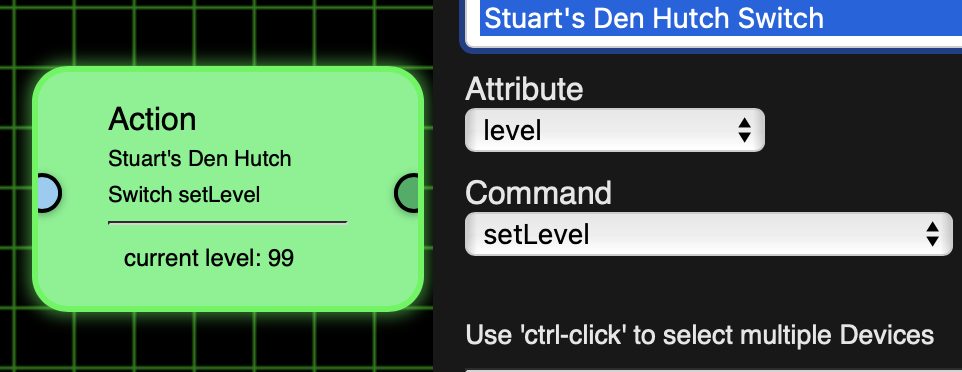
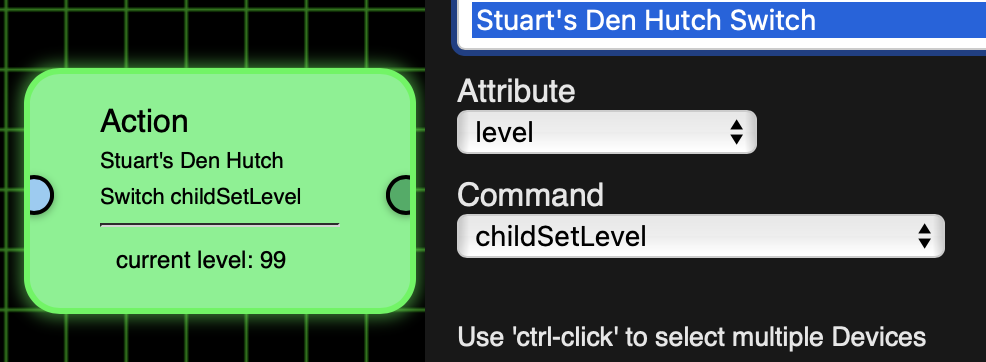
or Switch setLevel or childSetLevel:
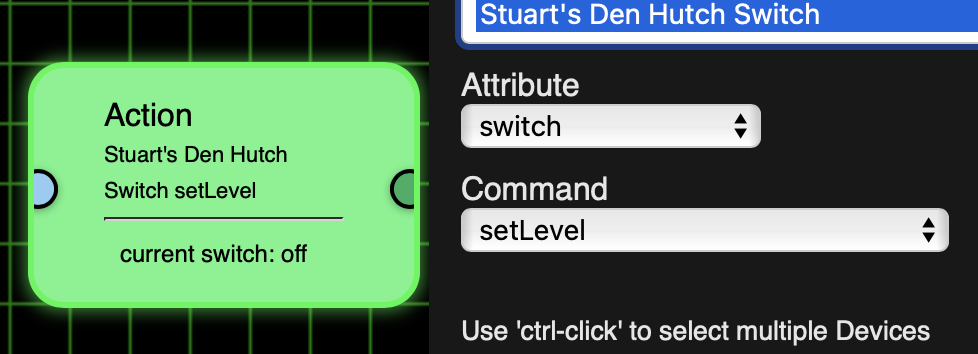
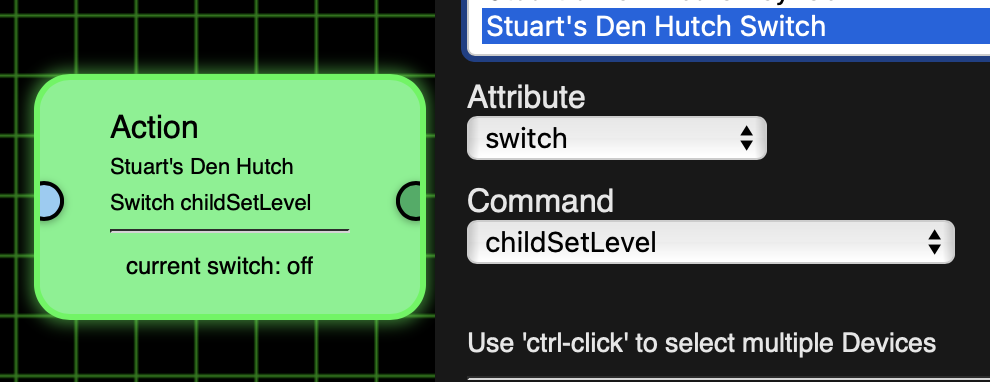
There should have been a value box. I'll look into it.
Thanks
Should be fixed now...
Time for a 'Repair'
Thanks
Can now set values
1 Like
Now for my next trick... Flow screenshots and sharable Flows at the click of a button!

Screenshot of Flow:
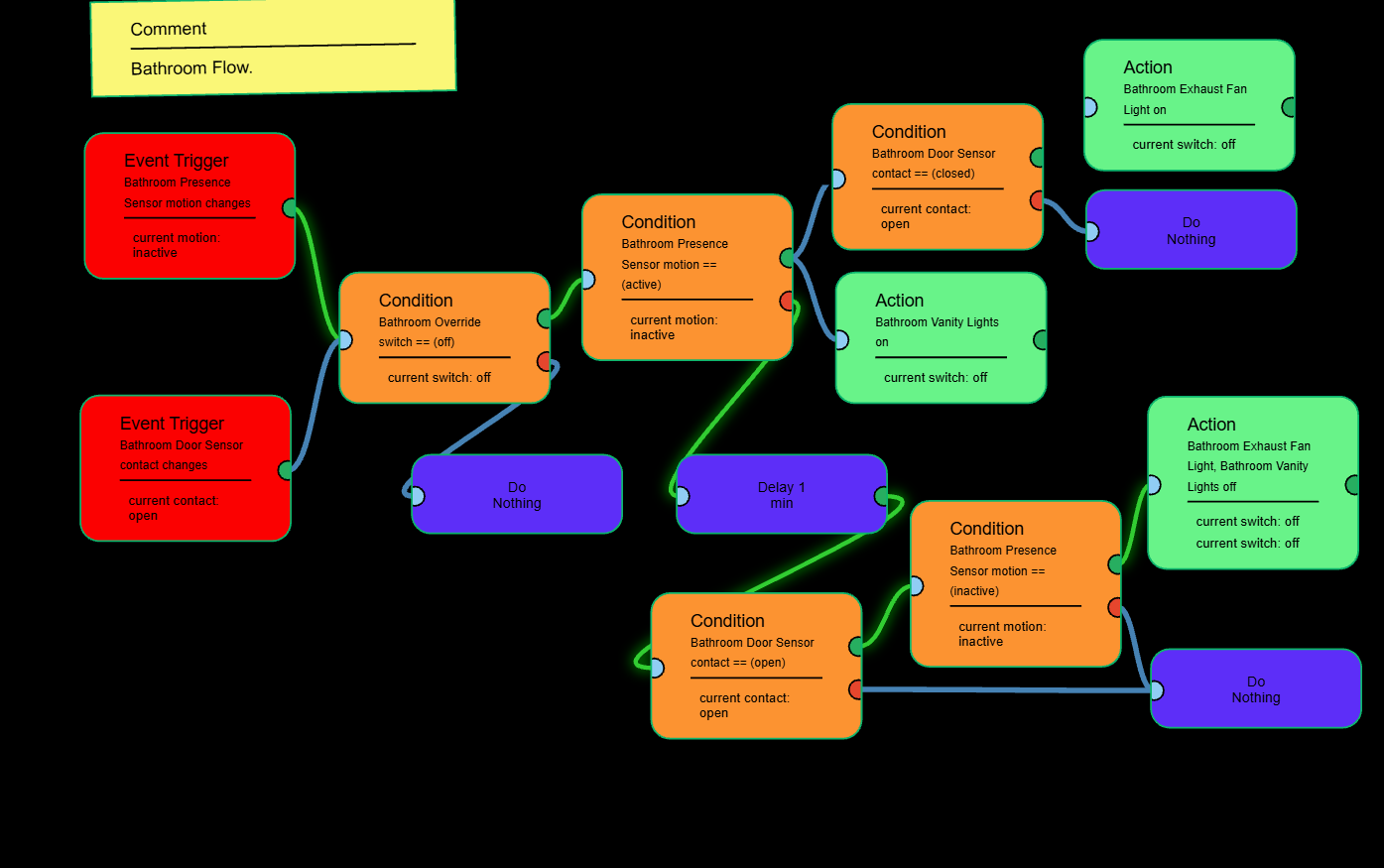
Screenshot of sharable Flow:
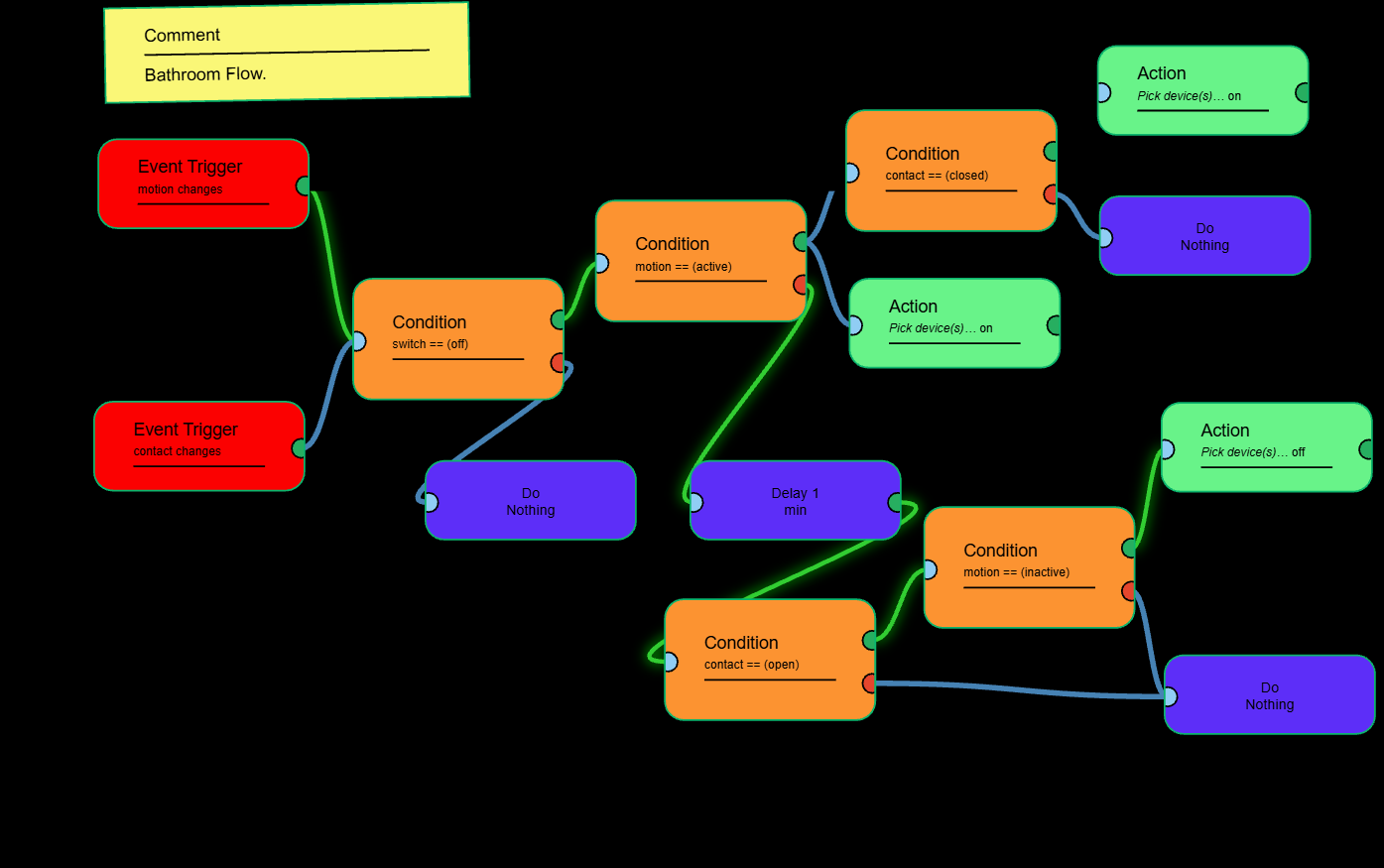
Get it by doing a 'Repair'!
edit: Forgot to upload the new app to fix the logging. If you already repaired... do it again!
2 Likes
Saw both grides. HE logo done very well. I just stuck with the plain grid.