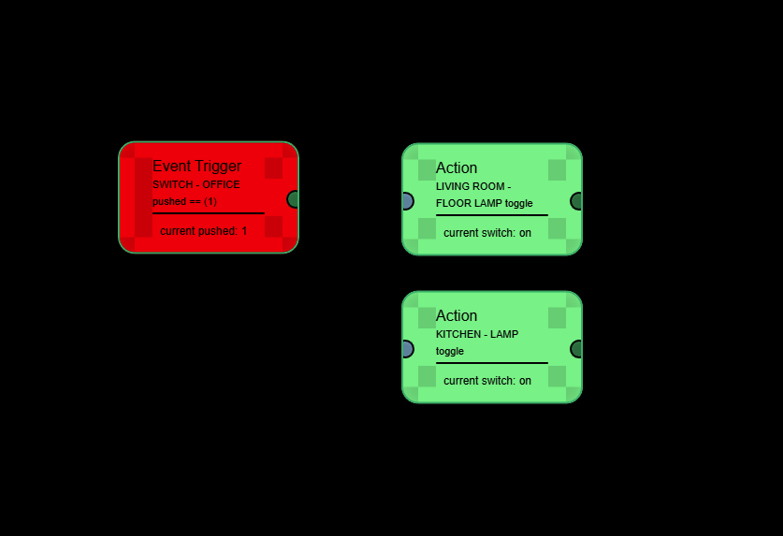
What was the first one on? which browser/os?
I've had no issues with chrome browser on windows.
What was the first one on? which browser/os?
I've had no issues with chrome browser on windows.
Windows 11 - Opera One(version: 119.0.5497.110)
Weird I try chrome and get this ?
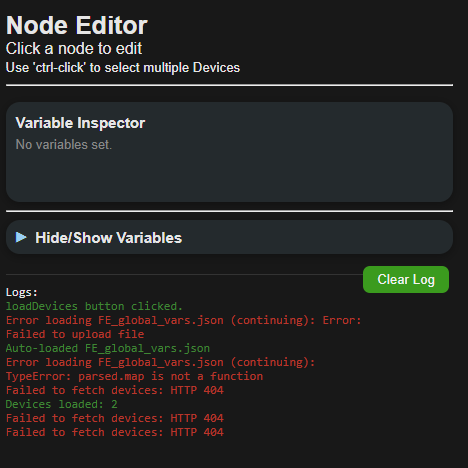
I'm sure you did, but did you re-enter the correct Token and AppId? Also make sure your on the latest version of Chrome. Everything I do with this is on a win11, chrome browser laptop.
One more for tonight... MINI-MAP!
Go ahead and do a 'Repair'
OPS !
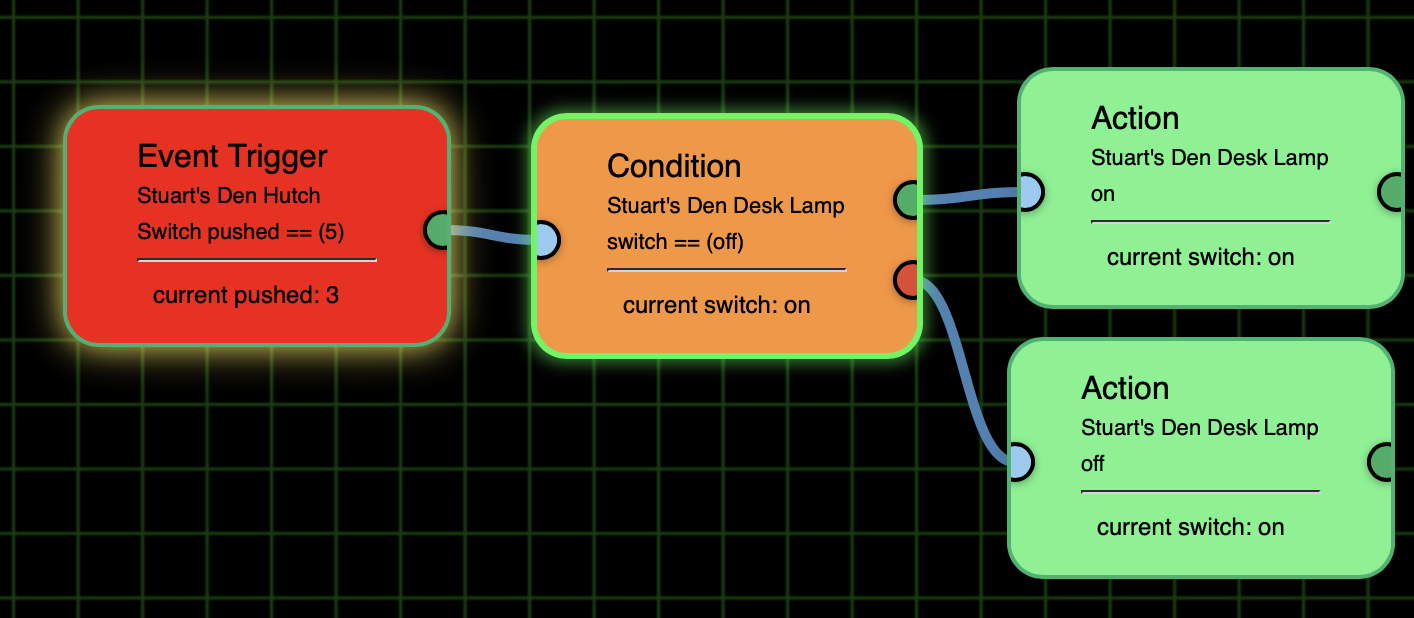
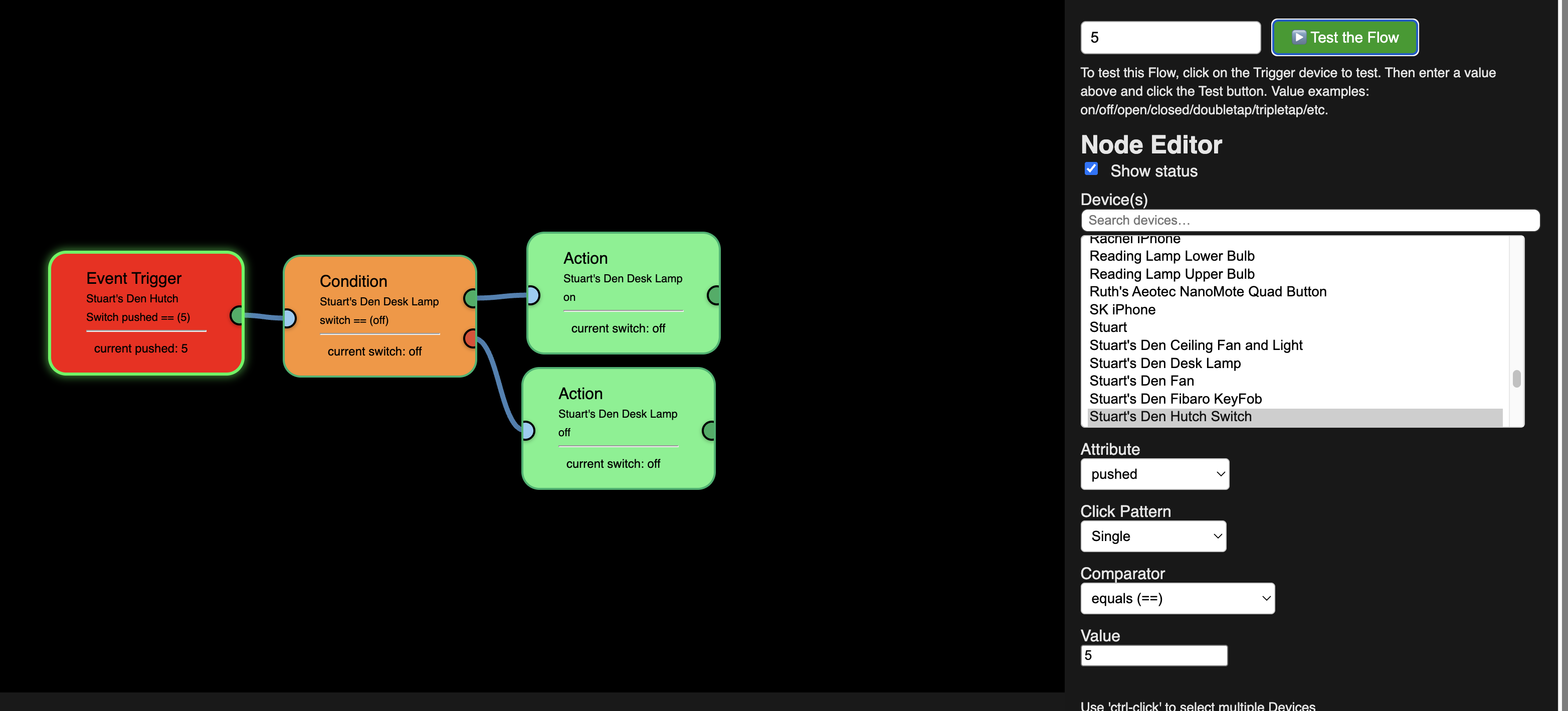
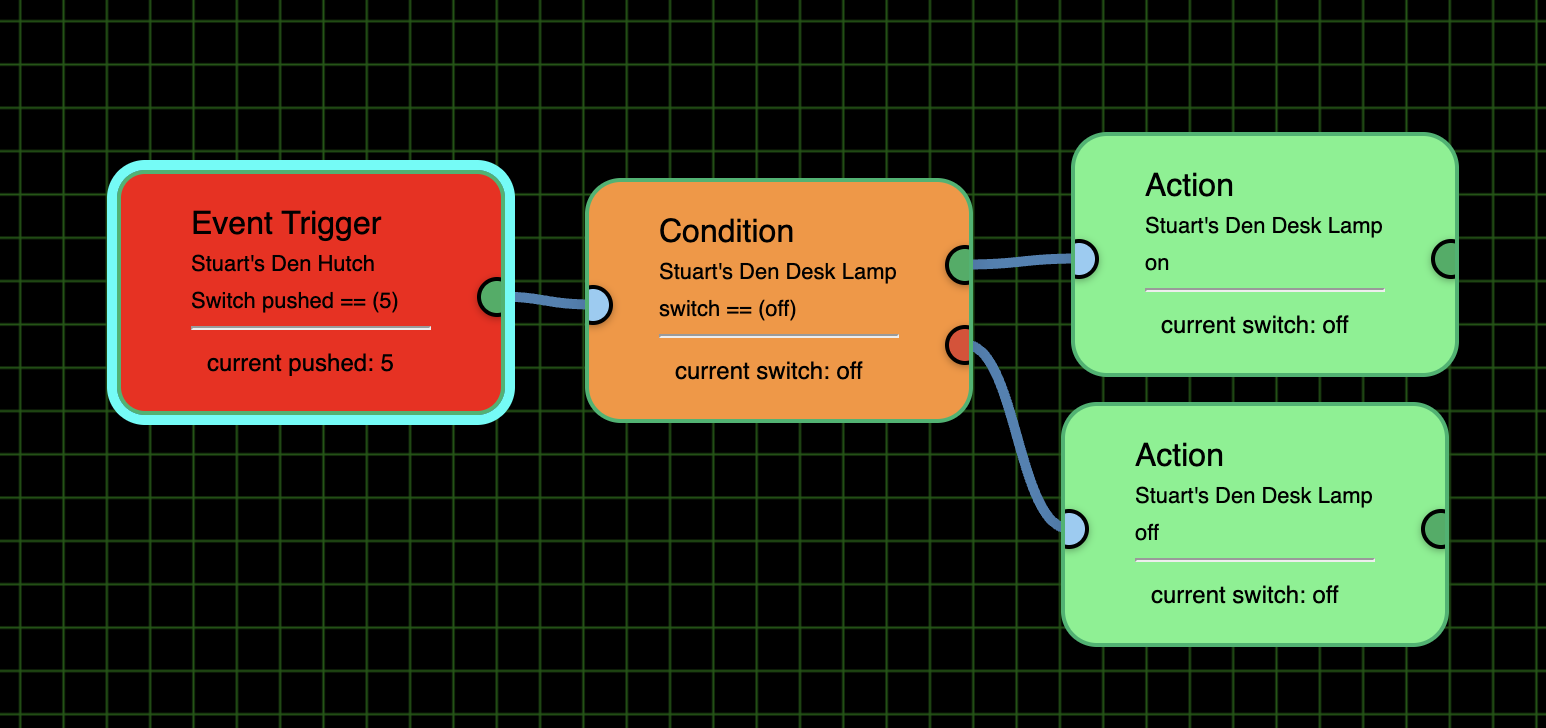
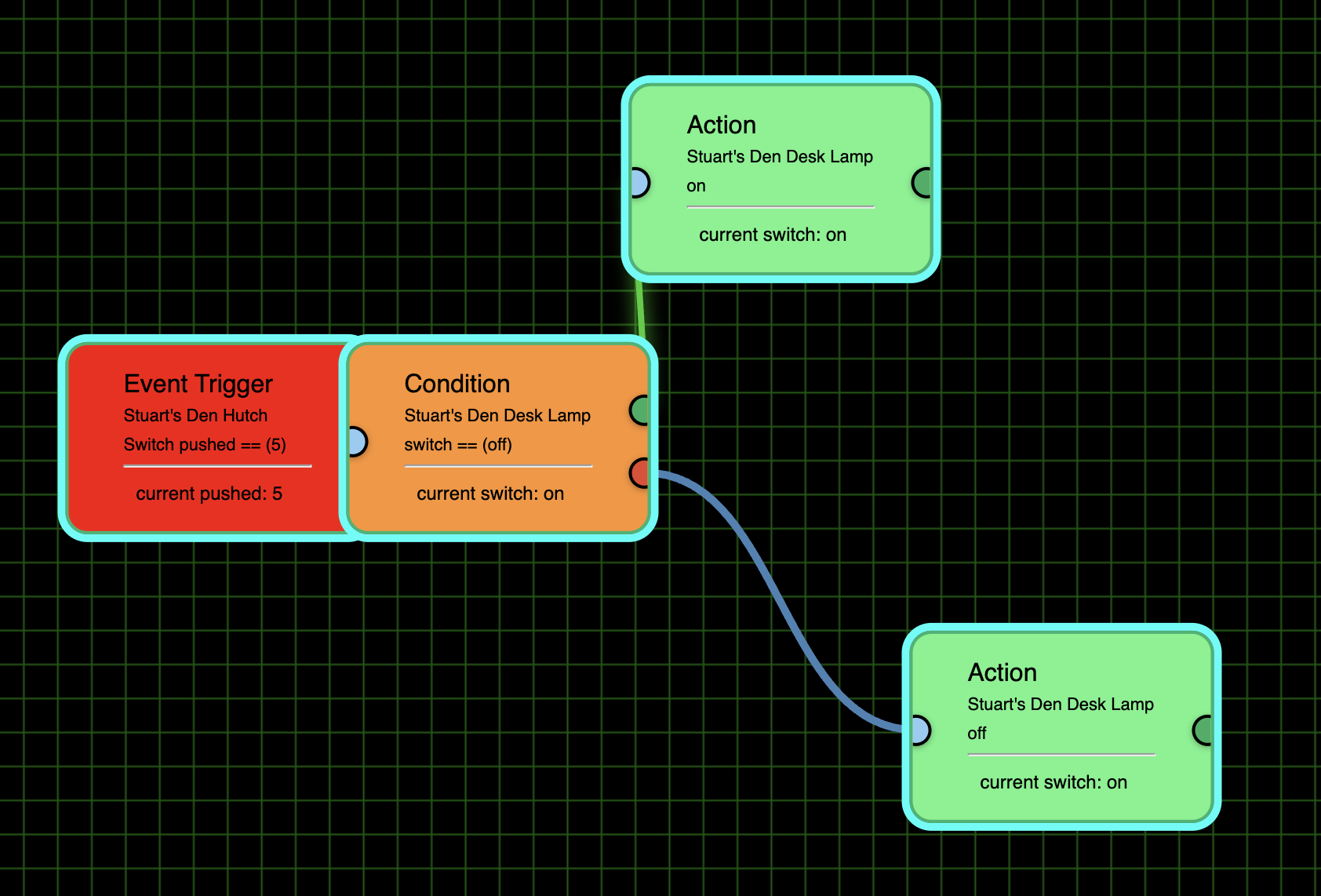
I'm using Safari and it appears OK. But I am having 2 issues: 1) The Flows aren't showing me the path. I see the Event highlighted, but nothing else:
BTW, I see we can use the Mini Map to move around the Flow, but should it also show us the highlighted flow?
The 2nd, even bigger issue is that this Flow isn't working from pushing the physical button (you can see that it does show "5") or by testing the Flow. Stuart's Den Desk Lamp is an Inovelli RGB(W?) bulb.
BTW, I'm not sure if I should leave the Action "Value" blank or change it to On or Off to match the command. I've tried it both ways and it didn't make a difference. Also, BTW, as it worked before, I tried to replace the == in both the Event and Action tiles with Contains but that didn't help either.
One other BTW, is that I go to into Stuart's Den Desk Lamp from Devices and use the On and Off buttons there, it turns on/off virtually immediately, so I know the bulb is working.
Oh, another thing. I originally set up the flow just with the Event Trigger and the Action was to Toggle the bulb but that didn't work either. I did set up a Button Control (not using the Hutch Switch 5 push as the trigger) to toggle that bulb and it worked. I thought the toggle command was the issue, which is why I set up the flow as you see it in the screenshot with the Condition Tile and the 2 Action Tiles.
When I push the physical switch this is what the Live Log showed:
The Current States does show 5 pushed:
After looking into what it would take to have everything work in Safari, there is no way one person could possibly support both browsers. So I've added this to the first post...
Please Note: Flow Engine is designed for use on the Chrome Browser. All other browsers may work, but some features won't behave correctly or at all.
The flows themselves should work just fine but the extra stuff like, flow highlighting, mini-maps, screenshots, etc. may not work as expected.
Okay, tell me exactly what you want your Flow to do. Tap Button 3 times or tap Switch On 3 times... etc.
So I changed from Safari to Chrome and a few things:
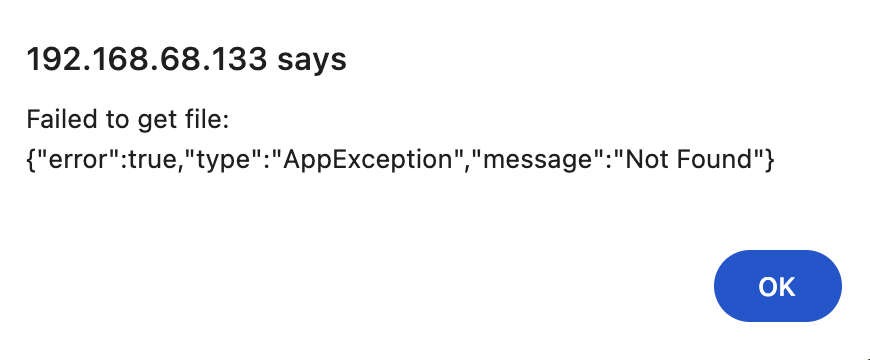
1st time I went in I got this error:
Next, I couldn't see the flow path when I just tested the flow from inside FE1 and it also didn't run the flow.
However, when I used the physical switch it did both highlight the flow and worked.
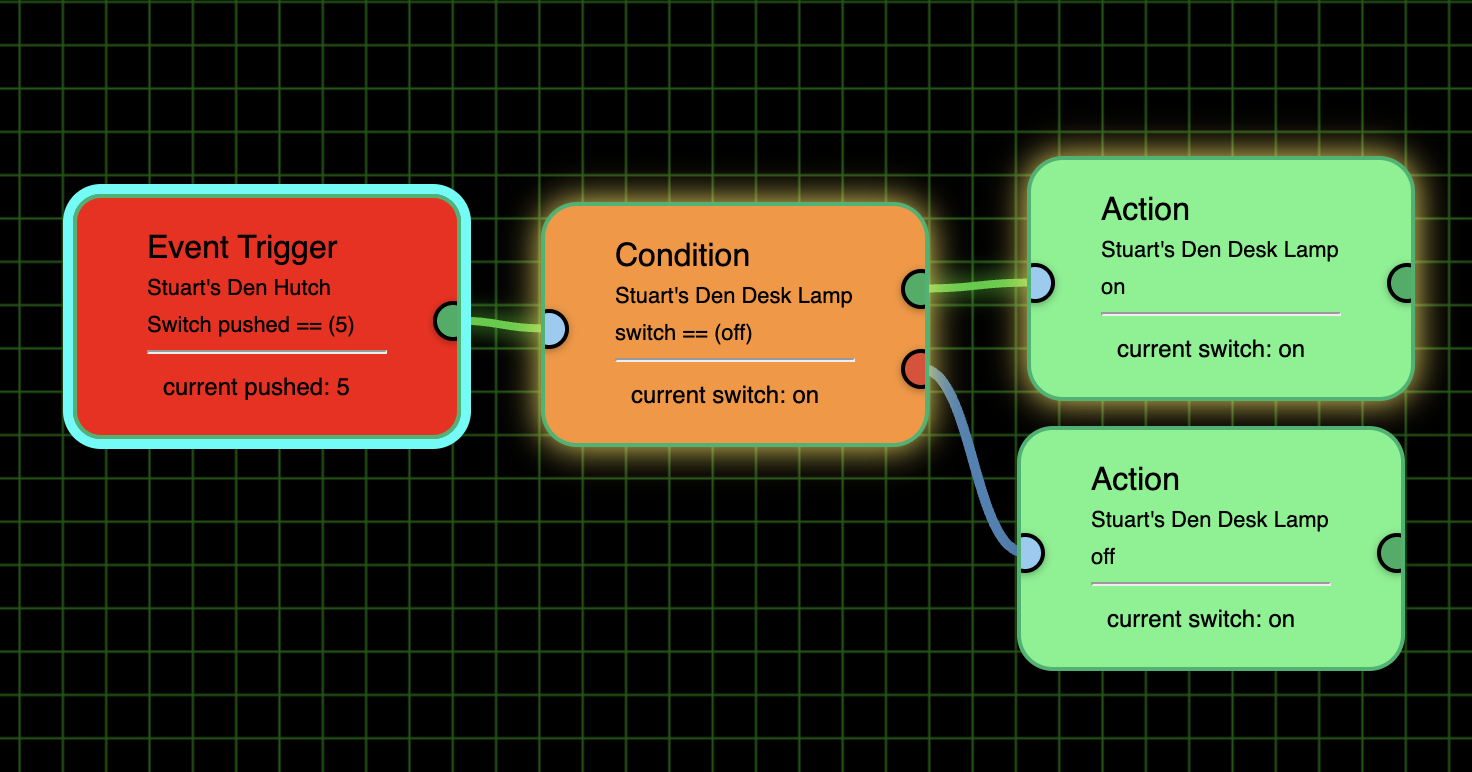
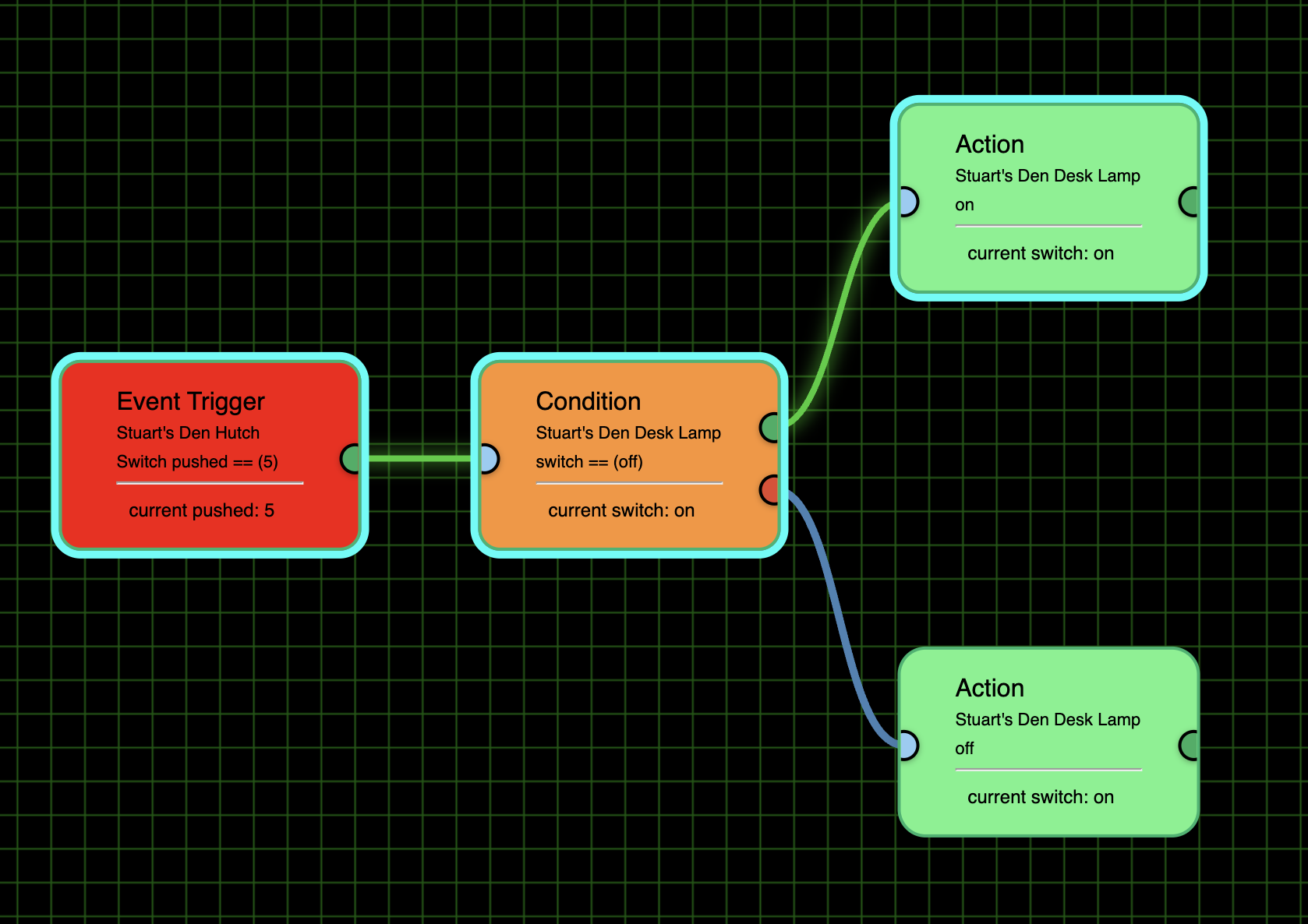
It looks to me like the flow is also highlighted in the Mini Map, but the highlight around the Action button is not distinct enough to tell which one was selected.
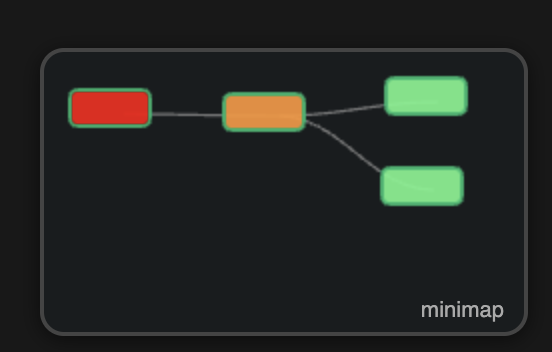
So if you could make the Mini Map flow outlines brighter it would be appreciated.
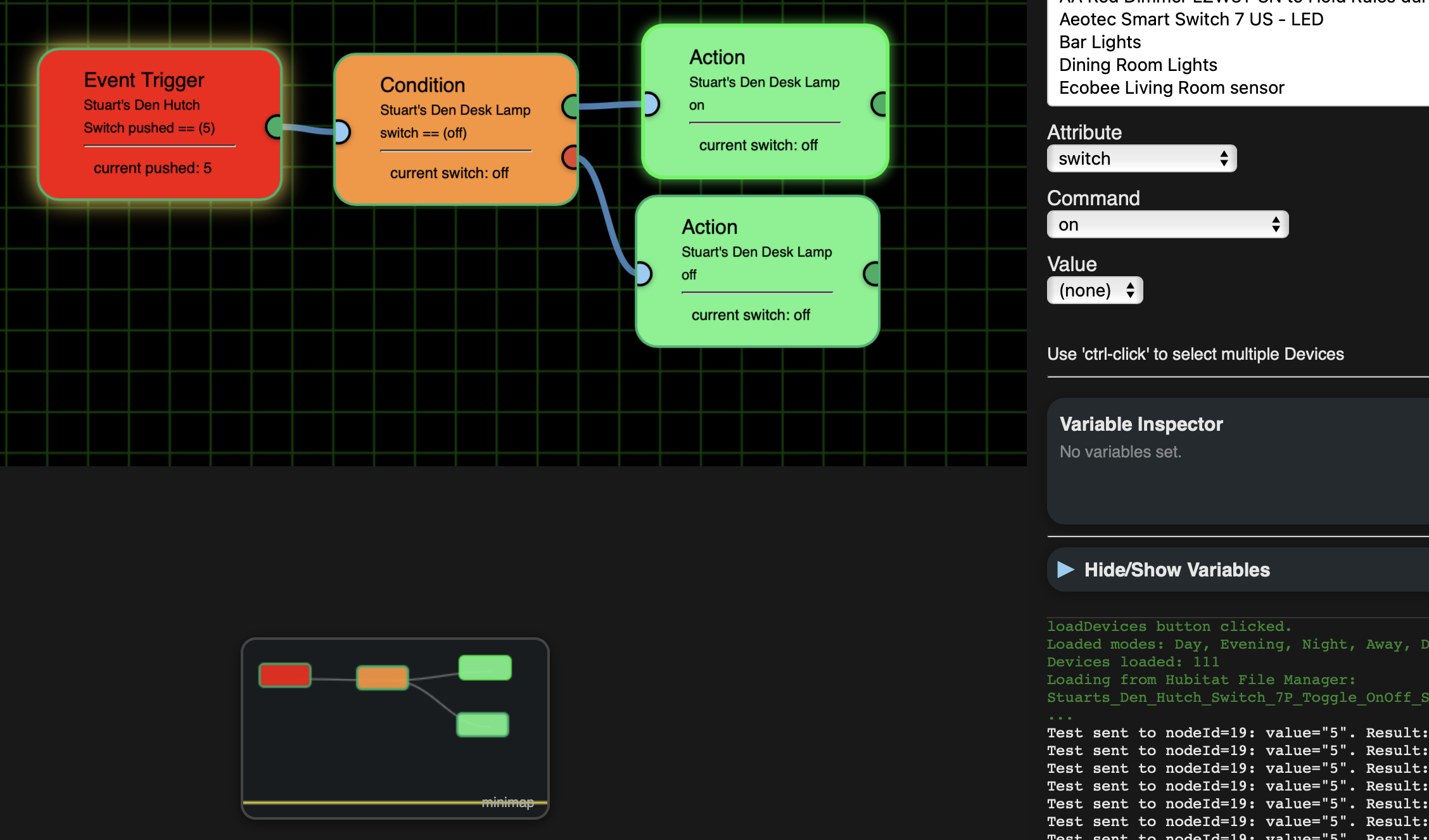
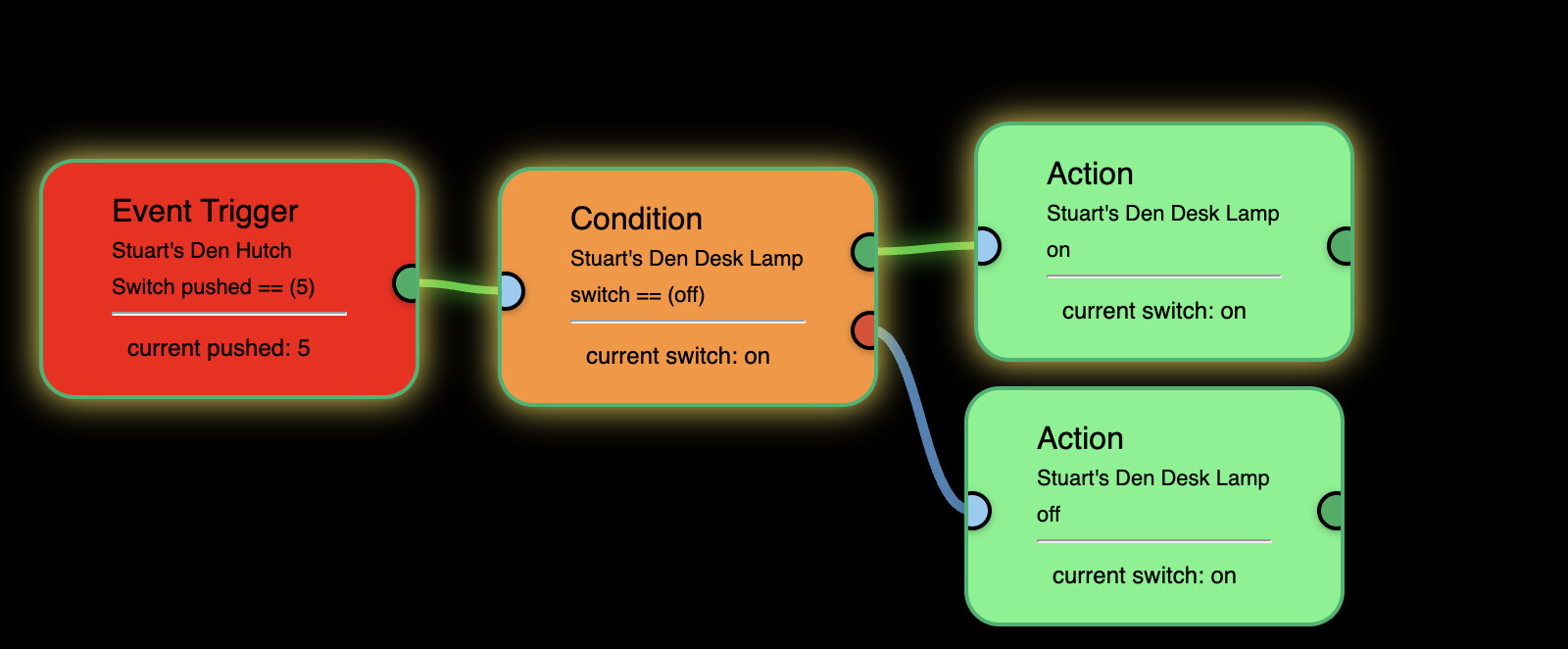
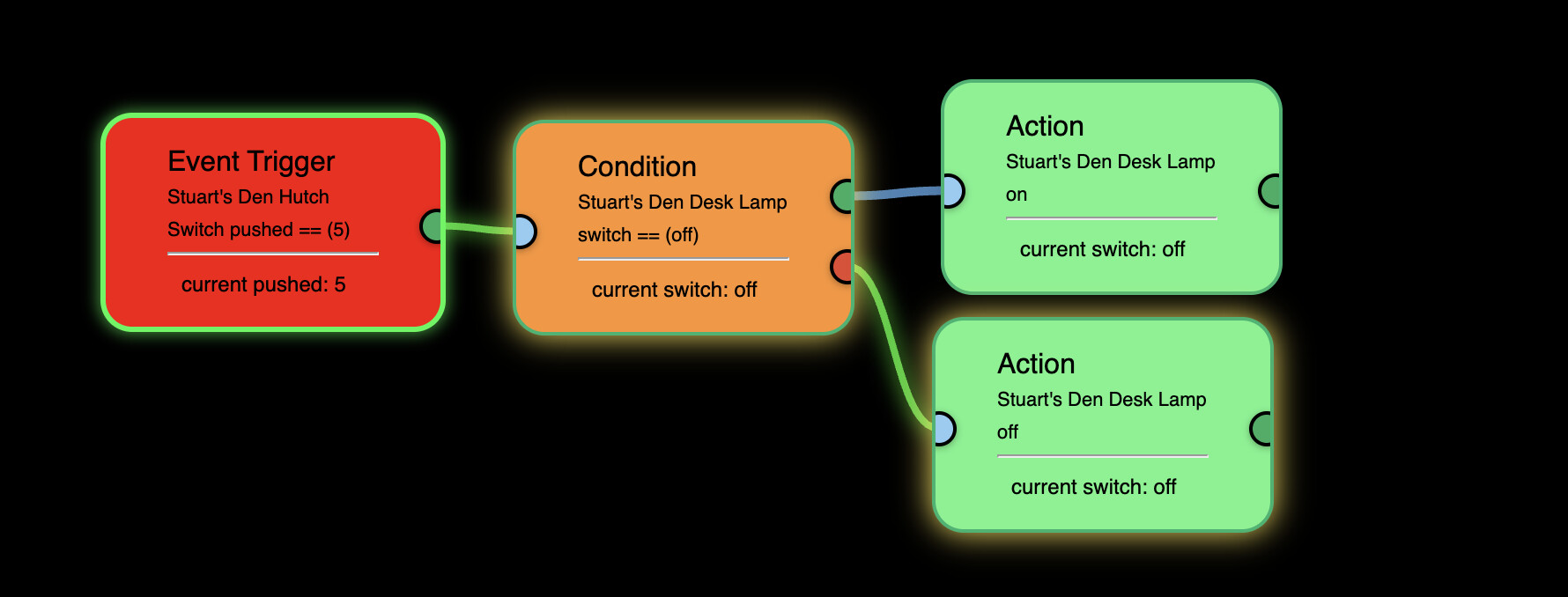
The first screenshot showing the flow was when the Desk Lamp was off, and you saw it was turned on. This screenshot is with the Desk Lamp on being turned off. However, for some reason the Event Trigger tile isn't highlight (or if it is, I can't discern it):
I would also like to see the flow a bit brighter in the main screen as well.
I also noticed that when I did the Repair to the one with the Mini Map I had to re-load the grid/background. I was using Safari then, so I don't know if that will happen with Chrome or not. If it isn't a browser issue, then maybe consider storing the grid/background somewhere else while FE1 is being repaired/upgraded and then put it back in to preserve the selection across interations.
One other thing, just for your consideration is to make the Flow Engine Editor link a button to make it more obvious it should be clicked. Beyond that, I would rather be taken right into the editor with some dropdown in there to pick which flows are active.
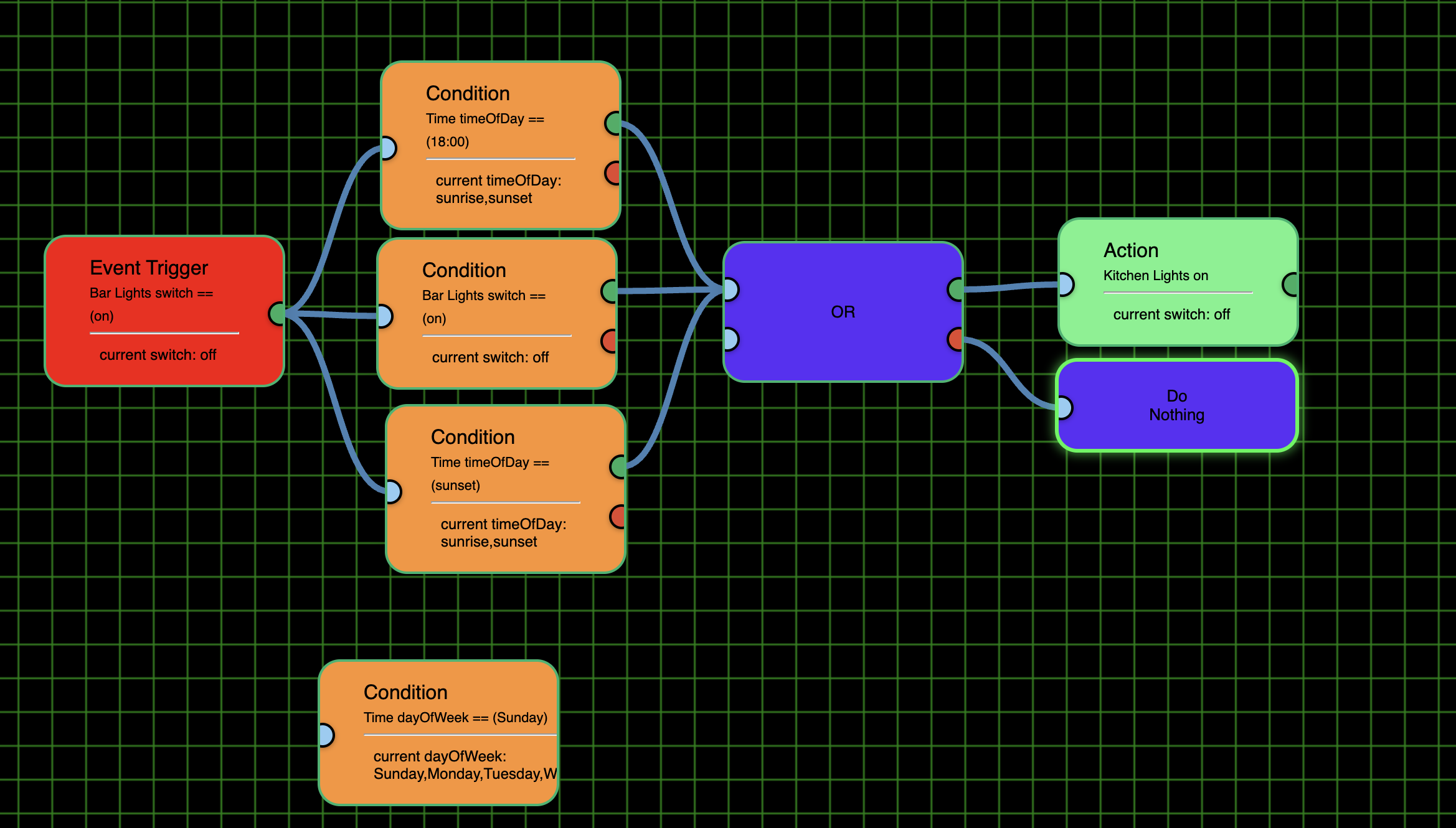
One other thing I really don't understand is the AND/OR tiles. It seems to me that there should only be one input on the left side like there is for the NOT. If I'm right that it is only possible to have 2 conditions evaluated at a time then it seems clunky to construct an AND/OR flow with more than 2 possibilities (e.g. Conditions = Sunset [AND/OR] 8 p.m. [AND/OR] Switch A is turned on [AND/OR] Switch B is turned on).
Below is kind of how I would envision it with all 3 conditions leading to a single OR (or AND) input which IMHO is a much more elegant solution,
BTW, for timeOfDay it looks like it it looking for "sunrise" or "sunset". I'm not sure how to put an actual time in.
Also notice that the dayOfWeek there is no exit places.
I'm also not sure how to use the NOT.
Please do some screenshots with AND, OR, NOT.
Logical gates:
There are always many ways to get the same ending. Use the one your comfortable with. If it works, it works.
I understood that. What confused me is why there were 2 inputs in the AND and OR.
It's just to be able to add more nodes to them without it being a mess.
Okay, here we go again....
Will be adding more to the multi-node selecting options soon (multi-delete, multi-copy)
Go ahead and 'repair'
And here it is...
'Repair'
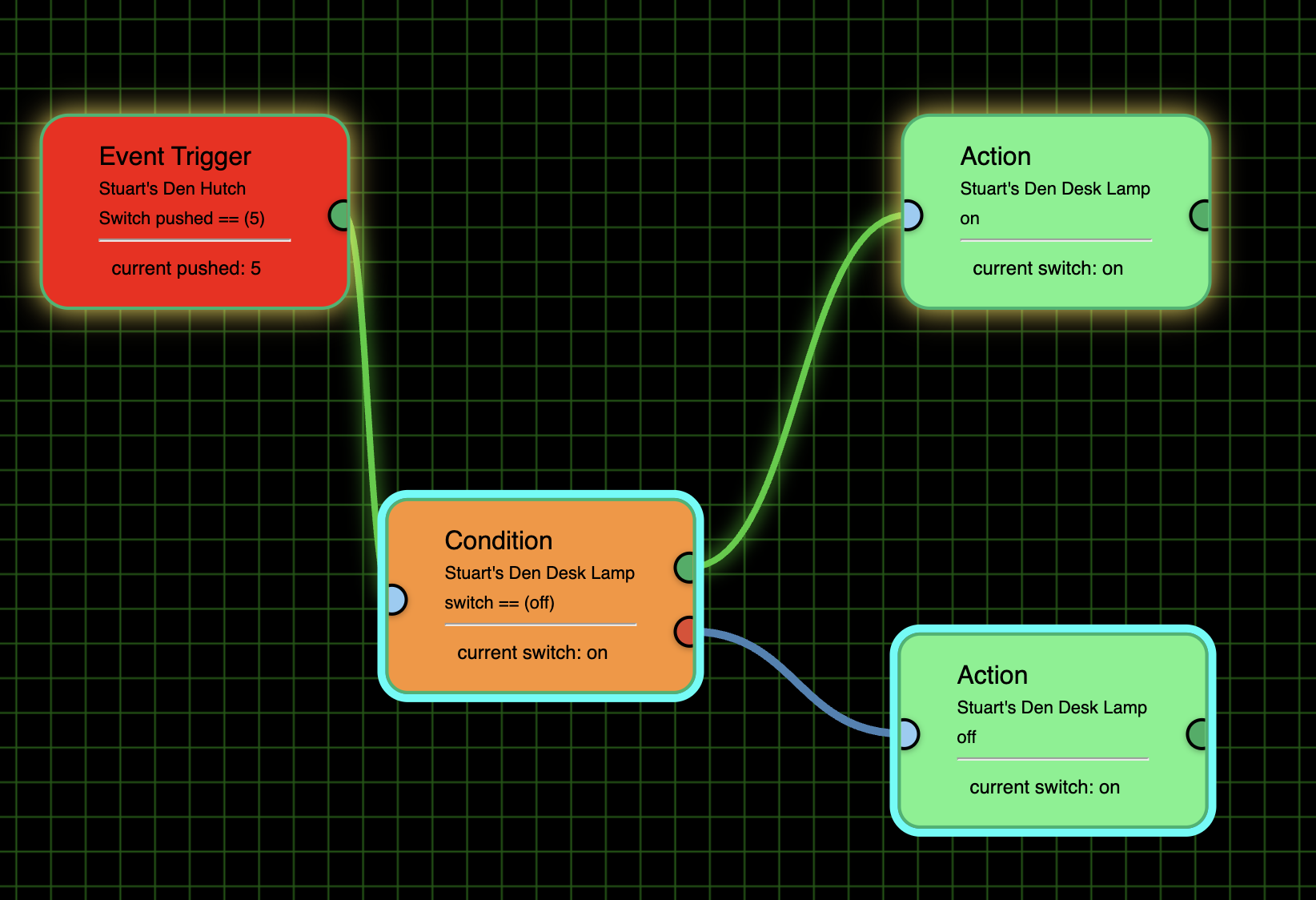
I like the bright teal surround for the selected tile(s). However, I didn't see anything corresponding on the minimap. It would help if the selected tile had a similar surround there too. Also, after doing a multi-select, normally just clicking on one would select it and de-select the others. It seems to do that if I select one that hadn't been selected, but not if I click on one and all had been selected.
I'm not seeing any flow indicated when I tested the flow and you can see from the teal highlight that I did have the Event Trigger selected:
However, the flow did appear when I used the physical button:
But, as before, it is a bit hard to see the flow and hope you can make it brighter/more distinct somehow.
As to AND/OR having 2 inputs, as long as it is set forth in the ultimate documentation that the user can link to one or both that's fine (for those whoever read the docs. :-)). Just as is, it seemed to imply that each had to go to one and that it could only do 2 AND/OR situations.
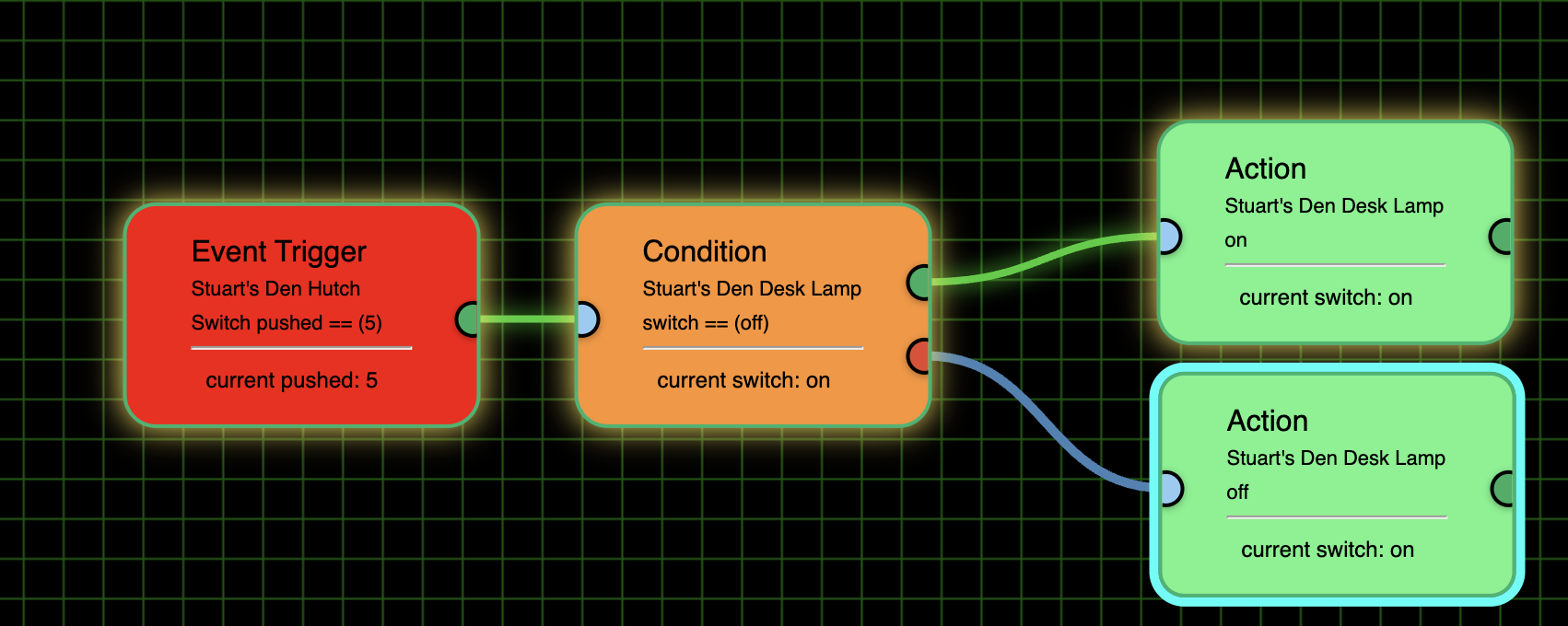
I love that you added some alignment controls. However, I'm noticing a few quirks. For example, in the screenshot below I would like to have the top of the Condition align with the top of the lower/selected Action. However, no matter if I have selected the Condition first or the Action first the Action button always jumps up to align with the top of the Condition tile. My only other experience with alignment tools works such that the one you select first is the one the alignment is based on. i.e. If I selected the lower Action tile first and then the Condition tile, a Top align would align the top of the Condition tile with the top of the Action tile.
That seems to currently be working the same for left, right and bottom. That is, no matter what order the tiles are selected in Left aligns to the one that started leftmost, etc. So as is, there is no easy way for me to get the Condition to align with the top of the lower Action button unless I was to drag the Condition button down so it was lower than the Action button and then align them.
I also notice that when I did a Middle align with 2 tiles they both moved. Again, I would like to see all the selected ones align with the middle of the first selected one.
I also wanted to have the 2 Action tiles to be distributed evenly between the Condition tile. But no matter in what order I selected the 3 of them the Condition tile was always the one that moved.
I also tried to get this layout to be distributed horizontally.
What I expected is that the Condition tile would be centered between the Event Trigger and the 2 Action tiles. If all 4 were selected I got this:
If I only had 1 of the Action tiles it was much more what I expected:
I just found that strange as the 2 Action tiles were aligned.
Next up...
'Repair'
Download the Hubitat app