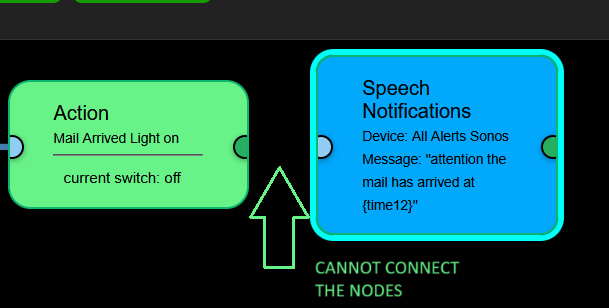
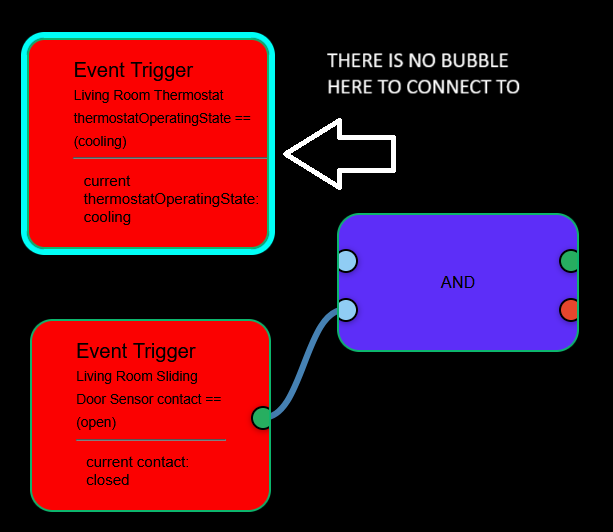
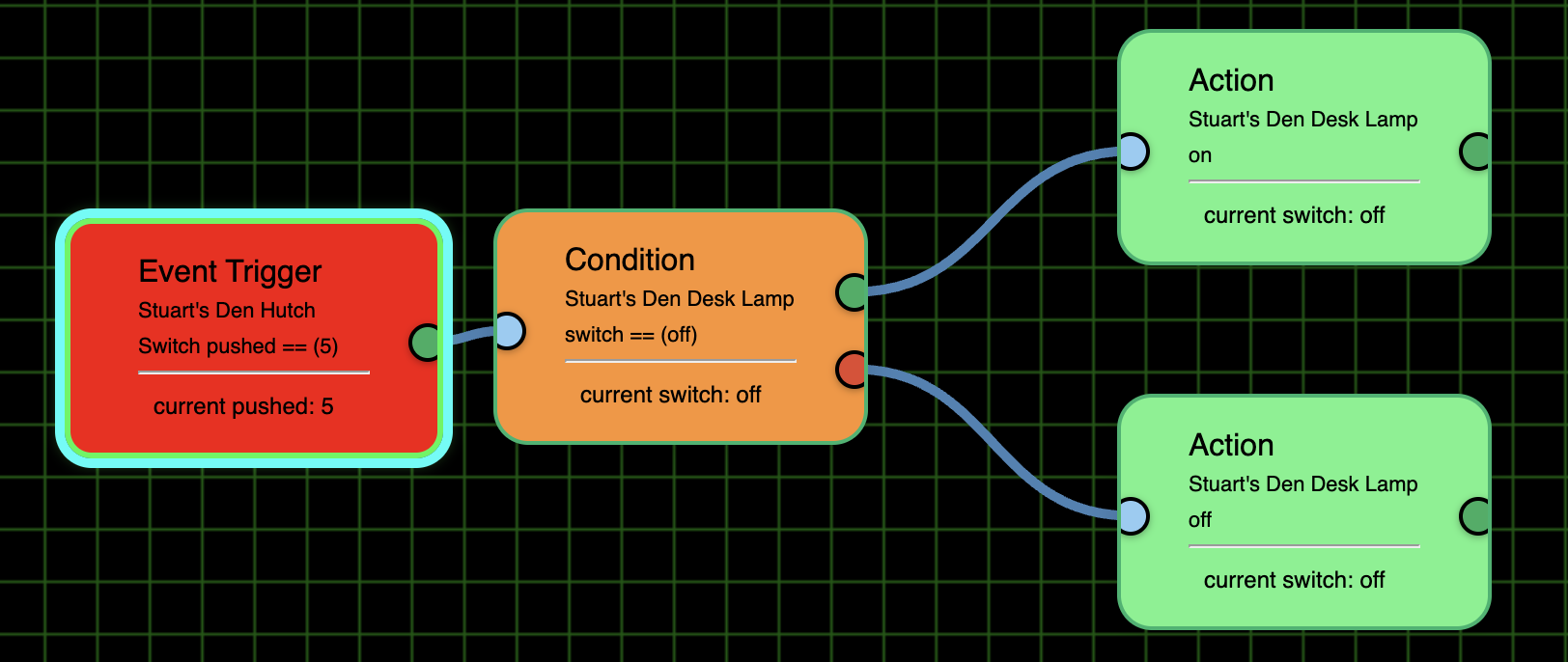
@bptworld Here is part of a flow (see pic) and I cannot connect the 2 nodes. I am on Chrome. I also tried on Firefox with the same result. When I click on the right partial circle of the Action node all it does is move the node. Don't know the name of that partial circle.
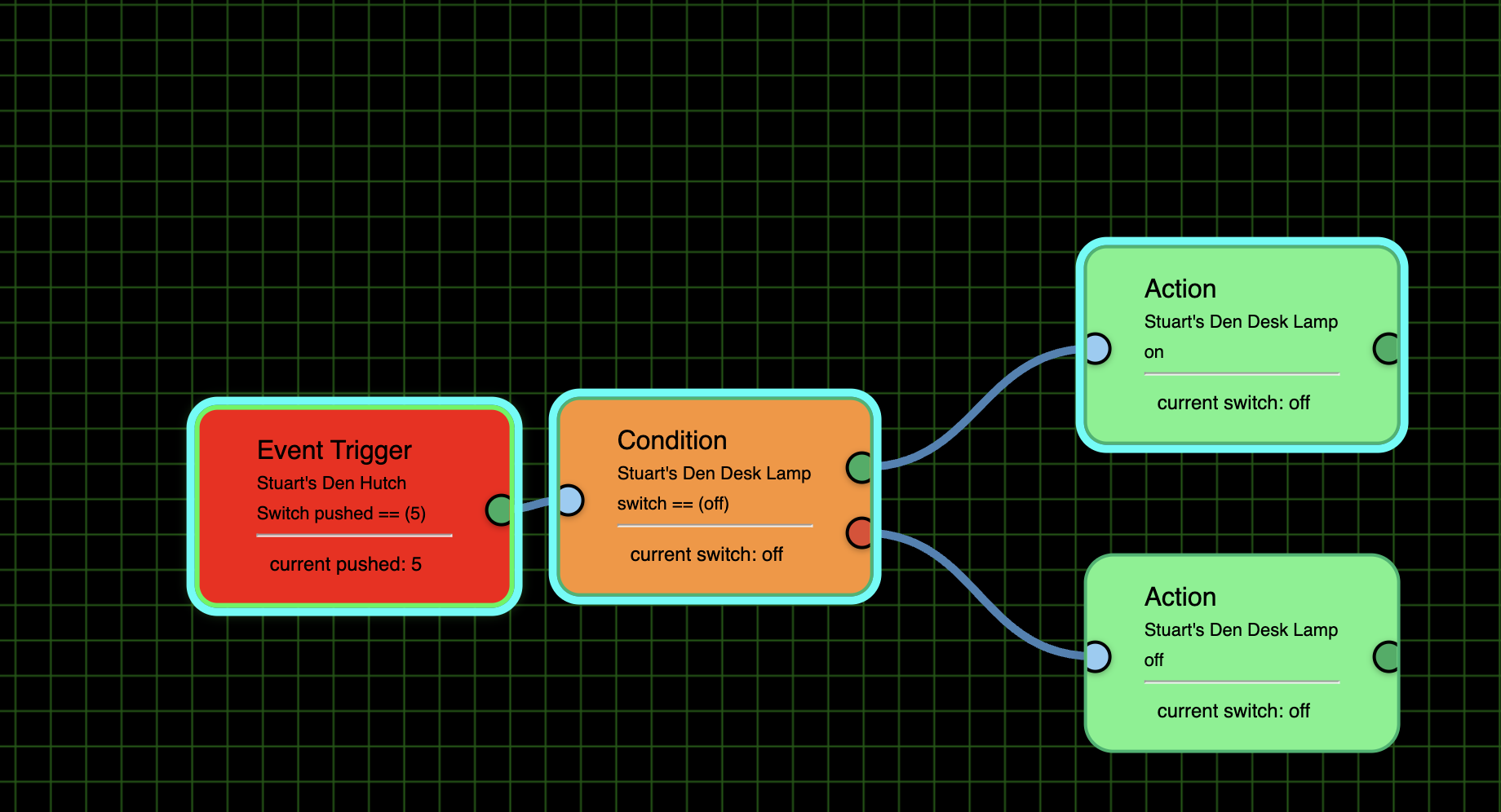
I am able to connect tiles. But I don't have a Speech Notification on so I don't know if that was the issue.
I'm not sure what LocK Tiles does as I"m able to move them around independently if I only click on one afterwards and it doesn't seem to lock them from being editable. So please explain what the lock does.
The locking of the tiles is suppose to make it so you can't drag them or move them by accident. They should be 'locked' in place. But they broke the connections - so I fixed the connections and broke the locks. lol. I'll get them working again soon.
I’m finding it amazing how much you’ve added (and fixed as needed) so fast. I think you are very close.
Once you get this fixed maybe you can revisit the time based ones as I think a lot of routines will use them. Just brainstorming it, maybe checkboxes for the days of the week with an All, Weekends, and Weekdays choices as well.
Times could be trickier as you’ll want a Sunrise and Sunset options, with a +/- Offset field, but also the ability for the enduser to put in a precise time. Maybe for exact times that can be done with an Hour, Minutes, and AM/PM spinners to help avoid syntax errors.
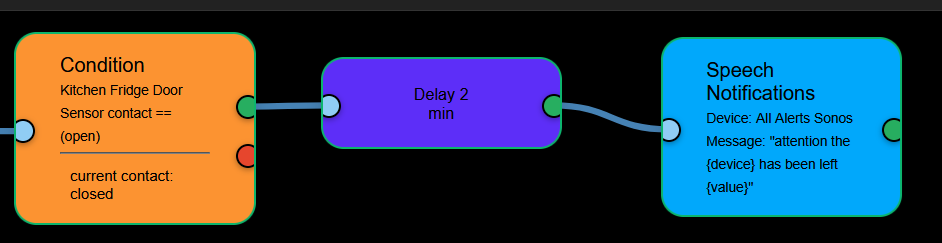
@bptworld So I have seeing a possible issue either in the Delay (kind of doubt) or in the Speech part. The flow trips with the door changing to open and the Delay is tripped by the change in color to it's input. The Delay completes and the flow continues to the Speech. At this time there is no speech output through the speaker. I don't know if it how I have the Speech text configured or not. I tested the speaker manually and it is working correctly.
One other question. Is there currently or will there be a way to have a speech repeat every so often if a condition still presents itself like a door remaining open, it will speak it is still open, until that door is shut.
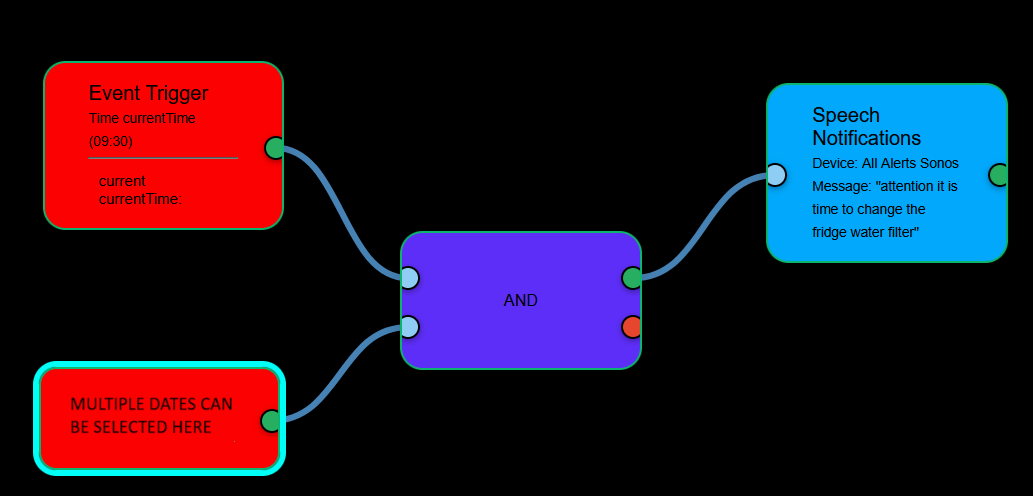
@bptworld I was wondering if there is something in the works for adding a trigger that we could select a date or multiple dates to go along with a time for instance, kind of like in the pic below. Thanks
Just did a repair (4:00 pm EST 07/02/2025) so I believe I'm up to date. (Which, BTW, if you could put what the current version is someplace and for us to see our version just to be sure we are on the current on, it would be helpful).
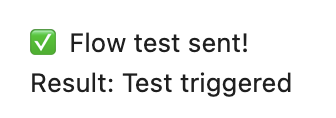
In any event, when I test a flow I don't see the flow nor do I see the flow was executed.
No more need to open the One app after making changes to a Flow in the Editor! You still have to add new Flows but when editing an existing Flow, all you have to do is save it in the Editor.
'Repair!'
Versioning will start with the Release, too many quick updates in Beta
I've made a lot of changes, will look into test in a bit