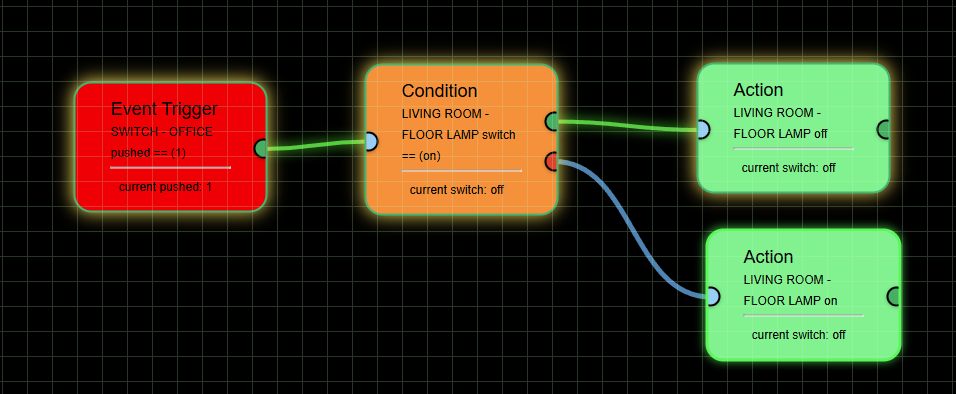
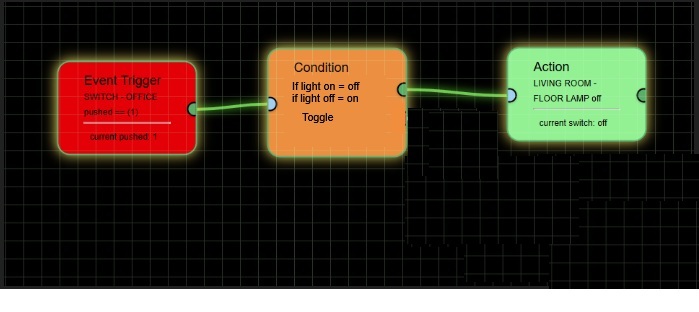
[Beta] Flow Engine - A visual drag and drop rules engine

,

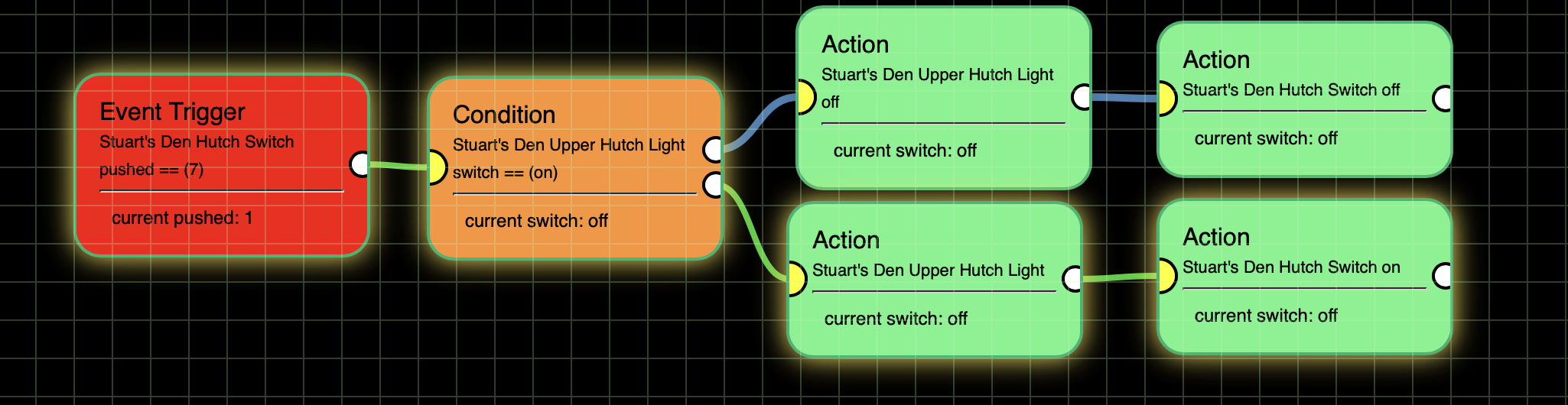
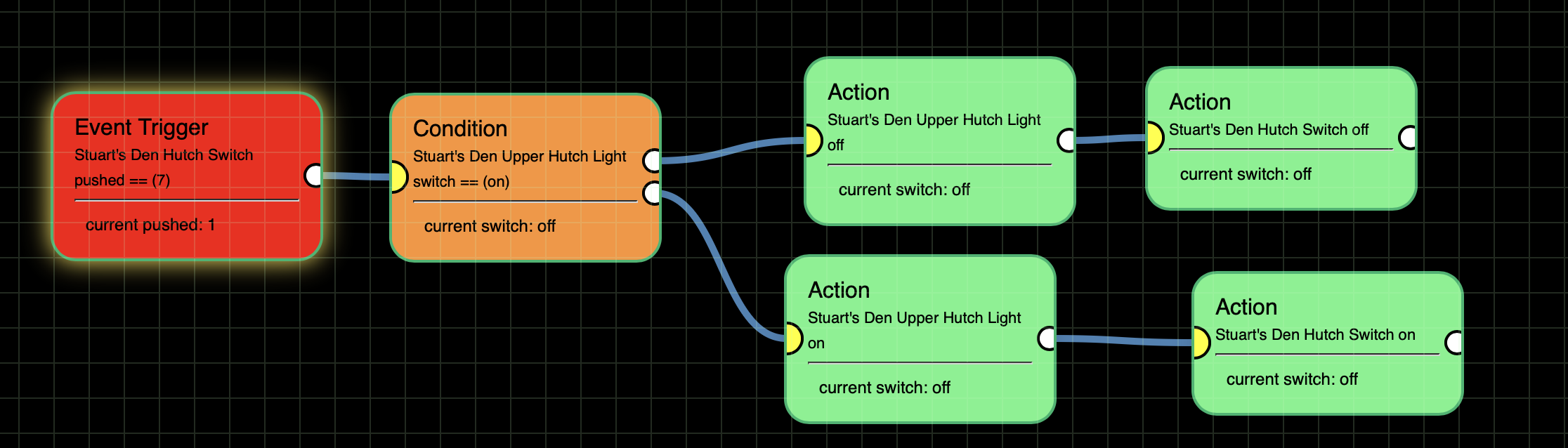
I got a basic toggle flow working:

The logic is
Event: Stuart's Den Hutch Switch button 7 is pushed.
Condition: Is Stuart's Den Upper Hutch Light on
If True:
Action: Turn Stuart's Den Upper Hutch Light off
Action: Turn Stuart's Den Hutch Switch off
If False (i.e. Stuart's Den Upper Hutch Light is off):
Action: Turn Stuart's Den Upper Hutch Light on
Action: Turn Stuart's Den Hutch Switch on

So far so good. What I want to do is now add in an OR such that when Stuart's Den Hutch Switch button 7 is pushed if either Stuart's Den Upper Hutch Light is on or Stuart's Den Lower Hutch Light is on then to turn both of those off and to also turn Stuart's Den Hutch Switch off.

Otherwise (i.e. both Stuart's Den Upper and Lower Hutch lights are off) then turn them both on and also turn on Stuart's Den Hutch Switch.

I tried a flow with an OR but it didn't seem to be working. I'm not sure how to use the OR tile. On the input side there are 2 inputs. Does that mean there can only be 2 "OR"s? What if we want to test 3 things: e.g. Switch A is pushed, Switch B is pushed or Switch C is pushed?

:point_up: Despite wishing this was not a common retort...

I'm constantly impressed by the ingenuity and motivation in this Community;
albeit fearful of long term support implications*.

EDIT ADD: ^That aren't in the Developer's control.

We all have our limits... but that is likely a separate topic to Brian's... He is one who I would say has gone above an beyond what people should expect of a Community developer. If people impose expectations on those who develop software in their spare time free of charge... and importantly, continue to support it.... (I should probably adhere to my own advice... separate topic if needed)

4 Likes

My last post does seem somewhat disingenuous given this statement.... I think we can all agree with this....

1 Like

HOLD ON... somethings not right

New uploads on Github...

  • Background can now be either Grid or Custom Image! Just put your image file in the File Manager, then select it in the Editor.
  • Backgrounds can now be dimmed/brightened! Set it to your preference, even down to nothing at all.
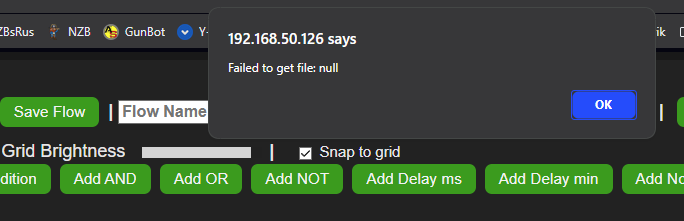
  • Took another shot at fixing the 'null' error on page load

Just need to do another 'Repair'

Thanks

1 Like

Still there .. Love the grid brightness !
you are rocking this app :slight_smile:

image

Same fix works ...

Just a thought .. would be nice if the action tile or someway
to have a toggle switch for lights ect.
( Press switch 1 = turn on light / then press switch 1 = turn off light )
image

Hmmm .. When you duplicate a node,
there is no way to use it .. no link ability ? ( No Dots )

image

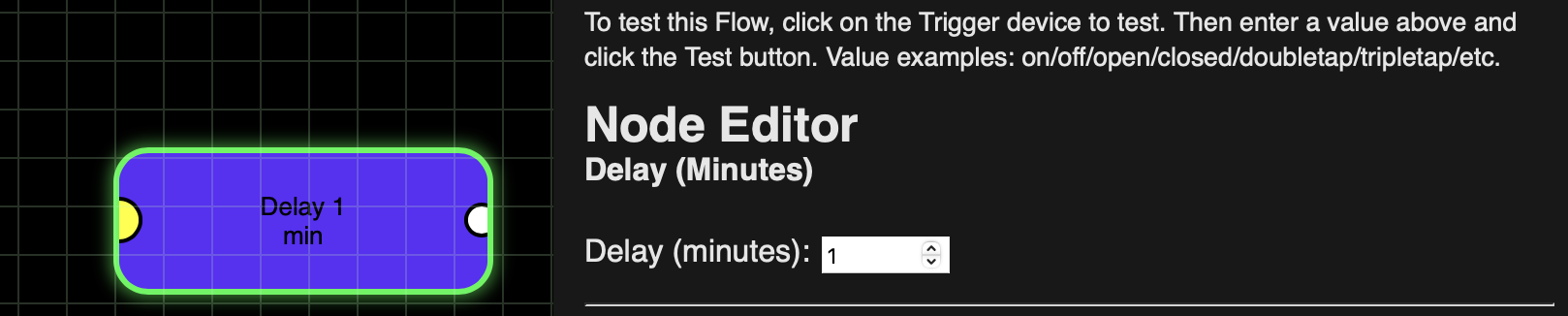
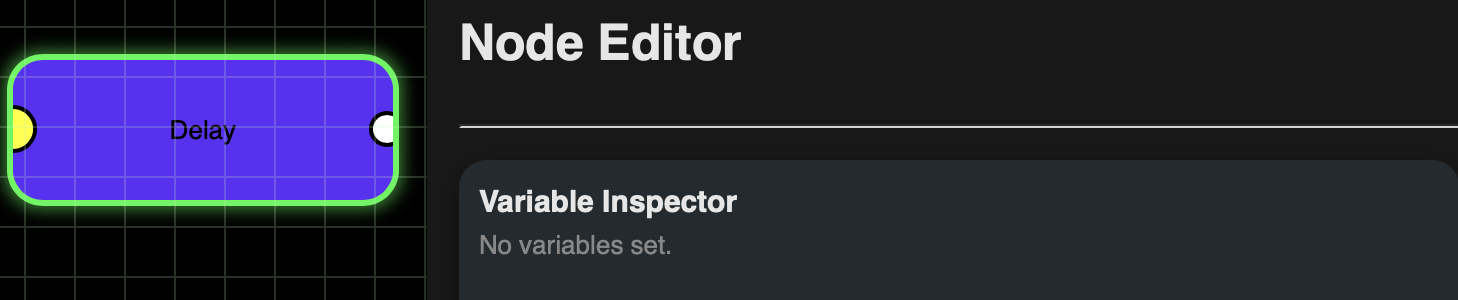
Also, while Delay Minutes asks for an input:

No input comes up for Delay Milliseconds:

This is why I said to 'Hold on'.. There is some serious issues with that download. I had already uploaded everything so I wasn't about to try and reverse it. Working on the fixes now. Might be a day or two before the next update though.

Paste the code here using the '</>' from above. Thanks

I'll add it to the list!

Nice catch. Added to the list. Thanks

I got the basic toggle to work and edited post 140 to reflect that. No rush on the "OR" question I put in there as I know you are working on more serious bugs.

Along the bug line, I've found sometimes when I'm trying to delete/alter a flow the entire flow disappears and I have to use the Undo button to go back to my last saved place.

This one is for the "wish list". Sometimes I will have a tile all set up but want to change the device. E.g. I have an Action tile that says If Switch A is On ... But I want to change it to Switch B. When I click on the tile and pick Switch B the rest of the parameters get reset. My wish is that everything else would stay the same.

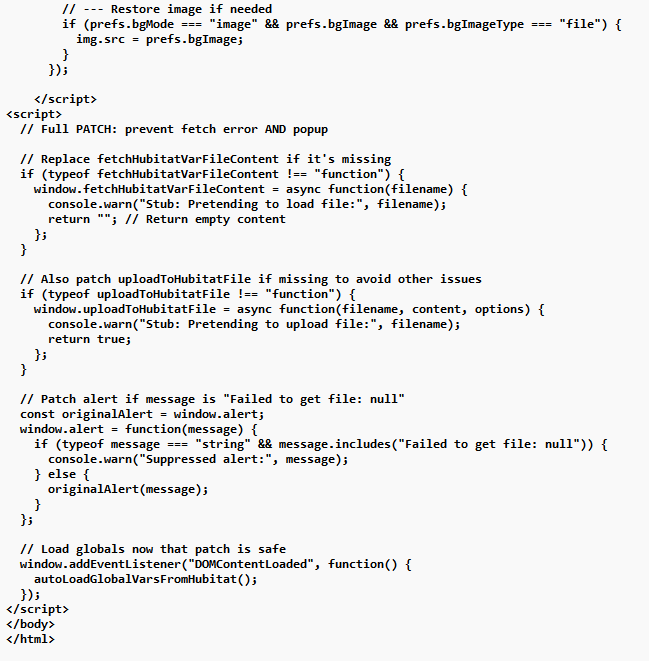
<script>
  // Full PATCH: prevent fetch error AND popup

  // Replace fetchHubitatVarFileContent if it's missing
  if (typeof fetchHubitatVarFileContent !== "function") {
    window.fetchHubitatVarFileContent = async function(filename) {
      console.warn("Stub: Pretending to load file:", filename);
      return ""; // Return empty content
    };
  }

  // Also patch uploadToHubitatFile if missing to avoid other issues
  if (typeof uploadToHubitatFile !== "function") {
    window.uploadToHubitatFile = async function(filename, content, options) {
      console.warn("Stub: Pretending to upload file:", filename);
      return true;
    };
  }

  // Patch alert if message is "Failed to get file: null"
  const originalAlert = window.alert;
  window.alert = function(message) {
    if (typeof message === "string" && message.includes("Failed to get file: null")) {
      console.warn("Suppressed alert:", message);
    } else {
      originalAlert(message);
    }
  };

  // Load globals now that patch is safe
  window.addEventListener("DOMContentLoaded", function() {
    autoLoadGlobalVarsFromHubitat();
  });
</script>
</body>
</html>
1 Like

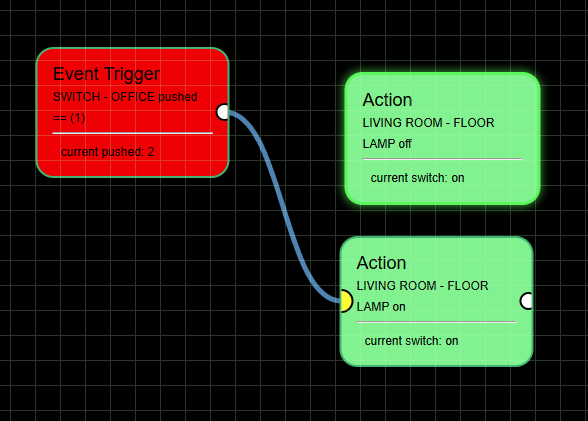
The highlight around the tiles in the flow path is kind of light and fuzzy. Could you make them brighter and a solid color? (Or better yet, if it is possible and there would be room for it, a slider to make it more or less intense like for the grid.) Here is what mine looks like currently:

Speaking about the grid, I keep going back and forth between whether it should show through the tiles if bright enough. One the one hand it could make it easier to line up the tiles in a particular way, on the other hand, it does make a lot of the text harder to read. Would it be possible to have a toggle to bring the grid into the foreground or background?

This is because the Editor needs to re-read the new device attributes/commands. So the old ones can't be saved.

It should not, this was a bug of the last update.

So, new update on Github... Just need a 'Repair'.

  • Background can now be either Grid or Custom Image! Just put your image file in the File Manager, then select it in the Editor.
  • Backgrounds can now be dimmed/brightened! Set it to your preference, even down to nothing at all.
  • Used @WarlockWeary fix for the 'null' error on page load. Thanks!
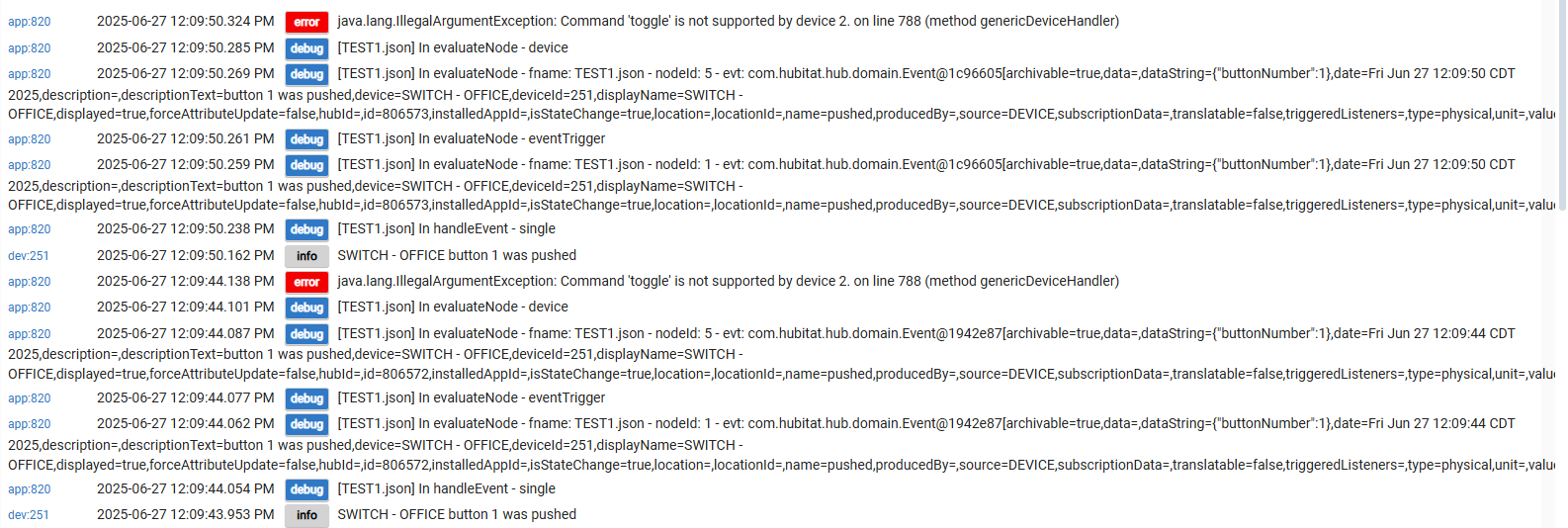
  • Added a Toggle option to the Action, commands. Device must support the Toggle command.
  • Duplicate Node still not working, this is being stubborn!
  • Added a note under the Editor block... "Use 'ctrl-click' to select multiple Devices". Remember devices need to share common attributes!
  • Fixed 'Delay ms'. Input field now shows up.

Let's see how this one shakes out! :wink:

2 Likes

Nice .. testing :slight_smile:

no more error when loading :slight_smile:

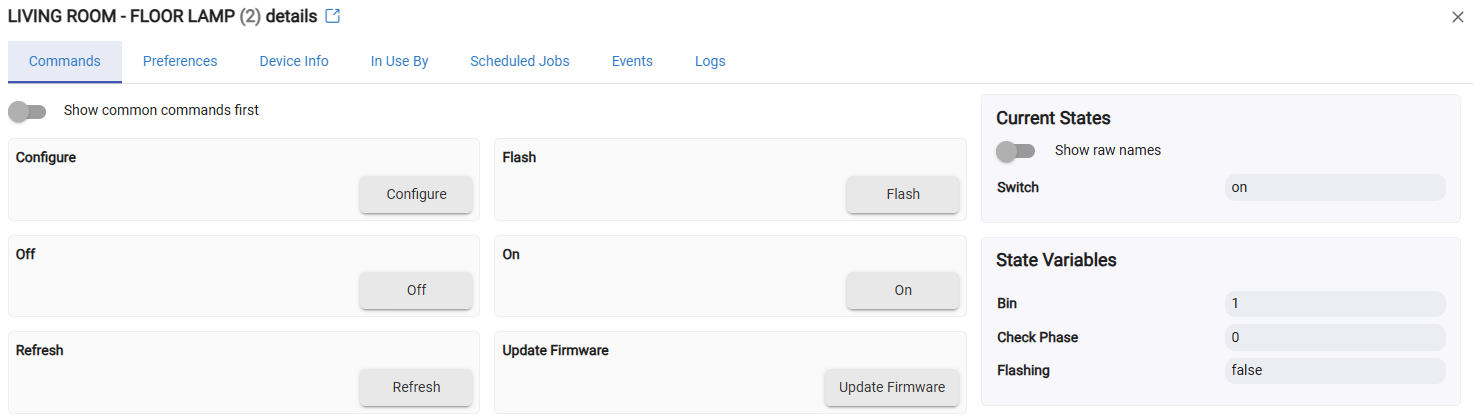
Not sure any lights really support " toggle " well non of mine anyway.
I think this would have to be a [Flow Engine] drag-and-drop button ..
if light on turn off - if light off turn on ?
1 Like

I would just need to add logic in the FE app, to handle the Toggle command. Easy to do. Added to the List!

1 Like

I don't have time to test right now but I put an updated app in github. 'Repair' and let me know how it goes!" :upside_down_face:

1 Like

works ..


1 Like