I'm not sure what you mean it isn't right. This is how I've always had it. In any event, assuming you changed it, I went to edit the node and I have Pushed Equals but no field appears to allow me to put in the number of pushes. I see that it now says "Tap" but I didn't see a "Tap" option.
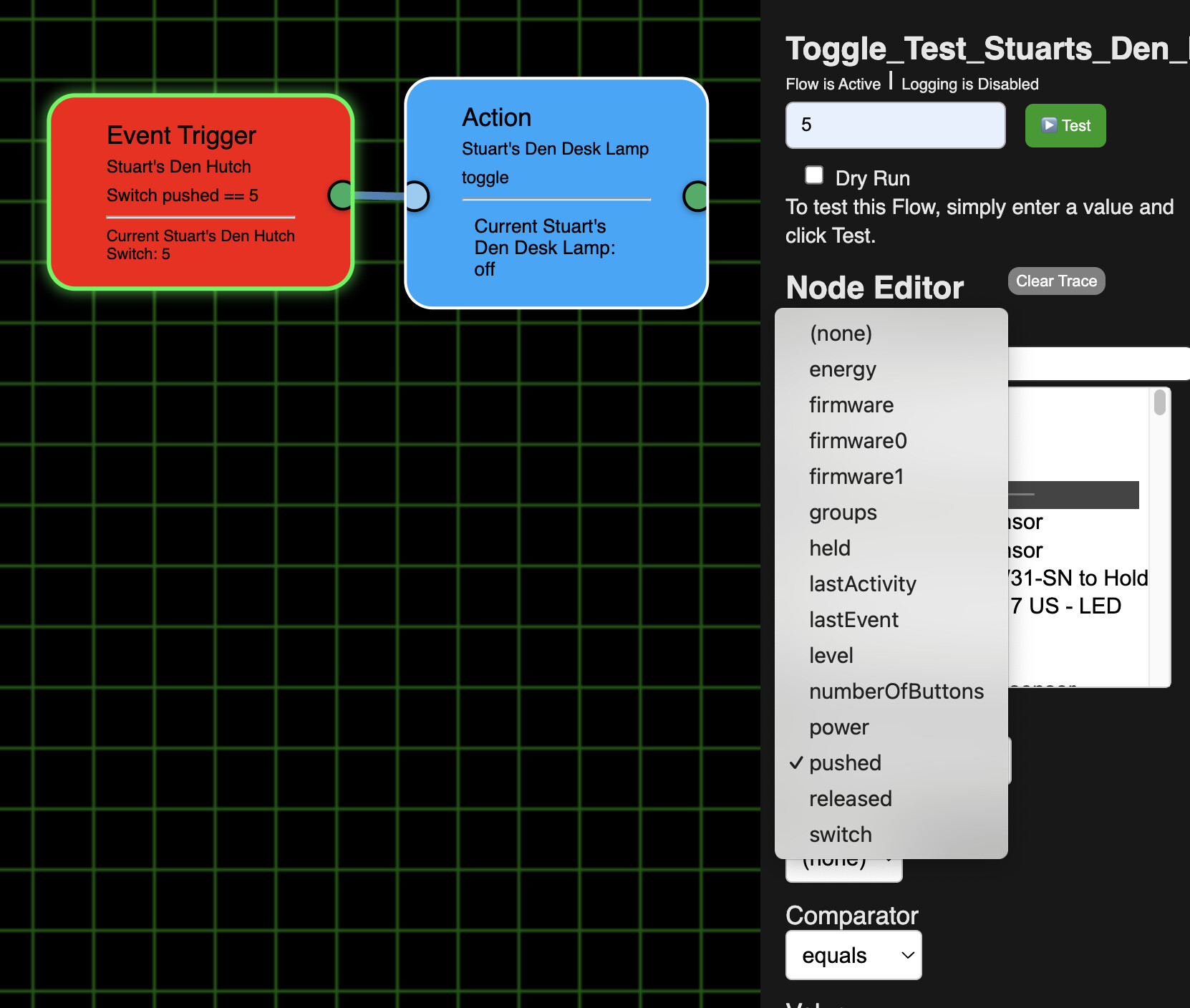
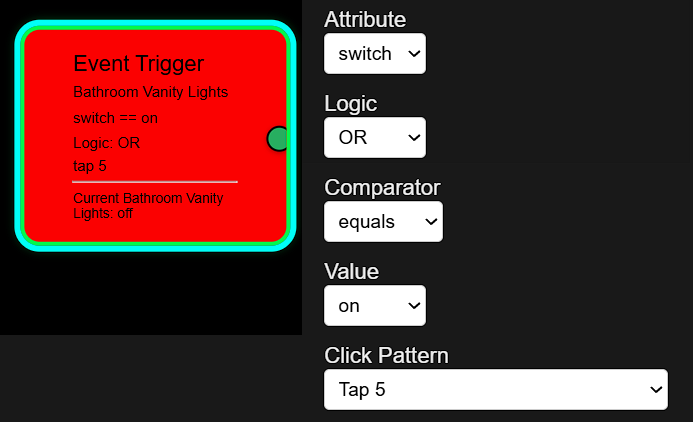
Yea. I just found that. But when I run a test it doesn't do anything as you can see below the line in the Trigger node that it just says Switch is Off. (I left the Value as (none) as the only choices were On or Off
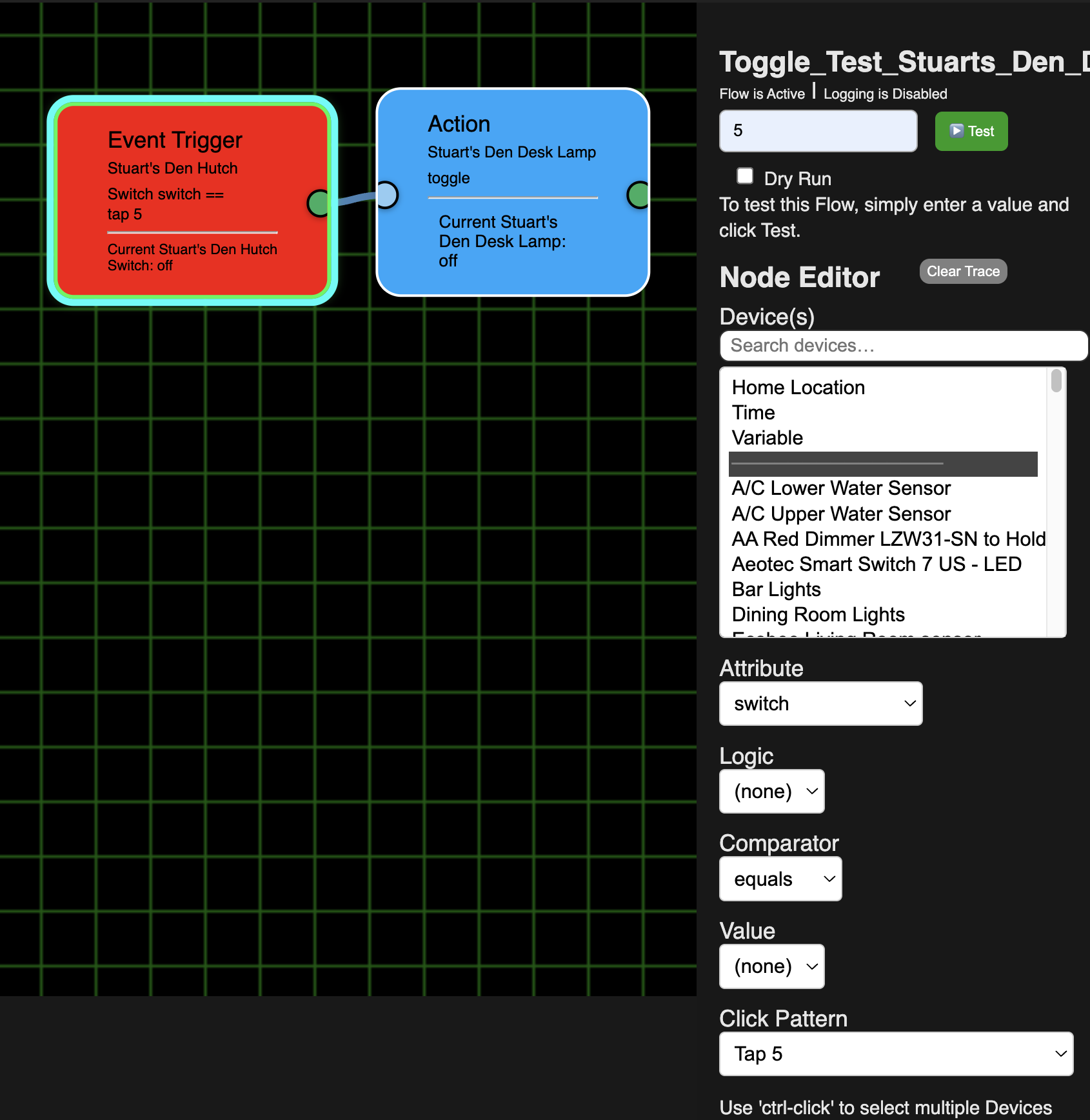
you haven't completed the selections so it doesn't know what to do
I can't pick On or Off for the Value because it could be either. I might have pushed (now "Tapped") the Den Hutch switch one or more times for something else, so it could be on or I might just be walking into the room and it is off and I only want to tap it 5 times for the desk lamp. So I don't know what to do for the Value.
And as it is only 1 switch it doesn't make sense to set the AND/OR
are pushing the top or bottom of the switch?
The test would be for the top of the switch which I know Hubitat/Inovelli calls a "Push"
that is 'on'
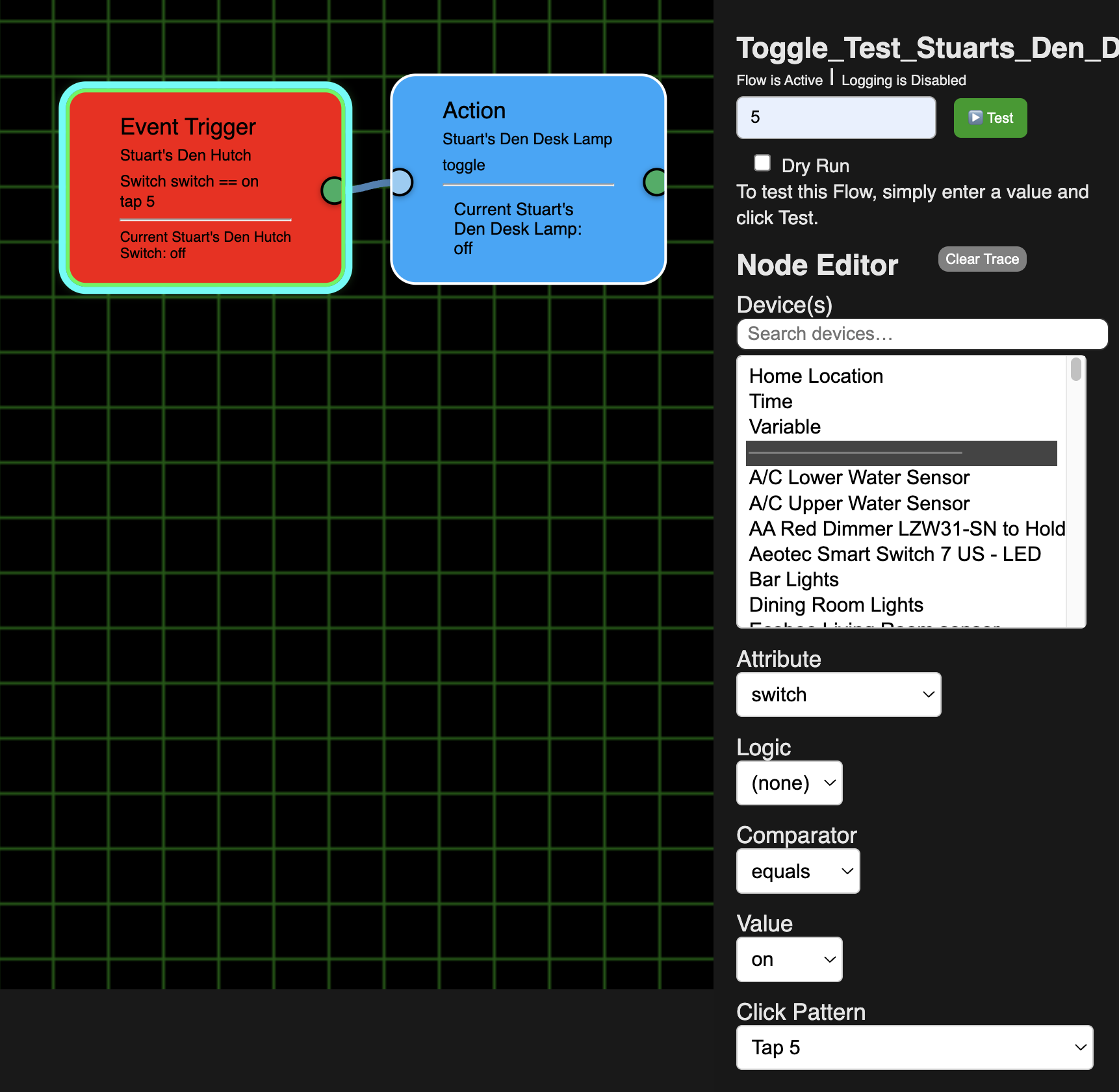

I repeat, select ALL fields. You only have 1 device, so select either 'and' or 'or'. Doesn't matter.
OK. You changed that too. It used to work leaving it blank. I would suggest you program for logic = none, but If we must choose one or the other I'd suggest picking one as the default and get rid of (none).
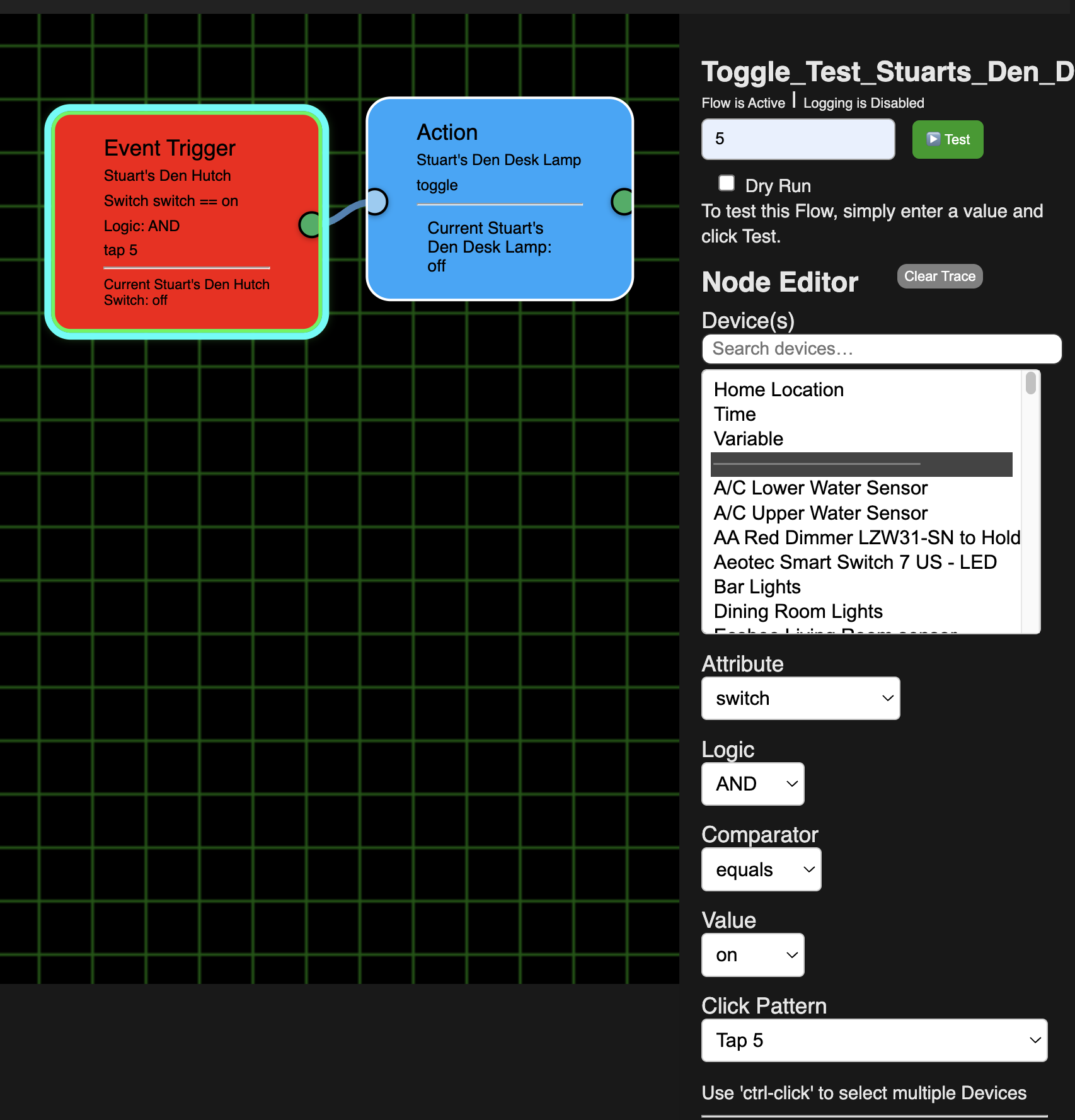
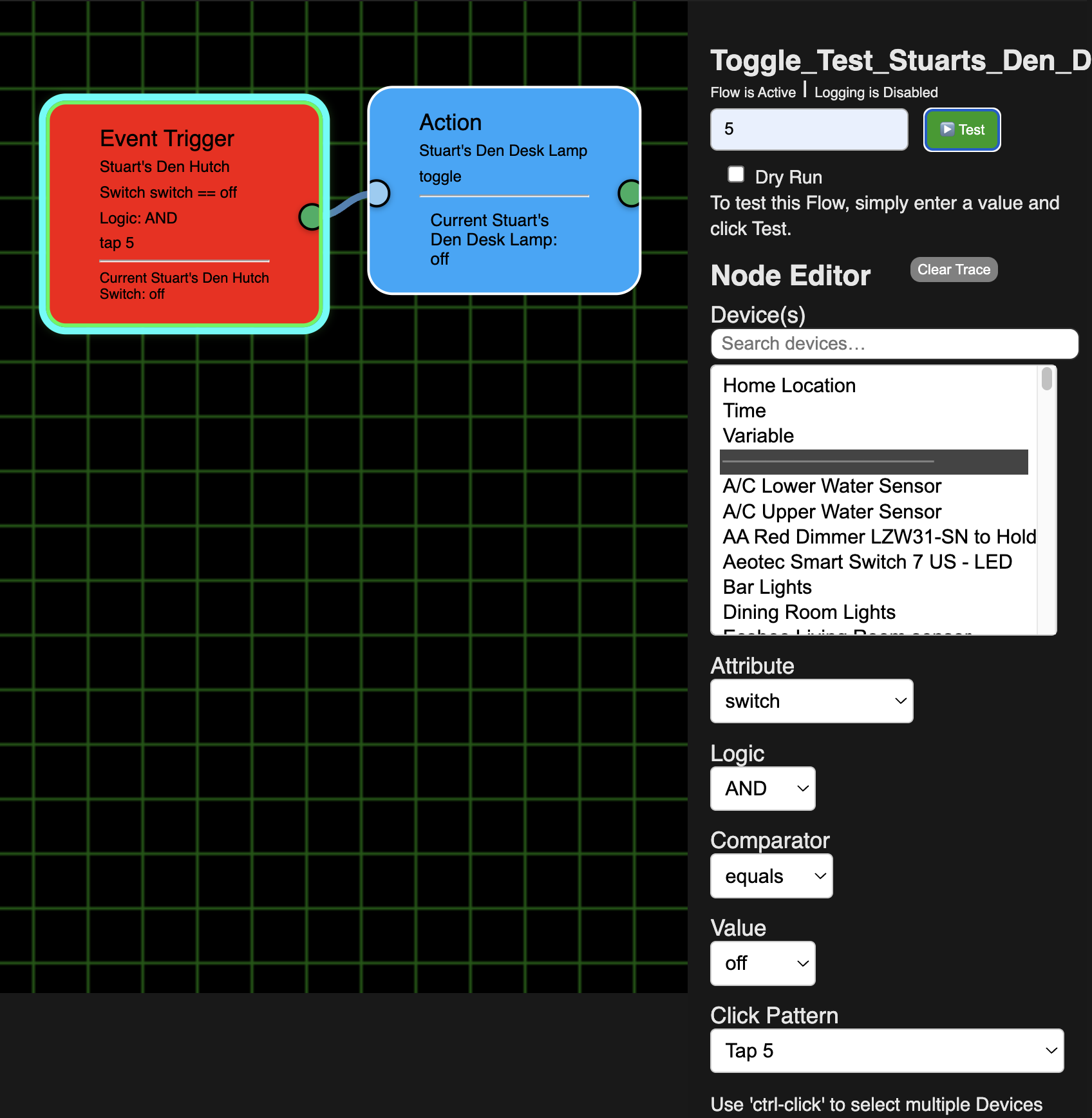
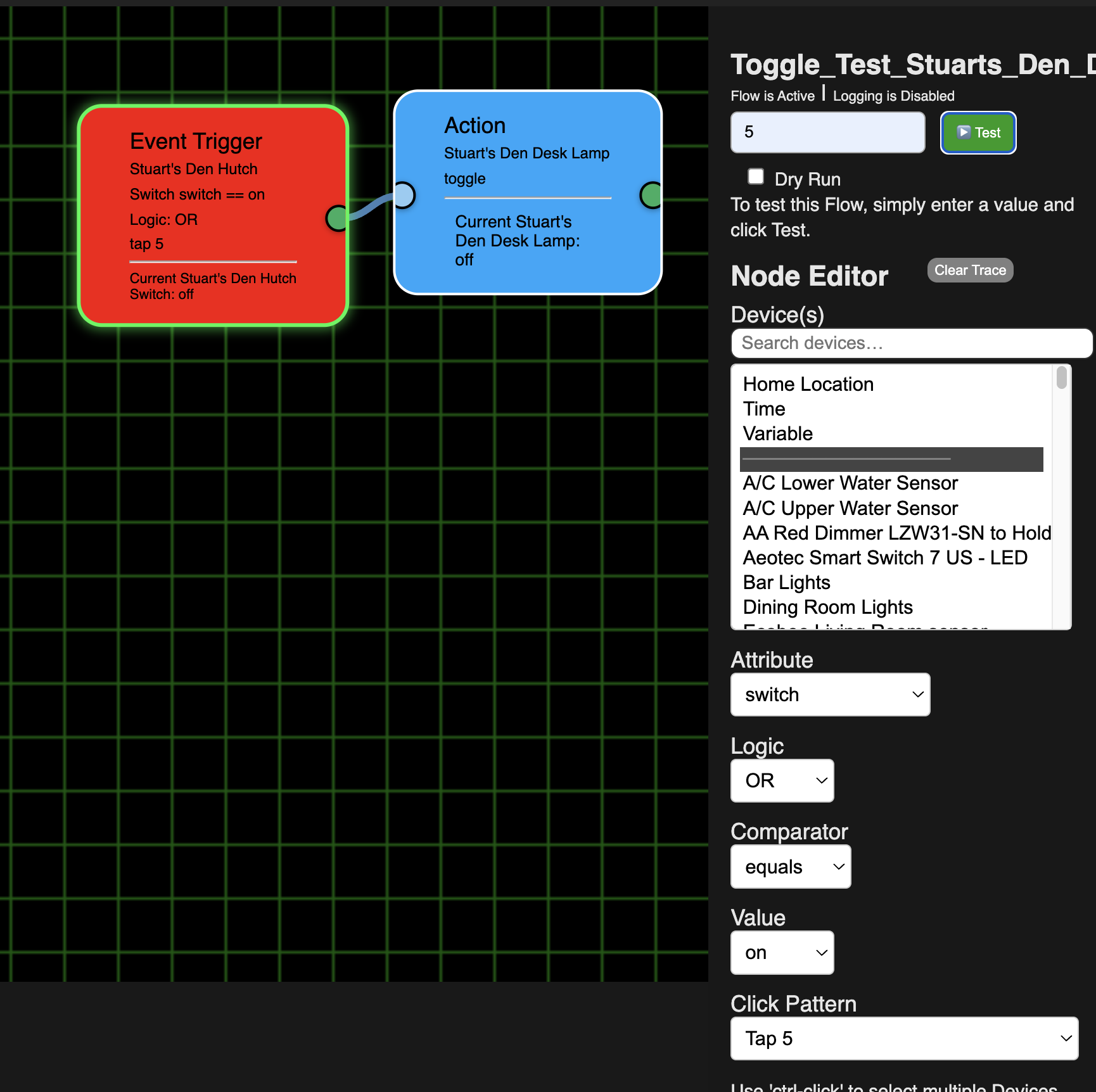
But, still didn't work. I tried all 4 combinations of Logic = AND and Value = on or off and Logic = OR and Value = on or off.
AND + on
AND + off
OR + on
OR + off
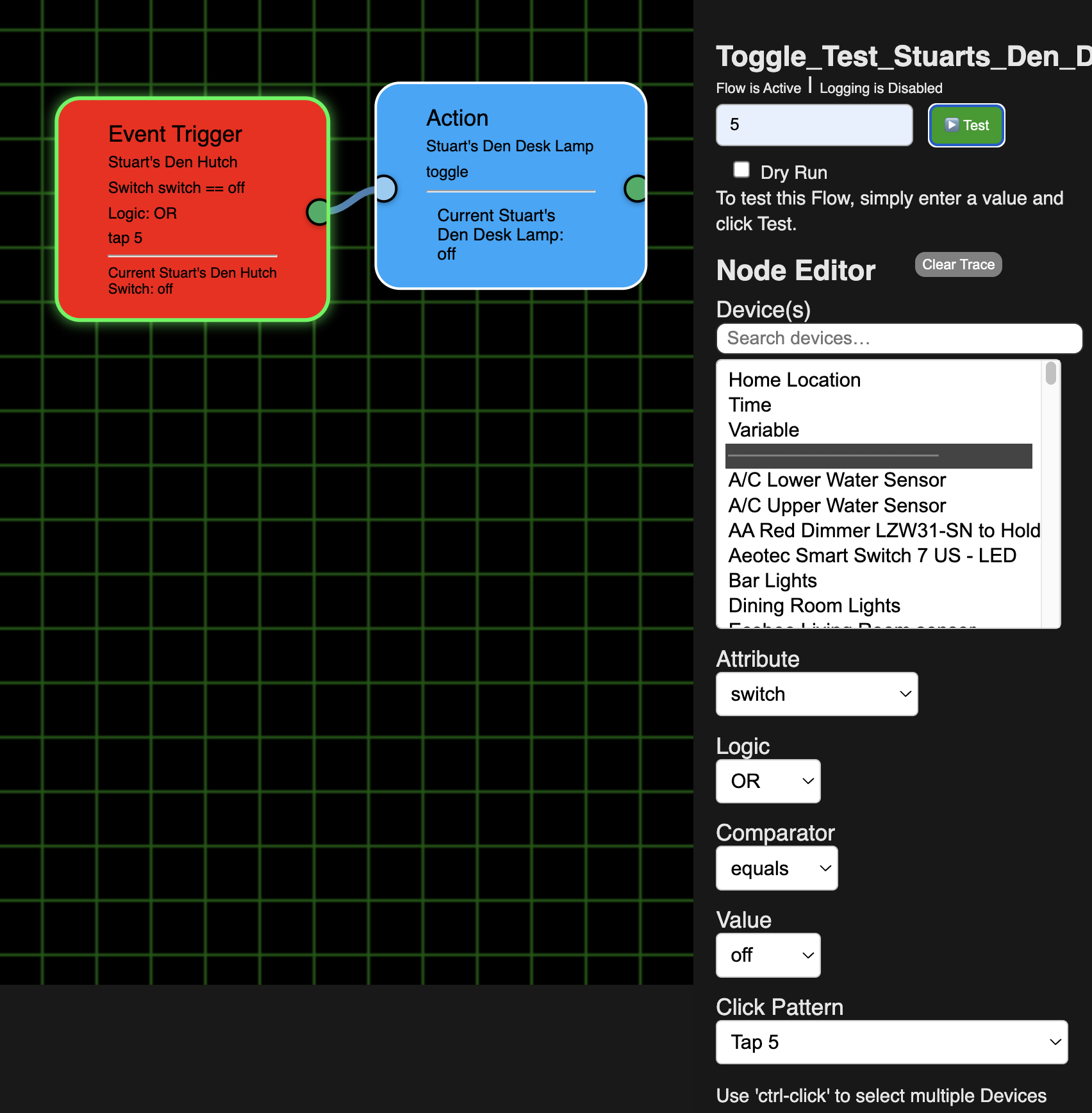
I also turned the Den Hutch Switch to on and tried all 4 combinations again and none worked.
Also, BTW, it is not asking me to Save when I am making these changes. (i.e. the Save button stays green).
I'm sure you have your reasons that are way beyond me, but the Push and Held with a number of "taps" made sense to me with the Switch choices being whether it was “on” or “off”. But in any event, if we pick Pushed or Held now after we pick any Comparator other than “between” there is no field for the value.
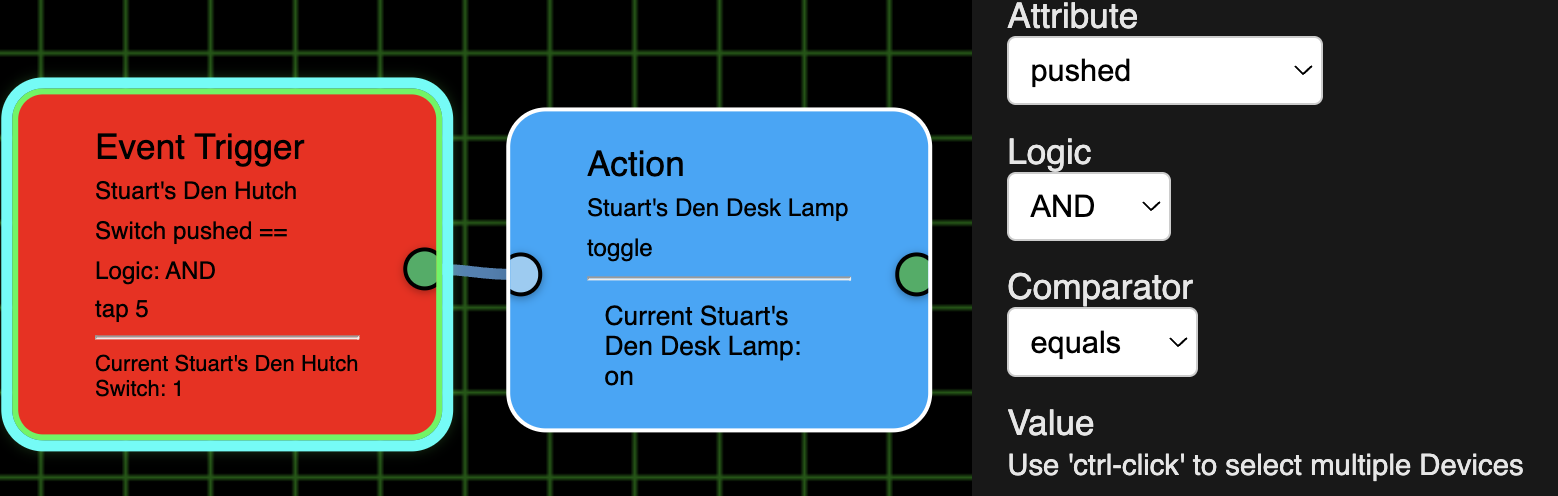
Selected "pushed" and Comparator of "equals" but no field appears to enter a value. This is true of all choices except between:
"between" does let use put in values for "pushed":
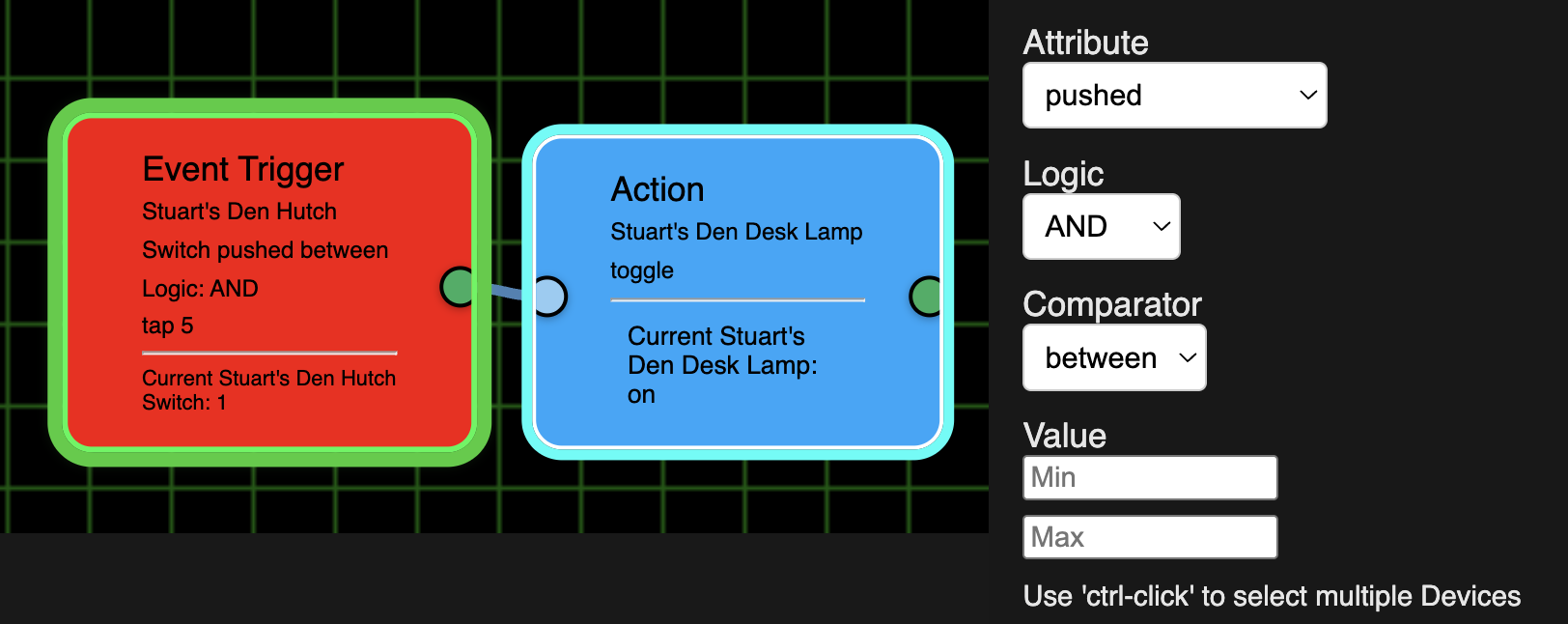
In fact, I've discovered that none of the choices, except "Switch" will have a Value field appear when using "equals". (I didn't try all the other choices as there were just too many combinations):
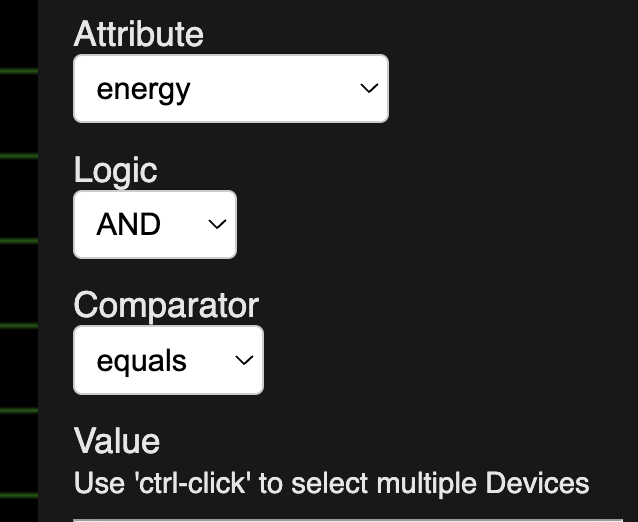
"energy" + "equals" has no field to enter a Value:
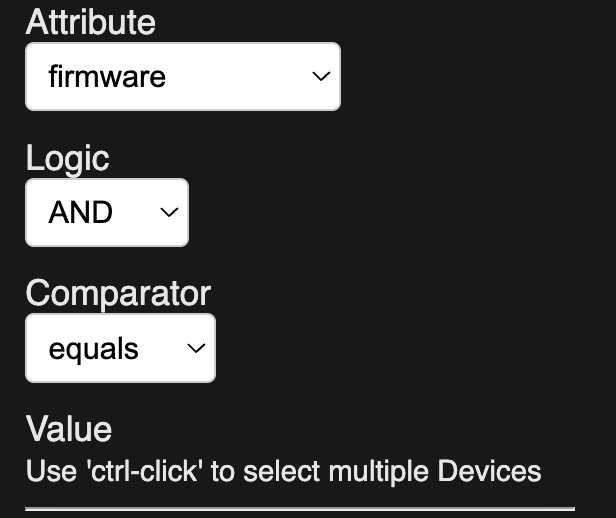
"firmware" + "equals" has no field to enter a Value:
"firmware0" + "equals" has no field to enter a Value:
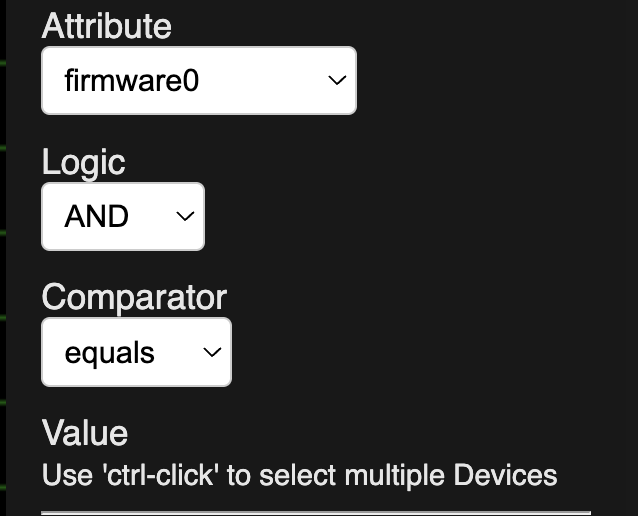
"firmware1" + "equals" has no field to enter a Value:
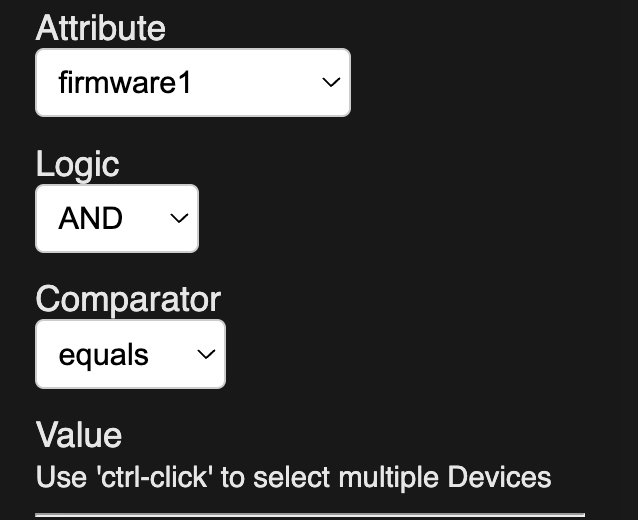
"groups" + "equals" has no field to enter a Value:
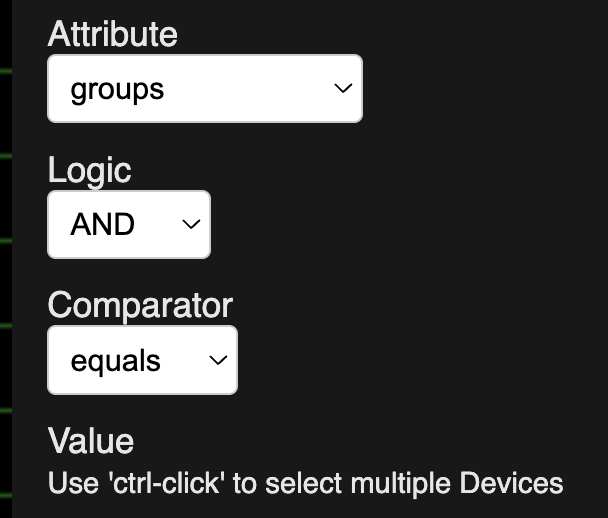
"held" + "equals" has no field to enter a Value:
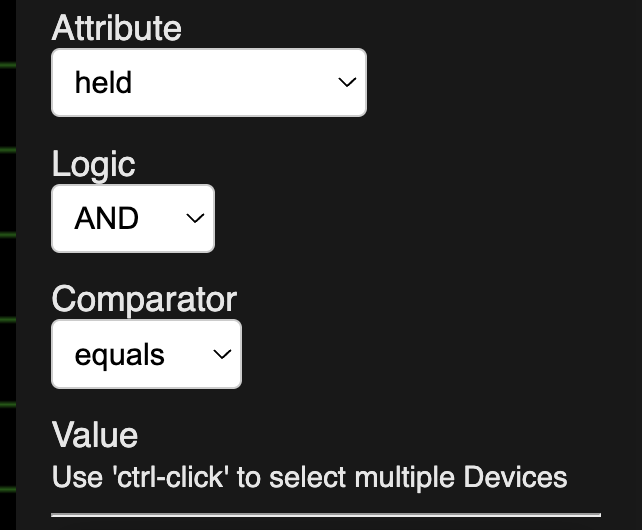
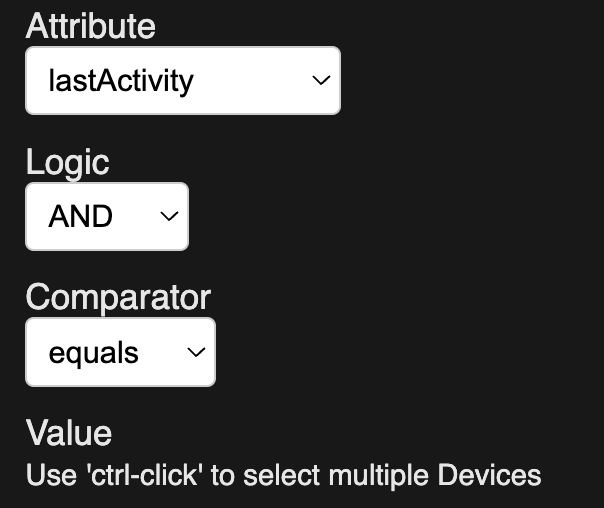
"lastActivity" + "equals" has no field to enter a Value:
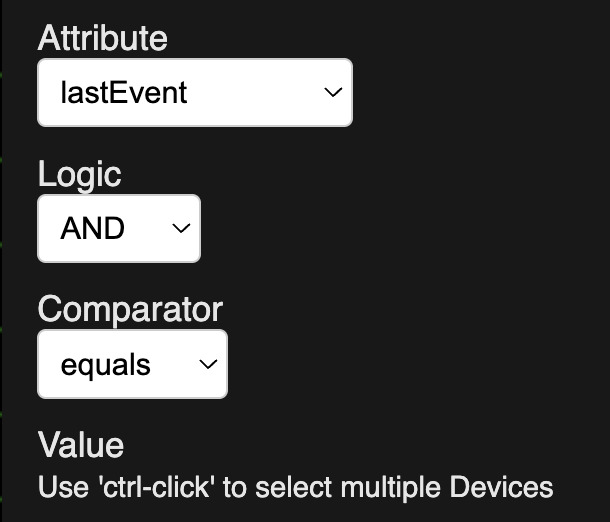
"lastEvent" + "equals" has no field to enter a Value:
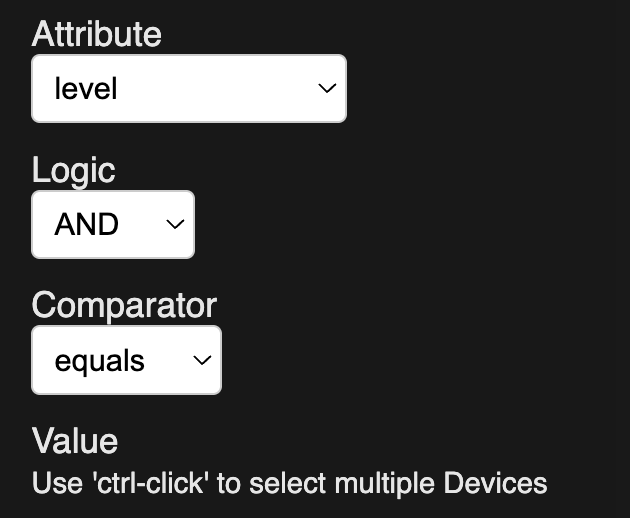
"level" + "equals" has no field to enter a Value:
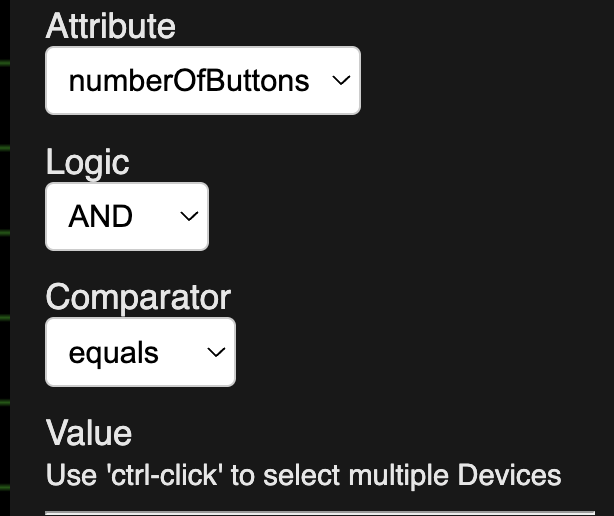
"numberOfButtons" + "equals" has no field to enter a Value:
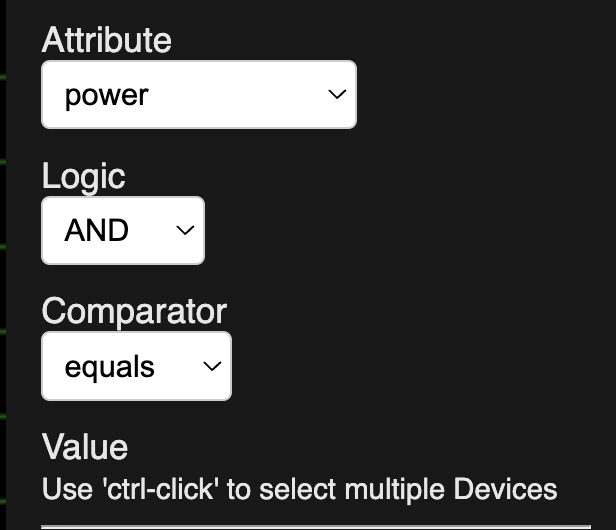
"power" + "equals" has no field to enter a Value:
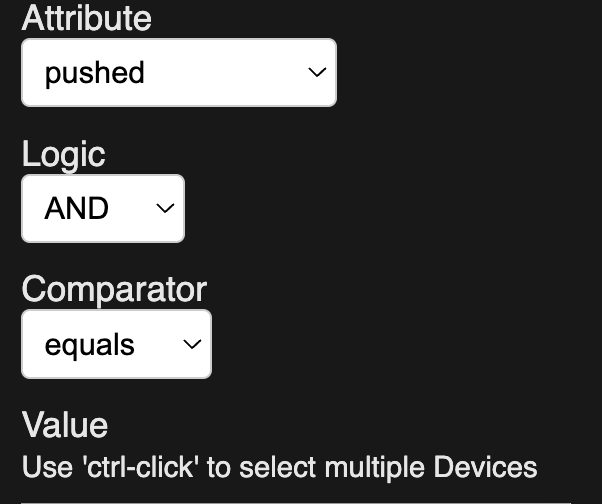
"pushed" + "equals" has no field to enter a Value:
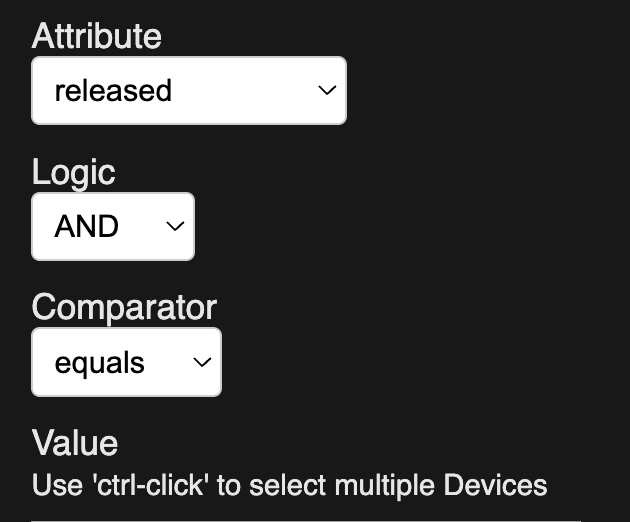
"released" + "equals" has no field to enter a Value:
Did want to add that I totally agree with you that pushing a switch “on” or “off” makes much more sense than calling them “pushed” and “held”. But since we can do things like make the pushed/on, held/off do other things like toggle a light (which I actually do to control 2 lights in a hutch with just 1 switch) maybe they should be called “pushed” with a sub-choice of (none) (if it is something we just push like a button controller) with choices for “top” and “bottom” or “up” and “down” for things like light switches
1 Like
ver. 1.0.029 is out. 'Repair'.
Had to back out some code, so expect it to work more like .027 then .028.
Thank you for going back to Push method and letting Logic be blank.
I still cannot activate or deactivate.
I can now Cmd+Left Click to select multiple nodes. I don't know if there is anyway to detect if the user is on a Mac and change the text to Cmd+Click instead of Ctrl+Click.
Time flow isn't working. Tried 21:00 and 9:00 pm, which is between Sunset an 10:00 pm (22:00):
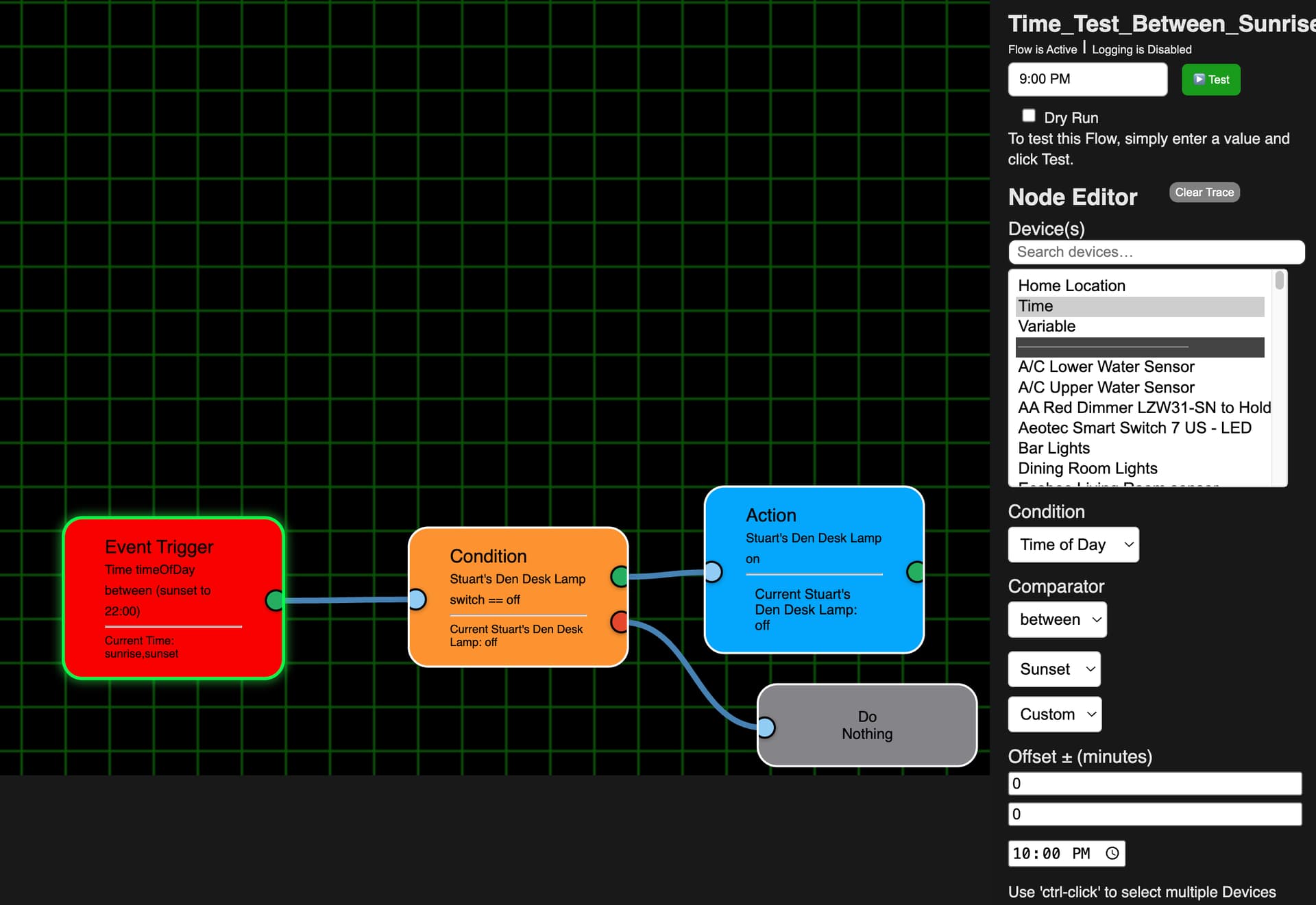
But got this error message:

1 Like
Moving fast tonight... ver. 1.0.0.30 - 'Repair'
@Stu_The_K , something in this one just for you... 
One more for tonight... ver. 1.0.0.31
- Made Activate/Deactivate more robust
'Repair'
I saw the cmd-click. Gracias.
Unfortunately I still can't activate or deactivate. I was able to deactivate all them via the FE "main" screen:

But as you see below they should all have now been activated:
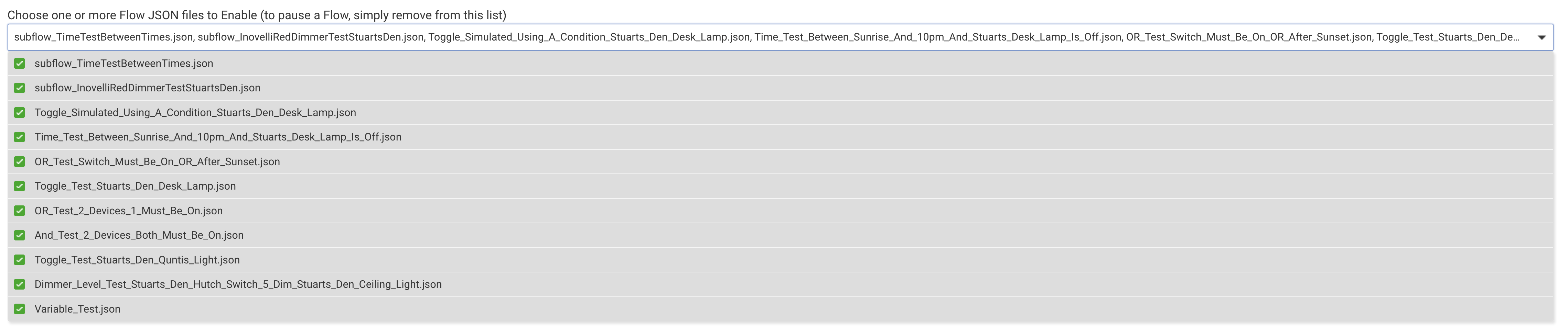
but none of them are (here is just the first one for example):

(BTW, can you alphabetize the list in the FE 1st screen combobox?)
I probably shouldn't have deactivated all of them because until this gets fixed for me I can't test anything.
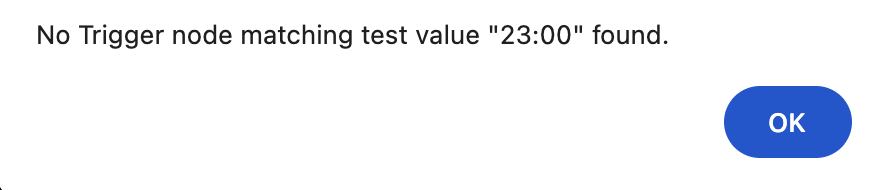
Before I did that, I did test my time test flow and time still isn't working either. I tried it by selecting the node and also after clicking off the trigger node. However, I still get the same no [time] trigger found:
Here I was trying 11:00 pm:
You made sure to close the Editor completely and reopen it after updating, right?
Open your log, go back into the app, scroll down and hit 'done'. Any errors in the log?
I did the repair and did the 1st testing in which I found I couldn't activate/deactivate and the time test.
After I did the deactivate test, which did deactivate all of them, I tried to reactivate them. I don't remember if I closed the FE Editor or not first. I have since made sure the FE Editor was closed, then all were checked as active, as you saw in the screenshot, clicked the Done button and then used my bookmark to go into the Editor.
I just now made sure both the FE 1st screen and the FE Editor were closed and did another Repair. I went into the FE 1st screen to verify everything was still checked as active. I then used my bookmark again to go into the FE Editor and I still can't activate anything. I always get the same 500 Server Error message:

again, any errors in the Hubitat Log when this happens?