Editor now unselects all nodes before tracing the new Flow
Status now displays 'device name: status' for Trigger/Condition nodes
Notes:
Flow names can't have spaces or special characters. File manager simply doesn't support it. I'm not about to spend hours setting up a conversion routine to strip out the unsupported characters and then figure out a way to put them back in when loading flows. I don't think 'MyNewFlow' or 'My_New_Flow' makes it that difficult to distinguish from one Flow to another.
Only Parent/Child type apps can have their names displayed on the Apps page. I've looked (because this would be cool) but there isn't a hack that I could find for a single app to be displayed like that.
The Editor can pretty much do anything the app can do (and a whole lot more). So once the app is setup, there is almost no need to go into Hubitat at all. Bookmark the Editor and whenever you need to write something new or edit an existing Flow, just go to the Bookmark.
Thanks for considering all that. Once you are comfortable it is running smoothly I think you should let tech YouTubers like Paul Hibbert, Automate Your Life, DIY Smart Home guy (who I know was, and in some ways still is, associated with Hubitat), Reed’s Smart Home and his Smart Home Solver know about this and others.
They often had positive reviews of Hubitat, with the one constant negative point for the app’s UI (albeit years ago before the great improvements they’ve made in the last year or 2). Since I’ve seen so many raves about Homey Pro and its flow based approach (and Node Red in more deep tech forums like here and Reddit) they should love this.
Thanks, I think we are still a little ways off for that. Got to get a bigger base first to make sure this thing is rock solid. Thanks to you and a couple of others, this has come a long way!
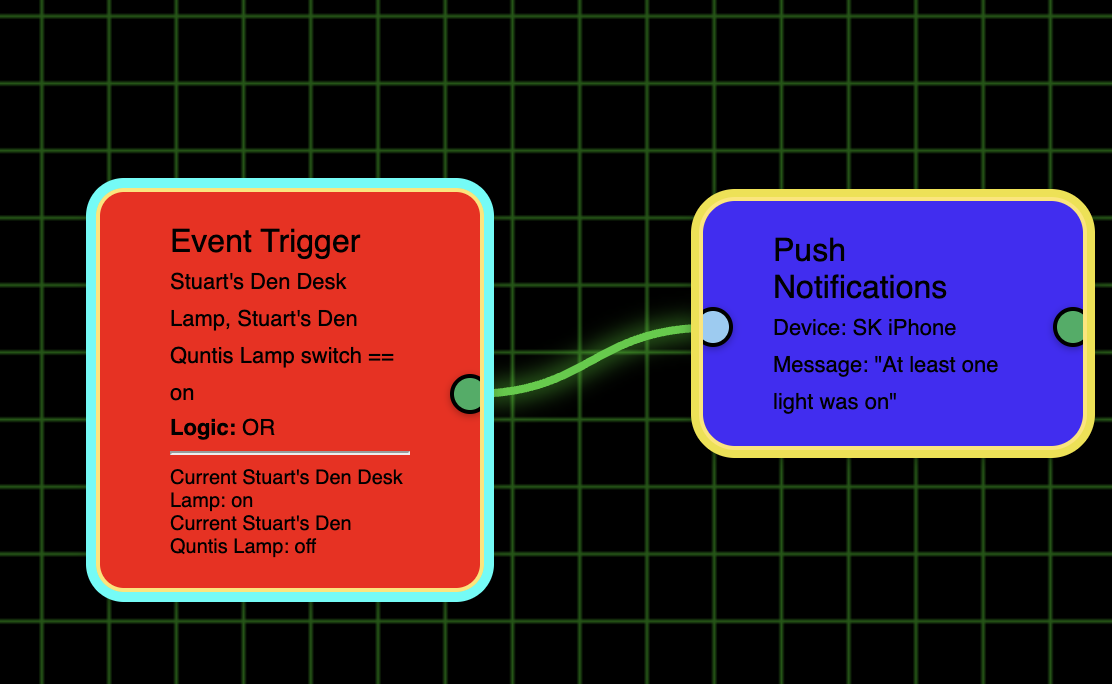
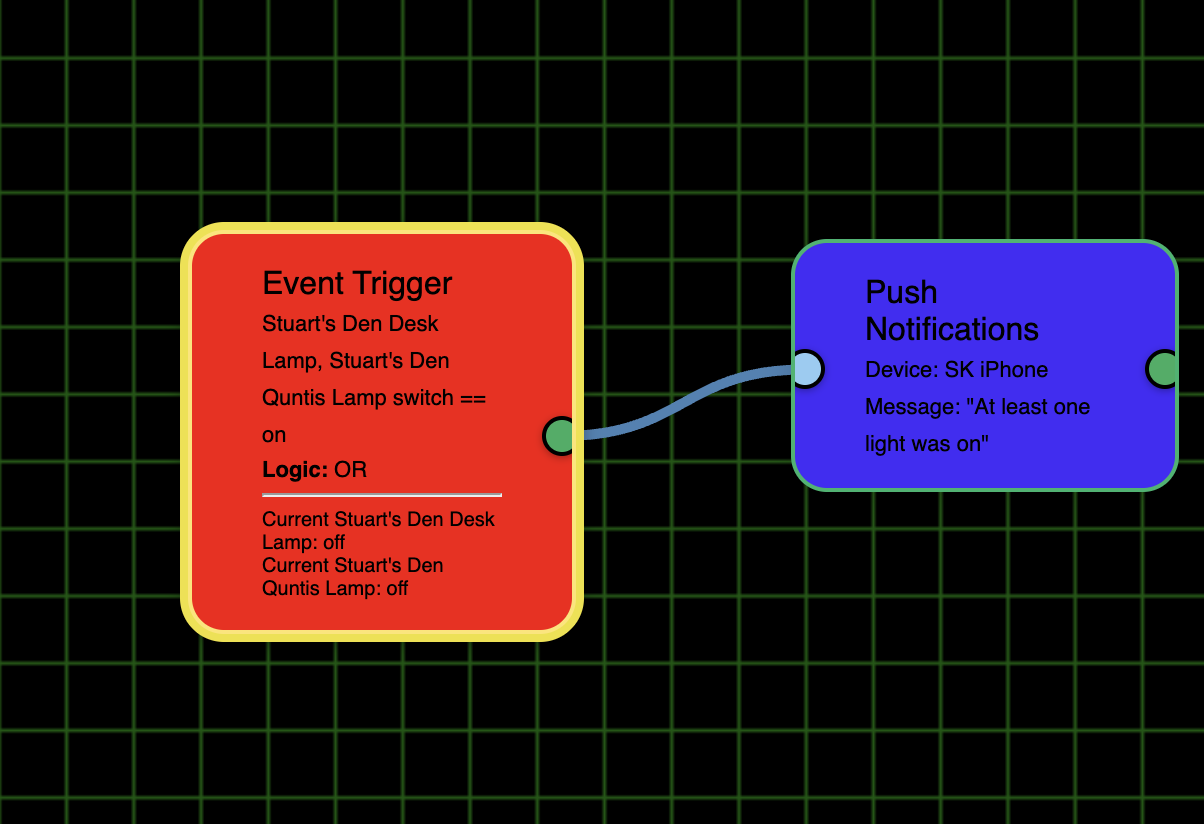
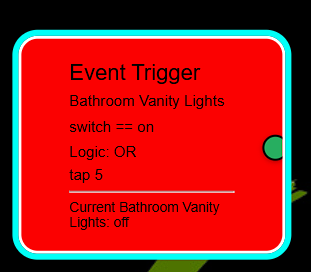
I did find one small thing. I set up an OR test and when I turned on one of the lights the flow shows properly. (BTW, love the detail of what the OR test was and the state of the devices below that).
That's because it's a multidevice trigger - it has to check both devices before making a decision, so it did in fact run that first node. Turning it yellow.
I know I asked for this above, so I don't know if you just didn't get to this yet or you've rejected it, but if there is only 1 trigger and we run a test can you do it without having us select that trigger first?
It's still on the list - I gave it a shot but wasn't able to make it work. I'll get back around to it. Working on making the Time triggers more reliable right now.
I hadn't done anything with variables yet and thought I'd look at/try those. I didn't see how to create a variable until I clicked the Hide/Show Variables dropdown. So for a 1st suggestion I suggest you rename it Add/Hide/Show variables.
I'm assuming they also must be only alpha, numeric, or an underscore, correct?
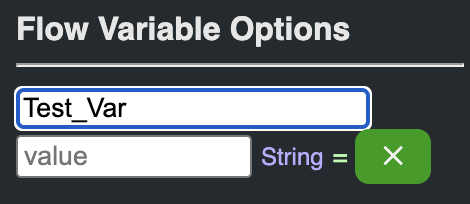
I don't really understand what the string = X means:
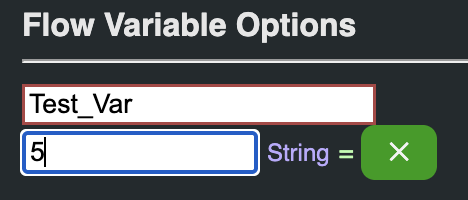
I tried clicking that X with and without a value filled in:
But it just made my variable go away and when I used the Hide/Show Variables drop down, nothing was there. So I'm not sure how to actually create the variable. Also, do I have to set an initial value or can I leave it blank?
Is there any way to type variables, such as boolean, numeric, string?
The “Value” field is simply the initial contents for that variable, so whatever you type there becomes the value your flow sees when it first runs. It must be valid JSON (or JSON‐ish literals), so depending on the type of variable you want:
String – just type the text (no extra quotes needed), e.g. no
produces the string "no".
Number – type it raw, e.g. 42
produces the number 42.
Boolean – type true or false, e.g. true
Array – use JSON syntax, e.g. ["kitchen","livingRoom"]
Object – use JSON, e.g. {"mode":"auto","level":3}
Once entered, the UI will show you the inferred type (String, Number, Boolean, List, Map), and that value will be injected into your flow’s context under the name you chose.
Also, the X is to Delete the Variable.
Always remember to 'Export' after making any changes.
BTW - you found a bug by bringing this up. The type of variable wasn't updating... it always says 'String'. That's fixed now and will be part of the next release!
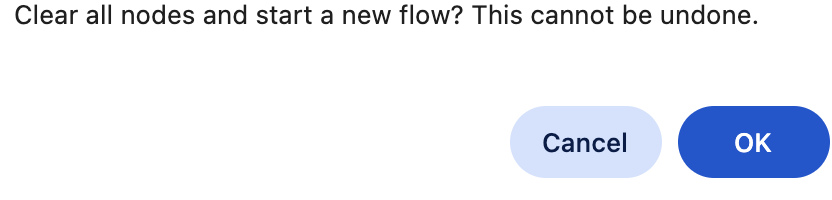
I tried to create a new flow and it wouldn't let me enter a name. BTW, I did this when I first started the editor so I didn't have any flow on the screen and nothing had been added. Despite that it gave me the warning about clearing all nodes. It really shouldn't have come up as there weren't any:
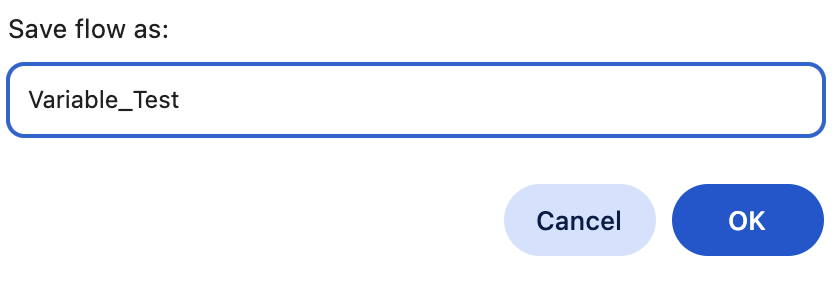
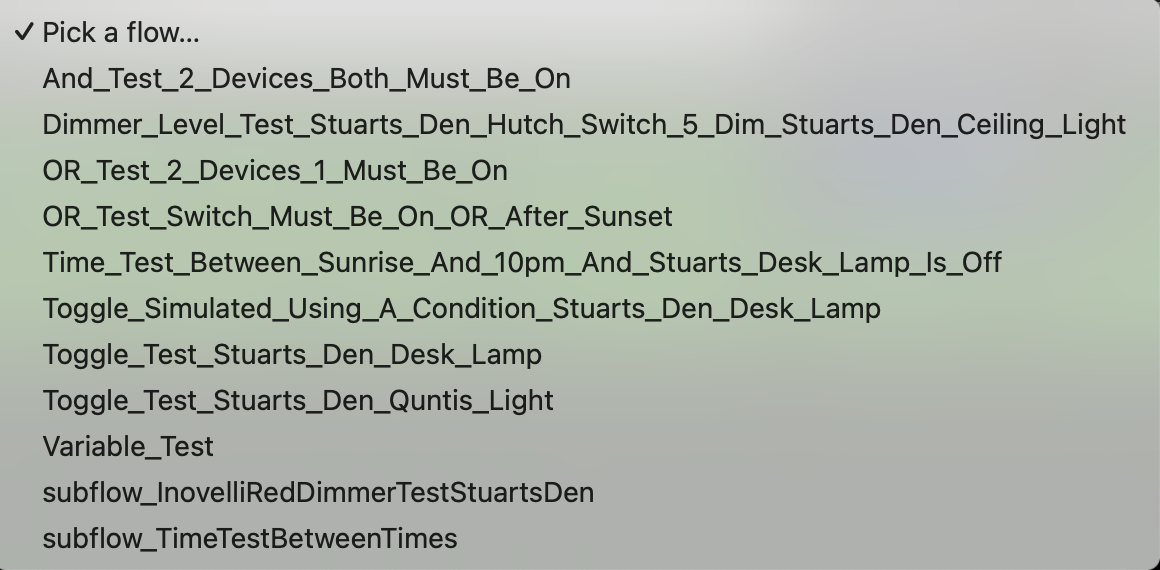
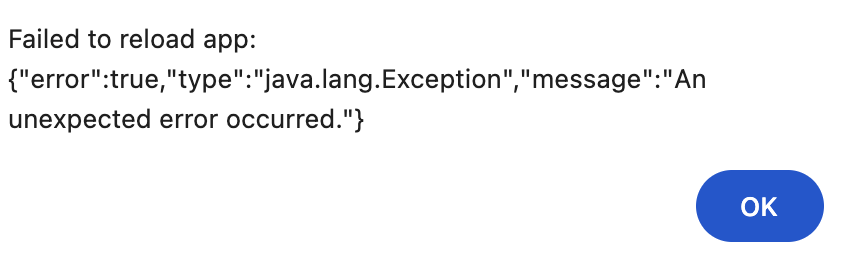
So I just opened a flow at random and did a Save As. After I entered the new name, "Variable_Test". As you see, I only used letters and an underscore, but I got this error:
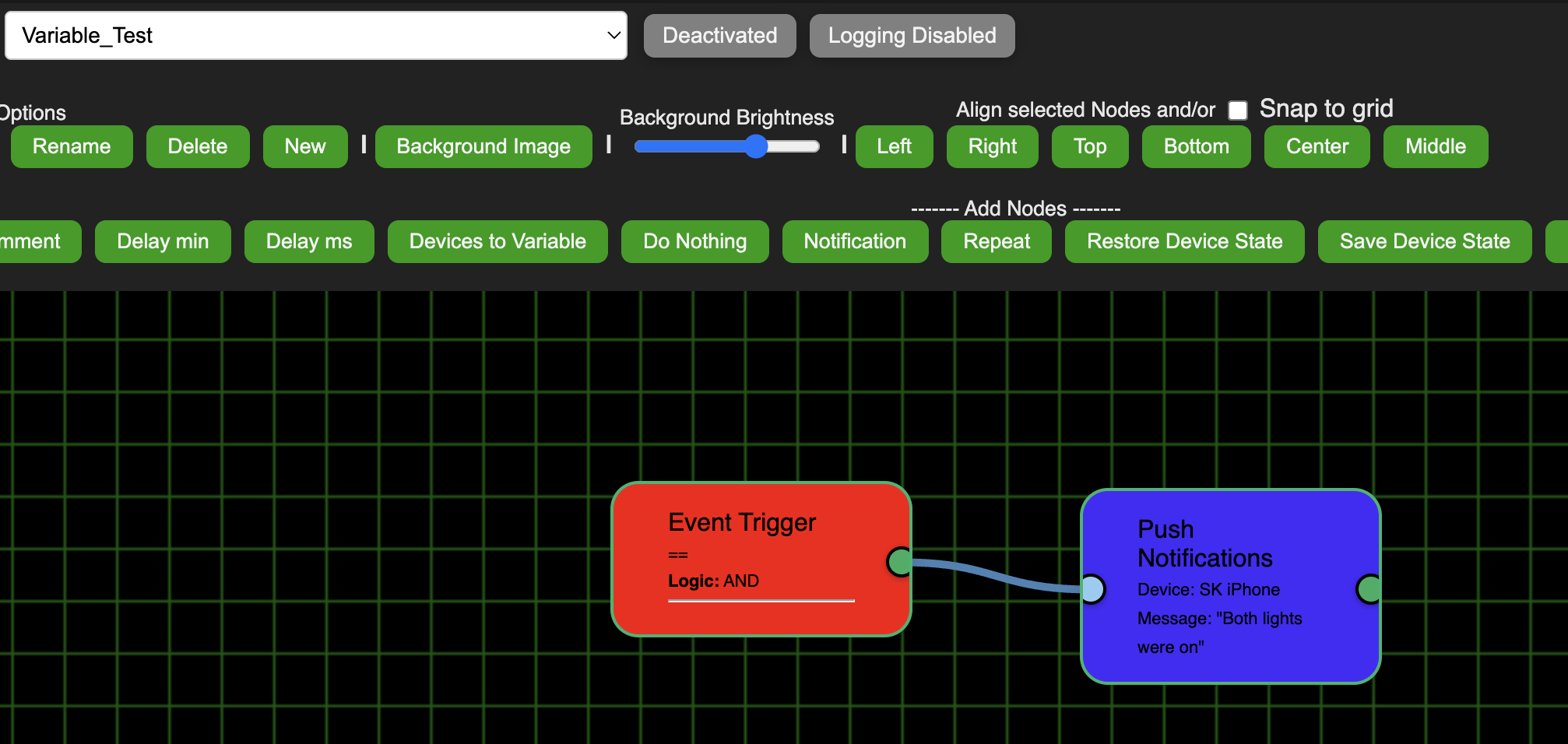
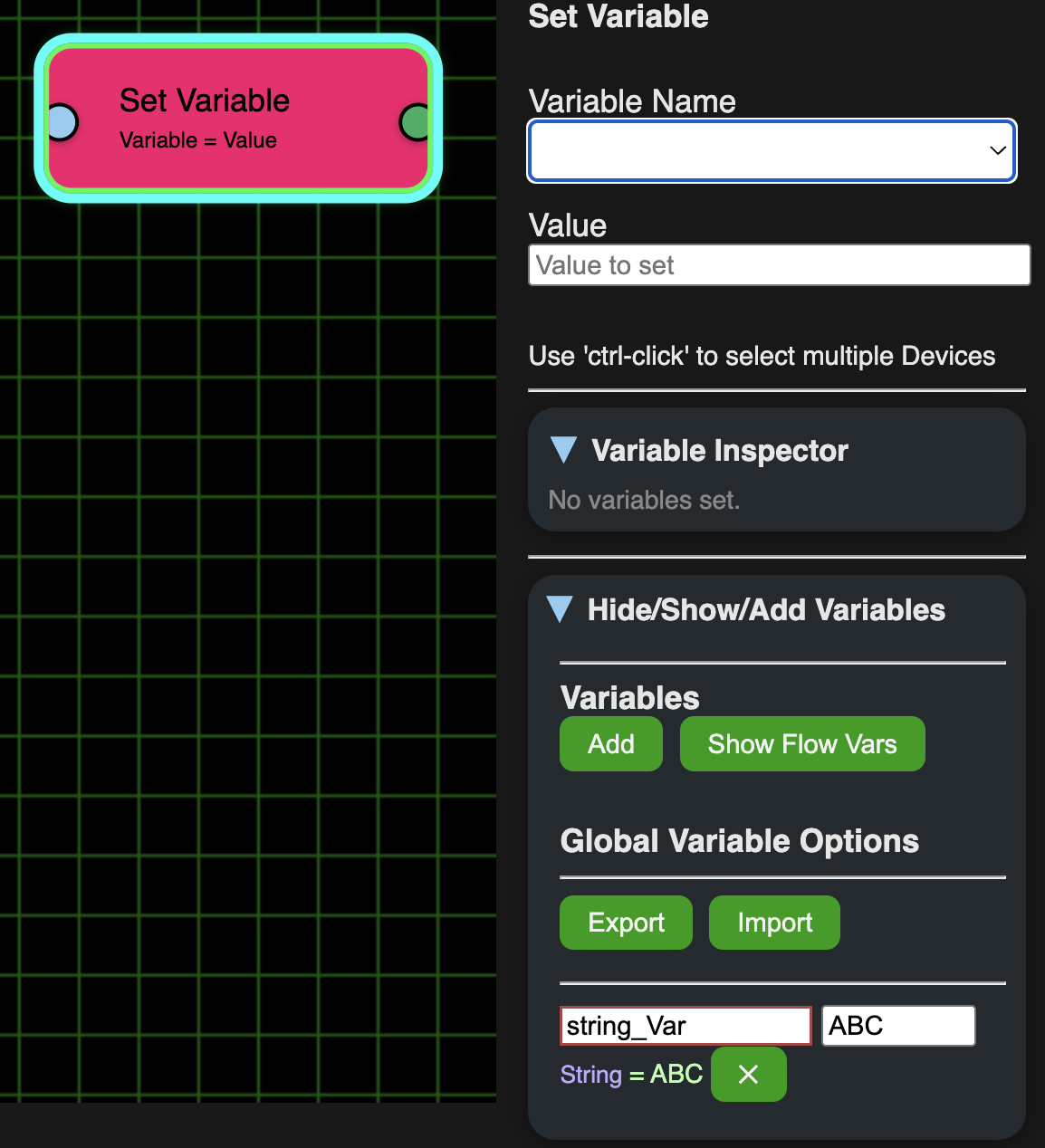
I tried a Repair to see if that would help but it seems to have deleted string_Variable. I then tried to create string_Var and did an Export, but it isn't showing that I can use it or that it exists. (I tried to use the Set Variable node but the Variable Name dropdown is empty):
Should note that the Test flow now works without clicking a Trigger, but the actual trigger highlighting can be a little wacky when dealing with multiple triggers. The rest of the flow is fine, just the Trigger node can lose focus and jump to the next trigger.
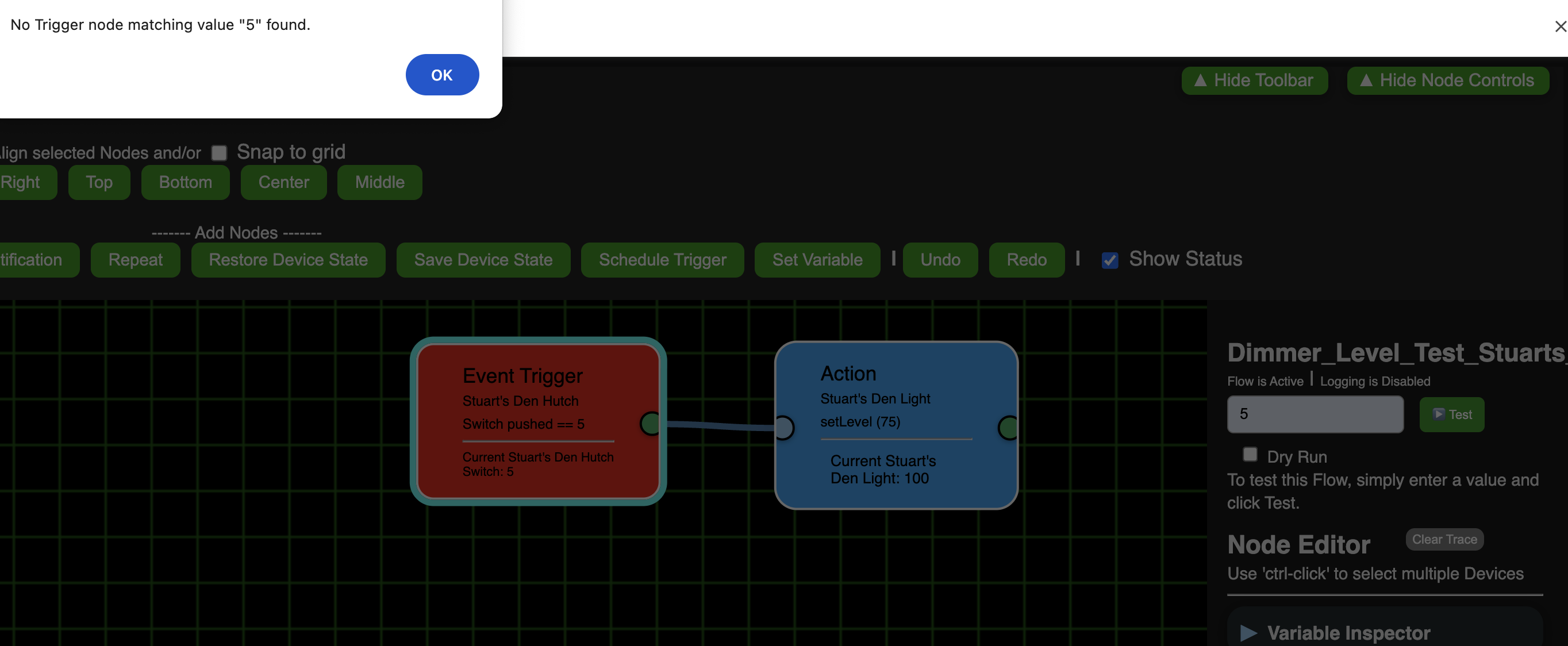
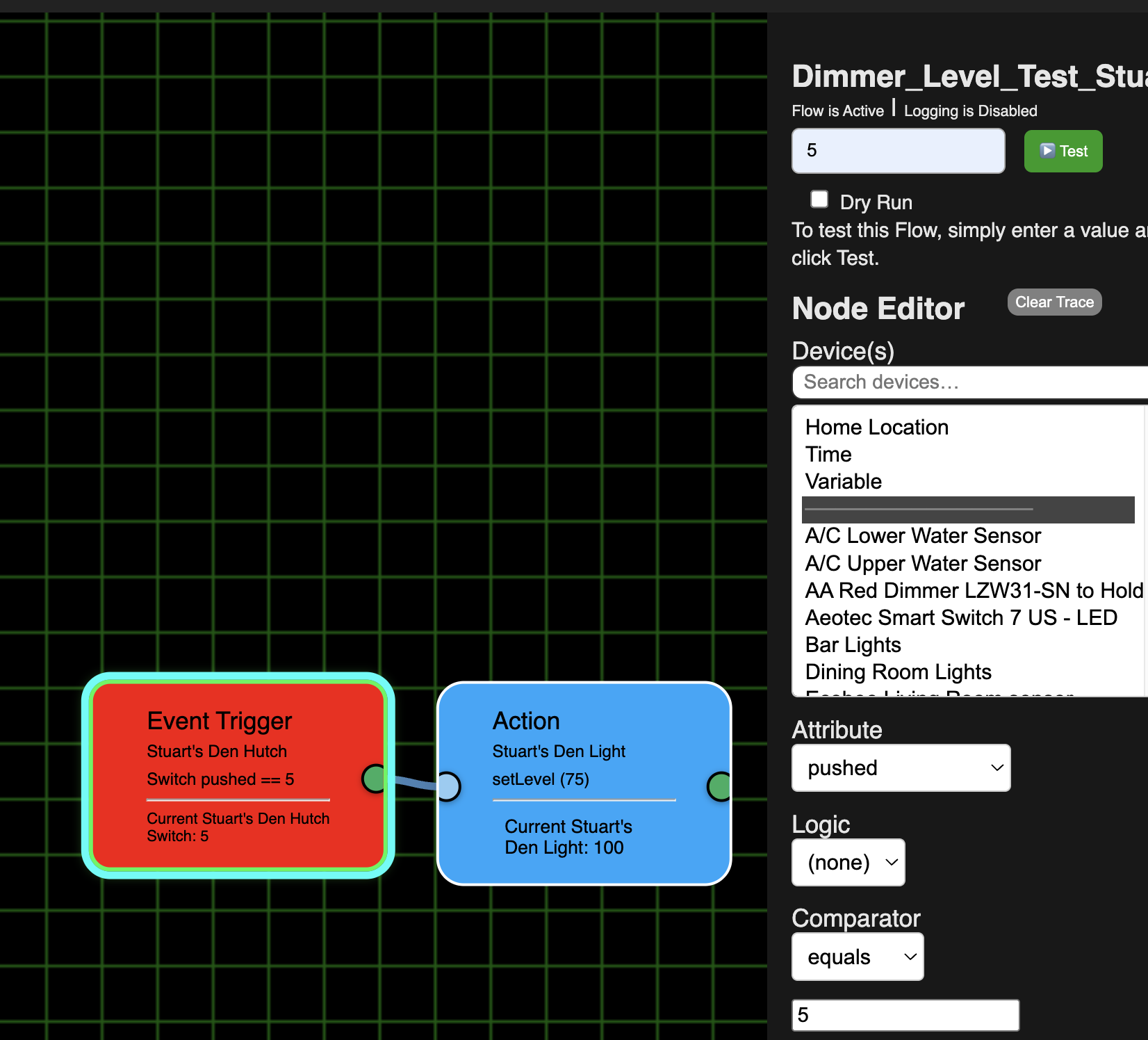
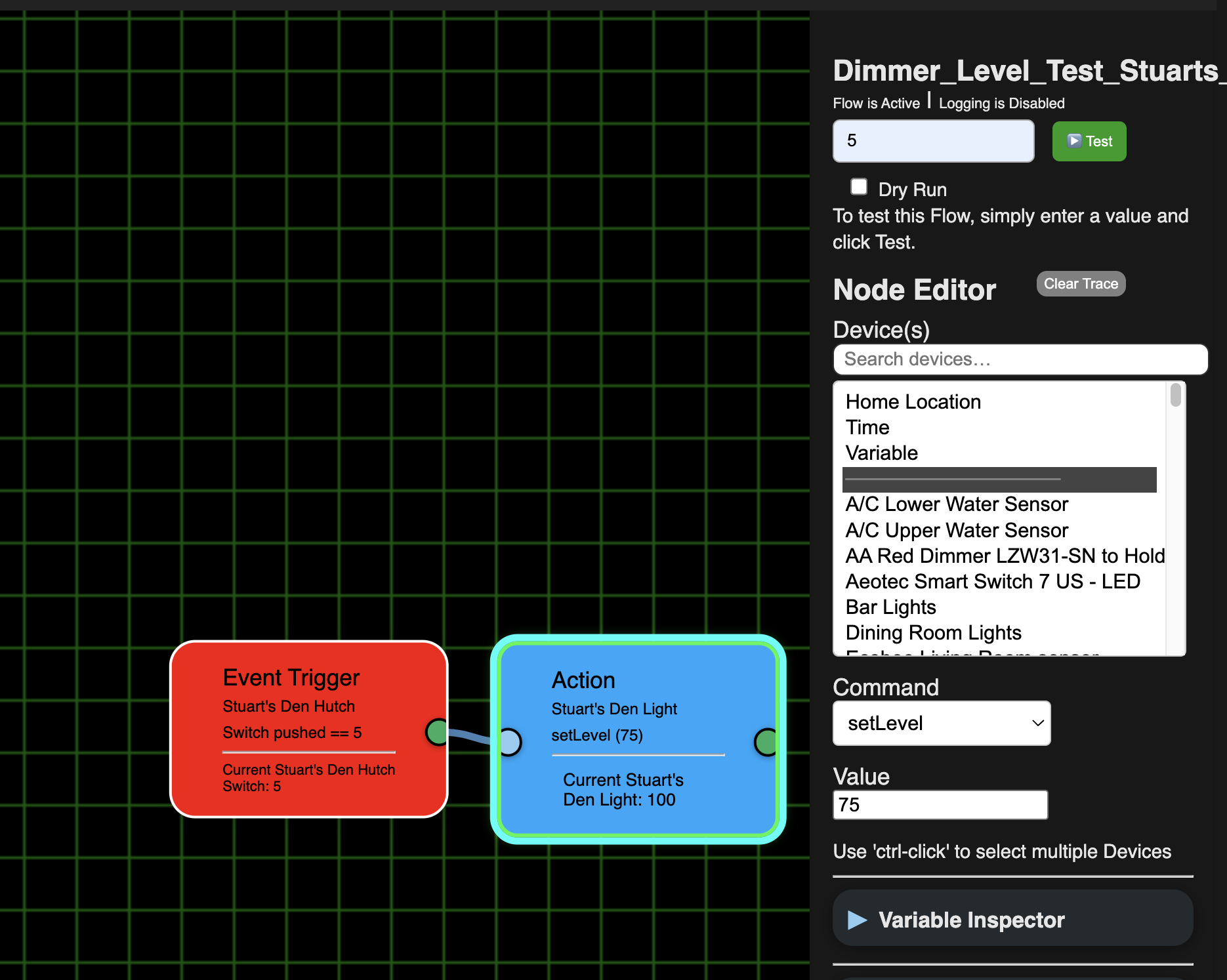
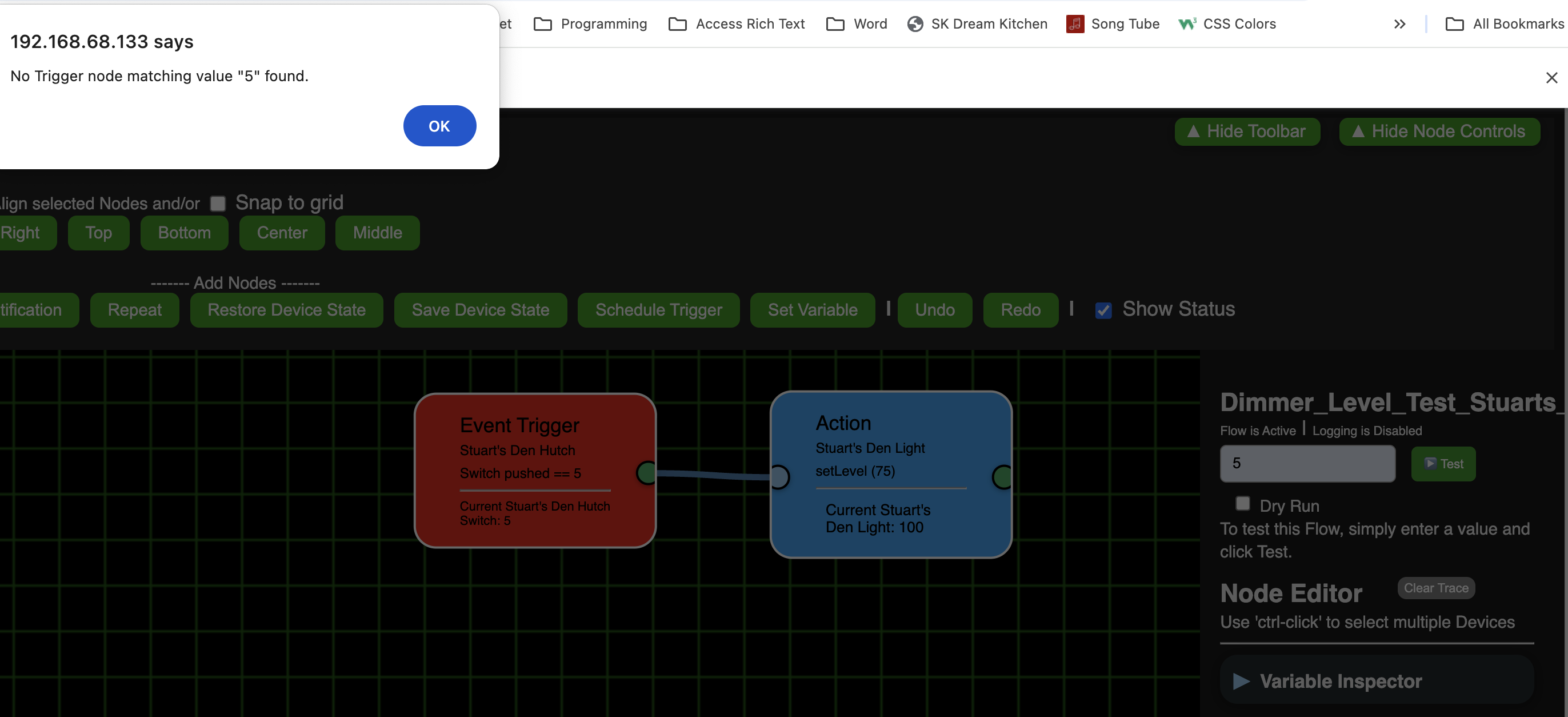
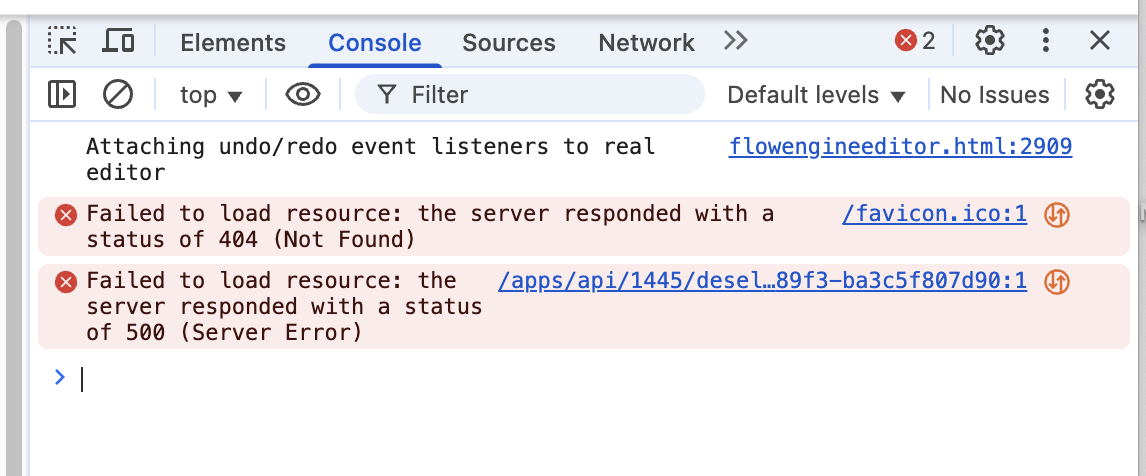
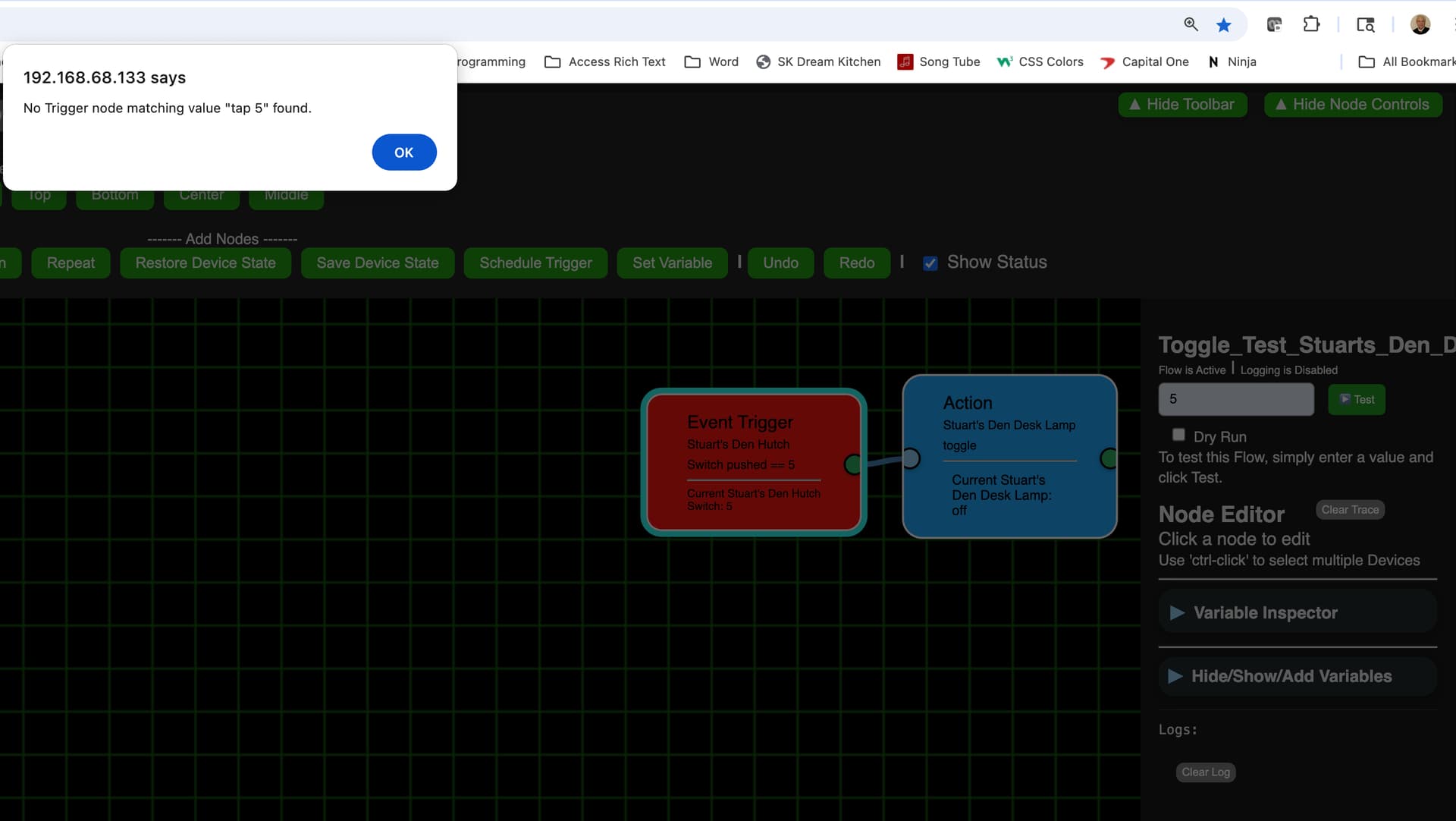
Didn't work. Still can't activate/deactivate and can't run a test using a number for a trigger. I also tried clicking onto the background so neither was selected and trigger didn't work for that either. (didn't test others)