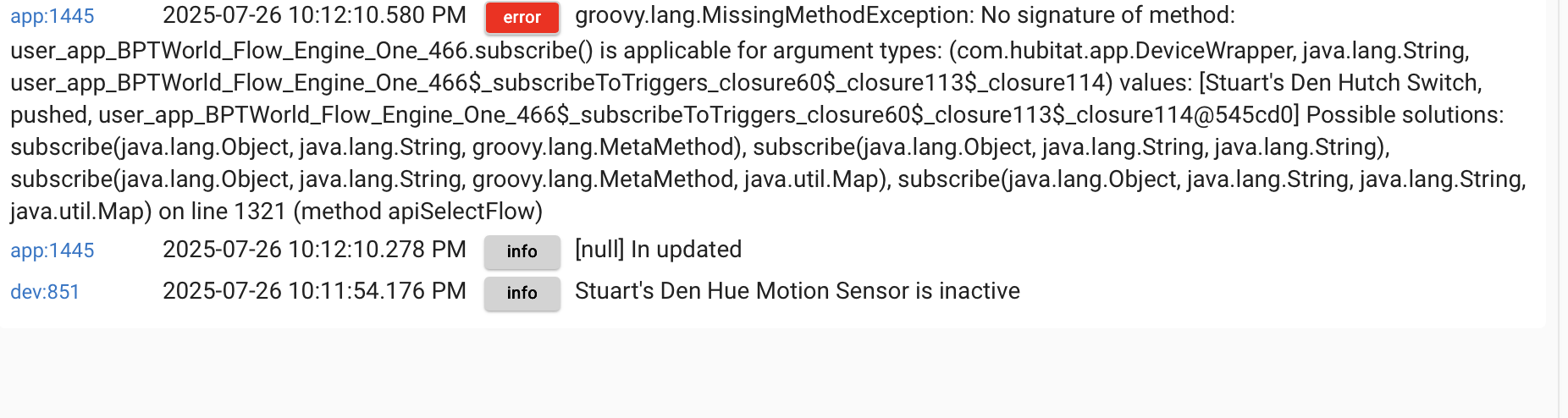
I'll check now. When I clicked the Deactivated button I got this in my Hubitat log:
(BTW, I took that from the live log, so the one about my Den Hue Motion Sensor may be there just coincidentally).
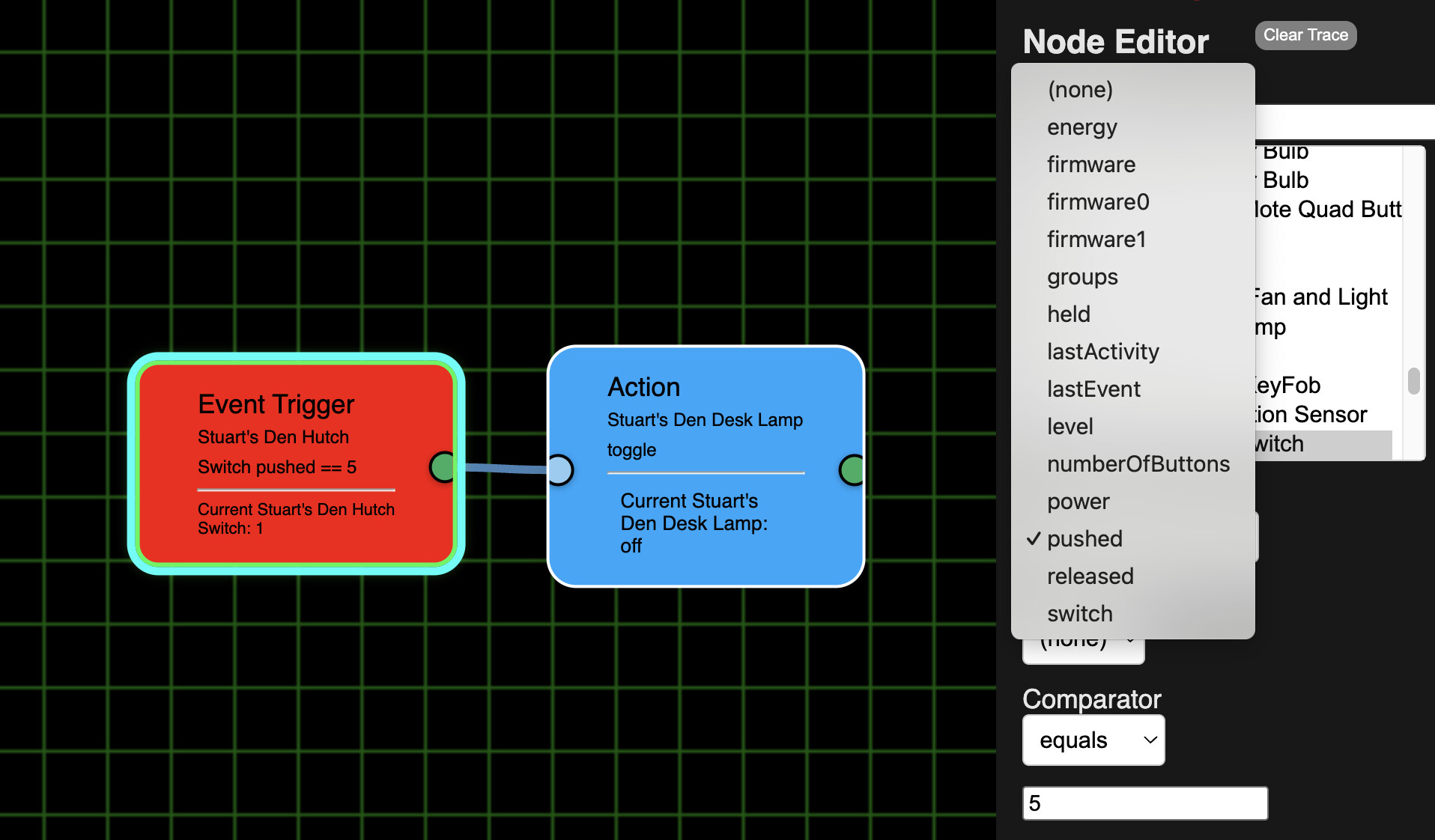
When I tried to edit this flow I got the "pushed" choice again,
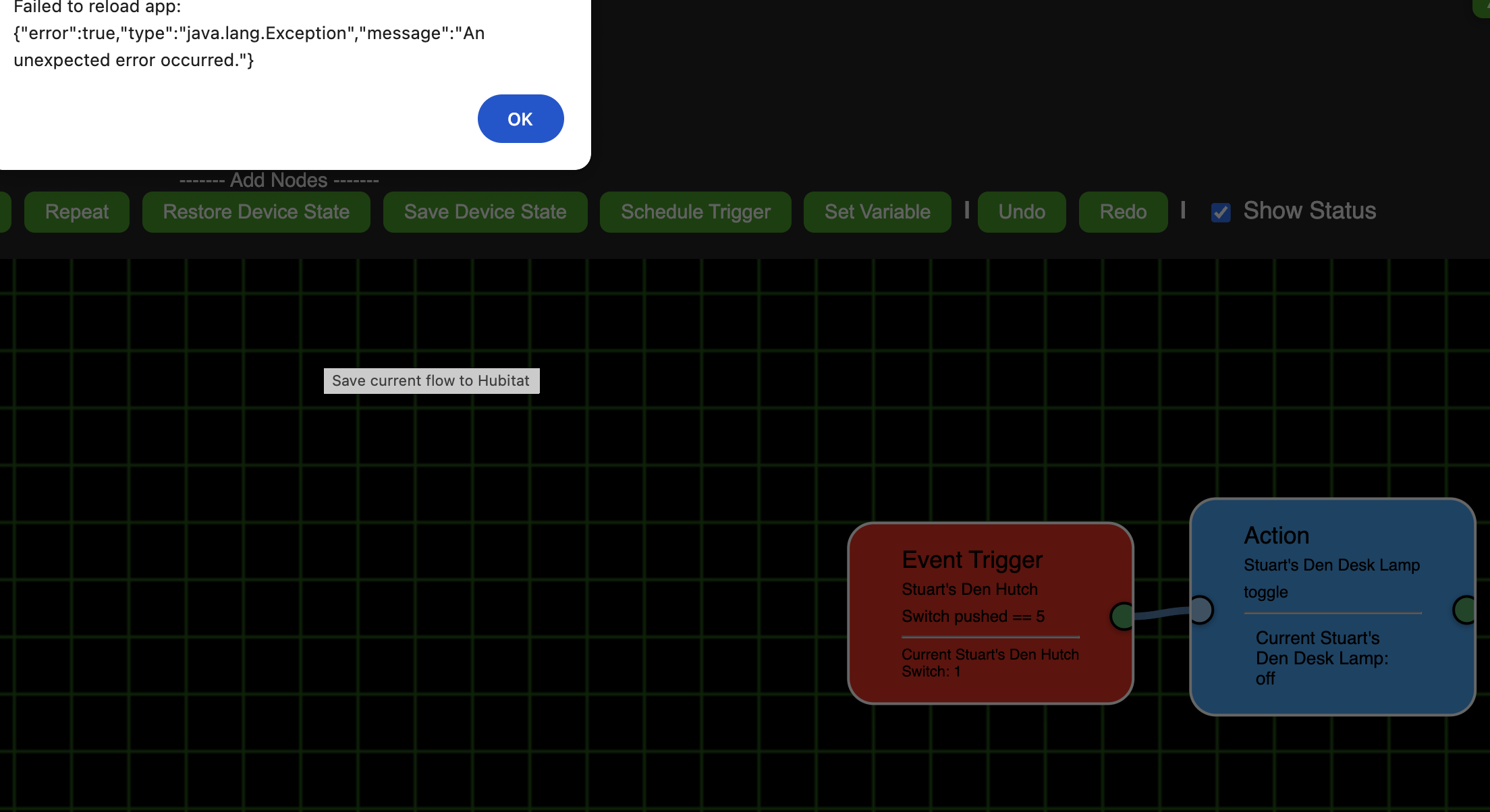
but Save didn't turn red and when I clicked Save I got this error:
ver. 1.0.032 is out. 'Repair'
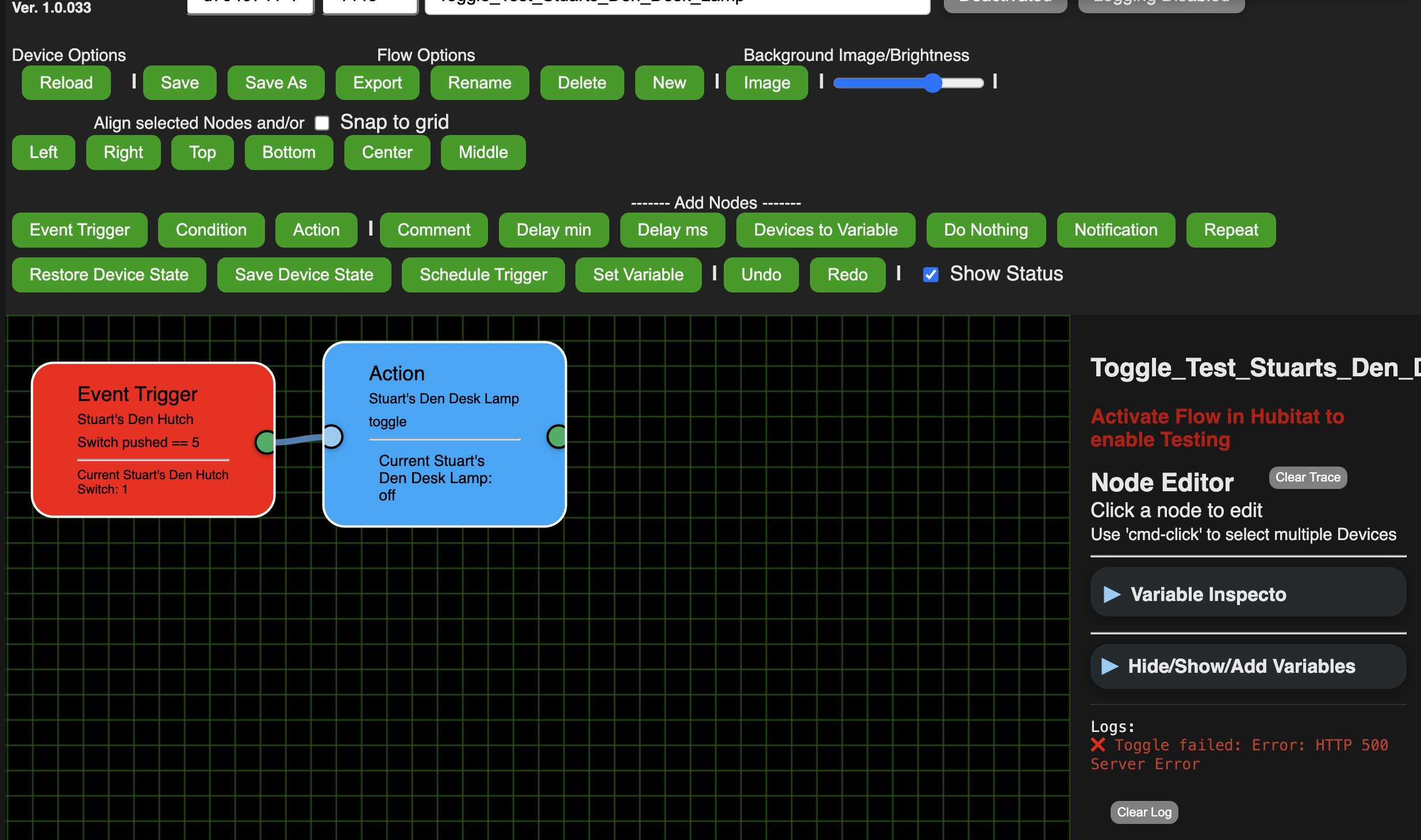
Sorry, but still cannot activate any flow. Still getting the Toggle failed: Error: HTTP 500 Server Error message when I tried to active the And_Test... flow. Same happens for the other flows as well.
Here is my Hubitat log for it (and produces same log when try to activate any of the others):
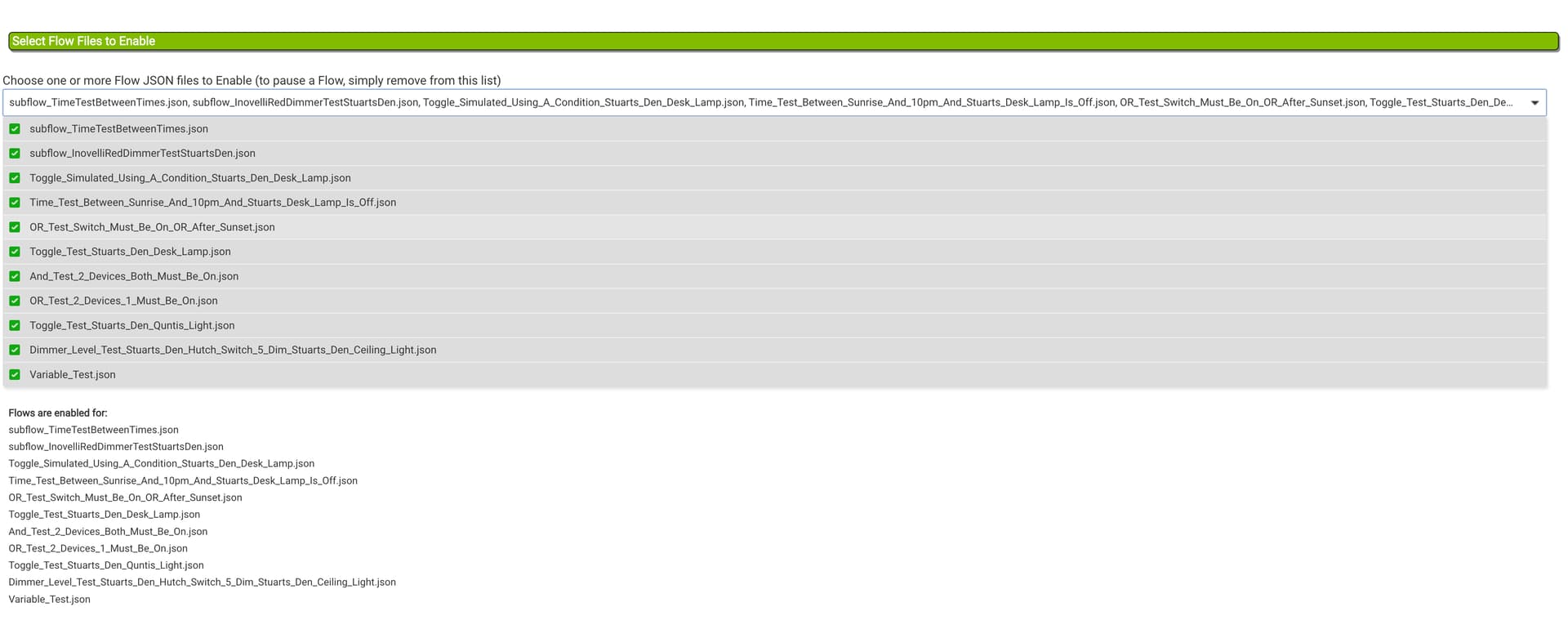
Back at the initial FE1 screen it shows all flows are enabled:
Let's try again. ver. 1.0.0.33
'Repair'
Still same error. However, I don't know why but I'm not getting any logs in Hubitat.
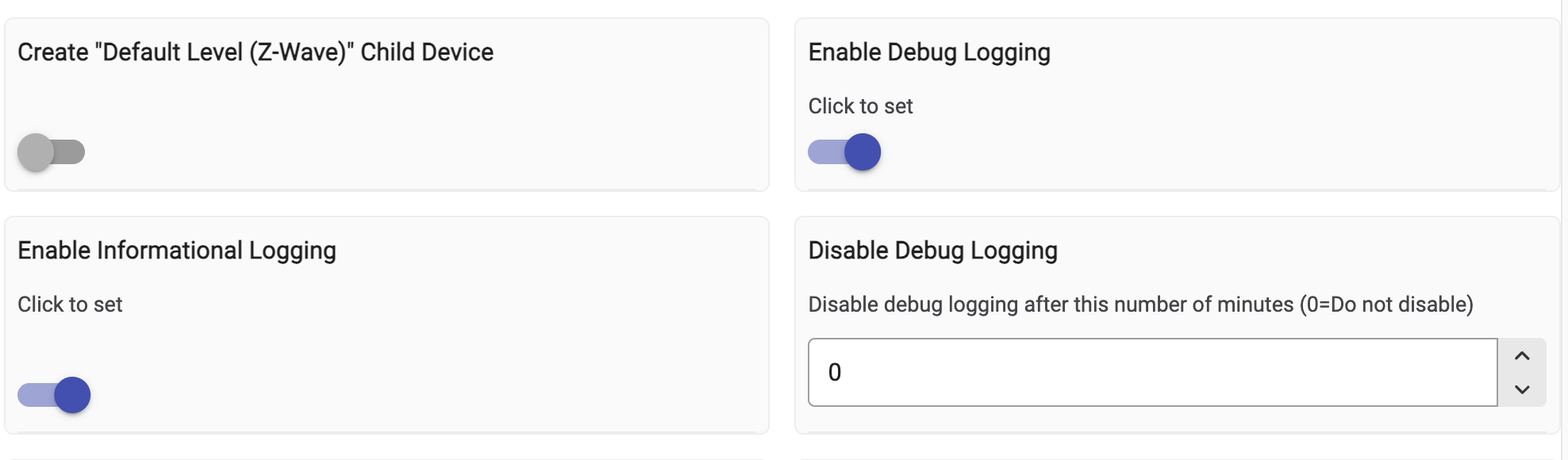
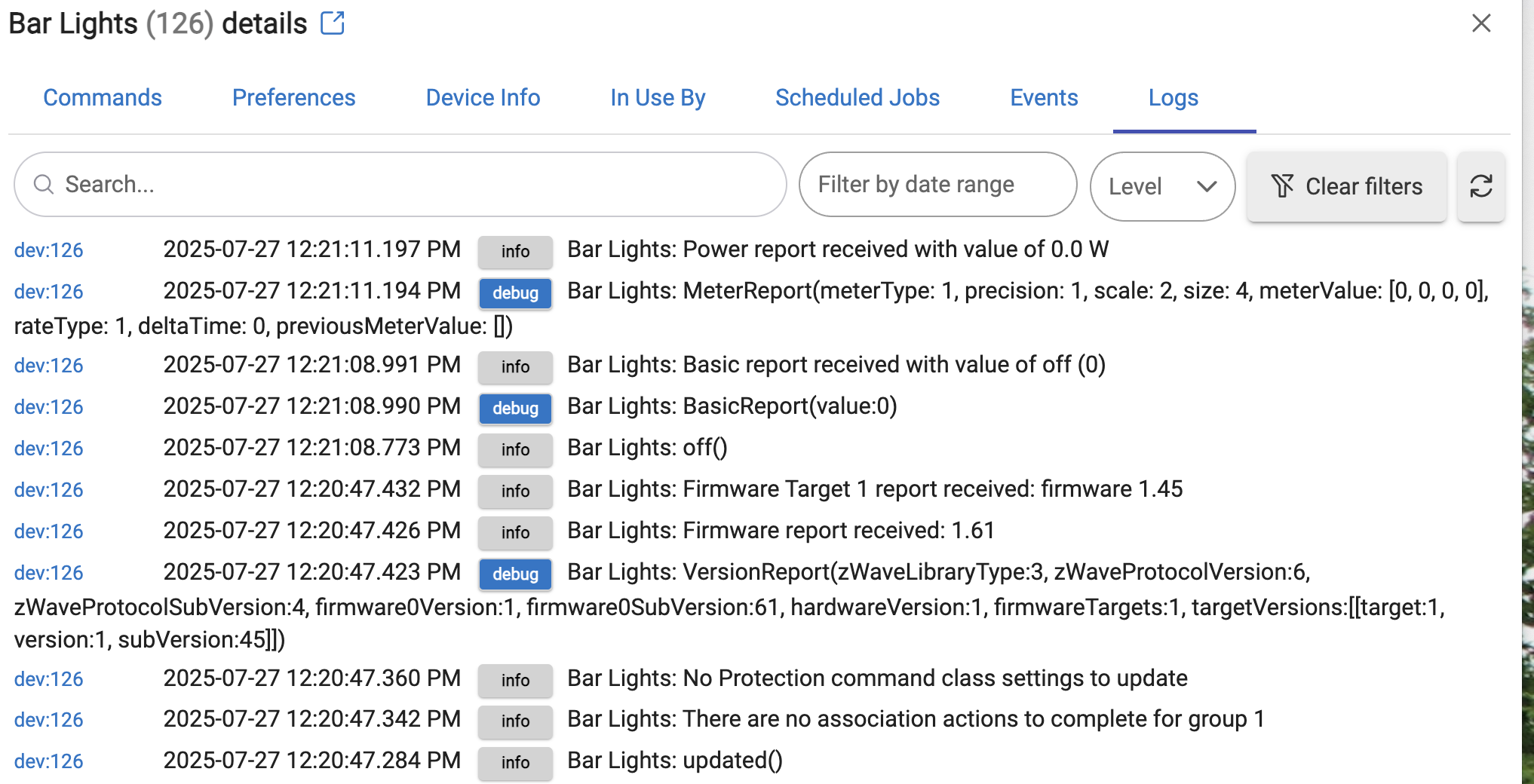
Just for a test I went to my Bar lights. Here you can see I have Debug and Info logging on (I did click the Save button and saw the popup that my settings were saved)
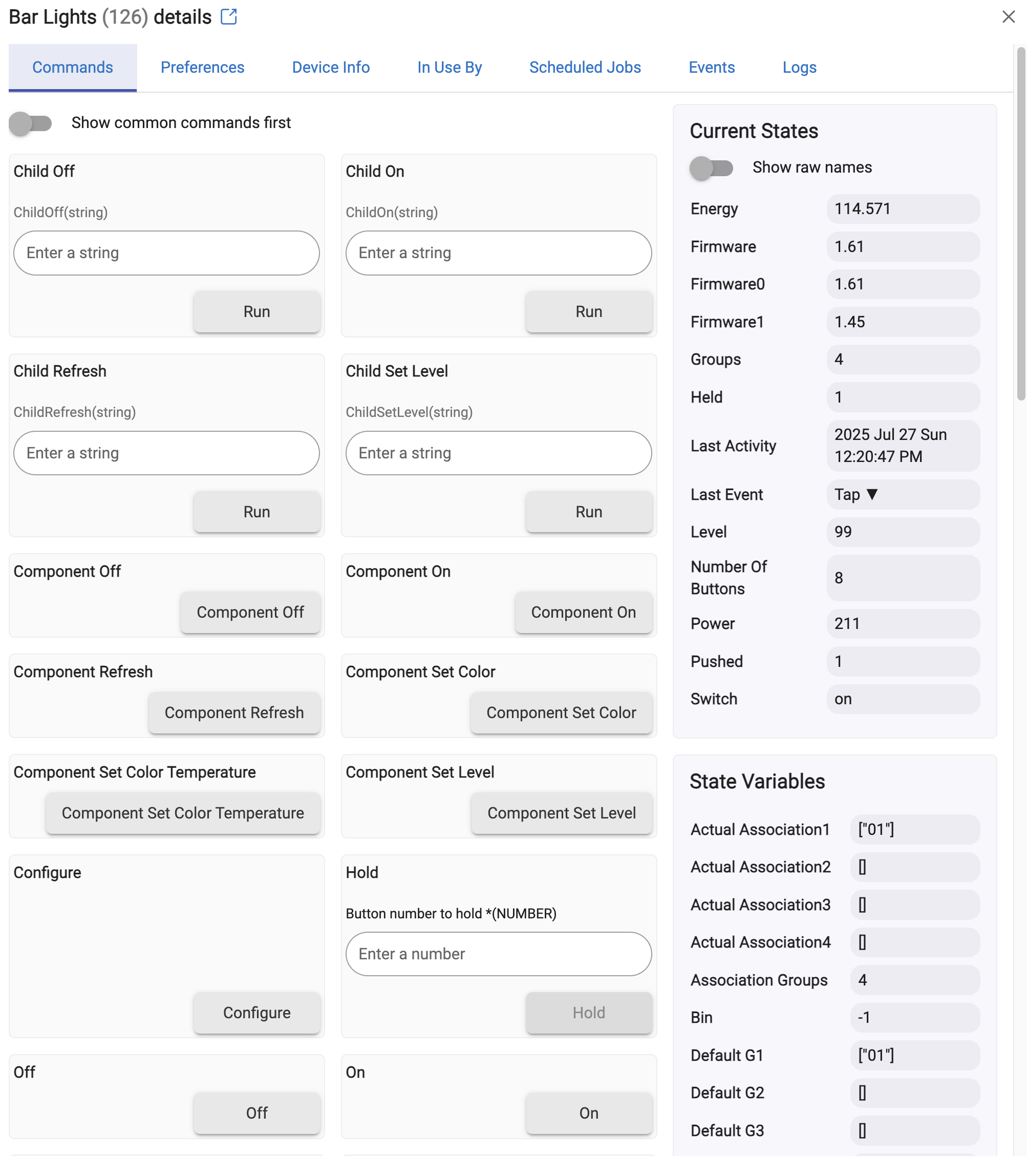
Here you see the Bar Lights were on:
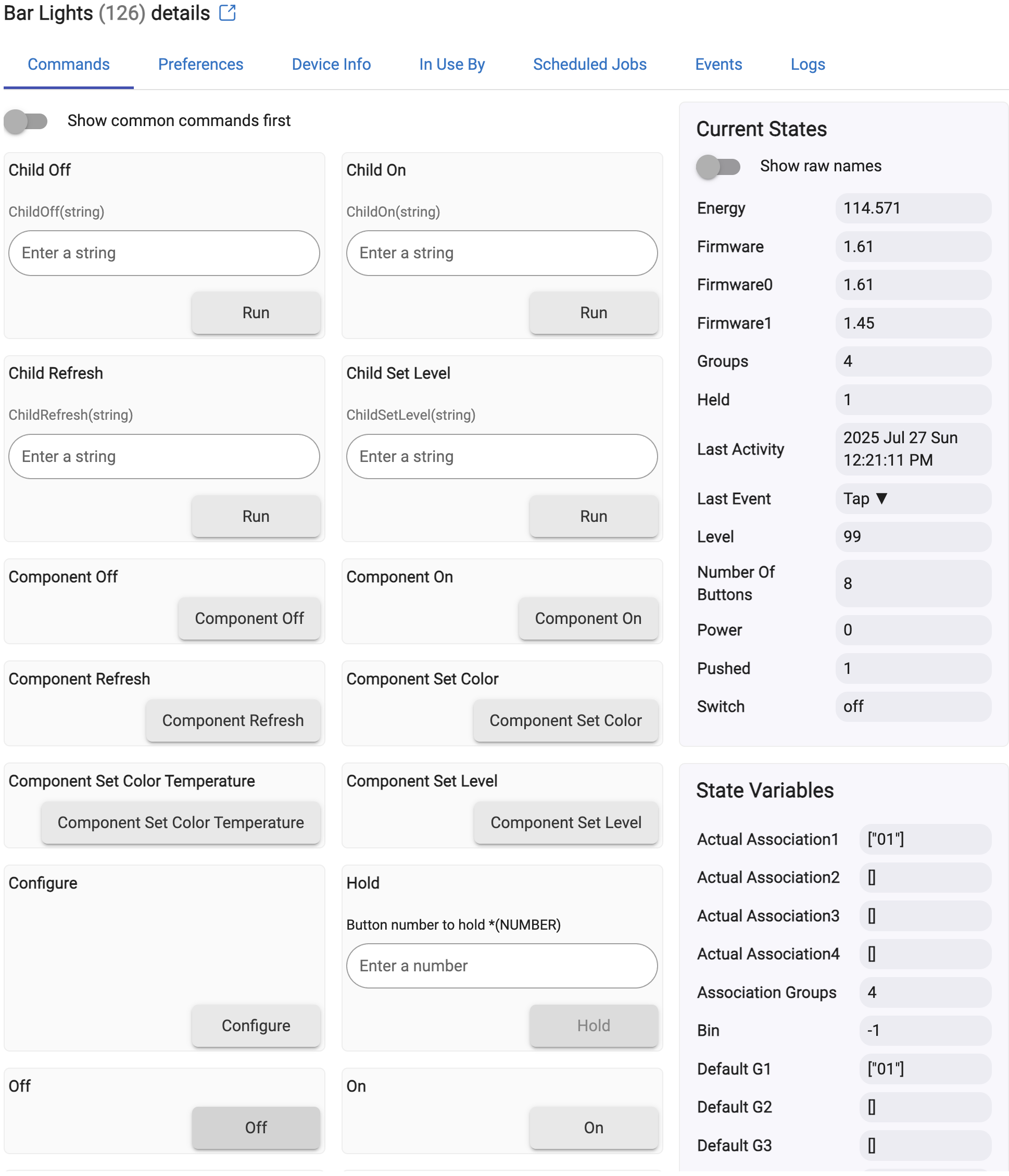
And now they are off:
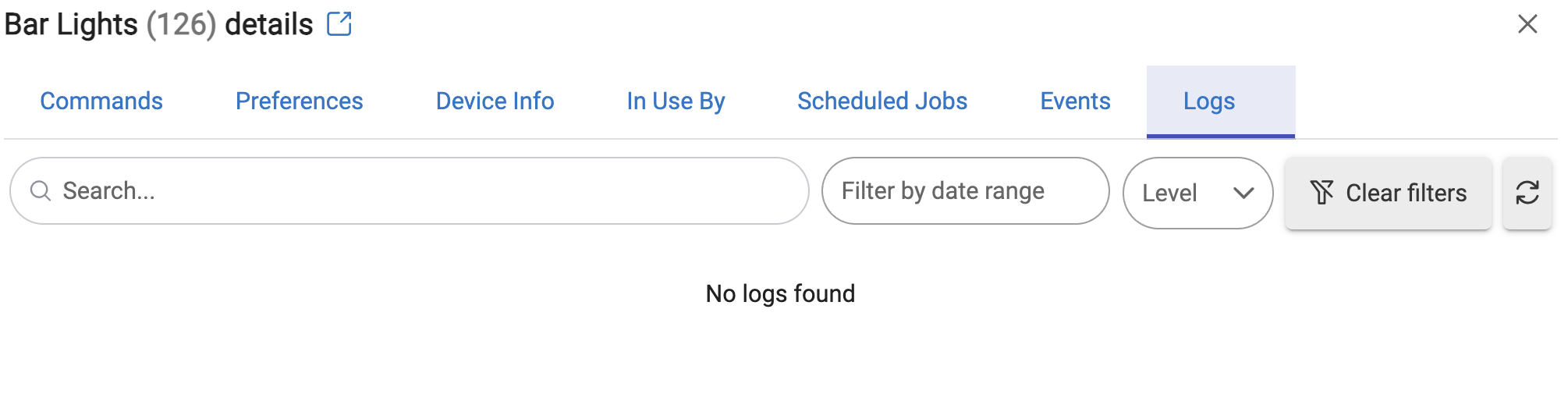
There was nothing under the Logs for the Bar Lights:
Until I clicked the Refresh button on that page:
However, nothing showed up in the main Live Logs or Past Logs for the Bar Lights, or anything else since about 9:02 this morning. So I can't be any more help than that right now.
Until that error is gone - that is the priority.
Go ahead and do a 'repair', only updated the app to try to fix that error
In between your last update I followed the #1 computer repair rule and did a graceful cold reboot of the Hub. I am now getting logs again. Still running .33 I got this error:
After I did a Repair I'm still showing version .33. Still have error in the Editor and the Logs:
Okay, do another 'Repair' but this time after the update - go ahead and open the app and hit 'done'.
thanks
Yea! With 33b I can activate and deactivate! However, I'm not getting any Hubitat logs again, so I can't give you a screenshot of that
1 Like
DUDE ! You Fixed it .. the activate/deactivate button works for me now !
1 Like
Just put up ver. 1.0.0.34 - minor changes
'Repair'
minor changes < but the other works for me .. scared to try lolol
What changes ?
Time mostly working, but I'm getting something that seems a bit strange to me, and maybe I'm not just understanding what the flow is showing me.
Here I have a toggle for my Desk Lamp (Actually an Inovlli smart bulb).
When I test the trigger with "5" it does properly toggle the light on and off.
Trigger Test of 5 did turn the light on:
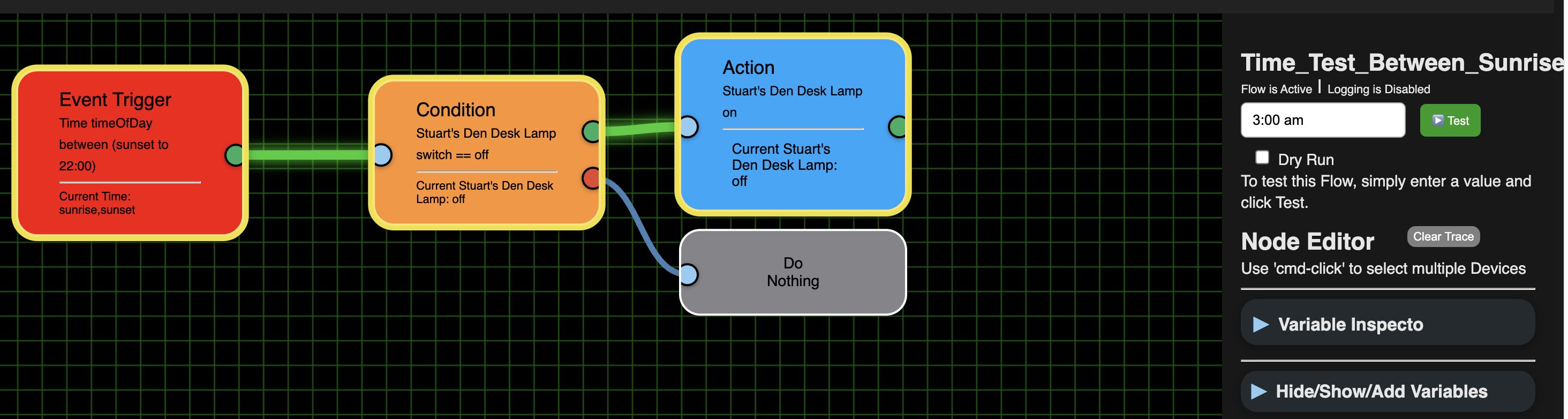
But when I ran it again, to turn the light off it shows my Time flow passed the triggered even though I just ran it (1:56 pm EST).
Also interesting, that since it passed the Trigger, as the Desk Lamp was now off it should have turned it back on (as it did properly then flow from the True exit to the Action to turn it on). But it didn't turn it on.
When I did the toggle again, it turned on the Desk Lamp
and again shows it passed the flow even though it still isn't between Sunset and midnight (so the Trigger shouldn't have passed) and the Desk Lamp was on (and I noticed it came on before the Time flow triggered) so the Condition should have flowed into the False/Do Nothing path.
Just to be sure, it is OK to open HPM in the same tab where the Editor was, which I assume closes the FE Editor. After I do the Repair in HPM can I go directly back into the Editor or do I have to go into FE1 and hit Done?
Looks like the highlighting was resetting making it look like it ran.
ver. 1.0.035 - resets highlighting instantly on test button being pressed.
Also, you can have whatever windows open that you want. Just be sure to close the editor and reopen it after updating.
There is also no need to open the app unless I mention it.
'Repair'
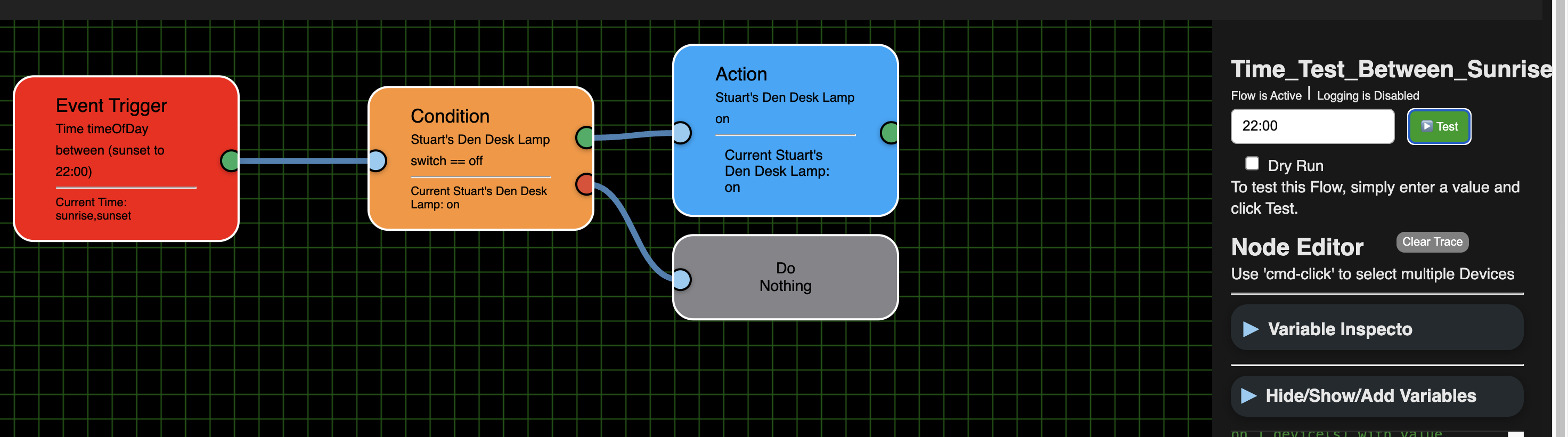
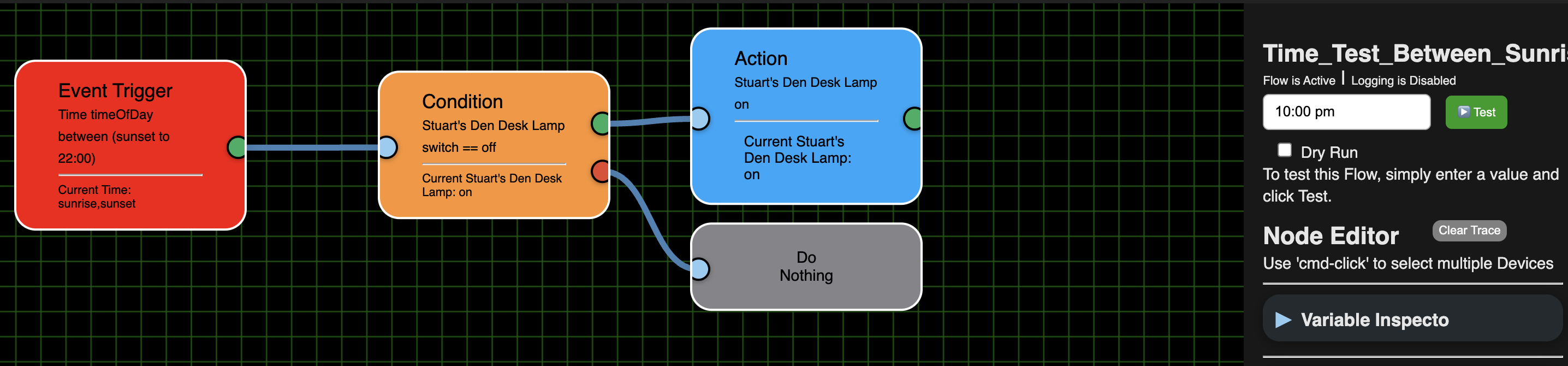
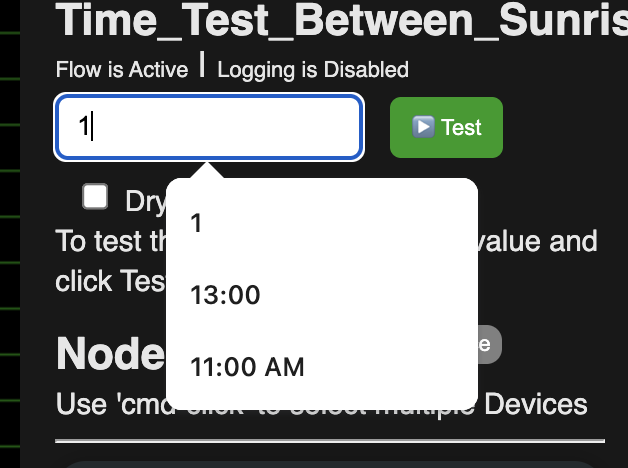
Time Flow stopped working again. I put in 10:00 pm and I don't see it being evaluated. It was working in .34. BTW, when I go to put in a value to test I see numbers I've used, like 5 and 3, and times like 13:00 and 11:00 am, but I've used 22:00 and 10:00 pm and they never seem to be remembered.
Trigger not selected, 22:00 didn't trigger the flow:
Nor did Trigger not selected, 10:00 pm
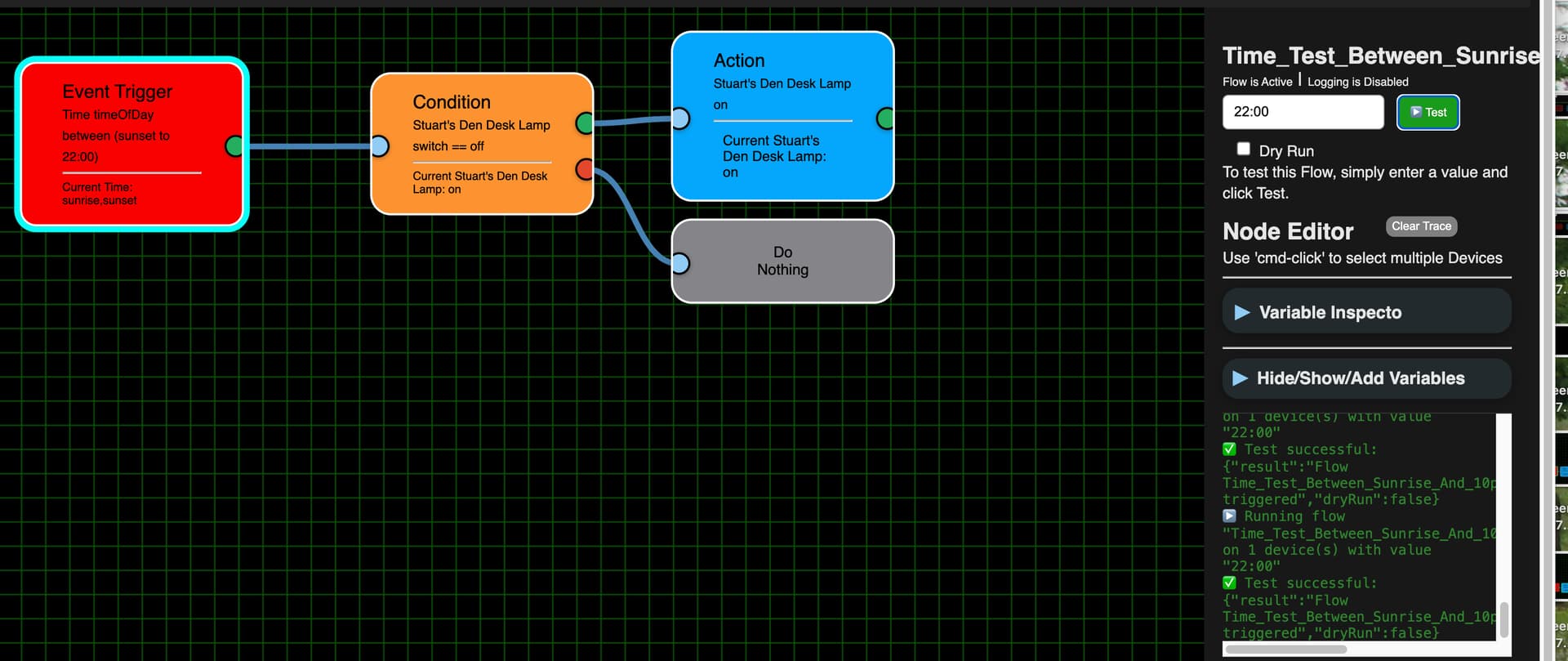
Just to be sure I selected the Trigger node and ran 10:00 pm and 21:00 again. These didn't seem to trigger the flow either. (Or else they failed).
Trigger selected, 22:00:
Trigger selected 10:00 pm:
No, but it just dawned on me that I had the end time as 10:00 pm. I guess that doesn't include 10:00 pm itself.
I did the Repair to .36 and my Time flow seems fine. To correct any issues with using 10 pm when test is between Sunset and 10 pm I changed the time to 11:59 pm and it seems to be running just fine. I also tried 3 am and it correctly failed the trigger.