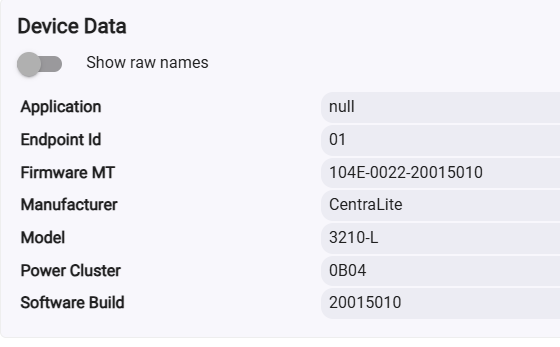
Firmware version 10013065 is now available on Hubitat OTA
I don't even see the attempt being made, there's nothing in the events or logs (with description-text logging re-enabled) when I click the firmware update button on the device in the "on" state
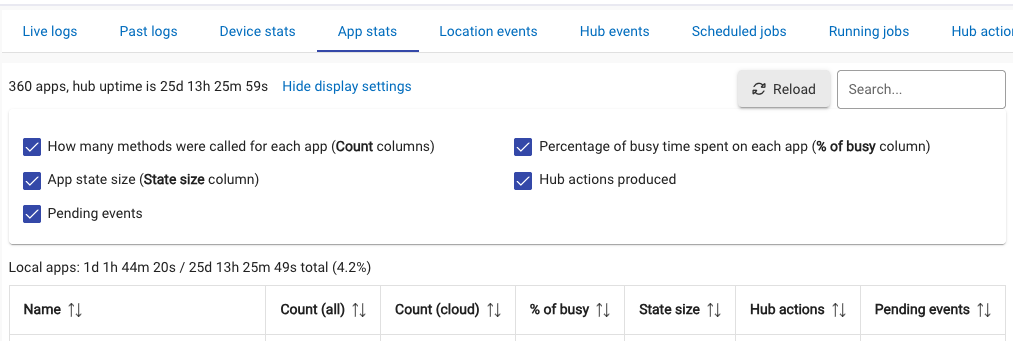
Before we blame the TR plugs (which probably are the culprit and the reason I chose the ones without power reporting), what does your device stats show for your busiest devices? It’s under logs/device stats.
The firmware update progress will show in the "Hub" device, not the plug.
I wouldn't worry about it, since Rick confirmed the Third Reality don't have any FW updates available directly on HE. 
Changed some time in the last week or 2.
Ah, new news on that. Thanks. Tagging @rlithgow1 so he sees the info about Third Reality power reporting plug FW update being available on HE.
BYW, that thread you linked was filled with reasons not to use this plug.
I don't write 'em, I just report 'em. 
TR Zigbee OTA updates have been available for a long time on HE. They also have Matter plugs now. Which ones are we talking about ?
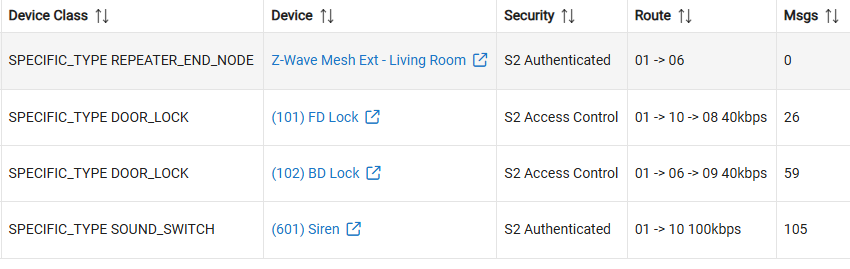


Can you tell me specifically where to go to see this, if it were there?
What is the time span though?
For reference this is on a C7 with over 100 Zigbee devices. Most of the top 10 are TR Plugs but there's a couple of vibration sensors in there and a Sinope load controller.
Hub has been running nearly a month since boot, memory hovering around 100 MB. These metrics can be indicative of symptoms, but not necessarily causes.
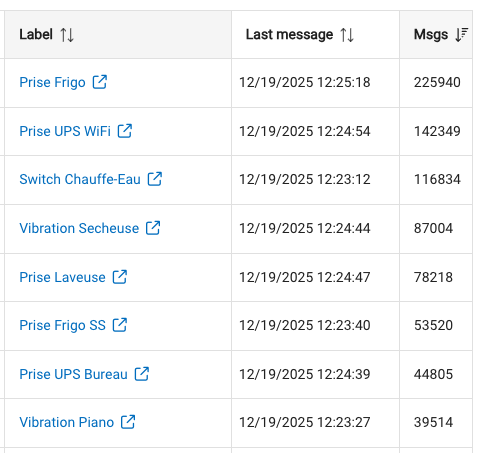
Less than 12 hours since I updated the Hub to the new version available and it rebooted during that process...
As noted, Zigbee device FW updates are accessed from the devices' Commands tab, button per below:
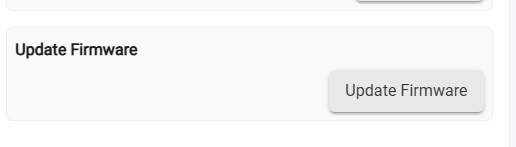
That button does not confirm either way if FW updates are available for your Zigbee device, it just allows you to check for them.
CLick on that button and watch your Live Logs page for entries from a "sys1" device.
Ah, ok, sorry I didn't really know what live logs were. I found it though, just never really knew it by name. Both TR plugs are up-to-date already.
So they are reporting the FW that Bill reported down at the bottom of the Device Info tab for the plug?