Yes I believe you’re right, at least for some/many z-wave devices.
But I think the swap devices feature can’t work with parent/child devices?
Yes I believe you’re right, at least for some/many z-wave devices.
But I think the swap devices feature can’t work with parent/child devices?
That is true! I've suffered forgetting that the hard way more than once 
@bobbyD
The backup and restore (settings) information on the web site could really use a step by step to be back operational with the information explained above...there is just not enough detail for
Once people see the steps, it may get them to buy a newer hub or sign up for Cloud backup or Hub Protect. Regardless clear step by step directions would be reeeaaaally helpful.
Can you clarify what’s inadequate about the documentation page on hub backup and restore?
It looks pretty step-by-step to me, covering local backups, cloud backups, the differences between the two, and restoring each to a hub.
the entire step by step is "These devices will need to be re-paired"
from what I've gleaned from above, that is not valid for z-wave
So now I have 218 devices, some zigbee,some zwave, some hubduino,some virtual ...do I see all 218 devices after the local restore ?
if not which ones do not?
If they all do I can step through each device and repair if zigbee and repair the zwave and and then swap (unsure if it just looks like a new device and you give it a name then swap or what)?
But that’s not “the entire step by step.”
It’s one sentence you’ve extracted from one paragraph on the documentation page pertaining to backups and restores.
It’s an accurate statement as written, and AFAICT it’s consistent with what’s been discussed in this thread.
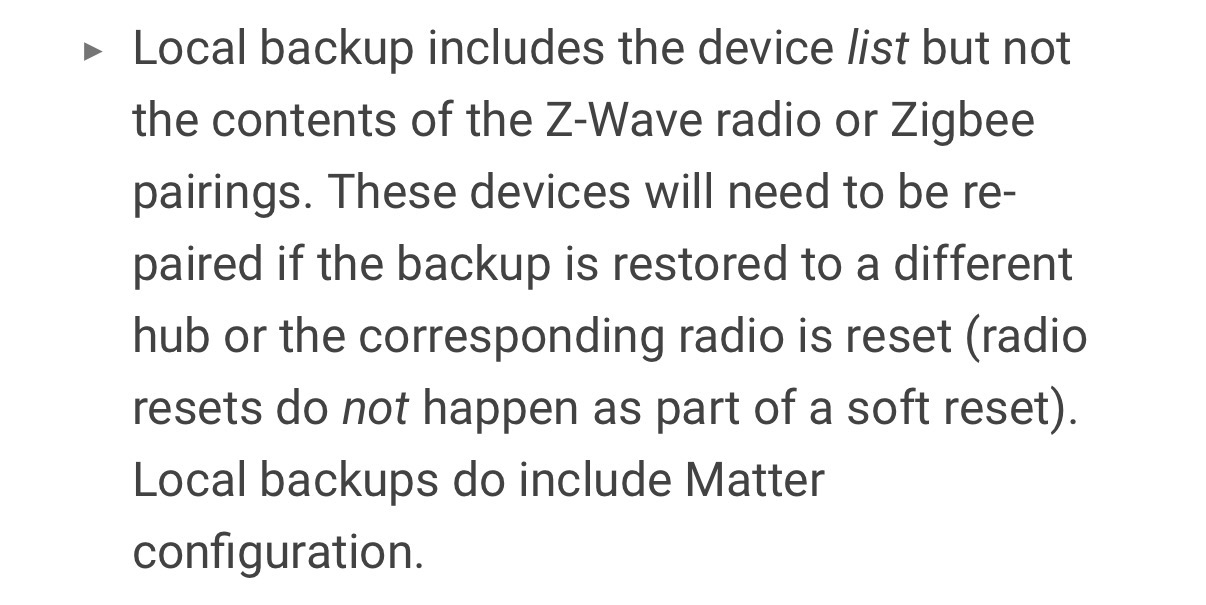
Local backups don’t contain z-wave and zigbee radio databases. So if you restore a local backup onto a new hub, you’ll need to re-pair those devices.
Here’s another snippet from the section of that page on cloud backups that also explains what’s in a cloud backup, and what’s needed to take cloud backups (i.e. one of two subscriptions).
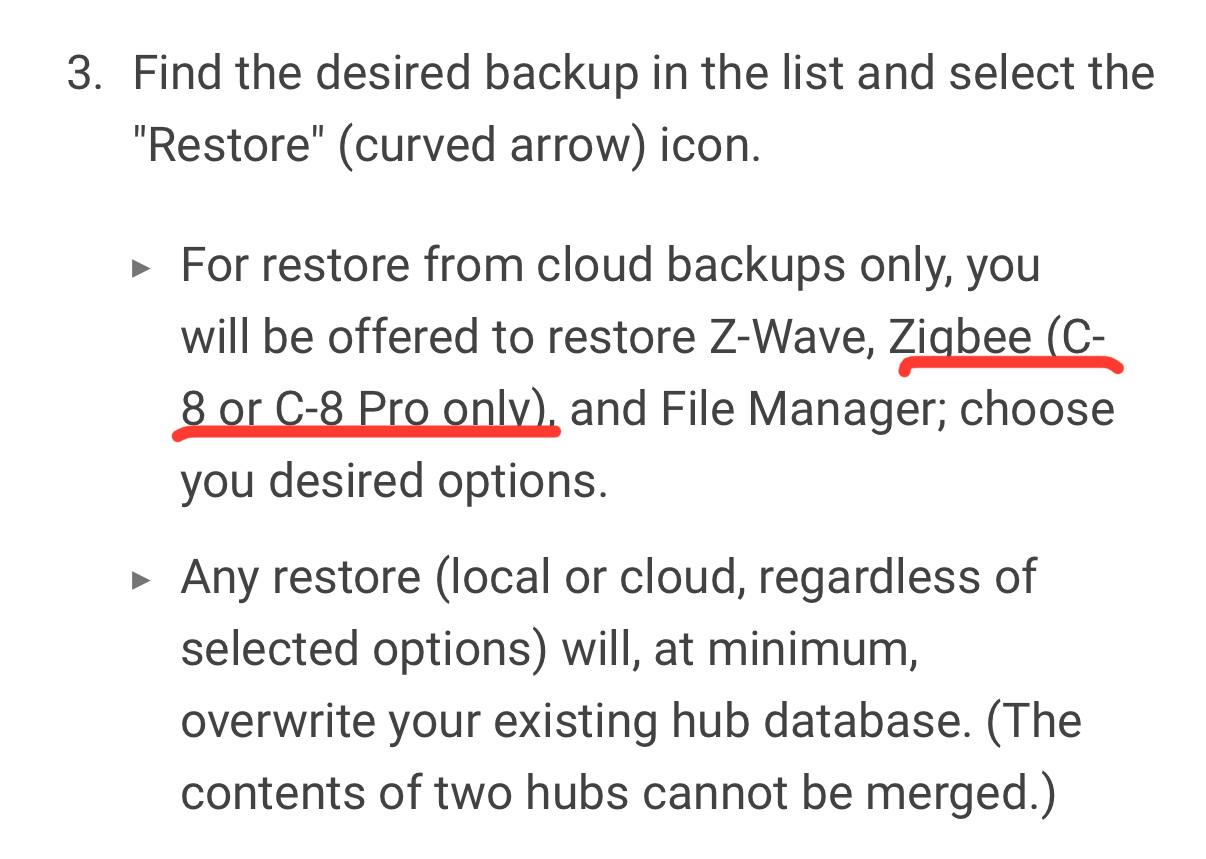
And this is taken from the following section of that page, which covers restore of cloud backups and appears to be relevant to you as a C7 user.
Do you really mean that you are still completely unable to determine which of those devices would be included in a local backup?
That info (even most of it, or at least some of it) is in the hub documentation page…
Thank you for those details. I still don't think they cover the exactly how to deal with Zwave.
I may take my spare hub over break and actually try to restore to it....
appreciate the feedback
Tim
That’s true, the hub documentation could probably include more details re: restoring a local backup to a new hub and trying to get your z-wave devices working again (since they won’t work after restoring a local backup that doesn’t include the z-wave radio database).
However.
Local backups are generally designed to be restored on the same hub that was backed up.
The cloud backup process was created so that a backup could be restored onto a different hub.
While it is possible to restore a local backup onto another hub, I’m not sure if it makes sense to include step by step instructions in the hub documentation.
Perhaps adding another note in that documentation page with either a suggestion to ask for more details here in the community forum, or a link to a relevant forum thread, would help.
Download the Hubitat app