Amen. Don't drive yourself crazy.
In fact, it's been a while, but if I recall, the app 'works better' when adding a new device with the enabled box unchecked on all devices. Maybe they fixed that.
All my LR devices are not enabled.
1 Like
Thanks for the help. To satisfy my OCD, I excluded the device and deleted all traces of it on the hub. Then factory reset the device and started again. When I powered up the device, its LED said it was included but nothing appeared in the ZWave logs. The SmartStart list showed it as included but nothing in the Device Name, Security or Mode columns. There was no entry in the ZWave Details page and no Device page.
I power cycled the hub and the device appeared in the ZWave Details page but with no name and no Device page. Hitting Discover then Refresh created the name and its Device page and it responds to on/off commands.
I'll leave it at that!
Z-wave logs will be mostly useless, you need to check the system logs.
Sounds like it is getting stuck during the include process for some reason, could be a range issue, or heavy traffic on the mesh. I would also test if you activate it from the device itself does it send reports back to the hub. If commands from hub work, and physical activations report, then you should be fine.
The device reports when it changes state triggered from a physical input, so it looks like it is working. I also looked back over the system logs and there is nothing relating to the inclusion/exclusion process. Guessing this is more likely to be the device than the hub, all my other ZWave devices are Zooz and they haven't had a problem.
So trying to use a LR device on my C8 Pro hub and it has the same issue as the C8.
Z-Wave device id: 0 failed S2 bootstrapping - Unknown status code - the device needs to be excluded then included again to use securely.
I guess migrating a C8 with that issues brings it along to the C8 pro?
I guess so, some sort of issue with the radio database. Switching to ZWJS might fix it.
I tried, and I let it sit for about an hour and only had 7 devices that were not pending. The few devices that did work, were agonizing slow to respond.
Could you switch and add a device and then switch back?
Yes, that is supposed to work just fine, you can pair from either and switch freely. A few people had issue with the nodes getting messed up but I don't think a cause was ever identified. May or may not have been related to switching back and forth.
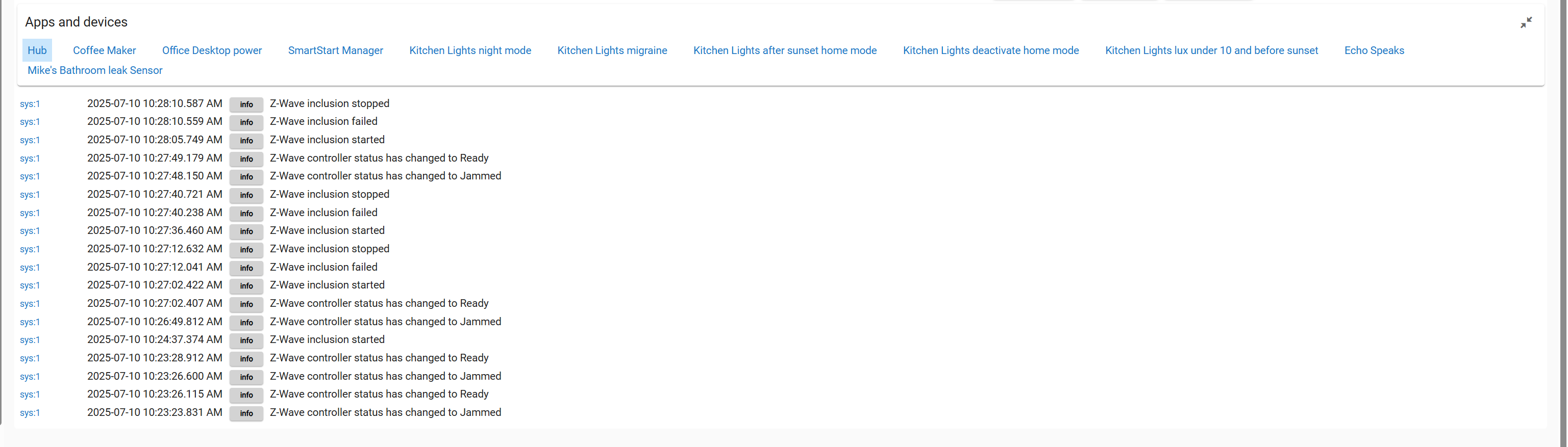
Just tried switching to ZwaveJS and still a no go. I don't get the bootstrap error, just that it failed. In the log below it says starting inclusion each time I remove and reinstall the battery. Trying to get a ZSE44 LR to connect. I reset the device before each retry. I also removed from the smartstart list a few times and restarted, this was just the lat attempt. I also tried again in legacy, got the bootstrap error again.
Also getting the jammed and ready on the Zwave controller in ZwaveJS. I guess that is part of it trying to connect to my devices?
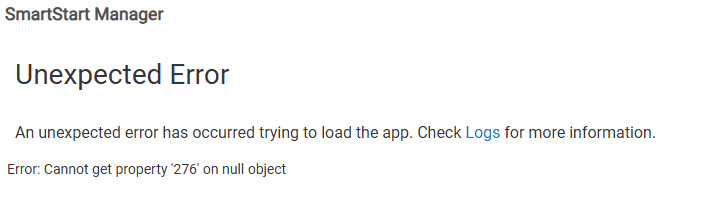
I've been using your app without problem until today. I added a new device (Zooz ZEN15) by scanning the QR code, then plugging it in. It added fine and is working. I then went to the SmartStart Manager to disable to code (my usual practice), but am unable to get my list. Instead I receive the error:
The log contains:

and when I click "Done" in the app, the log then adds:
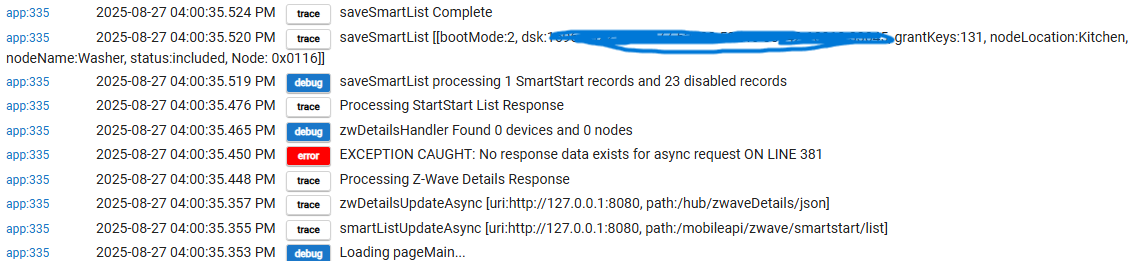
The "Washer" device is the one I just added.
Other info:
C8-Pro Hub
version 2.4.2.143
Zip (not JS)
Thanks for looking at this!
The hub did not respond to one of the Async endpoint requests per the error at 4:00:35
Try rebooting the hub and then try it again, see if you still get errors.
That worked! Thanks! And, Thanks for the App!
1 Like

