I have one Sonoff Dongle in place and most days when running the map it will have zero devices routing through it. Some days one or two. Most times the devices pass it up and go to a third Reality night light that is further away. I am assuming all these things react differently based on factors in each individuals mesh.
2 Likes
So just after confidently saying here how reliable my SonOff USB dongles were, two of them started dropping off! Managing one via a Zigbee plug to power cycle it, the main issue it seems to have is dropping off when I reboot the C7 it's connected to.
The other just keeps dropping every 20 to 30 minutes each time after being rejoined.
Regarding bolded text below, how did you determine yours were corroded, and how did you clean them?
Mine below...
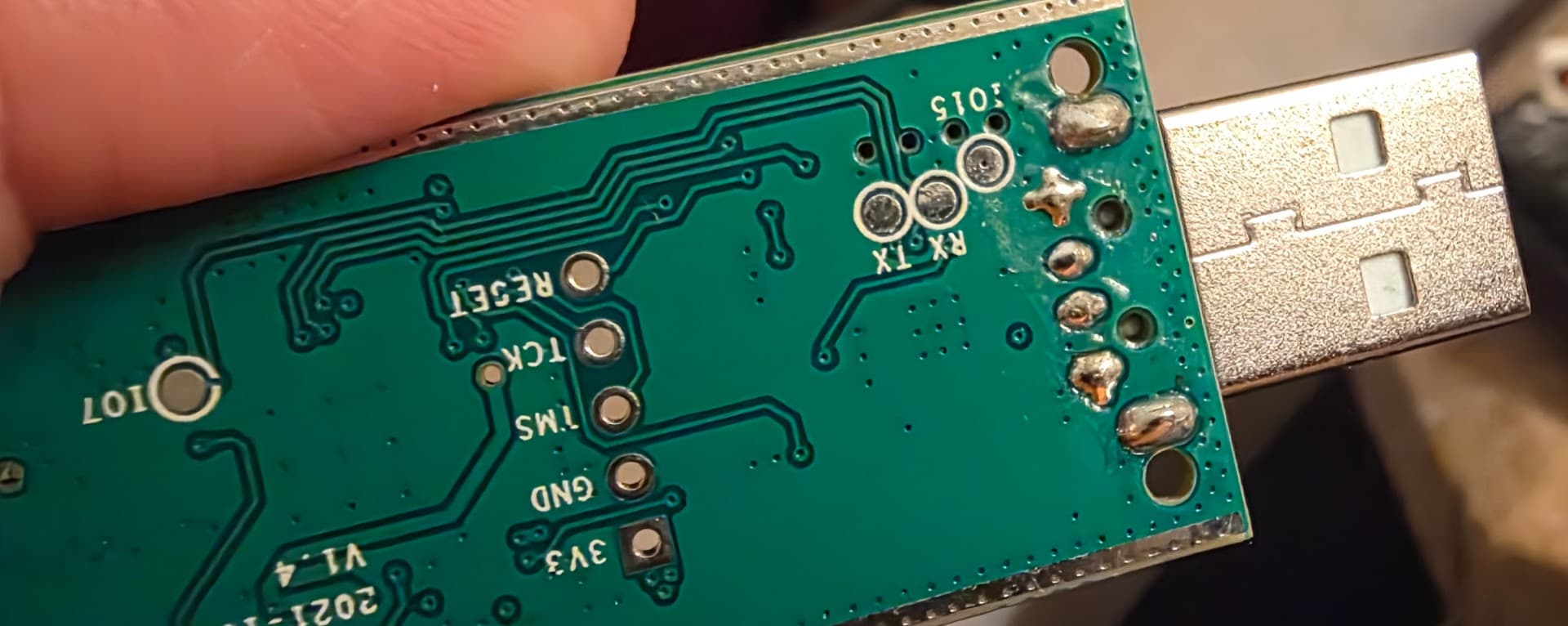

Oh, and I do have a few of these Tuya repeaters on the way... 
1 Like
I implemented three of the USB Tuya repeaters in my mesh to pick up the load for the Linptech mm-wave sensors I have replaced with the FP300. According to the zigbee map app they immediately started picking up devices. Now when I run the map those three appear to be some of work horses. My mesh has not missed a beat with them. It is solid. You should be more than happy with them. I left the driver just as device since I don't need may real info from them.
I also have one of the Sonoff dongles in HA as a repeater and honestly it has not worked great and I also have had it drop off the network on occasion. No rhyme or reason.
1 Like
I still haven’t had any problems with my Sonoff dongles. All 5 have been solid for however long it’s been (4 years now?). I have noticed over the years that certain devices will never connect with them, for whatever reason. I have recently added 4 of the Sonoff USB Zigbee switches due to needing to reboot Linptech mmwave devices, and I have to say they are excellent repeaters, but also certain devices don’t seem to use them either. Currently I am noticing that my 3 Aqara FP1E sensors will only pair with “avoid Zigbee 3.0 repeaters”, and they then appear to only connect to Zigbee 1.2 devices like my older GE light switches, or Sylvania light strips. I’ve seen this same behavior on my C-8 Pro and my C-8. My Hue motion sensors love them though.
1 Like
Good to hear, along w/the other positive comments. The dongles have been very popular repeaters on my hubs. I really don't need the additional repeaters, but looking forward to seeing how the "tiny Tuyas" perform.
I was in that category until recently as noted...I also have five, three of them just work, one seems to need a restart after the C7 is rebooted, and the last is as noted. Since I'd otherwise be sending it to circuit board heaven, I have the bottom third of it (including the USB-A port) sitting in an isopropyl alcohol bath at the moment. I'll let it sit for a while, "scrub" it all out carefully and let it dry, and then give it another go.
1 Like
I wouldn't have needed them either, probably, but my zigbee mesh for the most part has been solid so I didn't want to rock the boat to much removing three repeaters. I was hoping to find something that would kinda just fall in those three places and they have definitely done that. I just put them in the same rooms as what I removed.
2 Likes
same i have them in 4 locations.. and all are working fine.. i did occasionally have to reboot them so have switches behind them but havent had to reboot or use the switches in over a year.. i think the only time i need to is if long power outages occur
1 Like
I think you really may be onto something here! I cleaned my SonOff dongle that was disconnecting every 20 or so minutes as I noted above (had the bottom third of it including the USB-A port sitting in an isopropyl alcohol bath for a while. Dried it all out carefully and reconnected it to my hub, and it's been connected almost 6 hours straight now w/zero issues. Wild...never would have thought about giving it a bath! 
1 Like
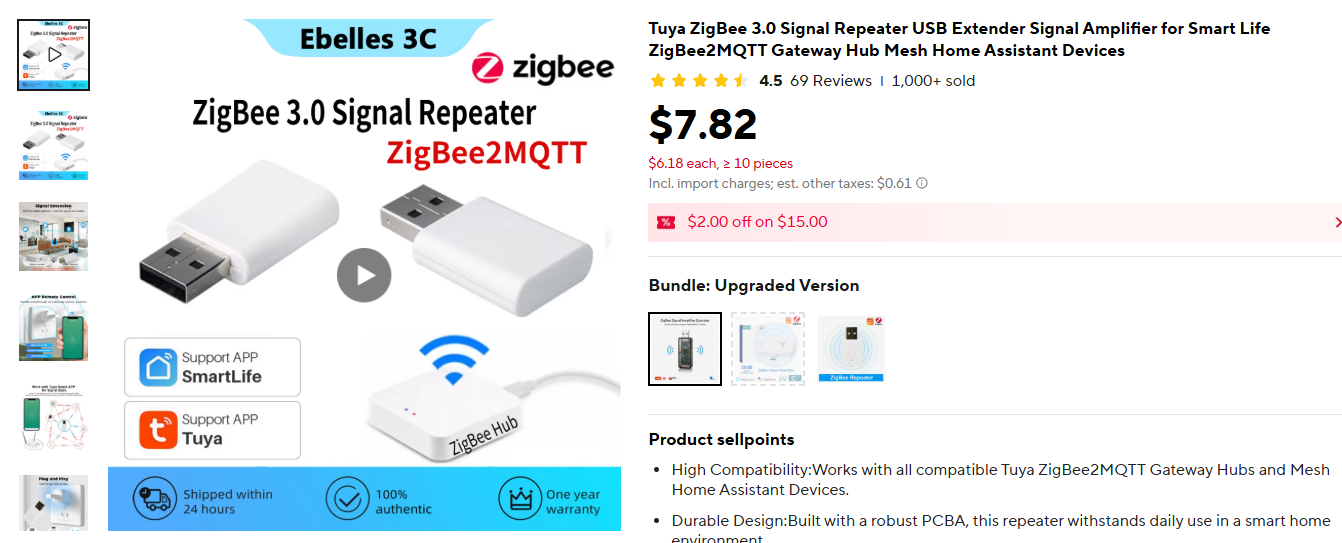
Arggggg...I think I mis-clicked on Aliexpress and ordered the wrong device.
Product page looked like this...I was taken in by the large product pics on the left, didn't notice that the selected item/smaller pics on the right was a different (semi-transparent black) device:
Order page:
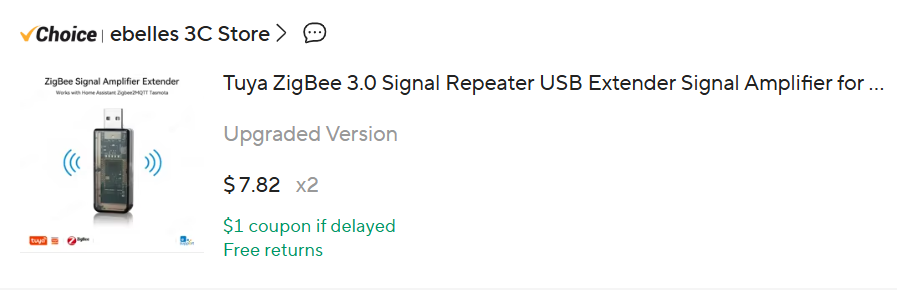
So I'm getting this...
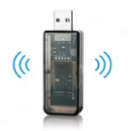
...not this:
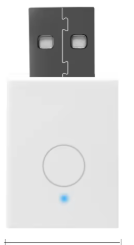
I'm screwed, right? Not even sure what I'm receiving...is it some other version of the Zigbee 3.0 repeater? A bit confused...
Look  you’re getting the Upgraded Version
2 Likes
Yeah, and we know how these "upgrades" often end... 

They arrived...one of the expected version, and two of the larger "oops/fat-fingered it" version. Comparative pic w/Aqara button for some scale. Both are significantly bigger than the original tiny Tuya Zigbee USB repeaters, the "Updated" version is both longer and about twice as thick:
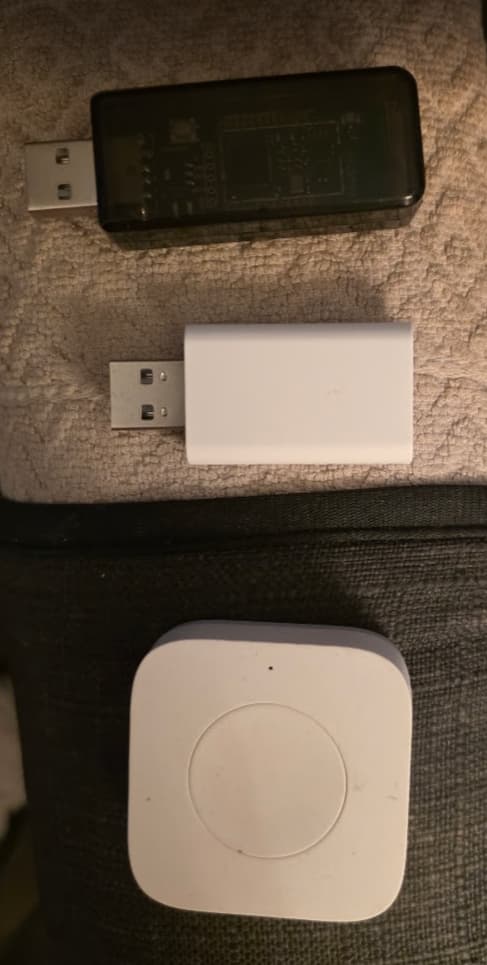
Both are joined up to my C8-Pro, will let them settle in.
Updated version info from packaging (no docs provided w/the device):
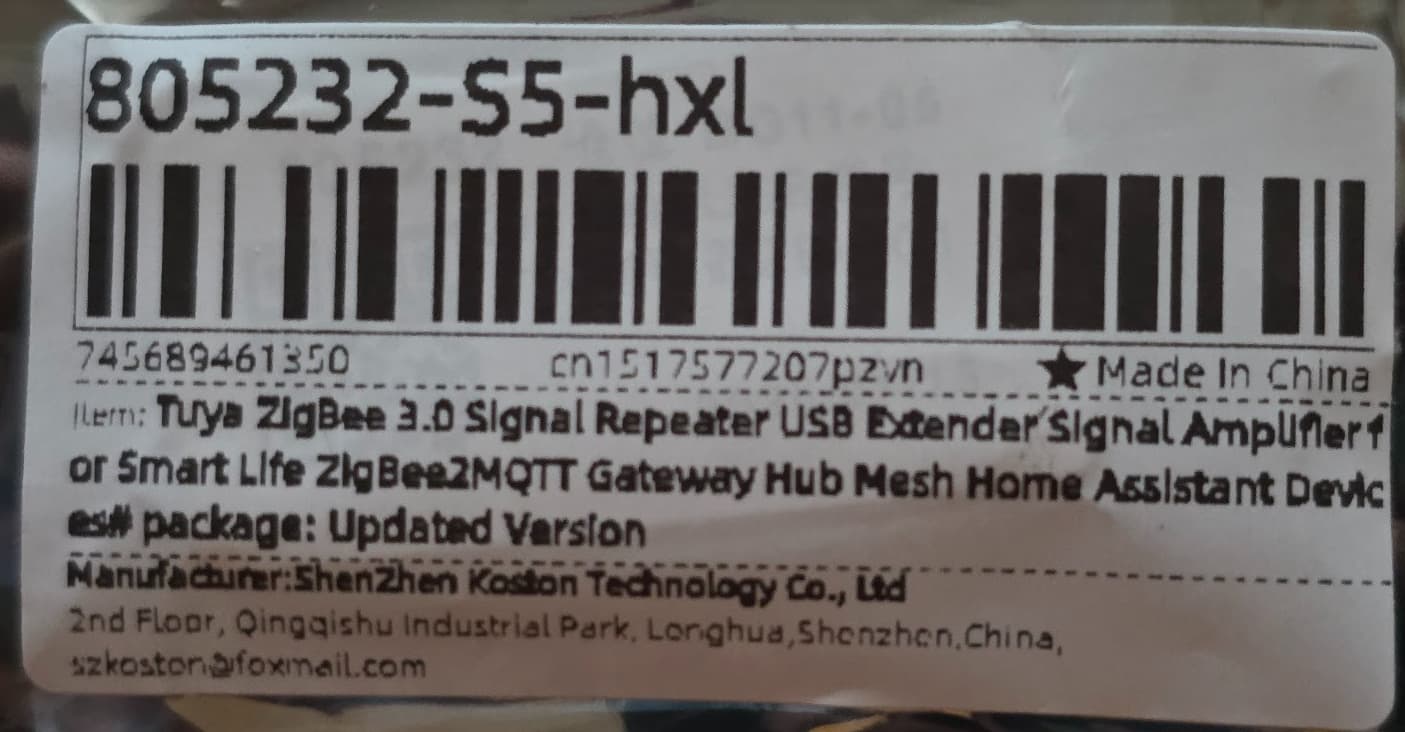
So no info o how to reset the Updated version if I need to reset/re-join it at some point. There does appear to be a button on the PCB, but it's well inside the plastic case near the USB-A connector. The other end of the case has a cut-out, so it seems like they expect me to use a toothpick (or dental probe?) to reach in and press the reset button. 
Reset button (!?) next to LED:
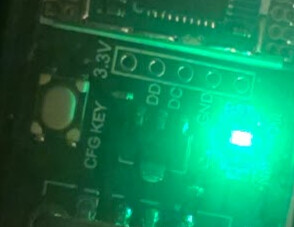
Toothpick access to button?
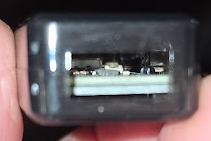
A little unusual...maybe I'll drill a hole in the case over the button. 
Curious what the fingerprint looks like.
Same as this USB C version? 
Oops - I had meant to post that, thanks for the reminder:
Looks like this...eWeLink claimed as manuf:
fingerprint profileId:"C05E", endpointId:"01", inClusters:"0000,0003,0004,0005,0006", outClusters:"0000", model:"SA-003-Zigbee", manufacturer:"eWeLink", controllerType: "ZGB"
FWIW, the smaller repeater fails interview in Dan's Zigbee Map app:
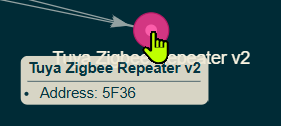
...the larger one completes the interview.
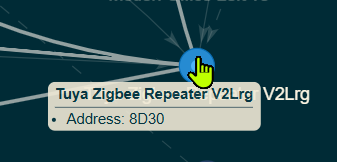
1 Like
That's odd. I haven't had an issue with any of three of mine failing to interview. Crazy how this stuff works sometimes.
Shouldn't matter, I'd think, but what driver are you using w/the repeaters. I'm using the Zigbee Monitor Driver.
I just left the driver set as "Device". I didn't apply a specific driver. I agree though I wouldn't think that would make a difference.
1 Like
Just for the fun of it I'll switch the one that fails interview to Device and give the interview a go again.
If that doesn't work, it seems cruel, but you'll have to send all of your repeaters to me to do some extensive multi-year testing.
1 Like
I certainly do appreciate you taking one for the team in the spirit of product verification.
1 Like
Interesting - coincidence? The interview was successful after changing device back to Device and deleting all states, etc. Both the V2 Large (the black smoke housing) and V2 (the white housing) are now getting properly interviewed/identified as repeaters by Zigbee Map app.
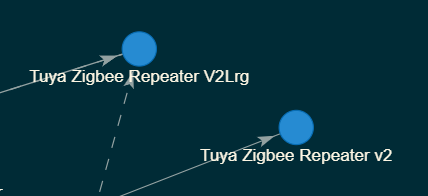
Somewhat odd, as the V2 Large version is using the community Zigbee Monitor Driver and the other smaller white version is using the Device driver. I like using the ZIgbee Monitor Driver as it has a health check/online status that I use to keep track that repeaters are online.
1 Like