Don’t believe everything the description says. Some of it is for the Pro version.
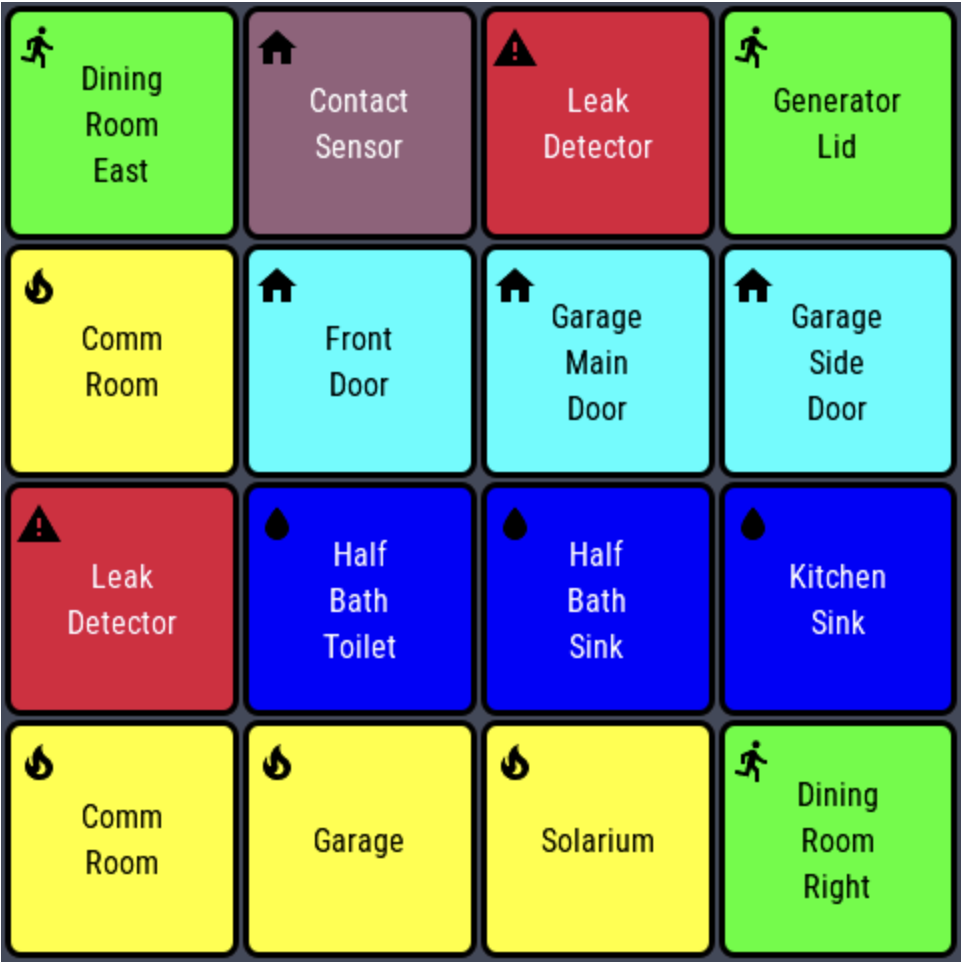
Up to 16 sensors can be shown on the screen in any of a 2x2 grid, 3x3 grid, or 4x4 grid. Each sensor type can have a different color when inactive. The active state color can also be selected for all active states (one color to rule them all.)
Protects against screen burn in, sensors activating too long to prevent screen off, and missing a sensor becoming idle while the screen is off.
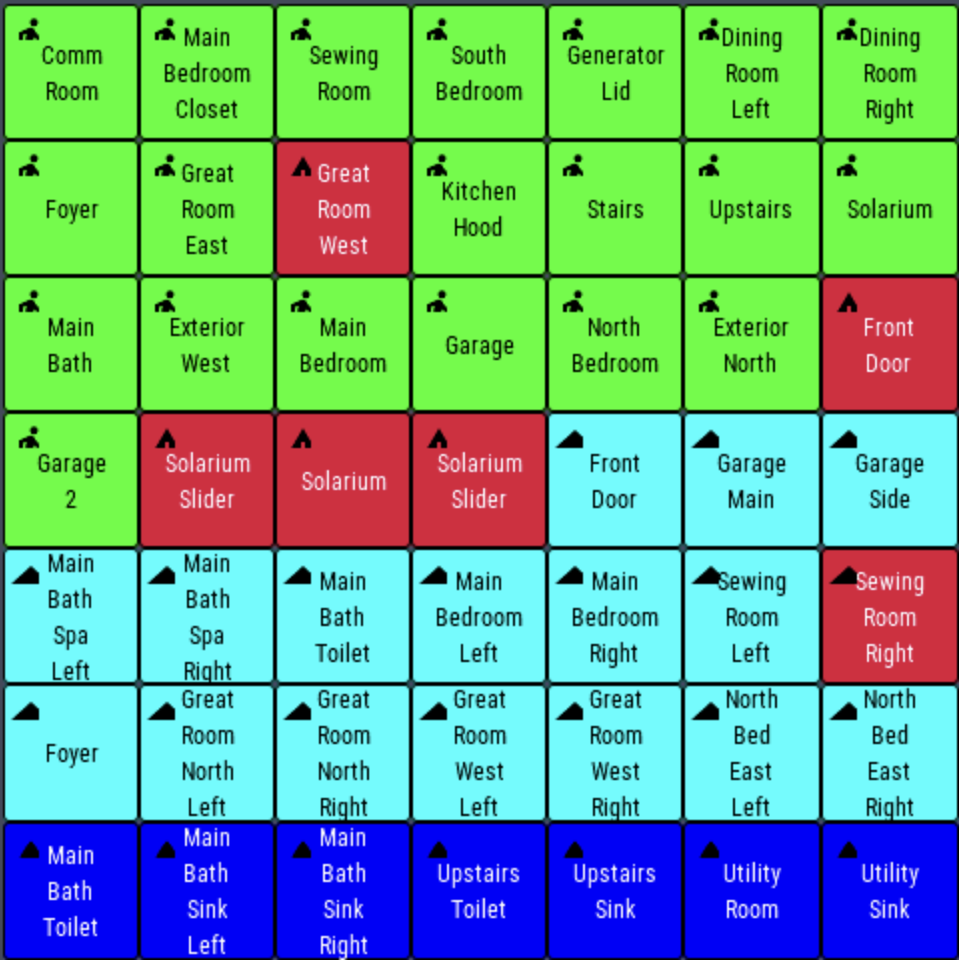
Version 3.1.0 is now live. Instead of icons for the sensor type on the 6x6 and 7x7 grids, there is a single letter corresponding to the type. C - contact, M - motion, W - water, S - smoke
Select up to 5 pages of tiles, each with it’s own grid size.

Added grid size of 1x1.

Shows the page forward, page back buttons if there are more than 1 pages.

Page number in upper right corner can be turned on or off.

Page of the most recent activity is displayed on the screen.

You can auto-cycle with a variable time amount between screens or turn it off.

Probably other stuff I don’t remember now.
A Hubitat app and driver for the SenseCAP Indicator that displays sensor data. The Pages are created semi-automatically, limited to 6 Pages. Each Page can be only one type of sensor (Water, Contact, Smoke, and Motion. Pages can be rearranged. From 1 (1x1) to 49 (7x7) devices can be on a Page, a total of 294 Sensors. I wouldn't try it, though.
Edit: Guess I should name it. SenseCAP AutoPages - SCAP?