This morning I (finally) migrated my main hub from a C7 to a C8 Pro. All my devices (150 Zigbee, 30 Z-wave) seem to be up and working just fine. I reconnected Alexa and Hub Mesh and everything seems to be working great...
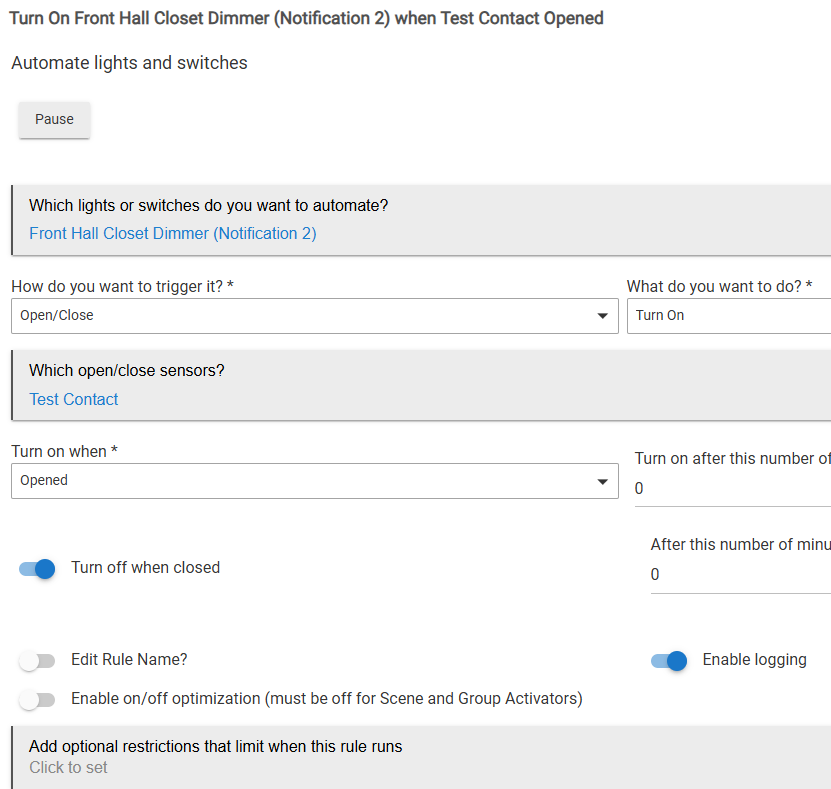
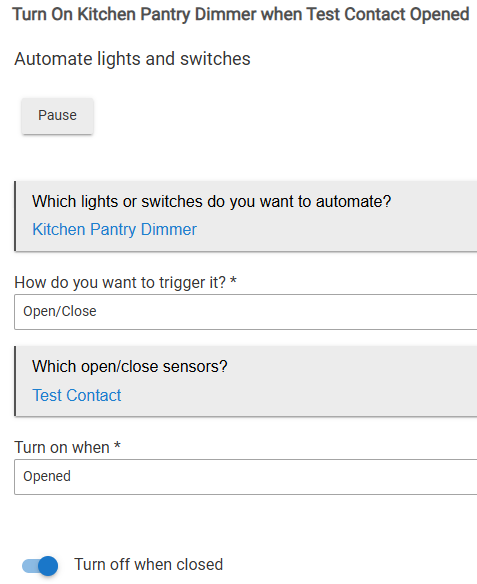
EXCEPT a collection of Simple Automation Rules. I have about 25 of them because they are simple and just work. Right now, a whole bunch of them are activating to turn things on, but not turning them off.
E.g., when a garage door opens there is a rule to turn on a notification on an Inovelli Red Dimmer so that the LED flashes a pattern (to indicate the garage door is open). The SA rule works to turn on the notification device, but doesn't turn it off.
I've tried updating the rule. I've unselected and reselected the devices and options. It still doesn't seem to be working.
This rule is at least 5 years old and was working perfectly on the C7.
UPDATES
I've shutdown and pulled power.
I've rebooted with DB rebuild.
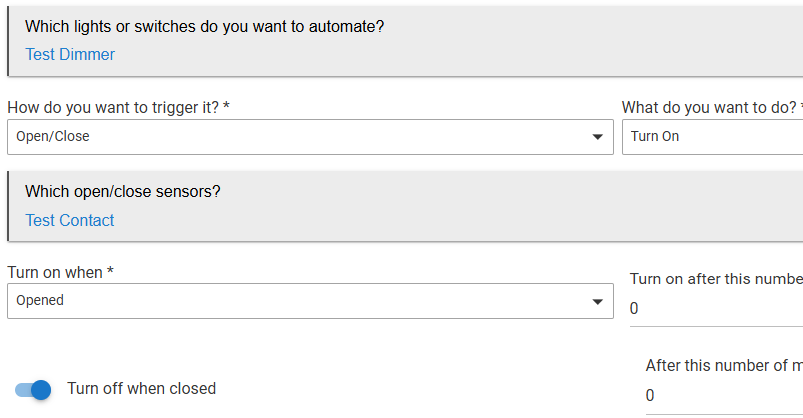
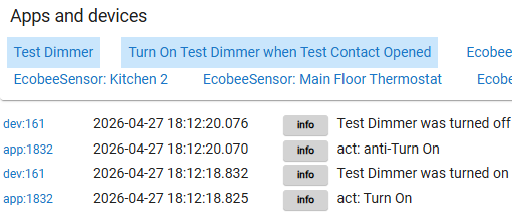
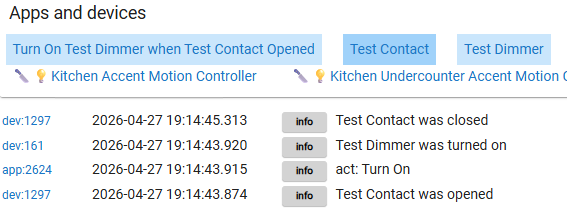
I've shown the SA rule fails with just virutal devices.
I can create the same SA rule on my other C7 and it works.
I've reverted from 2.5.0.124 to 2.5.0.123.
It is also happening to Room Lighting and Motion and Mode Lighting rules.
It's a schedulerError (in Logs -> Hub Events). See Solution post!
Just to be sure it wasn't the Inovelli notification child device, I swapped out a real dimmer for the device to turn on/off. The Simple Automation rule is only turning it on, and still not turning it off.
I know you just migrated, but how about a Reboot with Advanced Option b/u db checkbox selected? Can't hurt, I hope.
edit: Then there's the controlled shutdown/power cycle thing.
Basic Rules is the heir apparent to (the no longer actively supported) Simple Automation Rules, so if you do decide to move on from SAR, hopefully Basic Rules would be a similar fit overall.
Uncharted territory for me.
You can Export rules. Maybe you could export all the SA rules to a file. Remove the Simple Automation automation, (lol), reinstall it and then restore the rules from the file. All after making a backup of course, lol.
As far as triage goes, I'm like the nurse who takes your blood pressure in the little room. You need an actual doctor.
Does Dr Bruce still make house calls?