Woke up this morning to my hub unresponsive: no automations were running, web interface inaccessible, data had stopped uploading to InfluxDB, etc. I was able to get into the diagnostics page (8081) and the device had a blue light, so hadn't started properly.
From what I can tell, it went down just after 6:16am UTC, which was basically the same time that the cloud backup finished (6:15:59am UTC). Yesterday my cloud backup failed and took down my Z-Wave radio (this was on .174), but the backup succeeded after I did a shutdown and brought everything back up.
I rebooted from the diagnostics page, and everything came back up. No relevant app, or hub logs that I can see. Possible this is hardware, but posting in case it's useful to look at engineering logs for a software issue.
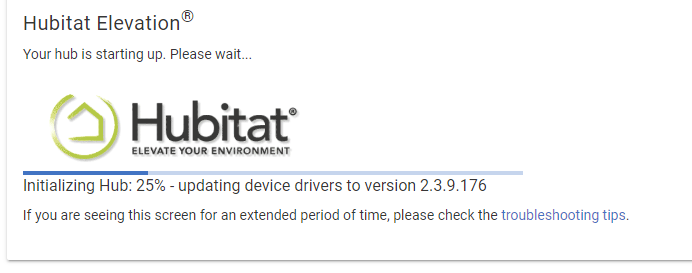
I woke up this morning to find my C-8 unresponsive. After rebooting the hub, I noticed an update was available. I started the update, but I've been stuck at "Initializing Hub: 25% - updating device drivers to version 2.3.9.176" for the past 15 minutes. Not able to access the diagnostics page at all.
Did you get it booted and now its crashing?
Otherwise, there was one other person who reported getting stuck at 25% after this update and using the diag tool to roll the platform back got them going again.
Sorry for the delay; went for a bike ride after the soft reset from a local backup. So far, the device is staying online and working the way it's suppose to.
Yes, the device was constantly crashing for some reason every 5 minutes.
I've been forced to reset this hub every day because it continually crashes, despite numerous attempts at both soft and hard resets. I've even installed a reset schedule just to keep my C8 functioning. It's incredibly frustrating to have invested in a new device only for it to keep restarting and crashing. I'm thoroughly exhausted by this ongoing issue. Ever since I bought the device. When does it stop!
The logs provide no clues as to why the device is crashing. It simply stops working, and I have to manually reboot it by unplugging and replugging the USB Type-C connection. This issue has persisted since I first purchased the product. I’m baffled and frustrated—why is this happening?
Have you tried rebooting with the database rebuild box checked since that first soft reset? Also, are you using the usb adapter that came with it. Otherwise, it may be wise to reach out to @bobbyD@support-agent Obviously this isn’t expected behavior, and support may be able to see what is causing the problem.
That error could be part of the cause of crashing, a device driver is trying to make http requests and failing, and if it keeps trying over and over again it will lead to problems.
If you click on where it says "error" (in red) in the log it will open the device page.
The "ERROR" issue was with a device error caused by a dead battery. I replaced the battery, and the error was resolved.
However, now the hub crashes twice a day, every day. It has reached the point where I can no longer perform a soft reset, as the device becomes unresponsive afterward. During the soft reset, it stalls at 25% while loading drivers, then crashes.
Ever since I first got the C-8 hub, there had been ongoing issues with the device freezing. Initially, I had to install a Hub Rebooter because it from froze time to time, and while that helped for a while, the hub is now completely unresponsive.
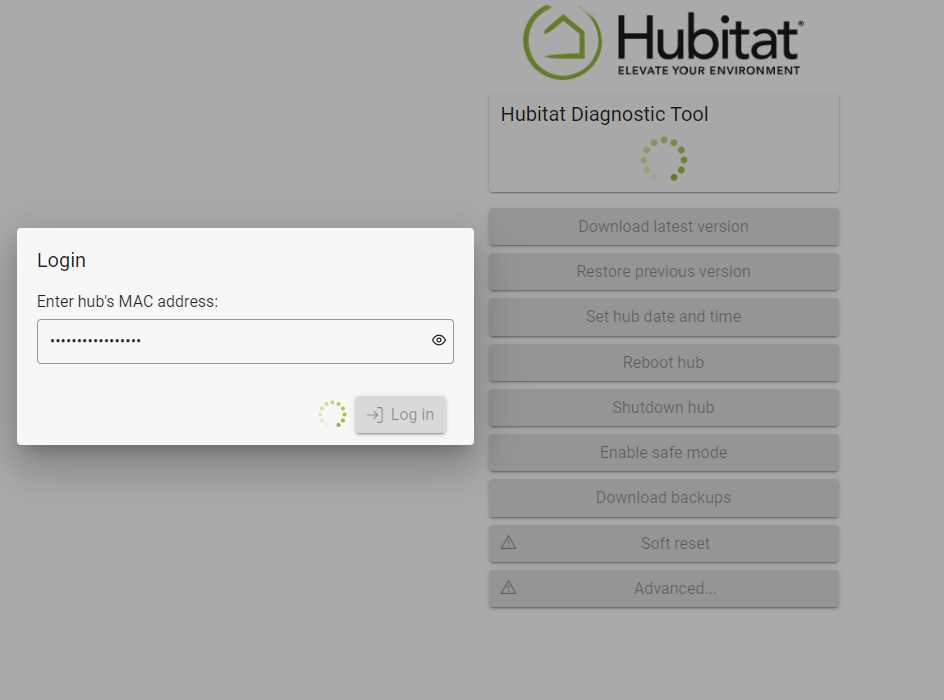
As you can observe below, I can't even login to the Diagnostic Tool anymore. This was a fresh power cycle and won't do anything besides this.
I had ordered my hub from Hubitat.com on Fri, Mar 3, 2023. I just purchased a new C-8 Pro a few minutes ago from Amazon if I'm unable to get this hub working.
So powering with another power adapter did not resolve the issue. I can see the device on the network and is available but the Hubitat is just not responding when trying to connect to it.
It took a few tries to finally soft reset successfully (the hub was crashing during the soft reset as noted above) but I finally got through it.
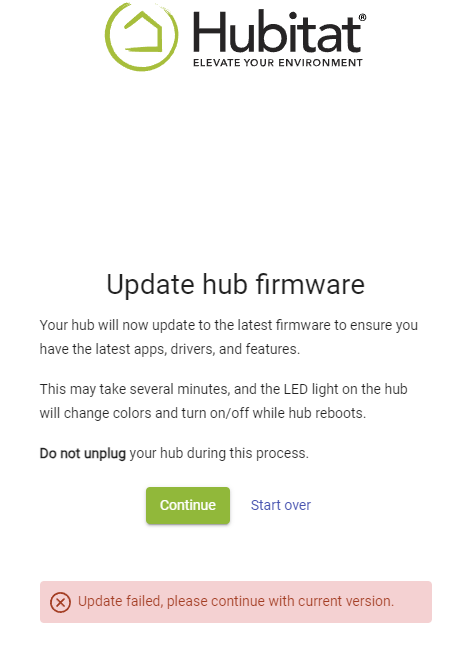
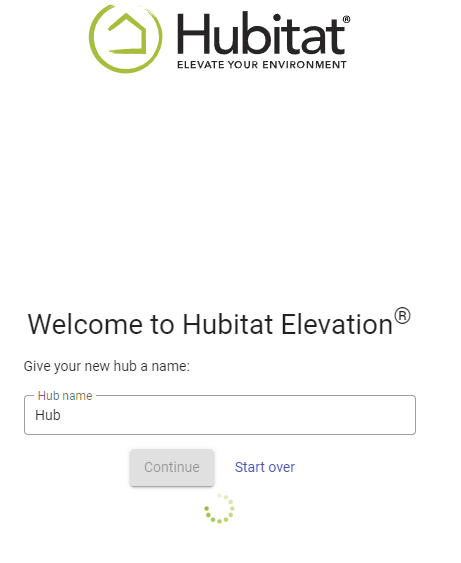
After a few minutes, the hub is no longer responding to the setup process. It's currently sitting here on the screen below. At first, it tried to update the hub to the latest firmware but it failed so I continued and entered a name and its not sitting on this screen with no response. I waited 5 minutes, then refreshed the screen and no longer getting anything from the hub again.
After carefully following all the troubleshooting steps you provided along with showing what had happened during following those instruction in the above post, the hub has unfortunately crashed again and is no longer responding. While I can still see the device on the network, I’m unable to access it.
It seems like the initial issue I've been experiencing since I got the device has now worsened, and the device may have completely failed. Could you please advise on the next steps?
Here's a few posts in the past talking about the same issue: