I really hate how so many smart appliances have only a wifi cloud connection option. I really just wanted a Zigbee controlled tower fan for my home office.
I've been using a Broadlink device with this fan for awhile, using the codes captured from the IR remote. It worked OK for on and off, but there was no discrete speed control, it only cycled through speeds with one speed button on the remote, so I couldn't set a command for a specific speed or really integrate into being a fan device.
So, I finally decided to just convert the fan to Zigbee using a Zigbee relay board.
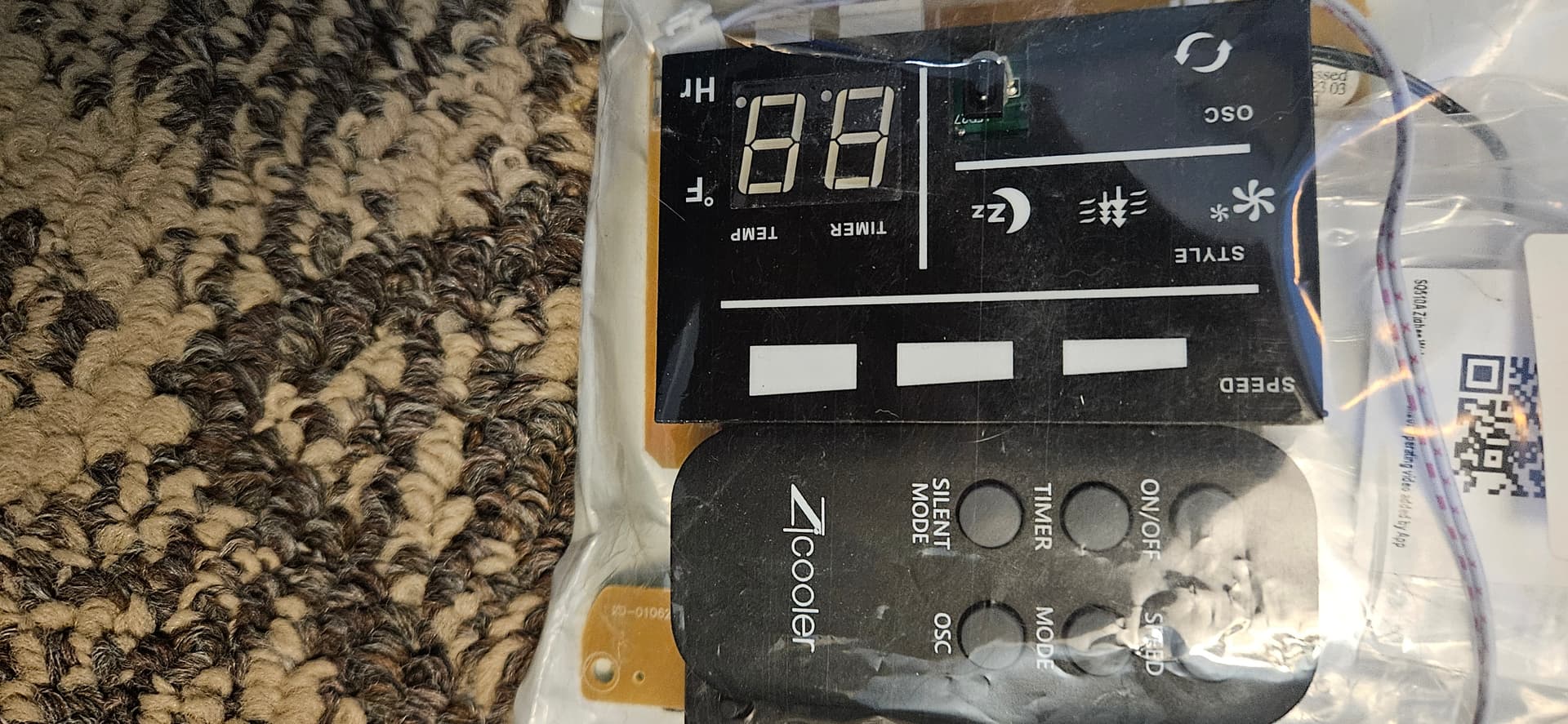
I ripped out the control board that also received the IR. All it did was send 120v to one of three speed wires, and 120v to the Oscillate motor. The old controller is now just in a bag should I ever want to replace it.
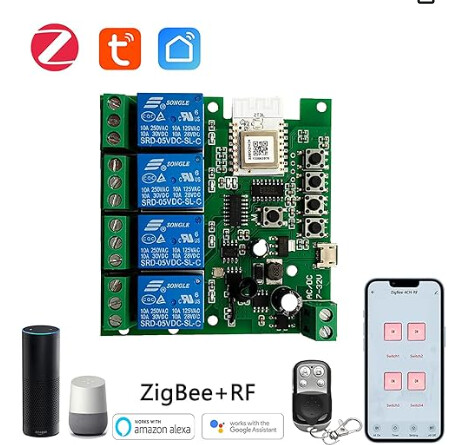
I replaced it with a Zigbee board with RF remote from Amazon for $21.
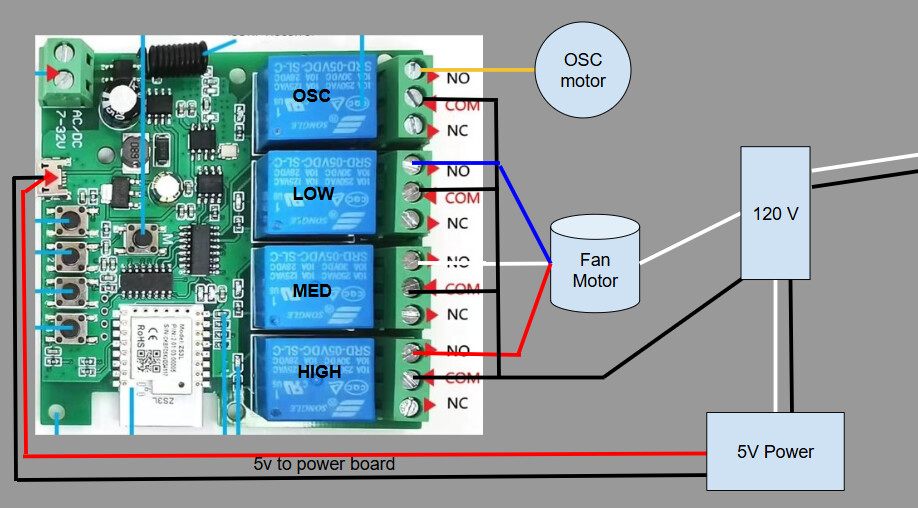
Pretty simple to wire it in. I did use a 5v USB power supply to power the board, which I took out of the case and wired to the 120v in the fan.
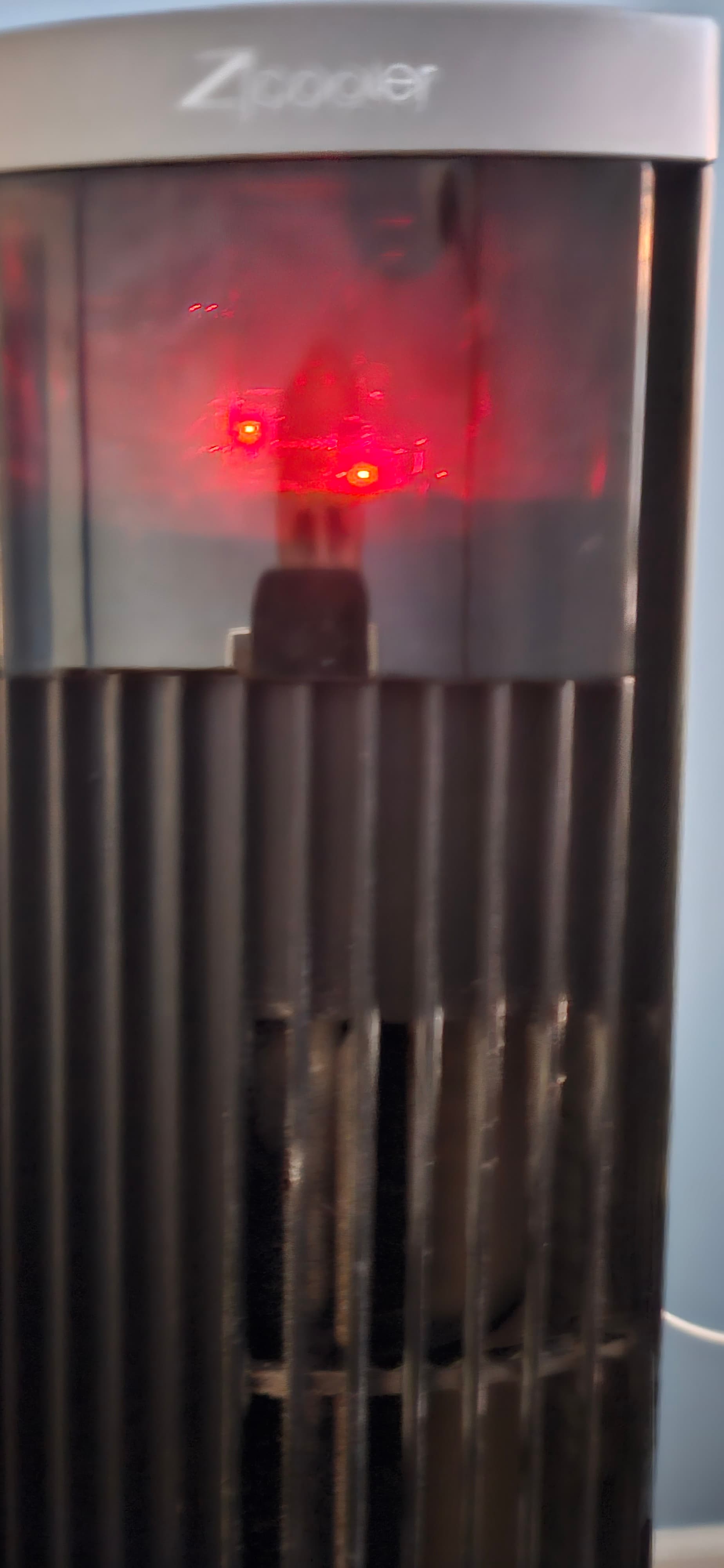
I didn't take pictures during the process, but here is the final result with the board in the fan. The 5v power supply is tucked inside the black box.
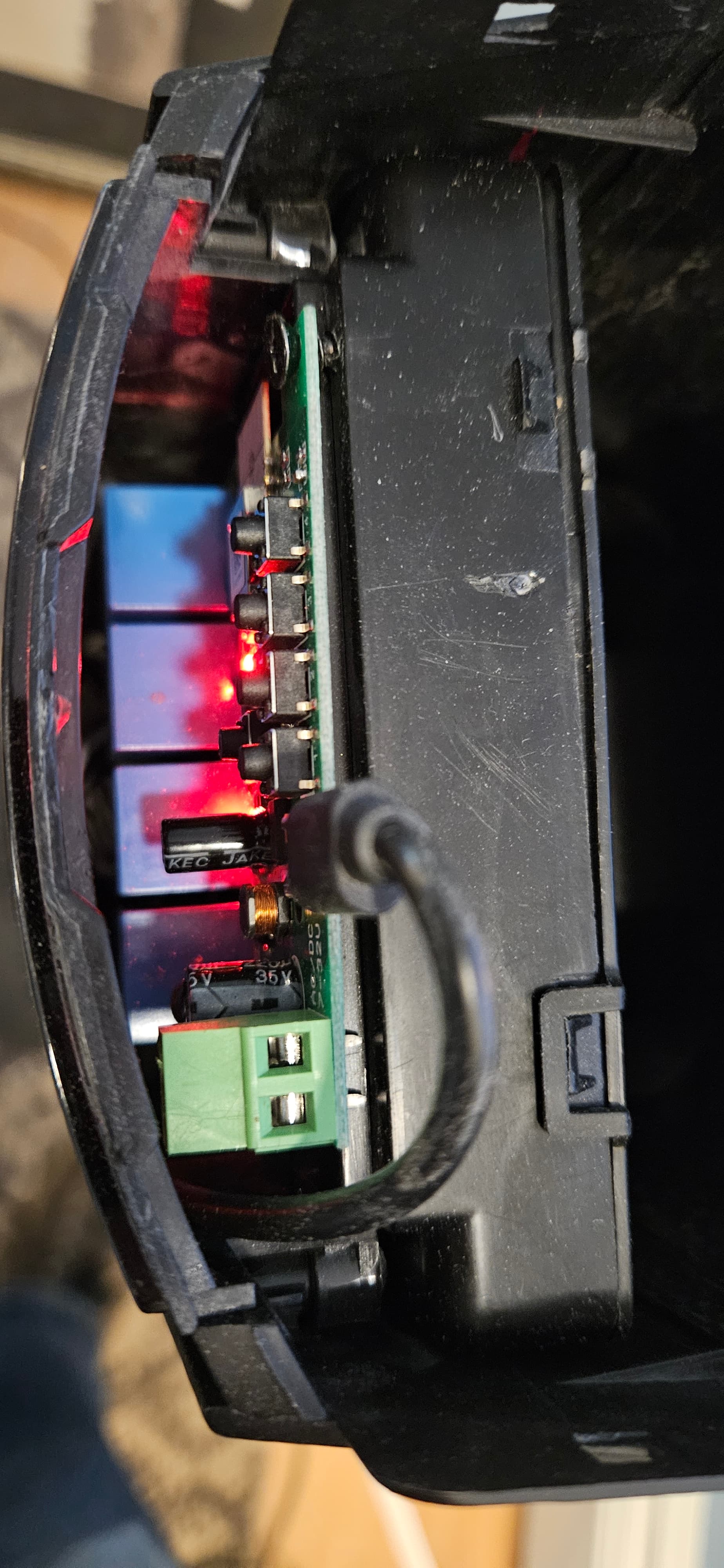
The screen area for Fan allows the board light to come through the front. I can tell what speed it is on and if Oscillate is on based on the light configuration on the front.
Then I wrote an app and child device to control it as a Fan Device in Hubitat. I also integrated the RF remote that came with the board.
A - Low
B- Medium
C- High
D - Oscillate
I ran out of buttons for an off button from the remote, but I coded it so that if you press the same speed button for the speed that the fan is on, it will turn off the fan. From the dashboard tile, selecting "auto" from the fan speed menu will toggle oscillate on/off.
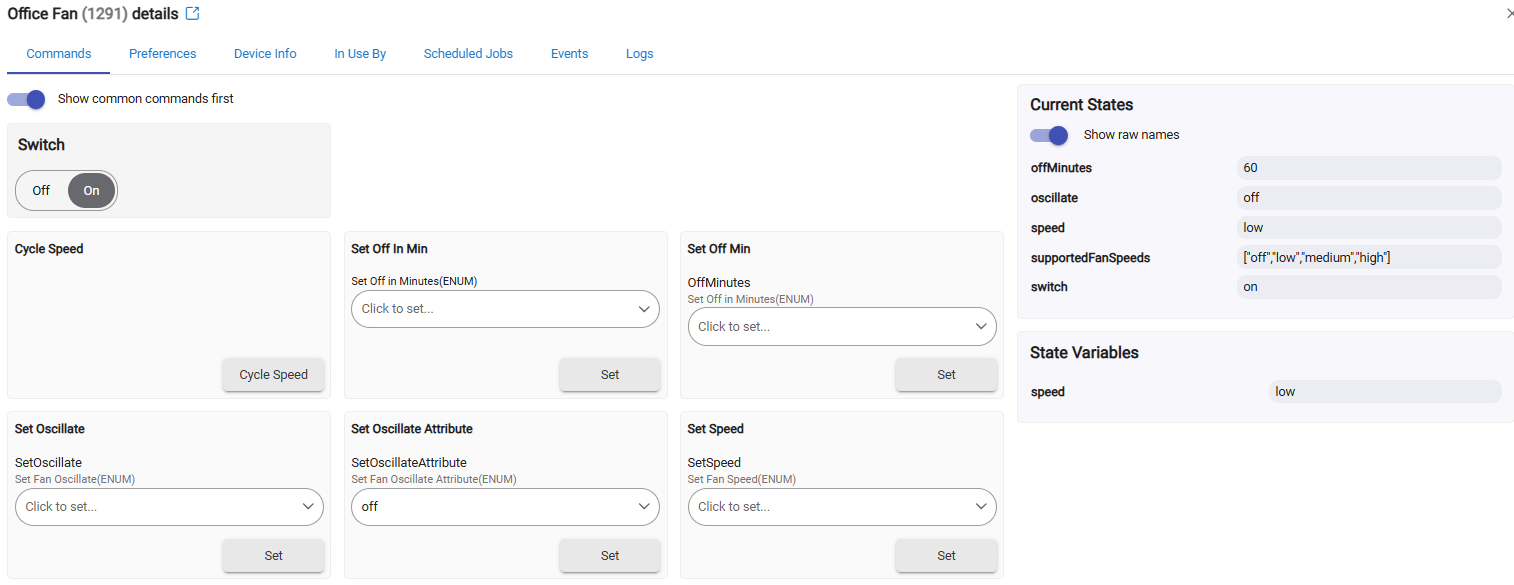
Sharing the code in case anyone is interested. Install the parent app and it creates the child device. This was forked from the app/driver I wrote in the past for a similarly converted Stove Fan Hood.


