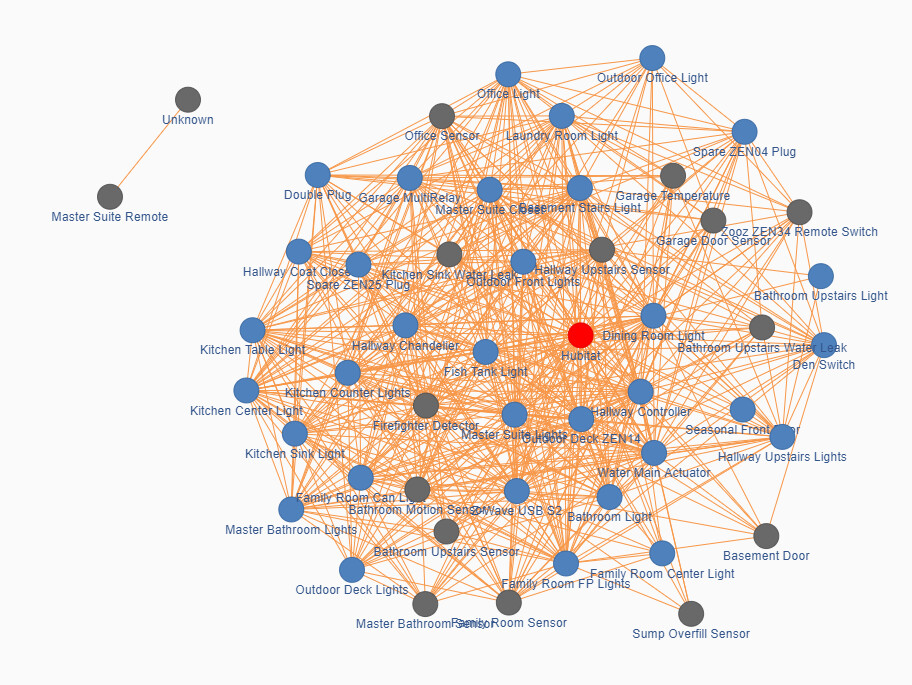
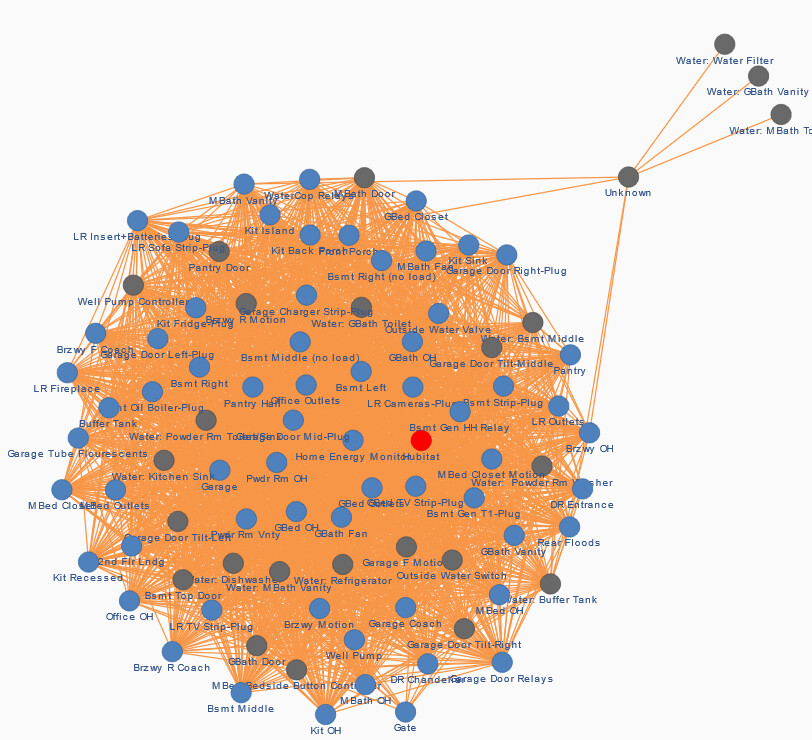
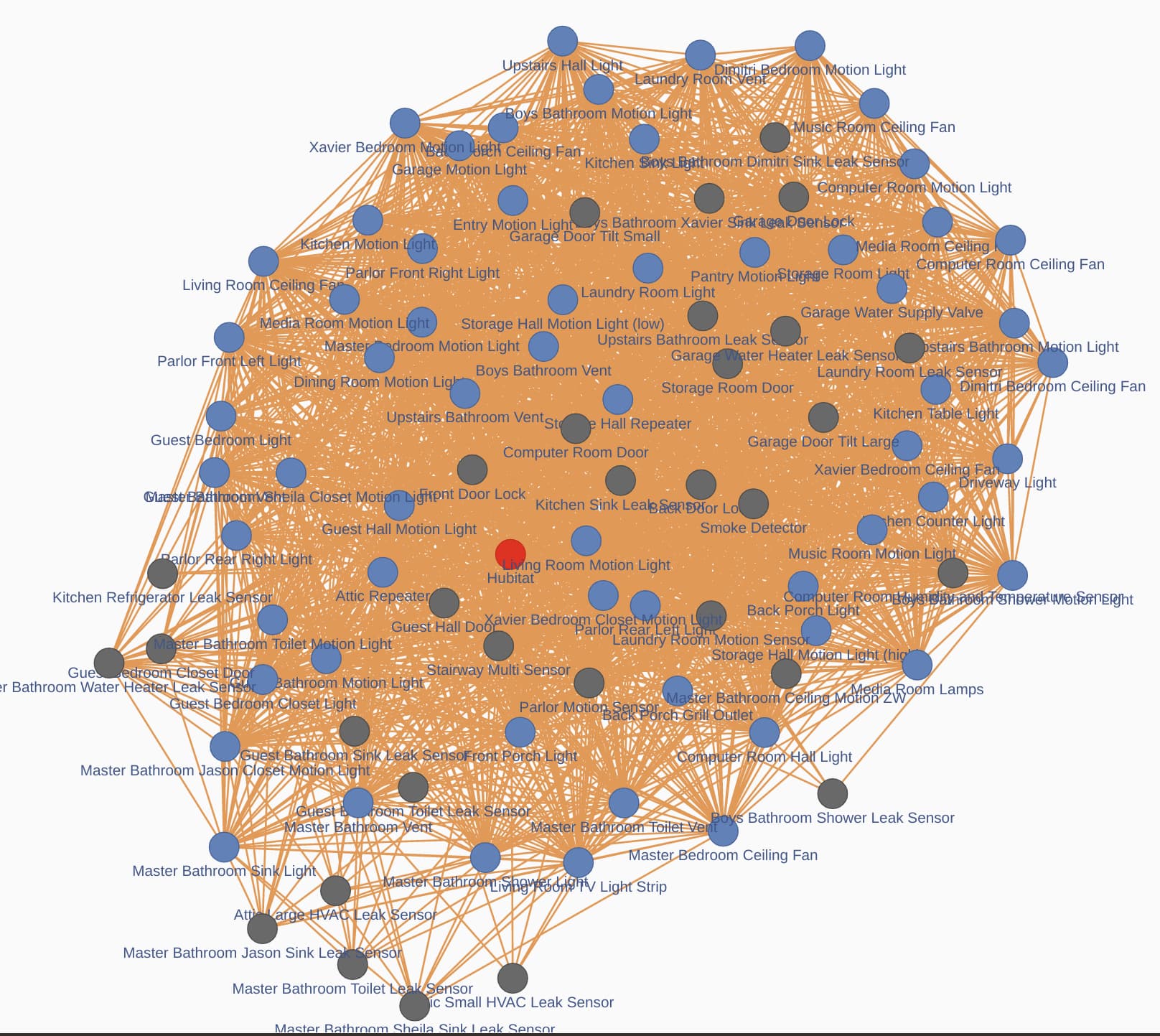
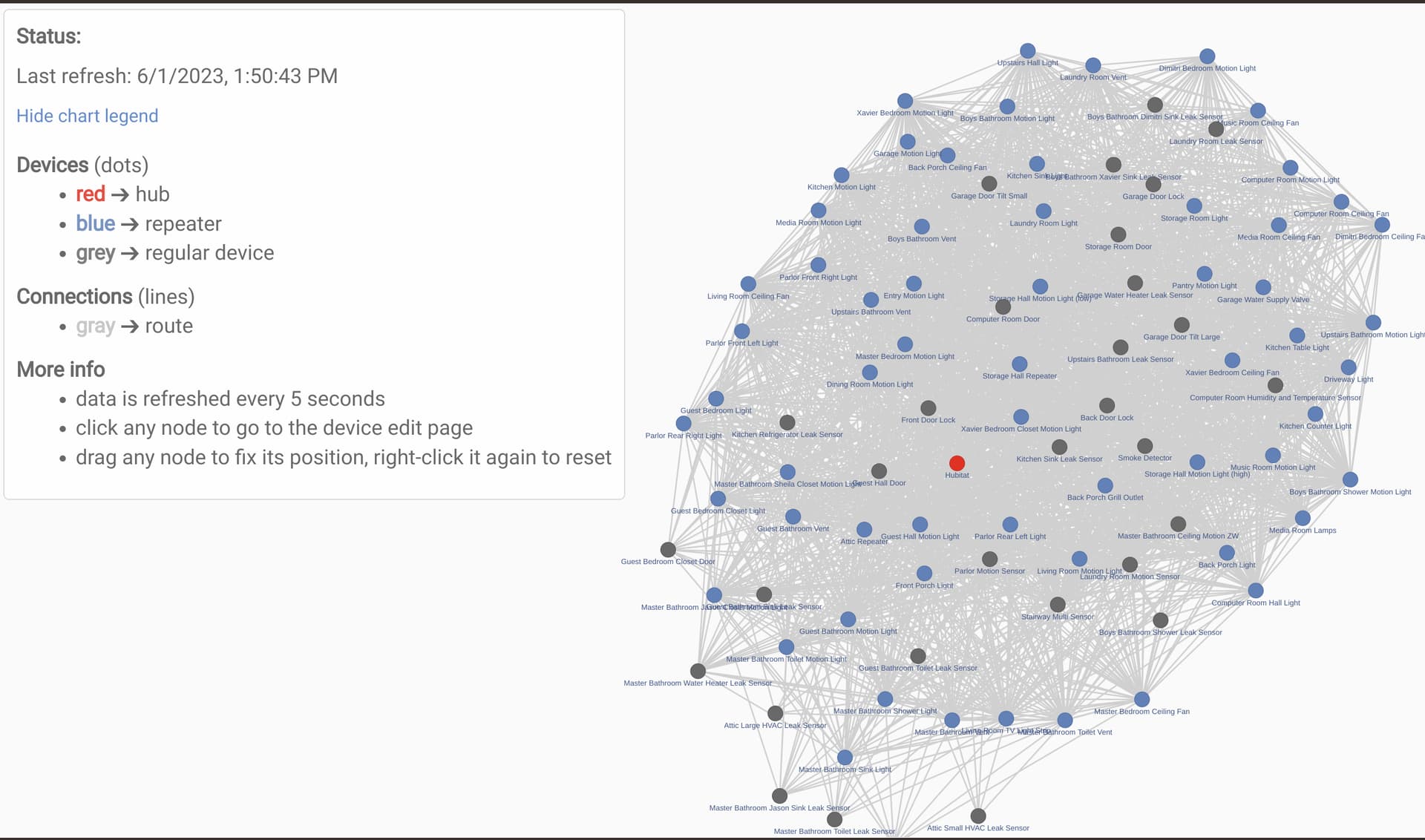
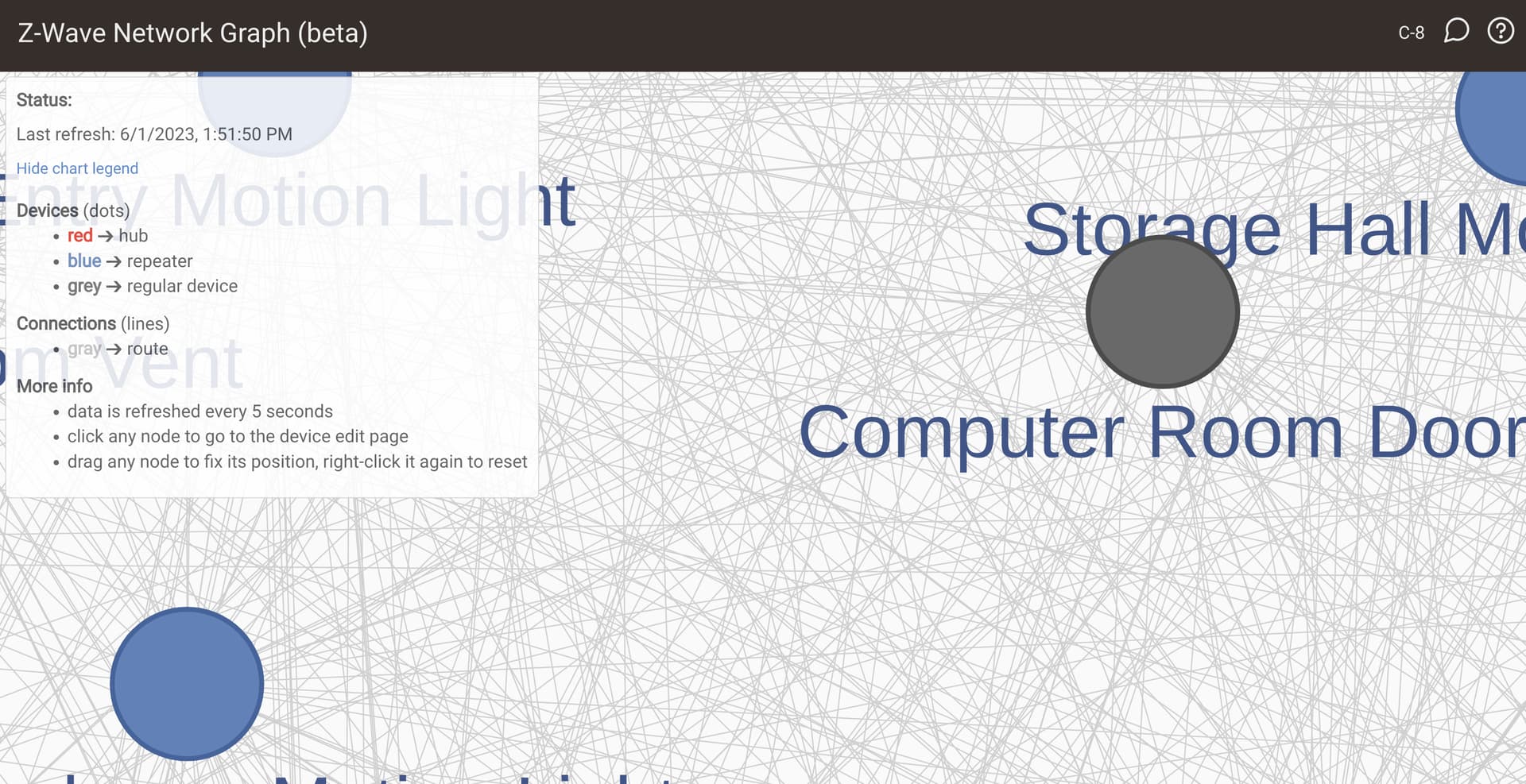
So I originally asked about this in the thread for the Zigbee map.
This looked a lot more useful in my head
I think what is needed, is an option to show ONLY the current route for each device, not all neighbors. Although this view could be useful as well in some cases.
Not sure whats going on with my remote that is connected to node 04 only. That thing refuses to pick up new neighbors but it does work fine direct to the hub. My hidden nodes 2-4 are not even used anymore, the hub created new ones a while back and I have never done a radio reset and rebuild to correct it. I can see the hidden nodes using a USB stick as a secondary and I can see which ones are being used with a zniffer.
I was coming over to see if anyone thought the same thing. The Zigbee map is nice, and as you say this may be useful in some instances, but as is, it's just too much data to look at.
I think a toggle switch to change between all neighbors and current route would work well. The ability to add a map of our house would actually be pretty cool too. Well, if the nodes can be made to remember their position after a page refresh.
My C8 seems to be working but the C7 I have, that only has about 17 devices on it, shows nothing. When I click the link to show the graph, it at first says it has 0 discovered devices then that value climbs about 1 every 5 seconds until it hits 9 and stops. Nothing ever appears, however.
[edit]It could be my firmware. I just updated all my hubs but the C7 says it still has .145, All my other hubs updated so I don't know what happened. I just started the update and came back and looked later and it had re-booted so I assumed it was updated, but it is not.
[Edit2]That was it, I updated the firmware and seems to be working now.
I find the Z-wave map provides all the information I need. I'm only looking for problem nodes. If I see one that has been giving me trouble I can just drag it away from the others and see the individual mesh lines.
I cannot imagine a human looking at all the connections and making any reasonable conclusions.
sorry, not sure if this is the proper place to ask this question:
I just uncovered this map during one of the pre-migration steps from going to my C-7 hub to migrate to a new C-8 hub (was doing the Update Z-Wave firmware recommended step). Anywho...
So on my map, it shows a loop from my my C-7 hub back to itself. On the various other screenshots other members have showed, I don't see others with this. Is there's something wrong with my Z-wave mesh, or is this a C-7 "bug" or, or, or?
Sorry, not at a place where I can screenshot and show this, but it's a literally loop (circle) route back to itself.