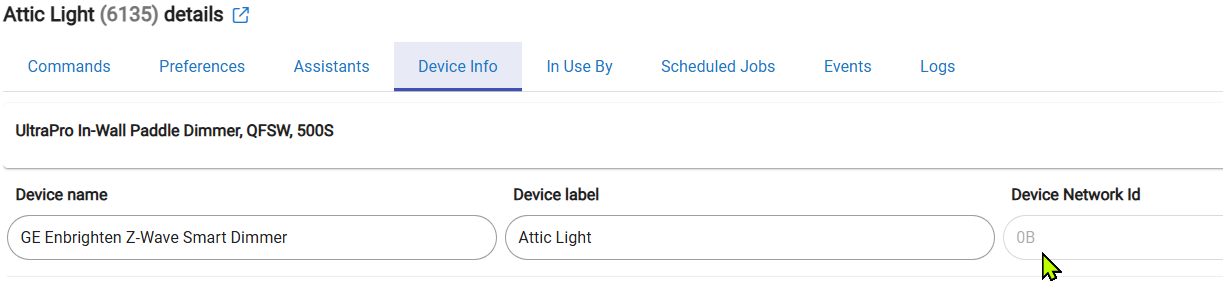
Running a C8 hub (non-pro) and my z-wave JS migration by in large went smoothly. I made the uncharacteristcly wise choice to kick off the migration around 1am when my wife was asleep and by morining most mains devices and a few battery devices had interviewed fine and by in large things were working.
For all of the mains devices hitting "refresh" resolved it. I was able to get the battery devices going as well by waking them.
I do have a few that seem to be sort of stuck "almost" finishing. Any ideas here?
Note these are both battery devices so I can tell that it's not getting the full picture yet. I've woke them up multiple times and refreshed them as well.
I also noted a few devices with no names, etc. that it couldn't get any info on at all. My current running theory are these are some old failed devices that I'd attempted to force remove under the old z-wave stack that were ghosted. Is force-removing a failed device more effective in z-wave JS?
Overall I have to say the migration for me went impressively smoothly. All of my automations are largely controlled by home assistant through the makerapi so there really aren't any hubitat automations to fail and I'm running 70 devices.
When I switched to Z-Wave JS (on a C8 Pro) 3 weeks ago, I had several battery sensors that got stuck like this. Two in particular were old Fibaro Flood Sensors. After 2 days I just removed them and then re-included them.
I also had about 6 of these, even though I had no ghosts (according to Simplicity City and a Zooz stick) last time I checked. I just removed them.
Pretty sure you can reboot the radio from Settings-> Z-wave-> Reboot radio, derp nevermind, that's Zigbee I'm thinking of. Would be nice if we had the same option in Z-wave ! @gopher.ny
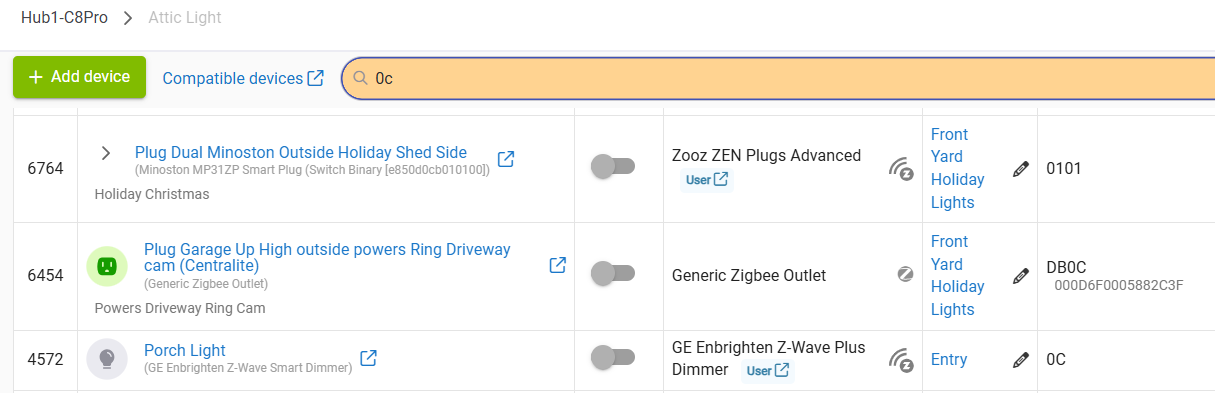
You can search in your Device list...first click on the DNI header to sort based on DNI, then type your DNI (67) into the search field and scroll to your device w/DNI = 67.
If you find it in your Device list via DNI I believe that should mean it's a valid device, just needs to finish the interview. Let us know what you find.
Update here - I got it to remove. I have had a few ghost devices in the past that failed and I suspect this was one of them. I just waited, still haven't bothered to pull power, etc.