Hello I just got a Broadlink RM4 to control RF signal curtains. I figured out how to use the virtual remotes to "push" commands. I wanted to control these commands using a Virtual Blind so i don't have to type in the string commands. I'm unable to get the Virtual Blind to trigger the Rule machine app. What am i doing wrong?

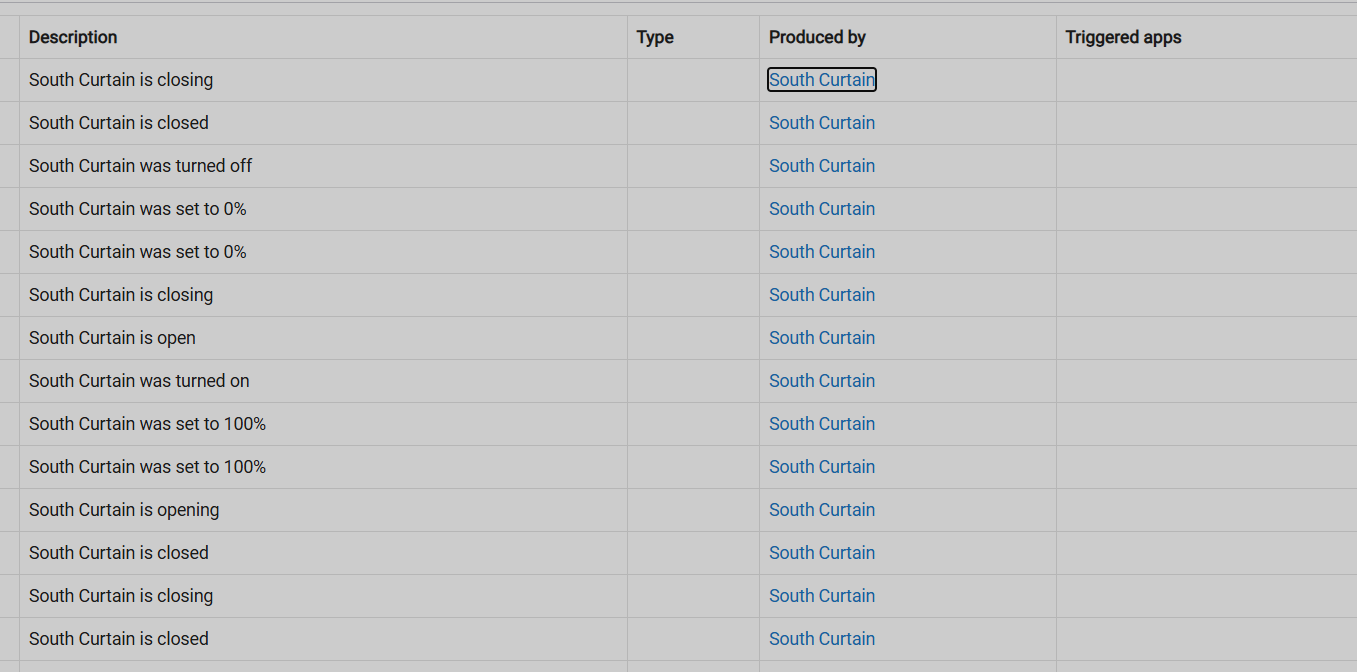
Two ideas:
-
It looks like you've used a "Custom Atrribute" trigger type, but you don't need to; the "Shade" one makes this easier, though either should work in the end. (But it might be worth trying, and I'm not sure if you really need both you have now; depends what your device reports and what you actually want to do.)
-
Did you hit "Done" (or "Update Rule" if you prefer) after adding these trigger events?
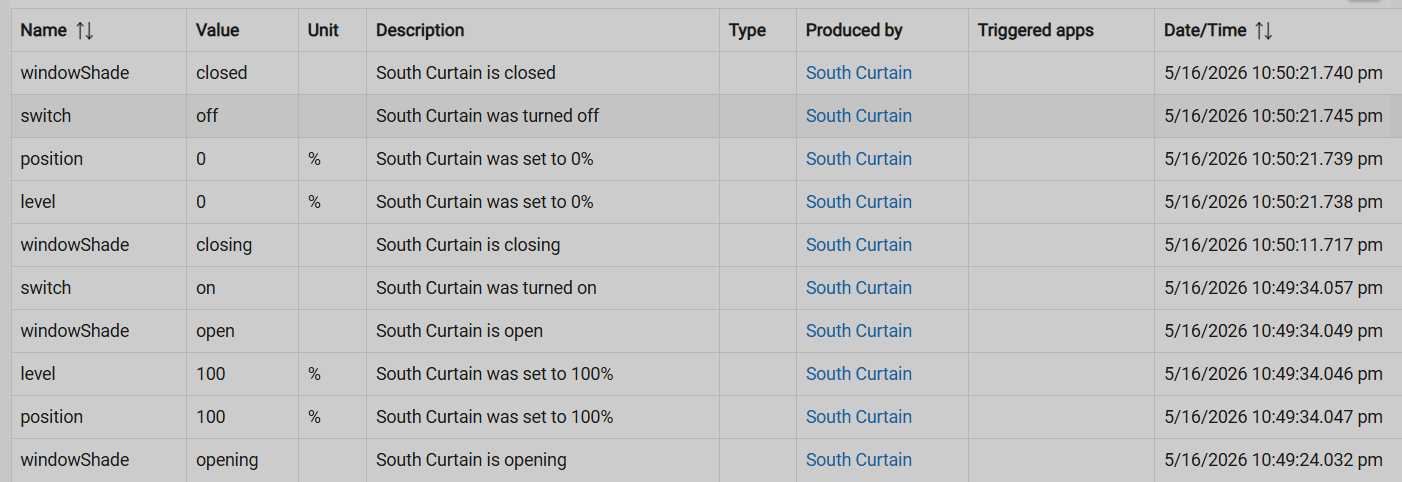
If neither of those helps, it would be more illuminating to see the entire events table -- in particular the event/attribute Name and Value columns, rather than just the description, both of which are crucial information (although some can be inferred from the description text).
Finally, while unrelated to your issue, it looks like you might be trying to cram multiple actions into the same rule for different devices with little benefit -- you'll need IF THENs, plus separate actions for each, as you've probably seen; and at that point, separate rules will be less work and, IMHO, cleaner. You're also missing an END-IF after everything, a good habit but not related to your problem. Just my opinion on these things. 
Also, does your Broadlink device support button numbers? It looks like you're calling a "push" command with a name, which, if using the built-in button capabilities is non-standard but may work with a custom command in a (probably custom) driver; but if it supports button numbers, you could use something like Room Lighting with a shade activator and do your automation in the activation table without needing to write a rule for this. May or may not be easier, but could be less messy if your devices work this way.
Yeah i'm just trying everything so i'm putting various types of triggers, one, or both. I've hit update and done and I'm still not getting the app to listen to the Virtual Window Blind, if thats the way it works. My original plan was to have one automation that can link all the virtual blind commands to the Broadlink remote commands, but now that i'm troubleshooting I can't even get one to work. I'm coming over from Bond device integration so I'm not super familiar about all the features of the Broadlink integration, but so far it looks like it just saves signals into virtual remotes. If there was a way to save the signal to a actual button, that would definitely be easier for me.
Just to be clear, you are using the Broadlink integration and you have unlocked the Broadlink device in the Broadlink app to use it with the integration locally with no cloud?
I assume that is what the button is that are you are referring to, but it is not clear. Do you mean the buttons you can make in the Broadlink Device driver? You don't have to push a button in the Broadlink driver, you can just send the Broadlink command directly from Rule Machine.
I would trigger off of Shade opening to send the open command, and Shade closing to send the close command.

