Wondering if anyone knows of a better way to do this.
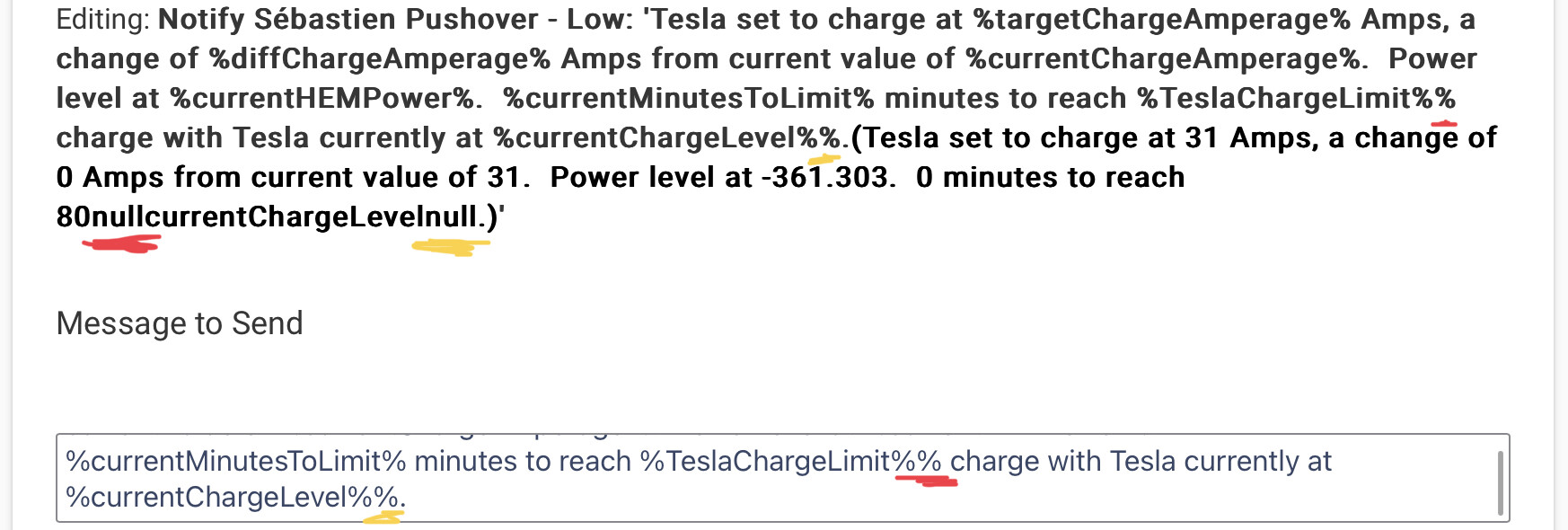
I am trying to use a “%” character in 2 spots within a notification. This is not working because it is set to recognize %variable% and convert this value to the variable’s value. This leads to (First % underlined in red. Second % underlined in yellow):
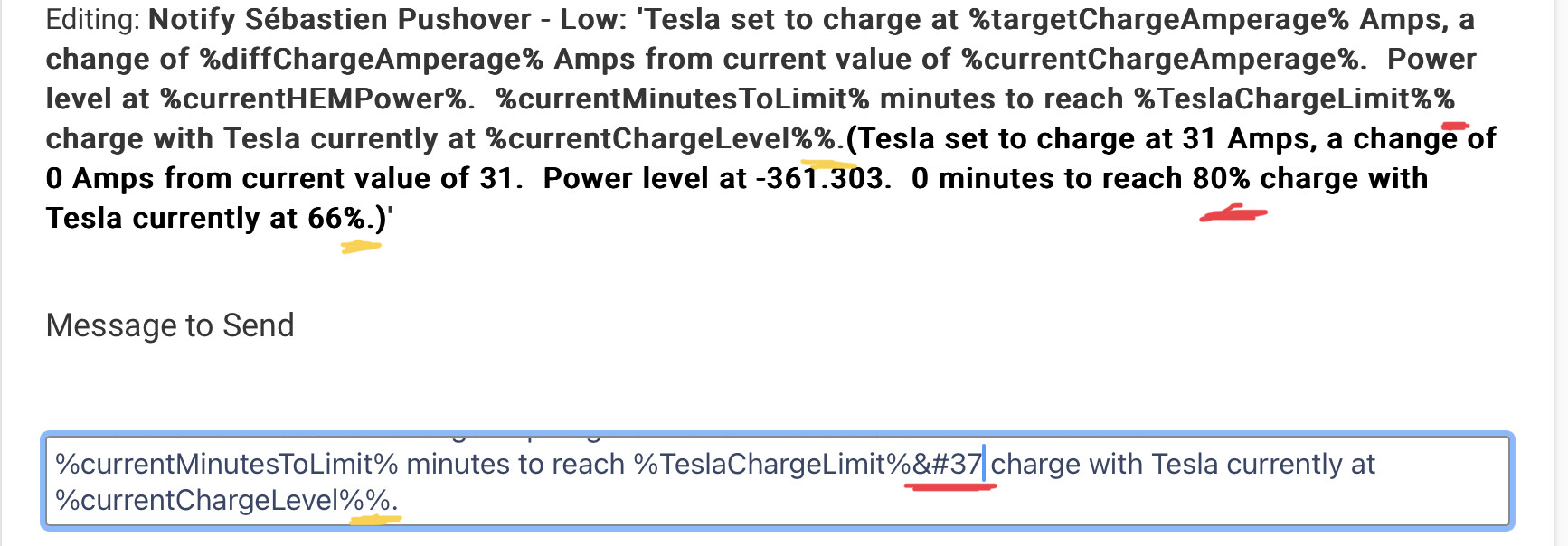
I first tried to replace the first “%” character with %, but this got automatically replaced with the above screenshot after leaving the message edit box:
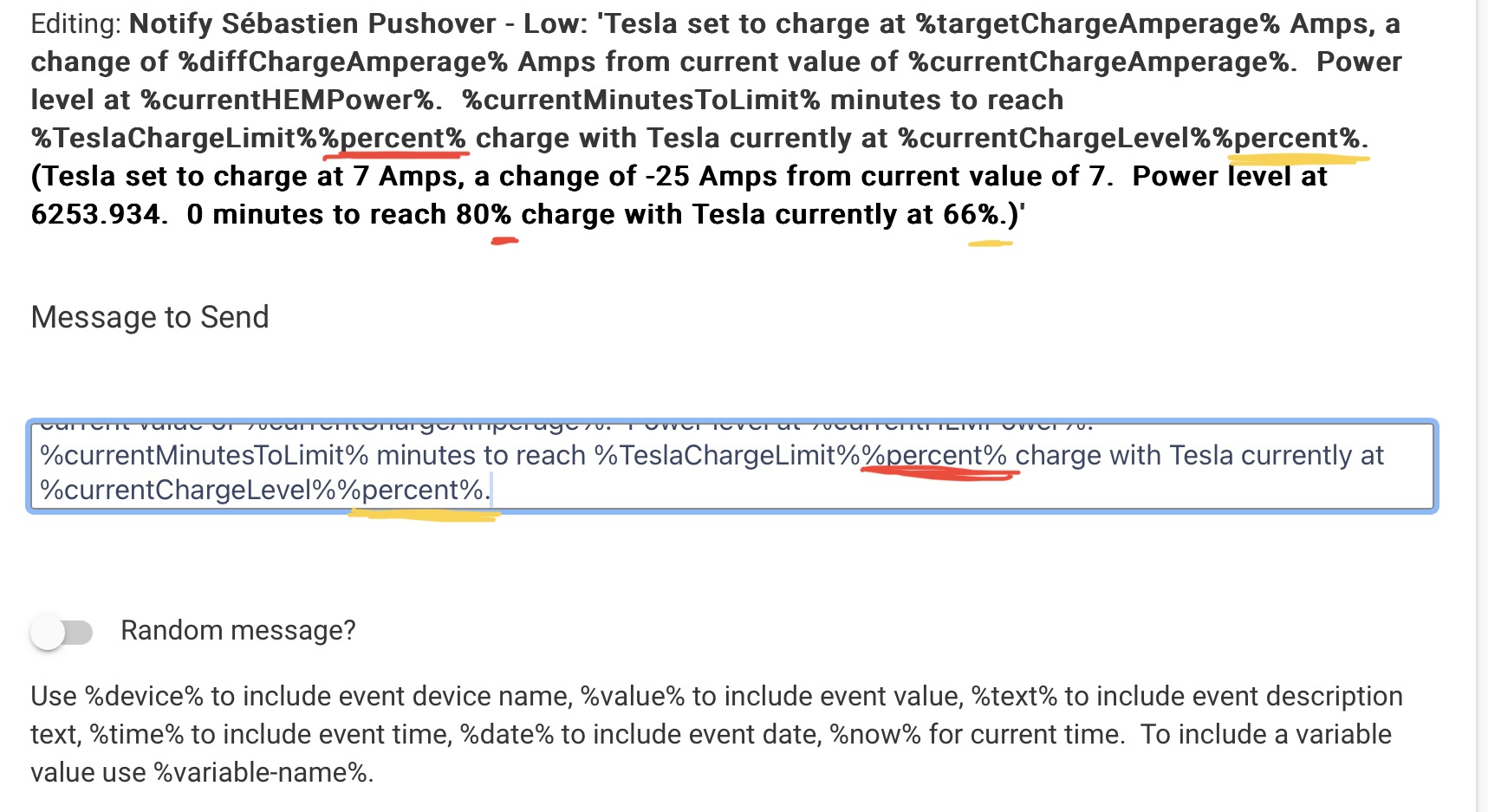
I ended up placing the “%” character in a string variable which I added to the Message box and this worked. However, I wonder if this is the best approach. Does anyone know of another way to do this that wouldn’t require an extra variable?
An escape character would be useful for situations like this. However, I’ve never seen this reported as an issue, so not sure there’s much value in implementing it considering there is a workaround… If it does get implemented though, I’ll use it!
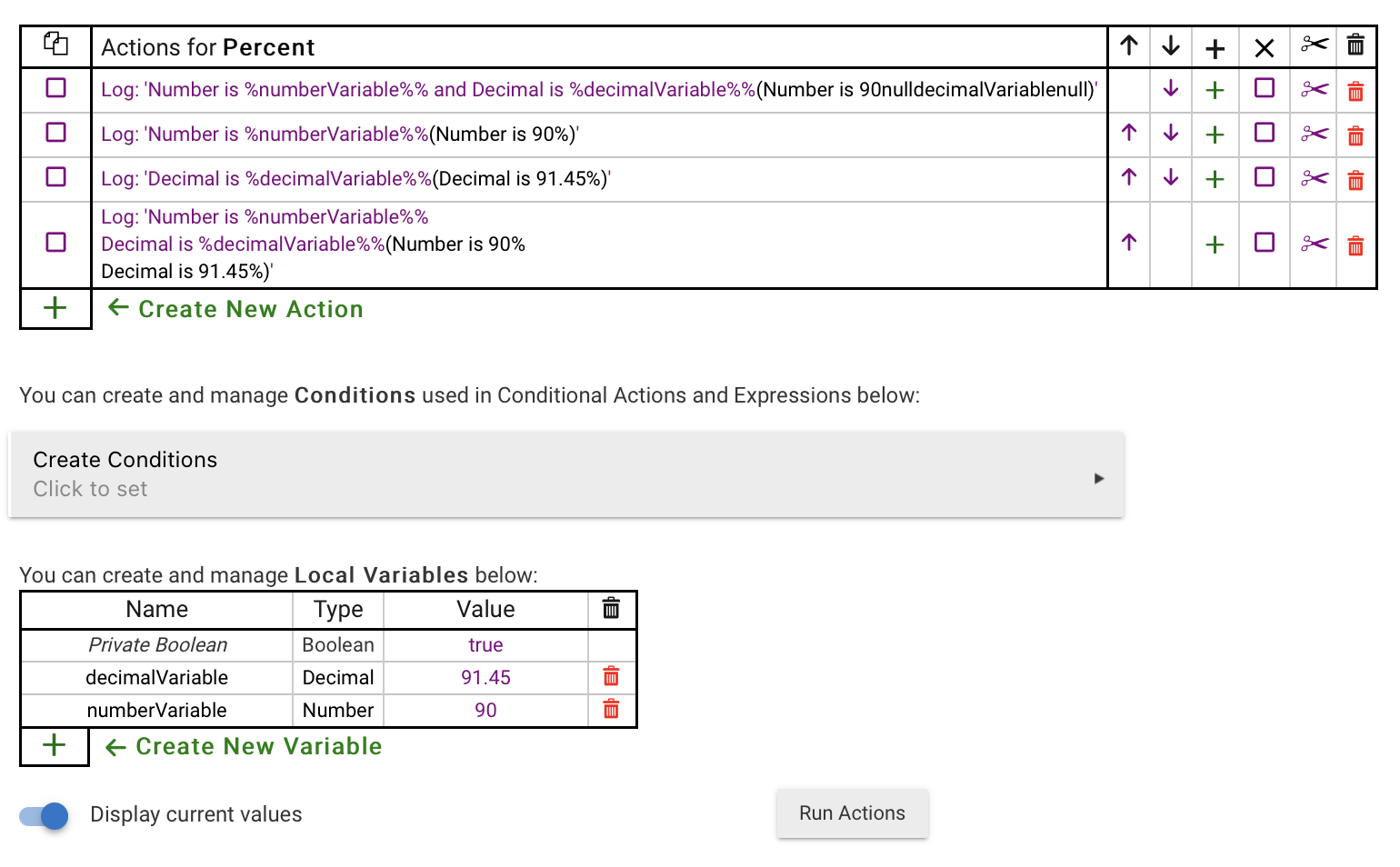
Looking at @aaiyar's example above, the first case is certainly going to fail as the code will interpret the second % as matching the one after that, looking for " and Decimal is". That's a pretty narrow edge case, not worth wasting any effort on.